Most new employees decide within the first two weeks whether they'll stay at a company long-term. And yet, the onboarding experience at most organizations still looks the same: a thick stack of printed documents, a crowded HR inbox, and a new hire left wondering where to even start. Flipbooks AI offers a better way, one that doesn't just modernize how you deliver information, but actually makes new hires want to read it.
Why Paper Onboarding Fails New Hires

The real cost of printing and mailing
Paper-based onboarding sounds manageable until you do the math. Printing, binding, and shipping onboarding packets for each new hire adds up fast, especially at companies with distributed teams, seasonal hiring surges, or high-turnover roles. Then there's the update problem: every time a policy changes, every existing printed packet is instantly outdated.
| Cost Factor | Paper Onboarding | Digital Flipbook |
|---|
| Printing and binding per hire | $15–$40 | $0 |
| Mailing to remote employees | $8–$25 | $0 |
| Update cost per policy change | Reprint all copies | Edit once, live instantly |
| Storage space required | Filing cabinets | None |
| Accessibility on mobile | Poor | Fully responsive |
| Environmental impact | High | Minimal |
⚠️ Research shows that 88% of organizations admit their onboarding process is poor. A major contributor is relying on static, hard-to-update printed materials that employees rarely read in full.
Why new hires don't read static documents
A 40-page employee handbook in PDF format isn't a welcome gift, it's homework. When a new hire opens a dense, unformatted document on their first day, they skim, miss critical information, and move on. The format itself signals: "this isn't worth your full attention."
Interactive flipbooks solve this at the format level. Pages turn visually, content is segmented into scannable sections, and embedded media like welcome videos from the CEO or team introduction clips make the experience feel personal rather than administrative.

What a Flipbook Actually Does for Onboarding
Interactive vs. static formats
The difference between a PDF and a flipbook isn't just visual. It's behavioral. A flipbook encourages linear reading, creates a sense of progression, and supports embedded interactivity that static documents simply cannot match.
| Feature | PDF | Printed Packet | Interactive Flipbook |
|---|
| Page-turn animation | No | No | Yes |
| Embedded video | No | No | Yes |
| Clickable links | Sometimes | No | Yes |
| Mobile-optimized | Poor | No | Yes |
| Password protection | Limited | No | Yes |
| Analytics tracking | No | No | Yes |
| Update without redistribution | No | No | Yes |
| Branded experience | Basic | Basic | Fully customizable |
💡 A flipbook with an embedded CEO welcome video increases first-week connection by making new hires feel personally welcomed, not just processed through an HR checklist.
What new hires actually experience
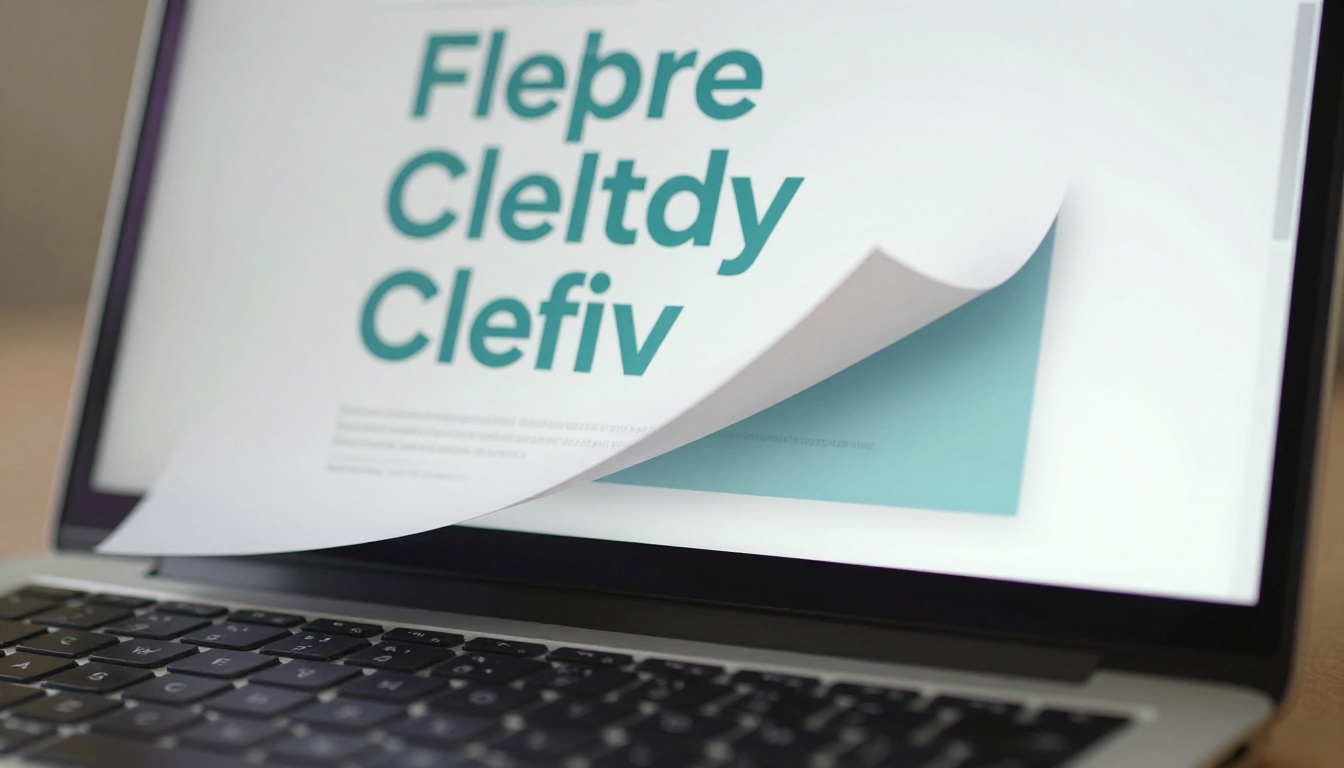
When a new hire receives a flipbook link instead of a PDF attachment, the first impression is fundamentally different. They open a browser tab or tap a link on mobile, and see a polished, branded document with smooth page turns. It feels like opening a magazine from a company that cares about presentation. That impression matters more than most HR teams realize.
Building Your Onboarding Flipbook Step by Step
Flipbooks AI makes this process straightforward even if you've never built a digital document before. Here's exactly how to do it.
Step 1: Create your account
Head to flipbooksai.com/account and sign up. No credit card required to start. Once inside, you'll land on a clean dashboard where all your flipbooks live, organized and ready to share.
Step 2: Upload your existing PDF
You don't need to start from scratch. If you already have an employee handbook, onboarding checklist, or welcome packet in PDF format, upload it directly using the PDF to Flipbook Converter. Drag the file into the upload zone, and the platform converts it into a fully interactive flipbook in seconds.

✅ Best practice: Clean up your PDF before uploading. Remove outdated pages, fix formatting inconsistencies, and ensure all links within the document are live and correct.
Step 3: Apply your company branding
Once converted, open the editor and apply your brand colors, logo, and fonts. Consistency here matters: a flipbook that looks like your company's website builds trust with new hires before they've even met their team. Customize:
- Cover page: Company logo, a strong welcome headline, and the employee's start date
- Color palette: Match your primary and secondary brand colors exactly
- Font selection: Use the same typefaces from your internal style guide
- Background: Solid color, subtle pattern, or a full-bleed photo of your office or team
Step 4: Add multimedia content
This is where a flipbook separates itself from any static alternative. Embed a welcome video from the CEO directly into the first page. Add audio introductions from team leads. Insert clickable links to internal tools, Slack channels, org charts, or benefits portals. The Training Manual Flipbook tool is specifically built for this type of structured content and handles multimedia embedding cleanly.

Multimedia elements worth adding to your onboarding flipbook:
- CEO or founder welcome video (60-90 seconds, personal tone)
- Team introduction clips from direct colleagues
- Office tour video for in-person employees
- Embedded links to your HRIS, benefits portal, and IT help desk
- Clickable org chart with photos and contact details
- Embedded Loom walkthroughs for key software tools
Step 5: Set up access and sharing
For most onboarding flipbooks, you'll want password protection so only new hires with their credentials can access the content. Flipbooks AI supports several access models:
- Direct link sharing: Send a URL via email or your HRIS welcome sequence
- Embed on your internal portal: Use embed codes to place the flipbook inside your company intranet or onboarding platform
- Password protection: Restrict access to authorized employees only
- Offline download: Available on Professional plans for remote employees in areas with poor connectivity
Step 6: Share it with your new hire
Send the flipbook link in your welcome email the day before their start date. Include the password if protected. New hires can open it on any device, whether phone, tablet, or desktop, before they even walk through the door on day one.
What to Include in an Employee Onboarding Flipbook
Company culture and values
This section sets the tone for everything that follows. Don't just list values on a slide, show them. Include photos of team events, quotes from real employees, and a message from leadership that feels personal. New hires want to feel like they're joining something meaningful, not just signing a contract.
Must-have culture content:
- Founder story and company mission in plain language
- Core values with real examples of how they show up in daily work
- Team structure and key contacts with photos
- Company traditions, rituals, and perks (holiday parties, team lunches, Slack channels)
Policies and compliance
Policies are unavoidable, but they don't have to be unreadable. Break them into short sections with clear headings. Use callout boxes for anything critical. Link directly to the full legal text so the flipbook stays readable while still being thorough and compliant.
Policy sections to include:
- Work hours, flexibility, and remote work policy
- PTO, sick leave, and parental leave entitlements
- Code of conduct and anti-harassment policy
- IT security and acceptable use of company equipment
- Expense reporting and reimbursement process
Tools, logins, and day-one checklist
New hires are anxious about the practical stuff. Give them a clear, actionable list of everything they need to set up on day one. A checklist format works well here because it gives people a sense of progress and accomplishment as they work through it.

Day-one checklist items to include:
- Set up company email and two-factor authentication
- Install required software (Slack, Zoom, project management tools)
- Join required Slack channels and introduce yourself
- Complete HR paperwork including benefits enrollment and direct deposit
- Schedule intro calls with key team members in the first week
- Read and acknowledge the code of conduct section
- Access the employee directory and org chart
- Review the first 30/60/90 day expectations
💡 Include a "Who to Ask" section with photos and contact info for the 5-6 people a new hire will interact with most in their first month. It reduces anxiety dramatically and saves the new hire from not knowing who to turn to.
In-Office vs. Remote Onboarding with Flipbooks
Remote onboarding presents unique challenges. Without the natural touchpoints of a physical office such as hallway conversations, desk neighbors, and impromptu lunch invitations, new hires can feel isolated within days. A well-designed digital flipbook partially compensates for this by giving remote employees a rich, self-paced orientation experience they can work through on their own schedule.

| Onboarding Element | In-Office | Remote with Flipbook |
|---|
| Company culture intro | Tours, team lunches | Embedded video and photo gallery pages |
| Policy acknowledgment | Paper signatures | Digital confirmation links |
| Tool setup | IT desk walk-through | Step-by-step guide with embedded links |
| Team introductions | In-person meetings | Embedded intro video clips per team |
| First-week schedule | Physical printout | Interactive schedule inside flipbook |
| Q&A access | Walk to HR | Clickable FAQ section with contact links |
The Course Material Publisher is particularly useful for building out multi-chapter remote onboarding programs that new hires can work through across their first week, with clear chapter divisions and progress markers.
Tracking Who Actually Read It
One of the most overlooked advantages of a digital flipbook is analytics. With Flipbooks AI's Professional plan, you get real-time data on how new hires are actually working through your onboarding content. This changes everything for HR teams who have historically had zero visibility into whether their materials are even being read.
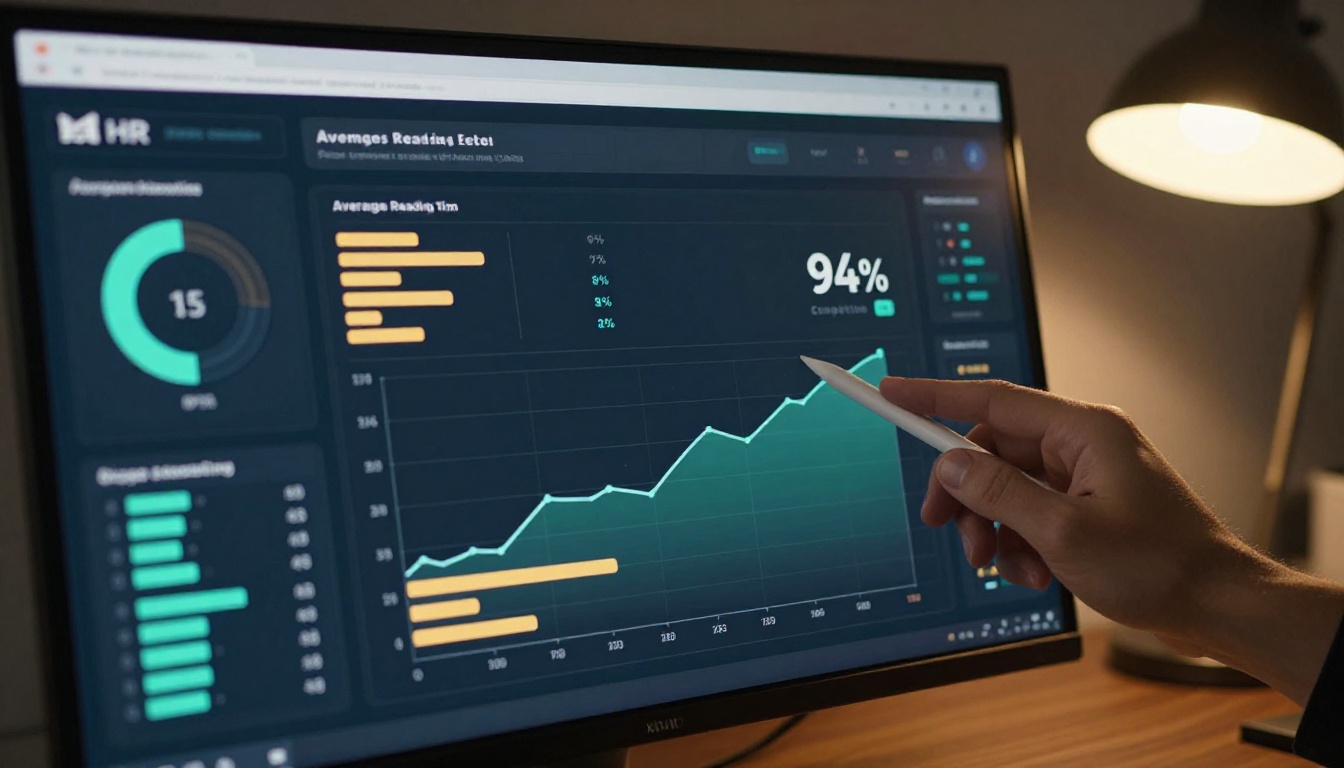
What you can track with Professional analytics:
- Which pages employees spent the most time reading
- Where they dropped off or skipped ahead in the document
- Overall completion rates across your entire new hire cohort
- Time spent on each section and chapter
- Number of total views and unique visitors per flipbook
This data is genuinely actionable. If 80% of new hires are skipping the benefits section, that's a signal to redesign it or move it earlier. If the code of conduct page has unusually high dwell time, new hires may be finding it confusing or dense. You can't get any of this insight from a printed handbook or a static PDF.
✅ Best practice: Set a completion benchmark, such as all new hires should complete the flipbook by end of day two. If someone hasn't opened it by then, trigger an automated follow-up through your HRIS. With analytics data, you'll know exactly who needs that nudge.
Explore pricing plans to see which tier includes full analytics for your team size and hiring volume.
Onboarding Flipbook vs. Traditional Alternatives
Companies often weigh flipbooks against a few other digital formats. Here's how they compare specifically for new employee onboarding:
| Solution | Setup Time | Update Speed | New Hire Experience | Cost |
|---|
| Printed handbook | Hours | Days (full reprint) | Low, passive | High |
| Google Docs or PDF | Minutes | Instant | Low, document-like | Free |
| PowerPoint presentation | Hours | Manual slide editing | Medium | Medium |
| Full LMS platform | Days to weeks | Complex admin process | High | High |
| Interactive flipbook | Minutes | Instant re-upload | High, magazine-like | Low to medium |
For most small to mid-sized teams, a dedicated learning management system is overkill. A flipbook gives you the majority of the experience benefit at a fraction of the setup time and cost. And unlike Google Docs, a flipbook looks intentional and professional and provides a real reading experience rather than a shared document that anyone could accidentally edit.
Making It a Living Document
One of the most practical aspects of a digital flipbook is that it never goes stale. When a policy changes, update the source document, re-upload to Flipbooks AI, and every link pointing to that flipbook now reflects the updated content automatically. No reprinting, no re-emailing, no version confusion across departments.

Annual content updates to schedule:
- Benefits packages (typically reviewed in January)
- PTO and leave policy changes
- New tool additions to the company tech stack
- Leadership changes and org chart updates
- Compliance and legal policy refreshes
- New team photos, culture content, and employee spotlights
⚠️ Warning: Don't let your onboarding flipbook become a "set it and forget it" asset. Outdated information in an onboarding document erodes trust with new hires from day one, especially when what they read doesn't match what they experience.
Where to Start
If you already have any version of an employee handbook or onboarding checklist, you're 90% of the way there. The PDF to Flipbook Converter handles the technical conversion in seconds. The real work is in making the content worth reading, which is a separate challenge but one that the flipbook format actively supports by making it easy to add visuals, video, and interactivity.
For teams building onboarding programs from scratch, the Training Manual Flipbook tool gives you a solid structural starting point with built-in section templates designed for training and orientation content.
A simple three-step starting point:
- Gather your existing onboarding documents into a single PDF
- Upload it to Flipbooks AI and apply your brand colors and logo
- Add one embedded video (even a 60-second welcome from a team lead) and share the link with your next new hire
That's it. You don't need a perfect document to start. You need a better format than a PDF attachment in an email that gets buried on day one.
Ready to stop sending documents that nobody reads? Create your first onboarding flipbook and see the difference in how new hires connect with your company from day one. Browse all available flipbook tools to find the right format for your onboarding program, or check pricing plans to choose the tier that fits your team.



