Before and after photos are the single most persuasive thing a creative professional can show. Whether you renovate homes, cut hair, train bodies, or rebrand businesses, the proof of your work lives in that visual gap between what something was and what you made it. The problem? Most professionals bury that proof in Instagram grids, static PDF attachments, or gallery pages that feel dead on arrival. Flipbooks AI changes that completely, turning your transformation photos into interactive, page-turning portfolios that clients actually want to browse.
Why Before and After Work Sells Better Than Everything Else
There is a reason every renovation show, makeover segment, and fitness brand leans so hard on the reveal. Results are proof. They remove doubt, bypass skepticism, and make the value of your work immediately visible. No paragraph of copy can do what a single well-presented before-and-after image does in under three seconds.
The Psychology of the Reveal
When a potential client sees a before-and-after, their brain does something specific: it projects. They imagine their own space, their own face, their own body, their own brand in that "after" position. This is not a marketing trick. It is how humans process visual contrast. The bigger and clearer the gap between before and after, the stronger the emotional response. An interactive flipbook amplifies this by making the reveal a physical action, turning a page.
Why Static Images Fall Short
A JPEG attached to an email is passive. A gallery on a portfolio website requires navigation. Neither creates the forward momentum that a client needs to feel excitement and pick up the phone. Static images also lack context. They sit in isolation with no narrative flow, no progression, no sense of the work involved. Comparing one photo to another in a slideshow is awkward. You scroll back, zoom in, lose track. The experience is fragmented.
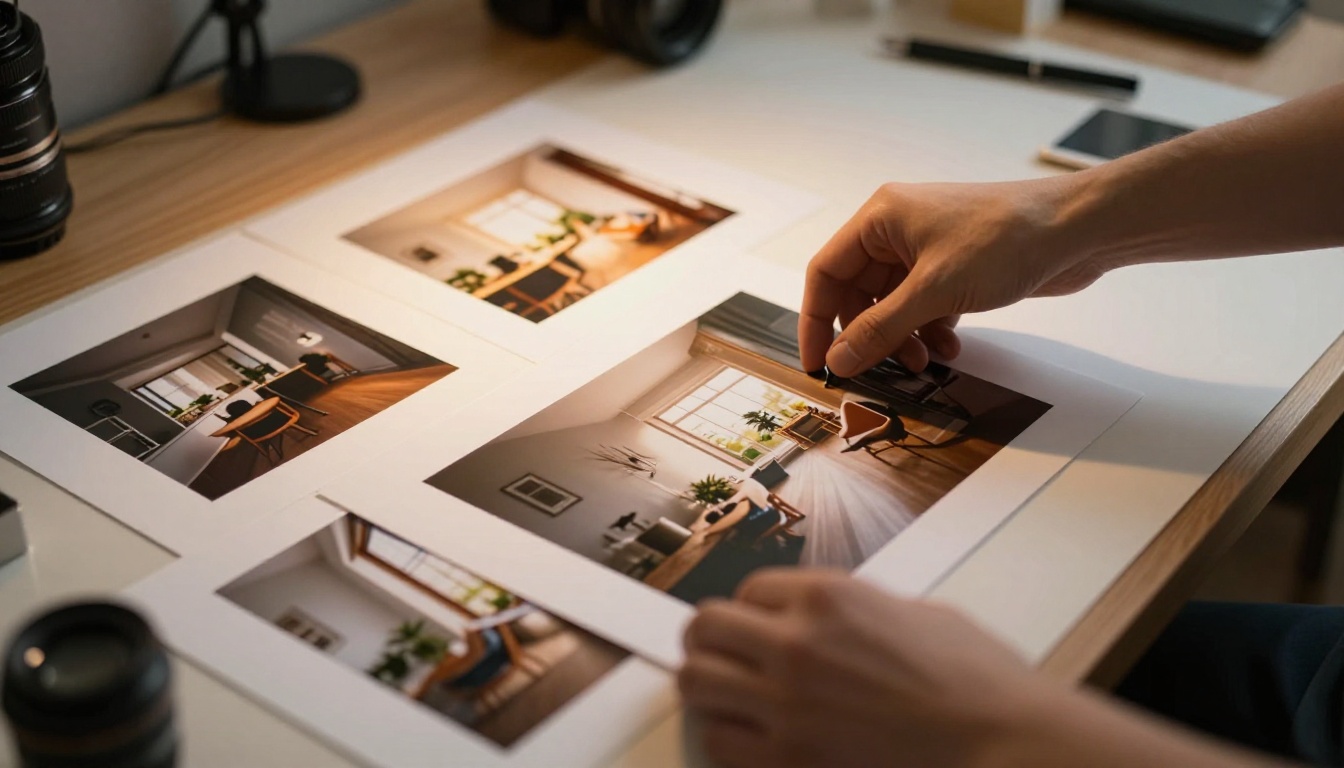
A flipbook is not just a PDF viewer. It is a sequential, page-turning experience that creates narrative rhythm. When you place a "before" image on one page and the "after" image on the next, you are controlling the exact moment of revelation. The reader turns the page and the result happens. That moment is powerful in a way no side-by-side static layout can replicate.
The Page-Turn Effect Creates Anticipation
The physical act of turning a page, even digitally, triggers anticipation. You see the before, you turn, you see the after. That micro-moment of suspense is what makes presentations memorable. It gives the client something to do, making them an active participant rather than a passive viewer. This is precisely why Flipbooks AI works so well for before-and-after showcases.
Mobile-Friendly, Shareable, and Always On
A flipbook built on Flipbooks AI works on every device without any friction. There is no app to download, no file to open, no compatibility issue. You send a link, the client taps it, and your portfolio opens in their browser in full page-turning fidelity. You can embed it on your website, share it via WhatsApp, attach the link in a proposal email, or display it on a tablet during a sales meeting.
💡 A shared flipbook link works as a living portfolio. When you add new before-and-after projects, the link stays the same and your portfolio stays current without resending anything.
Industries That Benefit Most
Almost any profession that produces visible results can use this format. Below are the industries where before-and-after flipbooks consistently outperform other portfolio formats.
Home Renovation and Interior Design
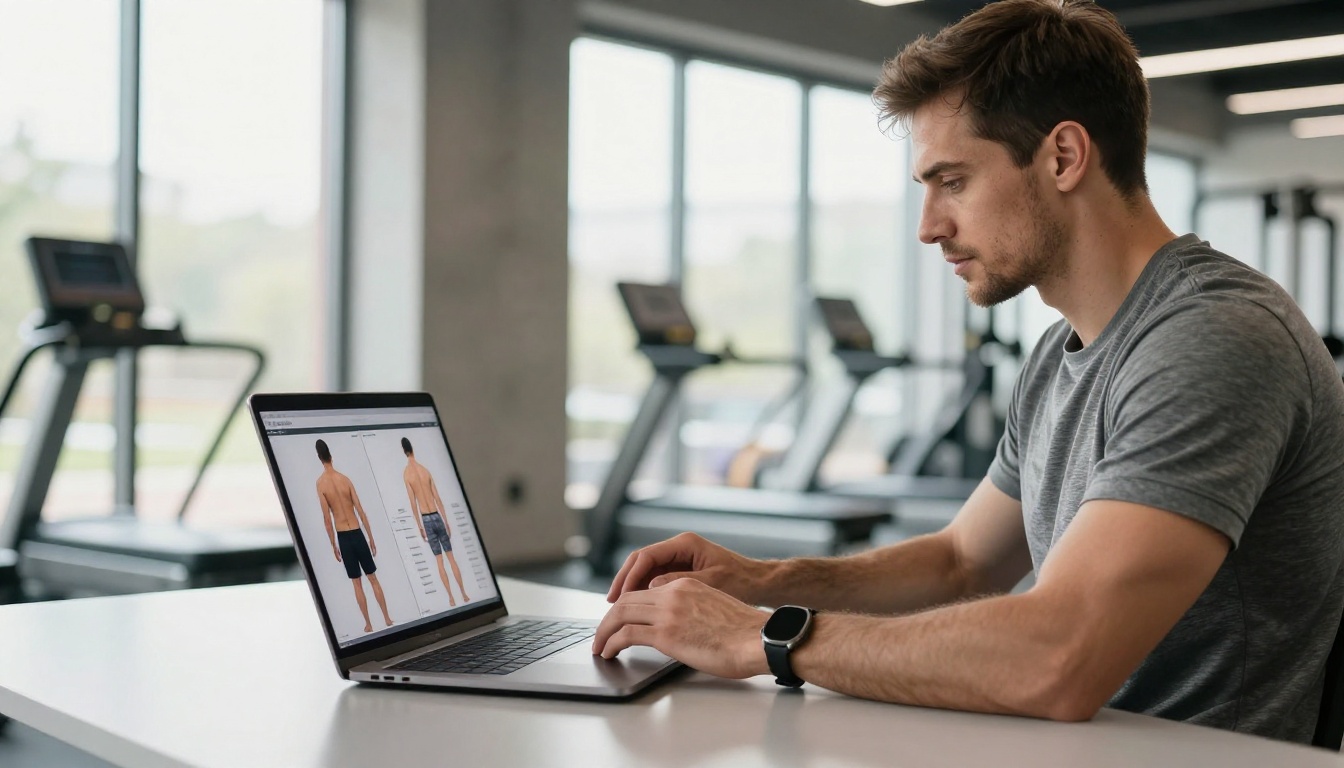
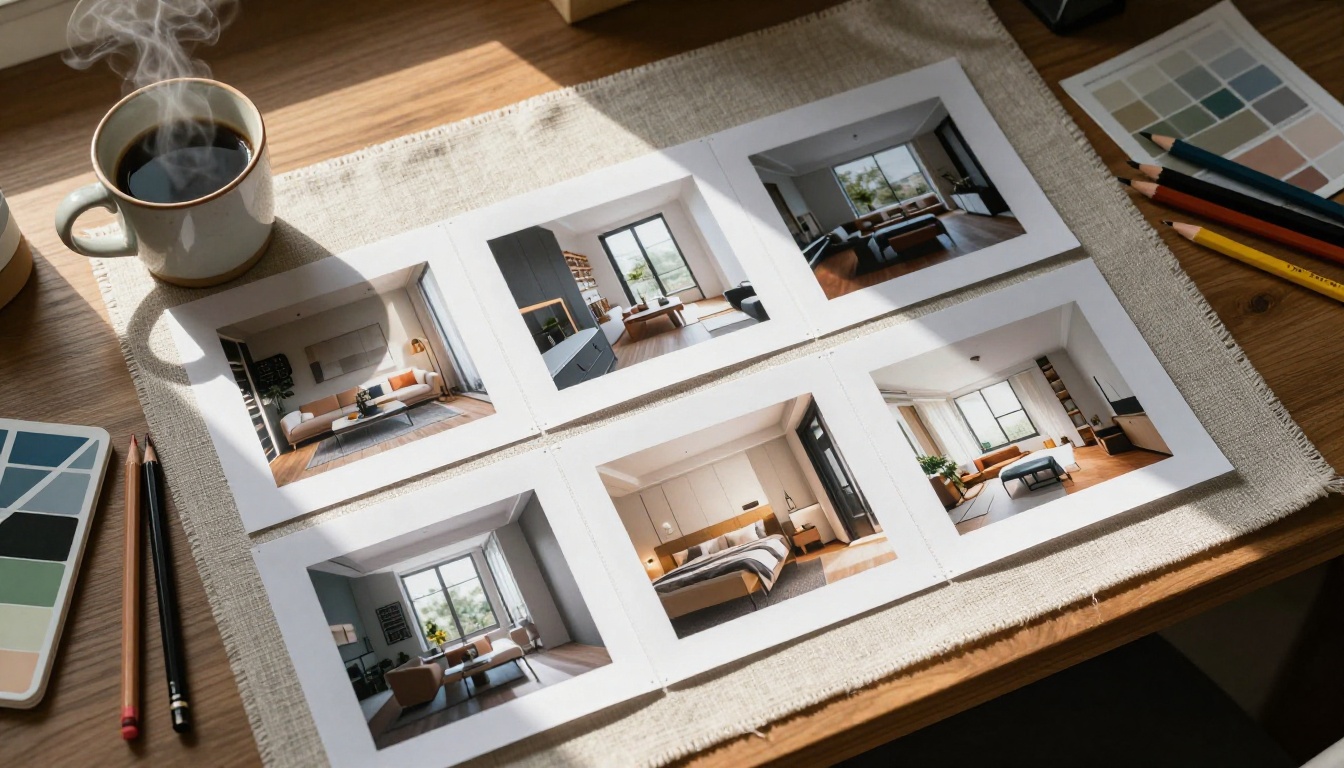
This is the most obvious fit. A remodeled kitchen, a transformed living room, a refinished bathroom. These projects are visual, high-value, and emotional. Clients buying a renovation service are anxious about the process and uncertain about the outcome. A flipbook portfolio that walks them through five or six before-and-after projects removes that anxiety one page at a time.
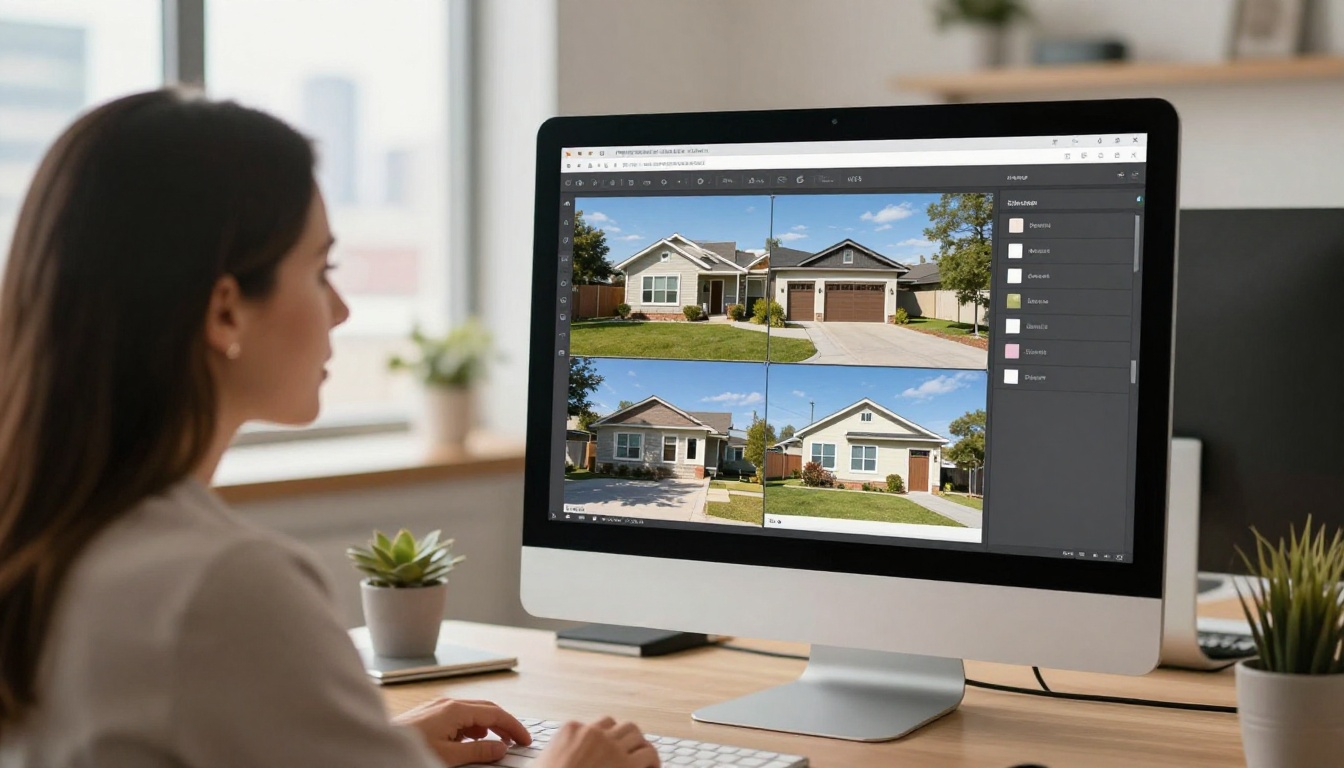
Real estate professionals benefit here too. A renovation portfolio flipbook shown during a listing consultation tells sellers exactly what a property can become after staging or light renovation. The Real Estate Brochure Creator is ideal for structuring this kind of presentation professionally.
Beauty, Hair, and Skincare
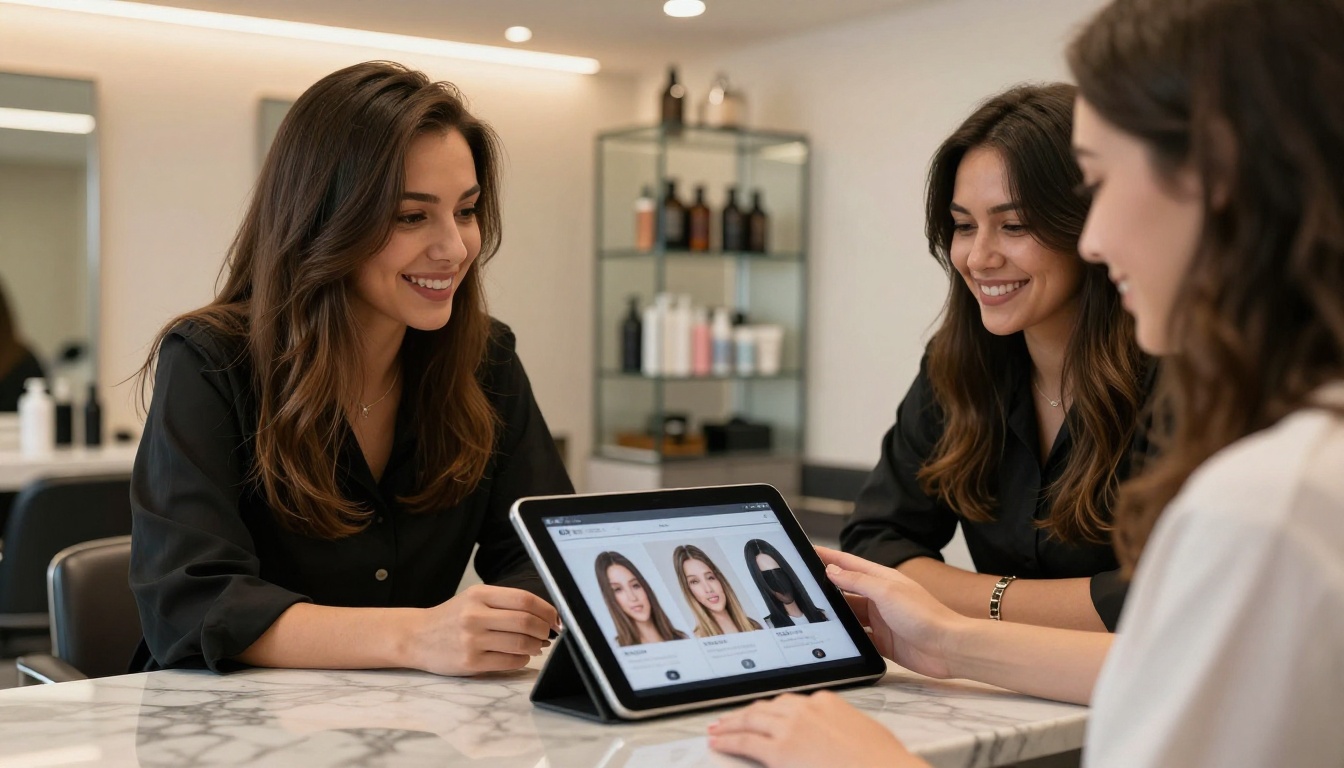
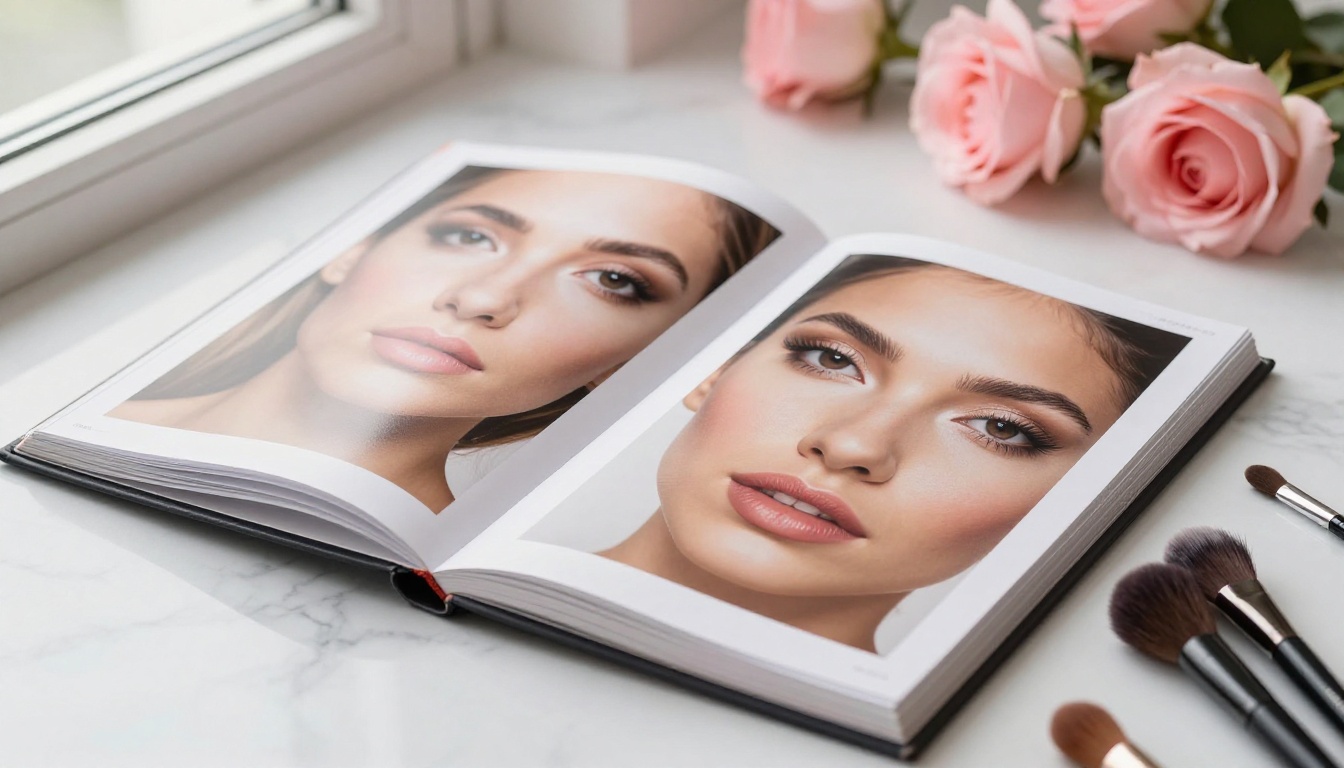
Hair work, skincare journeys, and makeup artistry all rely on close-up visual proof. A before-and-after flipbook in a salon or beauty studio works both as a selling tool and a consultation aid. Show it on a tablet while a client is in the chair. Let them browse at their own pace. Give them the link to share with a friend who asks "who did your hair?"
Fitness and Body Results
Personal trainers and fitness coaches live and die by client results. Before-and-after photos are the core of fitness marketing, but scattered Instagram posts do not tell a coherent story. A dedicated results portfolio flipbook collects your best work in one place, organized by goal type (weight loss, muscle building, postnatal, senior fitness), and presents it in a format that feels professional and trustworthy.
Graphic Design and Branding
A brand redesign is a visual shift just like a room renovation. Logo before, logo after. Website before, website after. Packaging before, packaging after. Designers often struggle to present this work in a way that shows the full scale of the change. A flipbook lets you dedicate full pages to the before, full pages to the after, and add context pages in between explaining the rationale behind each decision.
Before choosing how to present your work, it helps to see the actual differences between your options.
| Format | Interactivity | Mobile Experience | Shareability | Narrative Flow | Cost |
|---|
| Flipbook (Flipbooks AI) | High | Excellent | Instant link | Strong page-turn | Free to start |
| Static PDF | None | Poor (download needed) | File attachment | Linear but passive | Free |
| Instagram Gallery | Scroll only | Good | Platform-locked | None | Free |
| Personal Website | Varies | Varies | Direct URL | No flow | Medium-High |
| PowerPoint / Slides | Click-based | Poor | File or link | Moderate | Paid software |
✅ Use a flipbook as your primary portfolio and link to it from your website, proposals, and social profiles. One consistent, always-updated showcase that works everywhere.
The difference in shareability alone makes the flipbook format worth adopting. Instead of asking a potential client to open a file or navigate your website, you send one link that works on any device, any browser, anywhere.
How to Build Your Before and After Flipbook
This is a full walkthrough from raw photos to a shareable portfolio link, using Flipbooks AI.
1. Collect and Organize Your Photos
Start by gathering your best before-and-after pairs. Aim for consistent framing: the before and after photos of the same subject should be shot from the same angle and distance. Inconsistent framing weakens the impact of the result. Select 5 to 10 projects for your first portfolio. More than 15 can feel overwhelming to a prospect.
⚠️ Never use low-resolution photos in a portfolio. The quality of your images signals the quality of your work. Always use the highest resolution originals you have.
2. Design Your PDF Layout
Before uploading, you need a PDF. Use Canva, Adobe InDesign, or Google Slides to build your layout. Each project should include:
- A project title page (location, project type, date)
- A full-page "before" spread
- A full-page "after" spread
- An optional detail or process page
This creates a clear 3-4 page rhythm per project. A portfolio covering 6 projects will run roughly 20-25 pages, which is ideal for a before-and-after presentation.
3. Upload to Flipbooks AI
- Go to flipbooksai.com and create your account
- Click New Flipbook and upload your PDF
- The platform converts your PDF into a page-turning flipbook within seconds
- Your flipbook is immediately accessible via a unique shareable link
The Digital Portfolio Creator and Portfolio Flipbook Builder are built specifically for this type of work and include ready-made templates if you prefer not to design from scratch.
4. Customize and Brand It
Once your flipbook is live, apply your identity:
- Add your logo to the flipbook header
- Set your brand colors for the interface chrome
- Write a custom title and description for sharing and SEO
- Enable password protection if this is a confidential client proposal
Flipbooks AI supports custom branding with no watermarks on Standard plan and above, so your portfolio looks entirely yours.

5. Share With Clients
Sharing options include:
- Direct link for email, WhatsApp, or social DMs
- Embed code to place the flipbook directly on your website (via Embed Flipbook on Website)
- Password-protected link for sensitive client presentations
- QR code for print materials, business cards, or in-person meetings
On the Professional plan, you also access analytics showing how long each viewer spent on each page, which projects they lingered on, and whether they returned. This data is genuinely useful when preparing for a follow-up call. See pricing plans for all available features.
Tips for Stronger Presentations
Building the flipbook is the easy part. Making it compelling takes a bit more intention.
Lighting Consistency Matters
If your before photo was shot in dim, yellow-tinted light and your after photo was shot in bright natural daylight, the result looks artificial even if the work was excellent. When possible, reshoot both photos in the same lighting conditions. At minimum, color-correct both images to the same white balance before including them in your portfolio.
Captions That Tell the Story
Every project in your flipbook should have a short caption. Not a description of what you see, but a description of what the client needed and what you delivered. "Client needed the kitchen to feel larger without removing walls. New cabinetry, lighting, and a light palette added 40% more perceived space." That kind of caption makes you sound like a professional problem-solver.
💡 Include the project timeline in your captions. "Completed in 12 days" or "6-week result" gives clients a realistic expectation and reinforces the value of your service.
Flipbooks AI Plan Comparison
Knowing which plan fits your needs saves time from day one.
| Feature | Free | Standard | Professional |
|---|
| Number of flipbooks | Limited | Unlimited | Unlimited |
| Watermark-free | No | Yes | Yes |
| Custom branding | No | Yes | Yes |
| Password protection | No | Yes | Yes |
| Analytics dashboard | No | No | Yes |
| Lead generation | No | No | Yes |
| Offline downloads | No | No | Yes |
| Website embed | Yes | Yes | Yes |
| Mobile-responsive | Yes | Yes | Yes |
For most freelancers and small studios, the Standard plan covers everything needed for a professional before-and-after portfolio. The Professional plan pays for itself if you are using analytics to track proposal engagement or capturing leads from viewers. Check pricing for current rates.
Real-World Scenarios Worth Noting
The range of professionals who benefit from this format is broader than most expect:
- Personal trainers using the Digital Portfolio Creator to present 90-day client results to new prospects
- Tattoo artists organizing healed tattoo reveals versus fresh work in a single shareable flipbook
- Automotive detailers showing full vehicle restoration sequences with close-up detail pages
- Wedding photographers pairing venue before-and-after pages with full albums via the Wedding Album Flipbook tool
- Estheticians presenting 30-day skincare treatment outcomes with consistent lighting
- Muralists and painters showing raw wall surfaces versus completed artwork in high resolution
In each case, the format does the same thing: it takes proof that already exists and puts it in a medium that people actually experience rather than merely glance at.
Putting Your Flipbook to Work After Publishing
Publishing your portfolio is not the finish line. Here is how to put it to work immediately:
- Add the link to your email signature so every outbound email passively references your work
- Include it in proposals with a line like "Browse our recent work here: [link]"
- Add it to your Instagram or LinkedIn bio as your primary portfolio destination
- Print QR codes on business cards or brochures pointing to your flipbook
- Refresh it quarterly by adding new projects and retiring older ones
The Photography Portfolio and Interactive Lookbook Designer tools are worth checking if you want specialized formats alongside your main before-and-after portfolio.

Put Your Best Work in Front of the Right People
Your before-and-after photos are already your most powerful selling tool. The only question is whether you are presenting them in a format that does them justice. A flipbook takes minutes to build, costs nothing to share, and creates an experience that static images simply cannot match.
Ready to put your work into a portfolio that actually converts? Get started for free on Flipbooks AI and build your first before-and-after flipbook today. Browse all portfolio tools to find the right template for your industry, or compare pricing plans to choose the plan that fits where you are right now.



