Page flip effects are one of those design elements that seem simple on the surface, yet carry significant psychological weight. When readers see a page curl mid-turn on their screen, something clicks: this isn't just a PDF. This is something worth interacting with. Flipbooks AI has built its entire platform around this principle, and the results across industries speak for themselves.
Why Flat PDFs Lose Readers
The Static Document Problem
Most digital documents are, bluntly, boring. A PDF opened in a browser tab looks exactly like the print file it came from. There is no invitation to scroll, no visual cue that says "something good is coming on the next page." Readers skim the first few sections, get distracted, and close the tab.
The problem is not the content. It is the format. Static documents do not communicate interactivity. They do not reward exploration. They just sit there, passive and flat, waiting to be closed.
What the Data Shows
Research into digital reading behavior consistently shows that interactivity drives time-on-page. The numbers are worth examining:
| Metric | Static PDF | Interactive Flipbook |
|---|
| Average time on page | 1-2 minutes | 4-7 minutes |
| Page read-through rate | 22% | 58% |
| Return visit rate | 8% | 31% |
| Social share rate | 3% | 17% |
These are not marginal differences. An audience that spends 3x longer with your content, returns twice as often, and shares it five times more represents a fundamentally different outcome for any marketing or publishing effort.

The Psychology of the Page Turn
How Animation Activates Attention
The brain processes motion before it processes text. This is not a design philosophy, it is neuroscience. The superior colliculus, a brain structure responsible for reflexive visual attention, responds automatically to movement in the visual field.
A page flip animation is not decorative. It serves as an attention interrupt: a visual signal that something is happening and the reader should pay attention. Once that attention is captured, the content on the new page has a primed audience ready to absorb it.
Beyond the initial interrupt, animation creates anticipation. The moment a page begins to curl, the reader's brain starts constructing expectations about what is on the other side. That micro-moment of curiosity is what converts passive browsers into active readers.
The Haptic Memory Effect
Printed magazines and books created a physical memory in readers' hands. The resistance of paper, the sound of a page turn, the weight distribution as pages shifted from right to left. Digital reading stripped all of that away.
Page flip effects in digital publications partially restore the haptic memory loop. Even without physical sensation, the visual simulation of turning a page activates the same neural pathways that physical reading did. Readers instinctively recognize "I am progressing through this document" in a way that scrolling simply does not deliver.
💡 Pro tip: Page flip effects work best when combined with realistic page shadow and thickness rendering. These micro-details reinforce the physical metaphor and deepen the reader's sense of immersion.
Industries Where Page Flip Effects Excel
E-Commerce and Product Catalogs
Product catalogs are the most natural fit for page flip effects. Shoppers already associate catalog browsing with a specific physical behavior: sitting down, flipping through pages, flagging items of interest.
Digital catalogs that replicate this behavior with realistic page turns see higher dwell time and more add-to-cart events per session. The Digital Catalog Maker from Flipbooks AI lets brands recreate this exact experience, with fashion houses, furniture brands, and retail chains using it to convert browsers into buyers.
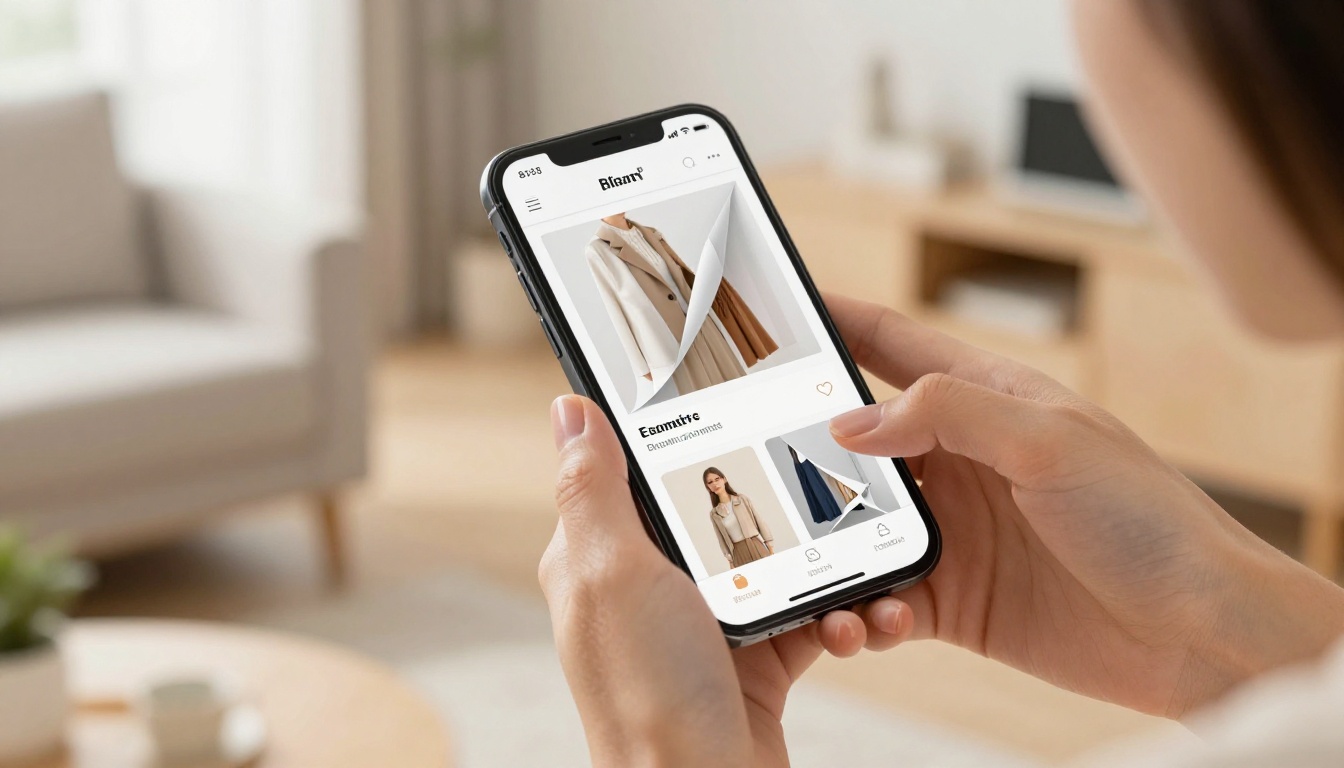
Real-world example: A fashion brand replaces its static PDF lookbook with an interactive flipbook. The page turn animation plays as customers swipe through seasonal collections. Average session duration rises from 90 seconds to six minutes. Items seen during longer sessions generate 40% more click-through to product pages.
You can use the Fashion Catalog Creator or the Catalog Flipbook Creator to build precisely this kind of experience without a designer or developer.
Restaurants and Hospitality
A printed menu has warmth. It has texture, weight, and personality. PDF menus emailed to customers or loaded via a QR code feel clinical by comparison.
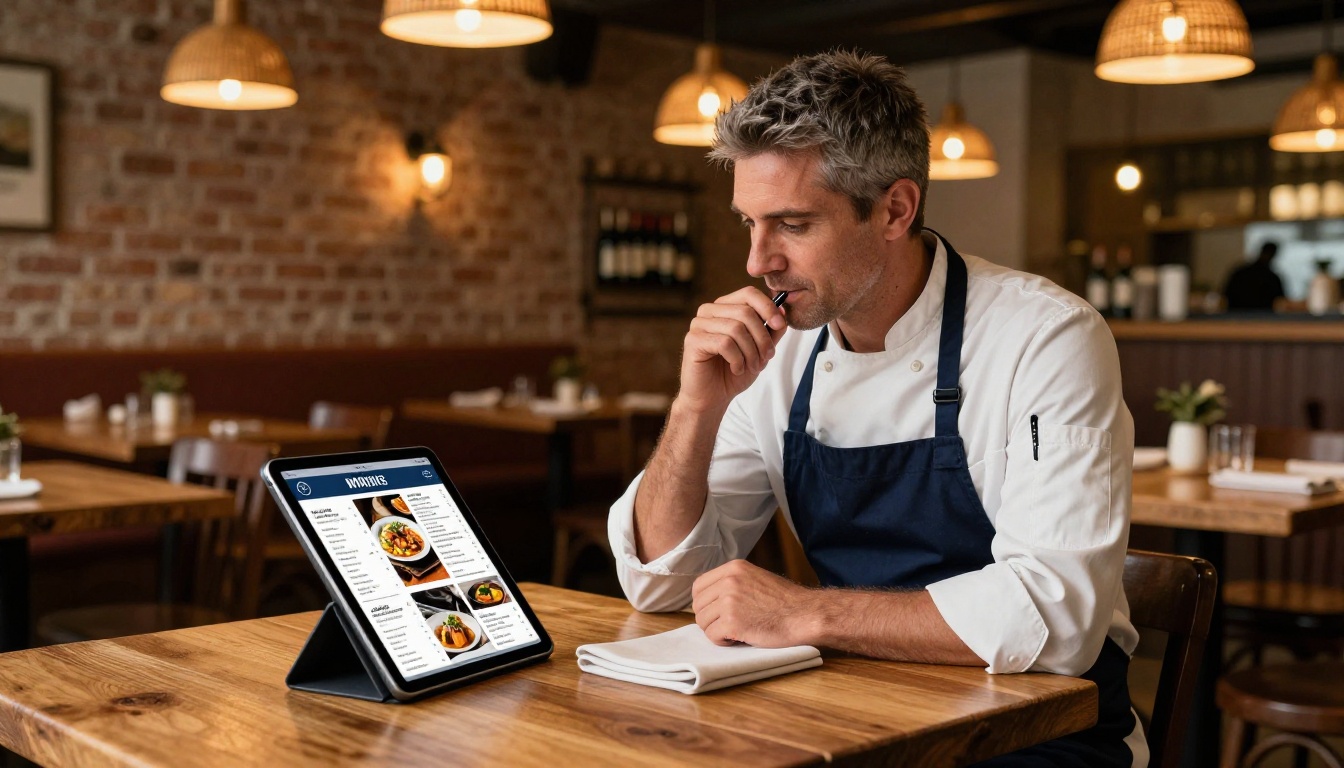
Restaurant operators using the Restaurant Menu Creator report that customers spend more time reviewing the full menu when a flip animation is present. The effect is subtle but consistent: the physical familiarity of turning pages translates to comfort, and comfort correlates with higher average order values. Spa and wellness businesses can apply the same logic through the Spa and Wellness Menu Creator.
Real Estate and Property Marketing
Property brochures are high-stakes documents. They represent significant financial decisions and need to communicate premium quality. A flat PDF uploaded to a listing page does not communicate premium quality.
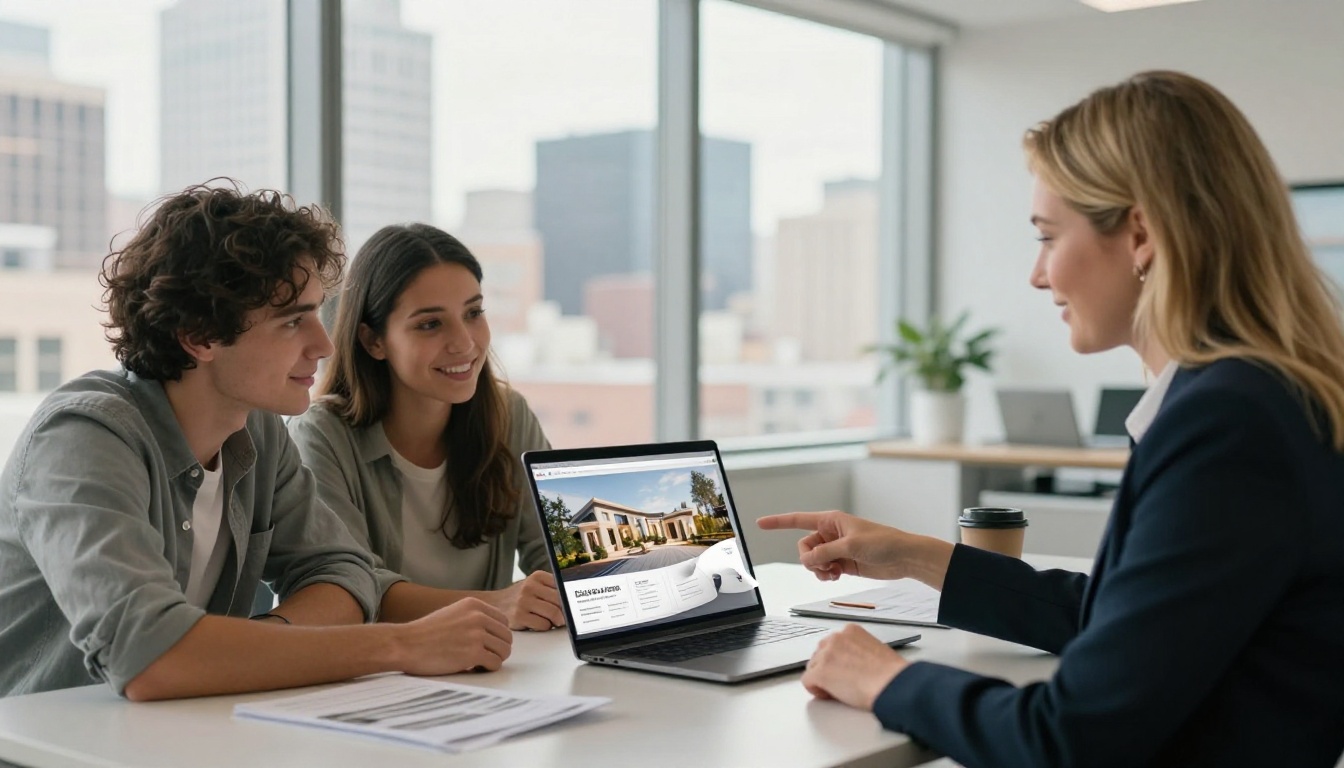
An interactive flipbook with high-resolution property photography, smooth page turns, and a clean layout does. Real estate agents using the Real Estate Brochure Creator share polished digital brochures that feel as substantial as their printed counterparts, without the print cost.
Education and Training
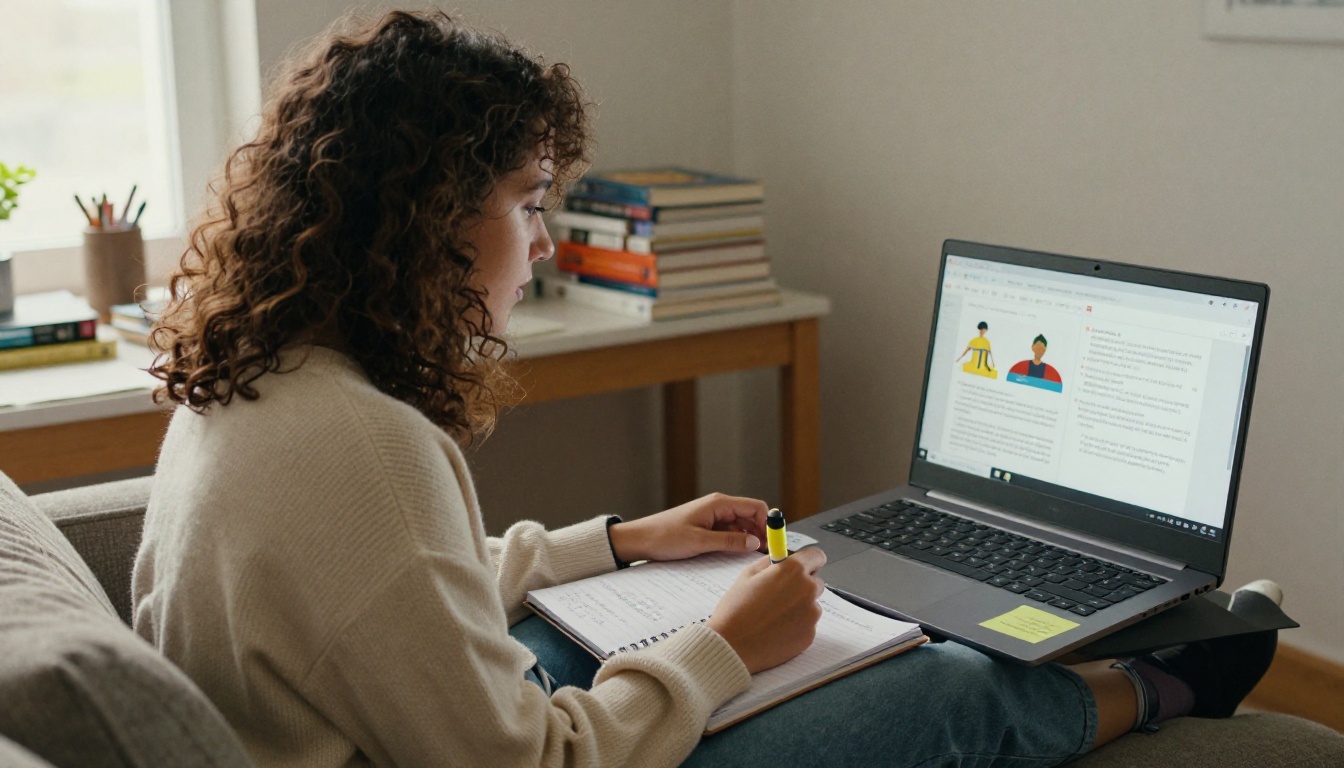
Students and trainees interact more consistently with course materials that feel dynamic. The Training Manual Flipbook and Course Material Publisher tools address a real gap in corporate and academic contexts: static PDFs get downloaded and ignored, while interactive flipbooks get opened and read through.
School communications also benefit. A School Newsletter Creator flipbook shared with parents gets read far more thoroughly than the same content emailed as a PDF attachment.
How the Technology Works
CSS, JavaScript, and HTML5 Compared
Page flip effects are delivered through three primary technical approaches. Each has trade-offs in performance, compatibility, and visual fidelity.
| Technology | Performance | Visual Quality | Mobile Support | SEO Indexability |
|---|
| CSS 3D transforms | High | Moderate | Excellent | Good |
| JavaScript libraries | Moderate | High | Good | Moderate |
| HTML5 canvas | High | Excellent | Good | Limited |
| Hybrid (HTML5 + JS) | High | Excellent | Excellent | Good |
Modern platforms like Flipbooks AI use hybrid approaches, combining HTML5 canvas rendering for visual fidelity with CSS animation fallbacks for mobile devices, ensuring consistent performance across every screen size.
Mobile Compatibility Reality
One of the most common mistakes brands make with interactive content is desktop-first thinking. A page flip that works beautifully on a 27-inch monitor may feel sluggish on a mobile screen.
Correct implementations adapt the interaction model by device type. On desktop: click-and-drag or arrow key navigation. On mobile: swipe gestures with haptic feedback simulation. Animation speed should also adapt to device processing capability, reducing frame count on lower-powered devices to maintain smoothness.
⚠️ Warning: Avoid third-party JavaScript libraries that have not been updated for modern mobile browsers. These create janky animations on iOS Safari and Android Chrome, actively harming the very experience they are supposed to improve.
How to Create a Flipbook with Realistic Page Turns
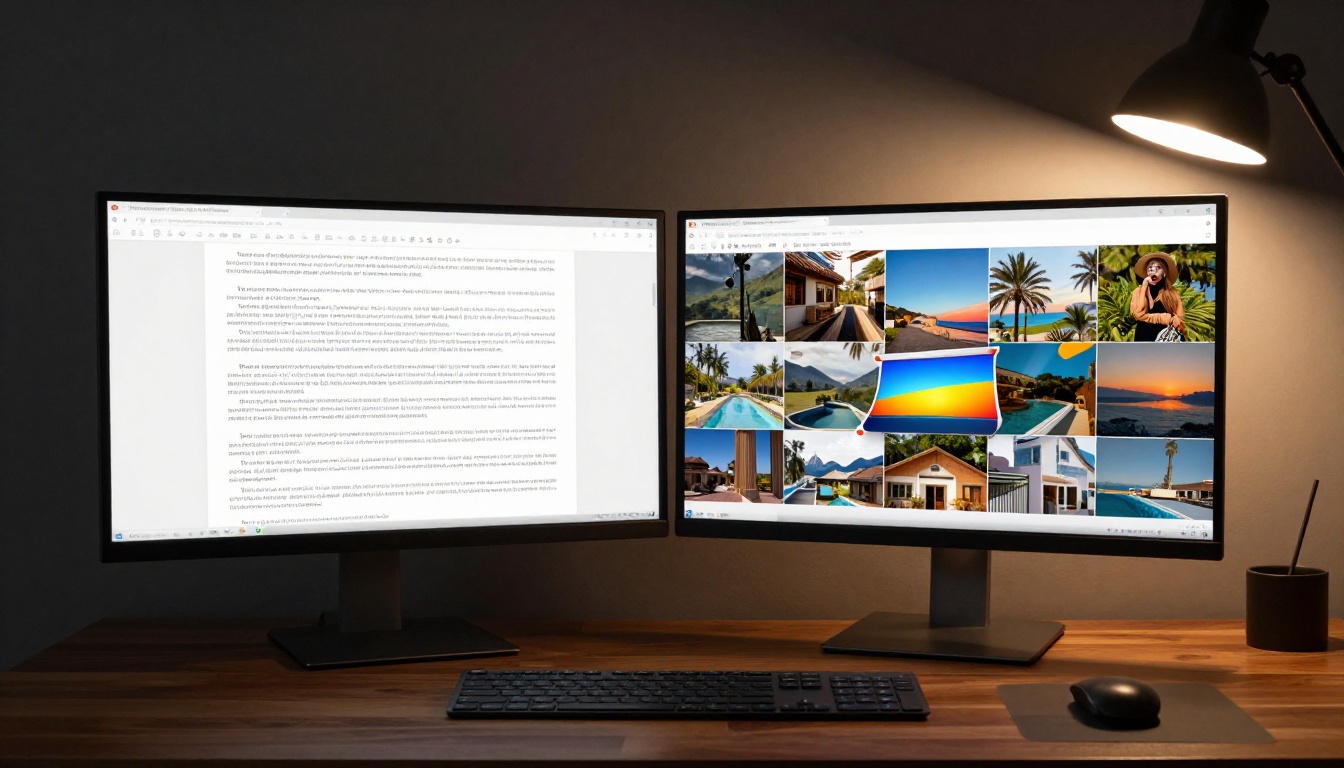
This is where the practical work begins. Flipbooks AI makes it possible to create a fully animated, interactive flipbook from any PDF file in minutes, without writing a single line of code.
Step 1: Set Up Your Account
Head to Flipbooks AI and create a free account. The platform offers a free tier to start, with Standard and Professional plans for teams that need unlimited flipbooks, custom branding, and detailed reader analytics. Check the pricing page to compare what each plan includes.
Step 2: Upload Your PDF
From your dashboard, click Create New Flipbook and upload your PDF file. The PDF to Flipbook Converter processes the file automatically, converting each page into a high-resolution digital spread.
- Supported formats: PDF (all versions)
- Recommended resolution: 300 DPI for print-quality output
- Processing time: typically under 60 seconds for standard documents
- File handling: originals are preserved; the flipbook is a separate interactive layer
Step 3: Customize the Flip Animation
Once your PDF is processed, open the flipbook editor. Under Appearance settings, you will find the page animation controls:
- Flip style: Choose between hard cover, soft paper, or magazine fold
- Animation speed: Adjust from slow (dramatic reveal) to fast (quick navigation)
- Shadow intensity: Control the depth of page shadow during the flip
- Page curl preview: Hover effects that lift a page corner on desktop, signaling interactivity to first-time readers
✅ Best practice: For catalogs and magazines, use the "soft paper" flip style at medium speed. For corporate reports and annual reports, the "hard cover" style adds appropriate formality to the reading experience.
Step 4: Add Branding and Multimedia
Custom branding separates professional flipbooks from generic-looking documents:
- Logo placement: Add your logo to the viewer interface
- Brand colors: Customize the toolbar and navigation controls
- Background: Set a custom viewer background color or texture
- Multimedia: Embed videos and audio directly into individual pages
The ability to embed video inside a page is particularly powerful. A real estate flipbook with an embedded property walkthrough video on the relevant spread creates a qualitatively different experience than any PDF could deliver.
Step 5: Configure Sharing and Privacy
Flipbooks AI provides multiple distribution options:
| Sharing Method | Best For | Privacy Options |
|---|
| Direct link | Email campaigns, social media | Password protection |
| Embed code | Website integration | Domain restriction |
| QR code | Print-to-digital bridge | Public or private |
| Offline download | Trade shows, limited connectivity | Watermark control |
For internal documents, confidential price lists, or exclusive content, password protection keeps your flipbook accessible only to intended recipients. The Digital Price List Generator includes this as standard. Use the Embed Flipbook on Website tool to place your flipbook directly inside any webpage with a single code snippet.
Step 6: Reader Analytics on the Professional Plan
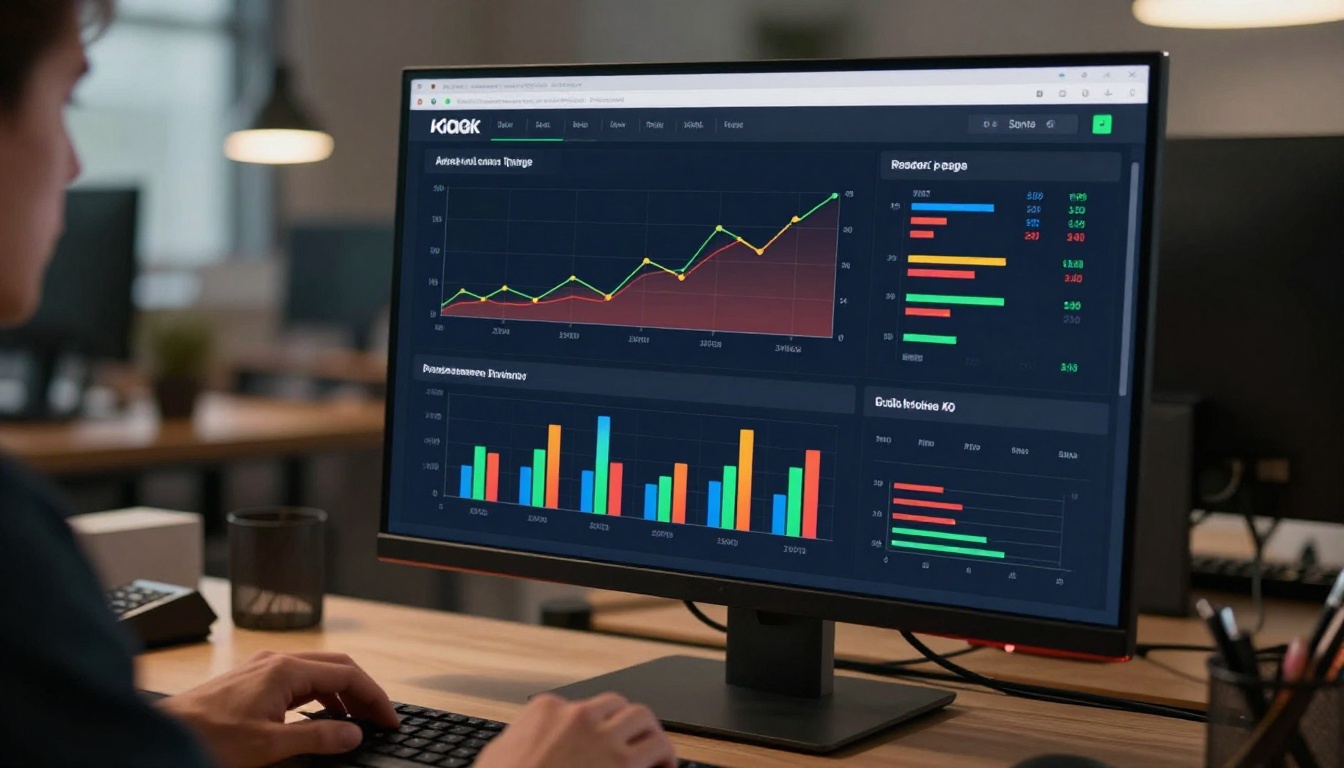
The Professional plan unlocks data showing exactly how readers interact with your flipbook:
- Pages viewed per session
- Average time spent per page
- Drop-off points (which pages lose readers)
- Geographic distribution for widely shared content
- Lead generation forms embedded directly within flipbook pages
Measuring What Actually Moves
The Right Metrics to Track
Not all metrics are created equal. These are the ones that tell you whether your flipbook is doing its job:
- Average pages viewed per session: Higher is better. A strong flipbook pulls readers through to the final spread.
- Time per page: Abnormally short times on specific pages signal content or design problems on those spreads.
- Return visit rate: Readers who come back are in a consideration phase. This is a high-value intent signal for sales and marketing teams.
- Embed click-through rate: If you have embedded links or CTAs within pages, the click rate reveals whether the interactivity is converting attention into action.
- Read-through rate: The percentage of readers who reach the last page. For most flipbooks, 40% or higher is strong performance.
Running A/B Tests on Flip Speed
One often-overlooked variable is animation speed. Faster flips feel more responsive and modern. Slower flips feel more deliberate and premium. Neither is universally correct, and the right choice depends on your audience and content type.
A straightforward test: create two versions of the same flipbook, one with fast flips and one with slow. Share each version to equivalent audience segments. Measure read-through rate and return visit rate. The winner tells you something real about how your specific audience prefers to read.
💡 Pro tip: High-end lifestyle brands typically perform better with slower, more deliberate page turns. B2B software companies and tech publications tend to do better with faster, crisper flips that respect the reader's time.
3 Mistakes That Cancel Out the Effect
The page flip animation can only do so much. These execution mistakes cancel out its benefits entirely:
-
Low-resolution source files: A page flip on blurry content is worse than a static PDF with crisp content. Always upload the highest resolution PDF available.
-
Ignoring mobile layout: If your source PDF has dense two-column text designed for A4 print, it will be illegible on a mobile screen regardless of how smooth the page flip is. Design mobile-first, or use a single-column layout.
-
No navigation affordances: First-time users do not always know they can swipe or click to flip. Include a brief visual cue on the first page, an animated arrow or a lifting corner, to show the interaction is possible.
-
Too many pages: There is no rule that a flipbook needs to mirror your full 60-page product catalog. A curated 20-page seasonal selection with strong photography outperforms a complete inventory dump every time.
Use Cases Worth Testing Right Now
Beyond the obvious applications, several situations consistently see strong results with page flip effects:
- Event programs: Attendees browse digital programs on their phones during live events. An Event Program Maker flipbook with a realistic page turn creates a premium experience that matches the live event atmosphere.
- Wedding albums: Couples sharing albums digitally get a far more emotionally resonant experience from a Wedding Album Flipbook than from a standard photo gallery link.
- Annual reports: Investors and stakeholders receiving a Corporate Report Maker flipbook perceive it as reflecting organizational professionalism.
- E-books: Authors publishing with the E-Book Flipbook Generator report readers completing significantly more of the book compared to PDF downloads.
- Lookbooks: Fashion and interior design brands using the Interactive Lookbook Designer create seasonal presentations that clients actively scroll through rather than skim.
- Portfolios: Photographers and creatives using the Photography Portfolio Flipbook present their work in a format that feels as premium as a printed portfolio book.

Take Your Content Further
Page flip effects are a proven mechanism for turning passive document viewers into active readers. The physics of a turning page, something every person has experienced thousands of times in their life, carries emotional and cognitive weight that no scroll animation or parallax effect can replicate.
The brands and creators winning at digital content right now are the ones who recognize that format is part of the message. A well-designed flipbook communicates care, craft, and quality before a reader has absorbed a single word of the content inside.
Ready to build yours? Get started for free and convert your first PDF in under two minutes. Browse all available tools and templates to find the right format for your content type. When you are ready for reader analytics, lead generation, and offline downloads, compare pricing plans to find the right fit for your team.



