Every year, universities spend millions producing glossy printed brochures and bulky viewbooks that end up in recycling bins before a prospective student has read page three. The landscape has shifted. Today's applicants are digital natives who make enrollment decisions from smartphones, comparing institutions side by side in seconds. Universities that have adopted interactive digital flipbooks for student recruitment are not just cutting print budgets; they are creating experiences that get remembered. Flipbooks AI is one of the platforms leading this change, giving admissions teams the tools to turn ordinary PDFs into compelling, trackable publications without any design expertise required.
Why Static Brochures No Longer Work
The traditional print prospectus had a good run. But three converging forces have made it increasingly ineffective for reaching the Gen Z applicant pool.
Print Costs Are Spiraling
A single high-quality printed viewbook can cost between $8 and $25 to produce and mail. For a university sending materials to 50,000 prospective students, that is a budget line that rarely justifies its return. Printing, warehousing, and postage combine to create enormous operational overhead, and the shelf life of that content evaporates the moment a program changes its requirements or tuition fees are updated.
⚠️ Universities that rely solely on print lock themselves into slow update cycles. A flipbook can be edited and republished in minutes.
PDF Fatigue Is Real
Even when universities moved to digital, many simply emailed static PDF viewbooks, documents that opened in a separate application, lacked interactivity, and were rarely scrolled past the first few pages. Research by content marketing firms shows the average user abandons a PDF within two minutes. An interactive flipbook, by contrast, keeps readers invested for an average of four to seven minutes, a critical difference when competing for attention against dozens of other institutions.

The Digital Viewbook Revolution
What a University Flipbook Actually Is
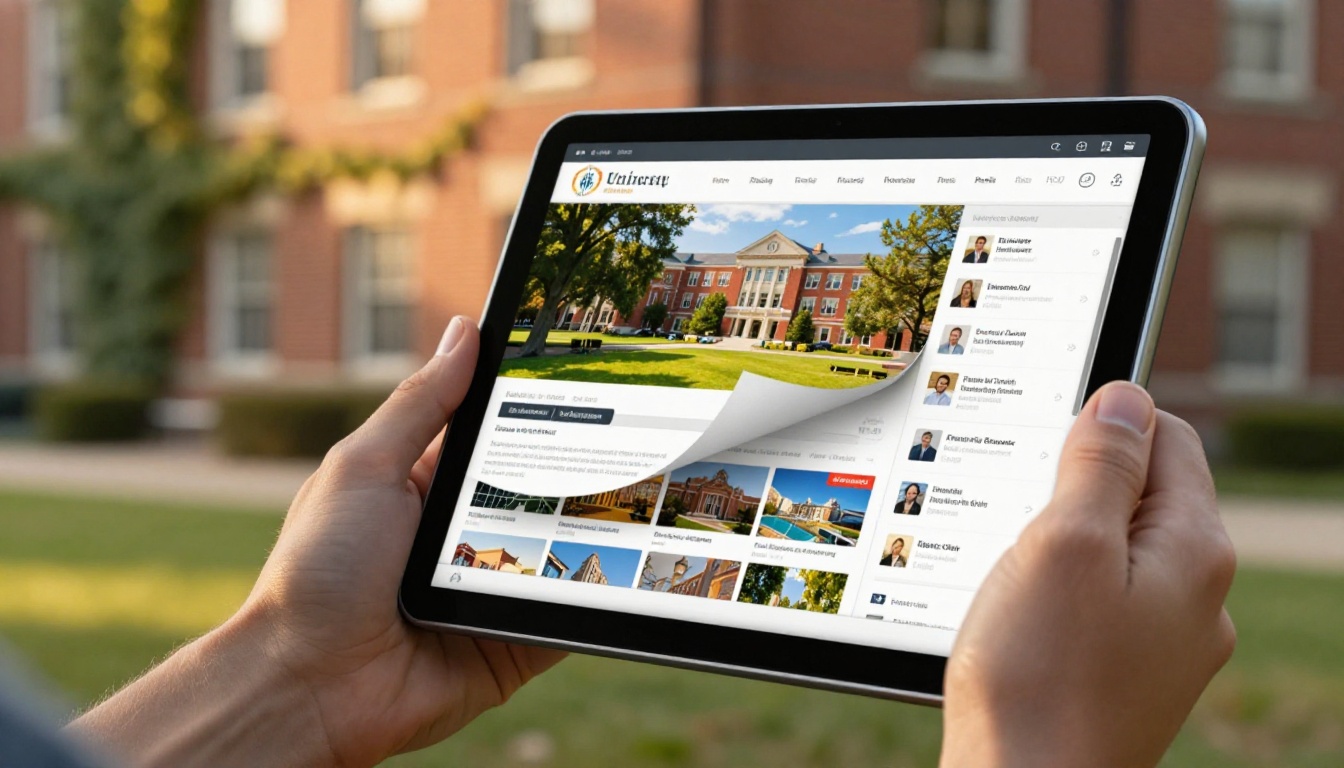
A digital flipbook is a web-based publication that mimics the physical page-turning experience of a printed document but adds layers of interactivity: embedded videos, clickable links, search functionality, and analytics. When a university uploads its program directory PDF to a platform like Flipbooks AI, it is automatically converted into a publication students can browse on any device with a realistic page-turn effect.
The result looks professional, loads quickly, and can be embedded directly into a university website, shared via a link in an email campaign, or displayed on a tablet at a recruitment fair.
How Students Interact With It
Unlike static documents, a flipbook creates a browsable experience closer to a magazine than a form. Students can:
- Jump directly to the programs they care about using a clickable table of contents
- Watch embedded video testimonials from current students without leaving the page
- Click through to specific course pages, application portals, or social media profiles
- Zoom in on campus maps, accommodation floor plans, or research facility images
- Download a saved version for offline reading on a flight home from an open day
This interactivity dramatically reduces the friction between "interested" and "applied."
5 Ways Universities Are Using Flipbooks Right Now
1. The Interactive Program Directory
The most common use case is replacing the printed program listing with a digital flipbook. Instead of a 120-page document that becomes outdated the moment it is printed, admissions teams maintain a single source of truth: a flipbook that lives at a stable URL, can be updated any time, and provides real data on which programs are being viewed most.
A prospective engineering student, for example, can open the publication, jump to the Engineering Faculty section, watch a one-minute video of the department head explaining research opportunities, click through to the application page, and close the loop, all without leaving the flipbook.
2. The Virtual Campus Tour Publication
Not every prospective student can visit campus. International applicants, students from rural areas, or those from lower-income families who cannot afford travel all make enrollment decisions without setting foot on campus. A virtual tour flipbook bridges that gap with a rich, visual publication featuring:
- High-resolution photography of lecture halls, libraries, labs, and student housing
- Embedded 360-degree virtual tour links for specific spaces
- Maps with clickable hotspots for different campus zones
- Student life pages with real photography and authentic quotes
💡 A well-produced virtual campus tour flipbook can serve the same conversion role as a physical open day visit for students who cannot attend.
3. Scholarship and Financial Aid Publications
Financial concerns are the single biggest barrier to university enrollment for many students. Universities that present their scholarship portfolio clearly and accessibly see measurably better conversion rates from admitted students to enrolled students. A financial aid flipbook can include:
- Searchable scholarship tables with eligibility criteria, award amounts, and deadlines
- Step-by-step application walkthroughs with clickable forms embedded
- Testimonial pages from current scholarship recipients
- Cost comparison charts against peer institutions
Because the flipbook is always online, students can share it directly with parents, which is the next major advantage.
4. Open Day and Recruitment Fair Materials
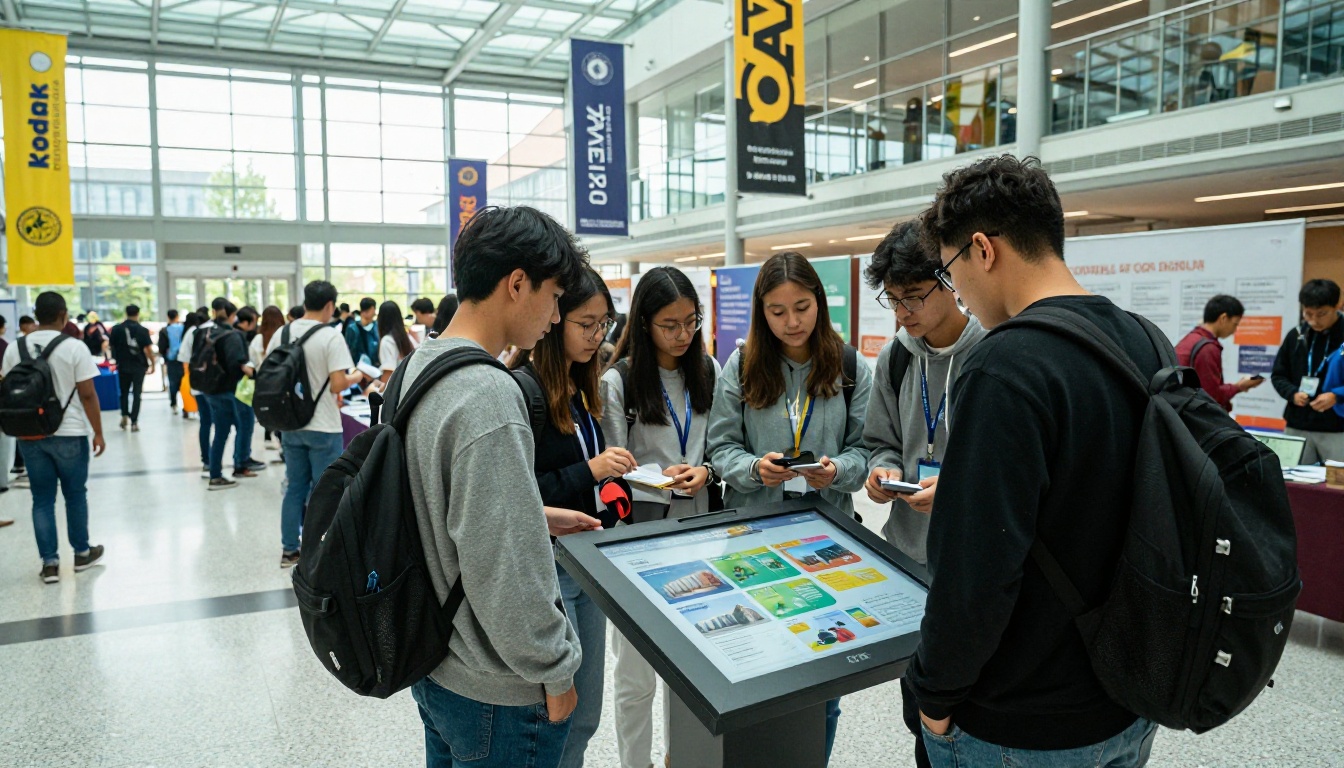
Physical events remain important in university recruitment, but printed handouts at fairs create waste and get discarded. Admissions teams now display interactive flipbooks on tablets at their booths. Visitors browse the content on-screen and, instead of taking a printed brochure, scan a QR code to access the same flipbook on their own device.
This approach has several concrete advantages:
- Zero printing costs per event
- Instant updates if program information changes between fairs
- Accurate data on which sessions generated the most reader interest
5. International Student Recruitment Packages
Recruiting internationally requires tailored content: visa information, housing options, language support services, and country-specific scholarship programs. Universities use separate flipbook publications for different regional markets, allowing them to:
- Customize content for Chinese, Indian, or European applicants without reprinting
- Translate and publish language-specific versions at near-zero marginal cost
- Include region-specific contact information and agent details
- Embed video introductions in the local language

What Makes a Recruitment Flipbook Actually Convert
Not every flipbook performs equally. The ones that move prospective students toward applications share several characteristics.
Mobile-First Design Matters
Over 70% of higher education content is now consumed on mobile devices. A flipbook that works perfectly on a desktop but requires pinching and zooming on a phone will lose readers. Flipbooks AI renders all publications fully responsive, adapting the reading experience automatically to screen size, with no separate mobile version required.
Data You Can Act On
This is where digital flipbooks leave print far behind. With the Professional plan on Flipbooks AI, admissions teams gain access to:
- Page-by-page reading data: which sections hold attention, which sections lose readers
- Geographic breakdown: where your audience is located
- Lead capture forms: collect email addresses directly within the flipbook
- Time-on-page metrics: how long readers spend on each section
This data allows recruitment teams to continuously refine their materials. If analytics show that 60% of readers leave at the tuition fee section, that is an actionable signal to redesign how that information is presented.

Flipbook vs. PDF vs. Print: A Straight Comparison
| Feature | Printed Brochure | Static PDF | Interactive Flipbook |
|---|
| Mobile-friendly | No | Partial | Yes |
| Updateable after publishing | No | Manually | Instantly |
| Embeddable on website | No | Limited | Yes |
| Analytics and tracking | No | No | Yes |
| Video and audio support | No | No | Yes |
| Cost per distribution | $8-$25 | ~$0.10 | ~$0.00 |
| Realistic page-turn experience | Yes | No | Yes |
| Password protection | No | Basic | Yes |
| Lead generation | No | No | Yes |
| Offline access | Yes | Yes | Yes (download) |
The comparison is stark. For a medium-sized university managing recruitment across 15-20 countries, shifting from print to digital flipbooks can represent savings of $200,000 or more annually in print and postage costs alone.
How to Create Your University Recruitment Flipbook
Creating a professional university recruitment flipbook takes less time than most admissions teams expect. Here is the full process using Flipbooks AI.
Step 1: Create Your Account
Head to Flipbooks AI and set up your institution's account. The platform offers a free tier to start, with the Standard and Professional plans adding unlimited flipbooks, custom branding, and analytics. For recruitment teams managing multiple publications, the Standard plan covers all the essentials.
Step 2: Prepare Your PDF
Your source document should be a high-resolution PDF. This could be:
- Your existing printed viewbook, saved as a PDF
- A newly designed InDesign or Canva document exported to PDF
- A program directory exported from your CMS
The Course Material Publisher tool on Flipbooks AI is specifically built for academic publications and provides ready-to-use templates.
Step 3: Upload and Convert
Click New Flipbook, upload your PDF, and the platform handles the rest. Conversion typically completes in under two minutes for a 100-page document. The resulting flipbook immediately features:
- Realistic page-turn animation with 3D depth
- Automatic text layer for search functionality
- Thumbnail navigation panel
- Full-screen reading mode
Step 4: Apply University Branding
In the customization panel, apply your institution's colors and logo. Flipbooks AI includes:
- ✅ No watermarks, ever (Standard plan and above)
- ✅ Custom domain for your publication URL
- ✅ Branded loading screen with your institution's colors
- ✅ Custom favicon
This creates a fully white-labeled publication. Readers see only your brand.
Step 5: Add Interactive Elements
In the editor, add:
- Clickable links on any course name, leading directly to the application page
- Embedded video on the welcome message from the vice chancellor
- External links to virtual tour platforms, live chat, or social proof pages
- Lead capture form on the final page (Professional plan) to collect inquiries directly
Step 6: Share and Embed
Once published, you have multiple sharing options:
- Direct link: share in email campaigns, social media, and digital ads
- Embed code: paste into your admissions website; students never leave your domain
- QR code: print on event banners and posters for instant mobile access
- Password protection: for early-release content or agent-specific packages
The Embed Flipbook on Website tool provides a one-click embed code generator.
Step 7: Track Performance
With analytics active, review data weekly during peak recruitment season:
- Drop-off pages that need redesigning
- High-interest sections worth promoting in paid campaigns
- Geographic patterns informing where to focus recruitment events
Plans Worth Knowing About
| Plan | Best For | Unlimited Flipbooks | Analytics and Lead Gen |
|---|
| Free | Testing and initial setup | No (3 max) | No |
| Standard | Small admissions teams | Yes | No |
| Professional | Large recruitment operations | Yes | Yes |
For most university admissions departments, the Professional plan pays for itself within a single recruitment cycle's worth of print budget savings. Compare all plans to see which fits your institution's scale.
What the Numbers Tell Us
University recruitment teams that have moved to digital flipbooks consistently report similar outcomes across three areas:
Reading Time
Prospective students spend 3-5x longer reading a digital flipbook than a static PDF. The interactive page-turn experience, combined with embedded media, creates a browsing behavior closer to social media scrolling than document reading. When a student spends eight minutes inside your viewbook, they are building familiarity and investment in your institution.
Cost Per Prospective Student Reached
| Distribution Method | Cost Per Recipient | Updateable | Tracking |
|---|
| Printed viewbook (mailed) | $12-$25 | No | No |
| Email PDF attachment | ~$0.10 | No | Open rate only |
| Digital flipbook (shared link) | ~$0.01 | Yes, instantly | Full |
| Digital flipbook (embedded) | ~$0.00 | Yes, instantly | Full |
The economics favor digital overwhelmingly, even before factoring in the value of conversion data.
Application Conversion
Universities report higher application completion rates when prospective students have spent time with an interactive viewbook versus a printed or static PDF version. Embedded links remove friction, lead capture forms create direct pathways to admissions teams, and password-protected early-offer packages make admitted students feel valued and seen.

Flipbooks AI has specific tools that align well with different recruitment publication types:
Each tool provides templates optimized for its specific use case, reducing the time from PDF to published flipbook to under five minutes.
Take Your Recruitment Materials Digital
The shift from print to interactive digital publications in university recruitment is not a passing trend. It is a structural change in how the next generation of students expects to receive information. Institutions that invest in well-designed, data-informed flipbook publications gain a measurable advantage in attracting, informing, and converting prospective students.
Whether you are starting with a single program directory or rebuilding your entire recruitment publication suite, Flipbooks AI provides everything your admissions team needs without requiring design skills or technical expertise.
Ready to see what your recruitment materials look like as an interactive flipbook? Get started for free and have your first publication live in under ten minutes. Browse all tools and templates to find the right format for your institution, or compare pricing plans to choose the option that works for your recruitment operation.



