Wedding planners who still rely on printed portfolios and static PDFs are losing bookings to competitors who know how to put on a show. The way a couple experiences their first consultation shapes everything that follows, and right now, the planners winning the most clients are the ones walking in with something that genuinely surprises people: an interactive digital flipbook that looks and feels like a luxury magazine. Flipbooks AI has become the behind-the-scenes tool for hundreds of wedding professionals who want to present their services in a way couples remember long after the meeting ends.
Why Printed Portfolios Are Losing the Room
Couples planning a wedding in 2024 have spent months on Instagram, Pinterest, and TikTok before they ever sit down with a planner. Their visual standards are high. A stack of laminated pages or a static PDF on a laptop screen simply does not compete with the content experience they have everywhere else in their lives.
The Attention Problem at First Consultations
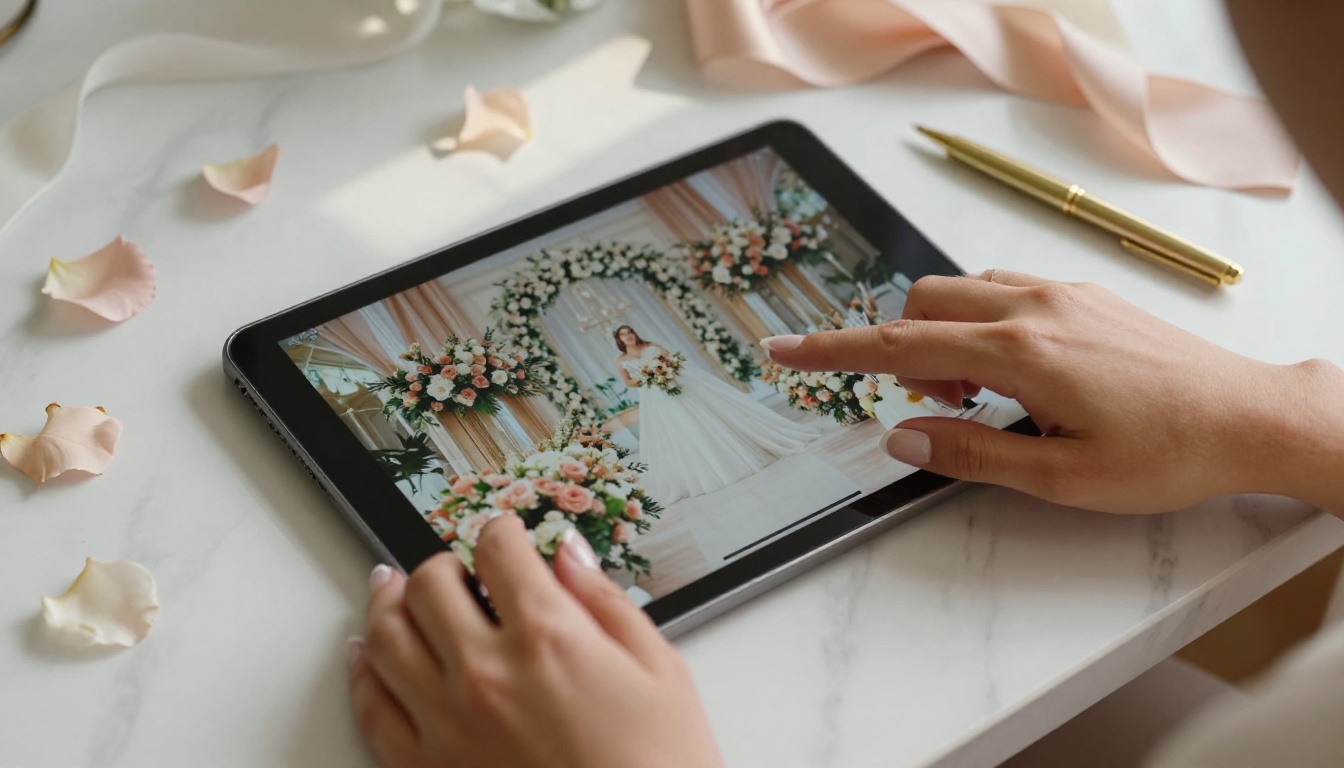
Most couples walk into a first meeting already comparing three or four planners. Within the first ten minutes, they decide whether the person in front of them feels premium or forgettable. A planner who opens a sleek digital portfolio with smooth page-turn animations, embedded video clips of past ceremonies, and vibrant full-bleed photography immediately signals a level of professionalism that static alternatives cannot match.
💡 Pro tip: Send couples a personalized digital flipbook before the meeting as a "preview" of your services. Planners who do this report higher show-up rates and couples who arrive already excited.
What Couples Actually Want to See
Couples are not just evaluating what a planner has done. They want to see what their own wedding could look like. The most effective planners build their flipbooks around specific styles, seasons, and budgets so every couple views a presentation that feels personally curated for them.
- Venue options organized by style (rustic, modern, garden, ballroom)
- Vendor showcases with real photos from actual events
- Package comparisons in clear, visual formats
- Real couple stories with before-and-after planning narratives
- Testimonials woven between images
What a Wedding Flipbook Actually Is
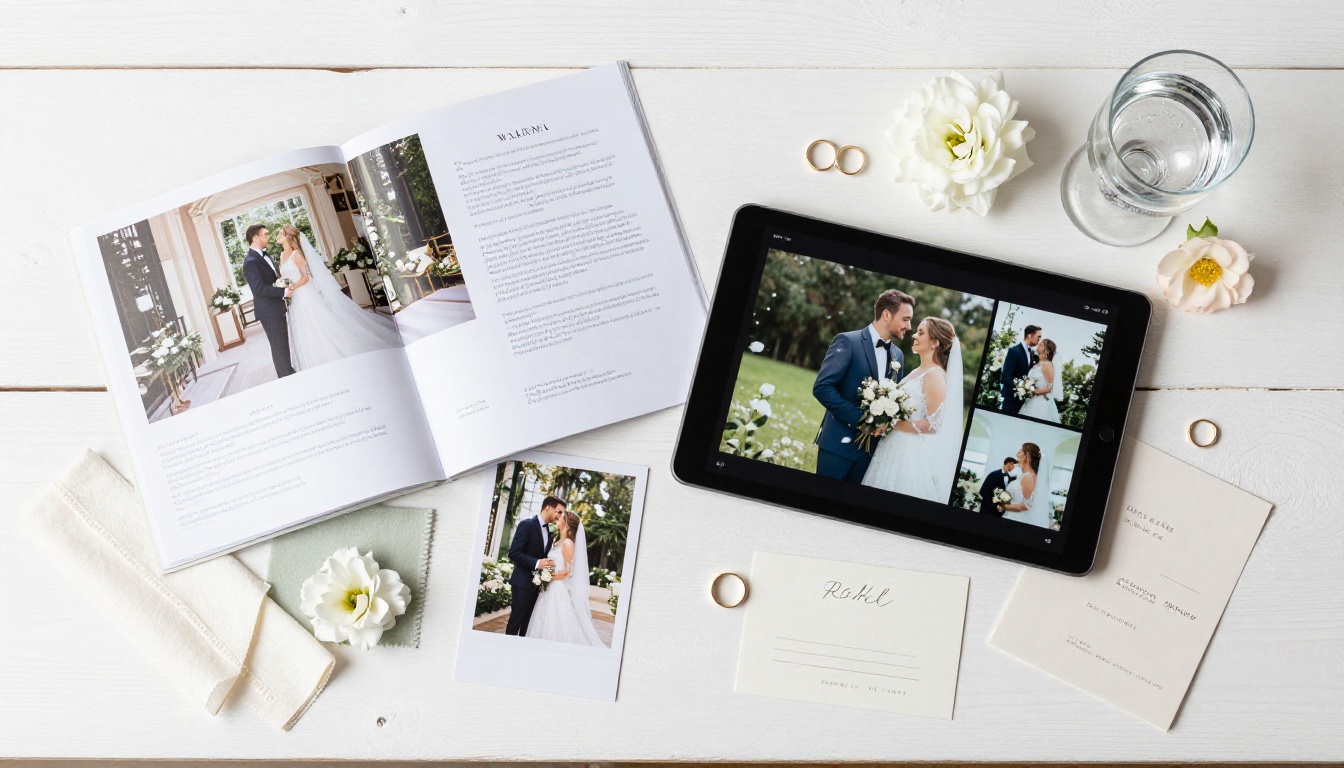
A wedding flipbook is a digital publication that mimics the physical sensation of flipping through a high-end print magazine, but lives entirely online and is shareable by link. It is not a slideshow. It is not a PDF viewer. It is a fully interactive reading experience with animated page turns, clickable links, embedded media, and responsive design that works on any screen.

More Than a PDF
Static PDFs flatten everything. Colors look duller, images compress, and the reading experience feels transactional rather than aspirational. A flipbook made with Flipbooks AI preserves the original quality of every image and adds interactivity that turns passive viewing into an active, memorable experience.
| Feature | Static PDF | Digital Flipbook |
|---|
| Page animations | None | Realistic page-turn effect |
| Image quality | Compressed | Full fidelity |
| Shareable by link | No | Yes |
| Mobile responsive | Rarely | Always |
| Embedded video | No | Yes |
| Analytics | No | Yes (Professional plan) |
| Password protection | No | Yes |
| Custom branding | No | Yes |
Why the Page-Turn Effect Matters Psychologically
Research in consumer psychology consistently shows that tactile-feeling interactions increase emotional investment. The simulated page-turn effect in a digital flipbook creates a sensory echo of flipping through a luxury bridal magazine. Couples linger on pages longer, notice details they would scroll past in a PDF, and associate that premium feeling with the planner who sent them the link.
5 Ways Planners Are Using Flipbooks Right Now
The most creative wedding planners are not using flipbooks for just one purpose. The format is flexible enough to replace nearly every static document in a planner's toolkit.

1. Venue Showcase Flipbooks
Instead of emailing a folder of venue photos, planners are building dedicated venue flipbooks that present each location like an editorial spread. Each venue gets two to four pages: full-bleed exterior shots, ceremony setup photos, reception layout examples, and a quick-reference spec table with capacity, catering policies, and pricing range.
✅ Best practice: Create one master venue flipbook and duplicate it for different styles. A rustic barn version and a modern rooftop version can go out to different couples within seconds.
2. Vendor Portfolio Presentations
Photographers, florists, caterers, and bands all look better in a flipbook than in a shared Google Drive folder. Planners who curate preferred vendor lists in a beautiful, branded digital publication build trust with both couples and vendors, who often refer new clients back to the planners who showcase their work well.
3. Wedding Package Comparisons
Presenting tiered packages in a flipbook makes the differences feel tangible instead of just a numbers comparison on a spreadsheet. Planners can dedicate a full spread to each tier, with photography showing what that budget level actually looks like on a real wedding day.
| Package Tier | Typical Inclusions | Best For |
|---|
| Essentials | Day-of coordination, timeline, 2 vendor calls | Couples with focused budgets |
| Standard | Full planning, unlimited vendor meetings, rehearsal coordination | First-time planners |
| Premium | Design direction, custom décor sourcing, welcome kits | Luxury weddings |
| All-Inclusive | Everything above plus honeymoon planning | Destination weddings |
4. Real Couple Story Albums
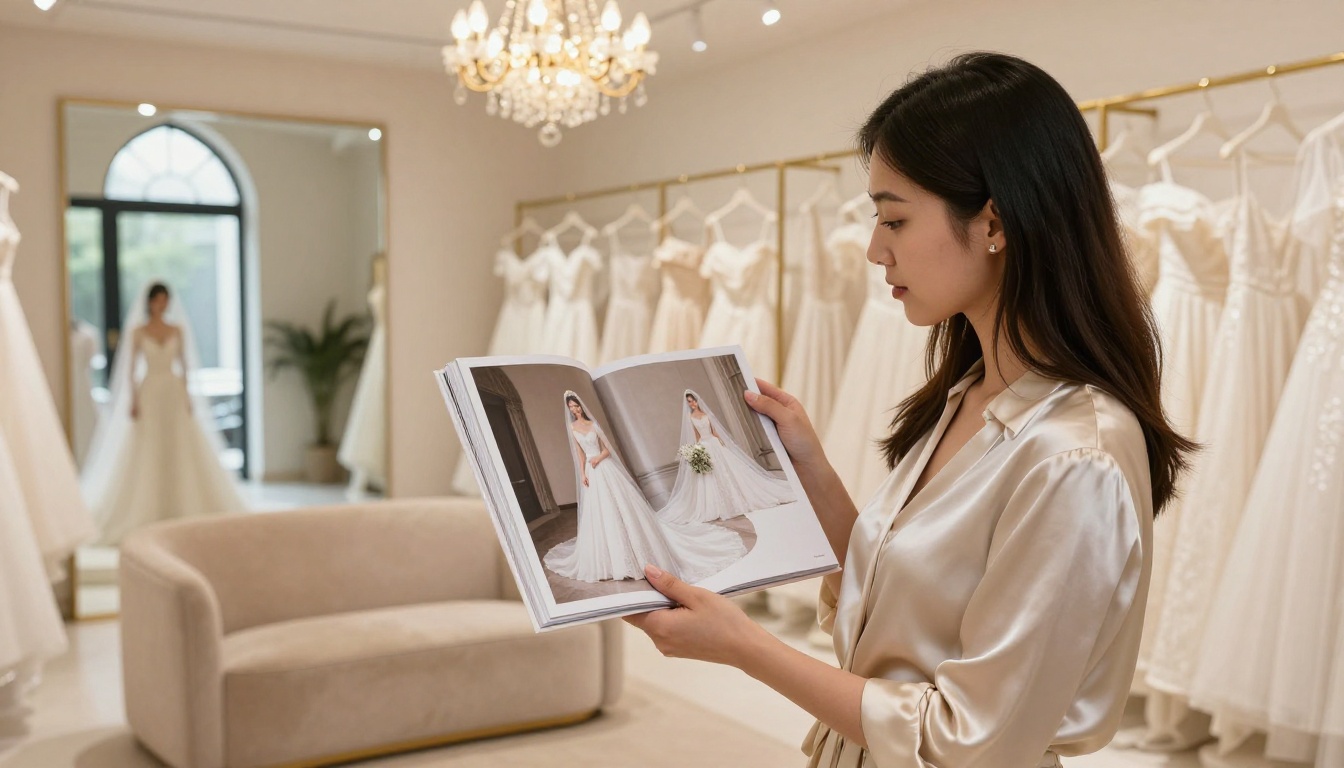
Nothing sells a planner's services like proof. Building a "Couples We've Loved" flipbook that walks through the planning journey, from first consultation notes to day-of photos, gives prospective clients a complete picture of what it feels like to work with that planner from start to finish.
5. Post-Wedding Albums Sent as a Gift
After the wedding, sending couples a beautifully designed digital album flipbook as a gift generates enthusiastic word-of-mouth referrals. Couples share it with family and friends who are planning their own weddings, often asking "who made this?" — and the answer always leads back to the planner.
The Wedding Album Flipbook tool makes this workflow fast and repeatable without any design skill required.
How to Build a Wedding Flipbook with Flipbooks AI
This is where the practical work happens. Creating a professional-quality wedding flipbook takes less time than most planners expect.
Step 1: Create Your Account
Go to Flipbooks AI and sign up. No credit card is required to start. The free plan lets you test the platform, and the Standard plan removes all watermarks and unlocks unlimited flipbooks, which matters when you are creating individual flipbooks for each couple or each venue.
Step 2: Prepare Your PDF
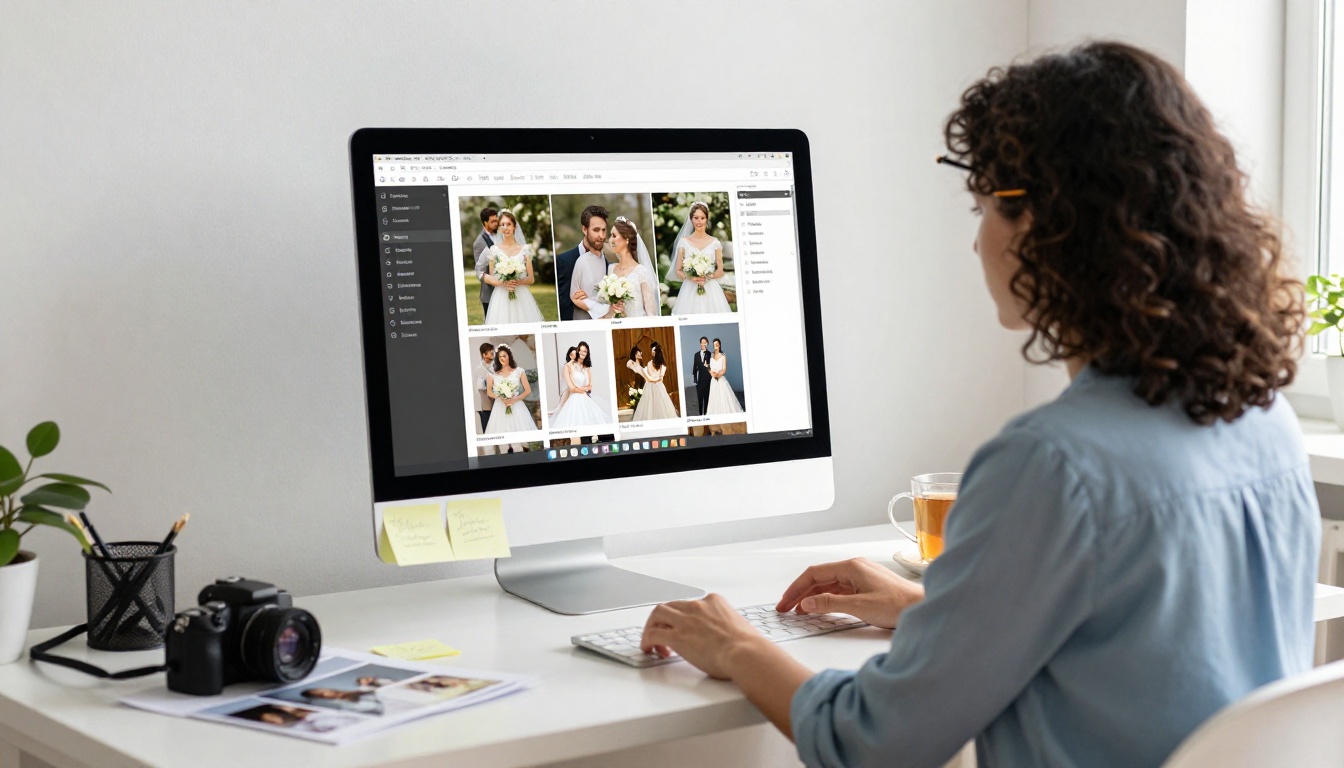
Design your content in Canva, Adobe InDesign, or PowerPoint. Wedding planners typically build spreads in landscape format (16:9 or A4 horizontal) to match screen dimensions. Export as a PDF with images set to maximum quality settings.
⚠️ Important: Avoid using very light watermarks or overlapping text on photos. These compress poorly and look unprofessional in the flipbook format.
Step 3: Upload and Convert
Use the PDF to Flipbook Converter to drag and drop your PDF. Conversion takes under a minute and preserves all your fonts, colors, and image fidelity. You immediately see the animated page-turn preview.
Step 4: Add Your Branding
Apply your business logo, choose brand colors for the background and controls, and customize the reading interface to match your visual identity. A planner with a blush-and-gold brand can have that reflected right in the flipbook player itself.

Step 5: Embed Video and Audio
One of the most powerful features is the ability to embed video and audio directly into pages. Planners embed ceremony highlight reels into venue pages, or play a background music track that starts automatically when the flipbook opens. This is something no printed portfolio or static PDF can replicate.
Step 6: Share It
Every flipbook gets a direct shareable link. You can also embed it on your website so prospective clients can browse before ever booking a call. For VIP clients or confidential pricing packages, enable password protection so only the intended recipient can view it.
💡 Pro tip: Create a unique flipbook for each couple's first consultation with their names on the cover page. The personalization alone dramatically increases conversion rates at that first meeting.
Step 7: Track Who's Reading It
On the Professional plan, available at Flipbooks AI pricing, you get detailed analytics showing how long each viewer spent on each page, how many times they returned, and where they dropped off. This tells you which parts of your presentation are working and which pages couples are skipping.
Comparing Flipbooks AI Plans for Wedding Professionals
Not all plans make sense for every business stage. Here is how wedding planners typically align their workflow with the available tiers.
| Plan | Best For | Key Features | Watermark |
|---|
| Free | Testing the platform | 1 flipbook, basic sharing | Yes |
| Standard | Solo planners | Unlimited flipbooks, custom branding, password protection | No |
| Professional | Established agencies | Analytics, lead generation, offline downloads | No |
For most working wedding planners, the Standard plan is the entry point that changes how clients perceive their business. The Professional plan becomes valuable when you want to understand which parts of your presentation are driving bookings. See the full breakdown on the pricing page.
What Couples Are Actually Saying
The response from couples when they receive a beautifully designed flipbook instead of a generic email attachment is consistently strong. Here are three scenarios that reflect what planners report after switching to this format.
Scenario A: A planner serving the luxury market sends a custom venue flipbook to a couple within two hours of their inquiry. The couple responds within 30 minutes asking to book a consultation, something that previously took an average of three days when sending a PDF.
Scenario B: A destination wedding planner builds a digital magazine-style lookbook using the Interactive Lookbook Designer showing three different destination options with embedded drone footage of each venue. The couple books a video call that same evening.
Scenario C: A planner creates a post-wedding gift flipbook for a couple who got married in Tuscany. The couple shares the link on Instagram Stories. Three of their followers reach out to the planner directly after seeing it.

The Real ROI for Wedding Planners
The business case for using digital flipbooks is not complicated. Wedding planning is a relationship-driven industry where first impressions and perceived professionalism directly determine whether a couple signs a contract or keeps shopping.
- Faster response to inquiries: A link sends in seconds versus assembling a printed packet
- Higher first-meeting conversion: Couples who have already browsed a curated flipbook arrive pre-sold on the planner's style
- Reduced printing costs: Eliminating printed portfolios, lookbooks, and brochures saves meaningfully over a full season
- Broader referral reach: Every shareable link is a potential referral channel that a printed book cannot be
- Analytics-driven improvement: Knowing which pages couples linger on reveals what actually resonates
✅ Best practice: Build at least three flipbooks before your next busy season: one for initial consultations, one for vendor presentations, and one as a post-wedding gift template.
Flipbooks AI offers a range of tools that translate directly into use cases wedding planners already have.
Start Using Flipbooks at Every Touchpoint
The wedding planners who are booking more clients right now are not necessarily the ones with the biggest budgets or the longest track records. They are the ones who have figured out how to make every touchpoint with a couple feel special, personal, and premium.
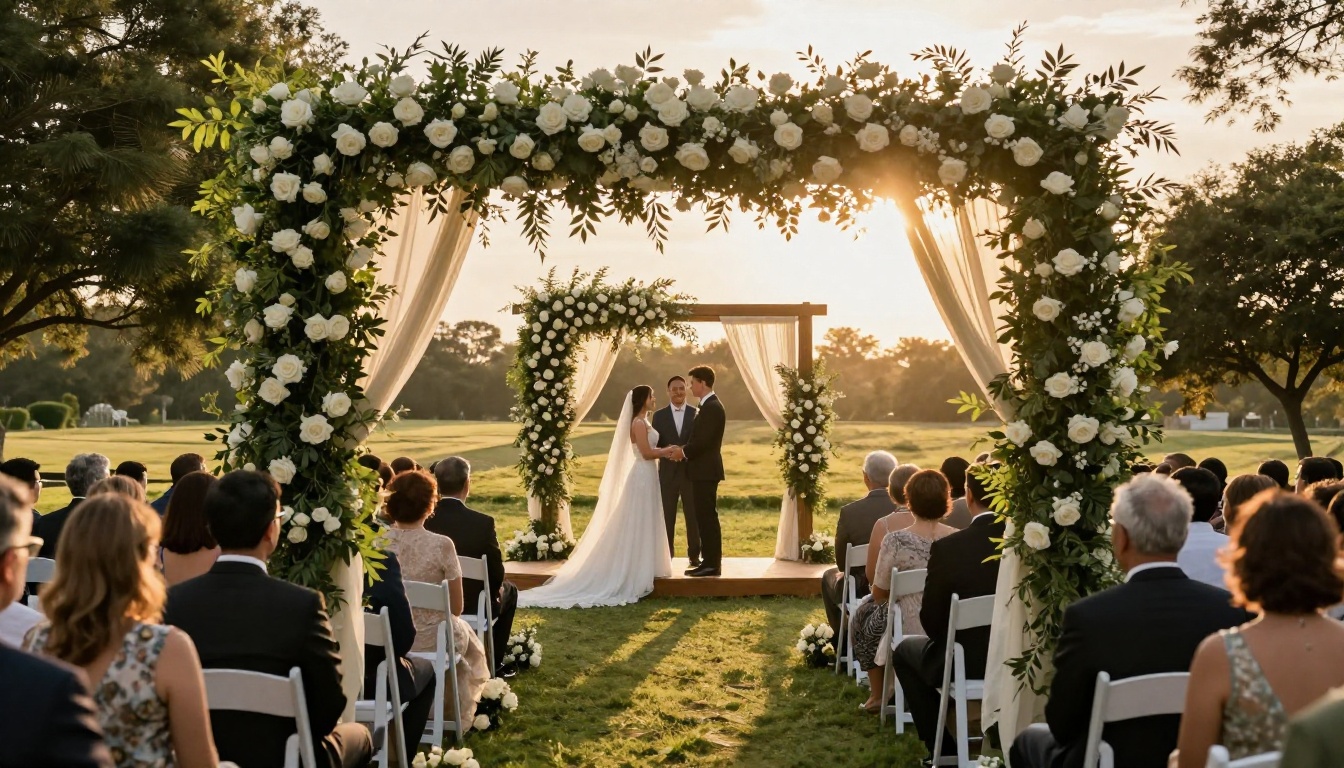
A digital flipbook is not a replacement for the human connection at the center of wedding planning. It is the frame that makes that connection look as good as it feels. When couples flip through a beautifully designed presentation with their names on the cover, they are not just evaluating services. They are picturing their wedding in the hands of someone who clearly cares about the details.
Get started for free on Flipbooks AI and build your first wedding flipbook today. Browse the full library of flipbook tools to find the formats that match your business. When you are ready to add analytics and lead generation, check out the Professional plan to see what full visibility into your client journey looks like.



