Most marketing teams pour hours into crafting beautiful PDFs that get downloaded once and forgotten. The file sits in a Downloads folder, the reader never returns, and the lead evaporates without a trace. Interactive flipbooks change that equation entirely, and with tools like Flipbooks AI, you can set them up once and let them work for you around the clock.
This is not about design trends. This is about building a content asset that captures emails, tracks reader behavior, and converts cold visitors into warm leads while you sleep. The technology is accessible, the setup takes minutes, and the results are measurable from day one.

Why PDFs Are Silently Killing Your Lead Flow
Static documents are a one-way street. You create, they download, and then nothing. You have no idea if anyone read past page two, no way to follow up, and no mechanism to capture contact information without sending people to a separate landing page that most visitors never bother to open.
The math on this is brutal. Most gated PDFs have a form-abandonment rate above 60%. Even when someone fills out the form, they get the file and disappear. There is no second touchpoint, no behavioral signal, no window into what actually resonated.
The Click-and-Forget Problem
When a PDF downloads to a device, it leaves your ecosystem entirely. There are no tracking pixels, no session data, no reconnection hooks. It is the digital equivalent of handing out a brochure at a trade show and hoping for the best. You have spent real money and real hours on content that provides zero feedback.
The problem compounds over time. Every PDF download is a potential lead you cannot identify, score, or follow up with intelligently. Your best prospects are reading your best content and you have no idea who they are.
What Buyers Actually Want
Modern buyers want to explore content on their own terms. They want to scroll, flip, zoom, and click. They want the experience to feel alive. A static PDF feels like a relic from 2009. A well-built interactive flipbook feels like a destination worth returning to.
Research consistently shows that interactive content generates twice the conversions of passive content. It is not just about aesthetics. It is about participation. When a reader has to turn pages, click elements, and actively navigate, they are invested. That investment translates directly into conversion intent.
💡 Pro Tip: The longer someone spends inside your flipbook, the warmer they are as a lead. Flipbooks with embedded media hold attention 3x longer than static PDF equivalents.
What Makes a Flipbook "Interactive" (and Profitable)
The word "interactive" gets thrown around a lot in content marketing. In the context of lead generation, it means specific, measurable things that directly impact your pipeline.
Page-Turning with Purpose
Page turns are not just aesthetic. Each turn is a signal. When your flipbook analytics show that 80% of readers made it to page 12 but only 20% reached page 13, that tells you something critical about where your content loses momentum. You can fix it. You can optimize. You can test two versions of that page and measure the difference. A static PDF tells you nothing.
This feedback loop is the single biggest advantage interactive flipbooks have over traditional documents. Every interaction is data. Every data point is an opportunity to improve your conversion rate.
The Conversion Elements Built In
A true lead-generating flipbook has several active conversion layers working simultaneously:
- Embedded lead capture forms: Collect name and email directly inside the flipbook, no redirect required
- Clickable calls-to-action: Buttons linked to booking pages, product pages, or sign-up flows
- Video and audio: Testimonials, demos, and product walkthroughs increase time-on-page dramatically
- Password protection: Create a gated version that requires email entry before access
- Analytics per page: See exactly where readers drop off, what they click, and how long they linger
- Shareable links: Readers share directly from within the flipbook, extending your reach organically

| Feature | Static PDF | Interactive Flipbook |
|---|
| Lead capture | Requires separate form | Built directly inside |
| Reader analytics | None | Page-level data |
| CTA buttons | Not clickable | Fully hyperlinked |
| Video embedding | Not supported | Native support |
| Mobile experience | Poor scrolling | Fully responsive |
| Return visitor tracking | Impossible | Tracked automatically |
| Sharing | File attachment only | Direct shareable link |
The Autopilot Lead Machine: How It Works
Saying something runs "on autopilot" is usually marketing hyperbole. With the right flipbook setup, it is a literal description of the system.
Gated Content That Captures Without Friction
The most effective lead generation setup is a flipbook with a soft gate. Instead of a full form block at the entrance, readers see the first few pages freely, then a simple email input appears before the most valuable content reveals itself. Conversion rates on this soft-gate model consistently outperform hard-gate landing pages because the reader is already invested. They have already spent time. The ask feels proportional.
A real estate agency can publish an interactive property portfolio. Buyers flip through stunning photography for a minute or two, then a single-field form asks for their email to reveal floor plans and pricing. The lead arrives pre-qualified and already warm. No ads were purchased. No sales call was made. The content did the work.
Real-Time Analytics That Tell You Who's Interested
This is where the autopilot magic truly lives. Every time someone opens your flipbook, the platform logs behavioral data you can act on:
- Time spent per page
- Total reading time across sessions
- Click events on embedded links
- Geographic location
- Device type and browser
For the Professional plan on Flipbooks AI, these analytics feed directly into your lead scoring workflow. A reader who spent 11 minutes on your pricing page is a different conversation than one who bounced after page one. You know before you dial. Your sales team walks into every follow-up with real context instead of guesses.

Embeds That Work Everywhere
A flipbook that lives behind a link is useful. A flipbook embedded directly on your website, inside an email campaign, or within a sales proposal is a conversion engine. Flipbooks AI provides clean embed codes that drop into any website builder, CMS, or email platform in under two minutes. The flipbook renders natively wherever it appears, with no plugin required and no redirect friction.
✅ Best Practice: Embed your flipbook on high-intent pages like pricing, case studies, and product overview pages. Readers already in buying mode convert at significantly higher rates than cold traffic.
How to Create a Lead-Generating Flipbook with Flipbooks AI
This is a direct walkthrough using Flipbooks AI to build a flipbook that captures leads automatically.
Step 1: Create Your Account
Visit Flipbooks AI and sign up. No credit card required on the free tier. You can have your first flipbook live and shareable within minutes of signing up. The dashboard is clean and the onboarding is fast.
Step 2: Upload and Convert Your PDF
Click New Flipbook and upload your PDF. The converter processes the file automatically. Within seconds, your static document becomes a page-turning interactive publication with realistic page-flip animations and a fully mobile-responsive layout. This works equally well with brochures, catalogs, reports, lookbooks, and menus.
💡 Pro Tip: Start with a well-designed PDF. The flipbook inherits your layout, typography, and imagery exactly as designed. A polished source file produces a polished flipbook with no additional design work required.
Step 3: Add Branding, Lead Capture, and Media
This is the step where your flipbook becomes a revenue-generating asset:
- Custom branding: Upload your logo, set brand colors, and remove watermarks. Standard plan and above includes no-watermark publishing.
- Lead capture form: Under the Lead Generation settings, toggle on the email capture form. Choose a soft gate (appears mid-read after a set page) or a hard gate (required before page one opens).
- CTA links and buttons: Add clickable elements pointing to booking pages, product detail pages, or contact forms on specific flipbook pages.
- Multimedia: Embed YouTube videos, Vimeo links, or audio clips directly onto relevant pages to increase time-on-page and reader retention.
- Page analytics: Activate per-page tracking under the Professional plan settings.

Step 4: Publish and Share
Hit Publish. Your flipbook gets a clean, shareable URL instantly. Distribution options from here include:
- Direct link: Share via email, social media, or direct message campaigns
- Embed code: Drop into your website with a single copy-paste, no developer required
- Password protection: Restrict access to qualified prospects only, ideal for exclusive pricing sheets or VIP content
- Offline download: Allow selected readers to save for offline access (Professional plan feature)
Step 5: Review Analytics and Follow Up Intelligently
Every form submission triggers a notification. The analytics dashboard shows reader behavior in real time. Your sales team gets a live view of who is reading what, on which pages, and for how long. Follow-up calls become informed conversations rather than cold pitches.
Best Industries Using Flipbooks for Lead Gen
Interactive flipbooks that generate leads on autopilot are not limited to one industry. They work wherever valuable content meets conversion intent.

Real Estate
Real estate agents use Flipbooks AI's Real Estate Brochure Creator to publish property portfolios that gate floor plans and pricing behind an email form. High-value buyer leads arrive pre-qualified, at zero incremental ad cost. Every virtual property tour still generates a data trail.
Restaurants and Hospitality
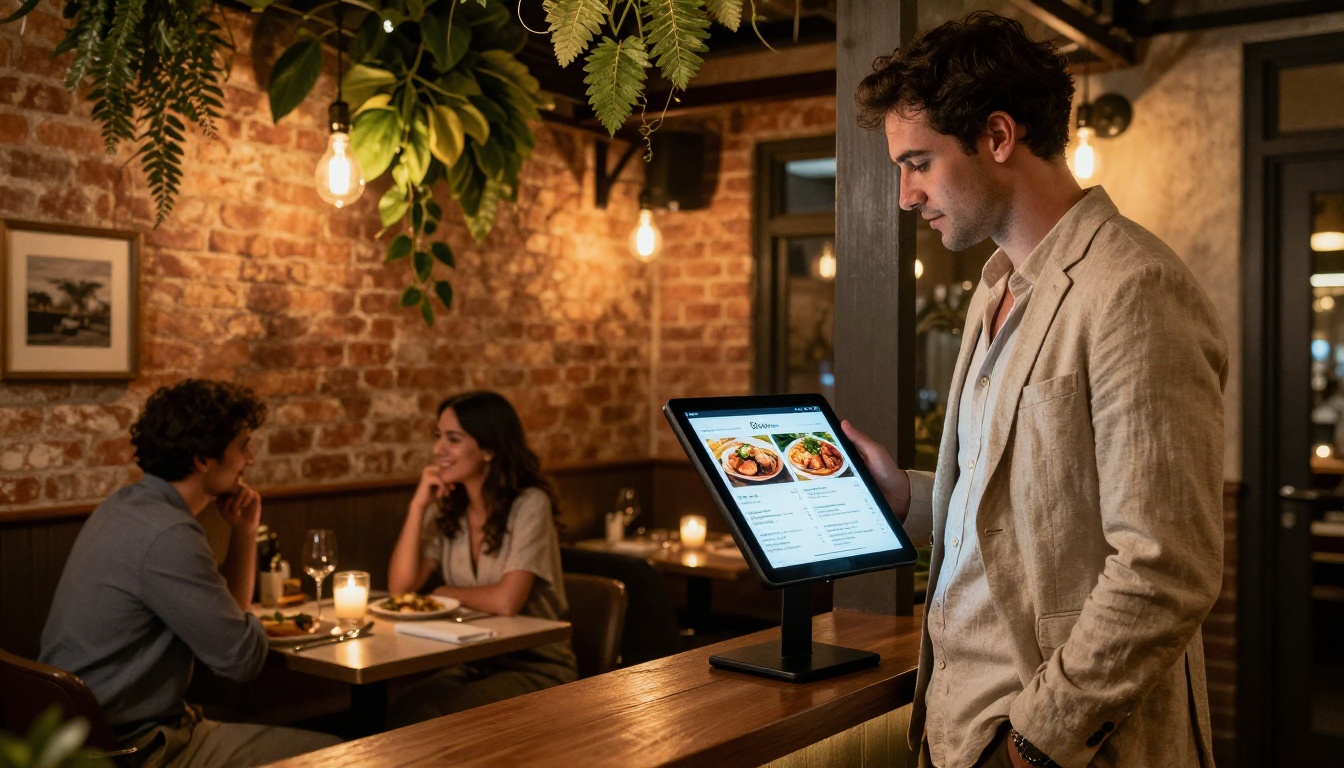
Restaurants replace static printed menus with interactive digital menus linked directly to reservation systems. The Restaurant Menu Creator makes this setup a five-minute process. Catering menus with embedded contact forms turn casual menu views into catering inquiries automatically.
E-Commerce and Retail
Product catalogs built with the Digital Catalog Maker embed add-to-cart links, video demonstrations, and email capture forms throughout the browsing experience. Buyers who flip through a catalog before purchasing have a higher average order value than those who browse a standard grid layout.
B2B and Corporate Sales
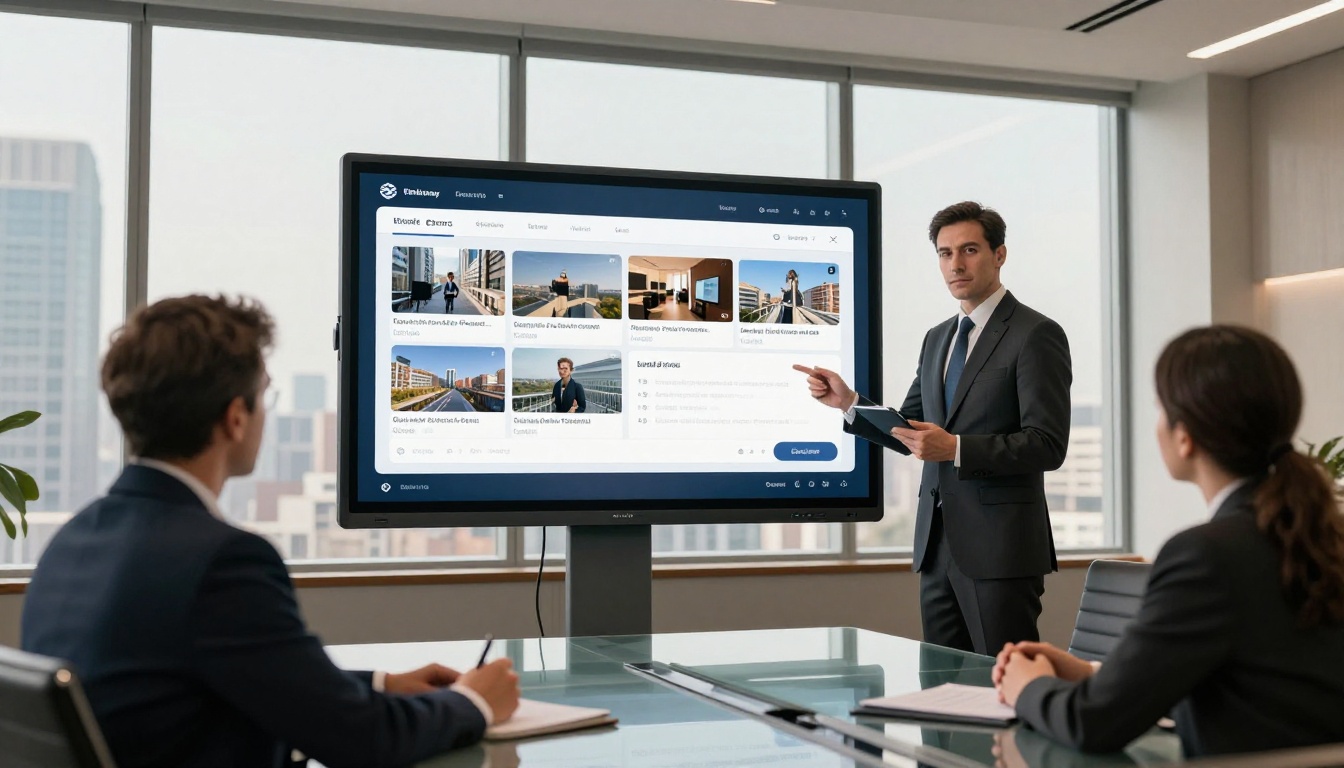
Sales teams distribute interactive proposals and Sales Presentation Flipbooks knowing they will receive real-time notification when a prospect opens the document. When a CFO spent 14 minutes on the ROI summary page, the sales rep calls that afternoon with precise context. Close rates improve because the conversation starts informed.
⚠️ Warning: Do not send a flat PDF to a decision-maker if you have an interactive alternative. You are giving up real-time reader data you cannot recover after the fact. That information shapes your entire follow-up strategy.
Comparing Flipbooks AI Plans for Lead Generation
Not every plan includes lead generation features. Here is a clear breakdown to help you choose the right tier for your goals.
| Feature | Free | Standard | Professional |
|---|
| Flipbooks | 3 | Unlimited | Unlimited |
| Watermark-free | No | Yes | Yes |
| Custom domain | No | No | Yes |
| Password protection | No | Yes | Yes |
| Analytics | Basic views | Standard | Per-page detail |
| Lead capture forms | No | No | Yes |
| Offline downloads | No | No | Yes |
| Embed on website | Yes | Yes | Yes |
| Video embedding | No | Yes | Yes |
| Priority support | No | No | Yes |
For full autopilot lead generation, the Professional plan activates every conversion feature: lead capture forms, per-page analytics, and detailed reader tracking. Compare all plans to see which fits your current volume and growth targets.

What to Expect: Real Benchmarks
Interactive flipbooks are not magic. They work best when your content has real value, when the flipbook is promoted through existing channels, and when the lead capture form appears at the right moment in the reading experience.
Metrics Worth Tracking
| Metric | Static PDF | Interactive Flipbook |
|---|
| Average read time | 1.2 minutes | 4-8 minutes |
| Lead capture rate | 3-5% | 12-20% |
| CTA click-through | 2% | 8-15% |
| Return visitors | Rarely tracked | Tracked automatically |
| Mobile completion | Low | High (responsive) |
| Content sharing | Manual forwarding | Built-in share link |
The gap between a static PDF and a well-built interactive flipbook is not subtle. A 12-20% lead capture rate versus 3-5% from a hard-gate landing page is a material difference in pipeline volume, especially at scale.
💡 Pro Tip: Place your lead capture form after the third or fourth page, not at the entrance. Let the content earn the ask. Soft-gate conversion rates outperform entrance gates by 40-60% across most content categories.

Stop Leaving Leads on the Table
Every PDF you send without tracking is a missed opportunity. Every brochure that downloads without analytics is a black hole. The technology to fix this is straightforward, fast to set up, and producing results for teams across real estate, retail, hospitality, and B2B sales right now.
You do not need a development team. You do not need a large budget. You need good content, a smart flipbook setup, and the right platform to handle everything automatically.
Your content is already working hard. Now make it work while you sleep.