Many people assume a flipbook and an eBook are just two names for the same thing. Both live on screens, both replace printed documents, and both let you move through pages without ink. That assumption leads to a costly mistake: choosing the wrong format for the wrong audience and watching carefully crafted content fall flat. The truth is that a flipbook and an eBook are built on completely different philosophies. They serve different goals, attract different readers, and deliver radically different experiences. Flipbooks AI exists precisely because these two formats are not interchangeable. Once you see the distinction clearly, you will never confuse them again.
What Is an eBook, Exactly?
An eBook, short for electronic book, is a digital text file formatted for reading on screens. Think of it as a book that traded paper for pixels. The defining trait of an eBook is its reflowable content: text adjusts to fit whatever screen size or font setting the reader chooses. The same eBook on a Kindle looks very different from that same file on a smartphone, because the text stretches and shrinks to fill the available space.

Common eBook formats include:
- EPUB (.epub): The open-standard format used by most readers except Amazon. Supported by Apple Books, Kobo, Google Play Books, and most library apps.
- MOBI / KFX (.mobi): Amazon Kindle's native format, being phased out in favor of EPUB.
- PDF: Technically distributed as reading material, though PDF does NOT reflow, making it the odd format out in this category.
- AZW3: Amazon's newer Kindle format, essentially an enhanced EPUB.
The reader experience is deliberately simple. Long paragraphs of text, chapters, footnotes, and index pages. The design is minimal, the layout is controlled by the reader's device and preferences, and images are secondary to the text. That is not a flaw. For novels, academic texts, technical manuals, and long-form non-fiction, this is exactly what readers want: clean, distraction-free reading.
💡 Pro Tip: eBooks are best when your content is text-first. If the layout does not matter and the words carry the full weight of the message, an eBook is your most efficient option.
Where eBooks live:
- Amazon Kindle Store
- Apple Books
- Google Play Books
- Kobo
- Project Gutenberg (free public domain works)
- Library borrowing apps like Libby
The distribution model is well-established, the app ecosystem is mature, and for pure reading, it is hard to beat. The limitation comes when you need your content to look a specific way, carry visual weight, or deliver an experience beyond static text.
What Makes a Flipbook Different
A digital flipbook is not an eBook with animation layered on top. It is a fundamentally different kind of publication. Where an eBook is built around reflowable text, a flipbook is built around fixed-layout design. Every page of a flipbook looks exactly the same no matter what device or screen size the reader uses. The layout is locked, the images stay in place, and the typography holds its position.

The term "flipbook" in digital publishing refers to an HTML5-based publication that mimics the tactile experience of flipping through a physical magazine or catalog. When you turn a page in a digital flipbook, you see an actual page-curl animation. The paper appears to bend and fold. It is the closest thing to holding a physical publication that a screen can deliver.
Core traits that separate flipbooks from eBooks:
- Fixed layout: The page looks exactly as designed, regardless of device
- Page-flip animation: The signature page-curl effect that defines the format
- Visual richness: High-resolution images, branded typography, full-bleed photos
- Multimedia support: Embed videos, audio clips, and clickable links within pages
- Browser-based: No app download required, accessible via a direct URL or embed code
- Shareable: One link delivers the full publication to anyone, on any device
The Page-Flip Experience
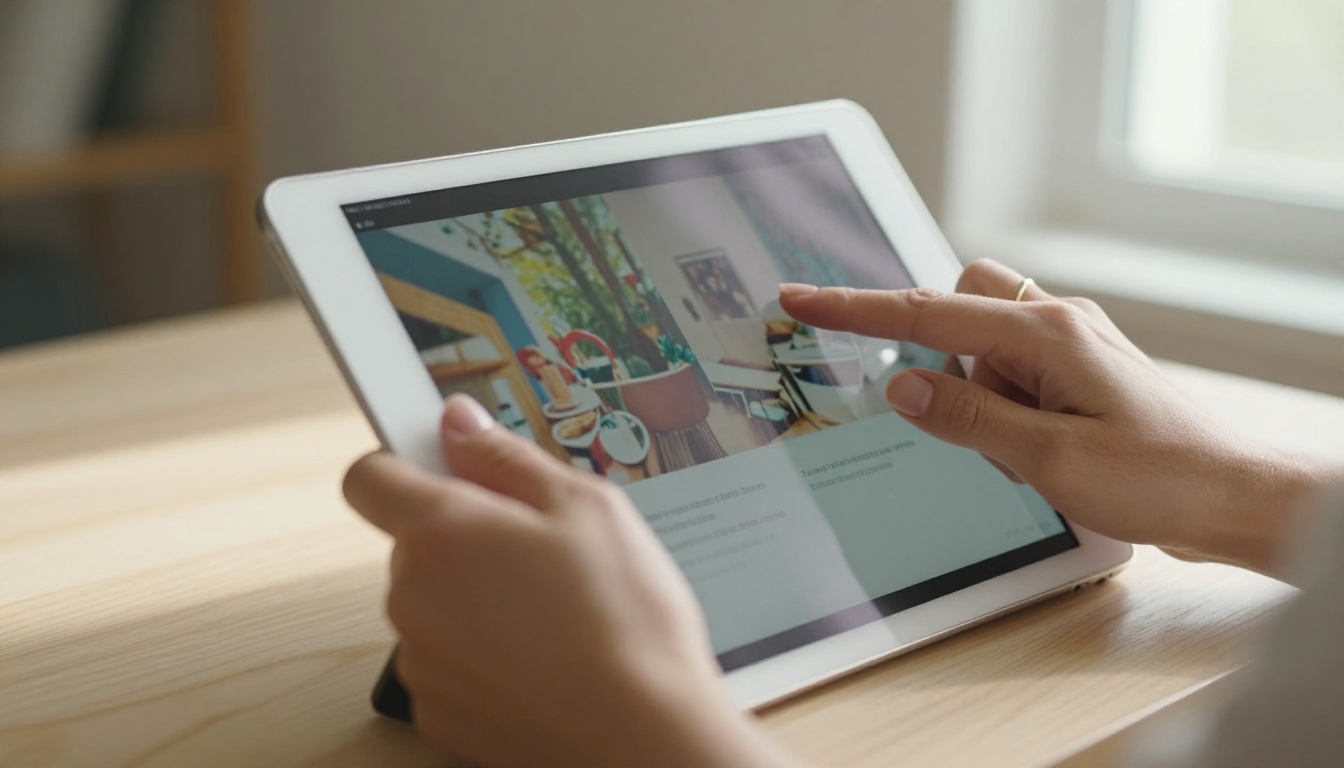
The page-flip effect is more than a visual novelty. It triggers a psychological response tied to physical reading. Reading behavior studies consistently show that the tactile sensation of turning a page affects how we process and retain content. Digital flipbooks replicate this cue, which is why they outperform plain PDFs and eBooks in industries where presentation is as important as content.
Consider the difference between receiving a PDF catalog and receiving a beautifully designed flipbook of the same catalog. The PDF feels like a document. The flipbook feels like a product. That distinction drives purchase decisions, brand perception, and time spent per page.
⚠️ Note: A flipbook is NOT the same as a PDF. PDFs are static documents. Flipbooks are interactive publications built in HTML5, hosted online, and experienced through a browser.
Side by Side: Flipbook vs eBook
Here is where the confusion typically lives. On the surface, both formats contain pages and both live on digital devices. The table below shows where they actually diverge:
| Feature | eBook | Digital Flipbook |
|---|
| Format | EPUB, MOBI, AZW3 | HTML5 (browser-based) |
| Layout | Reflowable (adapts to screen) | Fixed (exact as designed) |
| Page-flip animation | No | Yes |
| Image dominance | Secondary to text | Central to the experience |
| Multimedia | Limited (some EPUB3 supports it) | Full video, audio, links |
| Distribution | App stores, eBook platforms | Direct URL, embed code |
| Offline access | Yes (downloaded) | Optional (with download) |
| Custom branding | No | Yes (colors, logos, fonts) |
| Analytics | Limited | Full read tracking, clicks |
| Ideal use case | Long-form text content | Visual, branded publications |
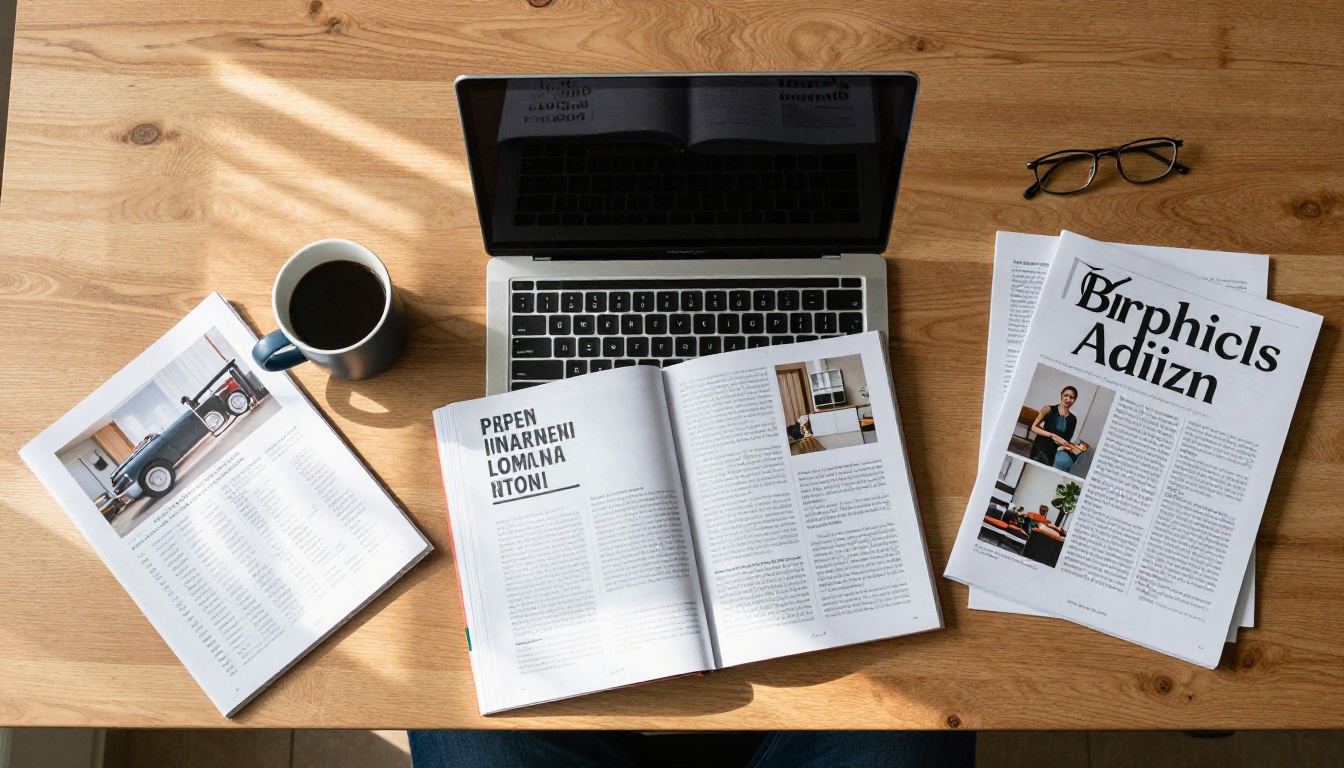
When an eBook Is the Right Call

eBooks win when the content is long, text-heavy, and designed to be consumed privately over time. These are the clearest use cases:
Fiction and long-form narrative: Novels, novellas, short story collections. The reader wants immersion in the text, not distraction from design.
Academic and research content: Papers, textbooks, and technical manuals where the reader may jump between sections, highlight passages, and adjust font size for extended reading sessions.
How-to books and personal development: When the reader will take the content with them on a commute or read in small chunks across days or weeks.
Self-publishing authors: Uploading to Amazon KDP or Apple Books costs nothing, reaches millions of readers, and the eBook format is precisely what those platforms are built for.
✅ Best Practice: If your readers are likely to read your content cover-to-cover over multiple sessions, an eBook respects their experience. Reflowable text, adjustable fonts, and offline reading make long sessions comfortable.
When a Flipbook Works Better

Flipbooks dominate when the look of your content is part of the value. Here are scenarios where an eBook simply cannot compete:
Product catalogs: A furniture retailer needs customers to see exactly how a sofa looks, at the right scale, against the right background. A PDF or eBook cannot deliver that. A flipbook can, and it can embed video walkthroughs directly on the page.
Fashion lookbooks: The entire purpose is visual impact. Page-flip effect, full-bleed photography, and seamless layout are not optional. They are the product.
Marketing brochures: A hotel brochure needs to communicate luxury. A reflowing text file cannot do that. A designed flipbook with photography and typography, shared via a single link, can.
Annual reports: Companies use visual design to build trust. A designed annual report in flipbook format signals that the organization takes its presentation seriously.
Restaurant menus: Interactive menus that can be updated instantly, accessed on any device, and embedded on a website without requiring a download are exactly what a flipbook delivers.
Educational publications: Course material with embedded video lectures, clickable glossaries, and downloadable resources works far better as a flipbook than as a plain eBook.
| Use Case | Best Format | Why |
|---|
| Novel or memoir | eBook | Text-first, reflowable |
| Product catalog | Flipbook | Fixed layout, image-rich |
| Academic textbook | eBook | Long-form, note-taking |
| Fashion lookbook | Flipbook | Visual impact, branding |
| Technical manual (text) | eBook | Reflowable, searchable |
| Hotel brochure | Flipbook | Design, multimedia |
| Personal development book | eBook | Chapter reading |
| Restaurant menu | Flipbook | Real-time updates, sharing |
| Annual report | Flipbook | Professional presentation |
| Short fiction | eBook | Reading comfort |
Different audiences expect different experiences. This table maps audience type to the format that serves them best:
| Audience | Expectation | Recommended Format |
|---|
| Book readers | Comfort, font control, offline | eBook |
| Retail customers | Visual impact, product clarity | Flipbook |
| Business stakeholders | Professional presentation | Flipbook |
| Students | Long-form study, searchable text | eBook |
| Marketing recipients | Shareable, branded, visual | Flipbook |
| Researchers | Text focus, annotations | eBook |
| Event attendees | Program, schedule, interactive | Flipbook |
How to Convert Your eBook into a Flipbook
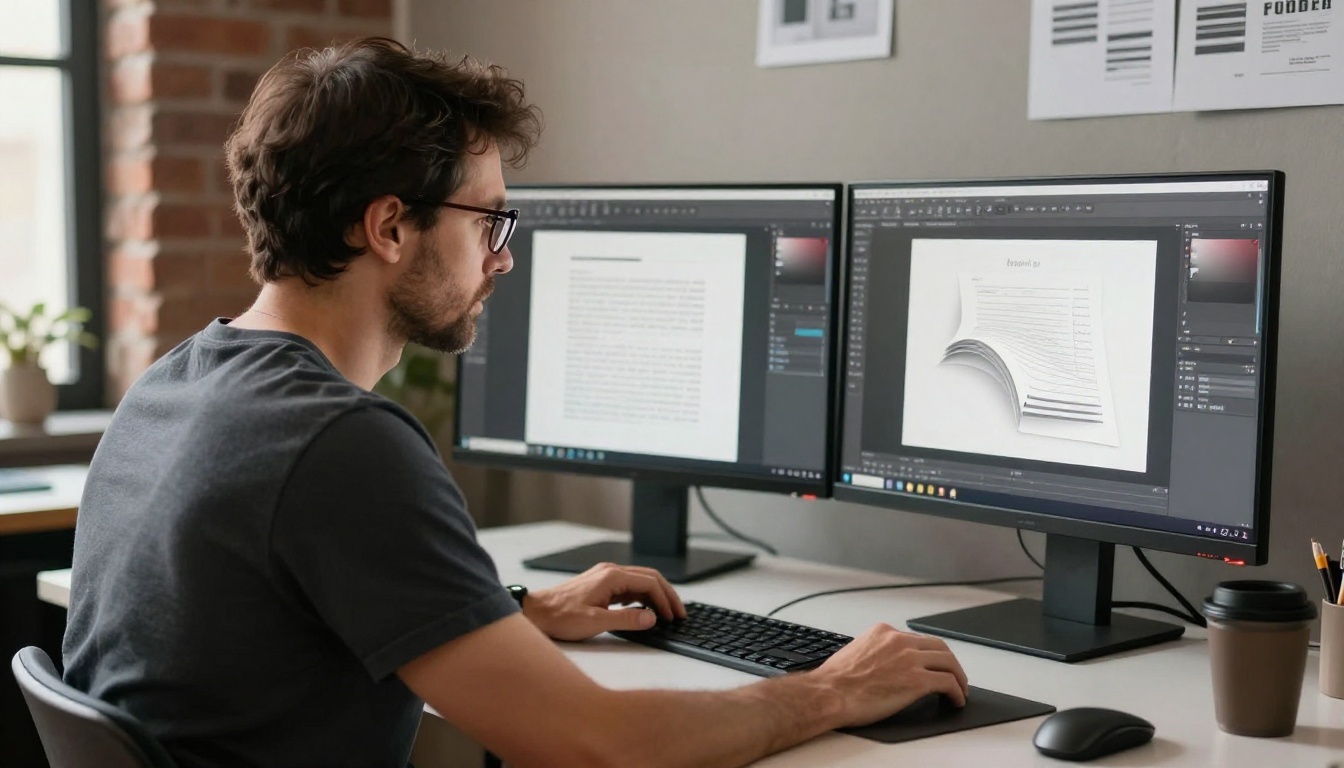
If you have an existing eBook or PDF and you want to give it the interactivity, design impact, and shareability of a flipbook, the process is simpler than most people expect. Flipbooks AI converts your PDF into a fully interactive flipbook in minutes, no technical skills required.
Step 1: Create Your Account
Go to Flipbooks AI and sign up. The free tier lets you start immediately and publish your first flipbook without a watermark.
Step 2: Upload Your PDF
If your content is currently in EPUB or MOBI format, export or convert it to PDF first. Most writing tools like Scrivener, Word, or InDesign export directly to PDF. Then upload the file in the Flipbooks AI dashboard. The PDF to Flipbook Converter handles the conversion automatically.
Step 3: Customize Your Flipbook
This is where a flipbook goes beyond what an eBook can offer. In the editor, you can:
- Add your brand colors, logo, and custom domain
- Choose a page-flip style and background texture
- Set a custom cover and back cover design
- Add background music or video to specific pages
- Insert clickable links and call-to-action buttons throughout
Step 4: Publish and Share
Once published, Flipbooks AI gives you:
- A direct shareable link anyone can open in a browser
- An embed code to drop the flipbook directly into your website
- Password protection for private or premium content
- The option to allow offline downloads for readers who want them
Step 5: Track Your Readers
With the Professional plan, you get full analytics: how long readers stay on each page, where they drop off, and which links they click. You can also enable lead generation forms that collect reader information before granting access. This turns your publication into a conversion tool, not just a reading experience.
💡 Pro Tip: If you already have an eBook in PDF format, you are one upload away from having a fully branded, interactive flipbook. No redesign required.
For specific publishing goals, Flipbooks AI offers specialized tools:
Key features available on Flipbooks AI:
- No watermarks, ever
- Unlimited flipbooks (Standard plan and above)
- Password protection for private content
- Analytics and lead generation (Professional plan)
- Offline downloads
- Embed videos and audio
- Mobile-responsive design
- Custom branding
The One Question That Settles It
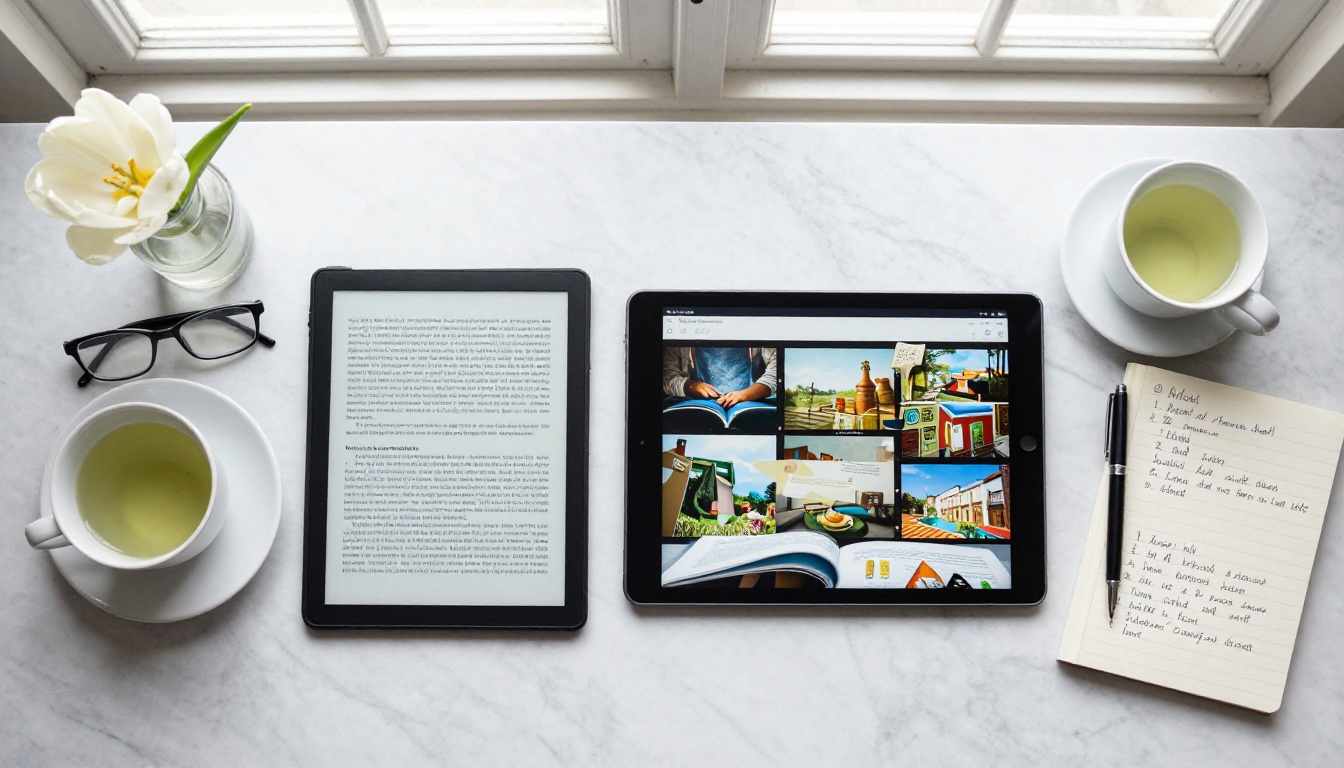
Here is the clearest way to decide between a flipbook and an eBook: ask yourself what your content would look like printed.
If your content would look fine printed on plain paper with no design consideration, an eBook is the appropriate format. The words carry the value. The layout does not matter.
If your content would be printed on high-quality coated stock, with photography, color typography, and precise layout, then a flipbook is the format that does it justice. The design is part of the message.
- A legal brief belongs in an eBook. A fashion catalog belongs in a flipbook.
- A novel belongs in an eBook. A hotel brochure belongs in a flipbook.
- An academic paper belongs in an eBook. An annual report belongs in a flipbook.
The confusion between these two formats usually comes from using "eBook" as a generic term for any digital document. That habit misrepresents both formats and leads to poor publishing decisions. A flipbook is not a fancier eBook. An eBook is not a plain flipbook. They are different tools for different jobs, and using the right one makes an immediate and measurable difference in how your audience receives your content.
Where to Start
If you are leaning toward a flipbook and want to see what the format can do for your content, Flipbooks AI is the fastest way to find out. Browse all flipbook tools to see tools built for your specific use case, whether that is a catalog, menu, brochure, portfolio, or publication.
Ready to see what your content looks like as a flipbook? Create your first flipbook for free and publish it today. If you want to see the full range of features before committing, compare pricing plans to find what fits your goals.



