If you have spent any time on Issuu, you already know the frustration. You sign up expecting a free digital publishing platform, and within minutes you hit a wall: your document gets a watermark, you cannot embed it without paying, and half the features you actually need are locked behind a premium plan. Issuu's free tier is more of a teaser than a real tool, and millions of publishers, educators, small businesses, and creators are actively searching for something better. This article covers the real Issuu alternatives that let you publish for free, including a full feature comparison, honest pricing breakdowns, and a step-by-step tutorial for getting started with Flipbooks AI.
Why Issuu's Free Plan Falls Short

Issuu has been around since 2006, and for a long time it was the default choice for anyone who needed to put a PDF online. The interface is clean, the page-flip effect is satisfying, and the brand recognition is real. But the free plan has gotten progressively more restrictive over the years, leaving most publishers with less than they bargained for at signup.
What you actually get on Issuu for free
Here is what Issuu's free tier includes as of 2026:
| Feature | Issuu Free |
|---|
| Publications allowed | 1 |
| Watermark removed | No |
| Custom domain | No |
| Embedding | No |
| Analytics | No |
| Download option | No |
| Ads shown to readers | Yes |
| Password protection | No |
One publication. That is the ceiling. If you are a business that publishes a monthly newsletter, a seasonal catalog, or even just two or three brochures, Issuu's free plan is essentially useless from day one.
⚠️ Issuu's free tier adds their branding watermark to every publication, removes embedding capability, and serves ads to your readers. None of this is disclosed prominently during signup.
The "Starter" paid plan begins at $19 per month. For small publishers who just want to share a PDF with page-flip, that is a steep ask when better free alternatives exist.
Who actually needs a real Issuu alternative
The people hurt most by Issuu's restrictions are exactly the people who can least afford a monthly SaaS subscription:
- Independent bloggers publishing digital magazines or zines
- Small restaurants sharing menus online
- Nonprofits distributing annual reports and donor newsletters
- Educators sharing course materials and reading packets
- Freelancers presenting portfolios and proposals
- Real estate agents distributing property brochures
All of these use cases are fully viable on a genuine free alternative.
The Best Free Alternatives Compared

There are several platforms worth considering. The honest answer is that they all have different strengths, and the best one depends entirely on what you are publishing and who your audience is.
Head-to-head feature comparison
| Platform | Free Publications | No Watermark | Embedding | Analytics | Page Flip | Custom Branding |
|---|
| Flipbooks AI | Unlimited | ✅ | ✅ | Pro plan | ✅ | ✅ Standard+ |
| Issuu | 1 | ❌ | ❌ | ❌ | ✅ | ❌ |
| Calameo | 15 | ✅ | ✅ | Limited | ✅ | Limited |
| Flipsnack | 5 | ❌ | Limited | ❌ | ✅ | Limited |
| Yumpu | Unlimited | ❌ paid | ✅ | Limited | ✅ | Limited |
💡 The table above reflects free-tier limitations only. Paid plans across all platforms expand features considerably, but this comparison focuses on what you actually get without opening your wallet.
Why the watermark matters more than you think
A watermark is not just an aesthetic annoyance. When you embed a document on your website or share it with a client, that watermark signals to your audience that you are using a limited free tool. For businesses, this erodes credibility. For educators, it distracts from the content. For creatives, it undermines the work they put into the design.
Flipbooks AI removes this problem entirely. There are no watermarks at any plan level. The platform is built around the idea that your content should represent your brand, not theirs.
Pricing That Makes Sense

Here is an honest breakdown of what you actually pay across the main platforms when you need more than the bare minimum:
Pricing comparison table
| Platform | Free Tier | Entry Paid | Mid Tier | What Entry Paid Unlocks |
|---|
| Flipbooks AI | Yes | ~$9/mo | ~$19/mo | Unlimited flipbooks, custom branding, no restrictions |
| Issuu | Very limited | $19/mo | $39/mo | Remove watermark, basic embedding |
| Calameo | 15 pubs | $15/mo | $30/mo | More publications, custom domain |
| Flipsnack | 5 pubs | $14/mo | $35/mo | More publications, watermark removed |
| Yumpu | Unlimited | $16/mo | $39/mo | Remove ads, branding options |
The pricing gap is clear. If you decide to upgrade, Flipbooks AI's pricing is competitive and the Standard plan gives you unlimited flipbooks, which is the feature most publishers need immediately.
✅ Best practice: Start with a free account and test the actual embed quality, mobile performance, and load speed before committing to any paid plan. All platforms listed above allow this.
What Makes a Good Issuu Alternative

Not every PDF hosting tool is a true publishing platform. Before you commit to any alternative, five things are worth checking:
1. True free tier with real functionality
A free plan that limits you to one document or forces a watermark is not a free plan, it is a trial. A real free tier lets you publish multiple documents and share them without the platform's branding on top.
2. Mobile-responsive output
More than 60% of digital publication views happen on mobile devices. If the page-flip experience breaks on a phone or the text is too small to read without pinching, your audience will leave. Test on mobile before you commit to any platform.
3. Embeddable players
Being able to drop your publication into your own website is a fundamental feature. An embed code should be available on the free tier, not locked behind a paywall. With Flipbooks AI, you get a clean embed code immediately, and there is a dedicated Embed Flipbook on Website tool that makes placement straightforward.
4. PDF-to-flipbook conversion quality
The conversion quality varies significantly between platforms. Some preserve your fonts and images perfectly. Others compress images aggressively or break complex layouts. Upload a test PDF with photos, custom fonts, and multi-column layouts before making a decision.
5. Link sharing and access control
Sometimes you need a public link. Sometimes you need password protection for a private report or a members-only newsletter. Check whether the free plan includes any access control features, or if that is a paid-only addition.
Real-World Use Cases That Work Without Paying

Here is where the rubber meets the road. These are actual publishing scenarios where a free Issuu alternative gets the job done completely.
Restaurant menus
A restaurant with a seasonal menu does not need analytics, lead generation, or a custom domain. They need a mobile-friendly page-flip menu they can link from their Google Business profile and Instagram bio. The Restaurant Menu Creator handles this completely, with a clean viewer that works on any phone without a dedicated app.
Real estate brochures
A real estate agent produces a new property brochure for every listing, potentially dozens per year. Issuu's one-publication free limit is a non-starter. With the Real Estate Brochure Creator, agents publish unlimited brochures and share direct links with buyers.
Educational materials
Teachers and instructors publishing reading packets, course guides, or student newsletters need reliability and zero cost. The Course Material Publisher is built for this, with a clean reading interface and straightforward upload process.
Nonprofit annual reports
Nonprofits face donor audiences who expect professionalism but operate on thin margins. A watermarked annual report sends exactly the wrong signal. The Non-Profit Annual Report tool gives organizations a polished, watermark-free publication that reflects their credibility.
Creative portfolios
Photographers, designers, and illustrators need their portfolio to speak for itself. The Digital Portfolio Creator and Photography Portfolio tools let creatives publish work without a third-party brand competing for attention.
How to Publish for Free With Flipbooks AI
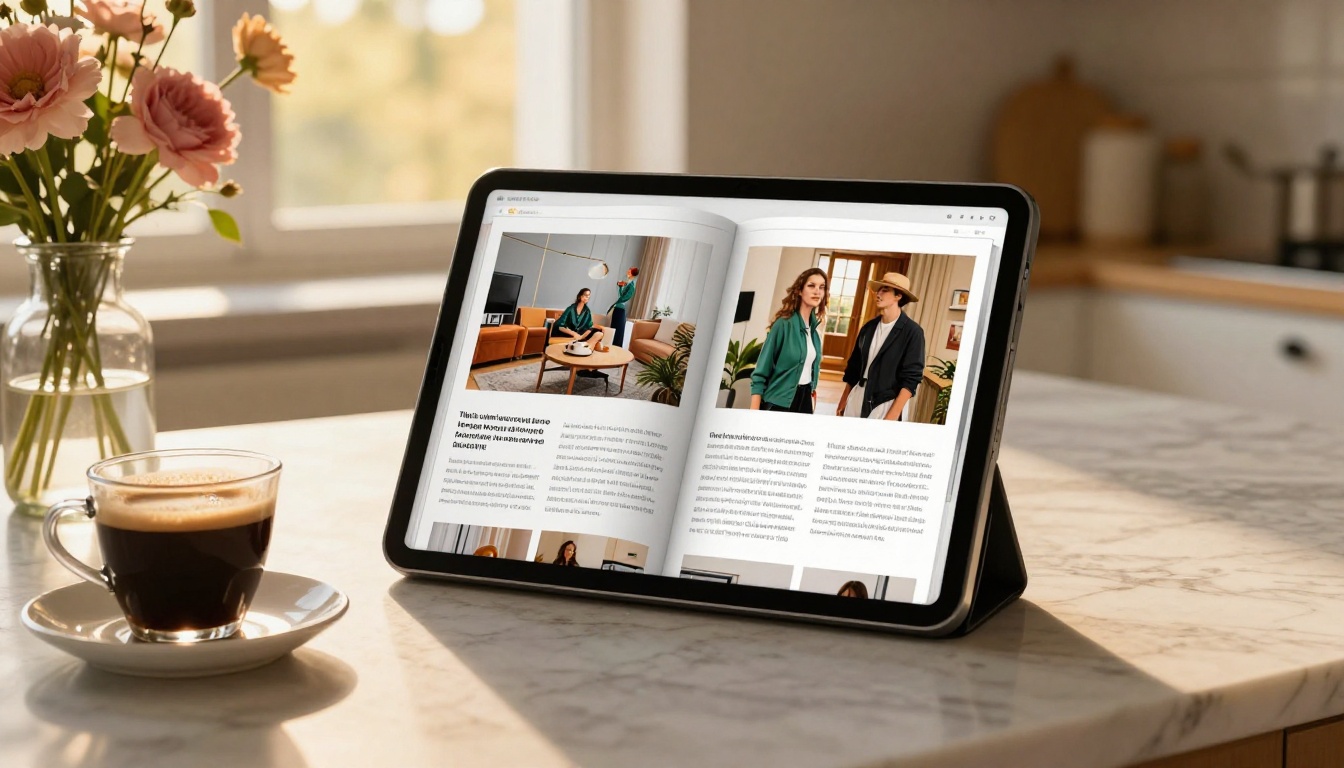
This walkthrough covers exactly what it takes to go from a PDF to a live, shareable flipbook at no cost and without a watermark.
Step 1: Create your account
Go to flipbooksai.com/account and sign up. No credit card is required to get started. The process takes under two minutes and gives you immediate access to the dashboard.
Step 2: Upload your PDF
Once inside the dashboard, select the PDF to Flipbook Converter. Click the upload area and drag your PDF in, or browse your files. Standard page counts are processed immediately. You will see a real-time progress indicator as each page is converted.
Step 3: Preview and adjust
After conversion, the platform gives you an interactive preview of the flipbook with the page-turn effect active. Check your fonts, images, and layout at this stage. If something looks off, you can re-upload an adjusted PDF without losing your settings.
Step 4: Customize branding
On the Standard plan and above, you can set custom colors for the viewer, add your logo, and remove the default color scheme. Even on the base plan, the viewer is clean and professional without intrusive platform branding competing with your content.
Step 5: Share or embed
Once satisfied, click "Publish." You get two immediate options:
- Direct link: A clean URL you can share via email, social media, or a bio link
- Embed code: An iframe snippet you paste directly into your website using the Embed Flipbook on Website tool
Both options work on the free plan. No upgrade required to share your work publicly.
Step 6: Optional advanced features
If your use case grows, the Professional plan adds:
- Analytics: Page-by-page view data, time-on-page metrics, geographic breakdown
- Lead generation: Gated access with email capture before viewing
- Offline downloads: Let readers save your flipbook for offline reading
- Password protection: Restrict access to specific viewers only
- Multimedia embedding: Add videos and audio directly into pages
These are the same features that make Issuu's paid tiers expensive, available at a lower entry point with no watermarks at any level.

Beyond the core converter, Flipbooks AI has a full directory of purpose-built tools for specific document types. A few worth noting:
For businesses:
For publications:
For hospitality and retail:
Browse the full tools directory to find the one that fits your exact use case.
Making the Switch From Issuu

Switching away from Issuu is straightforward. Download any existing publications from your Issuu account as PDFs (available in account settings), then re-upload them to your new platform. Your existing Issuu links will stop working after you cancel, so update any embeds on your website and any links you have shared publicly before pulling the trigger.
💡 Before migrating, export a list of your Issuu publications and note where each one is embedded or shared. Updating those locations after the switch is the main time investment, not the upload itself.
If you have been on Issuu's paid plan, cancel the subscription only after confirming your new publications are live and working on the replacement platform. Overlap by at least a week to avoid any gaps in availability for your readers.
What to track in month one
After switching, pay attention to three things:
- Page load speed: Does your flipbook load faster or slower than it did on Issuu?
- Mobile experience: Are your readers on phones seeing the correct layout without horizontal scrolling?
- Embed stability: If you embedded on a website, is the iframe rendering cleanly across browsers?
Most publishers find the switch takes less than an afternoon and the free plan covers everything they were paying Issuu for.
Stop paying for what should be free
The simplest first step is to create a free account on Flipbooks AI, upload one of your existing PDFs, and compare the result to what you have on Issuu. The difference is visible within minutes: no watermark, clean embedding, unlimited publications, and a reading experience that works on every device.
If you want to see what the paid features look like before committing, check the full pricing breakdown and see exactly how far the free tier gets you before you even need to consider an upgrade.



