You spend hours writing the document. Then you spend another hour building the table of contents by hand: numbering pages that keep moving, formatting dot leaders, and fixing heading levels you missed the first time. Then it all breaks the moment you add a new section. If that cycle sounds familiar, you are not alone, and there is a much faster path.
AI-powered table of contents generation is now embedded into modern document tools, and for digital publications built on platforms like Flipbooks AI, it changes the entire production workflow. The AI reads your document's heading structure, infers hierarchy, and outputs a formatted, clickable TOC automatically. No reformatting. No manual page tracking. No guesswork.
Why Your TOC Is Draining Your Workflow
A table of contents looks simple from the outside. Readers open it, click a section, and land exactly where they need to be. But from the inside, building one manually is one of the most error-prone, time-consuming tasks in document production.

The Manual Formatting Trap
When you build a TOC by hand, you are doing three things that can all fail: tracking every heading, recording the correct page number, and maintaining consistent formatting across potentially dozens of entries. Change one section, and the entire chain breaks. Add a paragraph on page 4, and every page number after it shifts.
In print, this is annoying. In digital publications meant to be updated regularly, it is a production bottleneck that slows release cycles and introduces reader-facing errors.
What Gets Missed Every Single Time
Manual TOC creation reliably misses nested subheadings. Most authors focus on their H2 sections and forget that readers often want to jump directly to a specific H3 inside a long chapter. AI does not have this blind spot. It reads the full heading tree and maps every level you defined.
💡 The average long-form document has 3-4 heading levels. Manual TOC builders typically capture only the top 2, leaving 30-40% of navigation value unused.
How AI Reads Your Document Structure
AI-based TOC generation works by parsing the structural signals already built into your document. Whether your source is a PDF, a Word file, or a web-based editor, your headings carry semantic meaning that AI is designed to detect.
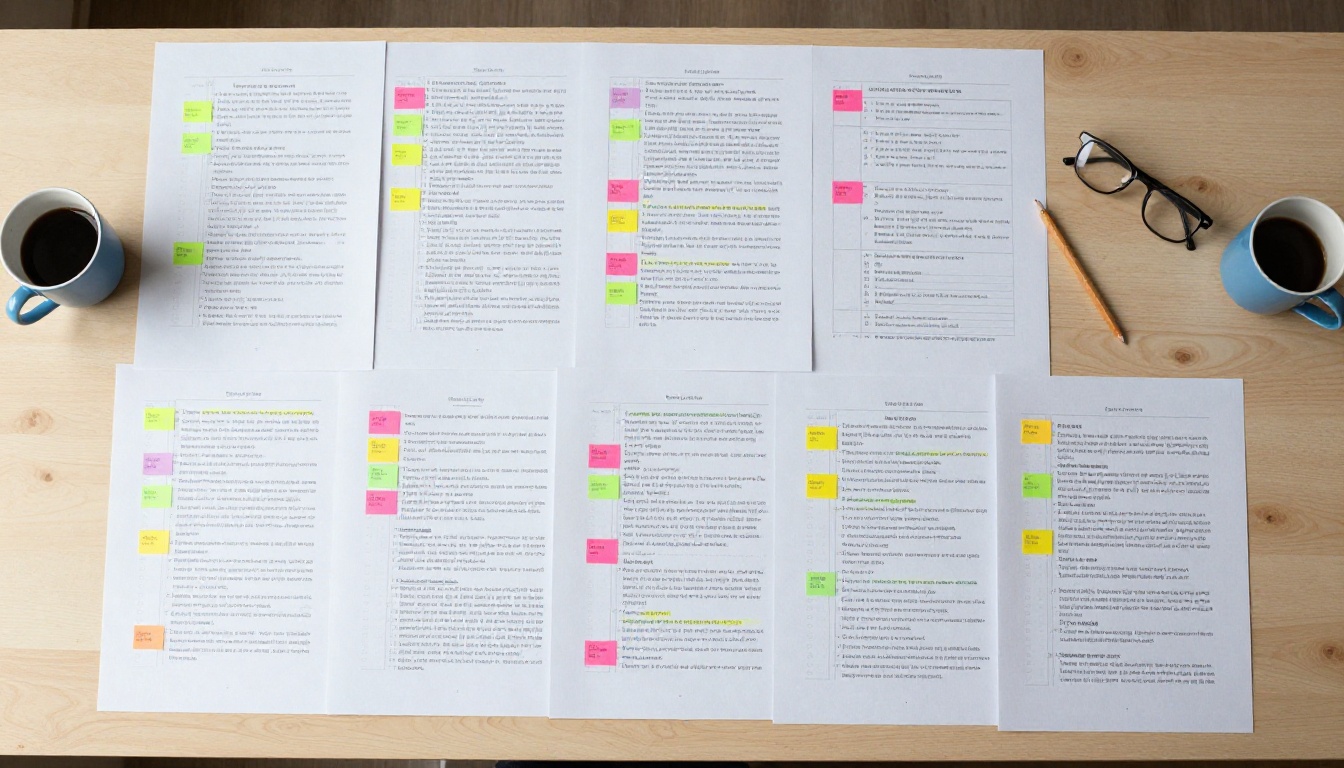
Heading Detection and Hierarchy Mapping
The AI scans for heading tags (H1, H2, H3, H4) or formatting cues like font size, bold weight, and indentation that signal structural importance. It then assembles those elements into a hierarchy: what is a chapter, what is a section, what is a subsection.
This hierarchy becomes the backbone of your TOC. The AI does not just list headings in order; it indents them, numbers them according to your preferred style, and groups them into logical parent-child relationships.
From Raw Text to Organized Chapters
Once the hierarchy is mapped, the AI formats the output. For digital publications, that means converting each heading entry into a clickable anchor link. For paginated documents, it calculates or reads page positions. For flipbooks, it ties each TOC entry to the exact page spread where that section begins.
The result is a TOC that is accurate at generation time and, in most platforms, automatically refreshed when content changes.
✅ A well-structured document is prerequisite. AI reads your heading signals, so if your headings are inconsistent, the TOC reflects that inconsistency. Clean heading structure in, clean TOC out.
Manual vs AI: What Actually Changes
Here is a direct comparison of building a TOC manually versus letting AI handle it:
| Factor | Manual TOC | AI-Generated TOC |
|---|
| Time to create | 30-120 minutes | Under 60 seconds |
| Heading coverage | Top 1-2 levels typically | All heading levels (H1-H4+) |
| Page accuracy | Requires manual verification | Auto-calculated from document |
| Update process | Rebuild from scratch | One-click refresh |
| Clickable links | Requires manual anchoring | Automatically generated |
| Error rate | High (human oversight gaps) | Very low |
| Nesting depth | Usually flat | Full hierarchy preserved |

The time savings alone justify the switch. But the bigger win is accuracy. An AI does not misread a heading level or forget a subsection buried on page 47.
Not every document needs the same table of contents structure. A technical report needs deep nesting and numbered sections. A product catalog needs clean chapter breaks. A digital magazine needs visual page thumbnails alongside text labels.

For E-Books and Long Reports
E-books and corporate reports benefit from numbered, hierarchical TOCs with indentation. Readers expect to see Chapter 1, then 1.1, 1.2, 1.3 as visual signals of how deep the content goes. AI generates this numbering automatically from your heading levels and preserves it even if chapters are reordered.
For annual reports, compliance documents, and whitepapers, this level of navigation precision directly affects professional credibility. A report with a broken or missing TOC reads as unpolished.
For Catalogs and Menus
Product catalogs and restaurant menus benefit from category-based TOCs with minimal hierarchy depth. Here, the AI focuses on top-level organization: Appetizers, Mains, Desserts or Women's, Men's, Accessories. Sub-levels are rarely needed, so the output is clean and scannable.
The Digital Catalog Maker and Restaurant Menu Creator on Flipbooks AI are built for exactly this type of content, where the TOC doubles as a clickable category navigation panel.
For Digital Flipbooks and Magazines
Flipbooks and digital magazines are the format where TOC quality has the highest reader impact. Print readers can physically thumb to a section; digital readers depend entirely on navigation. A missing or inaccurate TOC in a digital publication is the equivalent of a broken index in a printed book, but worse, because there is no physical fallback.
⚠️ Digital publications without a clear, clickable TOC see significantly higher reader drop-off rates on longer content. Navigation is not decoration; it is retention.
Here is how different document types map to their ideal TOC format:
| Document Type | TOC Style | Depth Needed | Primary Feature |
|---|
| Annual report | Numbered and indented | 3-4 levels | Section numbering |
| Product catalog | Category-based | 1-2 levels | Visual chapter icons |
| E-book | Chapter and subchapter | 2-3 levels | Clickable anchors |
| Magazine | Section and article | 2 levels | Page thumbnails |
| Training manual | Numbered modules | 3-4 levels | Module numbering |
| Restaurant menu | Category only | 1 level | Quick jump links |
| Portfolio | Project-based | 1-2 levels | Visual previews |
How to Build a Flipbook with Auto TOC on Flipbooks AI
Flipbooks AI handles table of contents generation as part of its core flipbook conversion workflow. When you upload a PDF with properly structured headings, the platform reads that structure and builds navigation automatically.
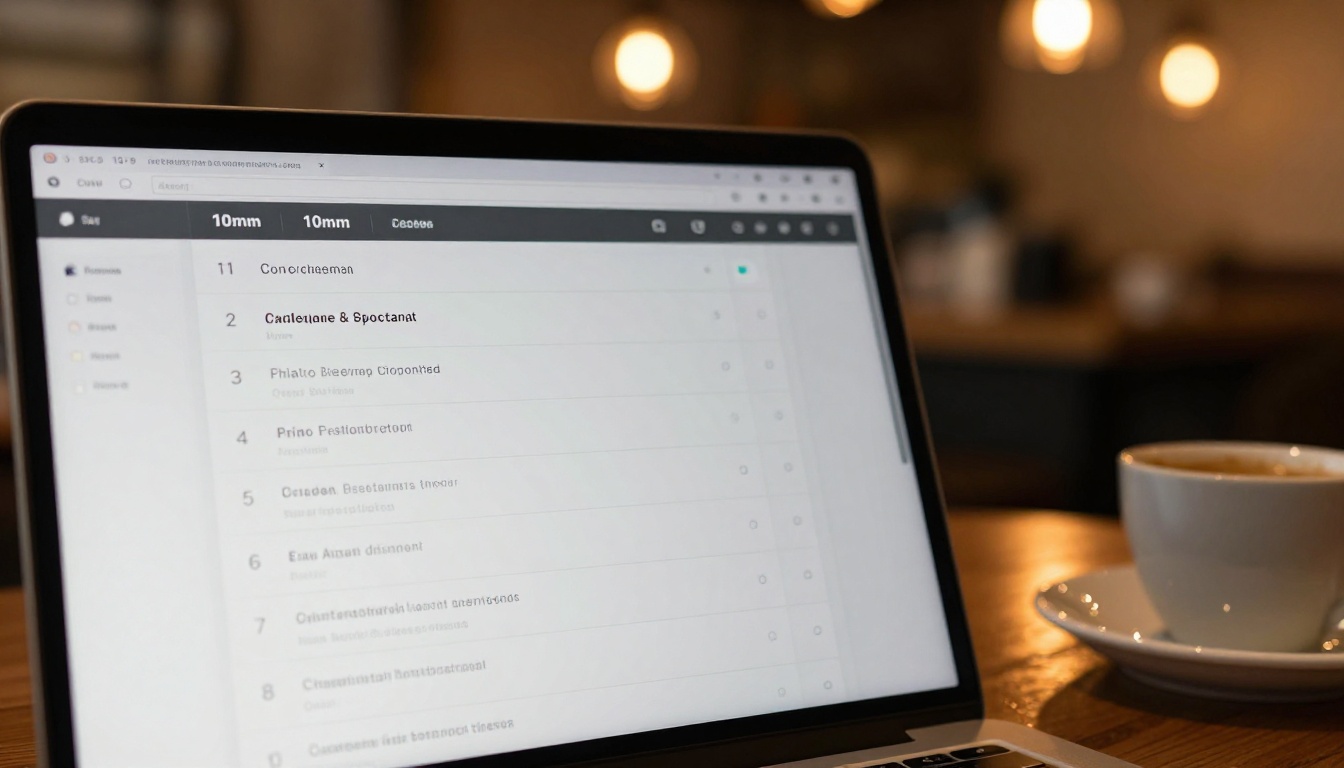
Step 1: Create your account
Head to flipbooksai.com/account and sign up. The Standard plan and above give you unlimited flipbooks with no watermarks, ever.
Step 2: Prepare your PDF
Before uploading, confirm that your PDF uses actual heading styles rather than bold text formatted to look like headings. The AI detects semantic heading levels, so using H1/H2/H3 in your source document produces cleaner TOC results than visual formatting alone.
Step 3: Upload and convert
Click "Create Flipbook" and upload your PDF. The PDF to Flipbook Converter processes your file, detects the heading hierarchy, and generates both the page-turning flipbook view and the navigation structure simultaneously.
Step 4: Review the TOC output
Once processing is complete, open your flipbook and check the navigation sidebar. Each detected heading appears as a clickable TOC entry. Click any entry to jump to that section instantly.
Step 5: Customize branding and appearance
From the editor, apply your brand colors, add a logo, and adjust the TOC panel style to match your publication's visual identity. Flipbooks AI supports custom fonts and color schemes across all paid plans.
Step 6: Add multimedia (optional)
Embed videos or audio clips into specific sections. The TOC links point readers directly to these pages, so multimedia sections get the same first-class navigation treatment as text chapters.
Step 7: Share or embed
Generate a share link, embed code, or set password protection for private distributions. Readers on any device, including mobile, get the same clickable TOC experience. Check pricing plans to access analytics, lead generation forms, and offline download features on the Professional plan.
💡 Password-protected flipbooks retain their full TOC functionality. Readers still see the navigation panel after authentication, which makes password-protected reports and manuals just as usable as public ones.

Common TOC Mistakes AI Eliminates
Even experienced document designers make these mistakes when building TOCs manually. AI sidesteps all of them by working from the document's actual structure:
| Mistake | What Happens | AI Fix |
|---|
| Wrong page numbers | Readers land on wrong section | Auto-calculated from structure |
| Missing H3 and H4 levels | Deep sections are unfindable | Full heading tree captured |
| Inconsistent numbering | Chapters skip or repeat | Numbering derived from heading order |
| Stale TOC after edits | TOC shows old structure | Refresh re-reads document |
| Missing anchor links | Clicking TOC does nothing | Links auto-generated |
| TOC-content mismatch | Renamed heading not reflected | Source heading is the TOC entry |
| Flat TOC for nested content | No visual hierarchy | Indentation from heading levels |
When AI builds your TOC from your actual document structure, the only way the TOC is wrong is if the document's headings are wrong. That is a writing problem, not a production problem, and it is far easier to fix at the source.
TOC Best Practices That Actually Work
Letting AI build your TOC does not mean you can ignore structure entirely. A few habits make the AI output significantly better.
Keep Your Heading Hierarchy Consistent
Do not mix H2 and H3 interchangeably. Every H2 should signal a major topic break. Every H3 should signal a subtopic within that break. If your headings are semantically inconsistent, the AI reflects that confusion in the TOC structure.
The fix is simple: decide on your hierarchy before you write, and stick to it throughout the document.
Match TOC Depth to Your Content Volume
A 10-page document does not need a four-level TOC. A 200-page technical manual probably does. Shallow documents with deep TOCs create navigation noise; long documents with flat TOCs leave readers lost.
✅ Rule of thumb: one TOC level per 15-20 pages of content. A 60-page report is well-served by 3 levels; a 10-page brochure needs only 1-2.
Write Headings for Readers, Not for Yourself
AI reads your heading text verbatim into the TOC. "Section 3: Considerations for the Implementation of Feature X" is a poor TOC entry. "How Feature X Works" is a good one. Short, punchy headings in the document produce a scannable, usable TOC that readers actually use.

Real-World Use Cases by Industry
The value of an AI-built TOC scales with document complexity. Here is where it makes the most measurable difference:
Publishing and Education
Textbooks, course materials, and training manuals are the highest-stakes environments for TOC accuracy. A student or trainee who cannot find the right module loses confidence in the material instantly. The Training Manual Flipbook and Course Material Publisher are built for this use case, producing navigable digital publications from educator-supplied PDFs with zero manual TOC setup.
Business and Corporate
Annual reports, press kits, and sales presentations live or die by how quickly stakeholders can find the figure they need. A CFO scanning a 120-page annual report for the revenue breakdown wants to click to page 43, not scroll through the entire document. The Annual Report Creator and Corporate Report Maker make this kind of precision navigation standard on every published report.
E-Commerce and Retail
Product catalogs with hundreds of SKUs need category-level navigation that is both fast and accurate. A buyer reviewing a furniture catalog needs to jump from Living Room to Office instantly. The Furniture Catalog Maker and Product Catalog Generator handle this category-to-page mapping automatically, without any manual TOC work from the catalog designer.
Events and Hospitality
Event programs, wedding albums, and hotel brochures are increasingly delivered digitally. Guests navigating a 40-page event program need the schedule section on page 8, not a three-minute swipe session. The Event Program Maker and Hotel Brochure Designer generate clickable TOC navigation for exactly this reader behavior.

The Structure That Holds Everything Together
A table of contents is not just a formality at the front of a document. It is the reader's contract with the content. It tells them what is inside, how it is organized, and how to find it. When it is wrong, incomplete, or missing entirely, readers lose confidence before they read a single word.
AI does not just save you time on TOC construction. It removes the category of errors that come from human oversight during a tedious, repetitive task. It maps every heading level. It calculates every position. It links every entry. And it does it in under a minute on documents that would take a human 90 minutes to process correctly.
For digital publications where navigation is the entire reader experience, that is not a minor convenience. It is a fundamental shift in what is achievable within a production timeline.
Browse all flipbook tools to find the right starting point for your next publication. Whether you are producing a retail catalog, a corporate report, a training manual, or a digital magazine, the platform handles the structure so you can focus on the content.
Ready to stop formatting TOCs by hand? Create your first flipbook on Flipbooks AI for free, or compare pricing plans to see what fits your workflow.



