Most marketers set up a Mailchimp account, pick a template, and never question whether the email format itself is costing them clicks. The format you send, whether a standard HTML email or an interactive flipbook newsletter, affects how long subscribers spend reading, how often they click, and how your brand is remembered. Flipbooks AI has changed the equation for thousands of businesses by turning static newsletters into page-flipping, scrollable experiences. This piece breaks down both formats across every metric that matters.
The Standard HTML Email
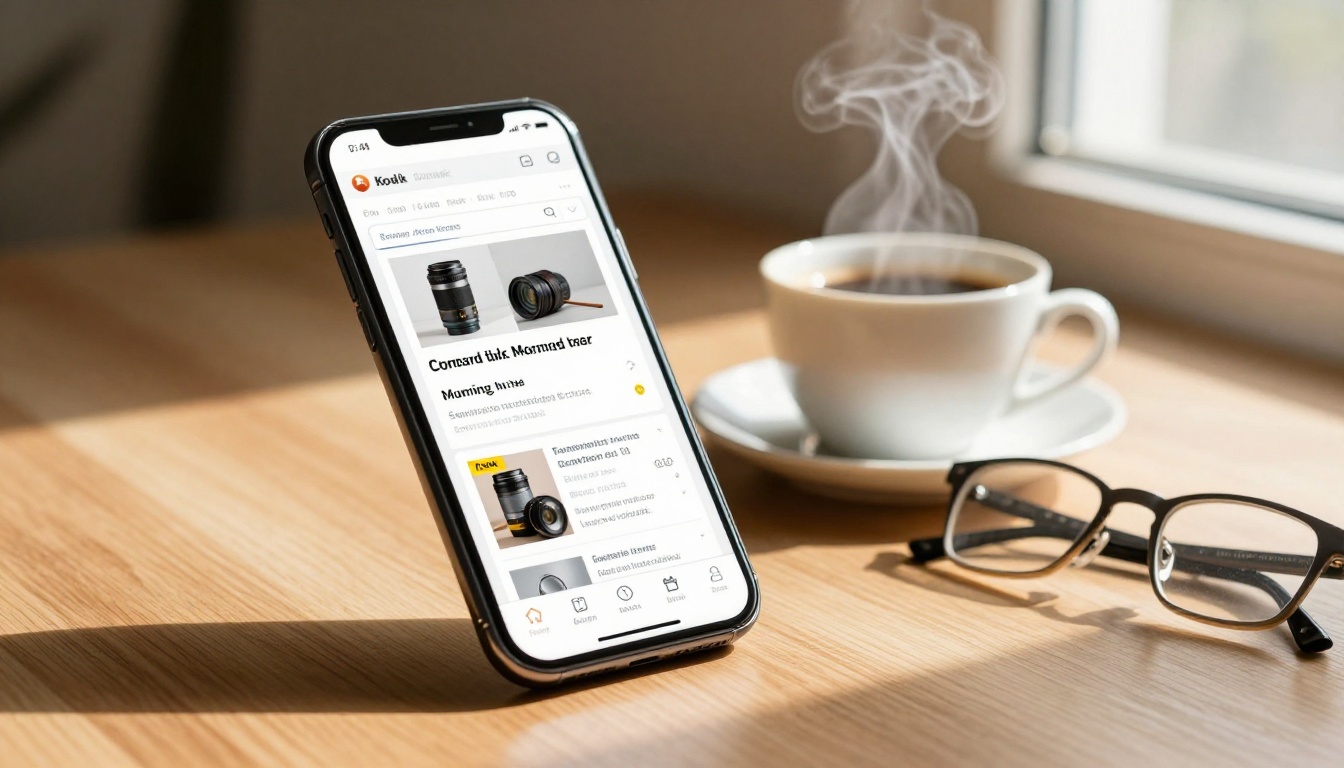
Mailchimp's core product is the HTML email. You pick a template, drag in content blocks, add images and a few buttons, then hit send. It works well for transactional messages, simple updates, and audiences who skim. The format renders reliably across most email clients and keeps file sizes manageable.
The problem is familiarity. Subscribers have seen the same column-and-button layout thousands of times. A two-column product grid with a blue CTA button barely registers as something worth stopping for.
What a Flipbook Newsletter Changes
A flipbook newsletter is a hosted, interactive document, typically converted from a PDF, that readers open as a standalone web experience. Instead of reading a flat email, subscribers click a link and land on a page where they can turn pages, zoom into images, click embedded links, and spend real time with your content.
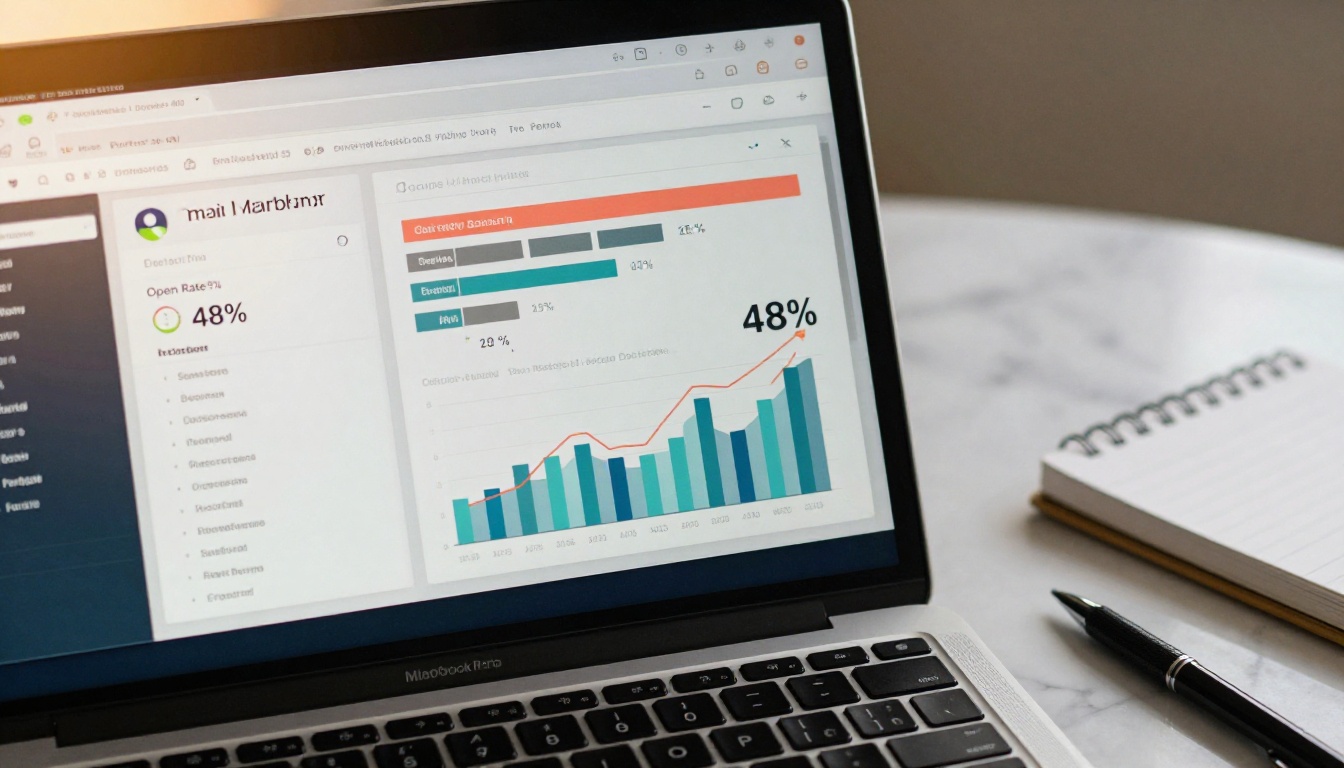
The difference is the reading experience. A flipbook slows the scroll. It creates a sense of a physical publication without printing a single page.
Open Rates: The First Battleground
Mailchimp Industry Averages
Mailchimp publishes benchmark data across industries. The average email open rate sits around 21% to 28% depending on the sector. Retail tends to land at the lower end, while finance and healthcare often see higher numbers. These figures measure how many subscribers opened the email at all, but they say nothing about how long the email held their attention.
⚠️ Apple Mail Privacy Protection has inflated open rate data since iOS 15. A reported 45% open rate today may include pre-loaded opens that never involved a human eyeball.
Flipbook Emails vs Flat Newsletters
When a flipbook is shared via email, the tracking works differently. The email itself is often just a link, an image, and a short teaser. Open rates for these simplified emails stay comparable to standard campaigns. Where the gap opens is in post-click behavior: time on page, scroll depth, and the number of internal links clicked.
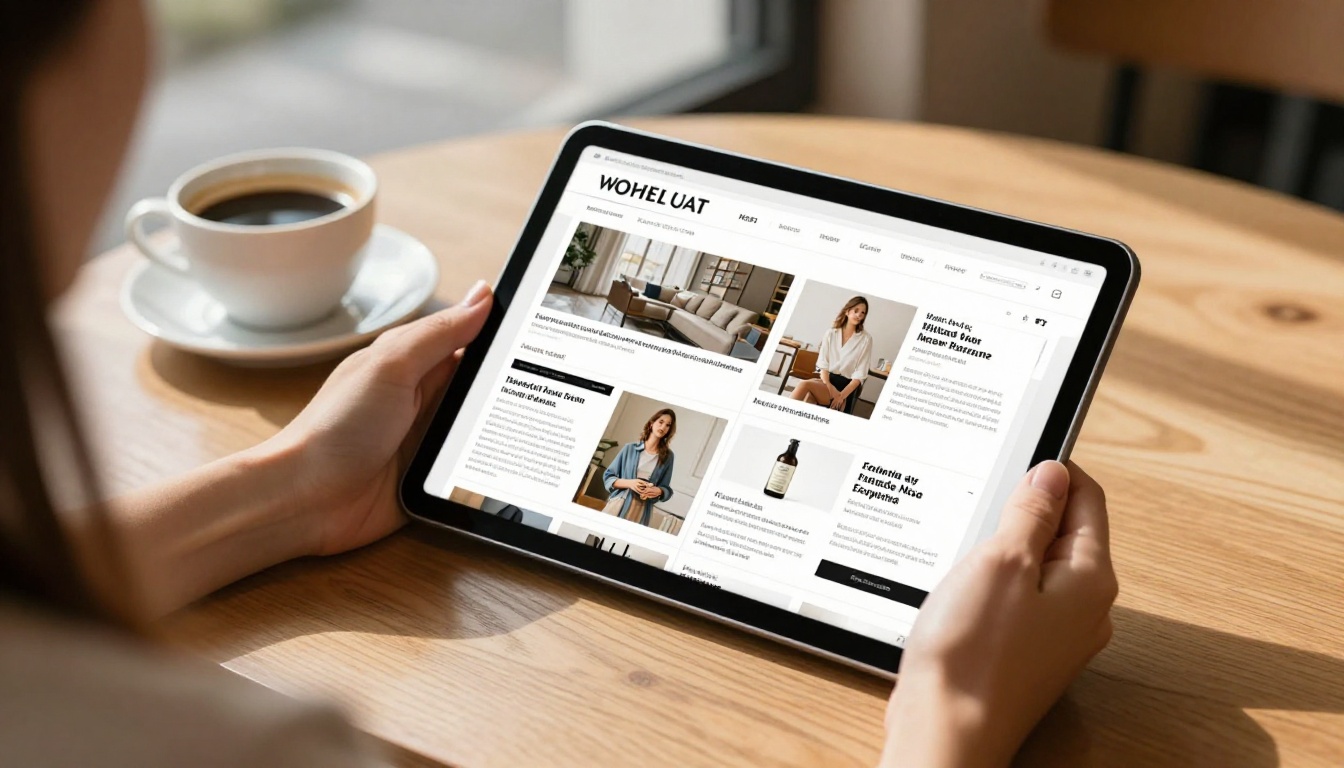
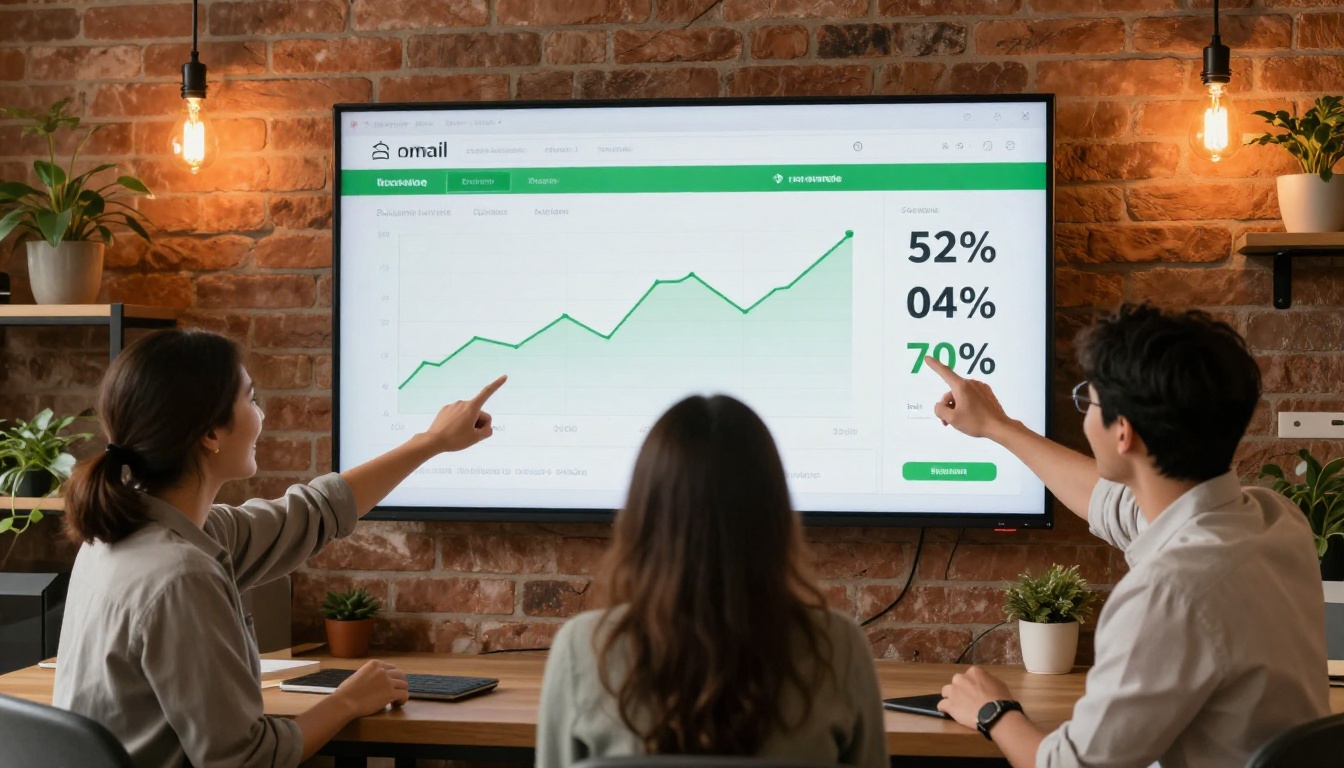
Research tracking interactive PDF and flipbook campaigns consistently reports read times of 4 to 8 minutes per session, compared to under 60 seconds for the average HTML email.
| Metric | Mailchimp HTML Email | Flipbook Newsletter |
|---|
| Average Open Rate | 21% to 28% | 21% to 26% (email link) |
| Average CTR | 2.1% to 3.5% | 8% to 15% (post-click links) |
| Avg. Time with Content | 45 to 90 seconds | 4 to 8 minutes |
| Scroll Completion | 20% to 30% | 60% to 80% |
| Mobile Experience | Depends on template | Fully responsive, page-flip |
Click-Through Rates: Where the Real Gap Shows
Static Links vs Interactive Pages
A Mailchimp email typically has 3 to 6 clickable elements: a header image, two or three product buttons, and a footer link. The average CTR across all links combined hovers between 2% and 4%. That number represents the percentage of total recipients who clicked anything at all.
In a flipbook campaign, each page is effectively its own clickable surface. Product images link directly to product detail pages. Recipe images link to ingredient lists. Real estate pages link to virtual tours. The total click volume across a well-designed flipbook newsletter routinely runs 3 to 5 times higher per session than a comparable HTML email.

Real-World CTR Examples
- A retail brand using a seasonal product flipbook catalog reported a 12.4% CTR on embedded product links, up from 2.8% with previous HTML campaigns.
- A real estate agency sending weekly flipbook listing newsletters averaged 9.1% click-to-inquiry rates versus 3.2% with template-based emails.
- A B2B software company replacing PDF attachments with flipbook links saw a 340% increase in document completion rates.
💡 Dwell time is the critical factor here. The longer someone spends with your content, the more likely they are to click something. Flipbooks hold attention longer, and longer attention converts better.
Design Flexibility: Side by Side
Mailchimp's Template System
Mailchimp's drag-and-drop builder is genuinely easy to use. For small teams without designers, it removes the technical barrier. The platform has hundreds of pre-built templates, and you can customize colors, fonts, and layouts without touching code.
The ceiling, however, is visible. Email clients like Outlook strip CSS, Gmail clips long emails, and the block-based builder creates a sameness that makes one brand's newsletter look nearly identical to another's.
Flipbook's Visual Power
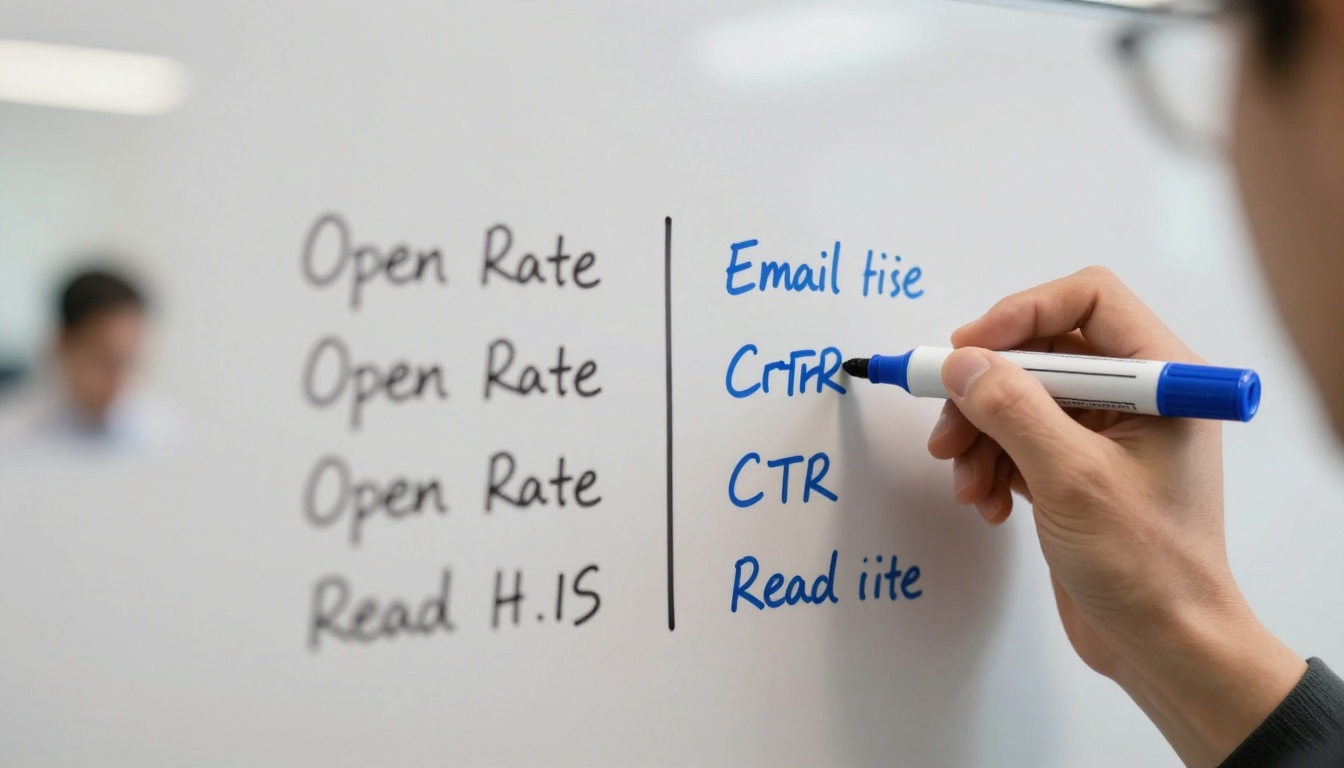
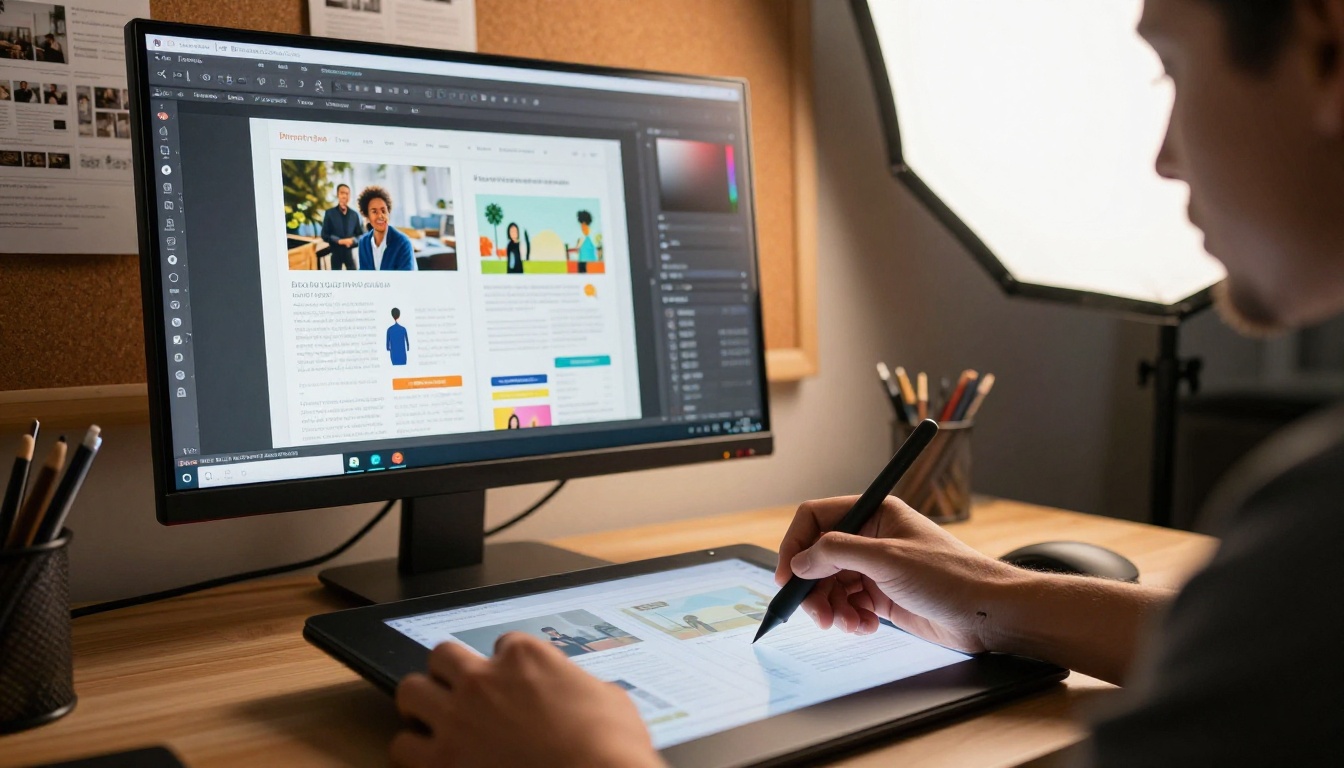
A flipbook newsletter starts from a fully designed PDF. That means your creative team has the full canvas of InDesign, Canva, or Adobe Illustrator. Multi-column spreads, full-bleed photography, custom typography, infographics, and brand-consistent color palettes all translate directly into the flipbook.
The result looks nothing like a standard email. It looks like a magazine. That visual differentiation alone is a reason subscribers save and revisit flipbook links, something that almost never happens with HTML emails.
| Design Feature | Mailchimp | Flipbooks AI |
|---|
| Starting Format | HTML blocks | PDF upload |
| Custom Fonts | Limited | Full (embedded in PDF) |
| Full-Bleed Images | Restricted by email clients | Yes, full control |
| Multi-Column Spreads | 1 to 3 columns only | Unlimited layouts |
| Embedded Video | No (static image link) | Yes, native video embed |
| Embedded Audio | No | Yes |
| Interactive Page Turns | No | Yes |
| Custom Branding | Logo and color options | Complete brand control |
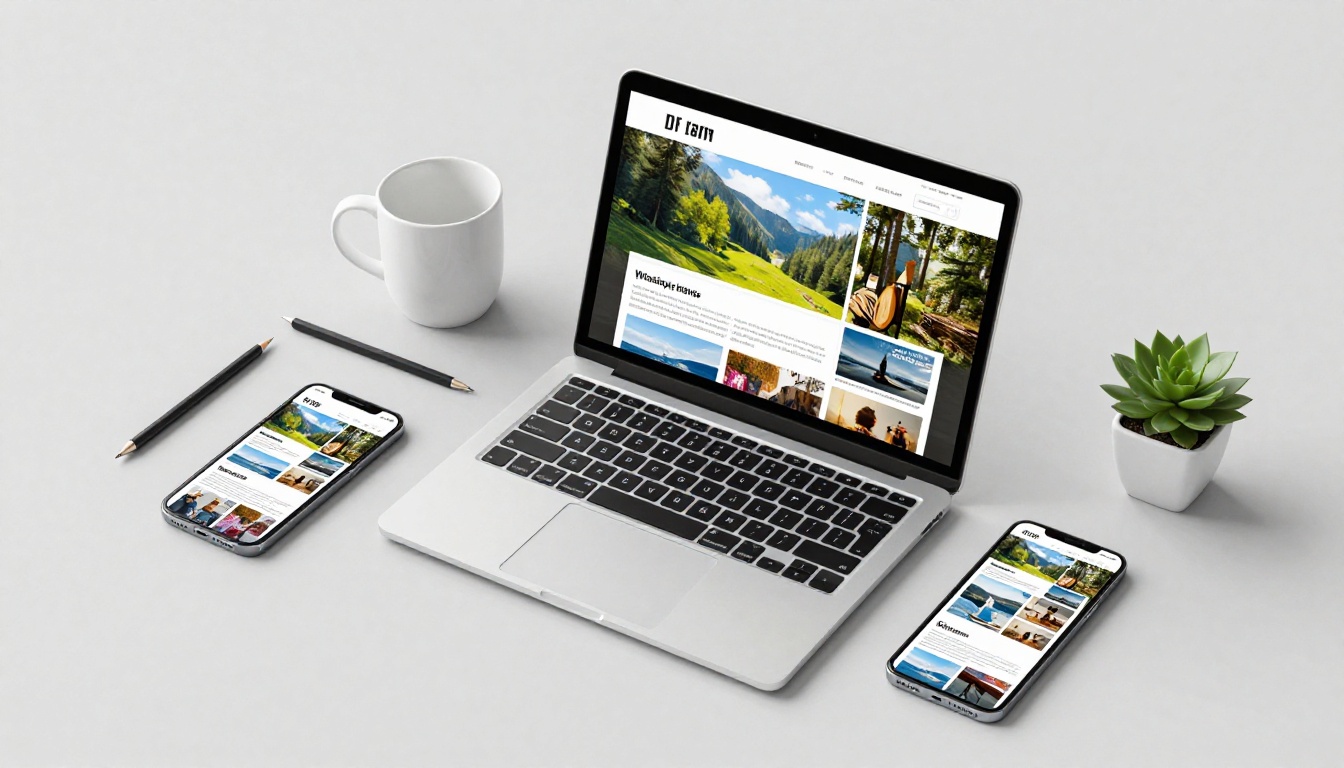
| Mobile Responsive | Yes | Yes, auto-responsive |
Pricing and Value
Mailchimp Cost Breakdown
Mailchimp's pricing scales with subscriber count and sending volume. The free tier allows up to 500 contacts and 1,000 sends per month but adds Mailchimp branding to all emails. Paid plans start at around $13 per month for the Essentials tier, but once you exceed 5,000 subscribers the monthly bill grows quickly.
The platform also gates important features: A/B testing, send-time optimization, and deeper segmentation are only available on higher-tier plans.
Flipbooks AI Pricing
Flipbooks AI takes a different approach. The cost is tied to the flipbooks themselves, not the subscriber count. There is no per-contact fee. You pay to create and host your flipbook, then distribute the link to any size audience.
| Plan | Mailchimp | Flipbooks AI |
|---|
| Free Tier | 500 contacts, 1,000 sends | Limited flipbooks, watermark |
| Entry Paid | From ~$13/mo (500 contacts) | Standard: no watermarks, unlimited flipbooks |
| Mid Tier | ~$20 to $60/mo (2,500 contacts) | Includes password protection |
| Professional | ~$350+/mo (50k contacts) | Analytics, lead gen, offline downloads |
| Per-Contact Fee | Yes, scales with list | No, flat pricing |
| Sending Limits | Monthly send caps apply | No sending limits |
✅ For brands with large email lists, Flipbooks AI often costs significantly less because pricing does not scale with subscriber count.
How to Send a Flipbook Newsletter
This is where Flipbooks AI connects directly to your email campaigns. Here is the exact workflow:
1. Design your newsletter as a PDF
Build your newsletter in any design tool: Canva, Adobe InDesign, Figma, or a formatted Google Doc exported to PDF. Focus on visual quality because the flipbook renders every detail at high resolution.
2. Create your Flipbooks AI account
Go to Flipbooks AI and sign up. Upload your PDF directly. The platform converts it to an interactive flipbook in under a minute.
3. Customize branding and features
In the editor, set your brand colors, add a custom logo, configure the page-flip animation style, and embed video or audio into specific pages. Enable password protection if the newsletter is for subscribers only. The Newsletter Flipbook Publisher tool is built specifically for this workflow.
4. Copy the shareable link
Once published, your flipbook has a unique URL. Copy this link.
5. Build your email campaign around the flipbook
You do not have to abandon Mailchimp entirely. Many marketers use Mailchimp's delivery infrastructure while replacing the HTML body with a simple, visually clean email: a bold teaser image, one or two lines of copy, and a large CTA button pointing to the flipbook link.
6. Set up page-level analytics
On the Professional plan, Flipbooks AI provides detailed page-by-page analytics: which pages readers spent the most time on, where they dropped off, and what links they clicked inside the document.

7. Collect leads (optional)
Enable the lead generation gate in Flipbooks AI to require readers to submit an email address before accessing certain pages. This is a powerful tool for gated content, product catalogs, and premium newsletters.
💡 Pairing Mailchimp's deliverability with Flipbooks AI's reading experience gives you the best of both: reliable inbox delivery plus a premium post-click experience.
When Mailchimp Makes Sense
Mailchimp is the right call when:
- You are sending transactional emails (receipts, confirmations, password resets)
- Your audience skims content and needs short, direct messages
- You need automation sequences with multiple touchpoints and behavioral triggers
- Your team has no design resources and needs a quick, functional format
- List segmentation is central to your sending strategy
When Flipbooks Outperform
A flipbook newsletter wins when:
- Your content is visually rich: lookbooks, product catalogs, seasonal collections, real estate listings
- You want subscribers to spend real time with your content
- You are publishing a monthly magazine-style newsletter with editorial depth
- You need to share a multi-page document that would otherwise become a clunky attachment
- Your brand needs to stand out from competitors still using standard HTML templates
- You want detailed analytics on content consumption beyond open and click rates
Real Use Cases That Show the Difference
Retail and E-commerce
A fashion brand sending a seasonal lookbook via a standard Mailchimp template gets around 90 seconds of attention and a 3% CTR on product links. The same lookbook converted to a flipbook with the Interactive Lookbook Designer and sent as a link in a clean email generates 6 or more minutes of session time and double-digit CTR on individual product pages. Shoppers browse the way they would a print catalog, and that browsing behavior translates directly into basket adds.
Real Estate Newsletters
Real estate agents typically attach PDFs of listing compilations to emails, which often land in spam folders or get blocked by corporate mail servers. Using the Real Estate Brochure Creator, agents publish polished listing books online and share a single link. Buyers flip through pages, zoom into floor plans, and click through to virtual tours, all from the same document.
B2B and SaaS Companies
A SaaS company with a monthly product update newsletter switched from a 12-block Mailchimp template to a flipbook-based publication. The result was a 4x increase in time spent with the content and a meaningful rise in feature adoption among readers who viewed the visual walkthroughs inside the flipbook. The E-Magazine Publishing Tool handles this type of professional publication with formatting that Mailchimp templates cannot replicate.
The Data-Backed Answer
Neither tool is universally better. The right choice depends on what you are sending and what behavior you are trying to drive. For short, automated, text-forward emails, Mailchimp's infrastructure is mature and reliable. For visual, content-rich newsletters where dwell time and brand impression matter, a flipbook link delivered through any email platform, including Mailchimp, significantly outperforms a standard HTML template.
The smartest brands are not choosing between them. They use Mailchimp for delivery and automation while using Flipbooks AI to build the actual reading experience. That combination captures the best of both: list management and automation on one side, premium interactive content on the other.
If your current campaigns feel like they are generating opens but not real attention, the format is likely the problem. Create your first flipbook newsletter free and see what happens when subscribers actually read what you send.
Ready to make the switch? Browse all newsletter tools and find the right format for your audience, or compare pricing plans to find the tier that fits your workflow.



