Compliance documentation is only effective when people actually read it. Most organizations distribute policies as PDF attachments, watch them get buried in inboxes, and then wonder why audit findings keep repeating. The solution is not more enforcement. It is a better format. When you make a compliance document as a flipbook, you turn a static, ignored file into an interactive experience that employees open, read, and acknowledge, on any device, without friction.
Flipbooks AI makes this conversion possible in minutes, with no design skills required. Upload your compliance PDF and the platform handles the rest, producing a branded, interactive flipbook you can share via link, embed on your intranet, or lock behind a password for sensitive audiences.

Why Static PDFs Fail Compliance Programs
Organizations spend thousands of hours drafting compliance documents: codes of conduct, data protection policies, health and safety manuals, anti-bribery frameworks. Then they email a PDF and call it done.
The results are predictable. Employees do not read them. When auditors ask for proof of acknowledgment, the answer is a forwarded email thread. That is not compliance. That is a paper trail that falls apart under scrutiny.
The Real Cost of Ignored Policies
The financial exposure is not hypothetical. GDPR violations can reach €20 million or 4% of global annual turnover. OSHA penalties for repeated violations run up to $156,259 per violation. Anti-bribery enforcement under the FCPA regularly produces eight-figure settlements.
In every case, regulators ask the same question: did employees receive, read, and acknowledge the policy? A PDF email with no tracking cannot answer that.
⚠️ Warning: Sending a policy document without acknowledgment tracking gives regulators no evidence that employees received or understood the content. This gap creates liability, not compliance.
3 Things a PDF Cannot Do
- Track who read what: PDFs have no built-in analytics. You cannot tell if the attachment was ever opened.
- Update in real time: When a policy changes, every distributed PDF is now wrong. There is no recall mechanism.
- Control access reliably: Anyone with the file can forward it. Password protection requires third-party tools that most employees bypass.

What a Compliance Flipbook Actually Is
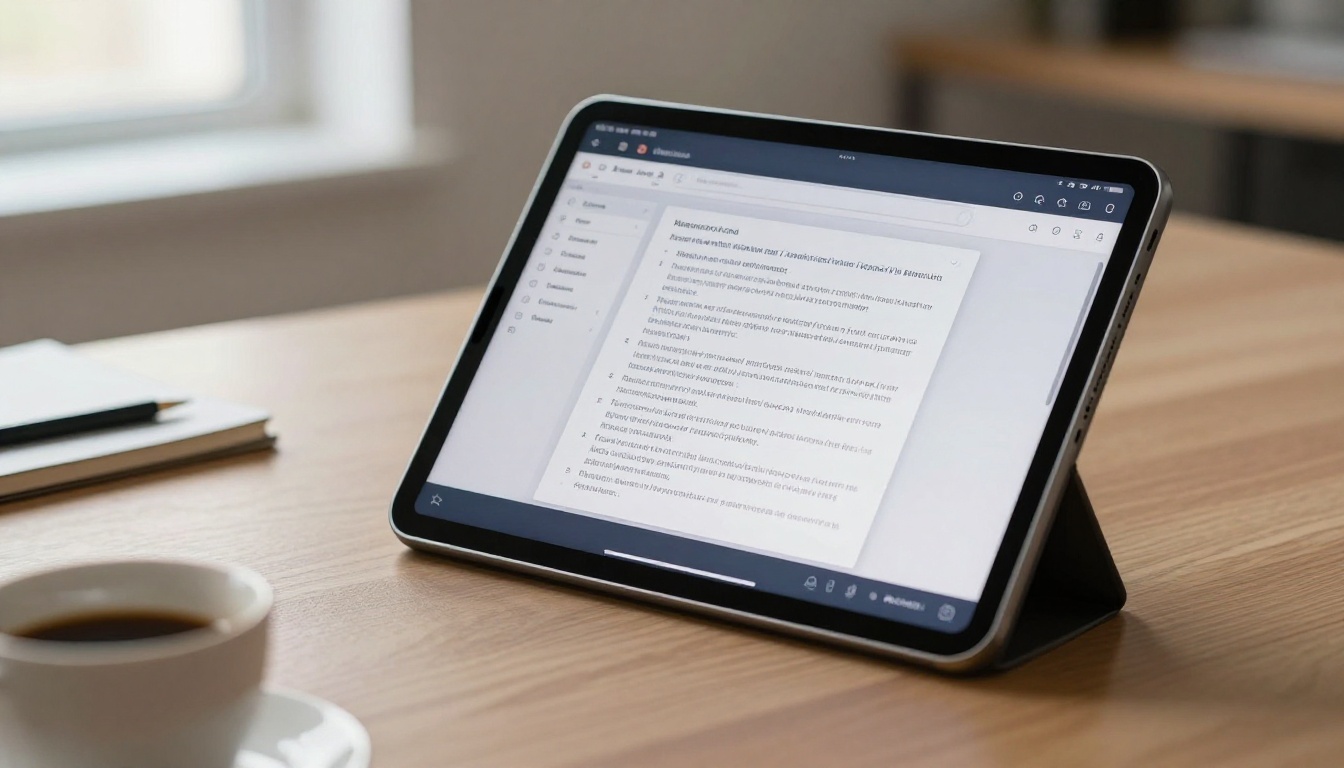
A compliance flipbook is a digital, interactive version of your policy document. It opens in a browser, its pages turn like a real book, and it works on phones, tablets, and desktops without downloads or plugins.
The format changes behavior. Employees navigate it the way they navigate content, scrolling sections, clicking through chapters, and returning to specific pages. That is fundamentally different from scrolling through a static PDF in a document viewer.
Beyond the Page Flip
The interactivity is the point. A well-built compliance flipbook lets you:
- Embed multimedia: Include video explanations of complex regulations directly in the relevant section.
- Add hyperlinks: Link to related policies, external regulatory sources, or your HR portal.
- Gate content: Require employees to scroll through each section before proceeding.
- Password protect: Lock the entire flipbook so only authorized personnel can access it.
- Collect acknowledgments: The Professional plan on Flipbooks AI includes lead generation forms, which function as acknowledgment capture at the end of the document.
Who Uses Compliance Flipbooks
Compliance flipbooks are not exclusive to large enterprises. They work across sectors and organization sizes:
| Sector | Typical Use Case |
|---|
| Financial Services | AML policy, KYC procedures, data handling policies |
| Healthcare | HIPAA training manuals, patient data access policies |
| Manufacturing | OSHA safety manuals, equipment operation procedures |
| Technology | Information security policy, GDPR data protection frameworks |
| Retail | Code of conduct, anti-harassment policies, supplier compliance |
| Nonprofits | Governance documents, donor data policies, safeguarding frameworks |
How to Make a Compliance Document as a Flipbook
This is the practical part. Flipbooks AI handles the technical conversion, so the workflow focuses on preparation and configuration rather than design work.
Step 1: Prepare Your Compliance Document
Before uploading, review your document for print-specific formatting that does not translate well digitally:
- Replace tiny 8pt body text with 10-12pt minimum for screen readability.
- Ensure your table of contents has clickable page references where possible.
- Split multi-topic documents into logical chapters. A 60-page safety manual reads better as six 10-page sections with clear chapter breaks.
- Remove headers and footers with confidentiality stamps that conflict with your digital distribution settings. You will control access through the platform instead.
Export as PDF before uploading. Most word processors and document design tools export to PDF directly.
💡 Pro tip: If your document has regulated content that changes frequently, such as data retention periods or penalty amounts, use placeholder text during design so updates are minimal when regulations change.
Step 2: Upload and Convert
Go to Flipbooks AI and create an account if you have not already. The upload process is direct:
- Click New Flipbook from your dashboard.
- Drag and drop your PDF or click to browse and select it.
- The platform converts your document automatically, preserving layout, typography, and embedded images.
- Conversion typically completes in under 60 seconds for standard compliance documents.
The PDF to Flipbook Converter handles documents of any length, from a one-page acceptable use policy to a 200-page regulatory handbook.
Step 3: Customize for Your Organization
After conversion, apply your branding:
- Upload your organization logo to appear in the viewer header.
- Set the primary color to match your brand guidelines.
- Add a custom background to the viewer interface.
- Set the page flip animation style (realistic page curl or flat slide, depending on your audience preference).
For compliance documents, a clean, minimal presentation works best. Avoid heavy visual customization that distracts from the content. Your compliance flipbook should feel authoritative, not promotional.

Step 4: Set Access and Security Controls
This is where compliance flipbooks outperform every other distribution method. Flipbooks AI gives you three access configurations:
- Public: Anyone with the link can view. Appropriate for publicly available policies such as supplier codes of conduct or environmental commitments.
- Password Protected: Employees must enter a password to access. Appropriate for internal policies distributed to a known workforce.
- Private: Only you can view. Useful during drafting and review stages before publication.
✅ Best practice: Use password protection for all internal compliance documents. Set a policy-specific password and distribute it via your existing secure internal channels. This creates a second layer of verification that the employee actively sought out the document.
Step 5: Share and Track Acknowledgment
Once your flipbook is ready, you have several distribution options:
- Direct link: Copy the flipbook URL and paste it into your internal communications, LMS, or HR system.
- Embed on your intranet: Use the embed code to place the flipbook directly in your SharePoint, Confluence, or company website. The Embed Flipbook on Website tool provides the exact snippet.
- QR code: Generate a QR code for physical locations such as factory floors or break rooms, where printed notices direct employees to the digital version.
For acknowledgment tracking, the Professional plan includes lead generation forms. Place a form at the end of the flipbook requiring the employee to enter their name and email before the final page loads. This creates a timestamped record of access for every individual.

Compliance Documents That Convert Best
Not every document benefits equally from the flipbook format. The ones that see the highest engagement gains share specific characteristics: they are multi-page, they have structured sections, and employees are expected to reference them repeatedly.
| Document Type | Why Flipbooks Work | Recommended Tool |
|---|
| Code of Conduct | Employees navigate by topic; chapters allow direct section access | Corporate Report Maker |
| Safety Manual | Visual sections, equipment photos, and procedure diagrams render clearly | Training Manual Flipbook |
| Data Protection Policy | Frequent regulatory updates; flipbook updates without redistribution | Report Flipbook Creator |
| Anti-Harassment Policy | Sensitive content; password protection ensures controlled access | Corporate Report Maker |
| Supplier Code of Conduct | External audience; public link with no login friction | Annual Report Creator |
| Financial Controls Policy | Audit trail needed; lead capture for acknowledgment records | Report Flipbook Creator |
| IT Acceptable Use Policy | Embedded links to IT portal; video explainers for technical sections | Training Manual Flipbook |
Flipbooks vs. PDFs vs. Intranets
Organizations typically choose between three distribution formats for compliance documents. Here is how they compare across the criteria that matter most for compliance programs:
| Criteria | PDF Email | Intranet Page | Compliance Flipbook |
|---|
| Mobile friendly | Poor | Variable | Excellent |
| Access control | None | Login required | Password or private link |
| Read tracking | None | Page views only | Detailed per-user analytics |
| Acknowledgment capture | Manual | Requires custom development | Built-in lead forms |
| Update without redistribution | No | Yes | Yes |
| Offline access | Yes | No | Yes (downloadable) |
| Embed in intranet | No | N/A | Yes |
| Branding control | Limited | High | High |
| Setup time | Minutes | Hours to days | Minutes |
The flipbook format closes the gaps that PDFs leave open, without the development overhead of a fully custom intranet solution.
Choosing the Right Plan for Compliance Use Cases
Flipbooks AI offers tiered plans that map directly to compliance program requirements:
| Feature | Free | Standard | Professional |
|---|
| Flipbooks per month | Limited | Unlimited | Unlimited |
| Watermark-free | No | Yes | Yes |
| Password protection | No | Yes | Yes |
| Custom branding | No | Yes | Yes |
| Analytics | No | Basic | Advanced |
| Lead generation forms | No | No | Yes |
| Offline downloads | No | Yes | Yes |
| Embed on website | No | Yes | Yes |
For compliance programs where acknowledgment tracking matters, the Professional plan is the appropriate tier. The lead generation forms transform a flipbook from a viewing experience into a documented acknowledgment system.
💡 Pro tip: If your organization has fewer than 50 employees and policies do not change frequently, the Standard plan covers the core requirements: password protection, custom branding, and embed capability.

Real-World Use Cases
Financial services onboarding: A regional bank converts its 45-page employee code of conduct into a password-protected flipbook. New hires receive the link during their first week, complete the document, and submit their name and email via the lead capture form at the final page. HR has a timestamped record for every new employee within their first five days.
Manufacturing safety: A production facility converts its OSHA safety manual into a flipbook with embedded short-form video demonstrations for equipment procedures. The flipbook is embedded on the factory intranet and accessible via QR codes posted at each workstation. Supervisors confirm which employees have viewed the document using analytics data.
Technology company GDPR program: A SaaS company publishes its data protection policy as a public flipbook linked from its privacy policy page. When the policy updates following a regulatory change, the team edits the source document, re-uploads the PDF, and the published flipbook URL remains identical. No redistribution required.
Nonprofit governance: A nonprofit board publishes its conflict of interest policy as a password-protected flipbook shared annually with trustees. The lead capture form at the end serves as the annual declaration of acknowledgment, replacing a paper signature process that previously took four to six weeks to complete.
Best Practices for Compliance Flipbooks
Version control: Include a version number and effective date on the cover page of your compliance document before converting. When you publish an updated version, archive the previous flipbook rather than deleting it. Regulatory audits sometimes require proof of what policy was in effect at a specific date.
Accessibility: Review your PDF for accessibility compliance before converting, including alt text for images and proper heading structure. The flipbook platform preserves accessibility attributes from the source file. Screen reader compatibility matters for compliance with ADA and WCAG requirements.
Distribution records: Maintain a distribution log outside the platform. Record which teams received which policies and when. Platform analytics show who accessed the link, but your internal records should document who was required to access it.
Review cycles: Set calendar reminders to review compliance flipbooks against current regulations at least annually. Flag documents with external regulatory dependencies (GDPR, OSHA, SOX) for more frequent review as regulatory changes occur.
✅ Best practice: Treat your compliance flipbook URL as a permanent link. Do not delete and recreate flipbooks for updates. Instead, replace the source PDF within the same flipbook entry so the URL, analytics history, and embed codes all remain intact.

Making Compliance Training More Effective
The format of your compliance document affects whether it gets read, and whether it gets remembered. Static PDFs communicate the minimum: here is the policy, we sent it to you. Interactive flipbooks communicate more: here is the policy, navigated by topic, with supporting materials, in a format built for the device you are using right now.
The compliance teams seeing measurable improvements in acknowledgment rates are not doing anything complicated. They are converting the documents they already have into a format that works for how employees actually consume information.
The Training Manual Flipbook tool is specifically built for this use case. It handles the structure of multi-section compliance documents, supports embedded multimedia for training content, and produces a format that works as well on a factory floor tablet as it does on a corporate laptop. For annual reports and governance documents, the Annual Report Creator and Corporate Report Maker tools offer layouts suited to formal compliance documentation.

Start Converting Your Compliance Documents
Every compliance document your organization distributes as a PDF is a missed opportunity to create a documented, trackable acknowledgment record. The conversion process takes minutes. The compliance value it creates is substantial.
Ready to make a compliance document as a flipbook? Create your account on Flipbooks AI and upload your first PDF today. No watermarks, no design skills required, and no redistribution headaches when policies change.
Deciding between plans? Compare all pricing options to find the tier that fits your acknowledgment tracking requirements. For compliance programs that need documented proof of policy distribution, the Professional plan's lead generation forms make the decision clear.
Browse the full tools directory to find specialized templates for annual reports, corporate manuals, and training materials that work alongside your compliance program.



