The dining industry has changed fast. Customers arrive at your restaurant with high expectations shaped by seamless digital experiences they get everywhere else, and a laminated menu sitting on the table just does not cut it anymore. Creating a digital catalog for your restaurant menu is one of the smartest operational moves you can make right now, and with tools like Flipbooks AI, it takes less than an hour to get live.
This is not about chasing trends. It is about serving your customers better, cutting printing costs, and giving yourself the ability to update a dish, change a price, or add a seasonal special without calling the printer.
The Hidden Price of Print
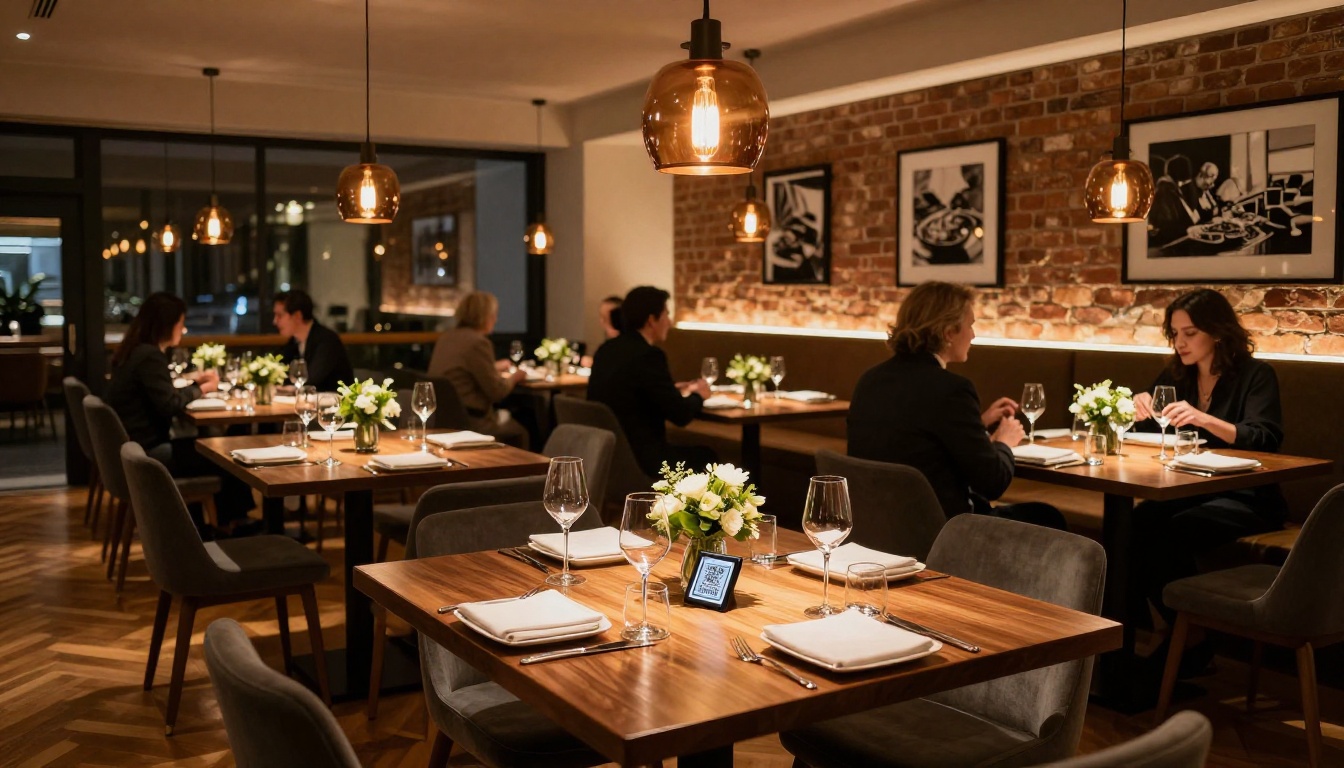
Most restaurant owners do not calculate the true cost of paper menus. Print runs, lamination, replacements for stained or torn copies, reprints every time a price changes or a dish gets pulled. It adds up fast. A mid-size restaurant with 30 tables might spend $800 to $2,000 per year just keeping paper menus presentable.
Beyond the money, there is the rigidity. Your supplier raises prices on imported seafood this week. With a physical menu, you either cross things out by hand, apologize to customers who order something you can no longer afford to sell at that price, or eat the cost.
A digital restaurant menu catalog eliminates that friction entirely.
What Customers Actually Want
A 2024 survey by the National Restaurant Association found that 67% of diners prefer interactive digital menus when given the choice. The reasons are practical:
- High-resolution food photography helps them decide faster
- Dietary filters and allergen flags reduce awkward server conversations
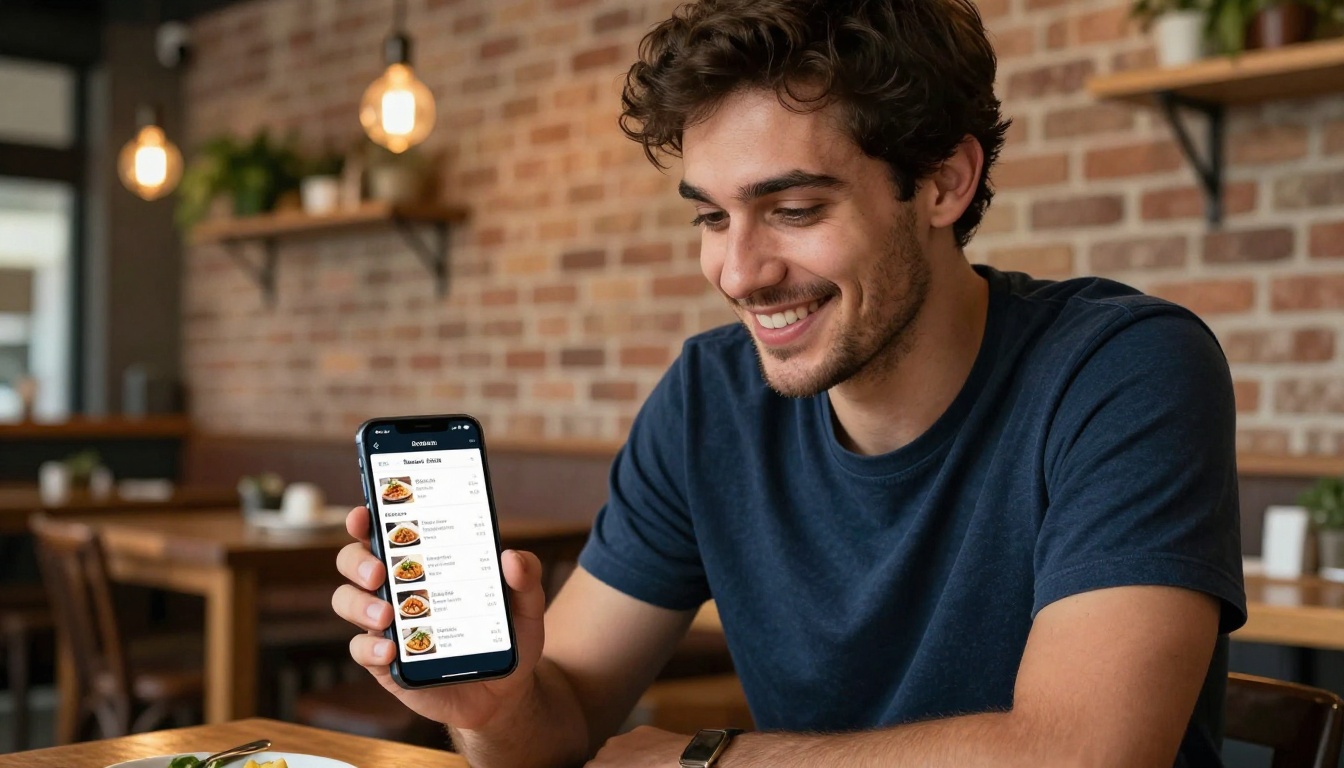
- QR code access means no wait for a physical menu when they sit down
- Mobile-friendly layouts work on any device without pinching and zooming
💡 Pro Tip: Restaurants that switched to digital menus report an average 12-15% increase in dessert orders, because photos placed at the bottom of a digital catalog are actually seen.
What a Digital Restaurant Catalog Is
More Than a PDF
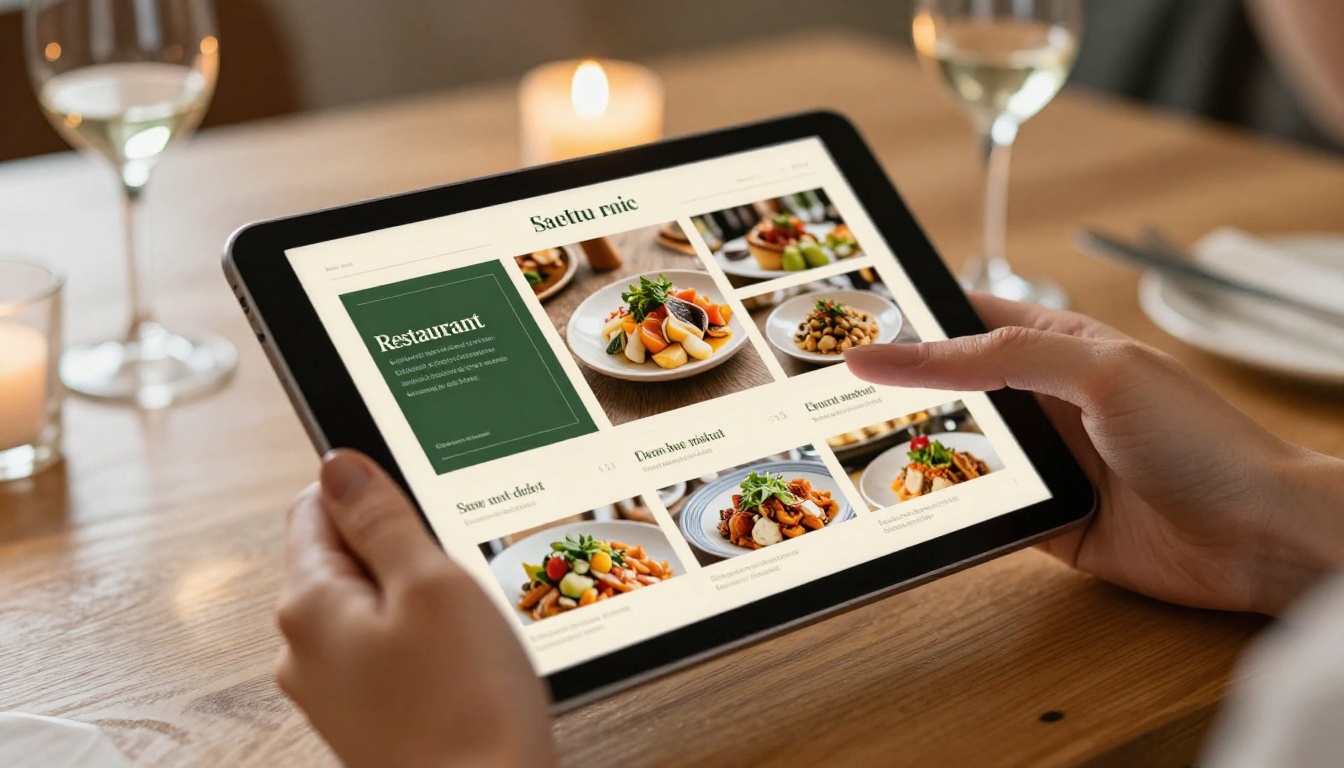
A digital restaurant menu catalog is not just a PDF uploaded to your website. A true interactive catalog is a page-turning, clickable, mobile-responsive publication that behaves more like a premium magazine than a static document.
The best implementations include:
- Animated page-turning effects that mimic the feel of a physical menu
- Embedded high-resolution photography for every dish
- Clickable sections for easy navigation between appetizers, mains, desserts, and drinks
- Embeddable links for ordering integrations
- Password protection for private wine lists or prix fixe menus
PDF Flipbook vs Static PDF
| Feature | Static PDF | Digital Flipbook Catalog |
|---|
| Page-turning animation | No | Yes |
| Mobile responsive | Poor | Fully optimized |
| Embeddable on website | Basic link | Full embed widget |
| Analytics tracking | No | Yes (Professional) |
| Password protection | No | Yes |
| Update without reprinting | Yes | Yes |
| Video & audio support | No | Yes |
| QR code shareable | Yes | Yes |
| Lead generation tools | No | Yes (Professional) |
| Custom branding | No | Full control |
The difference is significant. A PDF flipbook catalog turns your menu into a premium digital experience that represents your brand properly.
The Real Benefits of Going Digital
Instant Updates, Zero Waste
When a seasonal item sells out or a supplier changes your cost on a core ingredient, you update your digital catalog and every customer who scans the QR code gets the current version instantly. No more "sorry, we're actually out of that" moments after the customer has already committed.
This is particularly valuable for:
- Seasonal menus that rotate monthly or weekly
- Daily specials that change with ingredient availability
- Happy hour pricing that needs to switch on and off by the hour
- Wine and cocktail lists that update frequently
The QR Code Revolution
QR code menus took off during 2020 and never went away because customers actually like them. A simple acrylic stand with a QR code on each table costs almost nothing to produce and gives every diner instant access to your full digital catalog on their own device.
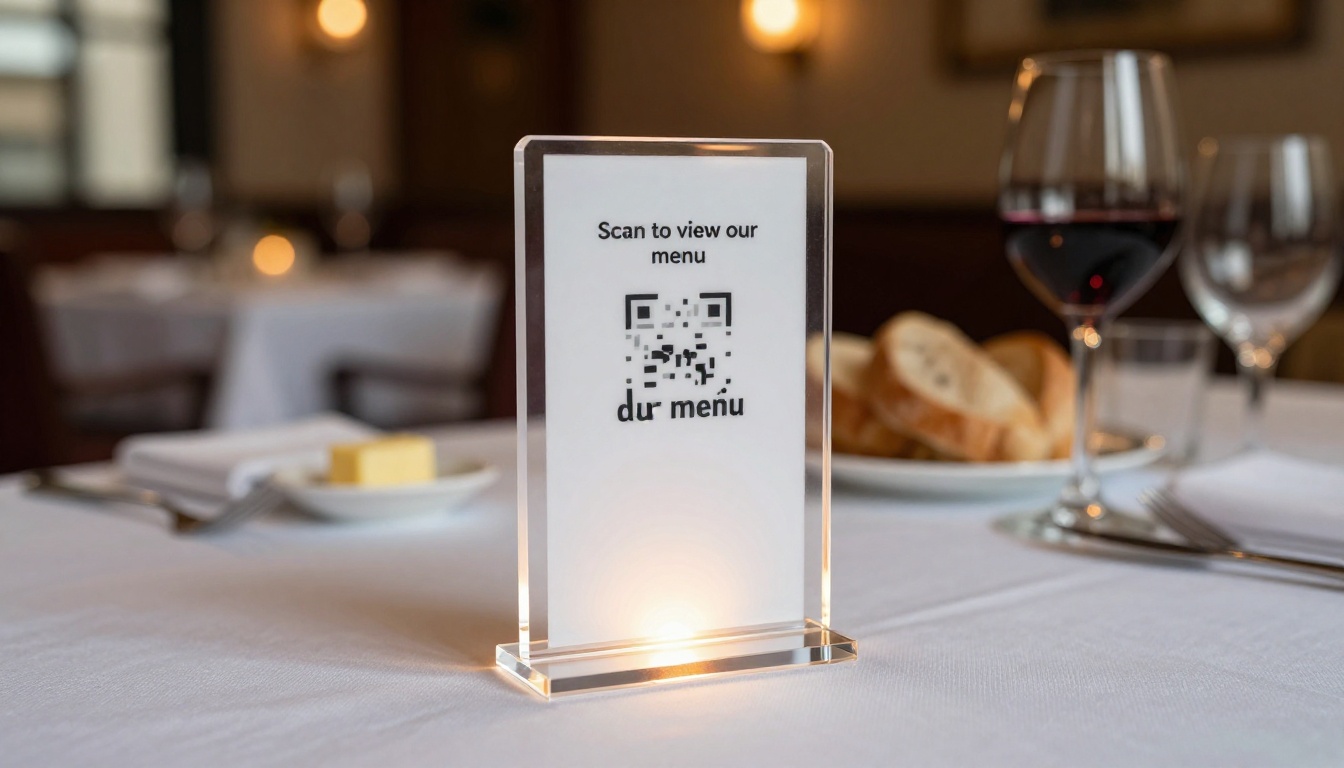
✅ Best Practice: Generate a QR code that links directly to your embedded flipbook catalog. When you update the catalog, the QR code stays the same. No new printing required.
Hygiene and Customer Perception
Physical menus are among the most bacteria-contaminated surfaces in a restaurant. Multiple studies have found menu surfaces carry more germs than a typical toilet seat. Digital menus on personal devices eliminate that concern entirely, which matters to a significant portion of your customer base.
Better Menu Photography Drives Orders
When you build a digital restaurant catalog, you are forced to photograph your dishes properly. That investment pays back immediately. High-quality food photography in a beautifully designed digital catalog:
- Increases average order value by showcasing premium items visually
- Reduces decision fatigue with clear visual hierarchy
- Builds brand perception before the food even arrives
Starting the Process
Head to Flipbooks AI and create a free account. The platform is designed for non-designers, meaning you do not need Photoshop or InDesign experience. Your starting point is a PDF of your menu, which you likely already have from previous print runs.
If your menu does not exist as a PDF yet, you can create one in Canva, Adobe Express, or Google Slides and export it. Even a simple, well-organized PDF becomes impressive once the flipbook conversion runs.
Step-by-Step: Building Your Menu Catalog
- Create your account at flipbooksai.com/account
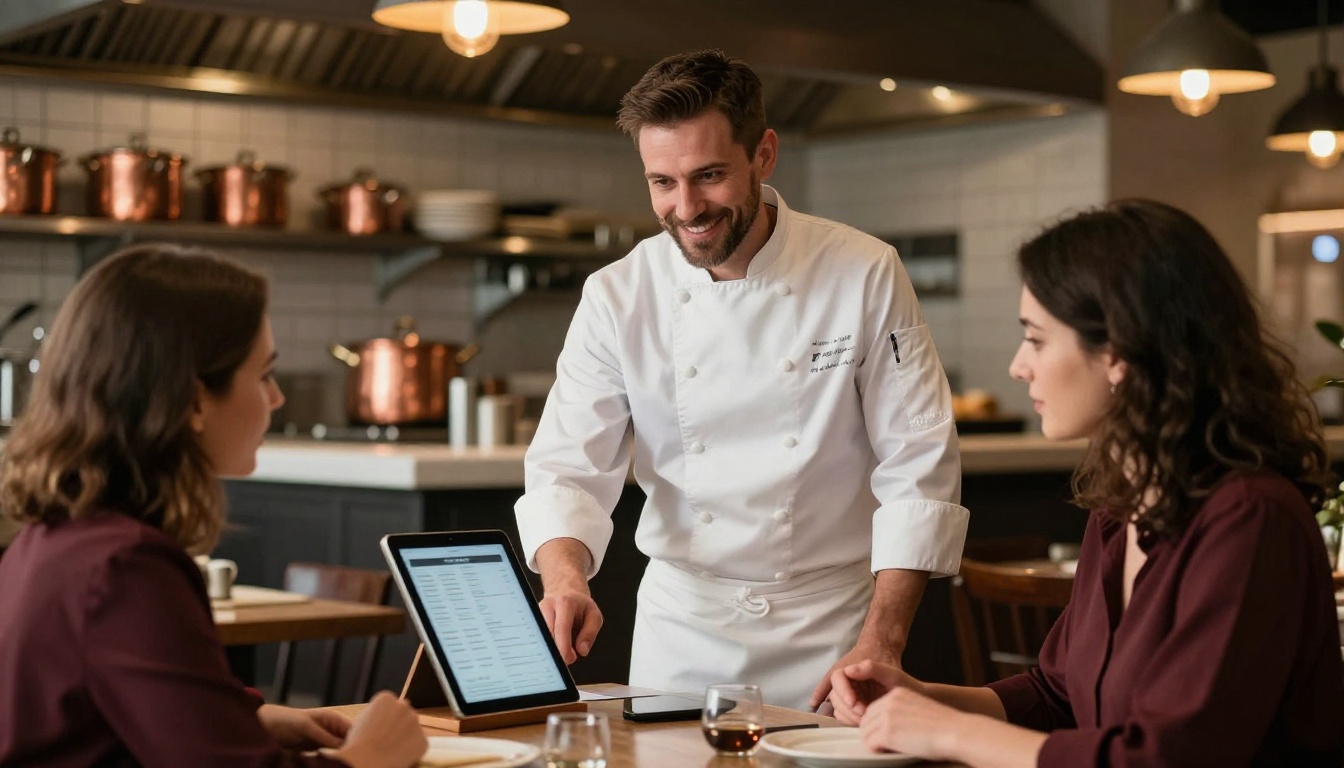
- Upload your PDF menu using the drag-and-drop uploader. Flipbooks AI converts it automatically into a page-turning interactive catalog
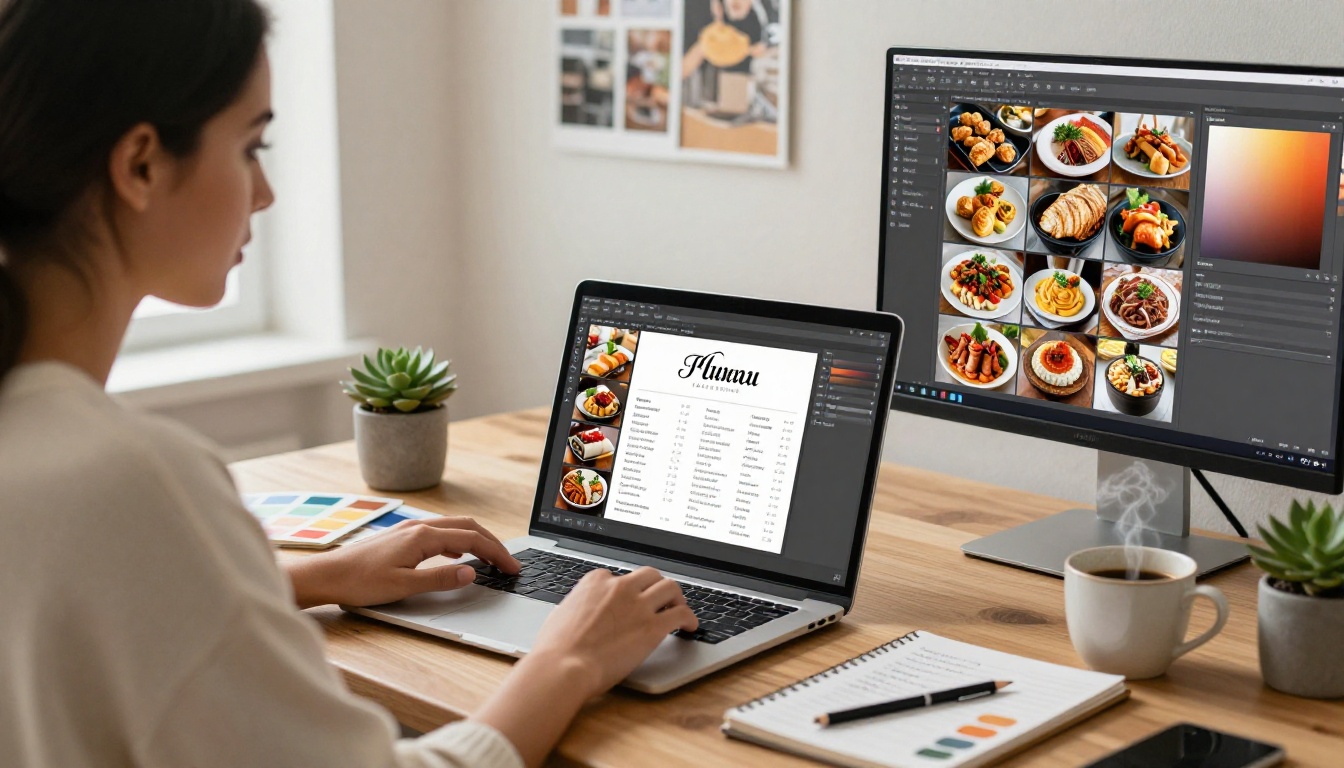
- Customize branding: Add your restaurant logo, choose your color palette to match your brand identity, and set the background style
- Add page effects: Enable the realistic page-curl animation, choose between soft or hard binding styles, and set your background texture
- Embed multimedia: Add video clips of dishes being prepared, background music for ambiance, or audio descriptions for accessibility
- Set sharing options: Generate a direct link, create a QR code for table stands, or grab an embed code for your website
- Protect if needed: Use password protection for private menus like exclusive tasting menus or staff-only pricing
- Publish and share: Your digital restaurant catalog is now live and accessible on any device
The Restaurant Menu Creator tool is purpose-built for this exact workflow, with templates and layouts optimized for food service businesses.
💡 Pro Tip: Use the Menu Flipbook Designer for more control over layout, including custom page spreads and section dividers that work beautifully on larger tablet screens.
Customization That Reflects Your Brand
The design of your digital catalog communicates as much as the food itself. Customization options in Flipbooks AI include:
- Logo placement on the front page and every page footer
- Color scheme control to match your restaurant's interior palette
- Font selection from serif classics to modern sans-serif options
- Full-bleed photography for striking section openers
- Page backgrounds from clean white to textured paper and dark luxury finishes
Photography Is Non-Negotiable
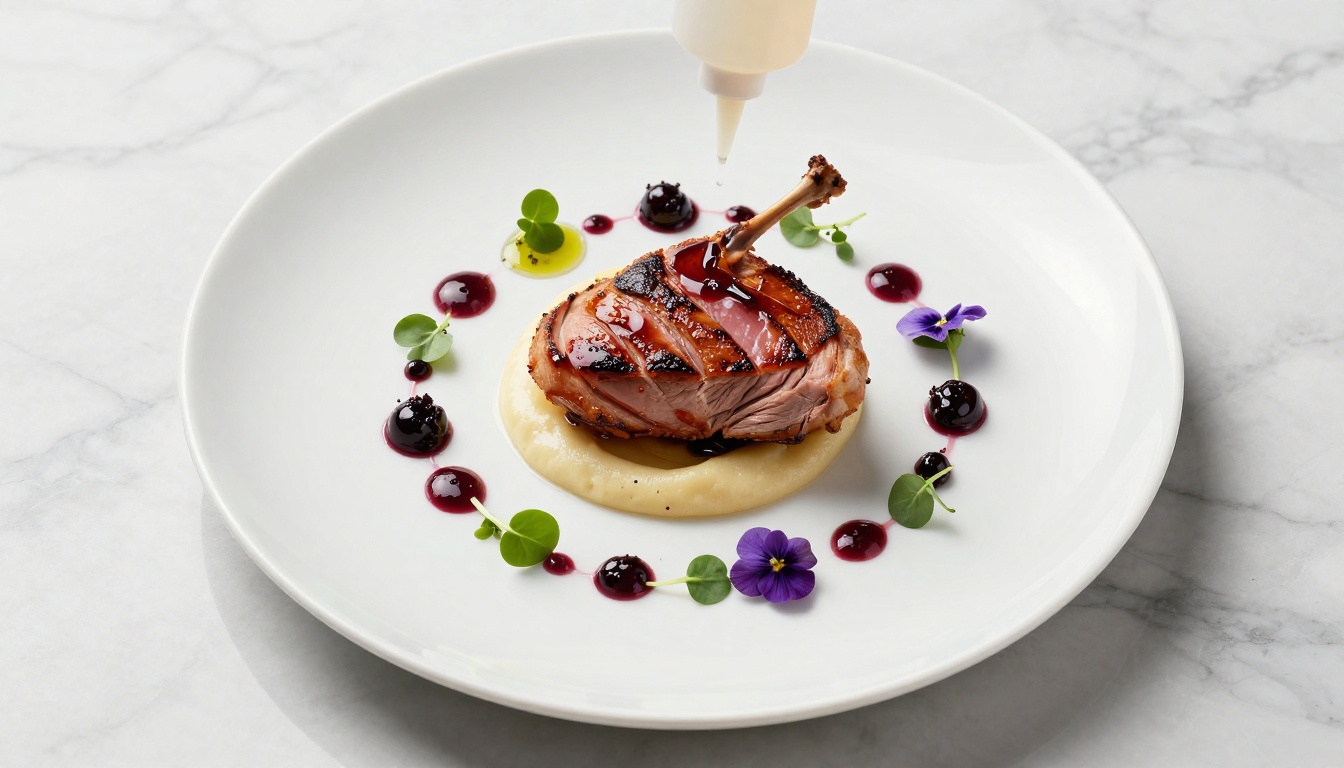
This is the single biggest difference between a digital menu that converts browsers into orders and one that does not. Every hero dish needs a dedicated photograph. Hiring a food photographer for a half-day shoot costs between $300 and $800 and the images will pay for themselves within weeks in increased sales of high-margin items.
Photography principles that work for digital menu catalogs:
- Hero shots on the right page: Eye-tracking studies show diners look at the top-right of any spread first
- Consistent lighting style across all dishes for a professional, cohesive look
- White or neutral backgrounds for featured items to avoid visual competition
- Lifestyle context shots for appetizers and drinks, showing the full table scene
Menu Psychology That Works
A well-designed digital catalog applies the same psychological principles that guide customer attention, create desire, and reduce friction at the moment of decision.
Effective tactics:
- No currency symbols: "28" reads better than "$28" and reduces price sensitivity
- Descriptive language: "Pan-seared salmon with lemon caper beurre blanc" outsells "Salmon fillet"
- Strategic placement: Put your highest-margin dishes in the top-right of each spread
- Visual anchors: One premium item priced high makes mid-range items feel more affordable
⚠️ Warning: Overcrowding your digital catalog hurts sales. A focused menu of 30-40 items with excellent photography outperforms a 100-item menu with no visuals every time.
Flipbooks AI Pricing: What You Get
Plans Built for Restaurants
Flipbooks AI offers plans scaled to the size of your operation. Here is a breakdown of what matters for restaurant owners:
| Feature | Free | Standard | Professional |
|---|
| Flipbooks | 1 | Unlimited | Unlimited |
| Watermark | Yes | No | No |
| Password protection | No | Yes | Yes |
| Custom domain embed | No | Yes | Yes |
| Analytics | No | No | Yes |
| Lead generation | No | No | Yes |
| Offline downloads | No | Yes | Yes |
| Embed video/audio | No | Yes | Yes |
| Mobile responsive | Yes | Yes | Yes |
| Custom branding | Limited | Full | Full |
For a single-location restaurant, the Standard plan delivers everything needed for a professional digital menu catalog with no watermarks and full branding control. Multi-location groups or restaurants wanting detailed analytics on which menu sections drive the most attention should look at Professional.
Check the full pricing breakdown to choose the right plan for your operation.
Real-World Use Cases by Restaurant Type
Fine Dining
High-end restaurants benefit most from the prestige of a beautifully crafted digital catalog. A flipbook with full-bleed food photography, elegant typography, and a dark luxury background communicates the same premium positioning as the physical space.
✅ Best Practice: Fine dining restaurants should include a dedicated wine list as a separate password-protected flipbook, accessible only when a sommelier shares the link with a guest.
Casual and Fast-Casual
Speed is everything in fast-casual. A QR code linked to a simple, fast-loading digital catalog that customers can browse while waiting in line or before sitting down reduces time-to-order and increases throughput.
Cafes and Coffee Shops
Seasonal drink menus, rotating pastry specials, and weekly soup offerings are perfect use cases for a lightweight digital catalog updated as often as needed. Embed it directly on your website and link it from your Instagram bio for maximum reach.
Hotels and Resorts
Hotel restaurants often manage multiple dining concepts under one roof, from pool bars to fine dining. A digital catalog for each venue, all managed from one Flipbooks AI account, keeps everything organized and on-brand. The Hotel Brochure tool pairs naturally with a menu catalog for full property promotion.
Food Trucks and Pop-Ups
Physical menus are impractical for mobile operations. A QR code displayed on the truck window or front counter linking to a clean digital catalog solves the problem elegantly, with no printing required as the menu evolves.
| Restaurant Type | Primary Benefit | Recommended Tool |
|---|
| Fine Dining | Brand prestige, wine list privacy | Menu Flipbook Designer |
| Fast-Casual | Faster ordering, reduced wait | Restaurant Menu Creator |
| Cafe | Seasonal updates, social sharing | Digital Catalog Maker |
| Hotel Restaurant | Multi-venue management | Restaurant Menu Creator |
| Food Truck | No printing, easy updates | PDF to Flipbook Converter |
| Bar & Cocktail Lounge | Drink photography, daily specials | Menu Flipbook Designer |
Sharing Your Digital Catalog Everywhere
Beyond the Table
A digital restaurant menu catalog does not just live at the table. It belongs across every customer touchpoint:
- Website: Embed directly on your menu page using the embed code
- Google Business Profile: Link your catalog in the menu section
- Instagram: Add the link to your bio and story highlights
- Email newsletters: Include a "View our new seasonal menu" CTA button
- Facebook/WhatsApp: Share the direct link in community groups and chat threads
- Google Ads: Link directly to your catalog as the landing page for "restaurant near me" campaigns
💡 Pro Tip: On the Professional plan, analytics show you exactly which pages of your catalog get the most views. If the dessert spread has low page time, you know to redesign it or move it earlier in the catalog.
Analytics That Inform Decisions
Knowing that 78% of your catalog visitors spend more than 15 seconds on the cocktail page tells you something actionable. Maybe you expand the cocktail section, add a featured cocktail photograph, or create a dedicated drinks-only flipbook for the bar area.
The analytics available through the Professional plan on Flipbooks AI turn your digital menu into a feedback instrument that paper menus can never be.
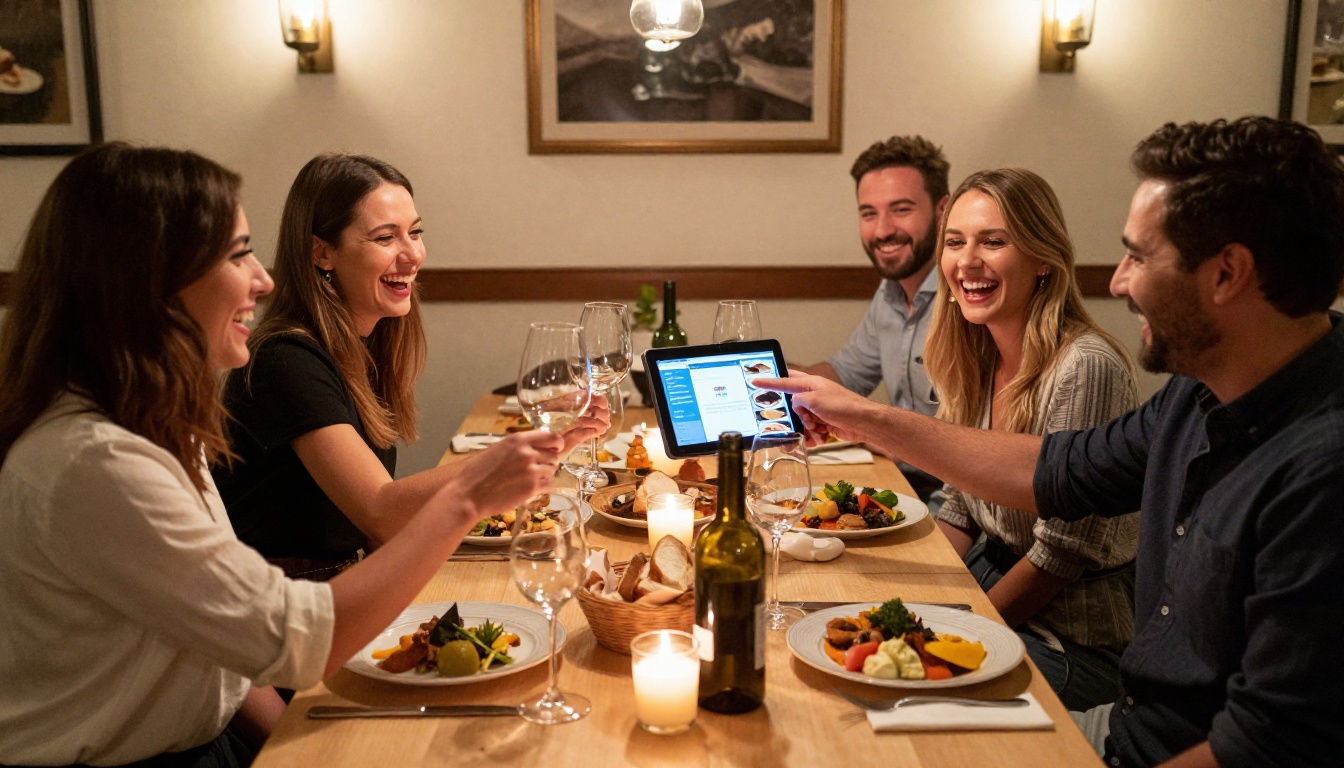
Your restaurant's first impression happens before a single server approaches the table. When a customer scans a QR code and sees a beautifully designed, interactive digital catalog with professional food photography and smooth page-turning animation, they form an immediate positive judgment about the quality of your operation.
That impression is cheap to create and expensive to lose.
Flipbooks AI gives you everything you need: the conversion tools, the customization options, the sharing infrastructure, and the analytics to keep improving. You do not need a design agency or a web developer to build something that looks genuinely premium.
Ready to replace your paper menus with something better? Get started for free and have your first digital restaurant catalog live before the dinner service.
Browse the full restaurant tools collection to find templates built specifically for your type of venue. Or jump straight to pricing to pick the plan that fits your operation.



