Your wedding photos are sitting in a folder somewhere, possibly on a USB drive or buried in your camera roll, and every passing month makes them harder to find, share, or do anything meaningful with. Building a digital wedding album from those photos is one of the most worthwhile things you can do with them, and it does not have to be complicated. Flipbooks AI makes the whole process fast, polished, and shareable, so your whole family can actually experience the memories instead of just hearing about them.
Why Physical Albums No Longer Work
Printed wedding albums are beautiful objects. They are also expensive, fragile, singular, and entirely inaccessible to anyone who does not physically hold them.
The Access Problem Is Real
Your parents want to see your photos. So do your college friends, your cousins who flew in from overseas, and the coworkers who threw you a bridal shower. A single printed book solves none of that. You can mail it once, to one person, and then it lives on a shelf in someone else's house while everyone else waits.
Digital albums fix this instantly. One link, sent in a group message or email, gives everyone immediate access from any device at any time.
What Fades and What Does Not
Physical albums yellow over time. Pages stick together. Bindings and outer pages warp in humidity. Even archival-quality prints degrade after decades of storage.
A well-hosted digital album does not fade. The colors in your photos will look exactly the same in thirty years as they do today, provided you choose a reliable platform. This alone is a compelling reason to go digital.

Before You Build Anything
Jumping straight into a platform without preparation is the fastest way to end up with a cluttered album that does not tell your story well. Spend an hour on this part first. You will thank yourself later.
Sorting Through Your Photos
Most couples receive 600 to 2,000 photos from a single wedding day. Very few of those belong in the final album. Use this simple filter to cut them down:
- Eliminate duplicates first. Photographers frequently shoot in bursts. Pick the single sharpest frame from each sequence.
- Remove technical failures. Blurry, overexposed, underexposed, or poorly composed shots should go immediately, no debate needed.
- Target 80 to 150 photos. This is the sweet spot for an album that feels rich without dragging.
- Represent every major moment. Getting ready, ceremony, first look, cocktail hour, reception, first dance, cake cutting, and the send-off all deserve space.
Choosing Your Story Order
Two approaches work well for wedding albums:
Chronological tells the full story of the day from first light to last dance. It is intuitive and emotionally satisfying because guests relive events in the order they actually happened.
Thematic groups photos by mood or subject rather than time. All portraits together, ceremony together, candid moments together. This works especially well when your photographer captured a lot of beautiful detail shots that span different parts of the day.
For most couples, chronological wins because it creates a natural emotional arc with a clear beginning, middle, and end.
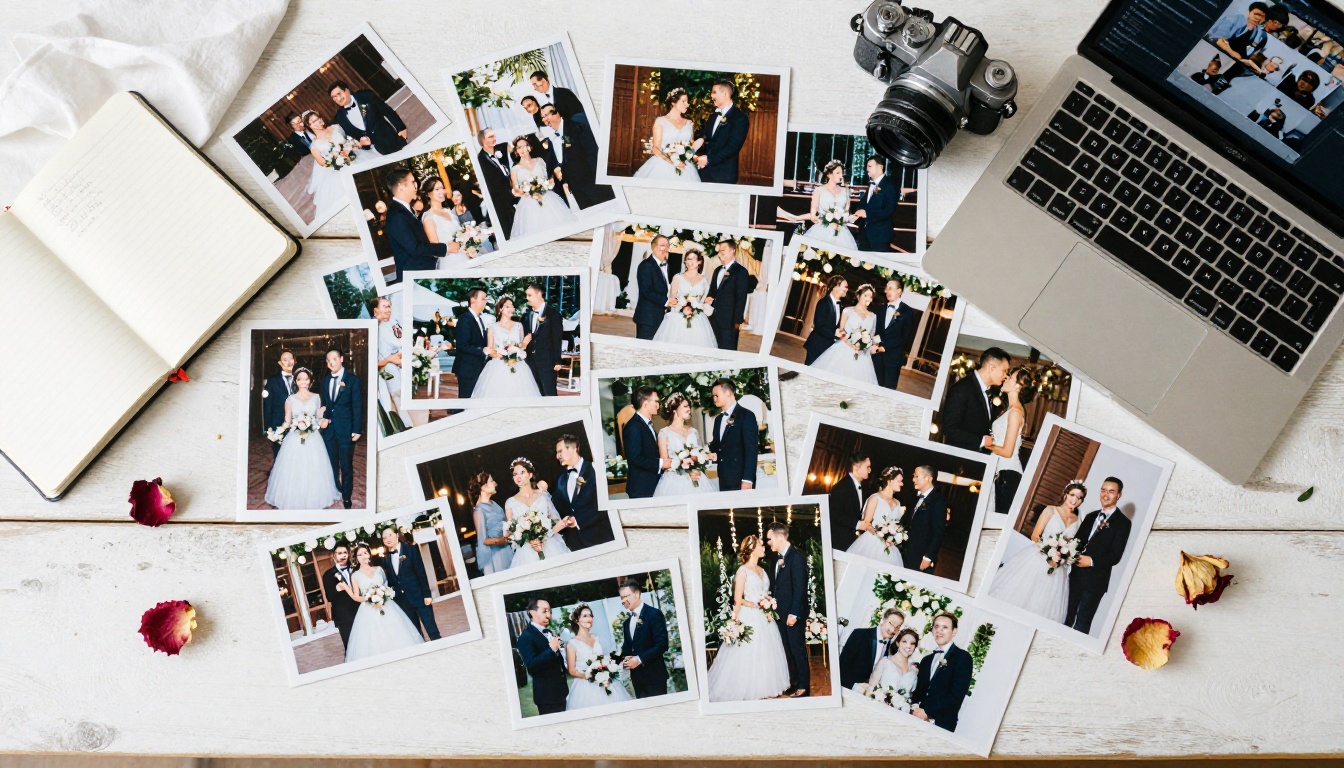
Not all digital albums are the same thing. The format you choose affects how guests experience your photos and how easily you can share them.
| Format | Interactivity | Shareability | Approximate Cost | Best Use |
|---|
| PDF | Low | Medium | Free | Archiving and printing |
| Google Photos Album | Medium | High | Free | Quick casual sharing |
| Slideshow Video | Low | Very High | Free to low | Social media clips |
| Photo Book Website | Medium | Medium | Medium | Print-ready layouts |
| Interactive Flipbook | High | Very High | Low to medium | Immersive storytelling |
| USB Drive Download | None | Very Low | Low | Offline backups |
Interactive flipbooks stand apart because they replicate the tactile page-turning experience of a real physical album while being fully digital, instantly shareable via a single link, and viewable on any device without downloading an app. The Wedding Album Flipbook tool on Flipbooks AI is purpose-built for exactly this use case.
💡 Pro tip: Use more than one format together. Keep a high-resolution PDF as your permanent archive, create an interactive flipbook for sharing with family and friends, and export a short video slideshow for social media.
How to Make a Digital Wedding Album with Flipbooks AI
Flipbooks AI converts your photos into a page-turning digital album that works on any device, loads instantly, and looks professionally designed. Here is the exact process.
Where to Begin
Go to flipbooksai.com/account and sign up. No credit card is required to start. The Standard plan and above give you unlimited flipbooks with no watermarks, which matters when you are creating an album you will share with everyone you know.
Building Your Photo PDF
Flipbooks AI converts PDFs into interactive flipbooks, so your first job is assembling your sorted photos into a clean PDF layout. Here is the fastest way to do it:
- Open Canva, Adobe Express, or Google Slides (all free tools)
- Set your page dimensions to landscape, either 16:9 or a standard album ratio like 11x8.5 inches
- Place your sorted wedding photos onto the pages, one or two per spread
- Add your names and wedding date to the opening page for a personal touch
- Export as a high-resolution PDF
✅ Best practice: Keep your PDF under 100MB for fast loading. Use 150 to 200 DPI for photos inside the PDF, which is sharp on screens without creating bloated file sizes.
Uploading and Converting
Drag your PDF into the PDF to Flipbook Converter. The platform processes it automatically and builds your interactive flipbook within minutes. A live preview appears immediately so you can see exactly what guests will experience.
Personalizing the Album
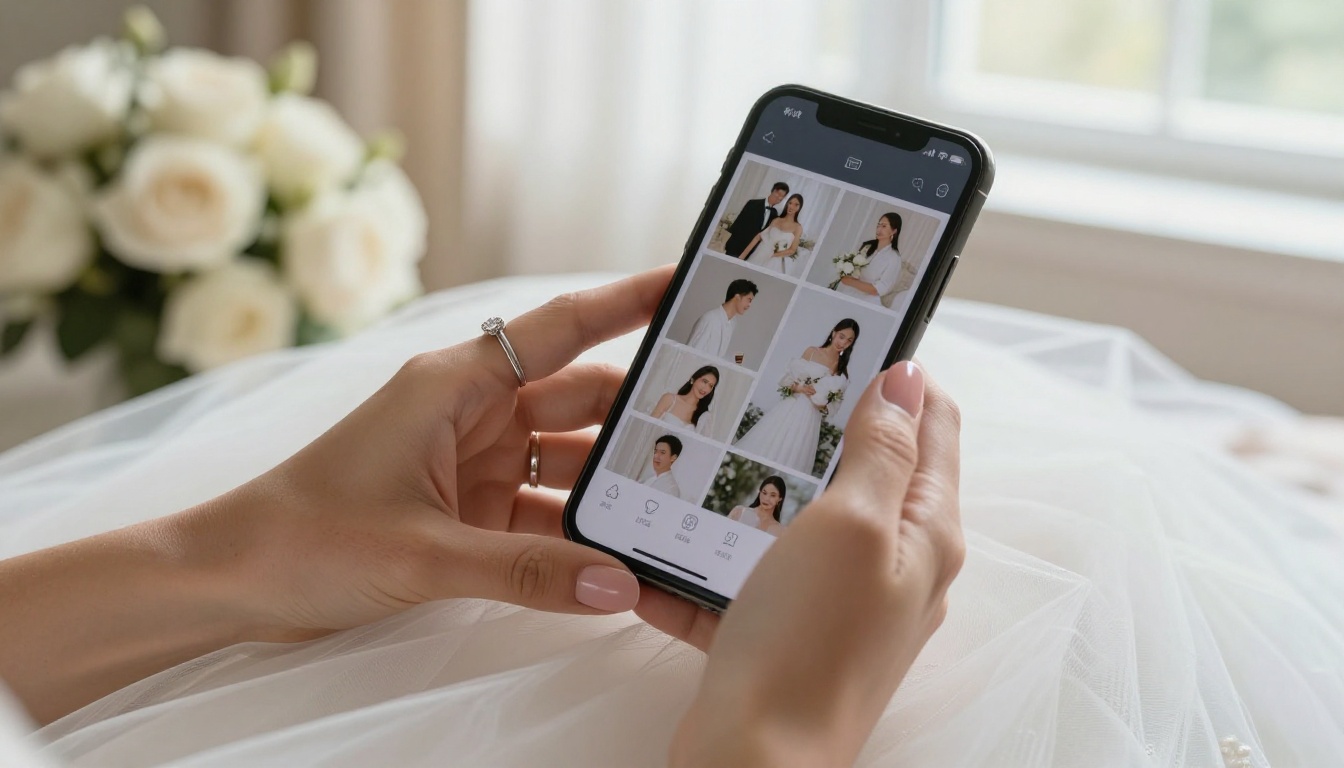
This step is where your album goes from good to genuinely special. Flipbooks AI gives you full control over:
- Custom branding: Add your names and wedding date to the flipbook header so it always feels personal
- Color themes: Match your wedding palette, whether it was blush and gold, navy and white, or sage and cream
- Page transitions: The classic page-flip effect looks particularly elegant for wedding albums
- Background music: Embed your first dance song or a soft instrumental that plays as guests browse through the pages
- Opening image: Choose your favorite photo as the first thing anyone sees when they open the link
⚠️ Watch out: Avoid very dark background colors if your photos have dark tones. A neutral white or cream background keeps every photo looking its absolute best.
Sharing With Family and Friends
Once your album is ready, Flipbooks AI gives you several ways to get it into people's hands:
- Direct link: Copy and paste into any message, email, or social post in seconds
- Embed code: Drop the flipbook directly into a personal wedding website if you have one
- Password protection: Keep it private for family only, or open it to all guests freely
- QR code: Print it on thank-you cards so guests scan and open the album right from their phones
No app download needed. Anyone with the link opens the album instantly on phone, tablet, or computer.
Organizing Your Wedding Photos Like a Pro
Even with a great platform, a disorganized photo collection produces a disorganized album. These habits separate beautiful albums from forgettable ones.
The Timeline Structure That Works
Break your photos into named segments and select your best shots from each:
| Segment | Suggested Photo Count | What to Include |
|---|
| Getting Ready | 8 to 15 | Dress details, hair and makeup, candid moments with the wedding party |
| Ceremony | 20 to 30 | Processional, vows, ring exchange, first kiss, recession |
| Portraits | 15 to 25 | Couple portraits, family groups, wedding party shots |
| Cocktail Hour | 5 to 10 | Guest candids, venue details, atmosphere shots |
| Reception | 20 to 30 | First dance, toasts, table shots, dancing, cake cutting |
| Farewell | 5 to 10 | Send-off, last-dance moment, late night candids |
This structure gives your album a clear narrative flow and ensures no major memory gets left out.
The Details People Always Forget
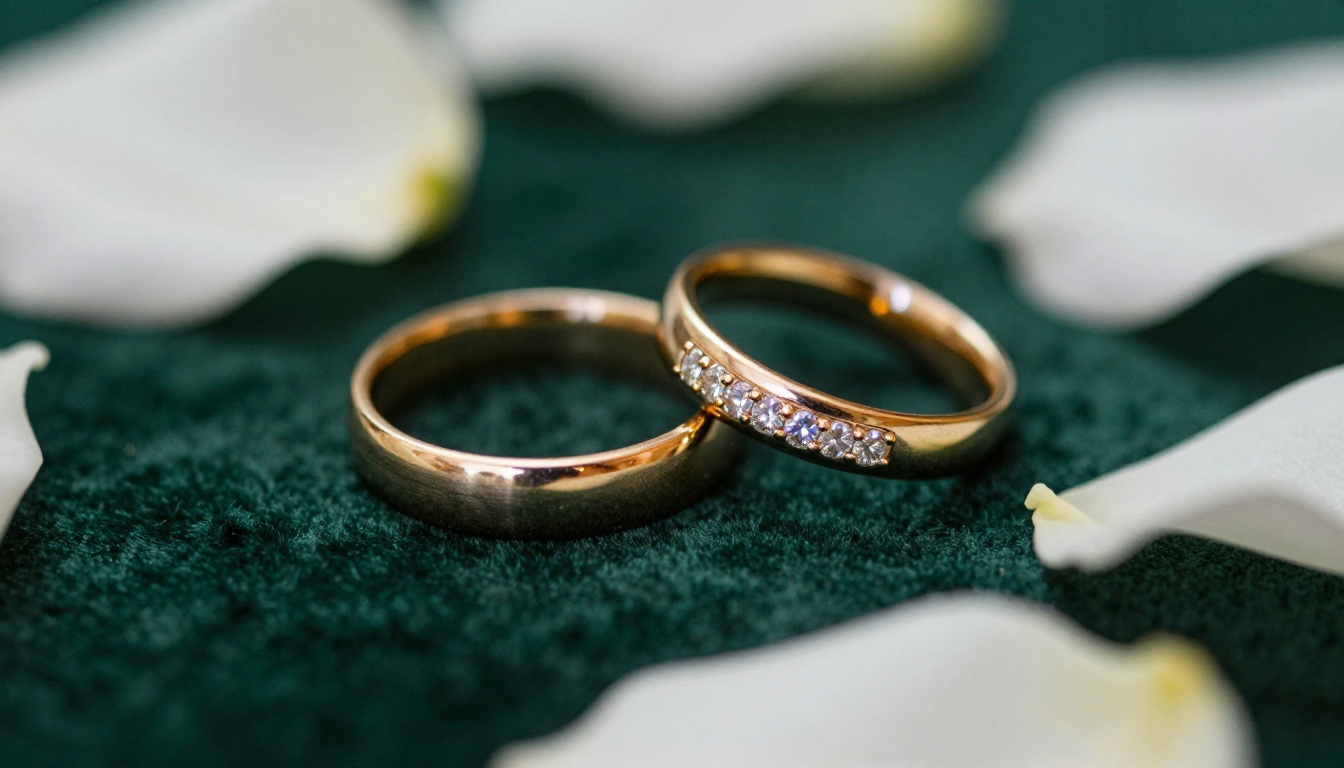
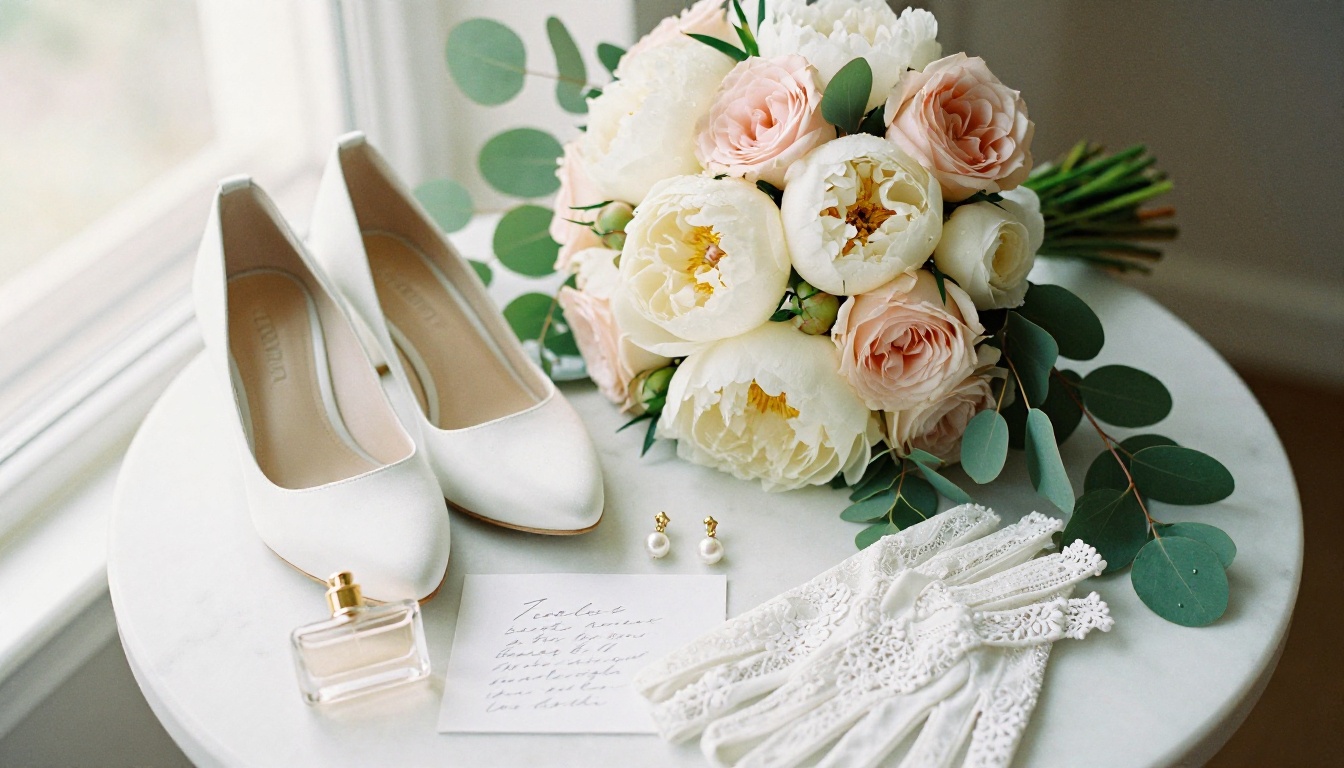
Wide shots and portraits are obvious inclusions. What makes a wedding album extraordinary are the detail photos that set your day apart:
- The handwritten vow cards
- Close-ups of the floral arrangements
- The wedding rings on the ceremony program
- Your shoes, your grandmother's brooch, your something borrowed
- The venue before guests arrived, empty and perfect
These images give your album texture and depth. When you look back in twenty years, the detail shots are often the ones that bring the whole day rushing back most vividly.
Plans and What They Include
Flipbooks AI offers several plans depending on how much you need. Here is how they compare for wedding album use:
| Feature | Free | Standard | Professional |
|---|
| Number of Flipbooks | Limited | Unlimited | Unlimited |
| Watermarks | Yes | No | No |
| Password Protection | No | Yes | Yes |
| Custom Branding | No | Yes | Yes |
| Embed on Website | No | Yes | Yes |
| Analytics | No | No | Yes |
| Lead Generation | No | No | Yes |
| Offline Download | No | No | Yes |
For most couples, the Standard plan is exactly what you need. Password-protect the album for family, remove all watermarks, and embed it on your personal wedding website if you have one. The Professional plan makes more sense for photographers who create and deliver albums for multiple clients, since analytics and offline downloads become genuinely useful at scale.
Check the current Flipbooks AI pricing to see the latest plan details and any available offers.
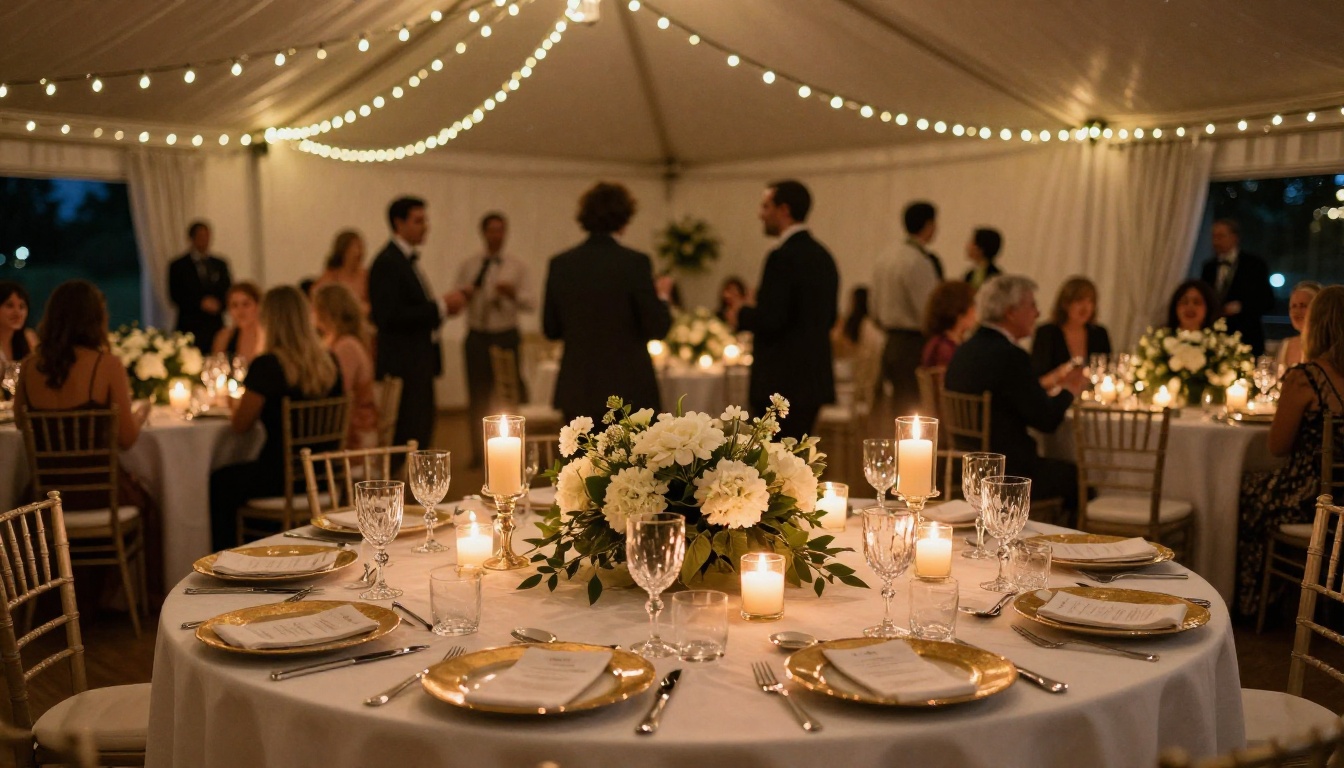
The Moments That Make an Album Unforgettable
Great wedding albums are built around emotion, not just coverage. There are moments every couple thinks they will remember forever, only to discover five years later that the memory has gone hazy. These are the photos that hold it in place.
Candid Over Posed
Ask any couple which photos they return to most. The answer is almost never the formal portraits. It is the candids: a parent crying quietly during the ceremony, a friend laughing with her mouth full at dinner, the flower girl deciding the aisle floor is more interesting than walking straight. Build your album around these. The posed portraits provide structure; the candids provide soul.
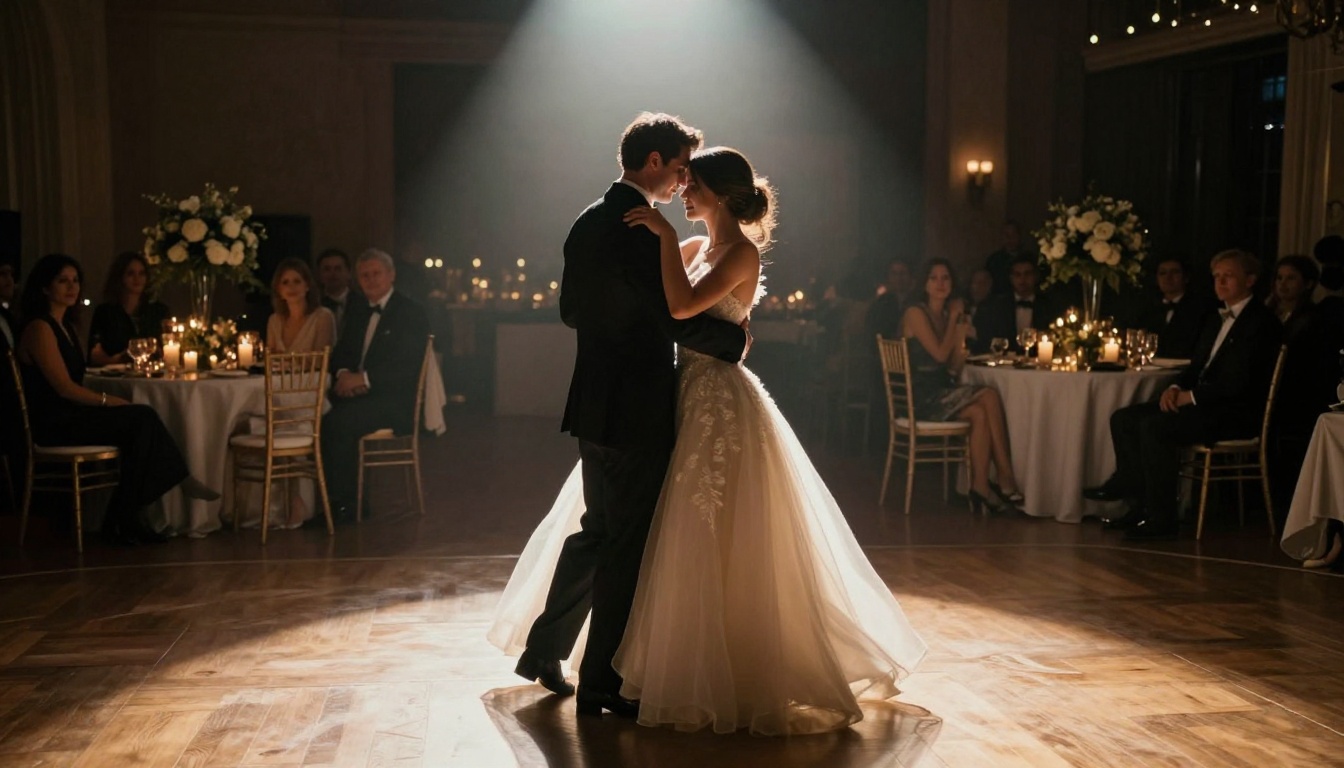
The First Dance Is Non-Negotiable
If you have one moment that absolutely must be in your album, it is the first dance. The lighting is usually dramatic, the emotion is always real, and the images capture something that cannot be staged or recreated any other way.
Working With Your Photographer
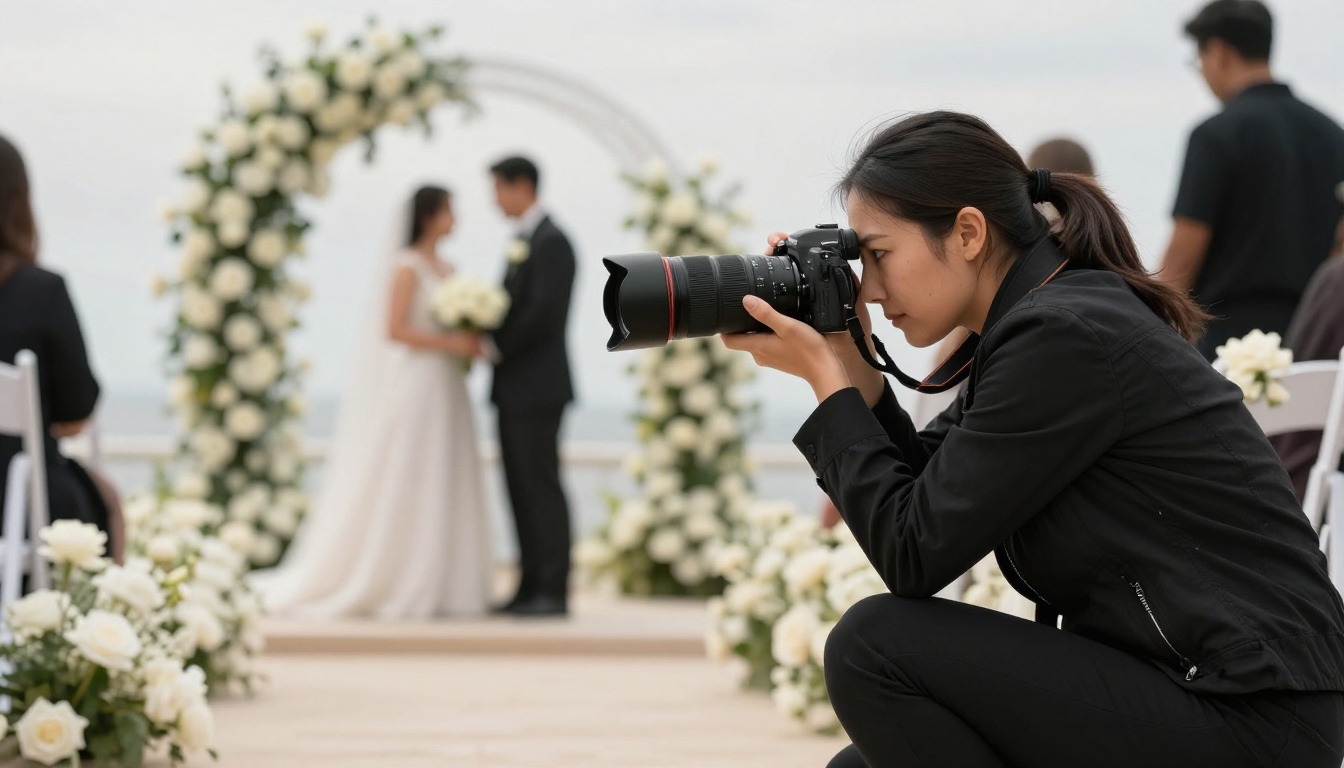
If your wedding has not happened yet, or if you are still in contact with your photographer, a few requests at the time of booking will dramatically improve your album options later.
What to Ask For
- Full resolution files without any in-camera compression. You want the largest possible files for display and any future printing.
- TIFF or maximum-quality JPEG exports if the photographer does not offer RAW files. File size matters here: larger is better.
- A variety of coverage including wide establishing shots, medium candid shots, and tight detail shots at every major moment.
- The full photo set before editing, if the photographer is willing. Some only deliver their selects. Having the full set gives you far more choices when building your album.
💡 Pro tip: Ask your photographer to capture at least five shots of each major moment from different angles. Having variety makes the album feel cinematic rather than repetitive.
Backup Strategies Worth Using
A digital album is only as good as its backup plan. These three layers protect your memories from hardware failure, account issues, and accidents:
- Cloud storage: Google Photos, iCloud, or Amazon Photos with original-quality uploads turned on. Use at least two services for redundancy.
- External hard drive: A physical copy stored somewhere other than your home, such as at your parents' house or in a safe deposit box.
- The flipbook platform: Your Flipbooks AI album is a third independently hosted copy, accessible to anyone with the link at any time.
Redundancy is the only real insurance for irreplaceable files. Set this up before you share the album link with anyone, not after.
Making Guests Feel Part of the Memory
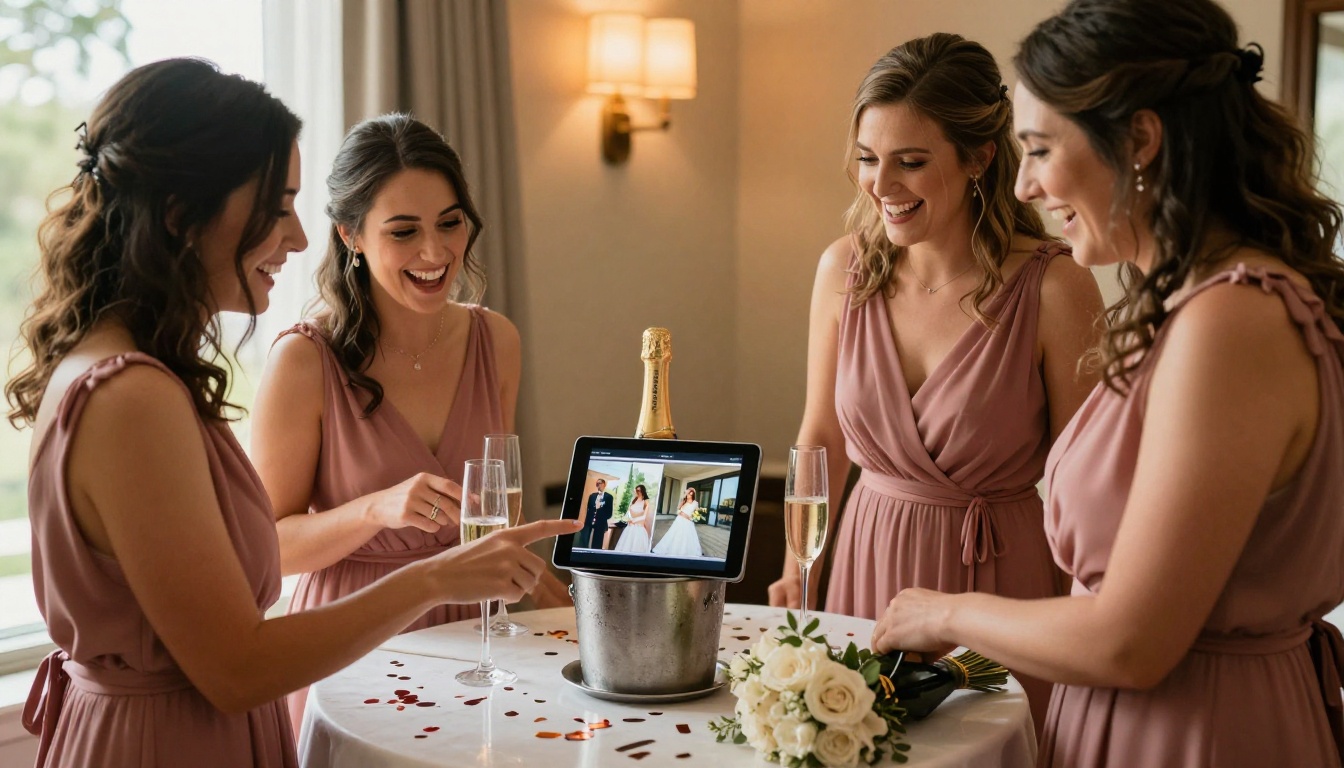
One thing digital albums do that physical ones never can is invite participation. With a shareable link and the right setup, you can turn your wedding album into a living memory that guests actively contribute to.
Consider sending your guests a simple message with a request: if your camera caught something we missed, we would love to add it to our album. Most people are genuinely delighted to share their candid shots, and they often capture moments even the best professional photographer did not get, the unscripted side conversations, the silly dancing at midnight, the children asleep in a corner.
Your Album Is One Afternoon Away
Your wedding photos deserve more than a compressed folder sitting in someone's cloud storage. They deserve a real, beautiful, shareable album that captures the full story of your day and gives everyone who loves you a way to experience it whenever they want.
The process of making a digital wedding album from your photos is far simpler than most people expect. Sort your photos, build a clean PDF layout in Canva or any free tool, upload it to Flipbooks AI, and you have a polished, interactive album ready to share in a single afternoon.
No technical skills required. No designer needed. No waiting weeks for a physical print order that will live in one house.
Ready to build yours? Create your account on Flipbooks AI and have your album ready to share today. Not sure which plan fits your needs? Browse pricing options and pick exactly what works for you. If you want to see everything available for different album types and projects, the full tools directory is worth a look.



