The end of a school year carries a particular weight. Hundreds of moments, friendships, field trips, sports victories, and classroom memories all compressed into nine months, and then it's over. Printed yearbooks cost money, take weeks to arrive, and eventually end up in a drawer. A digital yearbook changes all of that. With a free flipbook maker like Flipbooks AI, any teacher, student, or parent can build an interactive, page-turning digital yearbook that the whole school community can access instantly, share freely, and keep forever.

Why Digital Yearbooks Beat Printed Ones
Printed yearbooks dominated for decades simply because there was no better option. That's no longer true. Digital yearbooks created with a free flipbook maker offer advantages that print simply cannot match, both for the creators and for everyone who receives them.
Cost Savings That Actually Matter
A traditional printed yearbook can run anywhere from $20 to $80 per student, depending on page count and print quality. Multiply that across a graduating class and you're looking at a significant budget that many schools, families, and parent groups struggle to justify. A digital yearbook made with a free flipbook maker costs nothing to reproduce. Create it once and share it with every student, parent, and teacher in the district, with zero additional cost per copy.
Reach Every Student Instantly
Printed yearbooks get lost in transit. They arrive late. Students who moved away never receive theirs. Digital yearbooks are different. The moment you publish, every student with a link can flip through the pages on their phone, laptop, or tablet. No shipping delays, no inventory shortages, no forgotten copies sitting in a school office.
💡 Pro tip: Use password protection to keep your digital yearbook private. Share the link and password only with students and families, keeping it exclusive to your school community.

| Feature | Printed Yearbook | Digital Flipbook Yearbook |
|---|
| Cost per student | $20 to $80 | $0 (free tier available) |
| Delivery time | 4 to 8 weeks | Instant |
| Interactive elements | None | Videos, links, flipbook animations |
| Storage | Physical shelf | Cloud, permanent link |
| Updates after publishing | Impossible | Easy |
| Shareable | One physical copy | Unlimited shares |
What Every Great Digital Yearbook Needs
Before opening any design tool, spend a few minutes thinking about what actually makes a yearbook worth keeping. Content matters far more than the software. Here's what separates a forgettable yearbook from one students actually save.
Photos That Tell the Whole Story
The best yearbooks mix formal portraits with candid shots. A class photo from September, a field trip where everyone's laughing, the drama club mid-performance, the science fair setup at 7am. Variety is what makes a yearbook feel alive. Aim for at least 3 to 5 photos per student when possible, across different settings.
Photo checklist for your digital yearbook:
- Individual portrait photos for every student
- Class group photos by grade
- Extracurricular and club photos
- Sports team photos from regular season and playoffs
- Field trips and special events
- Teachers and staff candids
- "First day vs. last day" comparison photos
- Senior spotlights and superlatives
Sections Every Yearbook Needs
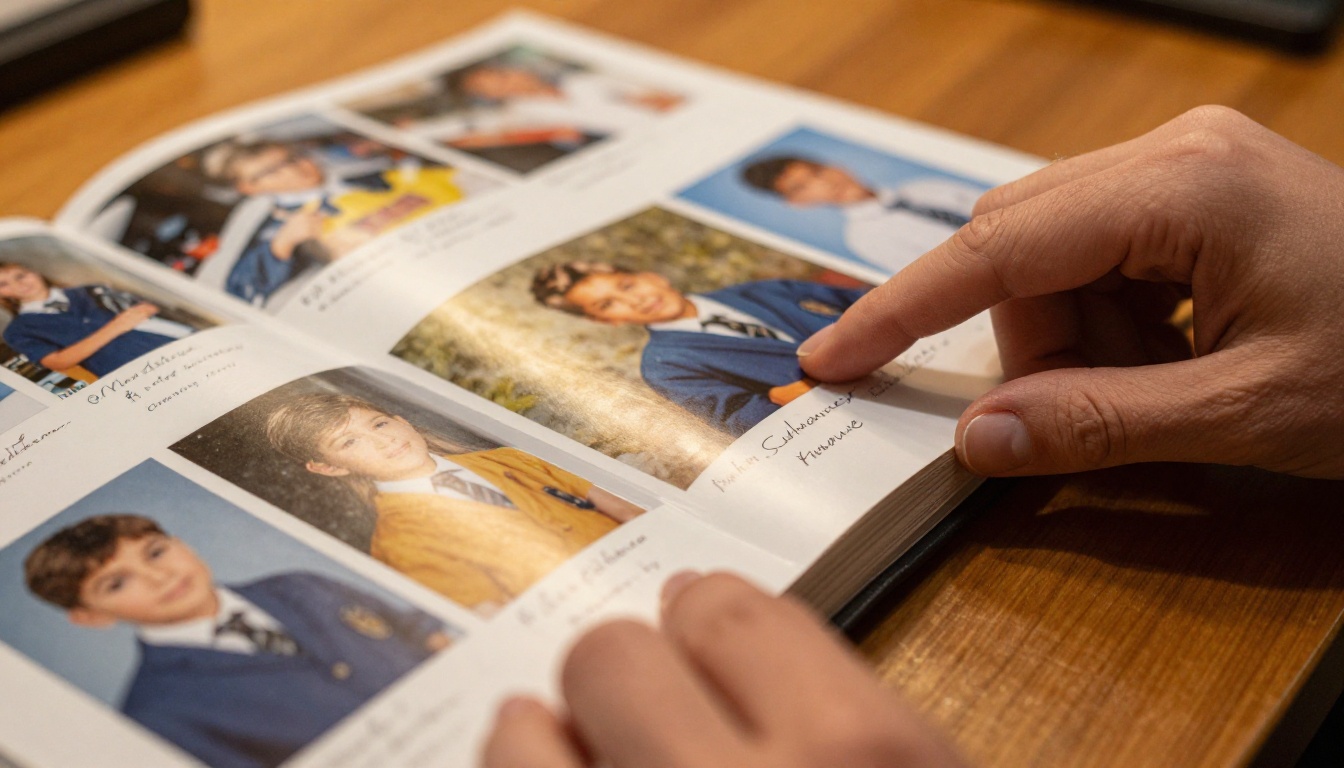
A well-structured digital yearbook reads like a story. It has a beginning (the school year opening), a middle (all the events, classes, and milestones), and a strong finish (senior quotes, awards, and what comes next).
| Yearbook Section | What to Include |
|---|
| Opening Pages | School name, year, mascot, intro message |
| Faculty and Staff | Photos, names, quotes |
| Grade-by-Grade | Class photos, individual portraits |
| Clubs and Activities | Group photos, brief descriptions |
| Sports | Team photos, season highlights, MVPs |
| Events | Field trips, dances, special assemblies |
| Senior Features | Quotes, post-graduation plans, superlatives |
| Closing Pages | Thank you message, credits, editor notes |
How to Make a Digital Yearbook with a Free Flipbook Maker
This is where it all comes together. Flipbooks AI offers a dedicated Yearbook Flipbook Maker that handles everything from PDF upload to interactive page-turning publication. Here's exactly how to do it.
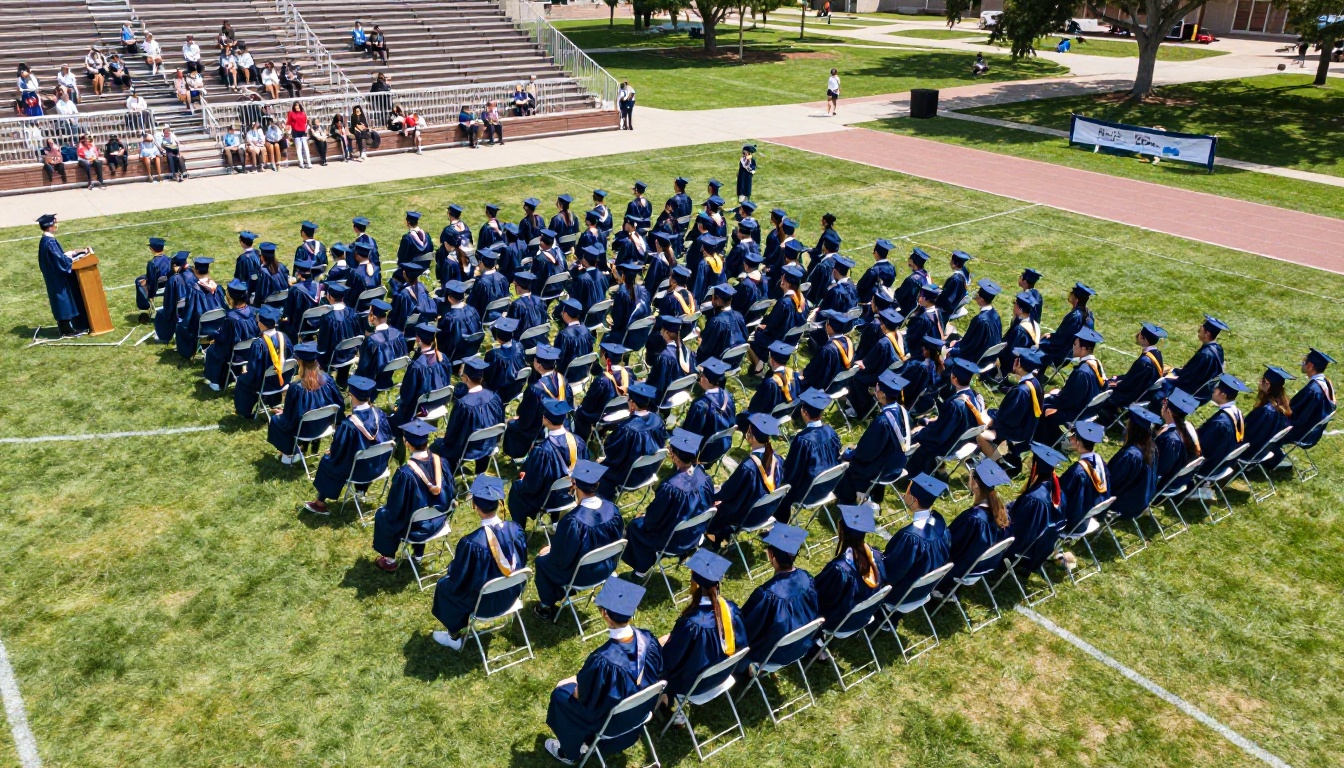
Step 1: Gather and Organize Your Content
Before opening any tool, collect everything in one place. Create a folder structure with subfolders for each section: portraits, group photos, events, clubs, sports. Export photos from wherever you stored them (Google Photos, Dropbox, the school's shared drive) into a consistent format.
Organizational tools worth using:
- Google Slides or Canva for initial layout drafts
- Google Drive or Dropbox for photo storage
- A shared folder so multiple students or teachers can contribute photos throughout the year
Step 2: Design Your Yearbook Pages
Most schools use Google Slides, Canva, or Adobe Express to design yearbook pages before converting to PDF. Set your document to a consistent page size (standard is 8.5 x 11 inches or A4). Design each spread, add photos, captions, and any decorative elements.
✅ Best practice: Use one header font and one body font throughout. Consistent typography gives the yearbook a polished, professional feel without requiring a graphic designer.
Step 3: Upload Your PDF to Flipbooks AI
Once your design is ready, export it as a single PDF file. Then:
- Visit Flipbooks AI and create a free account
- Click New Flipbook and select your PDF file
- Wait for the conversion (usually under 60 seconds for most yearbook PDFs)
- Your yearbook is now a live, interactive flipbook with page-turning animations
💡 Pro tip: Check the PDF at full resolution before uploading. Blurry photos in the PDF will remain blurry in the flipbook.
Step 4: Customize the Look and Feel
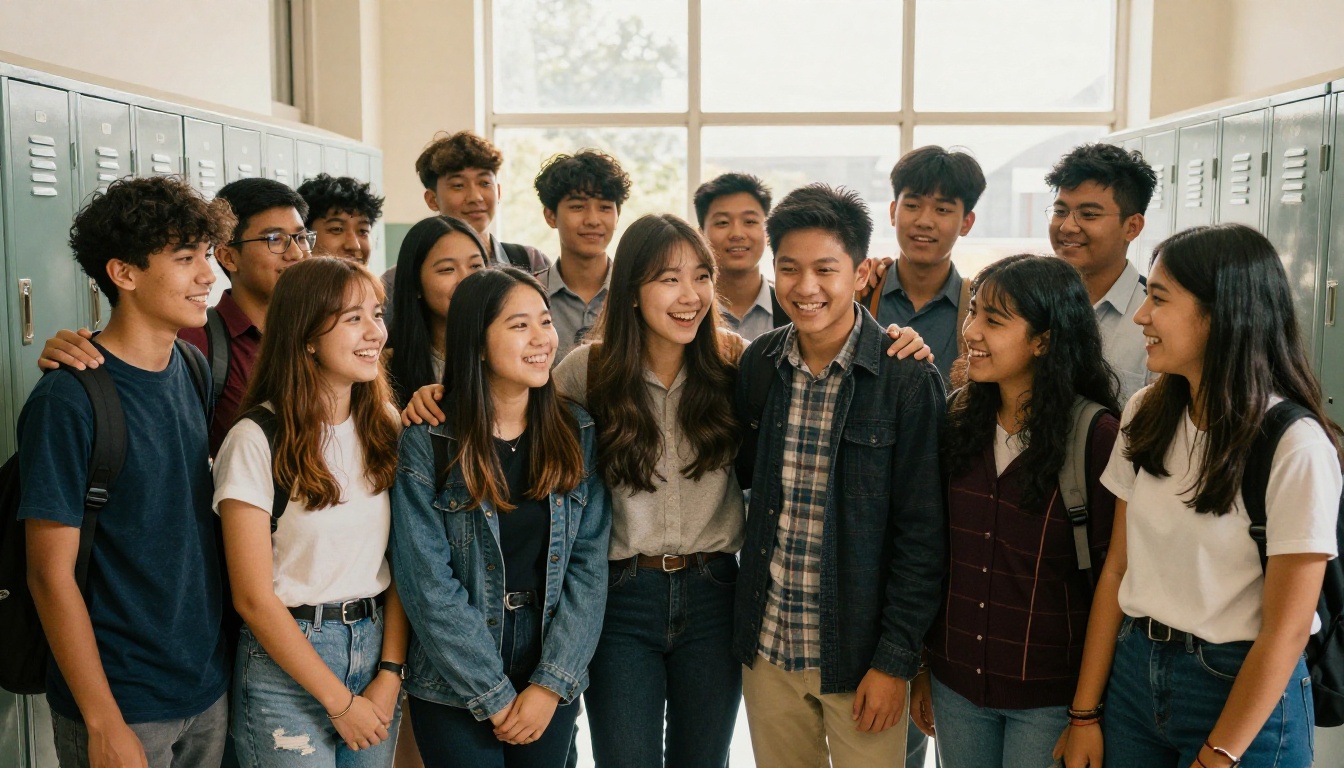
This is where your yearbook becomes uniquely yours. Flipbooks AI lets you:
- Set a custom front page image: Upload a photo from graduation day or a school event as the flipbook's opening visual
- Apply school colors: Match your school's official colors to the flipbook interface
- Add a title and description: So when someone shares the link, it arrives looking polished and intentional
- Enable page-turn effects: The smooth animation makes it feel like flipping through a real book
- Embed videos: Add a clip from the school play or a sports highlight reel directly inside the yearbook pages (Standard plan and above)
Step 5: Share It with Everyone
Publishing through Flipbooks AI gives you multiple options for distribution:
- Direct link: Copy and paste the flipbook URL into email, the school newsletter, or the parent portal
- Embed code: Use the Embed Flipbook on Website tool to place the yearbook directly on your school website
- Password protection: Set a password so only students and families with the code can access it
- QR code: Generate a QR code to print on graduation invitations or end-of-year cards
- Offline download: Students can save the PDF version to keep without internet access (Standard plan and above)
Free vs Paid Plans: What You Actually Get

A common question when choosing a free flipbook maker is what the free plan actually includes and when upgrading makes sense. Here's the honest breakdown for school yearbook use cases:
| Feature | Free Plan | Standard Plan | Professional Plan |
|---|
| Number of flipbooks | Limited | Unlimited | Unlimited |
| Watermarks | None, ever | None, ever | None, ever |
| Password protection | No | Yes | Yes |
| Custom branding | Basic | Full | Full |
| Embed on website | Yes | Yes | Yes |
| Video embedding | No | Yes | Yes |
| Offline downloads | No | Yes | Yes |
| Analytics | No | No | Yes |
| Lead generation tools | No | No | Yes |
⚠️ Warning: Some free flipbook tools add watermarks to your pages. Flipbooks AI does not. There are never any watermarks, even on the free plan. That matters for a school yearbook where every page represents your students.
For most school yearbook projects, the Standard plan offers the best value: unlimited flipbooks, password protection for private sharing, and offline downloads so students can keep a copy. Check the full pricing details to see what fits your school's budget.
Digital Yearbook Ideas That Actually Work
Not every school yearbook looks the same, and it shouldn't. Here are three distinct use cases with specific tips for making each one work well.
Elementary School Yearbooks
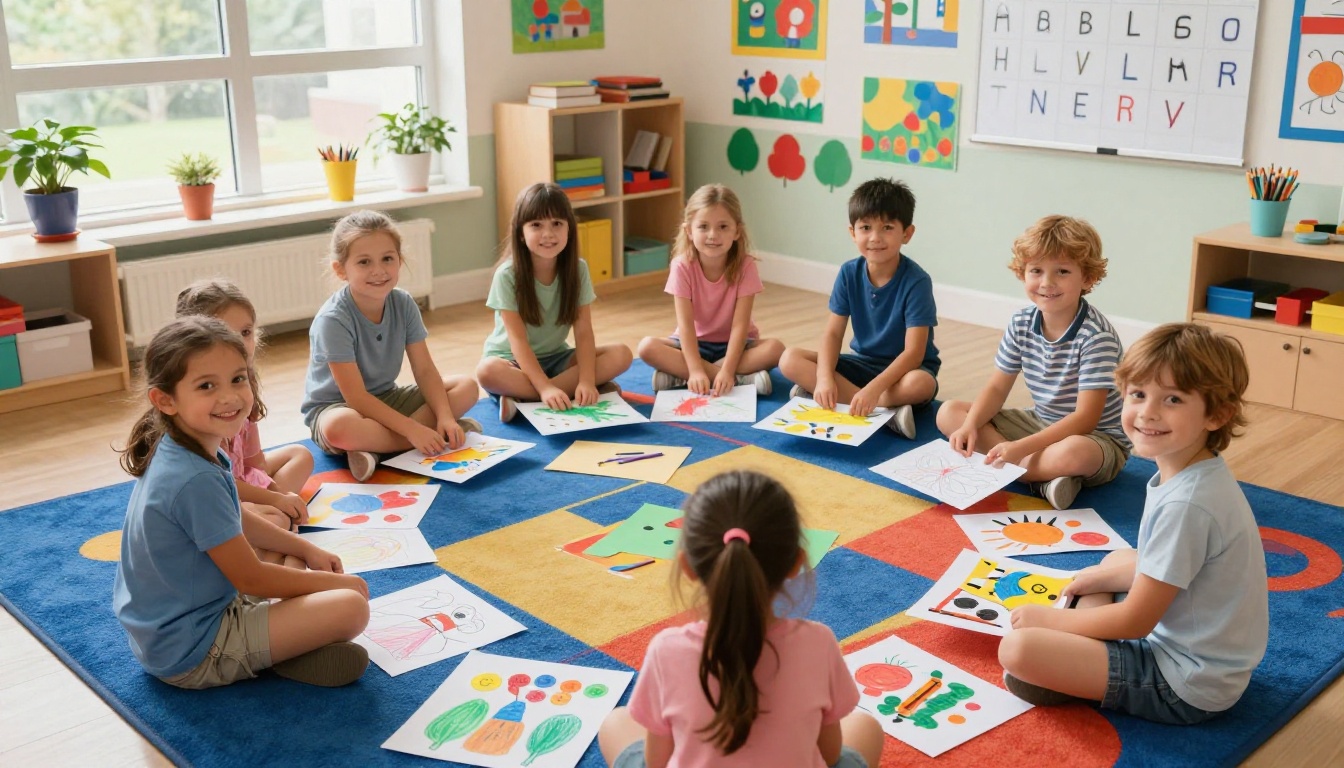
Elementary yearbooks are about joy and growth. Parents want to see how much their child changed from September to June. Focus on:
- "What I want to be when I grow up" pages with student drawings and short answers
- Classroom project highlights with before-and-after photos
- Seasonal event pages covering fall festivals, winter concerts, and spring field days
- Teacher appreciation pages designed by the students themselves
A free flipbook maker makes it simple to include these colorful, kid-created pages without needing any graphic design background.
High School Senior Yearbooks
Senior yearbooks carry the most emotional weight. These are the memories students carry into adulthood. Worth including:
- Senior portraits with individual pages per student including name, senior quote, and post-graduation plans
- "Then and Now" pages placing a kindergarten photo next to a senior portrait
- Superlatives and awards with voting results
- Club, team, and activity highlights showing four years of involvement
- A senior class timeline capturing every major event from freshman year to graduation
Sports Team Memory Books
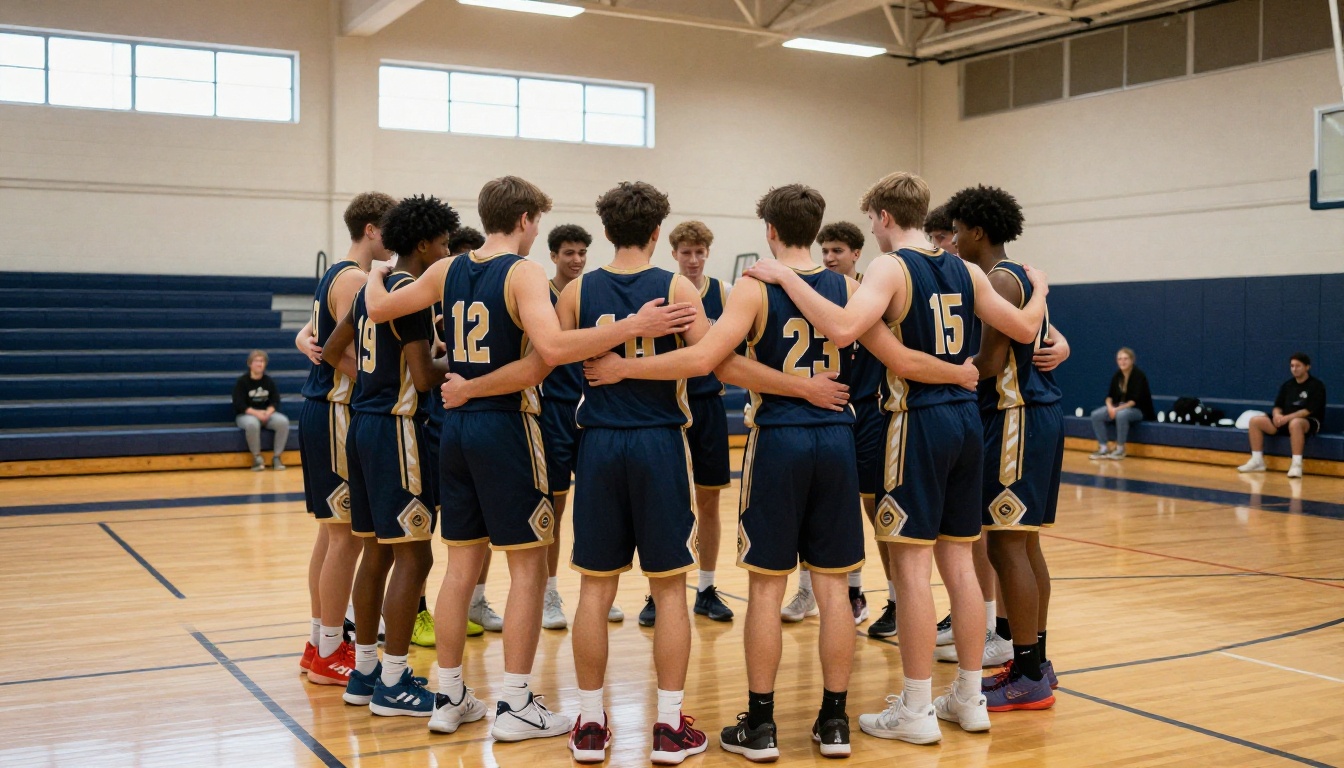
Individual sports teams often want their own memory books separate from the main yearbook. A basketball team, swim team, or marching band can create a focused flipbook using the same workflow:
- Season schedule with wins and losses noted
- Individual player profiles with action photos
- Highlight game recaps written by players or coaches
- "Team MVP" and coach's award pages
- Off-season training and bonding moment photos
These team flipbooks work great as digital gifts at end-of-season banquets, sent out as a link to every player and parent.
3 Common Mistakes to Avoid
Most yearbook projects run into the same set of problems. Knowing them in advance saves a lot of time.
1. Waiting too long to start collecting photos
Photos disappear. Teachers change phones. Students graduate and delete their accounts. Start collecting photos in September, not May. Set up a shared folder at the start of the year and remind people to add photos after every major event.
2. Using photos that are too low-resolution
Photos taken on a phone in poor lighting, or screenshots of screenshots, look bad when placed at full page size. Set a minimum resolution standard (at least 1200 x 900 pixels) for any photo going into the yearbook. Check every photo at 100% zoom before finalizing your design.
3. Skipping the proofreading step
A yearbook with a student's name spelled wrong is a problem that gets remembered for years. Read every caption, every name, and every quote at least twice. Have a second person read it after you. Fresh eyes catch different errors.
⚠️ Warning: Run a final name-check before publishing. Cross-reference against the official class roster, not memory alone.
Who Needs a Digital Yearbook Right Now
The obvious answer is schools, but the real list is broader:
- PTAs and parent committees running the yearbook project without a dedicated yearbook class
- Homeschool co-ops creating a shared memory book for their students
- Summer camps building an end-of-season recap for campers and parents
- Youth sports leagues producing season summary books for each team
- Dance studios and performing arts schools documenting recitals and rehearsals
- After-school programs creating memory books for participants
Any group of people sharing a year of experiences together has a strong use case for a digital yearbook. The Yearbook Flipbook Maker on Flipbooks AI is built for exactly this purpose. And if you need something beyond yearbooks, browse all flipbook tools for templates covering everything from sports recaps to school newsletters.
Start Your Digital Yearbook Today
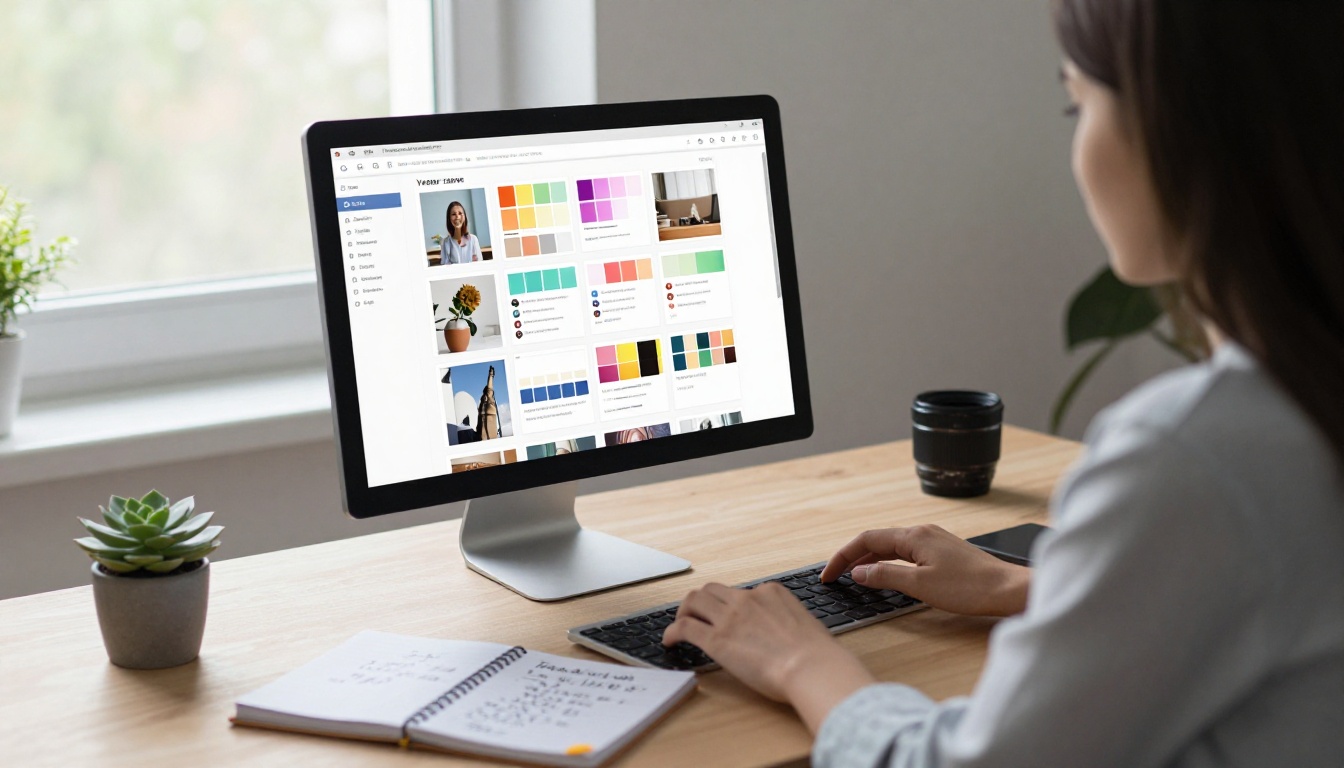
Making a digital yearbook with a free flipbook maker isn't complicated. The workflow is straightforward: gather your photos, design your pages in a tool you already know, export to PDF, upload to Flipbooks AI, set your preferences, and share a link. The whole process can go from zero to published in a single afternoon once your content is ready.
The moments worth preserving don't wait. Neither should the yearbook.
Create your free account on Flipbooks AI and build your first digital yearbook today. If you want password protection, offline downloads, or video embedding, compare pricing plans to find the right fit for your school. And if you're working on other creative school projects alongside the yearbook, see all flipbook tools to find what else is possible.
Every school year tells a story. Make sure yours gets told right.



