Most digital publications get opened once and never returned to. The ones that build loyal readerships share something in common: they feel like an experience, not just a document. That is exactly what a flip magazine delivers, and it is why brands, creators, and publishers are switching from static PDFs to interactive, page-turning digital publications. Flipbooks AI makes this transition easier than most people expect, turning your existing PDF into a polished, shareable flip magazine in under a minute.
This article walks through everything that separates a forgettable digital magazine from one readers actually share with their friends.
What Makes a Flip Magazine Worth Reading
The Page-Turn Effect That Changes Everything
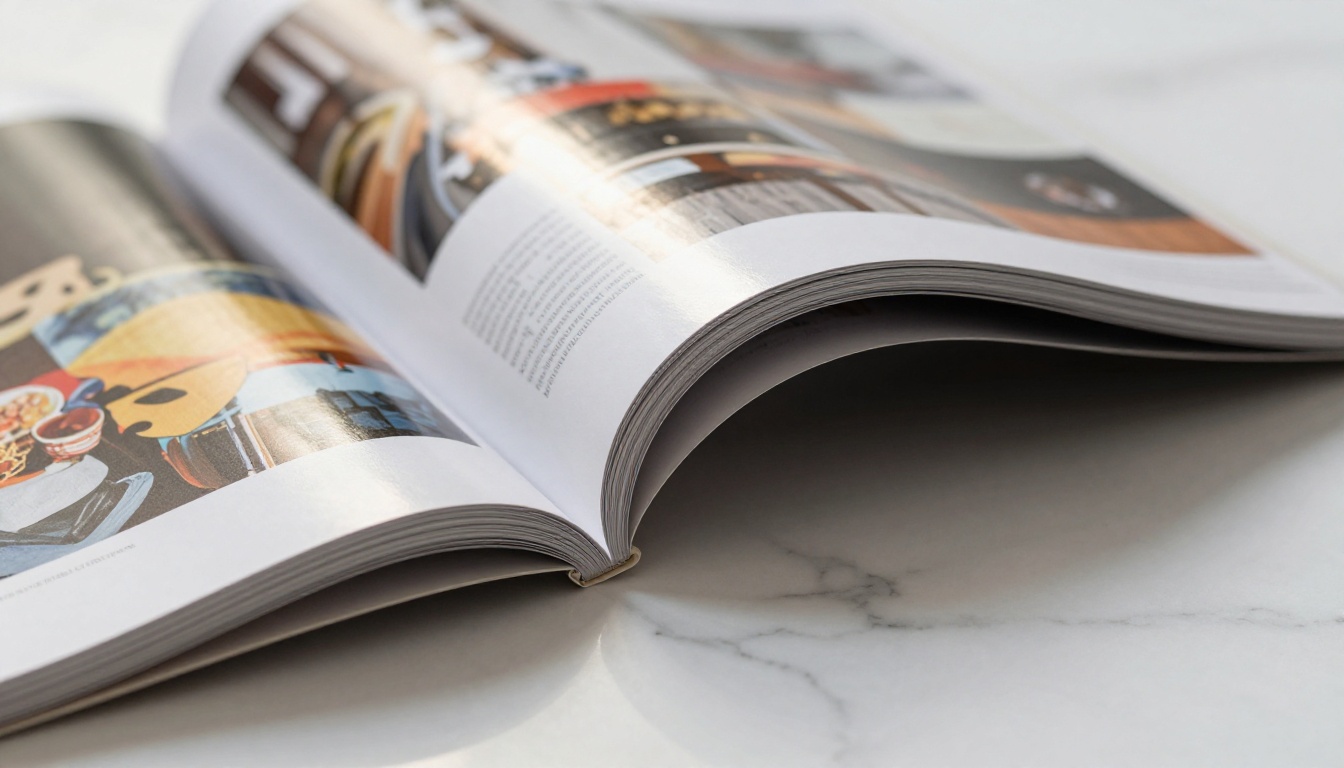
There is something almost neurological about the page-turn effect. When readers swipe or click to turn a page and see it arc naturally, their brain registers it as a real reading experience. That tactile simulation creates a kind of investment in the content that flat scrolling simply cannot replicate.
Research in digital reading behavior consistently shows that interactive formats increase time-on-page significantly. When readers feel like they are holding something, they slow down and actually read. The page physically turns, their attention follows.
Why Static PDFs Fall Short
PDFs were designed for printing, not for reading on screens. They do not adapt to device sizes, they cannot embed live multimedia, and they give you zero data on how readers actually engage with your content. A flip magazine solves all three problems simultaneously.
| Feature | Static PDF | Flip Magazine |
|---|
| Mobile-responsive layout | No | Yes |
| Embedded video and audio | No | Yes |
| Reader analytics | No | Yes (Professional plan) |
| Page-turn animation | No | Yes |
| Shareable link | Limited | Yes, with embed option |
| Password protection | No | Yes |
| Offline access | Partial | Yes (download option) |
| Custom branding | No | Yes |
💡 Pro tip: If your audience reads on mobile devices, a flip magazine is not optional, it is essential. Static PDFs on phones create a frustrating pinch-and-zoom experience that drives readers away immediately.
Planning Your Flip Magazine
Pick a Theme Readers Actually Care About
Before you open any design tool, ask yourself one question: what problem does this issue solve for my reader? The strongest flip magazines are built around a specific reader need, whether that is seasonal style inspiration, curated product selections, industry news, or practical tutorials they can act on immediately.
A theme gives every design decision a filter. When you know what the issue is about, you know which images to choose, which stories to include, and what tone to write in. Without a theme, pages feel disconnected and readers lose the thread.

Strong theme ideas that work consistently:
- Seasonal collections: Spring lookbooks, winter recipe issues, holiday gift selections
- Industry spotlights: Monthly trend reports, expert interviews, case studies with real data
- Product launches: New arrivals with behind-the-scenes creation stories
- How-to issues: Tutorial-heavy content that gives readers real, applicable skills
- Community features: Customer spotlights, reader-submitted content, testimonial-driven issues
Structure Your Content for Scanability
Readers do not read digital magazines the way they read novels. They scan, jump to what catches their eye, and circle back to things that interested them on a first pass. Your structure needs to accommodate that behavior rather than fight it.
A strong flip magazine architecture:
- Opening spread: One hero image, one powerful headline, nothing competing for attention
- Table of contents: Visual, not just a list. Show readers what is inside with thumbnail images.
- Opening feature: Your strongest piece of content, 2-4 pages long
- Mid-magazine variety: Mix short reads, full-bleed visual spreads, and data visualizations
- Back section: Quick-reads, product picks, reader community content, or next-issue preview
Designing Pages That Pop
Color, Typography, and Visual Hierarchy
The biggest mistake in magazine design is treating every page the same. Visual hierarchy means some pages shout and some pages whisper. Full-bleed photography pages create impact. Quieter, text-heavy pages give readers a chance to absorb information. That rhythm is what makes a magazine feel professionally crafted.
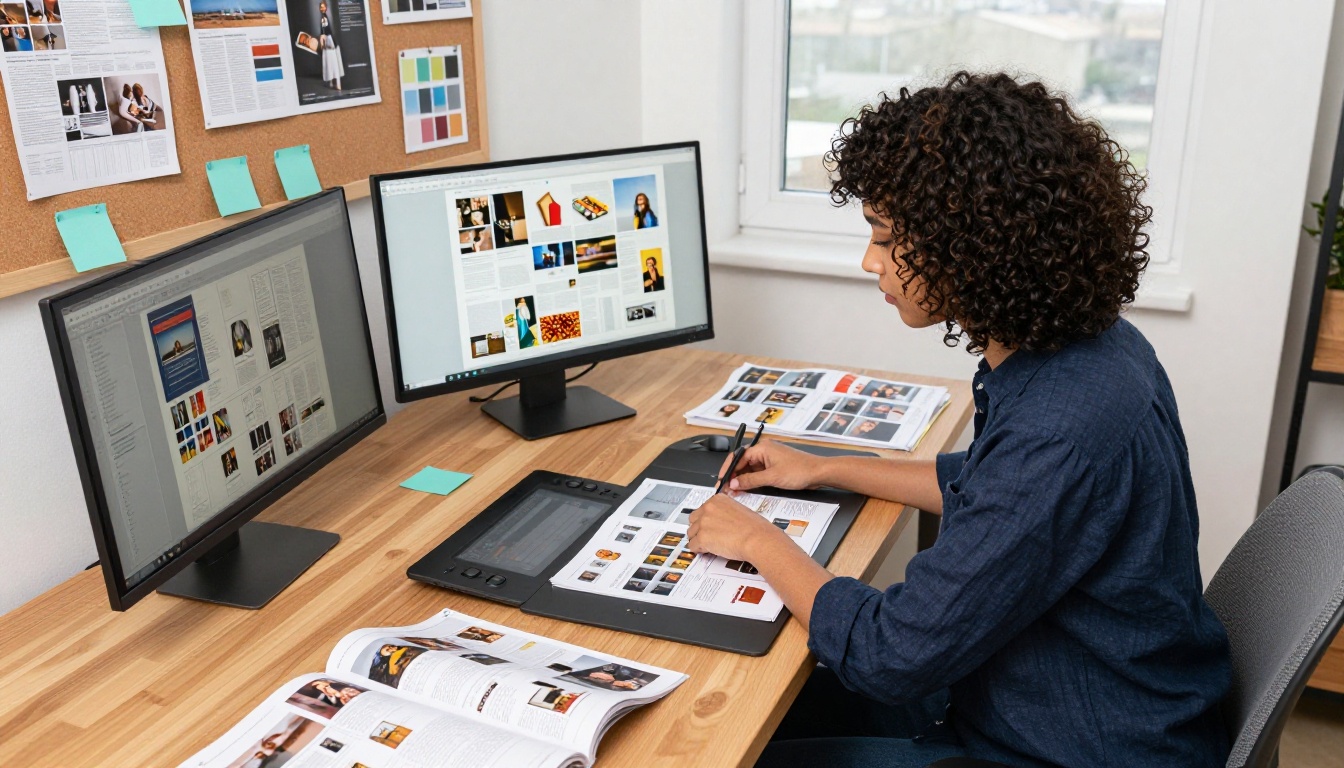
Typography rules that hold up:
- Use no more than two font families per issue: one for headlines, one for body text
- Headline fonts: bold, condensed, or serif styles work best at large display sizes
- Body fonts: prioritize legibility over personality at 10-14pt reading sizes
- White space is not empty space. It is breathing room, use it generously around text blocks.
Color palette guidance by content type:
| Palette Type | Best For | Mood It Creates |
|---|
| Monochromatic | Luxury brands, minimalism | Sophisticated, focused |
| Complementary | Fashion, food, lifestyle | Vibrant, high-energy |
| Analogous | Nature, wellness, travel | Harmonious, relaxed |
| Neutral plus one accent | Corporate, B2B, finance | Professional, trustworthy |
| Dark background | Photography-forward issues | Premium, editorial |
Photography and Imagery That Sells
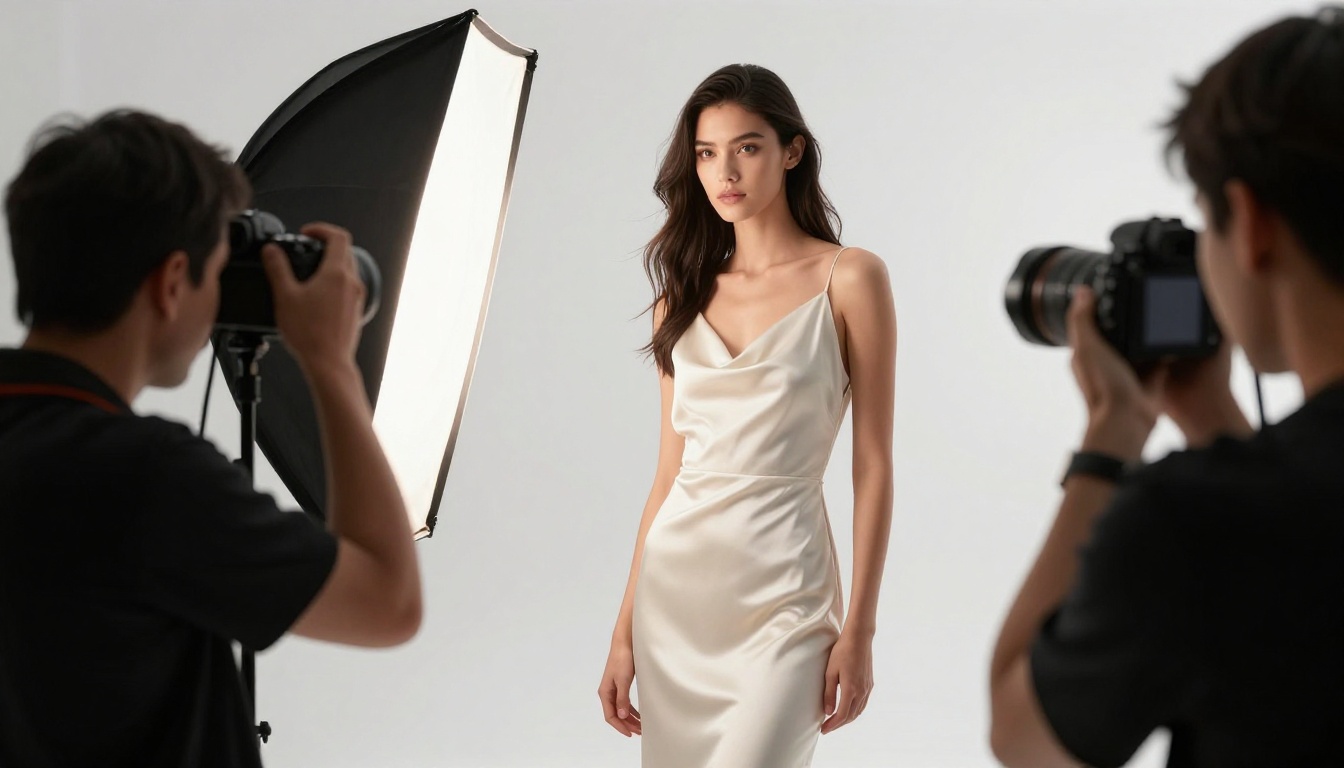
Your flip magazine is only as strong as its images. Low-quality photography undermines even the best writing instantly. Every image you choose should do one of three things: stop the reader mid-flip, reinforce the issue theme, or create a strong emotional response.
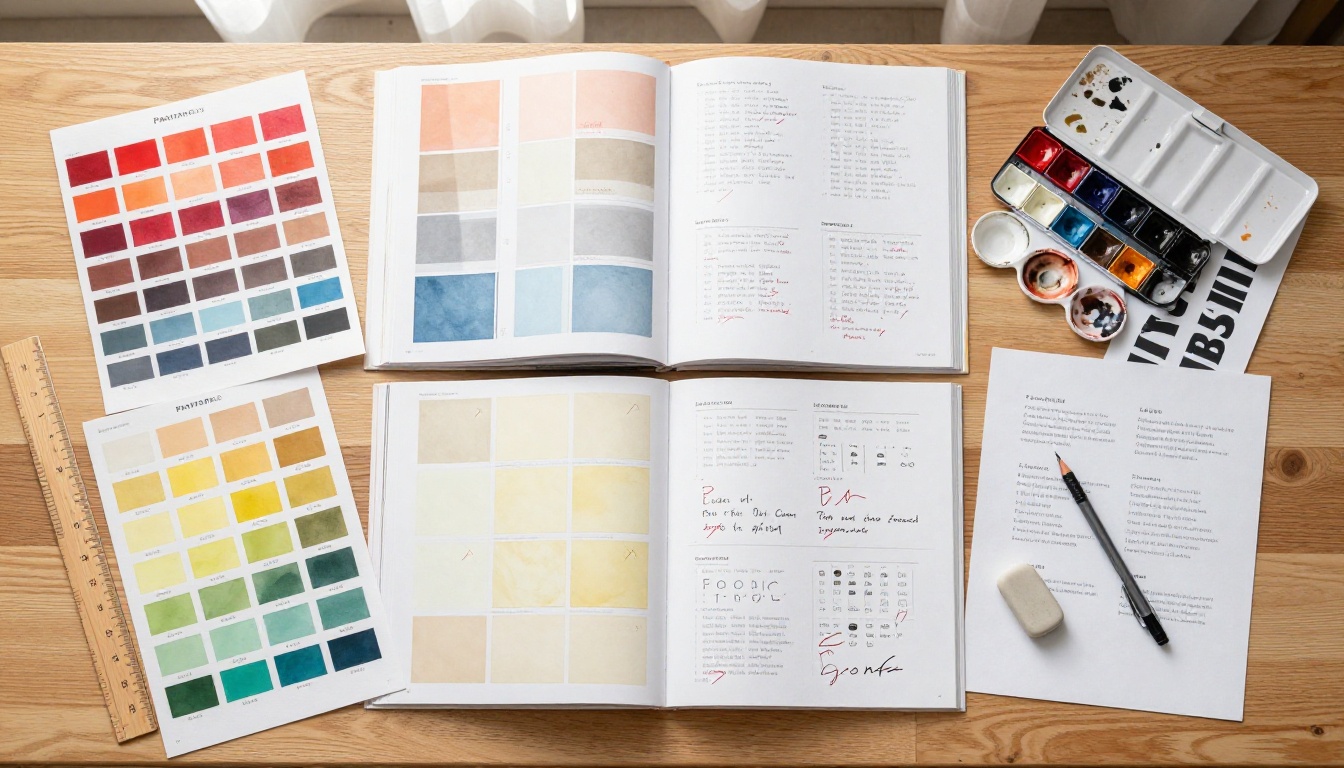
Image selection checklist before placing any photo:
⚠️ Warning: Never stretch or compress images to fit a layout. Distorted photography destroys credibility instantly. If an image does not fit proportionally, find an alternative or crop it thoughtfully at a natural focal point.
Adding Interactive Features
Embedded Videos and Audio
This is where a flip magazine separates itself from everything print can do. Embedding a video directly into a product spread lets readers see your item in action without leaving the publication. A podcast clip embedded into an interview feature keeps readers inside your magazine for minutes longer than text alone.

Effective ways to use embedded media in each issue:
- Product pages: A short demonstration or unboxing video paired with the product spread
- Interview features: A video interview excerpt or podcast clip alongside the written piece
- Tutorial pages: A how-to video that supplements the written step-by-step instructions
- Lookbook pages: A behind-the-scenes shoot video embedded beside the final editorial images
- Brand storytelling: A founder story or brand film on the inside front or back page
Clickable Links and Calls-to-Action
Every page of your flip magazine is prime real estate for conversion. Unlike print, every image, headline, and call-to-action can be a live link. Readers can click straight to a product page, a booking form, or a social profile without leaving the reading experience.
CTA placement strategies that convert:
- Product images linked directly to purchase or detail pages
- "Read the full story" links to long-form content on your website
- Social follow buttons on your final spread
- Newsletter signup prompts embedded mid-magazine
- "Book now" or "Request a quote" buttons on service-based pages
✅ Best practice: Use no more than one primary CTA per page spread. Too many competing actions create decision paralysis and readers end up clicking nothing at all.
How to Create Your Flip Magazine with Flipbooks AI
Flipbooks AI is built specifically for this kind of publishing. Whether you are creating a fashion lookbook, a restaurant menu, a real estate brochure, or a full editorial magazine, the platform converts your PDF into a polished, interactive flip publication in minutes.
From PDF to Flip in Minutes
- Create your account on Flipbooks AI, free to start
- Click New Flipbook from your dashboard
- Upload your PDF file via drag-and-drop or file browser
- Wait approximately 30-60 seconds for automatic conversion
- Preview your flipbook with the live page-turn effect immediately
The platform supports PDFs of any page count, from a 4-page product announcement to a 100-page annual magazine issue. There are no file size restrictions that would force you to compress your photography.
Brand It Your Way
Once your PDF is converted, the customization options give you direct control over every branding element:
- Custom colors: Match your brand palette exactly with hex code input
- Logo placement: Upload your logo to appear persistently in the flipbook viewer
- Background: Choose from solid colors, gradients, or custom uploaded backgrounds
- Page animation: Adjust the page-turn style and animation speed to match your brand feel
- Preview thumbnail: Set a custom preview image for social sharing previews
💡 Pro tip: Spend time on your viewer background. A dark background makes photography-heavy magazines feel premium and editorial. A white or light background suits corporate reports and educational publications.
Share It Everywhere
Publishing options on Flipbooks AI cover every distribution scenario:
- Direct link: A clean, shareable URL you can email, post on social, or add to a bio
- Embed code: Drop your flip magazine directly into any website or landing page using the Embed Flipbook on Website tool
- Password protection: Lock access to paid subscribers, prospective clients, or internal teams
- Social buttons: Built-in sharing so readers can spread each issue organically
The E-Magazine Publishing Tool and Magazine Flipbook Creator are the most relevant starting points for regular magazine publishers on the platform.
Plans Worth Knowing
Choosing the right plan affects what features you can offer your readers and what data you can collect from each issue.
| Feature | Free | Standard | Professional |
|---|
| Watermark | Yes | No | No |
| Flipbooks | 1 | Unlimited | Unlimited |
| Password protection | No | Yes | Yes |
| Reader analytics | No | No | Yes |
| Lead generation forms | No | No | Yes |
| Offline downloads | No | Yes | Yes |
| Custom branding | No | Yes | Yes |
| Embed on website | No | Yes | Yes |
For most publishers running a regular flip magazine, the Standard plan hits the right balance of features and cost. For brands that want to measure reader behavior per issue and capture leads directly from the publication, the Professional plan's analytics pay for themselves quickly. See the full breakdown on the Flipbooks AI pricing page.
Real Use Cases That Work
Fashion Brands and Lookbooks
Fashion brands were among the first publishers to recognize what a flip magazine could do for their seasonal content. A lookbook with full-bleed editorial spreads, embedded campaign videos, and clickable "shop this look" buttons on every spread turns a static seasonal catalog into an active sales channel.
The Interactive Lookbook Designer and Lookbook Flipbook Builder handle this use case with templates built for fashion-forward, photography-heavy layouts.
Restaurants and Hospitality
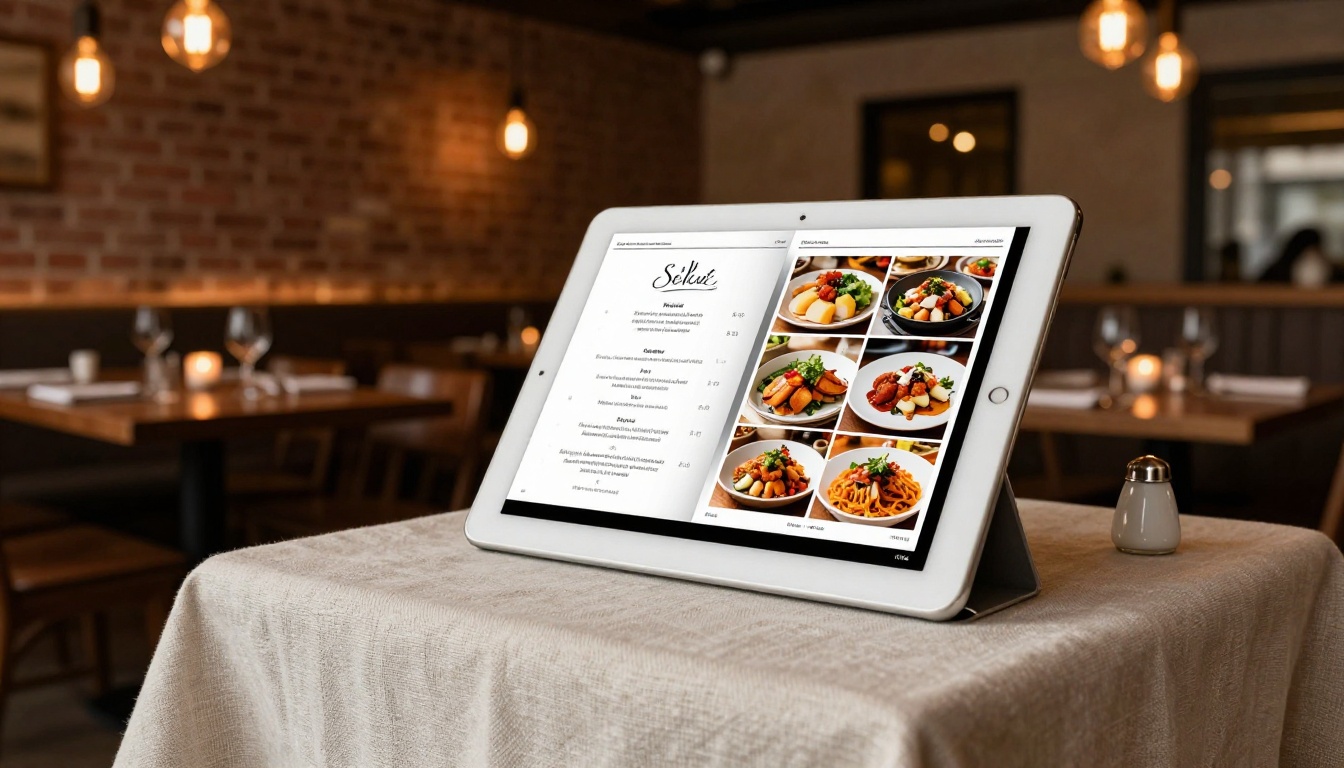
A flip menu is a statement about how much a restaurant cares about its brand experience. Guests who receive a link to a beautifully photographed, page-turning digital menu remember the attention to detail. Hotels use flip brochures to present room categories, amenities, and local experiences in a format that feels more like a lifestyle publication than a promotional document.
Relevant tools for this sector:
Real Estate and Property
Real estate agents who send a flip property brochure instead of a flat PDF consistently report higher client response rates. The format makes properties feel aspirational rather than transactional. Clickable floor plans, embedded video walk-throughs, neighborhood photography spreads, and a "Schedule a viewing" button on the back page close the gap between browsing and booking.

The Real Estate Brochure Creator generates a polished property flip publication from your existing PDF in under two minutes, with no design skills required.
Creating a great flip magazine is only half the work. Getting it in front of readers consistently is what builds an actual readership. The best publishers treat each issue release like a product launch.
Distribution channels that work:
- Email newsletter: Send a preview thumbnail image with the direct link. Subject lines that tease the issue theme outperform generic "new issue" emails every time.
- Social media: Share individual page spreads as images in the days before launch to build anticipation. Post the link on release day.
- Website embed: Keep a permanent "Latest Issue" section on your homepage using the embed code. Returning visitors will always see current content.
- Partner cross-promotion: Swap flip magazine features with complementary brands. A restaurant can feature a local food photographer; the photographer can feature the restaurant.
- Lead generation: With the Professional plan, add a lead capture form before readers access the full issue. This turns every flip magazine into a list-building asset.
💡 Pro tip: Create a brief archive of past issues on your website. Readers who discover you through a new issue will often read two or three past issues in the same session if they are easily accessible.
What Keeps Readers Coming Back
The publications that build loyal readers do three things without exception. First, they show up on a schedule readers can rely on. A monthly flip magazine that arrives in inboxes on the first of the month trains readers to expect and anticipate it. Second, they treat quality as non-negotiable over quantity. A tightly edited 16-page issue outperforms a bloated 60-page one where half the content is filler. Third, they make readers feel like participants rather than passive consumers. Polls embedded in the publication, reader spotlight sections, and community features create a two-way relationship that keeps people invested.

The tools available now make professional-quality flip magazine publishing accessible at any scale. What separates the publications readers love from the ones they ignore is editorial intention: knowing precisely what your reader needs, building something visually compelling around that need, and delivering it with enough consistency that readers start to feel a sense of ownership over your publication.
The barrier has never been lower. Your first issue is a PDF upload away.
Ready to build your first issue? Get started for free and have a live flip magazine in your readers' hands today. Browse all available tools and templates to find the right format for your content type, and compare pricing plans to choose what works best for where you are right now.



