Running a board game cafe is one part hospitality, one part librarian, and one part event coordinator. You have hundreds of games to catalog, a seasonal food menu to maintain, weekly events to promote, and membership perks to communicate, all before anyone rolls their first die. A binder of laminated sheets was never going to do that job well, and reprinting every time something changes costs both time and money. That is exactly why so many cafe owners are moving to digital flipbooks. Flipbooks AI turns any PDF into a polished, page-turning digital publication that loads instantly on any device, updates in seconds without a print run, and reaches guests long before they walk through your door.
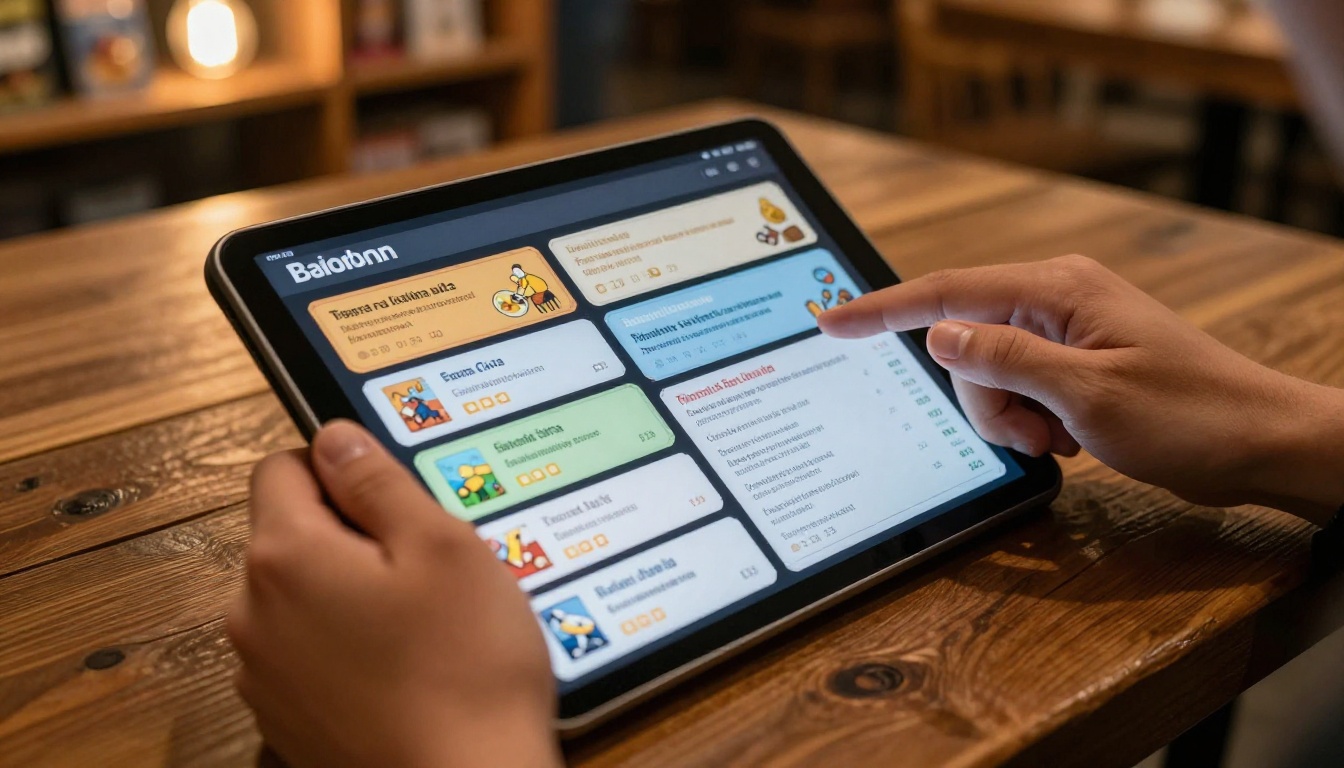
Most board game cafes start the same way: a laminated game list, a chalkboard drinks menu, and a photocopied flyer taped to the door about the upcoming trivia night. It works until it doesn't.
The problems compound over time.
- Reprinting costs add up fast. Every time you add a game, change a price, or reschedule an event, you are paying to print again.
- Physical menus wear out. A binder handled by hundreds of guests in a week looks exactly like it has been handled by hundreds of guests in a week.
- You cannot share them before guests arrive. Someone planning a birthday party for twelve people wants to browse your game library before they book the table. A printed binder cannot do that.
- No data comes back. A printed menu tells you nothing. A digital flipbook tracks which pages guests read, how long they spend on each section, and which game categories generate the most interest.
- They cannot be updated in real time. A tournament bracket that changes mid-event means someone is scribbling on printed sheets. A digital flipbook updates for every viewer the moment you save.
| Printed Menu | Digital Flipbook |
|---|
| Update cost | Reprint every time | Free, instant |
| Availability | Single physical copy | Any device, anywhere |
| Pre-visit sharing | Impossible | Link or QR code |
| Analytics | None | Page views, clicks, time |
| Physical wear | Tears, stains, loss | Always pristine |
| Multimedia support | None | Video and audio embeds |
💡 Pro Tip: Print your flipbook QR code and frame it on every table. Guests scan once, browse your entire game library on their phone, and you never touch a printer again.
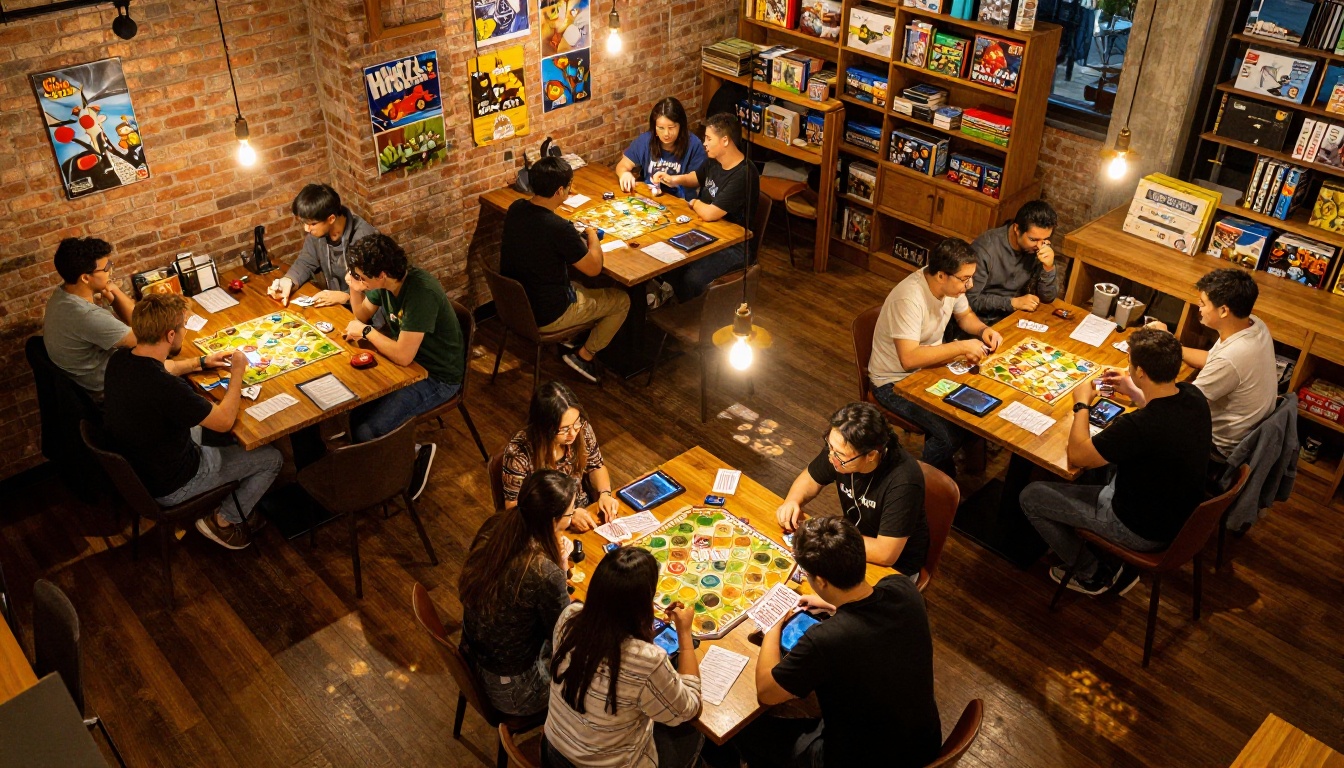
What Goes Into a Great Board Game Cafe Flipbook
A board game cafe flipbook is not just a menu. Done right, it becomes the single reference point for everything a guest needs before, during, and after their visit.
The Game Library Catalog
This is the centerpiece. Your catalog should list every game available to borrow, organized so guests can find something without flagging down a staff member every two minutes.
For each game, include:
- Title and publisher
- Player count (minimum and maximum)
- Play time ("45-90 minutes" is more useful than "Medium")
- Difficulty rating (Beginner, Casual, Enthusiast, Hardcore)
- Short description (2-3 sentences, conversational, not box-copy marketing language)
- A photo of the box
Group by category: Family, Strategy, Cooperative, Party, Card Games, RPG Starter Kits. A first-timer browsing for something to play with their partner needs completely different information than a regular who arrives every Thursday night for competitive strategy sessions.
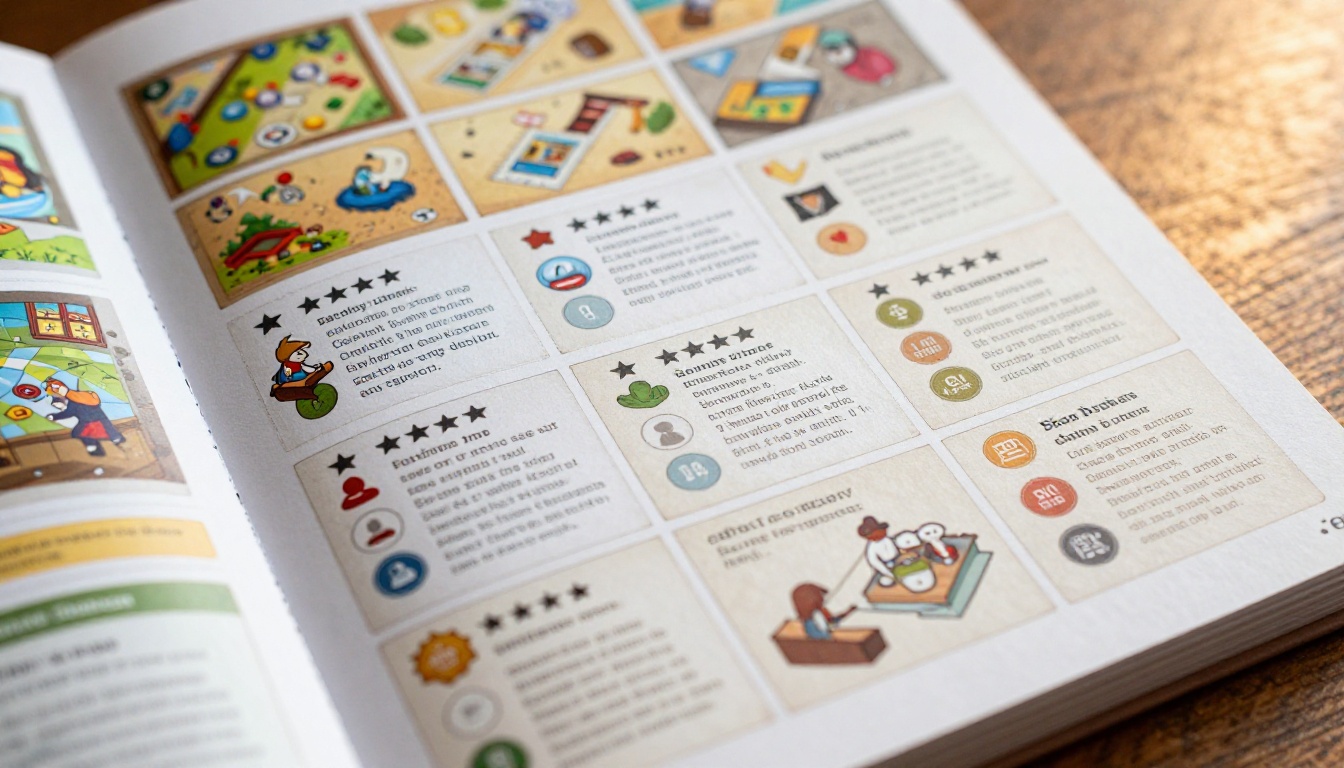
The Food and Drinks Menu
Your cafe sells food and drinks, and a flipbook handles this beautifully. The Restaurant Menu Creator from Flipbooks AI is purpose-built for this, letting you design a polished, categorized menu that is as quick to update as editing a PDF.
Include:
- Full food menu with current pricing
- Drinks (themed cocktails, mocktails, hot drinks, soft drinks)
- Combo deals ("Game Night Bundle: 2 drinks + 1 sharing board")
- Allergen information
- Daily specials that you update weekly without touching a printer
Events and Promotions
Weekly game nights, monthly tournaments, private hire packages, and family afternoons all belong in their own section. This is where your flipbook becomes a sales tool.
| Event Type | What to Show in the Flipbook |
|---|
| Weekly Game Night | Date, time, entry fee, featured games |
| Tournaments | Format, prizes, registration process |
| Private Hire | Capacity, pricing tiers, booking contact |
| Kids Events | Age range, duration, supervision details |
| New Game Launch | Game name, demo times, how to try it |
Membership and Loyalty Tiers
If you run a membership program, the flipbook is the right place to lay out the tiers clearly. A side-by-side comparison table removes the questions at the counter.
| Tier | Monthly | Perks |
|---|
| Drop-In | Pay per visit | Standard cafe access |
| Regular | $15 | 10% off food, 4 free visits/month |
| Enthusiast | $30 | Unlimited visits, priority table booking |
| Champion | $50 | All above + exclusive tournament access |
⚠️ Warning: If your membership tiers change seasonally, printed brochures leave guests walking around with outdated information. A digital flipbook you update in thirty seconds removes that problem permanently.
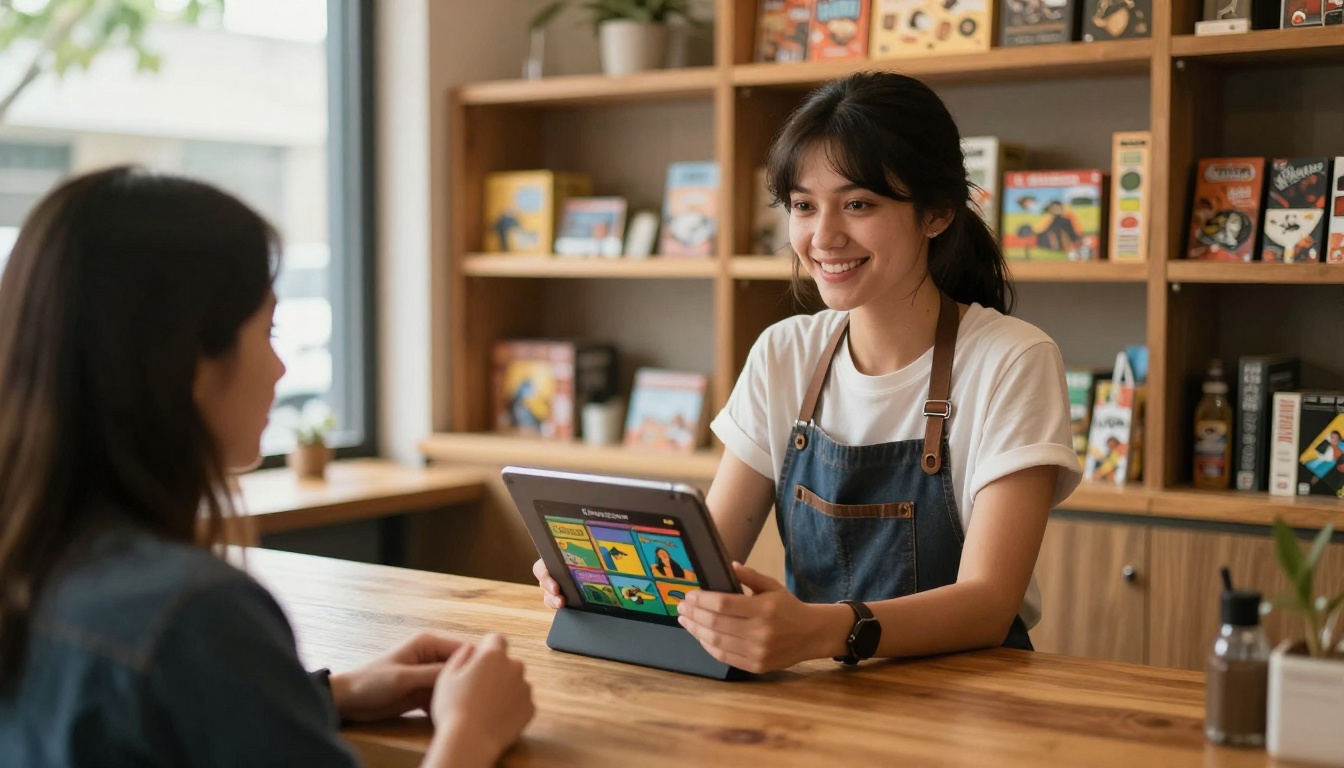
How to Build Your Flipbook with Flipbooks AI
This is where the work actually happens, and it is significantly simpler than most cafe owners expect. You do not need a background in graphic design. You need a PDF and about fifteen minutes.
Step 1: Create Your Account
Head to Flipbooks AI and sign up. The platform is entirely browser-based with nothing to install. Once you are in, your dashboard shows every flipbook you have created and gives you a single button to build a new one.
Step 2: Design Your PDF First
Before uploading, your content needs to be in PDF format. Tools like Canva or Adobe InDesign work well for building from scratch. Structure the PDF with clear sections: Game Library, Food Menu, Events, Membership. Keep the layout clean, use your cafe's brand colors throughout, and make sure font sizes are large enough to read comfortably on a phone screen held in one hand.
If you already have a printed menu, a scanner app on your phone creates a usable PDF in under two minutes.
Step 3: Upload and Convert
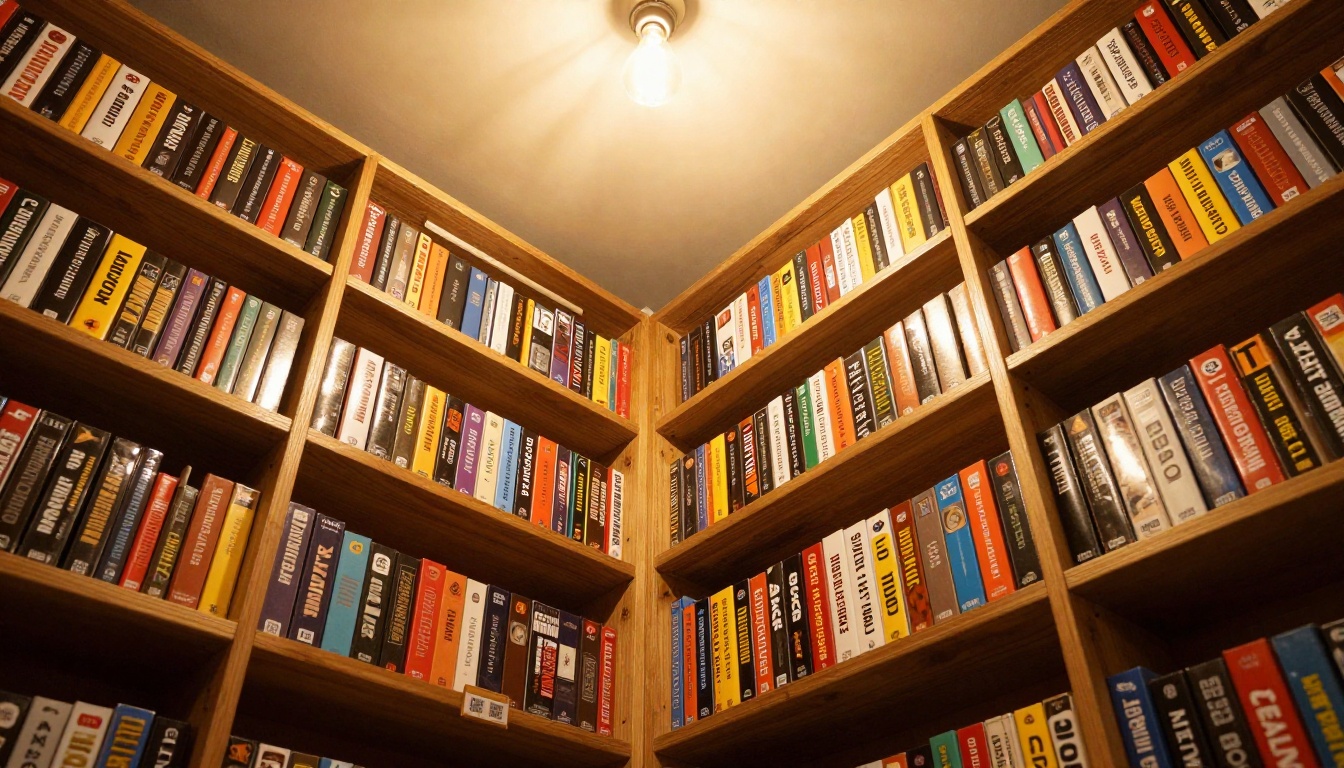
Inside your dashboard, click "New Flipbook" and upload your PDF. The conversion takes about thirty seconds. Your PDF becomes a page-turning interactive publication with realistic flip animations, the kind that makes guests lean forward slightly when they first see it on a tablet at the table.
Step 4: Customize Your Branding
This is where your cafe's personality comes through. In the editor you can:
- Set brand colors for the flipbook controls and background
- Upload your cafe logo to appear on the viewer
- Add a custom background texture (dark wood grain works beautifully for a board game cafe aesthetic)
- Enable page turn sound effects for that satisfying paper-flip moment
- Embed video content directly into pages for game tutorials or promotional clips
✅ Best Practice: Match the flipbook's accent color to your cafe's physical signage colors. Consistency between your online and in-person presence builds trust with new guests.
Step 5: Set Up Sharing
Once your flipbook looks right, Flipbooks AI gives you multiple ways to put it in front of guests:
- Direct link: Share via WhatsApp groups, Instagram bio, booking platforms, or Google Business
- QR code: Download and print for every table, window, and counter surface in your cafe
- Embed code: Place your flipbook directly on your website using the Embed Flipbook on Website tool
- Password protection: Create members-only versions of your event programs or exclusive game previews for Champion-tier members
Making Game Rules Easy to Browse
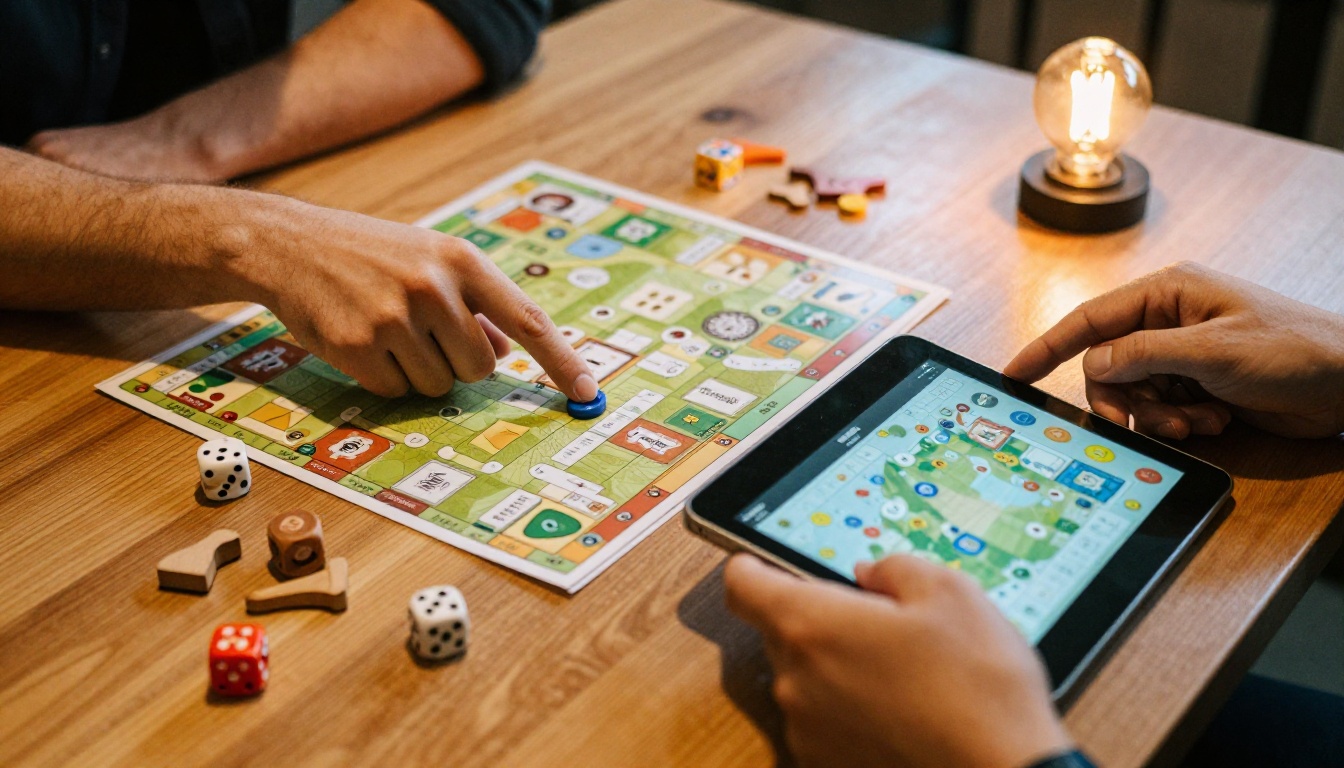
New guests at board game cafes often spend twenty minutes trying to figure out a game on their own because asking for help feels awkward. A quick-rules section in your flipbook solves this without adding anything to your staff's workload.
What Quick Rules Look Like
For your top 20 most-requested games, include a one-page quick-start version:
- Objective: One sentence, plain language
- Setup: Numbered list, five steps maximum
- Turn structure: What happens on each player's turn, clearly described
- Win condition: Specific and unambiguous
- Two or three common mistakes new players always make
💡 Pro Tip: For complex games, embed a YouTube "How to Play" video directly into the flipbook page. Guests watch the tutorial without leaving the flipbook. This feature is available on all Flipbooks AI plans and takes about ninety seconds to set up.
Organizing by Difficulty
Use your flipbook's table of contents to create a "First Visit?" section at the front, populated with beginner-friendly games and their quick-start rules. Reducing the friction for new guests is one of the highest-leverage things a board game cafe can do to improve repeat visit rates.
Event Programs That Look Like They Cost a Fortune
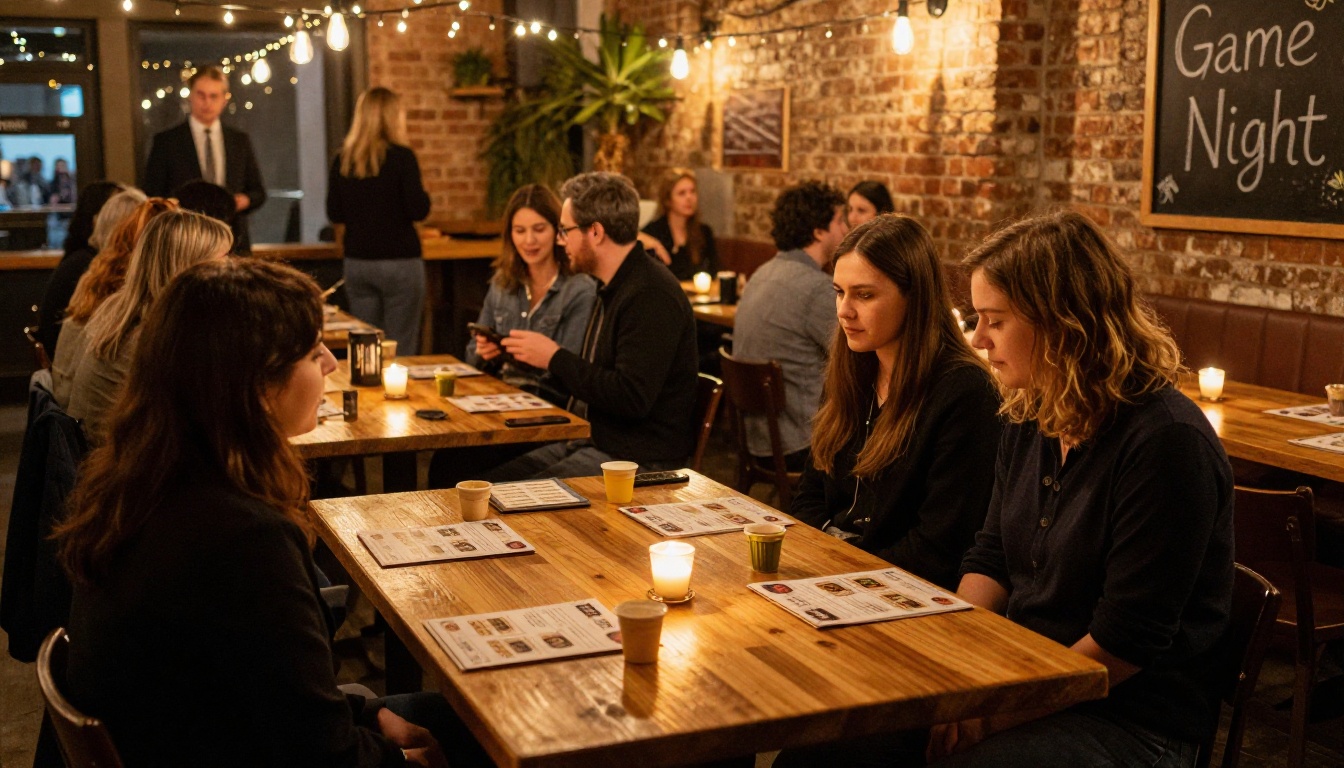
Every board game cafe runs events. Friday night tournaments, Saturday family afternoons, themed mystery nights. The problem is that a photocopied A4 sheet as the event program signals "small operation" even when your event is genuinely excellent.
A flipbook-format event program changes that perception immediately.
For a tournament event program, include:
- Welcome message from the cafe owner
- Tournament format, round structure, and rules
- Live bracket or schedule (update it in the flipbook between rounds)
- Prize breakdown
- Cafe food and drinks menu for the evening
- Preview of your next event with a booking link
The Event Program Maker from Flipbooks AI is built for exactly this. You create a unique program per event, share it via QR code at the entrance, and update the bracket in real time as rounds complete.
Private Hire That Sells Itself
If you rent out your cafe for birthday parties, corporate team-building, or private celebrations, a dedicated private hire flipbook is one of the most effective sales tools you can put in front of an inquiring customer. Send the link the moment someone asks about availability. It converts significantly better than a plain text email listing room capacity and pricing.
Include in your private hire flipbook:
- High-quality photos of the space set up for an event
- Game selection included in each hire package
- Food and drink packages with pricing
- Testimonials from past private events
- Booking process and direct contact details
Sharing Your Flipbook Before Guests Even Arrive
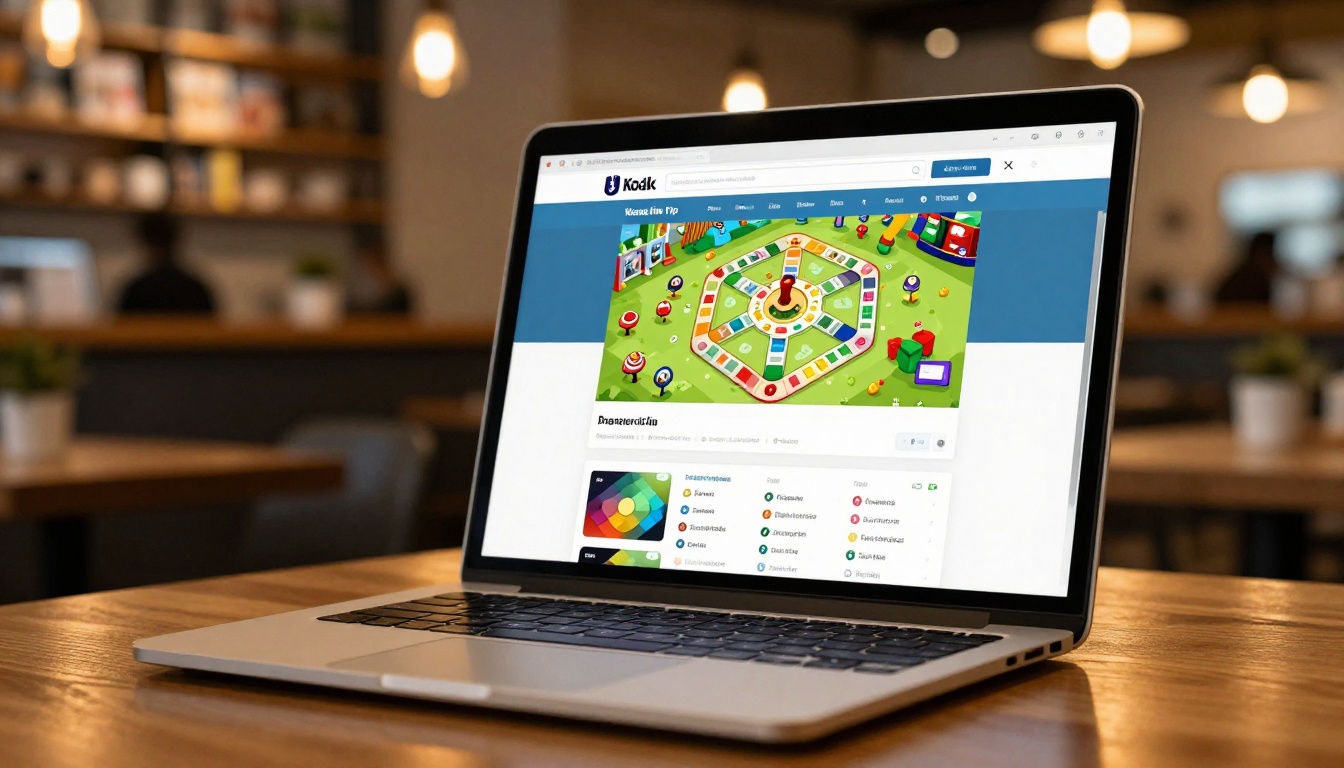
The biggest advantage of a digital flipbook over any printed material is that it works before, during, and after a visit.
Before the visit: Post your flipbook link in your Instagram bio, Google Business profile, and any booking platform you use. A guest deciding between two cafes will spend time browsing your game library on their phone. A PDF attachment they have to download will not get that attention. An interactive flipbook will.
During the visit: QR codes on every table give instant access. Guests browse the game catalog while waiting for drinks, plan their next game before finishing the current one, and check the events page to book their next visit before they leave. Staff spend less time playing librarian and more time serving customers.
After the visit: Include your upcoming events flipbook link in post-visit emails. The Newsletter Flipbook Publisher turns your email newsletter into an interactive format, keeping past guests engaged and nudging them back through the door.
✅ Best Practice: Update your game library flipbook every time you add a new title to the shelf. A flipbook that is visibly kept current signals to guests that you take the experience seriously.
Pricing That Fits a Small Cafe Budget
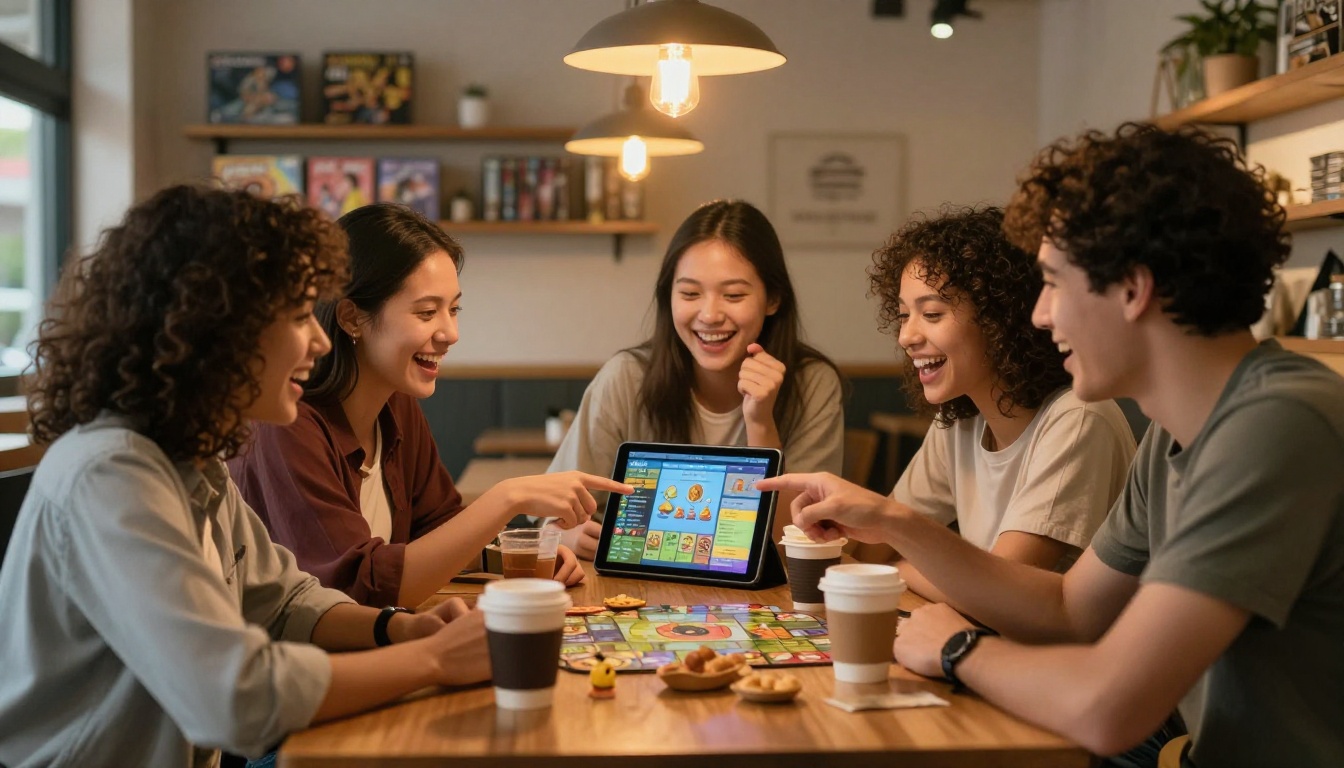
Flipbooks AI pricing is structured so that small businesses get full functionality without enterprise overhead.
| Feature | Standard | Professional |
|---|
| Unlimited flipbooks | ✅ | ✅ |
| No watermarks | ✅ | ✅ |
| Custom branding | ✅ | ✅ |
| Password protection | ✅ | ✅ |
| Embed on website | ✅ | ✅ |
| Video and audio embeds | ✅ | ✅ |
| Mobile-responsive design | ✅ | ✅ |
| Analytics and tracking | ❌ | ✅ |
| Lead generation forms | ❌ | ✅ |
| Offline downloads | ❌ | ✅ |
For most board game cafes, the Standard plan covers everything: unlimited flipbooks for your game library, food menu, and event programs, with custom branding and no watermarks ever. The Professional plan is worth the step-up if you run regular events and want data on which promotions are actually driving bookings. The analytics alone tell you whether guests are spending time on your membership page or skipping past it, which shapes how you structure your next flipbook.
What Your Flipbook Says About Your Cafe
There is a subtler benefit that does not appear in any feature list. When guests encounter a professional, interactive flipbook at your cafe rather than a laminated sheet, it changes how they read the whole operation. It signals that you take the details seriously. It signals that you thought about their experience before they sat down. And in a market where board game cafes compete not just with each other but with home gaming setups and streaming services for a Saturday evening, that perception gap is a real competitive advantage.
A digital flipbook is not a luxury item for a board game cafe. For any operation managing hundreds of game titles, a rotating food menu, weekly events, and a membership program, it is the organizational tool that holds the guest experience together in one place that updates instantly, shares effortlessly, and looks polished every single time.
Ready to build yours? Create your cafe flipbook for free on Flipbooks AI and have your game library, food menu, and event program live before your next opening. Browse all flipbook tools to find the right format for every section of your cafe, or check out pricing plans to pick the tier that fits your operation today.



