Making your calligraphy portfolio stand out has nothing to do with working harder on your scripts. It has everything to do with how a client experiences your work the first time they see it. A flat PDF is a dead file. A flipbook is an event. That is why smart lettering artists and freelance calligraphers are using Flipbooks AI to turn their portfolios into page-turning digital experiences that stop clients mid-scroll and keep them engaged long enough to hit reply.
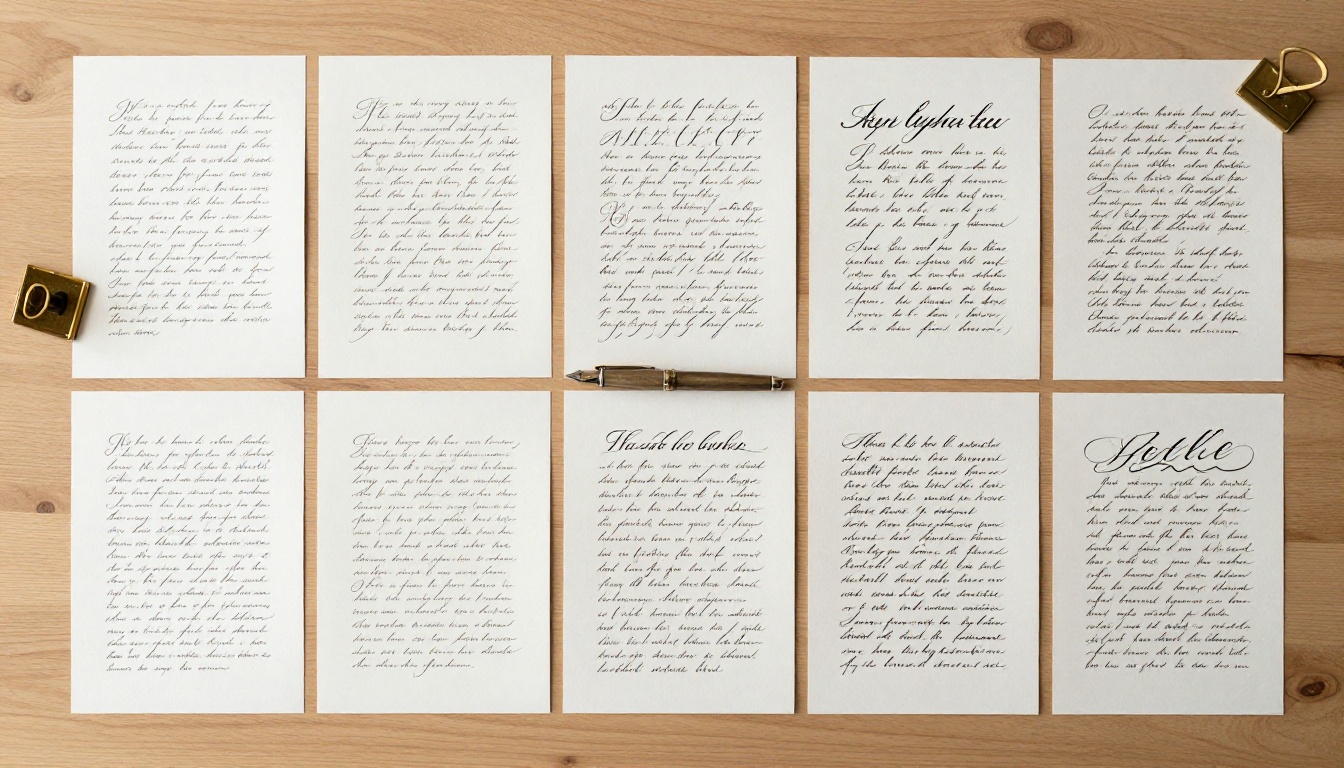
Most calligraphers spend months perfecting their Copperplate and zero minutes thinking about how a client interacts with their portfolio file. The result is consistent: gorgeous work inside a format that actively works against it.
The PDF Problem Nobody Talks About
PDFs require a download. Downloads require trust. Trust requires time. By the time a potential wedding client or stationery brand finally opens your attachment, they have already moved on to the next person in their inbox who sent a clean clickable link.
The problem is not your calligraphy. It is the container.
⚠️ Sending a portfolio as a file attachment reduces open rates dramatically. Recipients hesitate to download unknown files, especially on mobile devices where storage and security concerns are top of mind.
A PDF also presents your work statically. Pages do not turn. There is no sense of "flipping through" a beautiful body of work. It feels like a form, not a presentation.
What Clients Actually Want to See
Clients booking calligraphers, whether for weddings, brand campaigns, or luxury goods, respond to presentation as much as craft. They want to feel something when they review your portfolio. They want it easy to share with their partner, their event planner, their brand manager.
A digital flipbook delivers all of that. It opens in a browser with no downloads and no plugins. It page-turns with a click or a swipe. It feels premium before they read a single word.
What Belongs in a Calligraphy Portfolio
Before you make a flipbook for your calligraphy portfolio, you need to know what goes in it. Quantity is the wrong goal. Clarity is the right one.

Choosing Your Best 15-20 Pieces
Fifteen to twenty pieces is the professional sweet spot. Below ten feels thin. Above twenty and clients start skimming without retaining anything.
For each piece, ask yourself:
- Does this represent work I want more of?
- Is the photography or scan sharp enough to read at full screen?
- Does it show a client what I can do for them specifically?
If any answer is no, cut it. One weak page in a flipbook undermines ten strong ones.
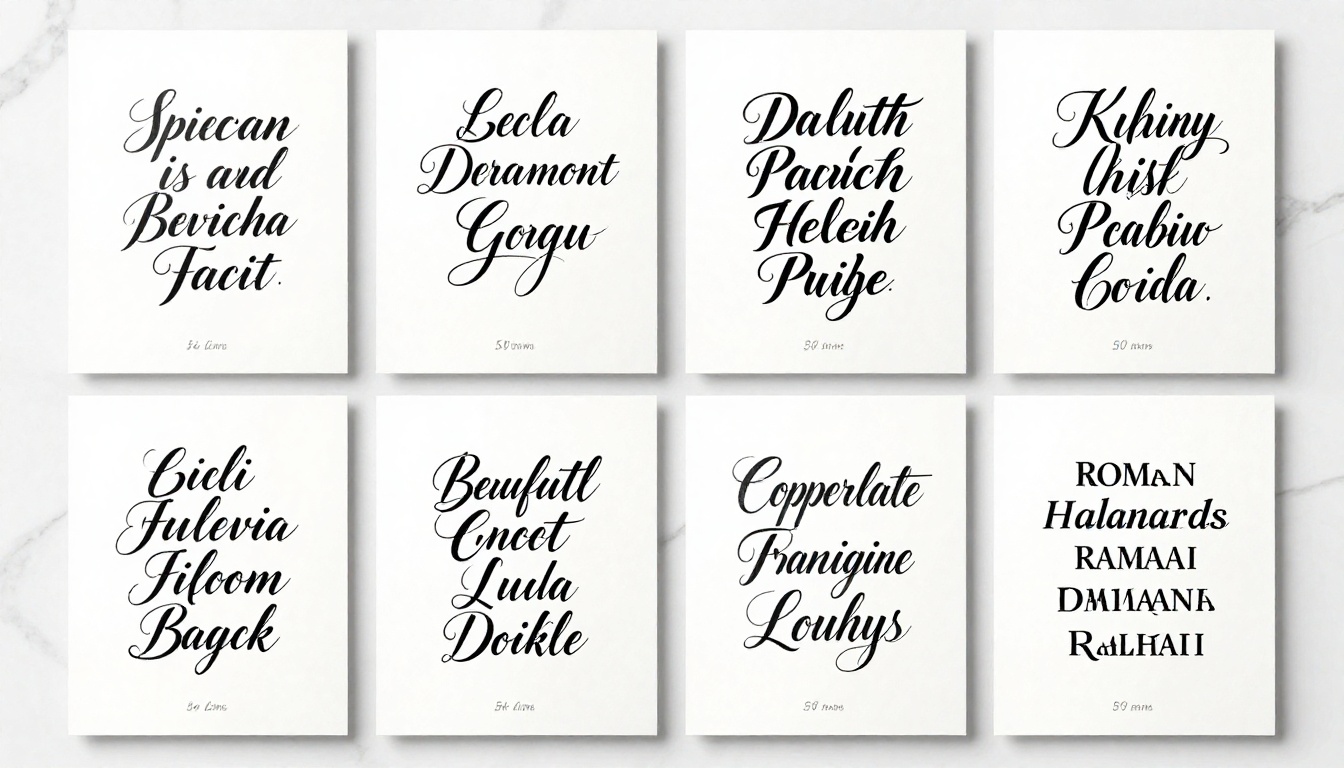
Which Script Styles to Include
Do not dump every practice sheet you have ever produced. Show range, but curate around your actual service offering.
| Script Style | Best Suited For | Client Type |
|---|
| Copperplate | Wedding stationery, invitations | Brides, event planners |
| Gothic Blackletter | Branding, certificates, labels | Craft brands, distilleries |
| Brush Lettering | Social content, packaging | Lifestyle brands, startups |
| Italic | Corporate documents, menus | Restaurants, hotels |
| Spencerian | Luxury goods, monograms | High-end retail, personal gifts |
| Roman Capitals | Signage, architectural work | Interior designers, venues |
💡 Group your strongest three scripts in the first four pages. Clients decide whether to keep scrolling within the first minute of viewing.
The Work Types Worth Including
Beyond scripts, think in project categories. A potential client commissioning wedding envelopes thinks differently than a brand looking for a logo wordmark. Show them exactly what they need to picture you for their specific job.
High-value project types for your portfolio:
- Wedding suites: invitations, envelopes, place cards, menus
- Brand identity: wordmarks, packaging scripts, product labels
- Certificates and diplomas
- Personalized gifts: champagne bottles, leather goods, art prints
- Live calligraphy event documentation
- Editorial lettering: book chapter openers, recipe headers, title treatments
How to Organize Your Calligraphy Work
Presentation order is strategy, not preference. The way you sequence your portfolio pages directly affects how a client moves from "interesting" to "I want to hire this person."
Grouping by Project Type
The most effective structure for a freelance calligraphy portfolio groups pages by use case rather than by script style. Clients do not think "I need Copperplate." They think "I need someone for my wedding." Lead them through that mental path.
Recommended sequence:
- Opening spread: Your single best piece, largest format
- Signature specialty: 3-4 pages of your primary service area (weddings, luxury, etc.)
- Range section: 4-6 pages showing different scripts and applications
- Process pages: 2-3 pages showing work in progress or studio setup context
- Commission examples: Real client work with brief captions
- Contact page: Clean final page with your rates, booking link, and email
The Order That Gets You Hired
The opening three pages carry the most weight. They determine whether a client reaches your contact page. Put your most technically impressive piece first, a commercially relevant project second, and a personal or passion piece third. This sequence communicates that you are skilled, practical, and have a genuine perspective on the craft.
How to Make a Flipbook for Your Calligraphy Portfolio
Here is the actual step-by-step process for building a professional calligraphy portfolio flipbook using Flipbooks AI.

Step 1: Build Your Portfolio PDF
Before uploading anything, assemble your portfolio as a single polished PDF.
- Page size: Use A4 or US Letter landscape for best flipbook display
- Resolution: Minimum 300 DPI for all calligraphy images
- File size: Keep under 100MB for fast loading; compress images without losing sharpness
- Fonts: Embed all fonts if using text captions alongside your work
- Margins: Leave generous white space around each piece and let the work breathe
💡 Use Adobe InDesign, Affinity Publisher, or Canva Pro to build a clean PDF layout with consistent margins and typography for your captions and section dividers.
Step 2: Upload to Flipbooks AI
Once your PDF is ready, head to Flipbooks AI and create your account.
- Log in to your dashboard
- Click New Flipbook and select your PDF file
- Wait for the conversion (usually under two minutes for a 20-page portfolio)
- Preview the result in the built-in viewer
The PDF to Flipbook Converter handles all the technical work. Your pages appear exactly as designed, with smooth page-turn animations that make a real difference in how the work is perceived on first viewing.
Step 3: Customize Your Flipbook
This is where your portfolio stops looking generic and starts feeling like yours.
Customization options available:
- Upload a custom logo to brand your flipbook interface
- Set a background color or texture behind the pages
- Add a custom domain or subdomain for a professional-looking URL
- Write a title and description that reflect your primary services
- Set language and reading direction preferences
✅ Use your primary calligraphy script style as inspiration for your flipbook's color palette. Copperplate portfolios suit warm cream and gold tones. Brush lettering works well with clean white and charcoal.
Step 4: Publish and Share
Once published, your calligraphy portfolio flipbook is live at a clean, shareable URL. No attachments, no downloads, no barriers for your clients.
Options for sharing:
- Direct link: Copy and paste into emails, DMs, or client proposals
- Embed code: Drop your flipbook directly onto your website using the Embed Flipbook on Website tool
- Password protection: Set a private password for exclusive proposals or retained clients
- QR code: Generate a QR code pointing to your flipbook for in-person events and markets

Flipbook Features Calligraphers Actually Use
Not every feature in a flipbook platform matters to a calligrapher. Here are the ones that genuinely move the needle for booking clients and managing your freelance work professionally.
Password Protection for Private Proposals
When you are submitting a custom quote for a high-end wedding suite or a brand packaging project, you do not want your pricing and bespoke samples floating around publicly. Password protection solves this cleanly.
Create a separate protected flipbook for each major proposal. Inside, include:
- The client's name and project brief summary
- Samples specifically selected for their project type and aesthetic
- A pricing page with your rates for the agreed scope of work
Only they see it. Only they can share it with their decision-making team.
Analytics to Track Client Interest
The Professional plan on Flipbooks AI includes viewer analytics. For freelancers, this is genuinely useful business intelligence that most portfolios do not offer.
You can see:
- How many people opened your portfolio link
- Which pages they spent the most time viewing
- How far through the flipbook they read before closing
- Geographic data on where your viewers are located
If clients consistently stop at page eight and never reach your contact page, something before that point is losing them. Analytics give you that feedback loop without needing to ask anyone directly.
Lead Generation for Your Inquiry List
On the Professional plan, you can add a lead generation gate to your flipbook. A viewer enters their name and email to access the full content. For public portfolio links shared in social bios or on your website, this is a quiet way to build your client inquiry list over time.
💡 Use the lead capture option on a public "portfolio highlights" flipbook, then send the full portfolio as a personalized follow-up. This gives you a natural reason to reach out and start a conversation.
Plan Comparison
| Feature | Free | Standard | Professional |
|---|
| Number of flipbooks | 1 | Unlimited | Unlimited |
| Custom branding | No | Yes | Yes |
| Password protection | No | Yes | Yes |
| Analytics | No | No | Yes |
| Lead generation | No | No | Yes |
| Offline download | No | No | Yes |
| Custom domain | No | Yes | Yes |
| Watermark | Yes | No | No |
See the full breakdown on the pricing page to choose what fits your current stage as a freelancer.
Where to Share Your Calligraphy Flipbook Portfolio
Having a great portfolio flipbook only pays off if you put it in front of the right people consistently. Here is where it works best.
Direct Client Proposals
Every new inquiry response should include your flipbook link. Instead of attaching a PDF and hoping for the best, write:
"I have put together a selection of my recent calligraphy work that I think aligns well with what you are looking for. You can browse it here: [your flipbook link]."
This is dramatically more effective than a file attachment because it removes friction entirely. One click, instant access, no downloads required on their end.
Instagram and Social Media Bios
Your Instagram bio link should point to your portfolio flipbook. It is more immersive than a standard website gallery and faster to load than most portfolio sites on mobile. The page-turn interaction creates a natural pause that a scrollable website simply does not have.
Your Website Embed
If you have a portfolio website, embedding your flipbook directly on the portfolio page gives visitors a premium experience without leaving your site. The Digital Portfolio Creator and Portfolio Flipbook Builder tools streamline this process significantly for creative professionals.
In-Person Events and Markets
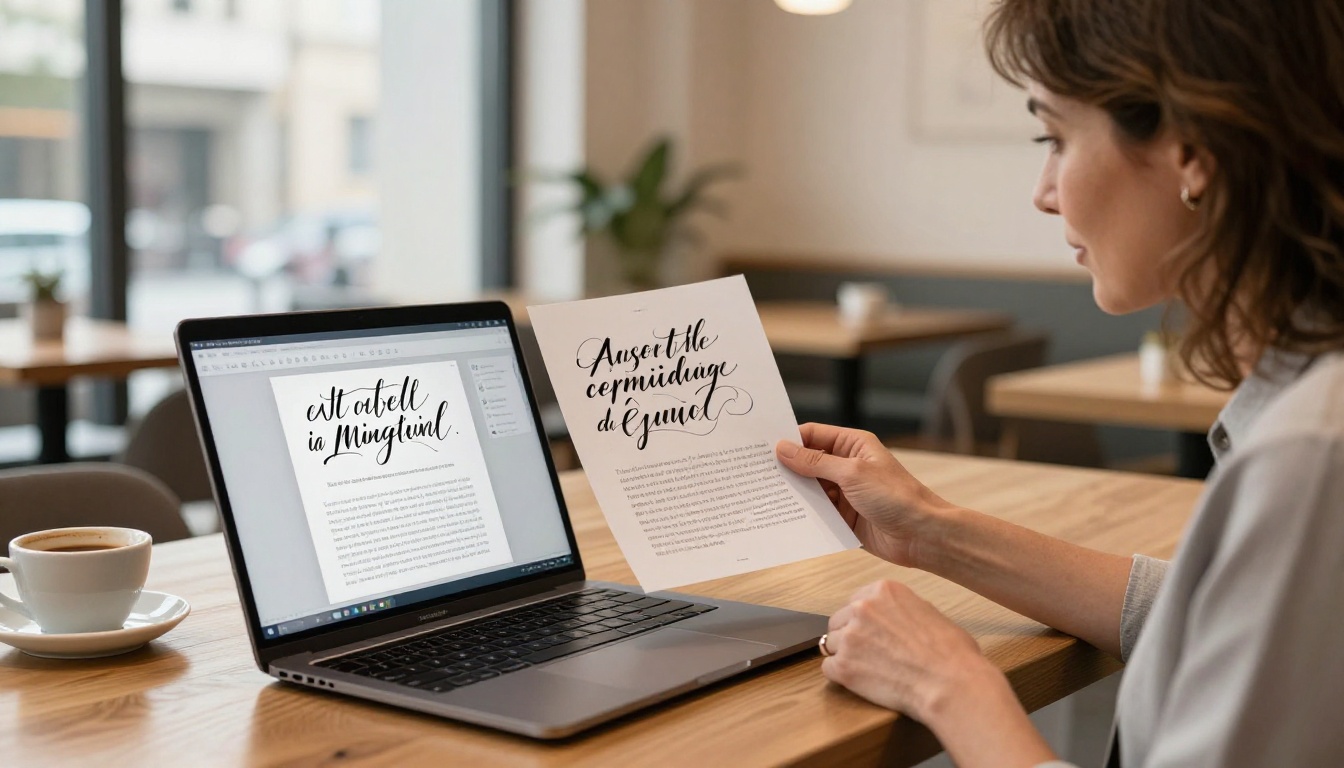
For calligraphers who do live work at markets, fairs, or wedding expos, a QR code printed on your business card pointing to your flipbook portfolio is far more impressive than handing over a printed lookbook. Clients scan it immediately, and your work fills their entire phone screen with a polished, interactive experience.
Freelancing With a Flipbook Portfolio
The business case for switching from a static portfolio to a flipbook goes beyond presentation. It affects how you are perceived, what you can charge, and how smoothly your client intake process runs.
Traditional vs. Digital Portfolio Comparison
| Factor | Printed Portfolio | PDF Attachment | Flipbook Portfolio |
|---|
| Client access | In-person only | Download required | Instant, browser-based |
| Mobile experience | Not applicable | Poor (zoom required) | Fully optimized |
| Shareable | No | Awkward | One-click link |
| Update cost | Reprint everything | Re-send to all clients | Edit once, live instantly |
| Analytics | None | None | Full viewer data |
| Perceived value | High (physical) | Low | High (interactive) |
| Password protection | Not applicable | No | Yes |
Setting Your Rates Higher
Presentation signals professionalism. A polished, interactive portfolio communicates that you take your work seriously, and serious work commands higher rates. Clients who experience your portfolio as a premium digital publication arrive at your rates with a different reference point than those who opened a poorly formatted PDF on their phone.
This is not superficial. It is positioning. The calligrapher with the page-turning portfolio who shows up in a client's inbox with a clean branded link is competing on a different level entirely.
✅ Treat your portfolio flipbook as part of your brand investment, the same way you invest in quality ink, nibs, and paper. The presentation of your work is inseparable from the work itself.
Building Multiple Portfolio Versions
One practical advantage of a flipbook-based portfolio is how easy it is to maintain multiple versions for different client types without any additional cost per version on Standard and Professional plans.
Consider building:
- A wedding portfolio featuring stationery suites, envelope addressing, and vow books
- A brand portfolio featuring wordmarks, packaging, and editorial lettering
- A custom quotes portfolio (password-protected, client-specific for major proposals)
- A general portfolio for social bios and cold outreach campaigns
Updating any of them means editing your PDF and re-uploading. The link stays the same. Anyone who bookmarked it or shared it will still reach the current version automatically.
Your Portfolio Is Ready to Work for You
Your calligraphy is already good. The only thing holding you back from more clients and better clients is how that work reaches them. A static PDF is a missed opportunity every single time someone opens your attachment on their phone and has to pinch-zoom to read a letterform. A flipbook portfolio is a first impression that works in your favor before you have said a single word about your rates or availability.
Start building yours today. Head to Flipbooks AI and create your account. Upload your first portfolio PDF, customize it with your branding and color palette, and have a shareable link ready in under ten minutes.
Use the Digital Portfolio Creator or the Portfolio Flipbook Builder to get set up quickly with a template built for creative professionals. Both tools are designed so that the setup process does not require any design experience beyond what you already bring to your lettering work.
Not sure which plan fits where you are right now? Browse the pricing plans and compare what each tier includes. Most freelancers start on Standard for unlimited flipbooks and no watermarks, then move to Professional once they want analytics and lead capture running in the background.
Your next client is out there looking for a calligrapher right now. Make sure what they find when they click your link is worth staying for. Get started with Flipbooks AI and let your portfolio do the work.



