If you are still attaching a PDF to every inquiry email or handing laminated sheets to clients at tastings, you are operating at a quiet but real disadvantage. Caterers who are consistently booking weddings, corporate events, and private parties right now have one thing in common: a polished, interactive digital menu that clients actually enjoy browsing at 11pm on their phones while planning their next big event. Making a flipbook for your catering menu takes less time than you think, costs a fraction of a print run, and instantly signals the kind of professionalism that converts curious inquiries into confirmed bookings. Flipbooks AI was built for exactly this kind of presentation, and the Menu Flipbook Designer makes the whole process straightforward enough to finish in a single afternoon. The difference between a caterer who books consistently and one who loses bids to competitors often comes down to one thing: how their menu looks before a client ever picks up the phone.
Most catering businesses still rely on printed menus as their primary sales tool. This approach works until it suddenly stops working, and the problem compounds silently over time before you notice the drop in inquiries.
What Clients Expect Now
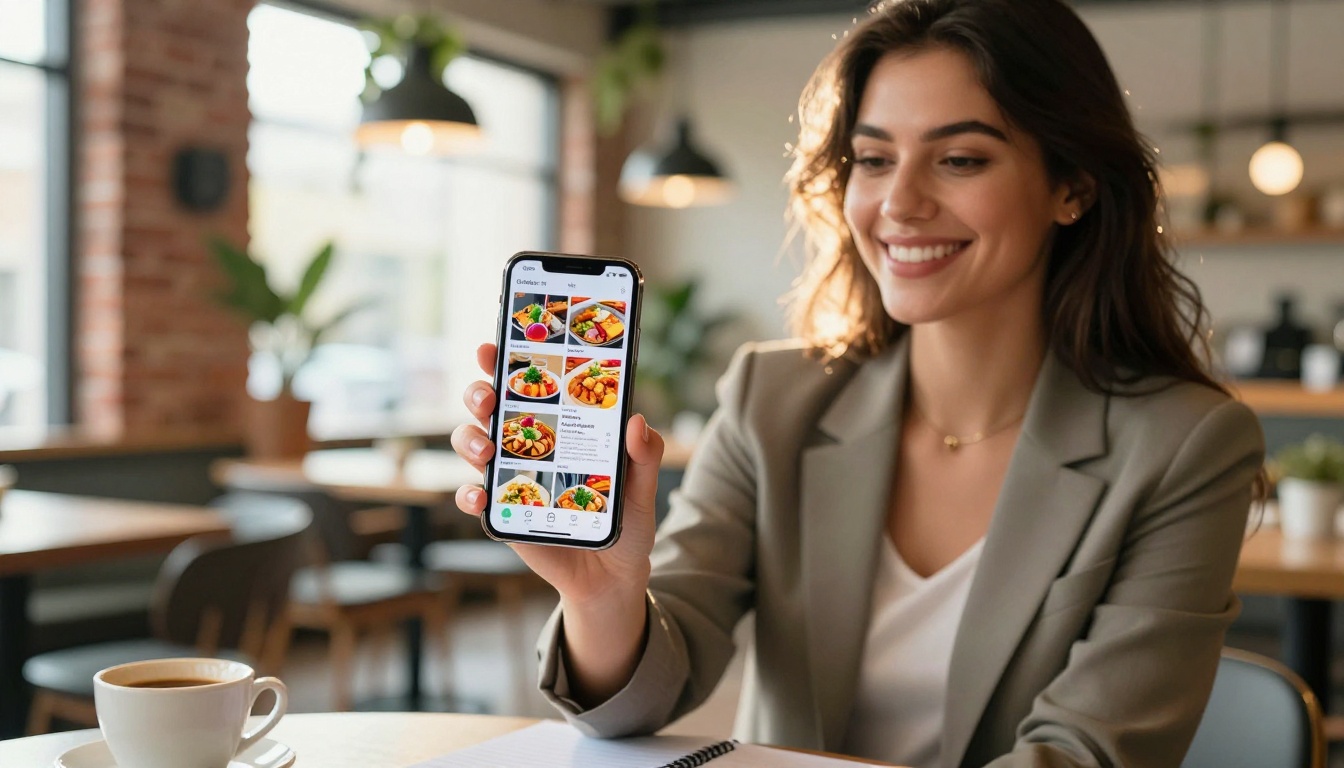
When someone starts planning an event today, their research begins online, often on a phone while commuting, waiting, or browsing before bed. They visit vendor websites, share links with partners and colleagues, and compare options side by side on a screen. A static PDF attached to an email is easy to ignore, difficult to share cleanly, and nearly impossible to read on mobile without pinching and zooming. An online catering menu in flipbook format, by contrast, opens instantly in any browser with no app required. It turns pages with a satisfying animation, scales perfectly to any screen size, and delivers the same premium visual experience whether a client is on a desktop at the office or a phone in a taxi.
The platform you use to present your menu sends a signal about the quality of experience you will deliver at the event itself.
💡 Clients who can browse your full menu comfortably on their own time are significantly more likely to follow up with a booking inquiry rather than moving on to the next vendor.
The Hidden Cost of Print
Every time you update a seasonal dish, change a pricing tier, or introduce a new catering package, a printed menu becomes outdated the moment it comes off the press. Reprinting is expensive. Reprinting quickly is even more expensive. And the worse outcome is leaving outdated menus in circulation because reprinting is inconvenient. With an interactive catering brochure hosted online, you update it once and every link you have ever shared automatically reflects the change. No reprint cost. No embarrassing menus with crossed-out prices. No lag time between your new offering and what a client sees.
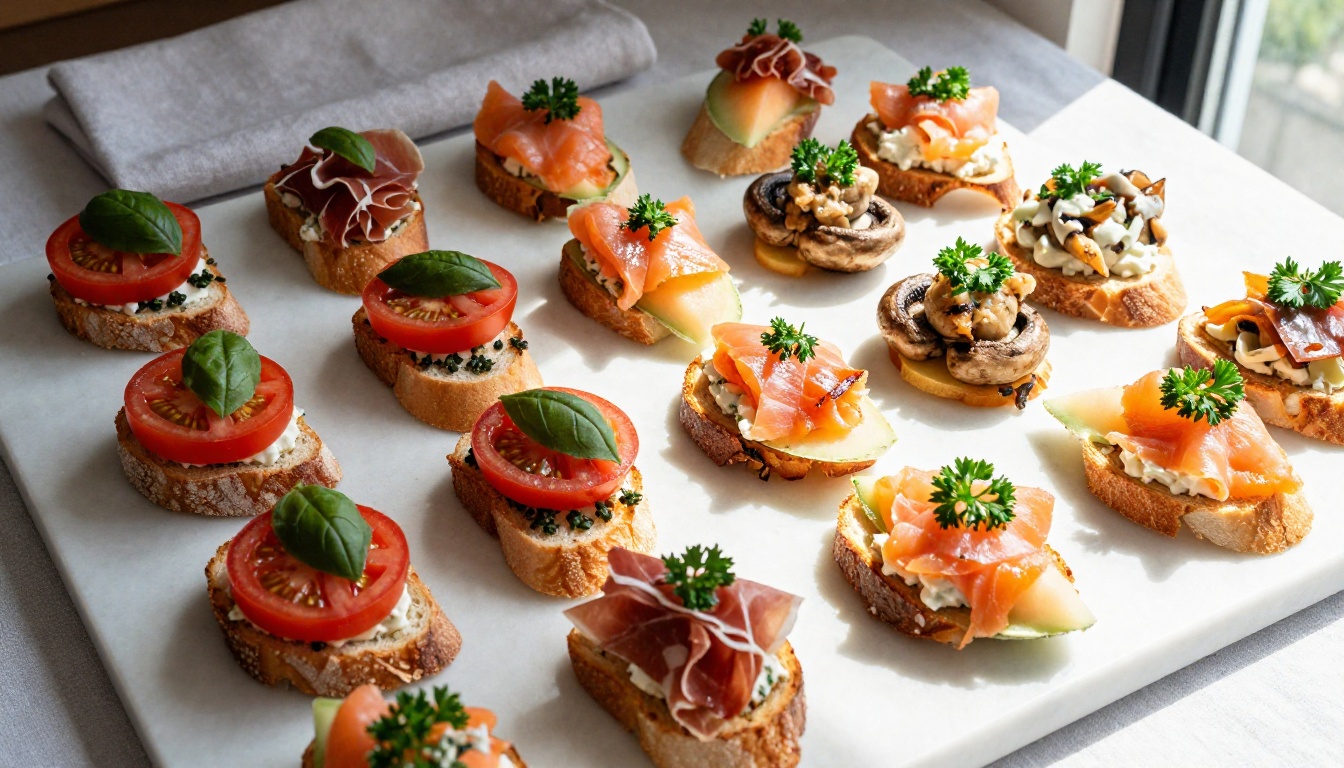
⚠️ Paper menus also carry a hygiene perception issue at post-pandemic tastings. Many clients simply prefer not to handle physical materials at in-person consultations, especially when the digital alternative is more impressive.
What a Catering Flipbook Actually Looks Like
A catering menu flipbook is a page-turning digital publication that you upload as a PDF and share as a live, bookmarked link or embed directly on your website. Think of it as your printed menu, except it loads on any device, looks stunning regardless of screen size, auto-saves the last page a client viewed, and is impossible to lose or damage.
Pages That Sell Your Service
The best catering flipbooks include a deliberate mix of content types spread across their pages. The goal is to move a client emotionally, then rationally, toward a decision:
- Full-bleed food photography on opening pages to create immediate visual impact
- Category sections (appetizers, mains, desserts, beverage packages) with clear headers and pricing
- Package summary spreads that show what is included at each price point side by side
- Event photos from past bookings that prove your execution matches your presentation
- Dietary and allergen information presented cleanly so clients can self-qualify without asking
- Testimonials from verified past clients placed strategically before the packages page
- Contact and booking call-to-action on the final page with phone, email, and a booking link
This structure mirrors how a client moves through a purchase decision: emotional pull from visuals, rational evaluation through options, action through a clear next step.
The biggest mistake caterers make with their digital menus is converting a price list and calling it done. A price list is not a menu. It is a spreadsheet with line items. Your flipbook should read more like a curated sales presentation built to close than a form built to inform.
Menu Sections That Book Events
Every page in your online catering menu should serve a purpose. Pages with no clear reason to exist dilute the impact of pages that do. Here is a practical breakdown of sections that actually move clients forward:
| Section | Purpose | What to Include |
|---|
| Welcome / Brand Page | First impression | Logo, tagline, single hero food photograph |
| About Your Service | Build trust | Brief story, certifications, signature style |
| Appetizer Menu | Visual hook | Photos, descriptions, per-person pricing |
| Main Course Options | Core decision point | Proteins, dietary variants, minimum guest count |
| Beverage Packages | Upsell opportunity | Alcohol tiers, non-alcoholic options, bartender note |
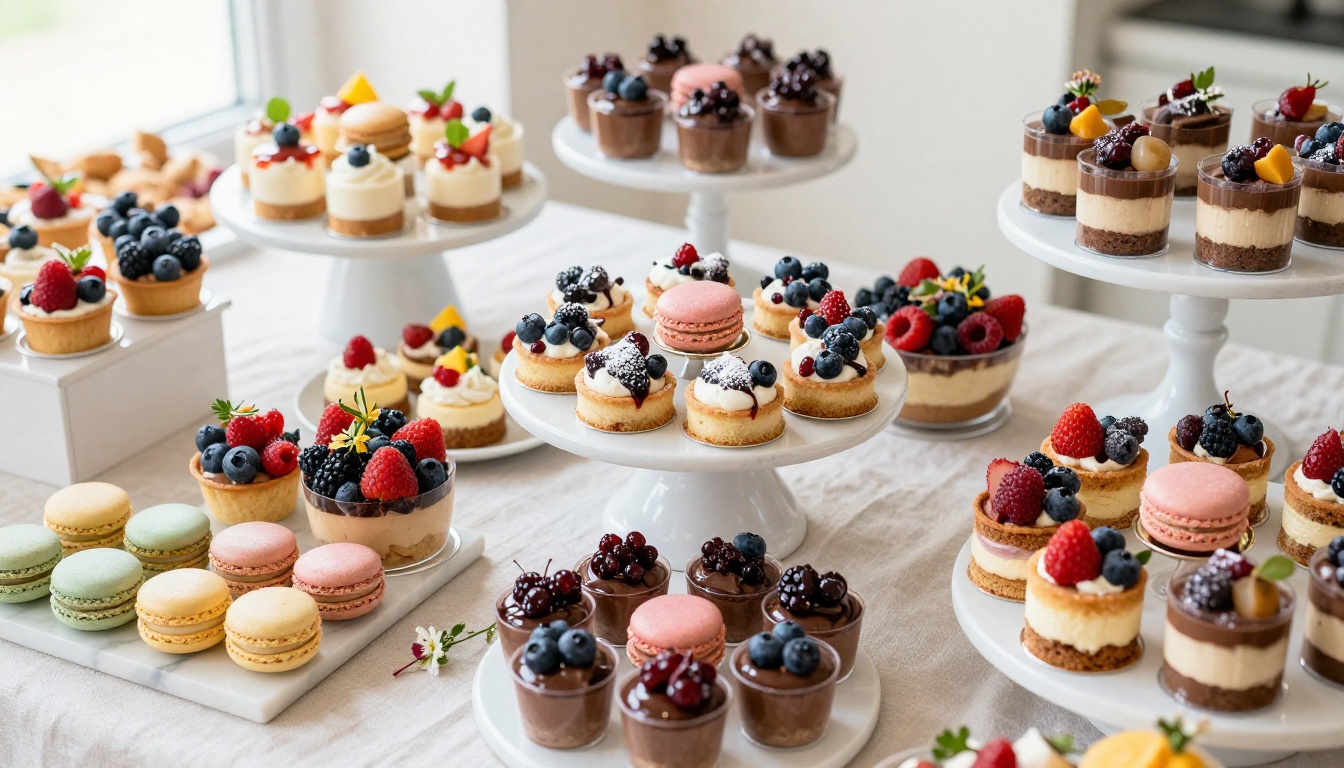
| Dessert and Sweet Table | Emotional peak | Full-page photography, package pricing, add-on options |
| Catering Packages | Conversion page | Tiered packages (Essential / Premium / Luxury) |
| Testimonials | Social proof | Two to three short reviews with event type and date |
| Contact and Booking | Action page | Phone, email, website, direct booking form link |
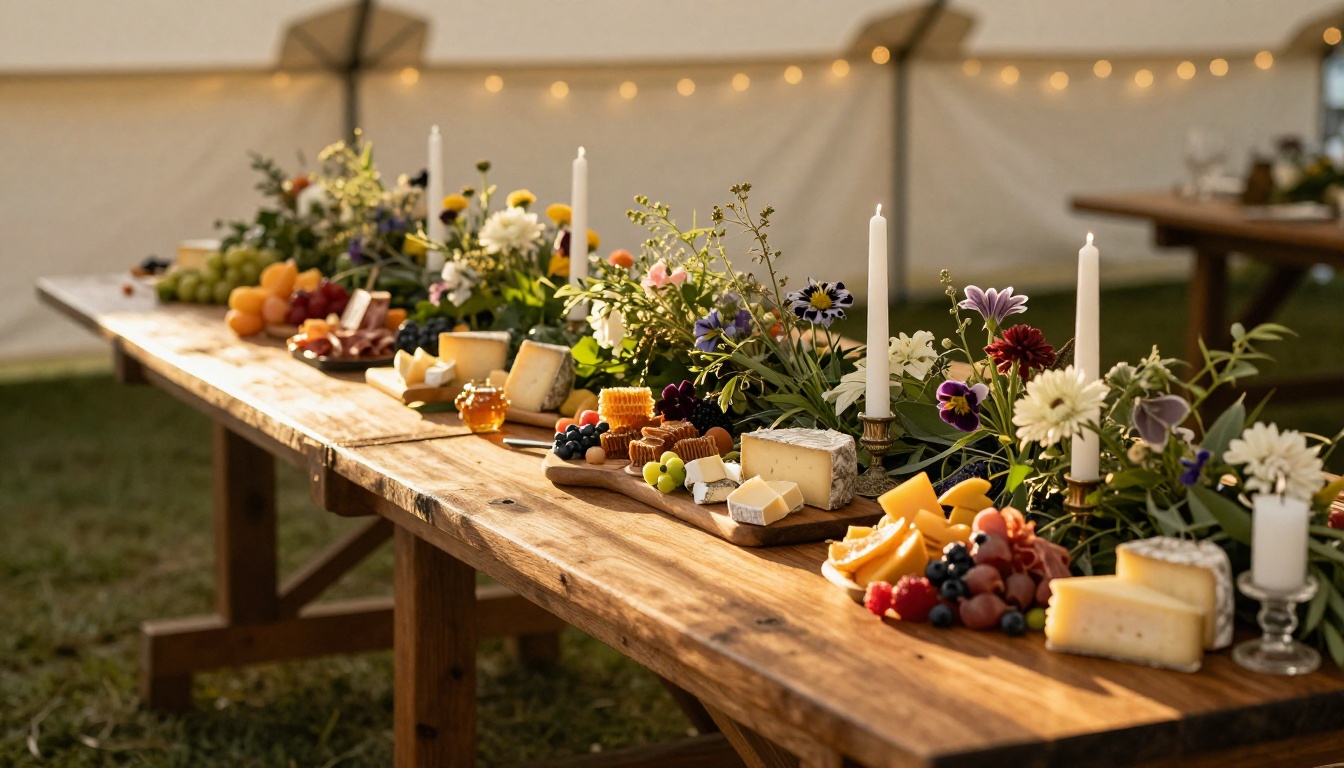
✅ Use full-bleed images on at least 40% of your pages. Clients hire caterers primarily on the visual evidence of what the food and presentation will look like. The photo does more selling than the description.
Packages and Pricing That Convert
Presenting your catering packages in a clear, tiered format is one of the highest-converting layout decisions you can make anywhere in your flipbook. When clients see three clearly defined options, they anchor to the middle tier and upgrade far more frequently than when asked to build a fully custom quote from scratch. The tiered structure also reduces back-and-forth emails and speeds up the decision cycle considerably.
A simple packages spread might look like this:
| Package | Guests | Includes | Price Per Person |
|---|
| Essential | 20-50 | 3 appetizers, 2 mains, soft drinks | From $45 |
| Premium | 50-150 | 5 appetizers, 3 mains, 2 desserts, bar service | From $75 |
| Luxury | 150+ | Full menu customization, staffing, premium bar, cake table | From $120 |
Building this as a clean double-page spread in your PDF, then publishing it as a flipbook, makes the pricing visual and easy to share. Clients flip between the pages, compare at their own pace, and forward the link to their partner or planner without you having to send a second copy.
This is where Flipbooks AI does the heavy lifting. The Restaurant Menu Creator and Menu Flipbook Designer are specifically designed for food and hospitality businesses. Here is the full process from scratch:
Step 1 - Design Your PDF
Start in any design tool you are comfortable with: Canva, Adobe InDesign, Google Slides, or even PowerPoint. Your goal is to export a clean, image-rich PDF where every page has a defined role. Use portrait or landscape orientation, but stay consistent throughout so the two-page spread view reads well.
Tips that matter for catering menu PDFs:
- Keep body text fonts large enough to read on mobile without zooming (minimum 12pt)
- Use a consistent color palette that matches your catering brand identity
- Leave inner margins on page edges (the gutter area when two pages display side by side)
- Use high-resolution food photography at 300 DPI minimum for best flipbook rendering quality
- Include at least one image-only page per major section to break up text and create visual rhythm
- Add your logo to the first and last pages, not on every single page where it becomes noise
Step 2 - Upload to Flipbooks AI
Once your PDF is ready, create an account on Flipbooks AI and upload your file using the PDF to Flipbook Converter. The conversion takes seconds regardless of file size. You will immediately see a live preview of your flipbook with realistic page-turning animation. The platform preserves all your image quality and typography exactly as designed, so the food photography you worked hard on in Canva will render with full sharpness in the flipbook viewer.
Step 3 - Brand It and Customize
This is where your catering menu flipbook moves from a generic PDF viewer to a branded sales asset:
- Custom domain link: Share your menu at a branded URL rather than a generic platform address
- Brand colors: Match the flipbook interface to your catering business color palette
- Page turn style: Choose the transition style that matches your brand feel
- Background and frame: Adjust the viewer background to complement your design
- Password protection: Lock the flipbook for private client access or exclusive tasting events
- Embed on your site: Use the Embed Flipbook on Website tool to drop your menu directly onto your catering services page
💡 Embedding your flipbook on your own website keeps prospective clients on your site and builds session time, rather than sending them to an external link they might close.
Step 4 - Share It Everywhere
One of the clearest practical advantages of a digital catering menu over a printed one is how frictionlessly you can distribute it. One link reaches every channel:
- Direct link in every email inquiry response, formatted as a button or hypertext
- QR code printed on business cards, thank-you cards, and displayed at tasting events
- Embedded on your website catering services page for visitors arriving from search
- Shared in direct messages on Instagram or WhatsApp when clients ask what your menu looks like
- Linked inside proposals as part of your formal catering quote document
- Included in retargeting emails to clients who inquired but did not convert yet
Every share is tracked automatically on the Professional plan. You can see how many times your menu was opened, which pages received the most attention, and capture lead information directly through the flipbook before a client ever contacts you manually.
Features Worth Using on Every Plan
Flipbooks AI offers tiered plans designed to match different business sizes and volumes. Here is what matters specifically for catering businesses at each level:
| Feature | Free | Standard | Professional |
|---|
| Flipbooks Created | 3 | Unlimited | Unlimited |
| Custom Branding | No | Yes | Yes |
| Password Protection | No | Yes | Yes |
| Analytics and View Tracking | No | No | Yes |
| Lead Generation Forms | No | No | Yes |
| Offline Downloads | No | No | Yes |
| Embed on Website | No | Yes | Yes |
| Watermark | Yes | No | No |
| Custom Domain Link | No | Yes | Yes |
For most catering businesses actively distributing menus to prospective clients, Standard plan is the minimum worth using. The removal of watermarks alone justifies the step up, since presenting a client with a flipbook that carries a third-party watermark visibly undermines the premium image you are trying to project. For caterers who want to know exactly which clients are reading the menu, which pages are holding attention, and who wants to capture lead contact information before a booking call, the Professional plan returns its cost in a single additional event booking.
✅ Check all pricing plans to find the right fit based on your current booking volume and seasonal growth goals.
Switching to a digital catering menu flipbook is the right move. These are the mistakes that reduce its impact if left uncorrected:
1. Too Many Pages, Not Enough Photography
A 40-page flipbook with walls of text and sparse visuals is not a premium asset. It is an obstacle. Clients do not read catering menus the way they read contracts. They skim, they look at photos, and they make decisions that feel emotional before they feel rational. If your menu flipbook goes more than two or three pages without a strong food image, you are losing readers before they reach your packages section.
2. No Clear Action on the Final Page
The last page of your catering flipbook is the moment a client has decided they like what they see. If that page offers nothing clear to do next, you have squandered the conversion. Your phone number, email, website, and a direct booking inquiry link should all be immediately visible without any scrolling or hunting. The friction of finding your contact information is enough to make someone close the tab and move on.
3. Sending the Link Without a Personal Frame
A flipbook is a sales tool, not just a document. When you share the link with a prospective client, add one sentence of personalization: "I put together our full catering flipbook with our most popular corporate lunch packages toward the front. Let me know if you would like to talk through a custom option." That single sentence turns a shared link into a personalized pitch and dramatically increases the chance they actually open and read it.
Not all digital menus deliver the same result. Here is how a catering flipbook compares against the alternatives most caterers consider when moving away from print:
| Format | Mobile Experience | Shareable | Updatable | Professional Look | Interactivity |
|---|
| Flipbook (Flipbooks AI) | Excellent | Yes, link or embed | Instant updates | High | Page flip, multimedia |
| PDF Attachment | Poor, zoom required | Attachment only | Re-send required | Medium | None |
| Google Slides | Moderate | Link only | Live updates | Low | Basic transitions |
| Printed Menu | No digital access | Physical copies | Full reprint | Medium | None |
| Basic Website Page | Good | Yes | Requires edits | Varies by build | Minimal |
The flipbook format wins decisively on presentation quality and shareability, which are the two factors that matter most when a client is comparing two caterers with similar pricing and similar offerings.
Where Catering Flipbooks Win the Most
Different event types call for different selling approaches. A well-designed catering menu flipbook adapts to all of them, but the returns are especially clear in three areas:
Wedding Catering
Wedding clients are emotional buyers who spend weeks researching vendors before committing. They browse menus at night with their partners, share links with their parents, revisit them multiple times, and discuss the options with a planner. A flipbook link travels effortlessly in a group chat or shared planning document. A PDF attachment gets buried in a chaotic inbox within 48 hours. Wedding catering flipbooks benefit most from high-quality full-bleed food photography, a clear packages tier comparison, strong event photography from past weddings, and a testimonials spread before the contact page.
Corporate Events
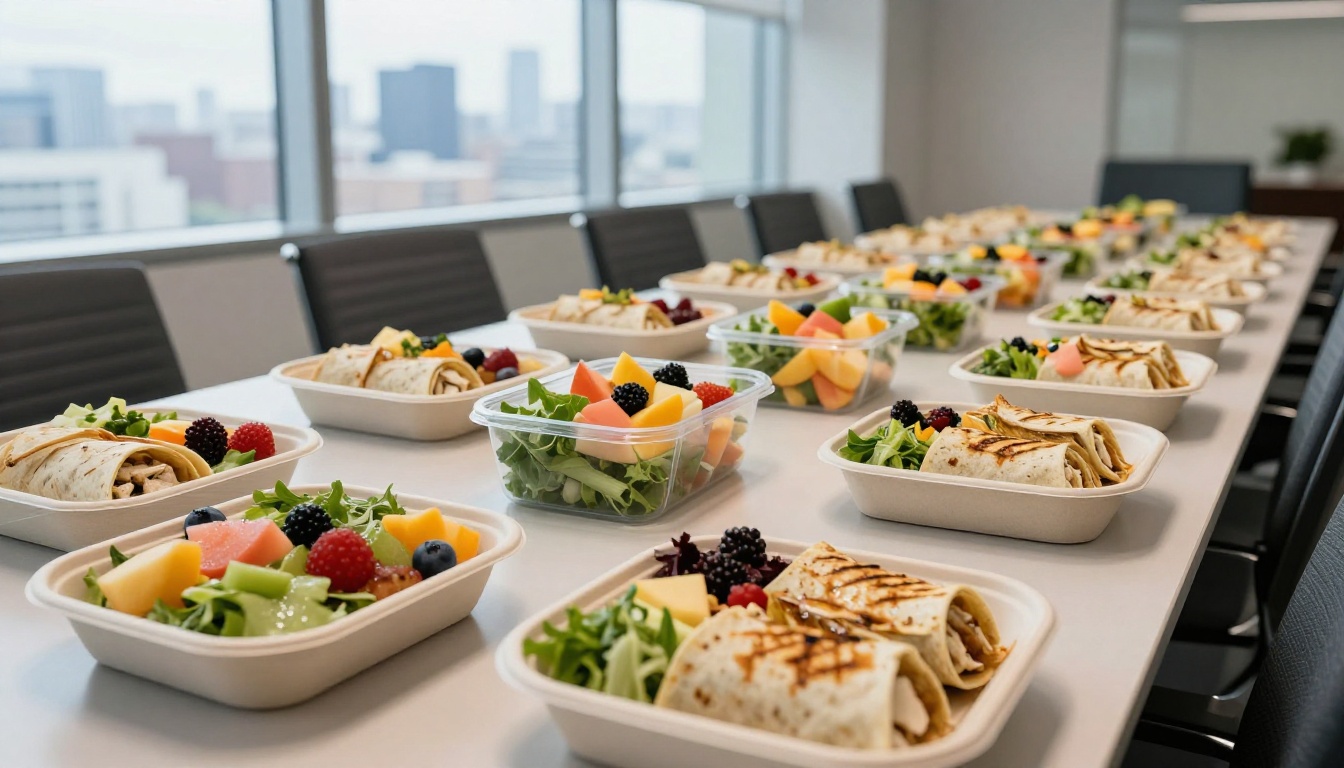
Corporate buyers move fast and need approval chains. They want clear pricing upfront, dietary accommodation options (vegetarian, vegan, halal, gluten-free, nut-free), minimum order thresholds, and a format professional enough to forward directly to a department head or finance approver. A well-formatted flipbook link is exactly that: corporate in appearance, easy to share internally, and transparent in pricing. A neat packages table in the middle of your flipbook also compresses the approval cycle, because pricing is clear and the format commands respect.
Private Parties and Social Events
Birthday dinners, anniversary celebrations, graduation events: these clients want energy and color that matches the occasion. Opening a flipbook that leads with vibrant food photography and immediately showcases your dessert and cocktail options creates excitement before a single conversation happens. For private events where clients often want to add items individually, the Digital Price List Generator can help you build transparent add-on pricing to include within your broader menu presentation.
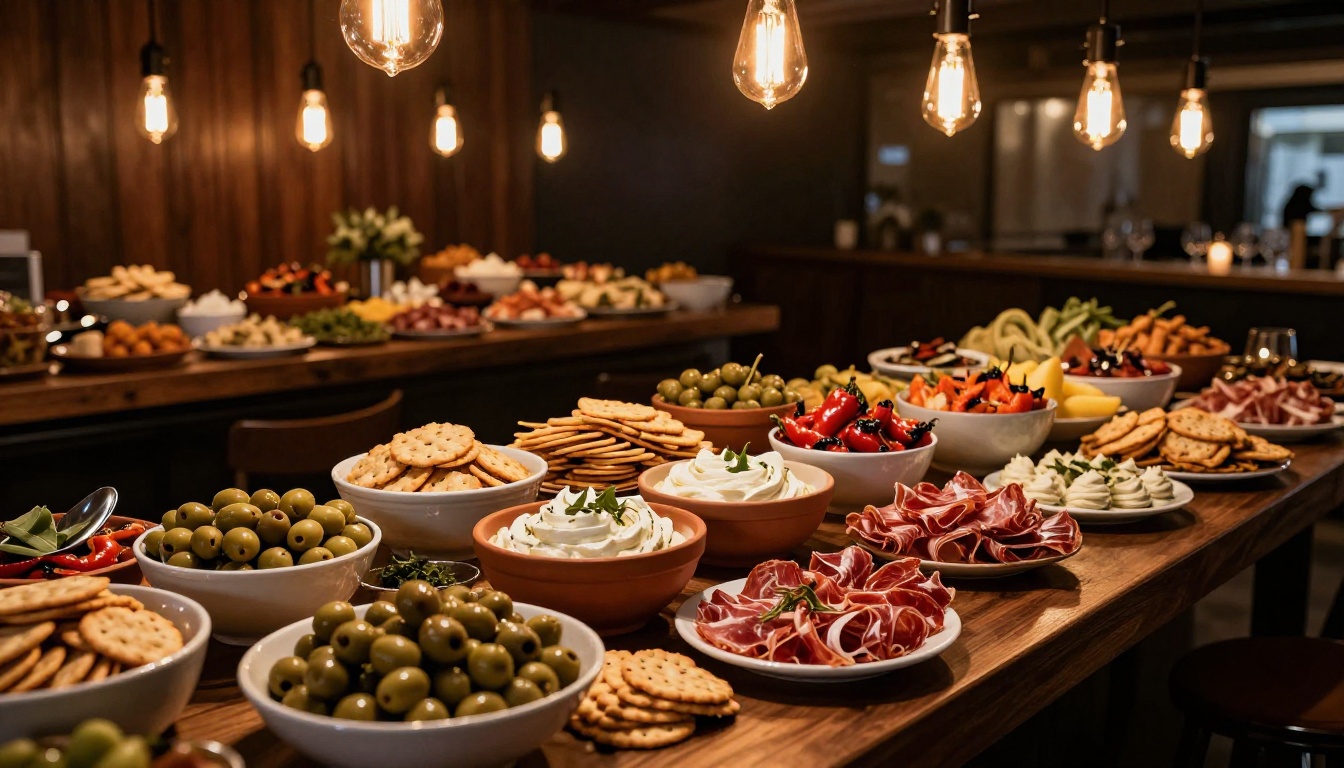
Catering is a visual, emotional business. Clients hire you because they can picture how their event will feel, and your menu is the first piece of evidence you give them about what that experience will look like. A polished digital flipbook communicates quality, organization, and attention to detail before you ever respond to a single inquiry. It also frees you from the cost and lag of reprinting every time your offerings evolve.
The process takes one afternoon: design your PDF with strong food photography and a clear packages spread, upload it to Flipbooks AI, customize the branding to match your business, and start sending a link that makes every prospective client take you seriously before you even speak.
Ready to stop losing bookings to competitors with better-looking menus? Get started for free on Flipbooks AI today. Browse the Menu Flipbook Designer and all available catering and hospitality tools on the platform, or compare plans to choose the tier that fits your current booking volume and business goals.



