Running a comedy show takes serious coordination behind the scenes, even when the whole point is to make people laugh. Between booking performers, sorting the running order, and keeping the audience in the loop, one thing often gets overlooked: the lineup itself. A well-made show program is not just a nice touch, it is part of the experience. And when you make a flipbook for your comedy show lineup, you turn a functional document into something audiences actually want to hold onto.
Flipbooks AI makes it possible to take a standard PDF lineup and convert it into a polished, interactive digital flipbook in minutes. No design degree required. No printing costs. No scrambling at the copy shop the night before the show.
Why Your Comedy Show Needs a Real Lineup
Most comedy shows hand out a paper schedule or nothing at all. That is a missed opportunity. A well-produced program signals professionalism, builds anticipation for each act, and gives your audience something to reference and share. It also gives sponsors a visible placement and helps newcomers who may not know the performers yet.
Think of it this way: every major entertainment venue has a program. Theater companies print them. Music festivals sell them. Comedy deserves the same treatment.
First Impressions Before the First Joke
The lineup lands in someone's hands before a single punchline is delivered. That first contact shapes the audience's expectations. A polished, easy-to-read program that names every performer, includes a photo, and shows the running order immediately tells people this show was organized by someone who takes it seriously.
It also removes confusion. No one is left wondering who just performed or how many acts are left. The flipbook keeps everyone oriented and invested from opener to headliner.
The Program as a Keepsake
Paper programs get left on chairs or thrown in the trash. Digital flipbooks get bookmarked, screenshotted, and shared. After a great night, someone might flip back through to remember the name of that opener who absolutely killed it. That performer gets a second moment of exposure without any extra effort from you.
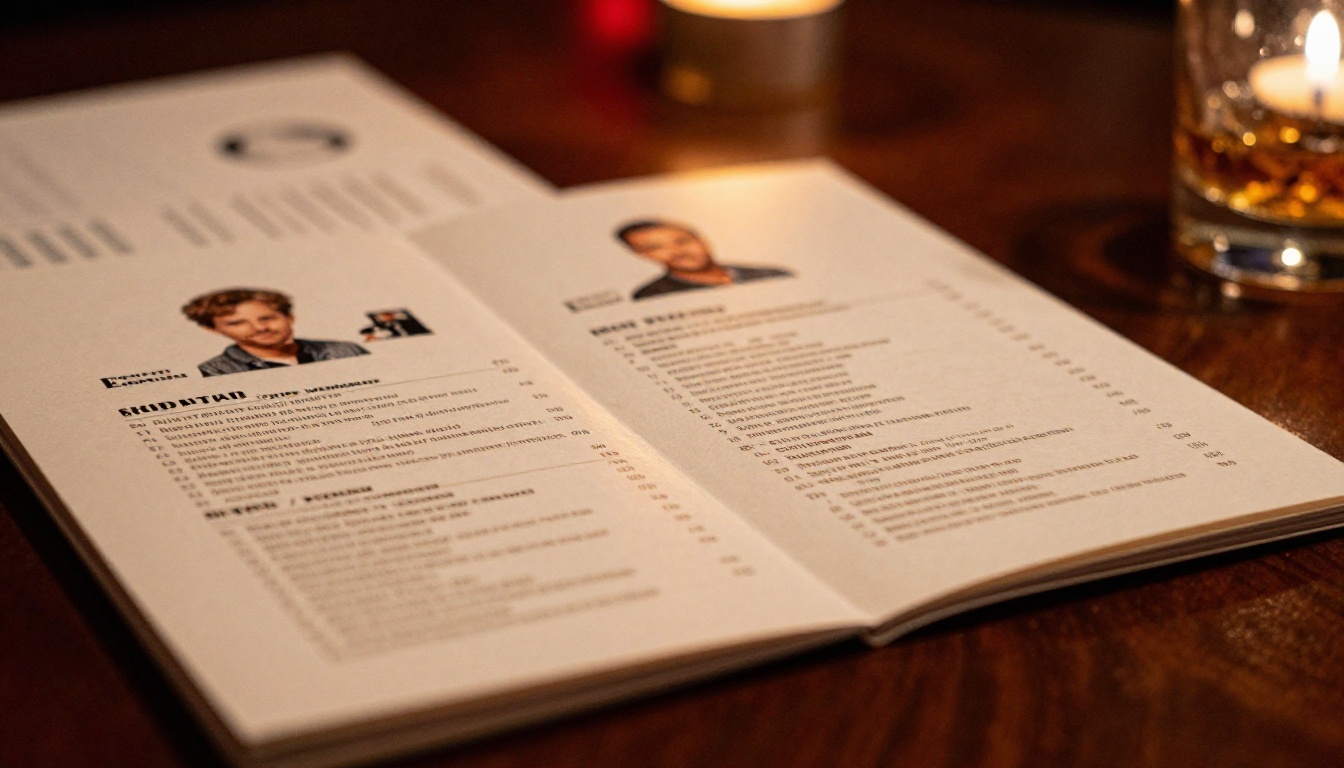
What Goes Into a Comedy Show Program
Before you build anything, you need to know what content belongs inside. A strong comedy show flipbook hits the essentials and adds a few personal touches that make it feel intentional.
Performer Bios and Headshots
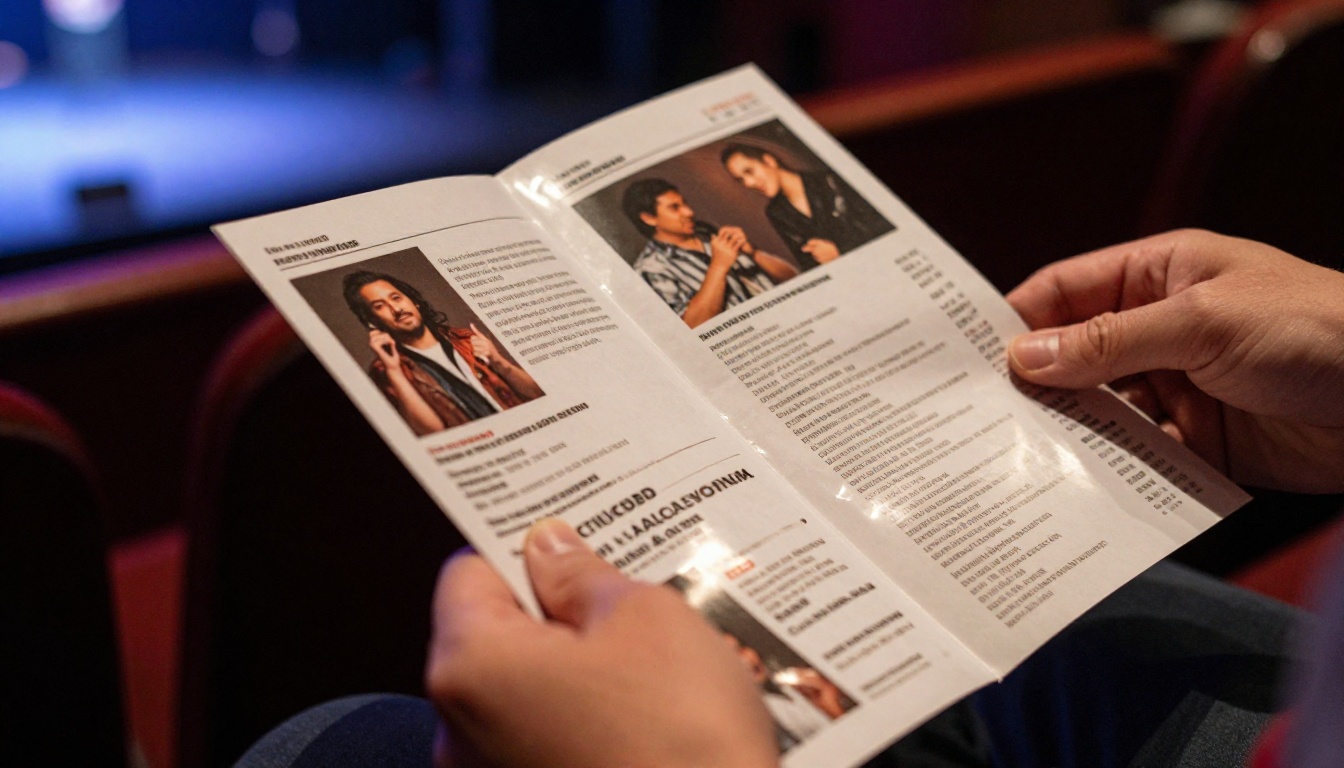
Each comedian deserves their own section: a professional headshot, their name in large text, a two-to-three sentence bio that highlights their background, credits, and style, and any social media handles. This is especially valuable for newer performers who are still building recognition.
💡 Pro tip: Ask performers to submit their own bio copy. It saves you time and means they are accurately represented. Set a word limit of 60-80 words to keep things consistent.
Show Schedule and Running Order
The running order is the spine of the program. List every performer in order with their approximate time slot. You can be exact ("8:15 PM") or loose ("Act 4 of 6"). Both work. What matters is that the audience can orient themselves without having to ask anyone.
Include the emcee or host at the top. If there is an intermission, mark it clearly. If a headliner is closing, build the program so the lineup naturally builds toward that slot.
Sponsor Recognition and Venue Info
If your show has sponsors, the program is where they get their placement. A logo on the back page, a small "Presented by" mention on the inside front, or a dedicated sponsor page all work well. This makes your sponsorship packages more attractive when you pitch future partnerships.
Also include basic venue info: address, social media handle, website, and the next show date. Every program is a marketing touchpoint for your next event.

Print vs. Digital: The Real Comparison
A lot of producers still default to printed programs. Here is an honest side-by-side look at both options so you can decide what works for your setup.
| Feature | Printed Program | Digital Flipbook |
|---|
| Cost per show | $50-$300+ (printing) | Free to low cost |
| Last-minute changes | Reprint required | Edit in seconds |
| Audience reach | In-venue only | Shareable everywhere |
| Environmental impact | Paper waste | Zero waste |
| Analytics | None | View counts, clicks |
| Multimedia (video/audio) | Not possible | Supported |
| Keepsake value | Low (often discarded) | High (saved digitally) |
| Accessibility | Physical only | Mobile-friendly |
For one-off boutique shows, printing can still make sense as a premium touch. For recurring events, weekly open mics, or touring shows, a digital flipbook is simply the smarter move.
How to Make a Flipbook for Your Comedy Show Lineup
This is where Flipbooks AI comes in. The process is straightforward and takes less than 15 minutes from PDF to published link.
Step 1: Design Your PDF Program
Start in any design tool you already use. Canva, Adobe InDesign, Google Slides, or even PowerPoint all export clean PDFs. Use a 16:9 or standard letter-size layout depending on your preference. Build out each page:
- Page 1: Show title, date, venue, and a strong image
- Pages 2-3: Host and emcee introduction
- Pages 4-10+: Individual performer pages (one per comedian)
- Final page: Sponsor logos, next show info, social handles
Keep fonts consistent and leave breathing room. Overcrowded pages are harder to read on mobile.
Step 2: Upload to Flipbooks AI
Once your PDF is ready, head to Flipbooks AI and create an account. The PDF to Flipbook Converter handles the conversion automatically. You simply upload your file and the platform processes each page into a smooth, page-turning flipbook format. No technical setup needed.
✅ Best practice: Name your PDF file clearly before uploading, for example "ComedyNight-May2026-Lineup.pdf". It keeps your library organized when you are running multiple shows.
Step 3: Customize the Look
After conversion, you can personalize the flipbook to match your show's branding:
- Colors: Set a custom background and accent color to match your show's visual identity
- Logo: Add your show or venue logo to the viewer interface
- Page effects: Choose between hard-page flip, soft-turn, or slide transitions
- Thumbnails: Control what the preview image looks like when shared on social
These small customizations make the flipbook feel like a natural extension of your show rather than a generic document viewer.
Step 4: Share with Your Audience
Publishing takes one click. You get a direct link you can share anywhere: text message, email newsletter, social media bio, or a QR code printed on a small card at the door. You can also embed the flipbook on a website if your show or venue has its own page.
If your lineup includes surprise guest information you want to keep off the internet before the show, use password protection to restrict access until showtime.
Flipbooks AI Plans at a Glance
Choosing the right plan depends on how often you run shows and what features you need.
| Plan | Price | Flipbooks | What's Included |
|---|
| Free | $0 | Limited | Basic conversion, single link sharing |
| Standard | Starting low | Unlimited | No watermarks, custom branding, embed codes |
| Professional | Mid-tier | Unlimited | Analytics, lead generation, offline downloads, password protection |
⚠️ Note: The Free plan includes watermarks on your flipbook. For a professional comedy show presentation, the Standard plan removes these entirely. Check current pricing plans for exact figures.
The Professional plan is worth considering if you run shows regularly. The analytics feature alone lets you see how many people actually opened the lineup, how long they spent on each page, and which performer pages got the most attention. That data is genuinely useful when you are building relationships with comedians and sponsors.
Creative Ways to Use Your Comedy Flipbook
A basic performer list is a solid start. But there is room to make your flipbook much more interesting with a few extra moves.
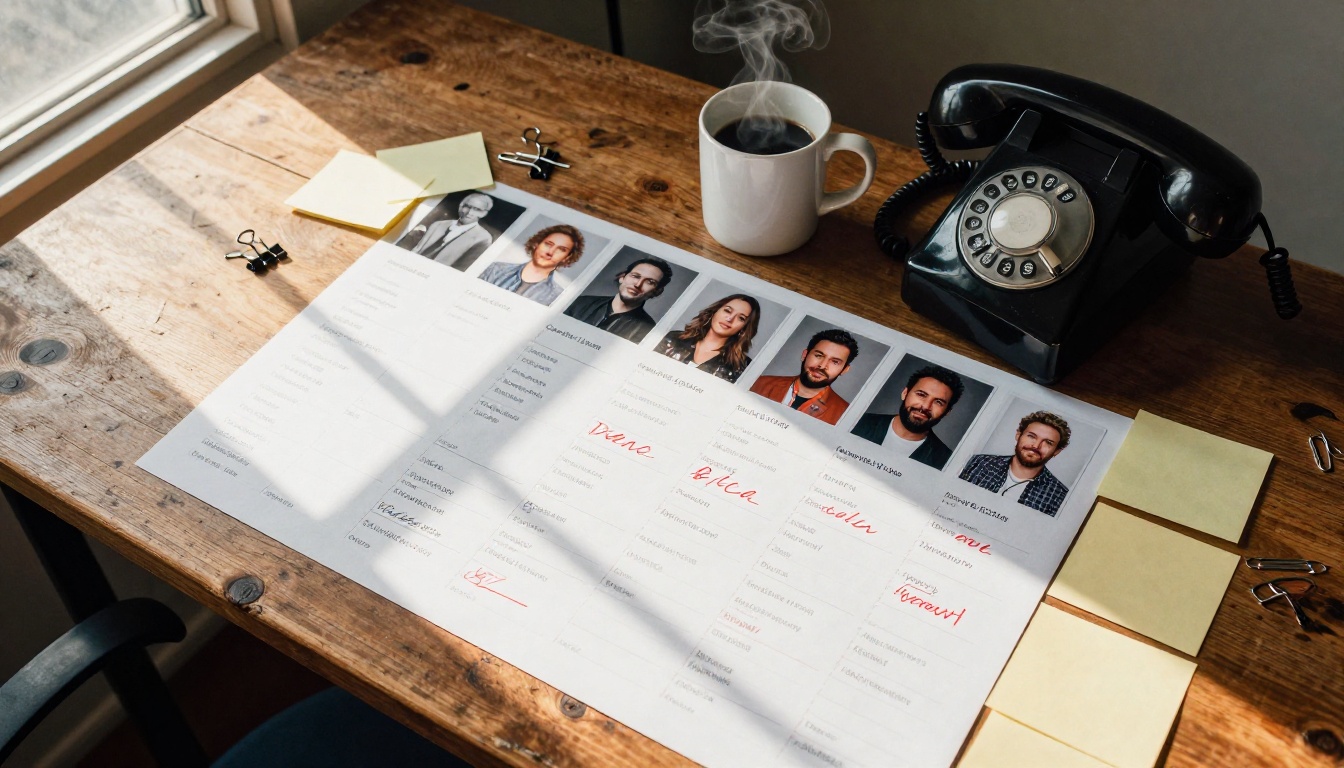
Add Video Clips from Past Shows
Flipbooks AI supports embedded video. If you have short clips of your performers from previous shows, you can embed them directly into each comedian's page. An audience member reading through the lineup before the show can watch a 30-second clip of an opener and arrive already warmed up to that person.
This works especially well for headliners. A quick clip of their best moment from a past show builds anticipation that no bio paragraph can match.
Keep Surprise Guests Secret Until Showtime
One of the best uses for password protection is the mystery act. If you have a surprise headliner or a walk-on guest, you can publish the flipbook with all other acts visible and lock just that final page, or issue a second password-protected version that gets shared only after the show starts.
💡 Pro tip: Build hype by posting the QR code link in your stories with the caption "full lineup drops at 8PM." People will check back. That is free promotion for your show.
Embed Ticket Links and Social Handles
Every performer page can include clickable links. Add each comedian's Instagram, TikTok, or website. Add your own ticket link for the next show at the bottom of the final page. The flipbook becomes a mini-hub for your entire comedy ecosystem, not just a static document.
Real Use Cases for Comedy Producers
Different kinds of comedy shows have different needs. Here is how a flipbook fits into several real-world formats.
| Show Format | How the Flipbook Helps |
|---|
| Weekly open mic | Quick-to-update recurring program, no reprinting each week |
| One-night showcase | Full performer bios, sponsor pages, shareable link for social media |
| Touring show | Single link works across all cities, easy to update with local venue info |
| Festival lineup | Multi-day schedule, embedded maps, clickable performer pages |
| Charity or benefit show | Donor recognition pages, cause information, embedded donation link |
| Corporate comedy event | Professional look with company branding, password-protected for internal audiences |
The Event Program Maker tool on Flipbooks AI is built specifically for events like these. It gives you a clean starting framework you can adapt to any comedy show format without building from scratch every time.
Getting Your Audience to Actually Open It
Producing a great flipbook only matters if people actually read it. Distribution strategy is just as important as the design itself.

QR Codes at the Door
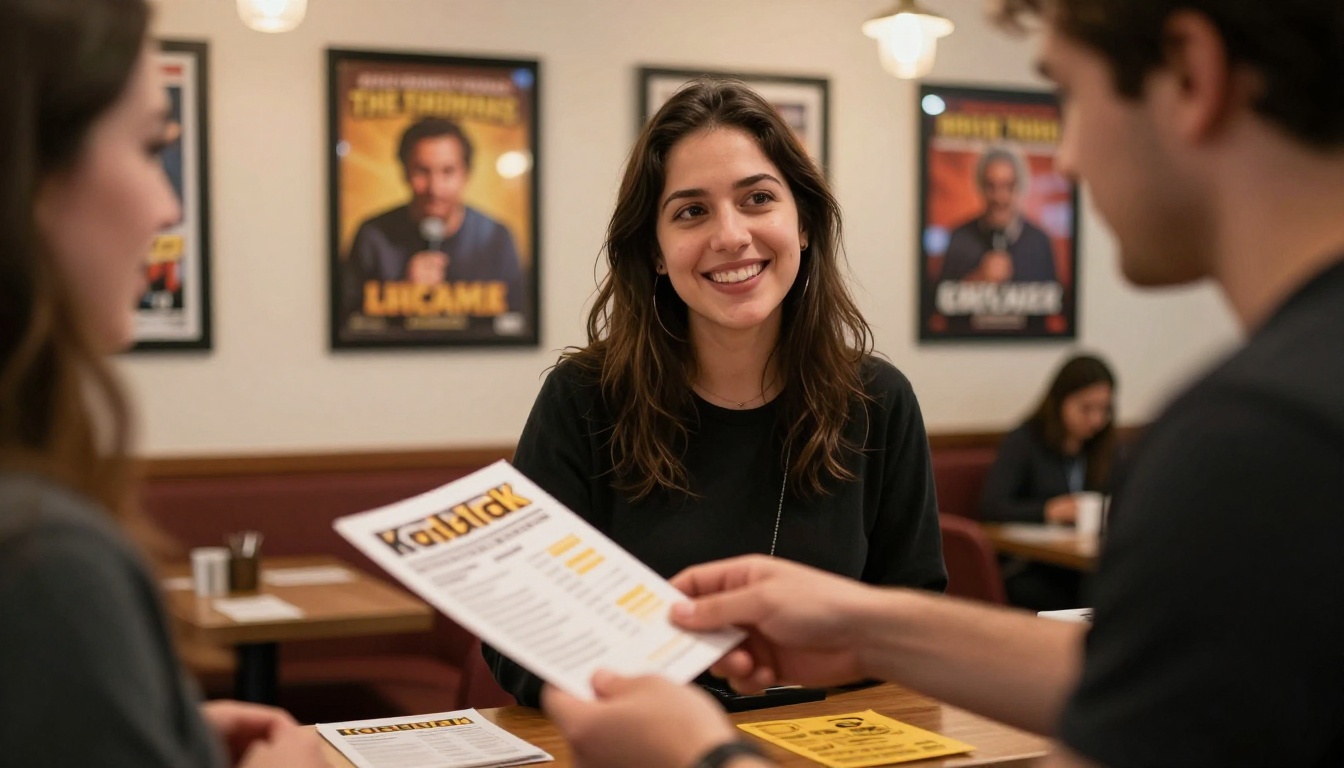
Print a small 4x6 card with a QR code pointing to the flipbook link. Hand one to each person as they walk in, or tape it to the bar, the merch table, and the back of each seat card. Most people will scan it out of curiosity before the show starts. That is the best possible moment to capture their attention.
You can generate a free QR code from any QR generator and link it directly to the Flipbooks AI share URL.
Build the Lineup Release Into Your Social Strategy
Do not publish the full lineup all at once on social media. Instead, tease it. Post individual performer headshots over the days leading up to the show. Then on show day, share the flipbook link as the full reveal. This stretches the promotional window and gives each comedian a dedicated moment on your channels.
Tag the performers when you post their page. They will reshare it to their own audiences, multiplying your reach without any extra cost.
Send It in Your Pre-Show Email
If you collect email addresses through ticket sales or a mailing list, send the flipbook link in a pre-show reminder email the morning of the event. Frame it as a sneak peek. People who are already coming will open it. People who are on the fence might decide to show up once they see the lineup.
✅ Best practice: Use a short subject line. "Tonight's lineup is here" outperforms anything longer. Keep the email to three sentences and one big link button.
Building a Lasting Brand Around Your Shows
One flipbook is a nice addition. A consistent flipbook for every show builds brand recognition over time. When your regular audience knows you always share a polished digital program before every event, it becomes part of the show experience before anyone even walks through the door.
You can reuse the same template on Flipbooks AI for every show. Update the performer pages, swap the date and venue, and publish. The whole process takes under 10 minutes once your template is set. Over a year of regular shows, that consistency compounds into something audiences and performers both notice and appreciate.
Sponsors notice it too. A well-produced digital program with measurable analytics is a far easier sell to a local business than a promise that their logo will be on a handout most people drop on the floor.
Stop Doing It the Hard Way
There is no good reason to keep scrambling with printed programs, crumpled handouts, or no program at all. The tools to do this properly exist, they are affordable, and they take less time than most people assume.
Ready to build yours? Get started for free on Flipbooks AI and have your first comedy show flipbook published before your next show night. Use the Event Program Maker for a head start, or see all tools to find what fits your specific format.
If you are running shows regularly, take a look at the pricing plans to see which tier gives you the analytics and customization your operation actually needs. Your audience is already pulling out their phones the moment they sit down. Give them something worth opening.



