Every dance studio director knows this feeling: you spend weeks coordinating costumes, rehearsals, and stage lighting, then the program gets thrown together in the final 72 hours on a word processor. Families flip through it once during intermission, then leave it on their seats. If that sounds familiar, it is time to change the approach completely. Flipbooks AI gives dance studios a way to make a flipbook for your dance recital program that people actually keep, share, and refer back to for years.
This is not about going paperless for the sake of it. A digital flipbook acts like a living document. Parents bookmark it on their phones. Grandparents share the link with relatives who could not attend. Dancers screenshot their bio pages. The program becomes part of the recital's memory in a way that a folded paper insert simply cannot.
What Goes Into a Dance Recital Program
Before you design anything, you need to know what pages your program requires. A complete recital program covers every audience member's most pressing question: who is performing, in what order, and who are these dancers?
The Pages You Cannot Skip
- Cover Page: Studio name, recital title, date, venue, and season year. This is the first impression.
- Welcome Letter: A personal message from the artistic director. Two paragraphs is enough.
- Performance Order: Numbered list of every piece, with the piece title, choreographer, and music credit. Group these by act if you have an intermission.
- Dancer Roster: Listed by class or group. Alphabetical within each group.
- Sponsor Acknowledgements: Every studio depends on them. Give sponsors their dedicated page.
- Studio Staff and Faculty: Names and titles for teachers, accompanists, and technical crew.
Pages That Make Your Program Stand Out
These are not mandatory, but they elevate a basic program into a recital souvenir that families treasure:
- Dancer Biographies: One or two sentences per dancer, often written by parents for younger students. Families love this page.
- Photo Spreads: Candid rehearsal shots, group photos by class, or individual portraits.
- Message from Dancers: For senior or graduating students, a short quote or dedication.
- Recital History: A timeline of past recital themes or a "where are they now" section for alumni.
- Advertiser Pages: Local businesses supporting the studio, formatted attractively.
💡 Keep your program to an even page count. Flipbooks page-turn best with an even total, and it simplifies your PDF structure before upload.
Why a Digital Flipbook Beats Printed Programs
Printed programs have been the standard for decades, but the practical arguments for going digital have become impossible to ignore. A digital dance recital program costs less to produce, reaches more people, and does not end up in a recycling bin by morning.
Here is an honest side-by-side look at both formats:
| Factor | Printed Program | Digital Flipbook |
|---|
| Cost per unit | $1.50 to $4.00 depending on print run | Near zero after design |
| Last-minute changes | Requires reprint or correction insert | Update instantly before sharing |
| Reach | Only attendees who receive a copy | Anyone with the link, worldwide |
| Multimedia | Static pages only | Embed video, audio, clickable links |
| Lifespan | Gets lost, damaged, or thrown away | Accessible permanently via link |
| Shareability | Physical handoff only | One-click sharing via SMS, email, social |
| Eco impact | Paper, ink, transportation | Zero physical waste |
| Analytics | None | View counts, page-by-page engagement (Pro plan) |
The numbers are clear. A dance studio with 150 families attending a recital might spend $400 to $600 printing programs. That same budget, directed toward a Flipbooks AI subscription, covers an entire recital season with unlimited flipbooks, custom branding, and sharing features that printed programs simply cannot replicate.
✅ Digital flipbooks are also ideal for multi-show recitals. You can send the same link to everyone attending Saturday's matinee and Sunday's evening performance, and update performance notes between shows without reprinting anything.
How to Design Your Program Before You Convert It
A flipbook is only as good as the PDF you start with. Spending time on your design before upload means the flipbook itself looks polished and professional.
Software That Works Well
You do not need a graphic design degree to build a recital program. These tools all export clean PDFs:
- Canva: Free tier includes dozens of usable templates. Search for "event program" templates and customize from there.
- Adobe InDesign: The industry standard for multi-page documents. Steeper learning curve, but output is unmatched.
- Microsoft Publisher: Familiar interface for studios already using the Microsoft 365 ecosystem.
- Google Slides: Surprisingly capable for simple programs. Export as PDF with the correct dimensions.
⚠️ Set your document dimensions to 8.5 x 11 inches at 300 DPI before you start. Designing at screen resolution (72 DPI) will produce a blurry flipbook.
Typography Rules for Dance Programs
Dance programs carry a specific aesthetic that families associate with elegance and artistry. Your font choices signal the quality of the entire production:
- Pair one serif with one sans-serif: A serif font for headings (Playfair Display, Garamond) with a clean sans-serif for body text (Lato, Open Sans) reads as sophisticated.
- Keep body text between 10pt and 12pt: Readable in printed form and sharp when rendered in a flipbook viewer.
- Limit your color palette to three colors: Your studio's brand colors plus white or cream. More colors read as chaotic.
- Add white space generously: Cramped layouts look amateurish. Margins matter.
How to Make a Flipbook for Your Dance Recital Program with Flipbooks AI
Once your PDF is ready, the conversion process takes minutes. Here is exactly how it works on Flipbooks AI:
Step 1: Create Your Account and Start a New Project
Go to flipbooksai.com/account and sign up. The Standard plan and above include unlimited flipbooks with no watermarks, which is what you want for a professional recital program that families will share publicly.
Step 2: Upload Your PDF
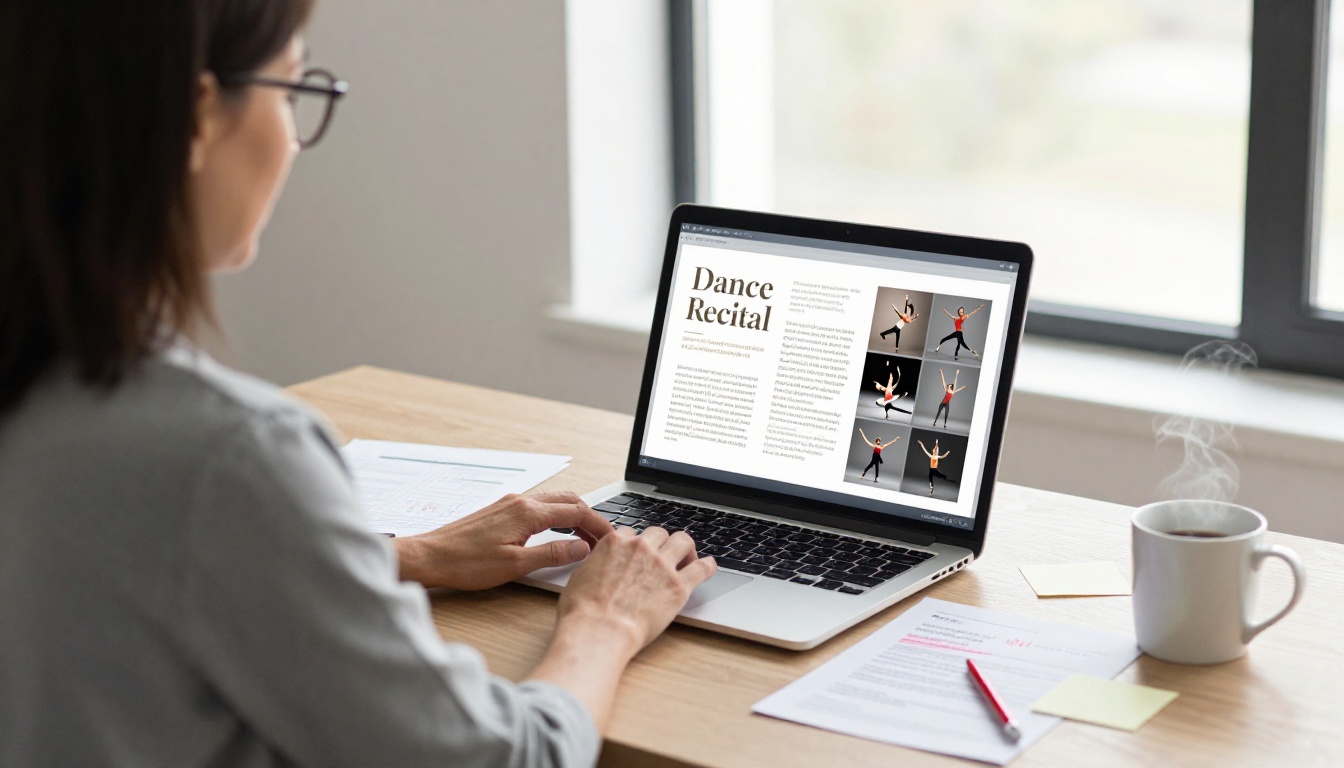
Click "New Flipbook" and drag your program PDF directly into the upload area. Flipbooks AI converts the file automatically, rendering each page as a high-resolution spread with a smooth page-turn animation. The PDF to Flipbook Converter handles multi-page documents up to hundreds of pages without quality loss.
Step 3: Apply Custom Branding
This is where your flipbook becomes your studio's flipbook rather than a generic document viewer. In the customization panel, you can:
- Upload your studio logo to appear in the flipbook header or cover
- Set background colors to match your studio's brand palette
- Choose from page-turn styles: classic curl, slide, or fade
- Add background music, perfect for setting the recital atmosphere before the show starts
- Embed your studio's promotional video or a welcome message from the director
💡 Adding a subtle audio track of your studio's theme or recital music to the flipbook creates an immersive experience for families viewing it online before the show.
Step 4: Configure Sharing and Privacy
For most recitals, you want the flipbook accessible to anyone with the link, not just people who attended. From the sharing panel:
- Generate a direct shareable link for SMS and email distribution
- Create an embed code to display the flipbook on your studio's website
- Set password protection if the program contains sensitive information
- Enable Event Program Maker settings for performance-specific metadata
Step 5: Distribute Before the Curtain Rises
With your flipbook link ready, send it through every channel your studio uses:
- Include the link in the pre-show email to all registered families
- Print a QR code on a single lobby handout instead of a full printed booklet
- Post the link to your studio's social media on recital day
- Add it to your studio website using the embed code
Program Design Styles That Work for Every Studio
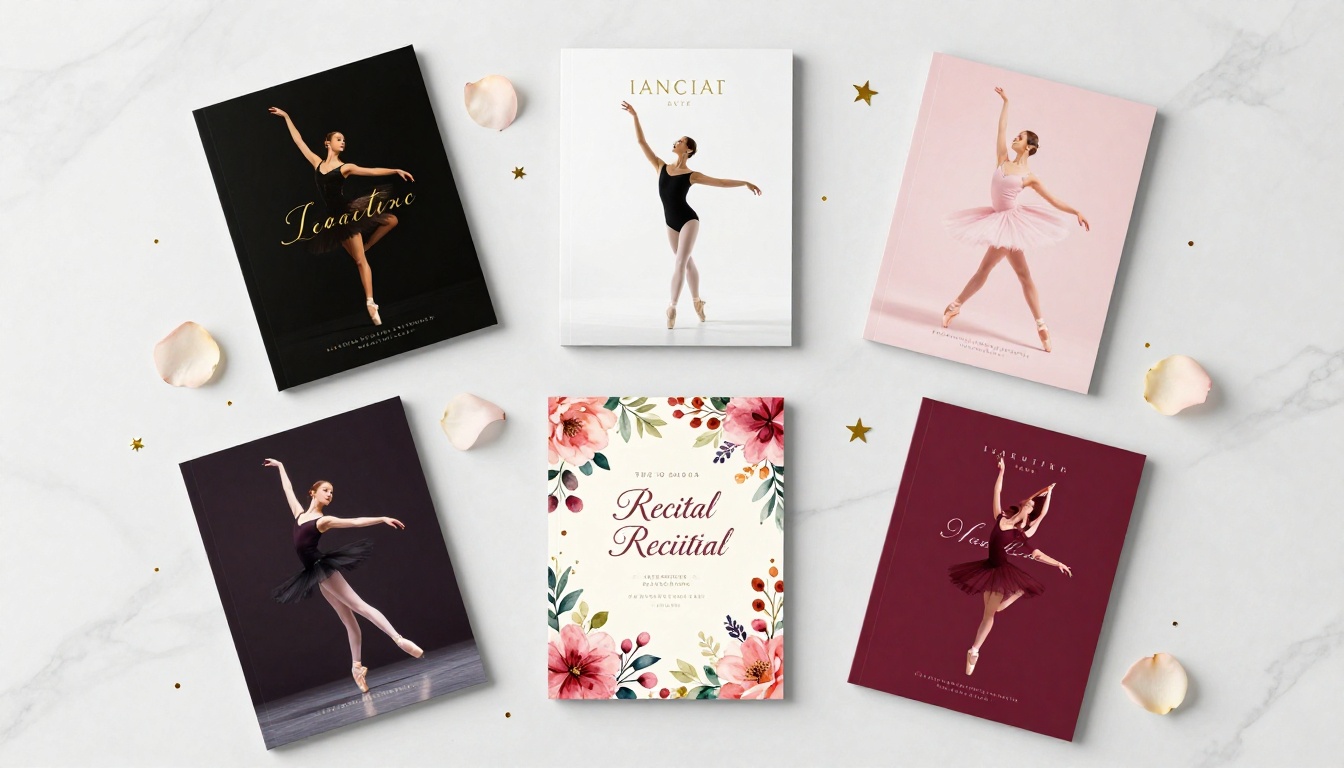
No two dance studios have the same personality. Your recital program should reflect your studio's specific character, whether that is classical elegance, vibrant energy, or modern minimalism. Here are five proven design directions and the audiences they resonate with most:
| Style | Visual Approach | Best For | Key Colors |
|---|
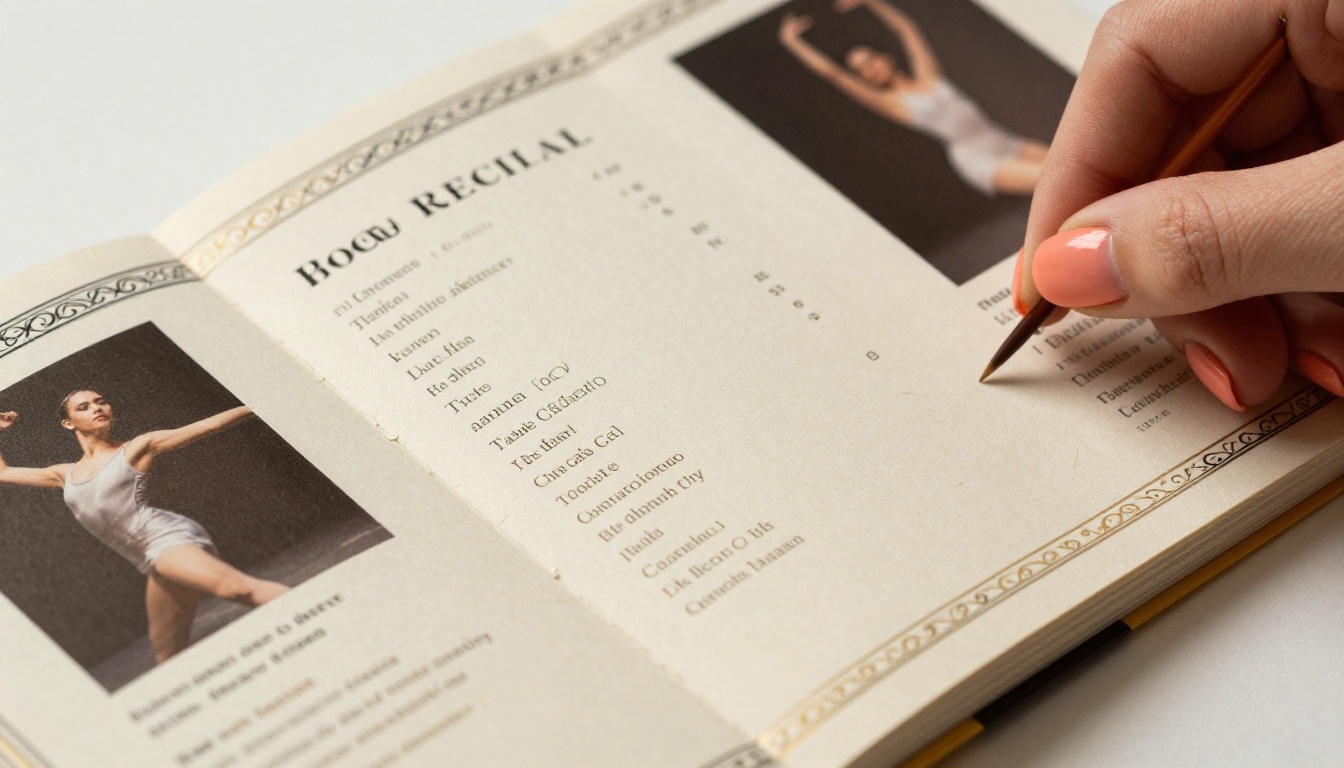
| Classic Ballet | Silhouette imagery, gold foil accents, serif fonts | Classical academies, prestigious studios | Black, gold, ivory |
| Modern Minimalist | White space, geometric shapes, sans-serif type | Contemporary and jazz studios | White, charcoal, one accent |
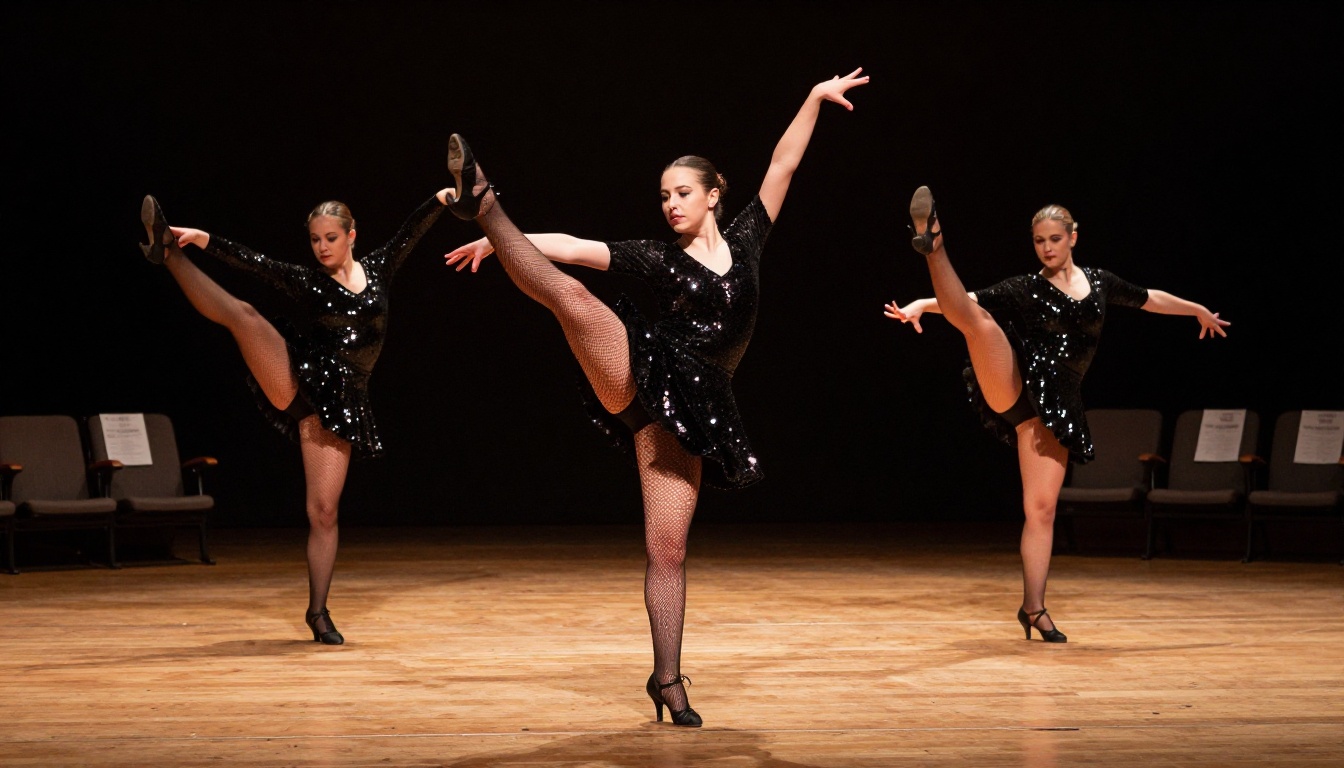
| Vibrant Studio | Full-bleed photography, bold colors, energy | Hip-hop, commercial, competition studios | Brand colors, bright accents |
| Watercolor Floral | Soft brushstroke backgrounds, script fonts | Lyrical, contemporary, children's programs | Blush, sage, dusty rose |
| Theatrical Dark | Deep backgrounds, spot lighting photography | Theater-dance programs, senior showcases | Navy, burgundy, silver |
Choosing a style before you design means every page decision, from font selection to photo crops, works toward a consistent visual identity. Families notice when a program feels cohesive, even if they cannot articulate exactly why.
What Families Actually Do with Recital Programs
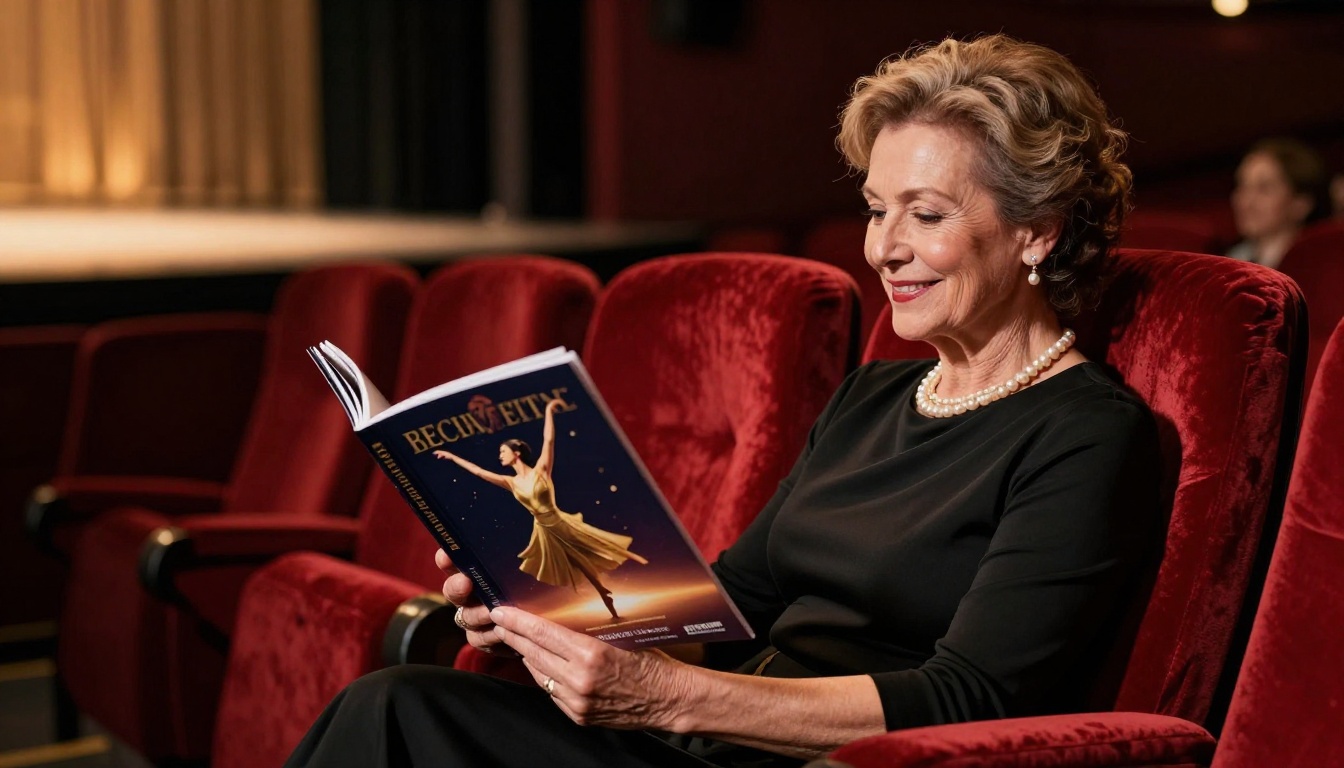
Understanding how families interact with programs shapes every design decision you make. The behavior gap between printed and digital programs is significant:
| Behavior | Printed Program | Digital Flipbook |
|---|
| Read at the event | Yes, during intermission | On phone during intermission |
| Keep after the recital | About 20% of attendees | Link saved indefinitely |
| Share with absent family | Cannot without a copy | Immediate link sharing |
| View dancer photos again | Only with physical copy | Anytime, anywhere |
| Show at school or work | Rare | Screenshot or link share |
| Experience multimedia content | None | Embedded video, audio clips |
| Use the following year | Rarely | Bookmarked and referenced |
The row that matters most for studio directors is shareability. When a grandparent in another state can click a link and watch the program flip through on their tablet, your studio's professional image reaches an audience that never set foot in the venue. That is free, organic word-of-mouth marketing wrapped inside a recital program.
5 Mistakes Studios Make When Designing Recital Programs
Knowing what to avoid saves you from last-minute redesigns. These are the most common issues that damage an otherwise well-intentioned program:
- Too much text per page: Families scan programs during a live performance. Dense paragraphs go unread. Use short sentences, bullet points, and clear headings throughout.
- Low-resolution photos: A blurry dancer photo reflects poorly on the entire production. Request minimum 300 DPI images from photographers or parents well in advance.
- Missing credits: Forgetting to credit choreographers, accompanists, or musical composers causes real friction. Build a credits checklist during planning, not during design.
- No table of contents: For programs with more than 16 pages, a table of contents on the inside front cover is essential. Audiences need to find Act 2 quickly during the intermission rush.
- Finalizing too early: Studios that lock the program two weeks out end up with last-minute cast changes that do not appear anywhere. With a flipbook, you update the PDF and re-upload without reprinting anything.
⚠️ Always build a corrections window into your production schedule. For printed programs, allow 48 hours before the printer deadline. For flipbooks, corrections are immediate, but re-uploading and re-sharing takes 15 to 20 minutes.
Flipbooks AI Plans at a Glance
Choosing the right plan depends on how many recitals your studio runs per year and which features matter most to your operation. Here is a comparison based on what dance studios typically need:
| Feature | Free | Standard | Professional |
|---|
| Flipbooks per month | Limited | Unlimited | Unlimited |
| Watermark removed | No | Yes | Yes |
| Custom branding | No | Yes | Yes |
| Password protection | No | Yes | Yes |
| Embedded video and audio | No | Yes | Yes |
| View analytics | No | No | Yes |
| Lead generation forms | No | No | Yes |
| Offline downloads | No | No | Yes |
| Custom domain | No | No | Yes |
For a single-studio operation running one annual recital, the Standard plan covers everything you need. Studios running multiple shows per season, or those who want to know exactly how many families viewed each page, should look at the Professional plan for the analytics feature alone. Visit flipbooksai.com/pricing to see current pricing details and find the right fit for your studio's budget.
Beyond the Recital: Other Uses for Your Studio's Flipbook
Once you have a Flipbooks AI account, the same workflow applies to other studio documents that benefit from a professional digital format. Dance studios have put the platform to work for:
Each document type benefits from the same page-turn format that makes recital programs so engaging. Your studio's branding stays consistent across every document because the same customization panel applies to every flipbook you create.
Your Recital Program Deserves to Last
A dance recital takes months of preparation, hundreds of hours of practice, and the coordinated effort of every dancer, teacher, and parent involved. The program is the one artifact that documents all of it. A folded sheet handed to attendees and forgotten by morning does not honor that work.
When you make a flipbook for your dance recital program, you create something families actually keep. A link that grandparents bookmark. A page that dancers screenshot and post. A document that represents your studio's professionalism as clearly as the performance itself.
Ready to build yours? Get started for free on Flipbooks AI and have your first recital flipbook ready in under an hour. Browse all available tools and templates for every studio document you produce throughout the year. When you are ready to remove watermarks and add full custom branding, compare pricing plans to choose the option that fits your studio's season and budget.



