Pitching sponsors in the esports world has never been more competitive. Teams that show up with a polished, interactive sponsorship deck stand out immediately from those sending generic PDF attachments that get ignored in inboxes. A well-built flipbook does something a flat document cannot: it tells your team's story in a format that feels alive, scrollable, and worth sharing. Flipbooks AI makes this possible for any esports team, regardless of budget or design experience.

Before building anything, you need to think like the brand executive on the other side of the table. Sponsors at every level, from local gaming peripherals brands to global tech companies, are evaluating one thing: whether your team can deliver real audience value for their budget.
Audience Numbers That Matter
Sponsors want specifics. Monthly viewership on your streaming channels, follower counts across platforms, average tournament match attendance, and post-event social media impressions. Vague claims do not move the needle. Actual figures, broken down by platform, do.
The metrics sponsors scan first:
- Peak concurrent viewers on Twitch or YouTube during live matches
- Social media reach across TikTok, Instagram, Twitter/X, and Discord
- Email list size if you send newsletters to your fanbase
- In-person attendance at LAN events or public appearances
- Demographics - age, location, spending habits of your core audience
Brand Visibility Proof
Past sponsor placements matter. If you have run brand activations before, show them. Screen captures of jersey logo placements during streamed matches, photos from live events with sponsor banners, screenshots of social posts tagging previous partners. Sponsors want to see what their logo looks like in your ecosystem before they commit.
ROI Framing for Corporate Decision-Makers
Mid-size and enterprise sponsors run ROI calculations before signing anything. Your flipbook should include estimated impressions per activation, a cost-per-thousand (CPM) breakdown compared to traditional media, and any click rates you can document. This reframes your proposal from "support an esports team" to "buy media at a competitive rate with an authentic audience."
A strong esports sponsor flipbook is not long. Six to ten pages is ideal. Each page earns its place.
Opening Page and Team Identity
Your opening page sets the tone. It should include your team name, logo, tagline, and a compelling hero image from a competition. Nothing more. Clean, confident, and on-brand.
Audience Demographics Page
This is your most important page for larger sponsors. Use clean infographics to display:
- Age range (typically 18-34 for esports)
- Gender breakdown
- Geographic distribution
- Income bracket if available from survey data
- Top gaming titles your audience follows
💡 Include a note on where the data comes from: stream analytics, social media insights, or post-event surveys. Attribution adds credibility.
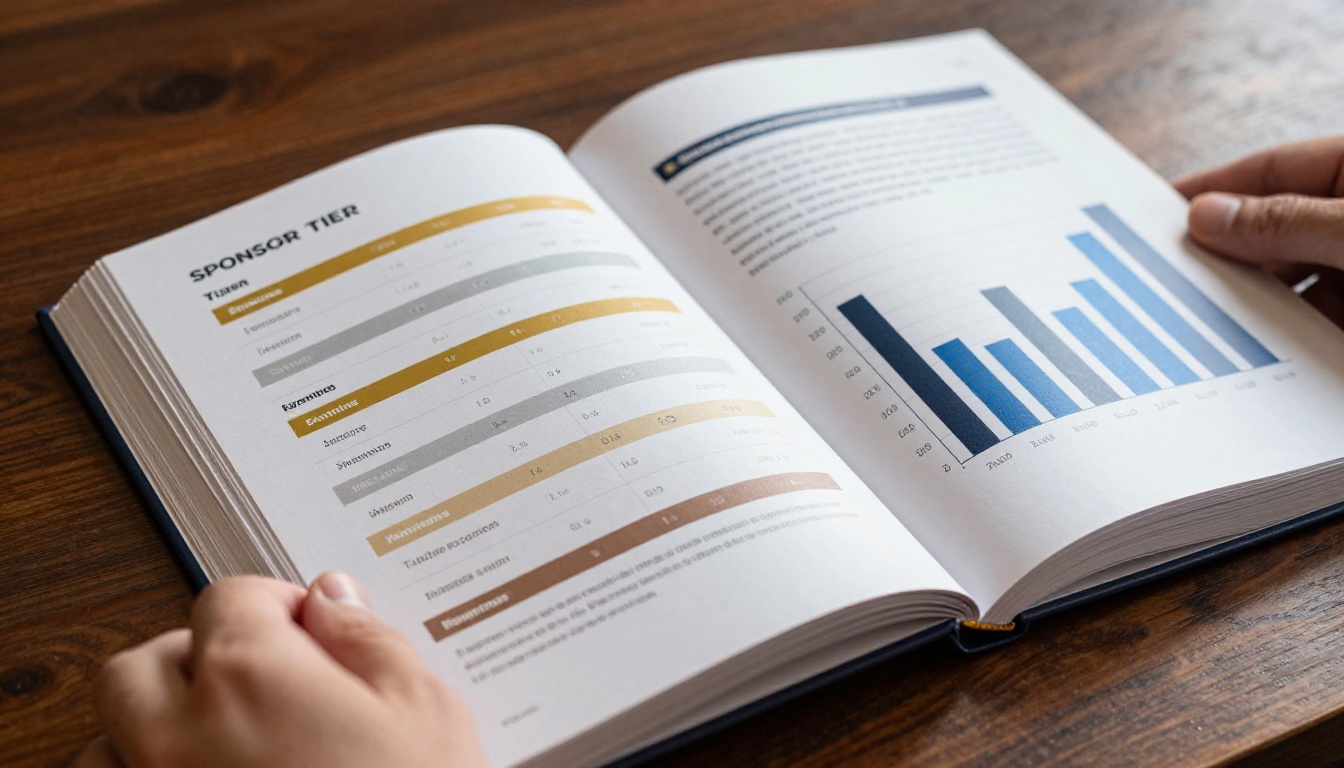
Sponsor Tier Breakdown
Offering tiered packages makes it easy for sponsors to self-select based on budget. A three-tier model works well for most teams.
| Tier | Investment | Benefits Included |
|---|
| Bronze | $500 - $2,000 | Social post mentions, Discord banner, newsletter feature |
| Silver | $2,000 - $7,500 | Jersey placement, stream overlay logo, dedicated post |
| Gold | $7,500+ | Title sponsorship, event naming rights, co-branded content |
⚠️ Do not inflate your tier prices beyond what your current reach justifies. Sponsors research comparable deals. Start competitive and raise rates as you grow.
The format you deliver your sponsorship proposal in sends a signal about how seriously you take your organization.
| Format | Pros | Cons |
|---|
| Static PDF | Easy to create | Opens as an attachment, often unread; no tracking |
| Printed Deck | Tactile, impressive in person | Expensive, unusable for remote outreach |
| PowerPoint/Slides | Familiar format | Requires software, hard to share cleanly |
| Digital Flipbook | Interactive, page-flip effect, shareable link, trackable | Requires a tool like Flipbooks AI |
Digital flipbooks win in remote outreach, which is where most sponsorship conversations now begin. A link that opens instantly in a browser, pages that flip with a natural motion, and analytics that tell you which pages sponsors spent the most time on. That last point matters more than most teams realize.

Flipbooks AI lets you upload any PDF and convert it into a professional interactive flipbook in minutes. Here is the exact workflow to follow.
Step 1: Design your sponsor deck as a PDF
Start in Canva, Figma, Adobe InDesign, or any design tool you prefer. Build your 6-10 page sponsor deck using your team's colors, logo, and fonts. Export as a high-resolution PDF.
Step 2: Sign up and set up your account
Go to flipbooksai.com/account and create your account. The Standard plan and above gives you unlimited flipbooks with no watermarks, which is essential for professional-grade sponsor decks.
Step 3: Upload your PDF
Use the PDF to Flipbook Converter to upload your file. Flipbooks AI processes it and converts each page into an interactive, page-flipping digital document. The conversion typically takes under two minutes.
Step 4: Apply your branding
Customize your flipbook inside the editor:
- Set your team's primary and secondary colors
- Add your logo to the viewer interface
- Choose a page transition style (classic flip, slide, or fade)
- Add background music if relevant to your team's identity
✅ The Digital Portfolio Creator is also excellent for teams wanting to showcase past highlights alongside their sponsorship proposal.
Step 5: Set sharing options
Generate a direct shareable link. For exclusive decks, enable password protection to control who accesses the document. You can also get an embed code to host the flipbook directly on your team website.
Step 6: Send and track
Share the link by email, via Discord, or in direct messages. With the Professional plan, Flipbooks AI analytics show you exactly which pages were viewed and for how long. This intelligence is invaluable: if a sponsor spent 45 seconds on your tier page but only 3 seconds on your demographics section, you know what to reinforce in your follow-up.
What to Include on Each Page
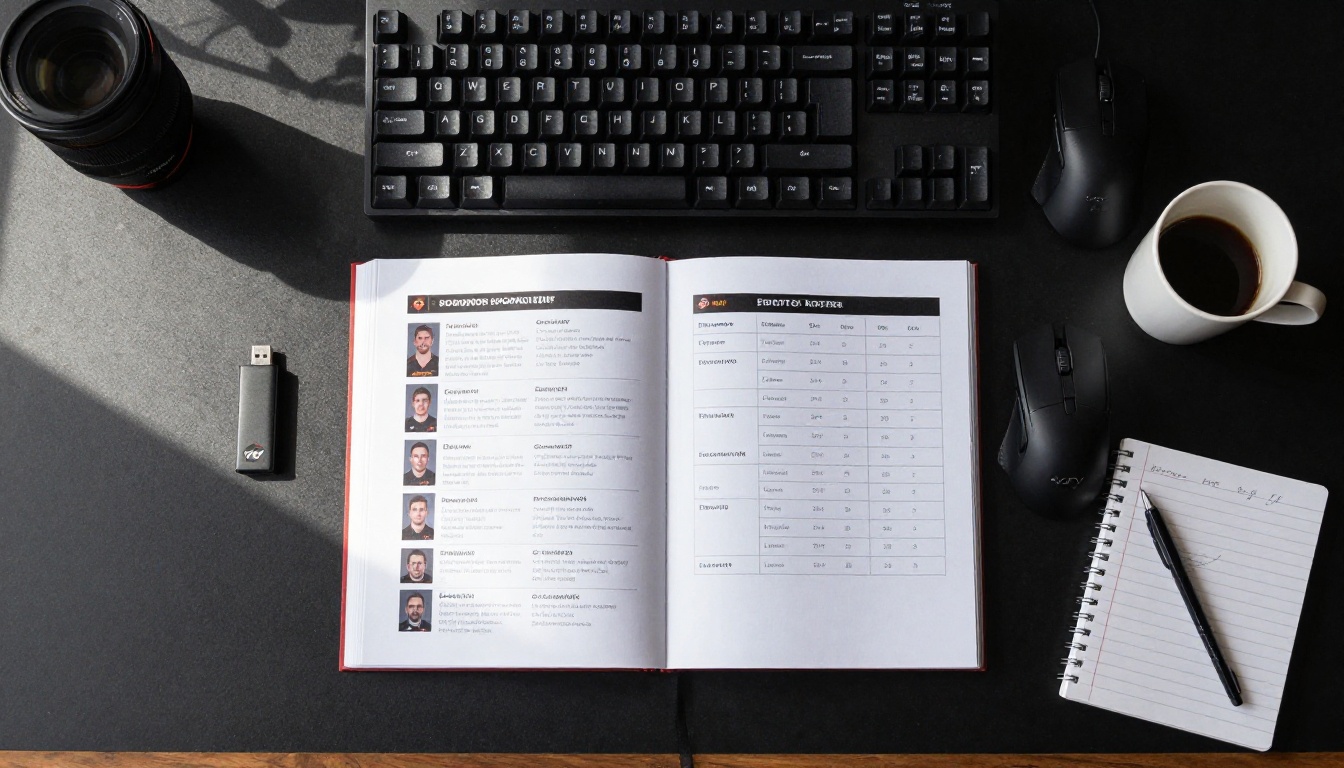
Structure matters as much as content. Sponsors rarely read every word on a first pass. They scan, then they read what catches their eye. Design your page order accordingly.
Page 1: Team Overview
Name, logo, founding year, primary game titles, and your elevator pitch in two to three sentences. This page should answer "who are you and why do you matter" in under ten seconds of reading.
Page 2: Audience Stats
Your most credible numbers. Platform-by-platform breakdown with logos next to each stat. Keep it visual: bar charts and callout numbers work better than paragraphs.
Page 3: Sponsor Tiers and Benefits
Your pricing table. Clear, unambiguous, professional. Include a small icon or visual for each benefit category (jersey, stream, social, event) to make it scannable.
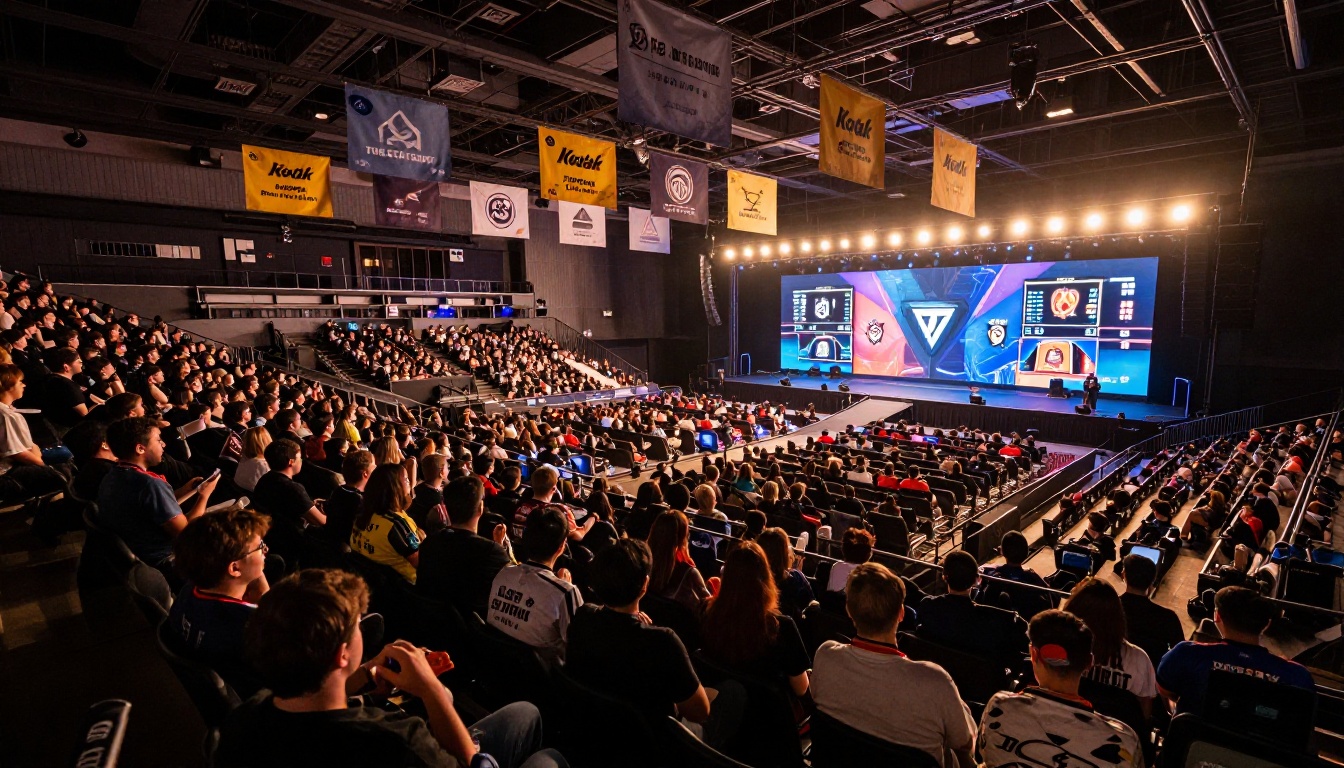
Page 4: Past Activations and Partners
Photos, screenshots, and brief case notes from previous brand partnerships. If this is your first sponsorship cycle, replace this with testimonials from community members, tournament organizers, or coaches who can speak to your team's credibility and professionalism.
Page 5: Upcoming Opportunities
A tournament calendar and event schedule showing where your team will compete in the next 6-12 months. This shows sponsors exactly when and where their brand will appear, including regional qualifiers, national championships, streaming events, and any community tournaments you host.
Page 6: Contact and Next Steps
A clean contact page with your team manager's name, email, phone, and links to your social channels and streaming profiles. End with a clear call to action: "Schedule a 20-minute call to discuss options."
Design Tips That Close Deals

The difference between a sponsorship deck that gets a response and one that sits in an inbox often comes down to how it looks at a glance, not how much it says.
Stick to Team Colors, Strictly
Two primary colors and one accent, maximum. Consistency across all pages signals professionalism. Sponsors associate your color palette with your brand identity, so use it without deviation.
Less Text, More Data Visuals
Every paragraph you write is a paragraph a sponsor might not read. Replace text blocks with:
- Infographic-style stat cards (big number, small label)
- Simple bar or pie charts for demographic data
- Icon-and-label grids for sponsor benefit lists
- Timeline visuals for tournament calendars
High-Quality Photography
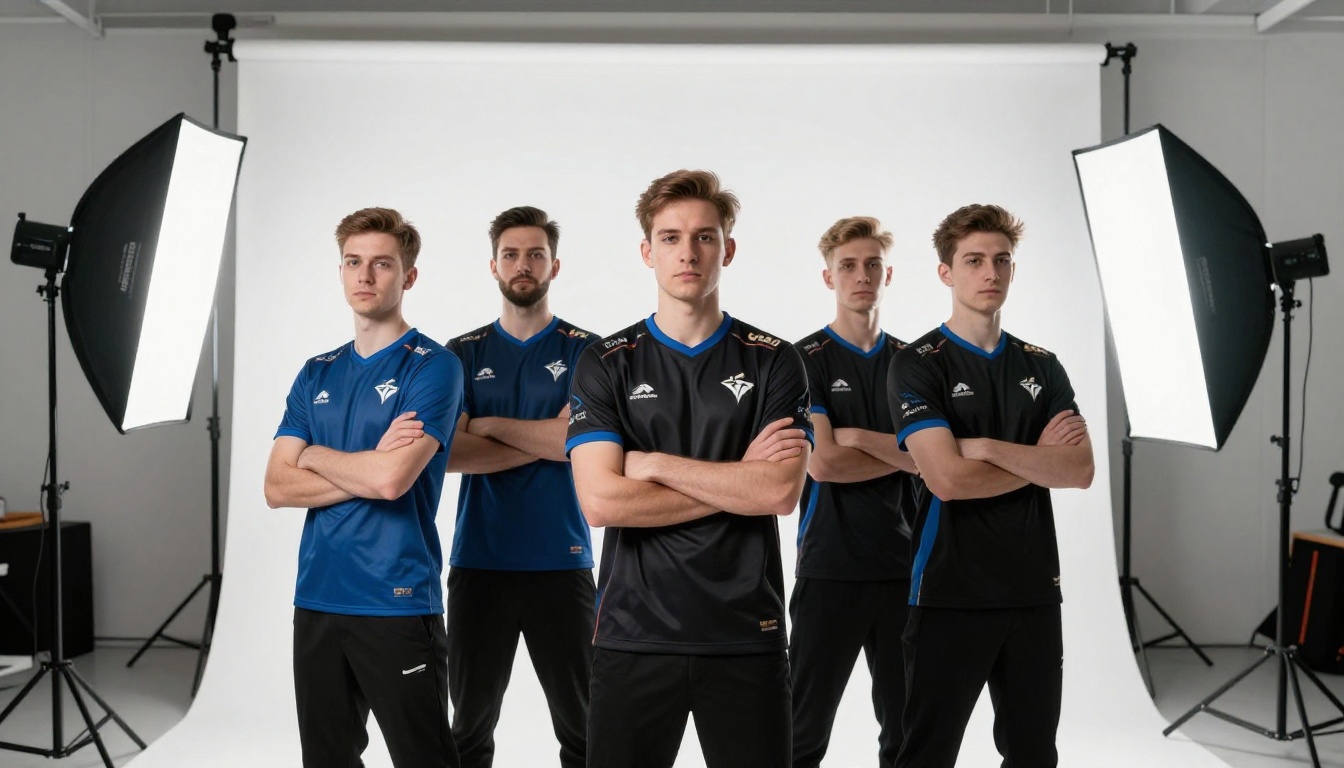
Your team photos matter. A blurry group shot from a phone taken at a local LAN event signals that you are not ready for serious partnerships. Invest in at least one professional photo shoot or use high-resolution action shots from official event photographers. This is what separates junior teams from organizations that attract real brand investment.
Typography That Reads at a Glance
Use one heading font and one body font. Sans-serif options like Inter, Montserrat, or DIN work well for esports aesthetics. Size hierarchy should be obvious: large headings, readable body text, clear data labels.
Once your flipbook is live on Flipbooks AI, you have several sharing strategies depending on your outreach approach.

Direct Link Outreach
The most common approach: paste your flipbook link directly into cold outreach emails. The link opens in any browser instantly, no download required. This removes the friction of attachment-based emails that often get flagged by spam filters.
💡 In your email subject line, call out exactly what it is: "Sponsorship deck for [TeamName] - 2025 Season." Clarity beats cleverness in B2B outreach.
Embedded on Your Team Website
Use the embed code from Flipbooks AI to host the flipbook directly on your website's Partnerships page. This gives inbound sponsor prospects a seamless experience without leaving your domain. Use the Embed Flipbook on Website tool to generate the right embed snippet.
Password-Protected Links for Premium Prospects
For your top-tier outreach targets (national brands, global gaming companies), send a password-protected version of a premium tier document. This creates a sense of exclusivity and signals that you treat enterprise-level conversations differently.
Social Media Teasers
Share a screenshot of a single compelling page, like your audience stats spread, on LinkedIn or Twitter/X with a caption directing people to request the full deck. This passive outreach approach builds inbound interest without aggressive cold emails.
The shift from static PDFs to interactive flipbooks is not just aesthetic. It changes how sponsors experience your proposal at a behavioral level.
| Feature | Static PDF | Interactive Flipbook |
|---|
| Opens without download | No | Yes |
| Page-flip animation | No | Yes |
| Mobile-responsive | Varies | Yes, always |
| View tracking | No | Yes (Professional plan) |
| Embed on website | No | Yes |
| Password protection | No | Yes |
| Shareable link | No | Yes |
| No watermarks | Varies | Yes (Standard and above) |
The view tracking feature alone justifies switching formats. Knowing which pages a sponsor lingered on before going silent tells you exactly where to focus your follow-up conversation.
✅ Teams using interactive digital decks report higher response rates in initial outreach because the format itself signals that you are a modern, tech-forward organization. That alignment matters to brands in the gaming and tech space.
Not every brand is an esports sponsor candidate. Knowing which categories to prioritize saves outreach time and improves your hit rate.

High-alignment categories (most likely to convert):
- Gaming peripherals (headsets, mice, keyboards, chairs)
- Energy drinks and sports nutrition brands
- PC hardware and component manufacturers
- Internet service providers and networking equipment
- Game publishers and platform providers
Strong secondary categories (growing interest in esports):
- Apparel and streetwear brands
- Fast food and quick-service restaurants
- Financial products targeting Gen Z
- Health and wellness brands (sleep, nutrition, eye care)
- Education and online learning platforms
Target both local and national for a realistic pipeline. A local computer repair shop or regional ISP can be a strong bronze-tier partner for a growing team, while you simultaneously pursue larger national deals with longer sales cycles.
Your esports team's value is real. The brands you want to work with just need to see it clearly, in a format they can open, absorb, and share internally with decision-makers. A flipbook sponsor deck built on Flipbooks AI does exactly that: turns your team's story into a professional, interactive pitch that works in any inbox.
Ready to create yours? Get started for free on Flipbooks AI and have your first sponsor deck live in under an hour.
Compare pricing plans to decide whether the Standard or Professional tier fits your team's current stage. If you plan to run multiple outreach campaigns per season, the analytics in the Professional plan pay for themselves in a single closed deal.
Browse all flipbook tools and templates to find formats beyond sponsorship decks. The Press Kit Designer and Sales Presentation tools are particularly useful for esports teams building out their full media and business development toolkit.
Build your esports sponsor deck now and start winning the partnerships your team has earned.



