Running a farmers market stall is as much about storytelling as it is about selling. The vendor three spots down has a beautiful chalkboard sign. You have the better product. But if shoppers cannot quickly see what you offer, at what price, and why your farm is different, they walk past. A digital flipbook changes that equation completely, and Flipbooks AI makes it something you can set up in an afternoon.
Why Paper Price Lists Are Losing Sales
Most market vendors hand-write their prices on chalkboards or print laminated sheets. Both approaches share the same fatal flaw: they can only show a fraction of what you actually sell, and they cannot tell your story.
The 3-Second Problem
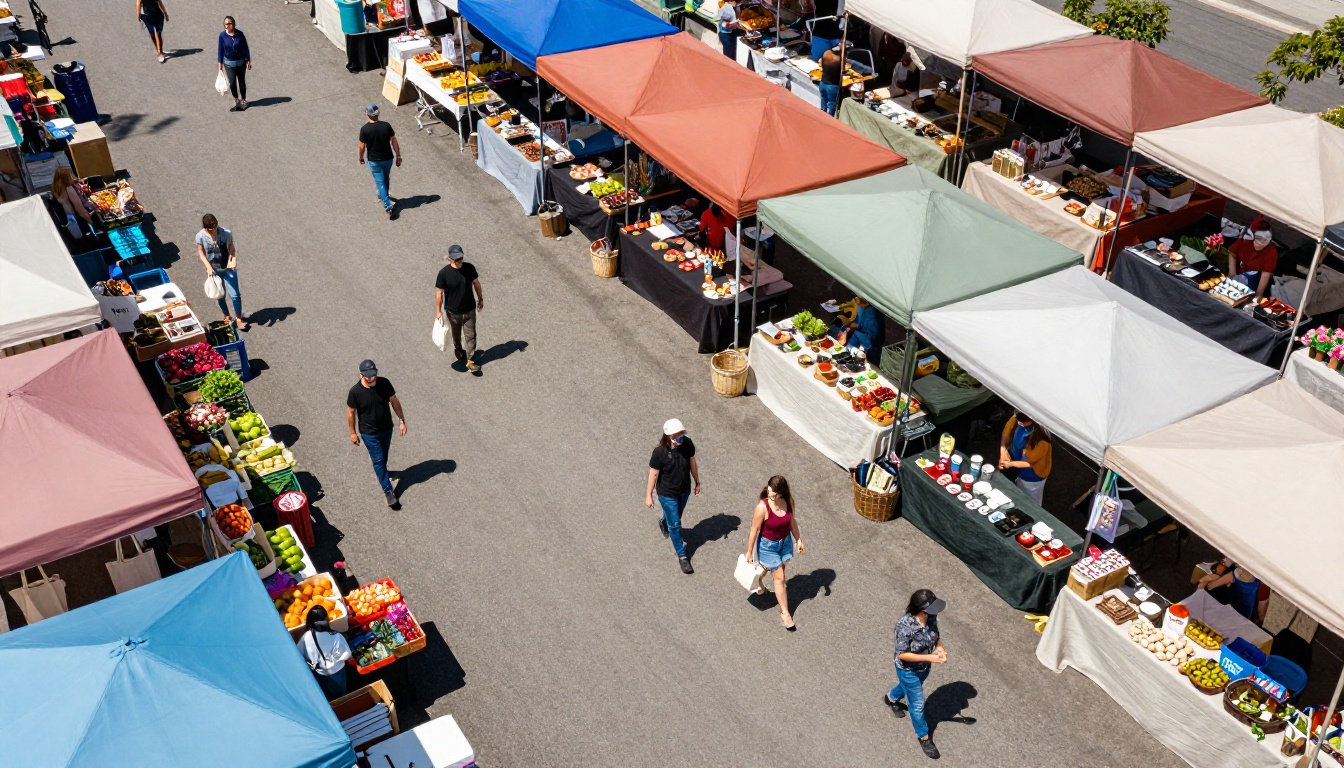
Shoppers at a farmers market make fast decisions. Vendors have roughly three seconds to grab a passing shopper's attention. A chalkboard with twelve items crammed into small handwriting does not do that job. A QR code at the front of your table, linked to a beautiful photo-rich digital flipbook, invites the shopper to stop, scan, and browse at their own pace.
What Shoppers Actually Want
Farmers market shoppers are not just buying food. They are buying a story, a source, a relationship with someone who grows or makes something. They want to know:
- Where your farm is located
- How the produce is grown (organic, regenerative, spray-free)
- What varieties you carry each week
- Your prices before they commit to asking
- Recipes or ideas for unfamiliar products
A two-page laminated price list cannot carry all of that. A well-built flipbook can.
What Goes in Your Market Flipbook
Before you open any software, spend ten minutes listing every piece of information a shopper might want. Then group it into sections.
Your Products and Prices
The catalog portion of your flipbook is the core. Photograph each product with good natural light before market day. For each item, include:
- Product name with variety where relevant (e.g., "Brandywine Heirloom Tomatoes")
- Current price per unit or weight
- Brief description noting flavor, texture, or best use
- Availability note (e.g., "Peak season: July to September")
With Flipbooks AI, updating your catalog takes two minutes: upload the new PDF and your shareable link stays exactly the same.
Your Story and Sourcing
Dedicate one or two pages to your farm or production story. This content converts a casual browser into a loyal weekly customer. Include:
- A photo of your farm, kitchen, or production space
- A short paragraph about how you got started
- Any certifications or practices you follow (organic, regenerative, spray-free)
- A photo of the people behind the products
Seasonal Availability Calendar
One page showing what you bring to market in each season eliminates a question vendors answer dozens of times per day: "Do you have this in winter?" A simple color-coded grid works perfectly and takes thirty minutes to design.
Recipes and Pairings
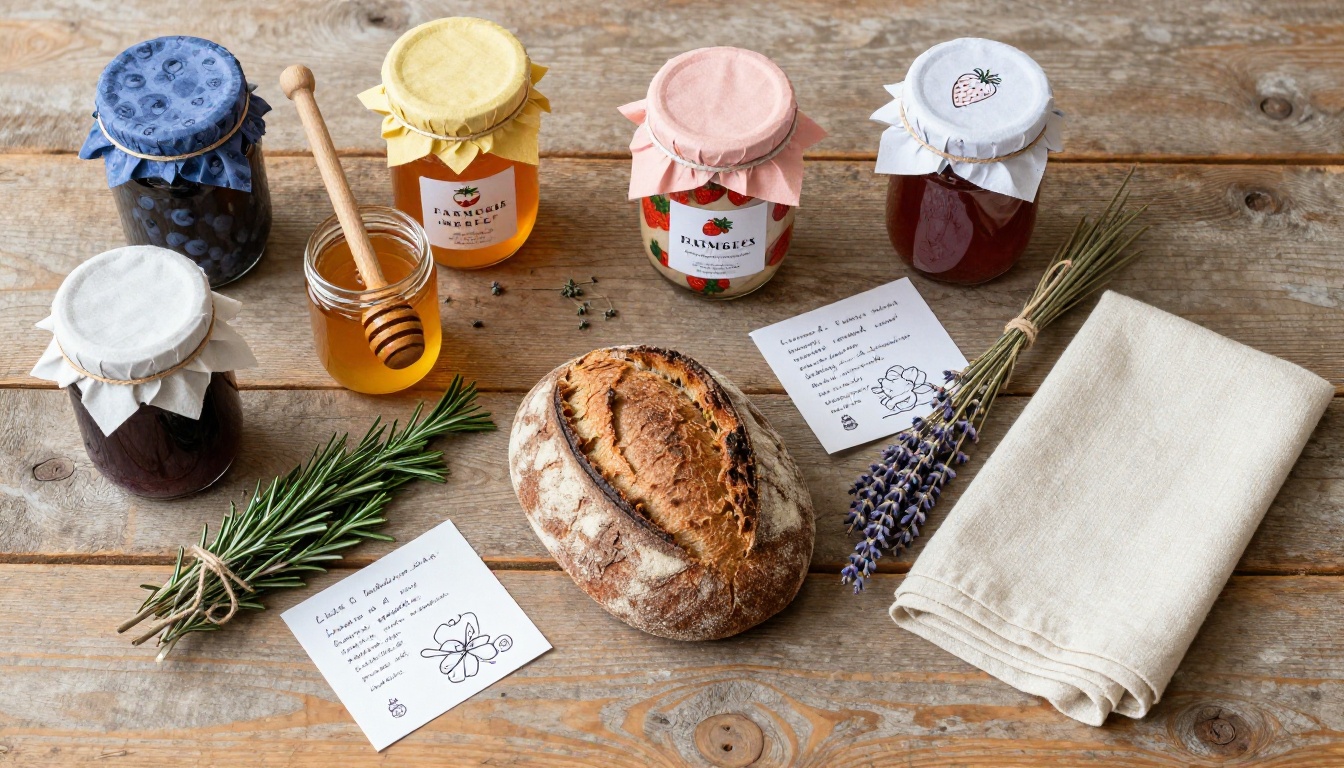
If you sell specialty produce, ferments, jams, or anything with a learning curve, a recipe page is enormously effective. It answers "what do I do with this?" and gives shoppers a reason to flip through every page of your catalog rather than scanning the first two and walking on.
How to Build Your Stall Catalog
The process is straightforward. Here is the exact workflow from blank page to live QR code ready for your next market day.
Step 1: Design Your Catalog PDF
Use Canva, Adobe Express, or Google Slides to build your catalog. Keep it clean and visual:
- Page 1: Farm name, tagline, and a hero photo of your stall or produce
- Pages 2-8: Product pages with photos and prices
- Page 9: About your farm or maker story
- Page 10: Seasonal calendar and recipes
- Last page: Contact info, website, social handles, and next market date
Aim for 10-15 pages. Anything longer loses readers past page four. Large images and minimal text keep every page scannable in seconds.
Step 2: Upload to Flipbooks AI
Go to Flipbooks AI and create a free account. Once you are logged in:
- Click New Flipbook
- Drag and drop your PDF into the upload area
- Wait roughly 30-60 seconds for conversion
- Your pages are now a live, page-turning digital flipbook
The platform handles high-resolution product photography without quality loss, so your images stay sharp on every device.
Step 3: Customize Your Branding
This step separates a generic digital document from a professional market catalog. Inside the editor:
- Add your farm name and logo to the flipbook header
- Set your color palette to match your stall branding
- Enable page-flip animation for a tactile, book-like feel on mobile
- Add your website URL as a clickable link on the contact page
No watermarks appear on any paid plan, so your brand stays clean.
Step 4: Get Your QR Code
Every flipbook on Flipbooks AI comes with a shareable link. Use it to generate a QR code that opens directly to your catalog. This QR code becomes your most effective marketing asset at the stall.
Step 5: Display at Your Stall
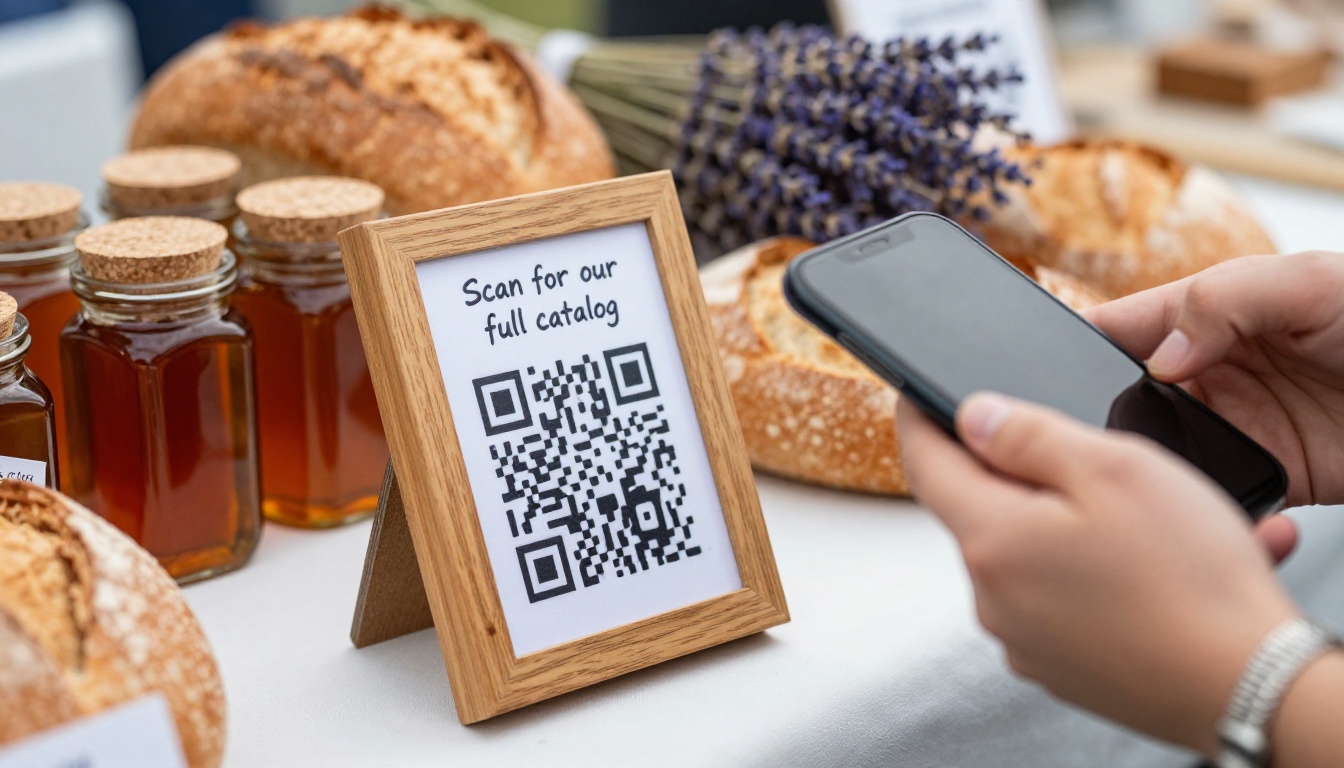
Print your QR code on a small laminated card and place one at the front edge of your table and one beside your payment area. A simple handwritten note works best: "Scan to see our full catalog and prices." Five words. Nothing more needed.

💡 Pro tip: Build two seasonal versions of your flipbook, one for summer stock and one for winter. The link stays the same; you simply swap the active PDF as seasons change.
Not every vendor needs the same type of flipbook. The right format depends on what you sell and how shoppers interact with your stall.
The Digital Price List Generator is also worth considering for vendors who want a focused, no-frills price sheet that loads instantly on any phone without requiring the shopper to flip through pages.
✅ Best practice: Pick one format and commit to it across market seasons. A consistent flipbook builds brand recognition with returning shoppers who remember your stall from last summer.
How Shoppers Use Your Stall Flipbook
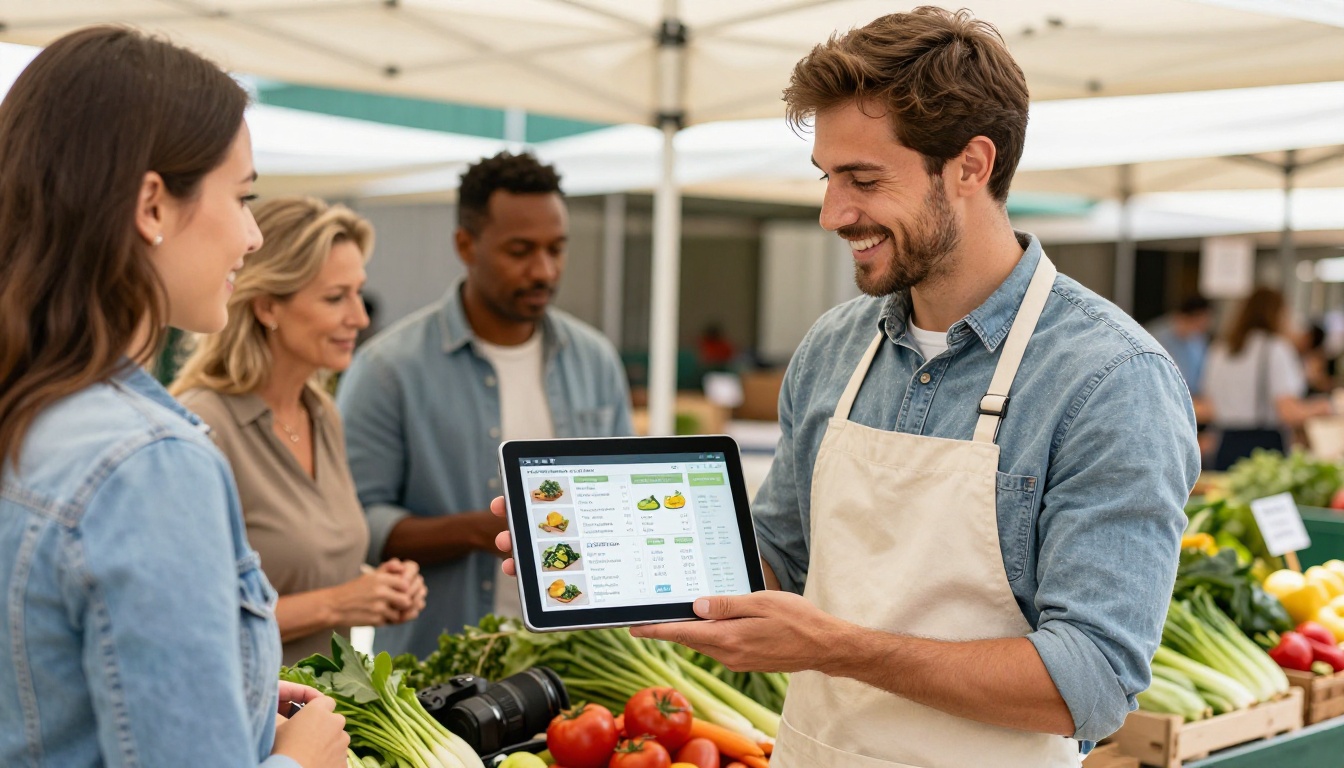
The behavior pattern at a busy market is predictable: shopper approaches your stall, sees the QR code sign, scans it while waiting for you to finish with another customer, browses two or three pages, and either walks away already decided or asks a specific question like "how much are the Sungold tomatoes?" instead of "what do you have?"
That shift from a vague opening question to a specific product inquiry signals that your flipbook has already done the selling. Your role becomes confirmation and transaction, not a cold-start pitch from zero.
When Your Stall Is Three People Deep
The biggest payoff happens on peak Saturday mornings. When you are occupied with three customers at once, a browsing shopper with a phone does not have to leave and come back. They wait, they browse, and by the time they reach the front they already know exactly what they want. Fewer abandoned sales due to wait times. More confident, faster transactions.
Before They Even Arrive
Your flipbook link works everywhere, not just at the stall. Share it:
- In your market's social media posts or weekly community email newsletters
- In Instagram Stories every Thursday evening with a preview of what you are bringing Saturday
- In a text message to your existing customer list with "here is what we have this week"
- Pinned to the top of your farm's Facebook page so new visitors see it first
Shoppers who browse your flipbook before market day arrive with intent. They are buyers, not browsers, and they often bring a list.
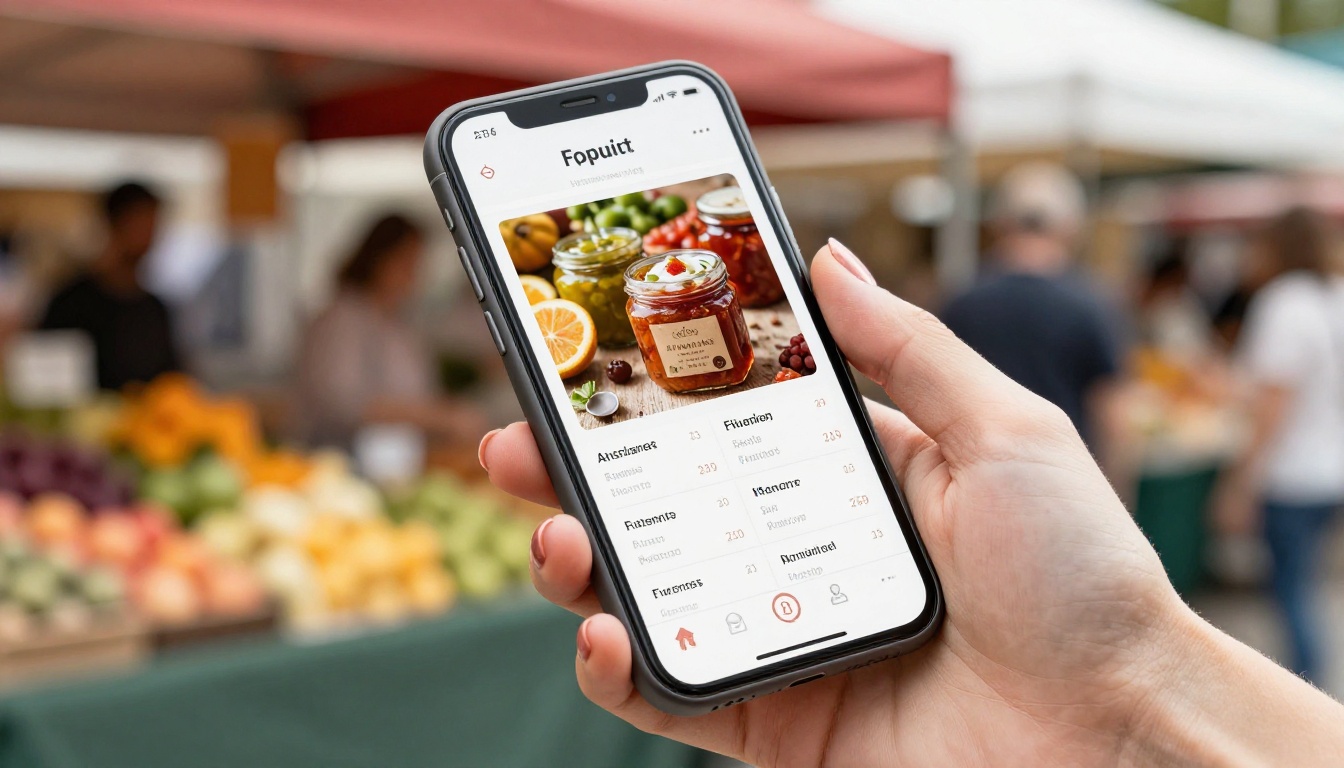
Flipbooks AI Plans for Stall Vendors
Most small market vendors need the Standard plan or below. Here is how the options compare against typical farmers market stall needs:
| Feature | Free Plan | Standard Plan | Professional Plan |
|---|
| Number of flipbooks | 1 | Unlimited | Unlimited |
| Watermark on flipbook | Yes | No watermark | No watermark |
| Custom branding | No | Yes | Yes |
| Password protection | No | No | Yes |
| Page view analytics | No | No | Yes |
| Lead generation forms | No | No | Yes |
| Offline downloads | No | No | Yes |
| Embed on your website | Yes | Yes | Yes |
| Mobile responsive | Yes | Yes | Yes |
⚠️ Worth knowing: The Free plan adds a watermark to every page of your flipbook, which looks unprofessional when you share it with customers or post it on social media. For a stall that represents your brand, the Standard plan is the practical starting point.
For vendors running a farm website or direct-order shop, the Professional plan's analytics pay for themselves: track which product pages get the most views, see how many people clicked through to your order form, and capture email addresses from interested shoppers even during weeks when you are not at the market. See all plan options at flipbooksai.com/pricing.
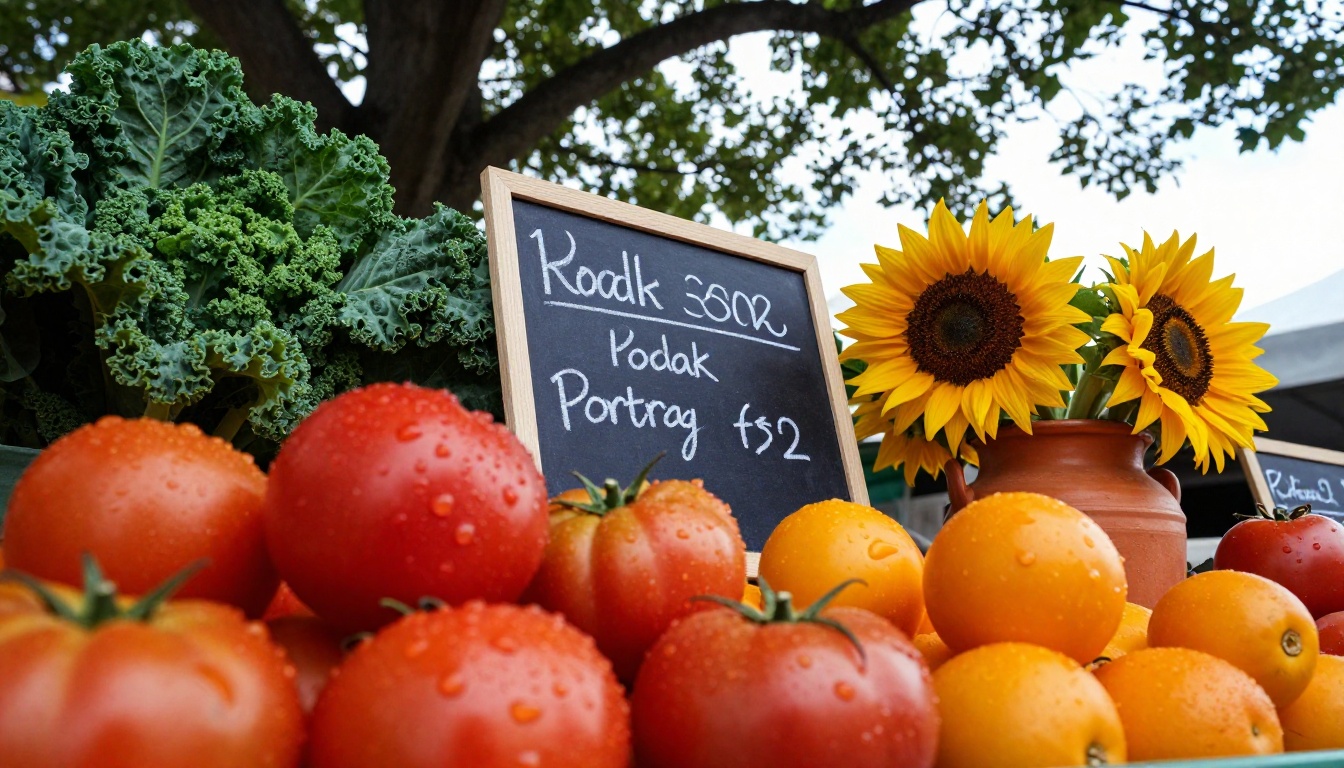
Seasonal Flipbook Ideas That Actually Work
A flipbook updated quarterly stays fresh without requiring a complete redesign every few weeks. Think of it as a living publication, not a static flyer.
| Season | Product Focus | What to Add to Your Flipbook |
|---|
| Spring | Early greens, radishes, asparagus, seedlings | "What's new this season" intro page, planting calendar |
| Summer | Peak produce: tomatoes, corn, berries, cucumbers | Recipe pages, pairing suggestions, CSA sign-up page |
| Autumn | Squash, root vegetables, apples, cider, pumpkins | Preservation tips, holiday gift bundle page |
| Winter (if applicable) | Storage crops, ferments, dried herbs, preserves | "How we store our crops" story page, pre-order form |
Refreshing your flipbook for a new season costs about twenty minutes of design time. For returning customers, a fresh intro page signals that your catalog is alive and worth scanning again, rather than the same document they saw in April.
💡 Pro tip: With password protection on the Professional plan, create a private "early access" version of your flipbook shared only with your most loyal customers the night before market day. They feel like insiders. You build deep loyalty with zero extra product cost.
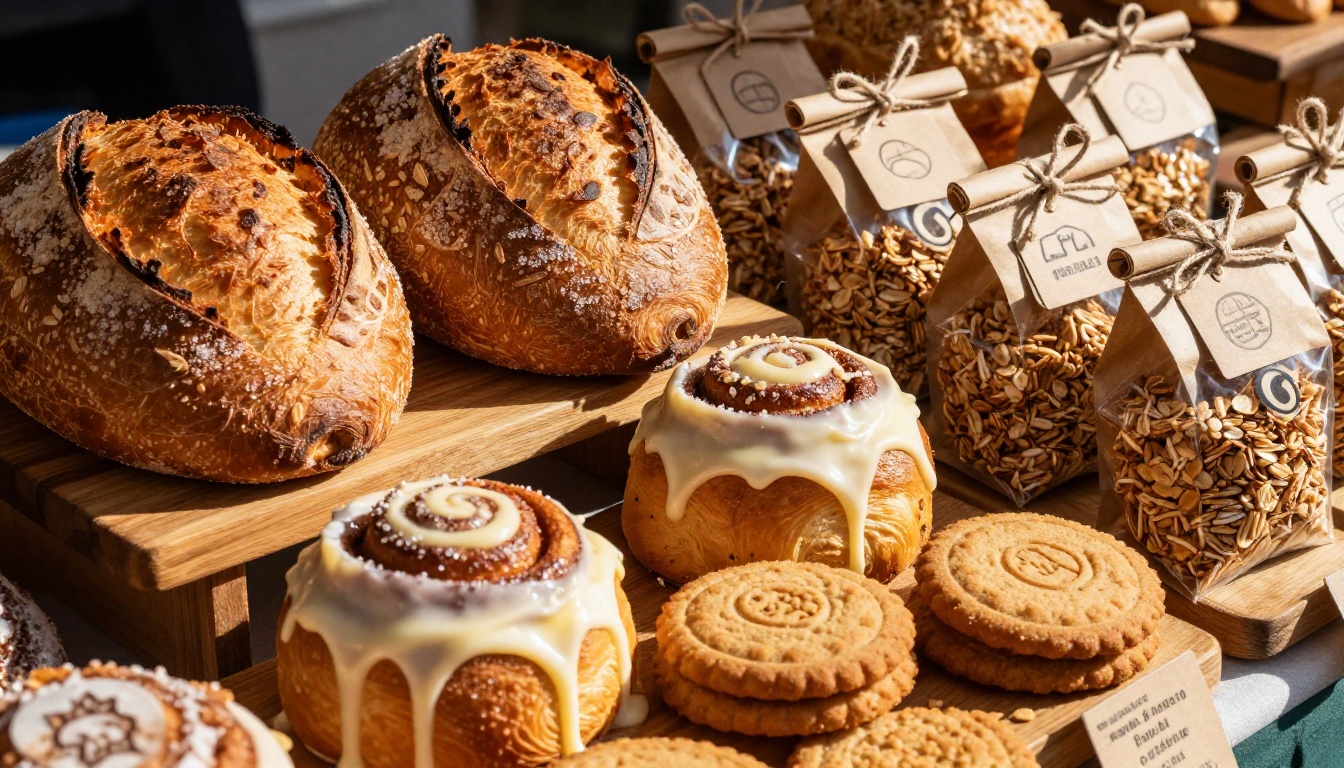
Setting Up the Display at Your Stall
The flipbook is only as effective as the physical display that introduces it to shoppers. A QR code buried among your products gets zero scans. Here is what actually converts:
Placement that works:
- Front edge of your table: The first thing a shopper sees before they reach your products
- Beside your payment setup: Captures browsing time while someone waits for change or a receipt
- On your canopy frame or upright sign: Visible from the aisle for passersby who have not yet stopped
What to write on the sign:
Five words or fewer. "Scan for our full catalog" or "View all prices here." Anything longer gets ignored. The QR code itself communicates "there is more here" without explanation.
Backup for shoppers who avoid QR codes: If you have an old tablet or spare phone available, mount it in a simple stand and open your flipbook directly on-screen. This helps significantly with older customer demographics who are not comfortable scanning codes, a group that represents a large portion of regular farmers market attendees.
Using a screen as a menu board: Some vendors with electricity access run a small monitor at the back of their stall. The Embed Flipbook on Website tool lets you display your flipbook full-screen in any browser, turning any available screen into a digital product board at zero extra cost.
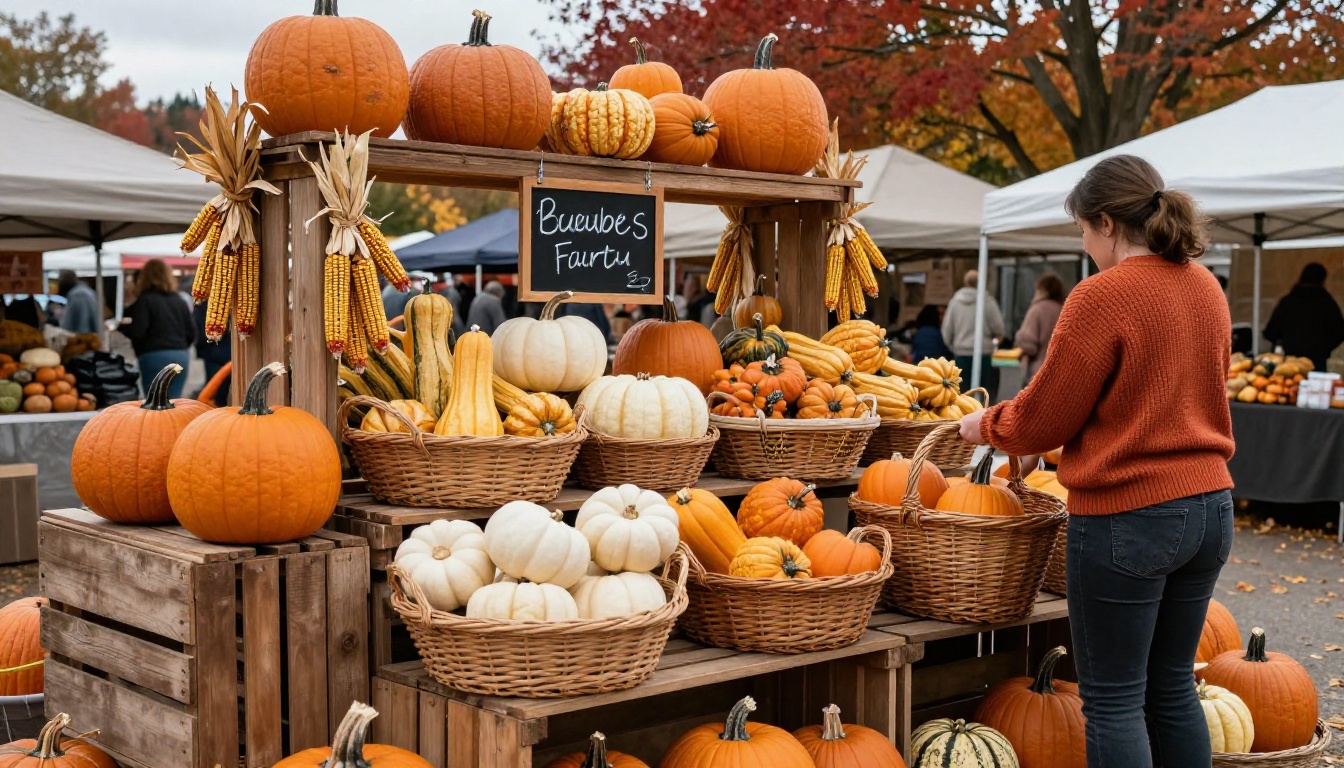
Build Your Stall Flipbook This Week
The vendors who succeed at farmers markets across multiple seasons are the ones who make it easy for shoppers to say yes. A digital flipbook removes friction at every step: it shows prices before anyone has to ask, tells your farm story before you have to pitch it, and keeps selling even when you are occupied with three other customers.
Setting one up takes less time than designing a new chalkboard sign. And unlike a chalkboard, it works on social media, in email, and on your farm website the same week it debuts at your stall.
Get started free on Flipbooks AI and have a live QR code ready before your next market day. Browse all flipbook tools to find the right format for your products and stall type. When you are ready to go further, compare plans to find what fits your budget and goals.



