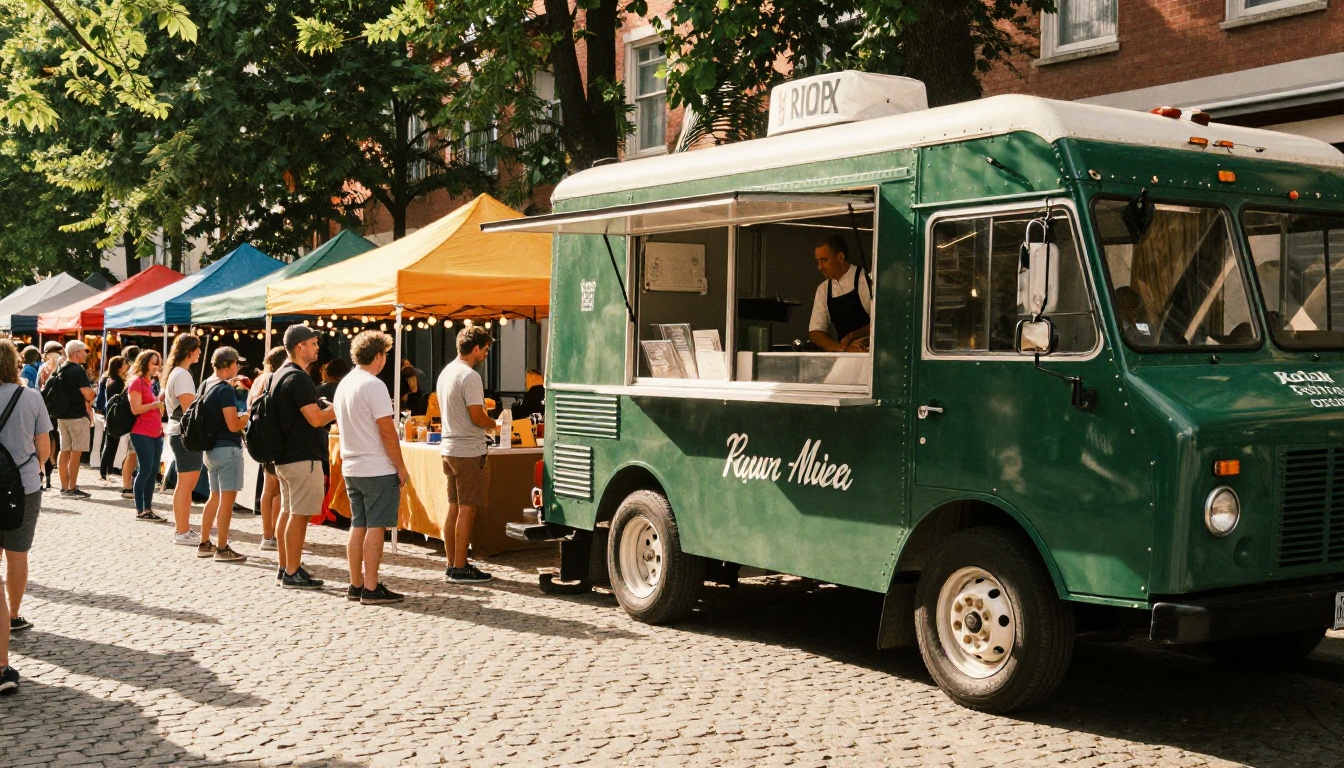
Food trucks compete on two things: the food and the first impression. The second one happens before a single bite, and right now, for most trucks, that first impression is a crumpled, grease-smeared paper menu taped to the side of the truck. Flipbooks AI changes that completely, turning any PDF menu into a stunning, page-turning digital flipbook that customers can browse on their phones before they even step in line.
This is not about being "digital" for the sake of it. It is about giving hungry customers a reason to stop, scroll, and stay. A well-designed flipbook menu does all three.
Most food truck owners have done the math on printing. A new batch of laminated menus every season adds up fast. Rain warps them, oil stains them, and every time you change a price or add a special, you are either crossing things out by hand or ordering a new print run.
The Hidden Costs Nobody Talks About
Printing is just the start. Factor in the time spent redesigning, the minimum order quantities from printers, and the gap between "I ordered new menus" and "the menus actually arrived," and you have a system that actively punishes you for keeping your offerings fresh.
| Cost Category | Paper Menu | Flipbook Menu |
|---|
| Initial setup | $50 to $300 print run | Free to start |
| Price update | Reprint required | Edit instantly |
| New seasonal item | Reprint or sticker | Update in minutes |
| Weather damage | Frequent | Zero |
| Customer can pre-browse | No | Yes |
| Shareable before events | No | QR code or link |
💡 Pro tip: Every time you update your flipbook menu, every existing QR code automatically points to the new version. No reprinting, no swapping out signs.
What Customers Actually Do
Customers at food truck events often scout the lineup before committing to a queue. If your menu is not visible from 10 feet away and not browsable on a phone, you lose them to the truck that has both. A digital flipbook sits at a shareable link and can be posted in event Facebook groups, shared in neighborhood apps, and texted to regulars hours before you park.

Before getting into the how, it helps to see what you are building. A flipbook menu is not a static PDF. It renders as a page-turning publication that customers can swipe through on any device, zoom into, and share with friends.
The Page-Turning Experience
The page-curl effect is not just visual flair. It signals to the customer that this is a real menu, a proper one, the kind they might pick up at a sit-down restaurant. That psychological signal matters for a food truck, because the goal is always to move up-market from the "street food" label while keeping the speed and energy that makes trucks great.
It Works on Every Device
Your customers are on iPhones, Androids, and everything in between. A flipbook from Flipbooks AI is fully mobile-responsive with no app download required. They tap the QR code, the browser opens, and they are browsing a rich, full-color menu within two seconds.
No app. No friction. No "please download our app to see the menu."
This is where it gets practical. The Menu Flipbook Designer at Flipbooks AI is built exactly for this use case. Here is the full process from blank page to shareable link.
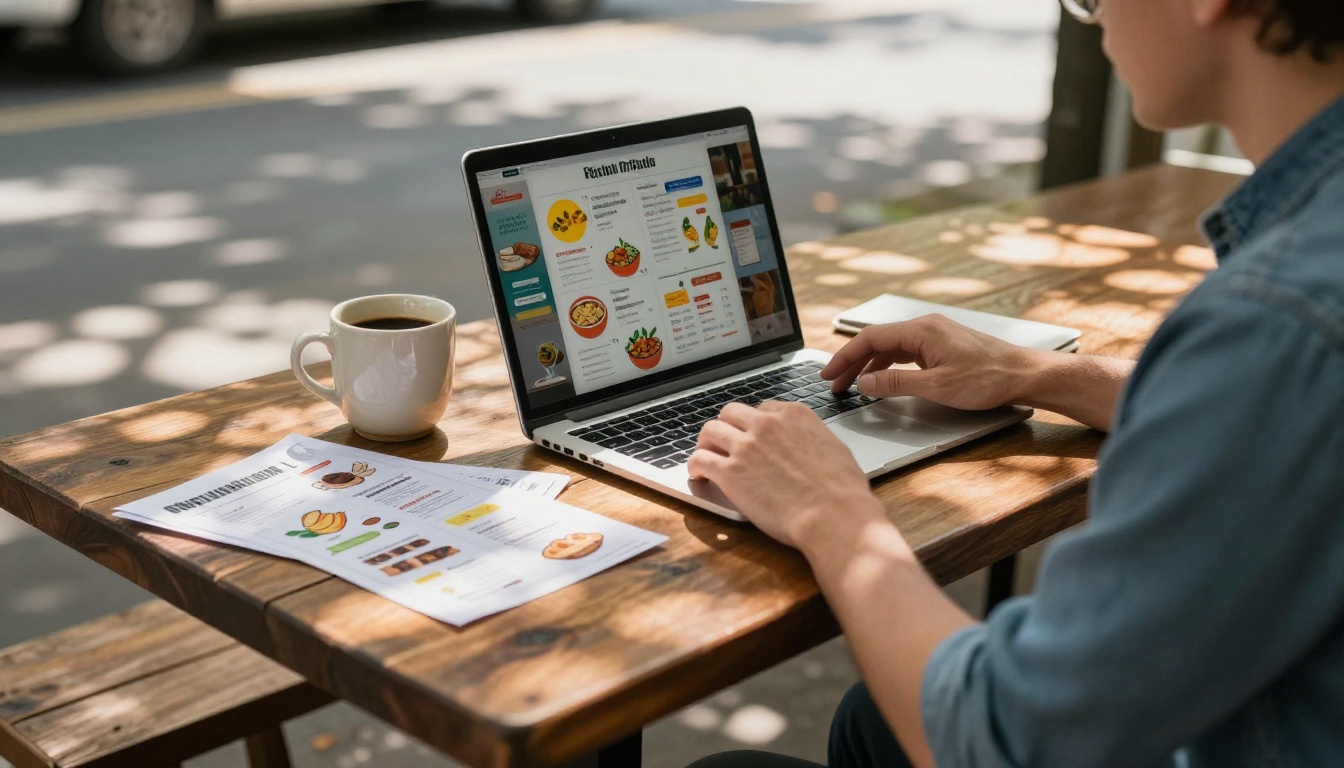
Step 1: Design Your Menu PDF
Before uploading, you need a PDF. A clean, one to four page layout works better than a wall of text. Focus on:
- High-quality photos of your actual food (shoot in natural daylight, no filters)
- Clear section breaks: Mains, Sides, Drinks, Specials
- Prices on every item, no exceptions
- Short, sensory descriptions: "slow-smoked brisket, pickled jalapeño, house aioli" beats "brisket sandwich"
Tools like Canva, Adobe Express, or even Google Slides can export a clean PDF. If you already have a printed menu, scan it at 300 DPI and clean it up digitally.
Step 2: Upload to Flipbooks AI
Head to Flipbooks AI and create your account. From the dashboard:
- Click New Flipbook
- Select Upload PDF
- Drop your menu PDF into the upload zone
- Wait 30 to 60 seconds for the conversion to complete
The platform automatically converts every page into a high-resolution, page-turning format. No manual work required.
Step 3: Customize Your Brand
This is what separates a generic digital menu from one that builds real brand recognition. In the editor:
- Set your brand colors so the flipbook chrome matches your truck's palette
- Upload your logo for the front page and spine
- Choose a background texture that fits your vibe (kraft paper, matte black, clean white)
- Add your social handles to the back page
✅ Best practice: Use the same fonts in your flipbook as on your truck wrap. Visual consistency builds the feeling that your brand is intentional, not improvised.
Step 4: Share It Everywhere
Once published, you get:
- A direct link to share in event listings, Instagram bio, and Google Business profile
- An embed code to drop the flipbook directly onto your website or food truck booking page
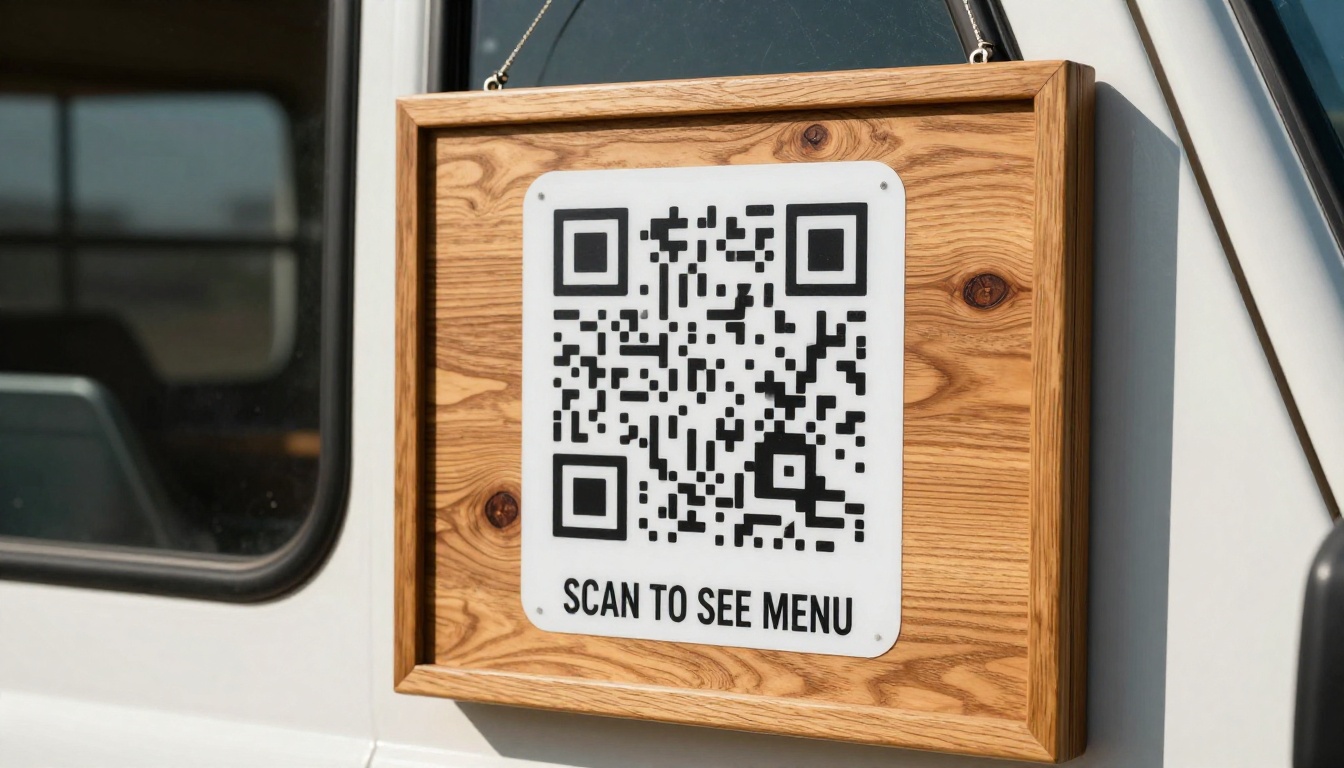
- A QR code to print and mount at your serving window
Step 5: Keep It Fresh
This is the part most food truck owners miss. Your flipbook is not a one-time project. It is a living menu. Update it before every event, add a daily special page for weekend markets, or create a seasonal version for summer versus winter menus. Every update takes minutes, not days.
There are several ways to put your menu online. Here is how they compare honestly.
| Option | Setup Time | Looks Professional | Shareable Link | Offline Access | Cost |
|---|
| Google Doc menu | 30 min | No | Yes | No | Free |
| Static PDF link | 15 min | Okay | Yes | No | Free |
| Menu website page | 2 to 8 hours | Yes | Yes | No | $20 to $50 per month |
| Third-party app menu | 1 to 3 hours | Variable | Limited | Varies | $30 to $100 per month |
| Flipbook menu | 45 min | Yes | Yes | Yes (download) | Free to start |
The flipbook wins on the combination of speed, professionalism, and shareability. A Google Doc menu tells customers you threw something together. A flipbook tells them you take your food seriously.
What Goes Into a Food Truck Flipbook That Actually Converts
Not all menus are equal. The ones that turn browsers into buyers share a few consistent traits.
Menu Categories That Convert
Structure matters as much as content. The most effective food truck flipbook menus follow this order:
- Front page: Truck name, logo, tagline, and one hero food photo
- Signature items: Your bestsellers, front and center, with large photos
- Full menu by category: Organized, priced, described in one to two lines each
- Specials page: Weekly or event-specific items with a clear "today only" signal
- Story page: Brief origin story or sourcing note (customers who connect with your story spend more)
- Contact page: Social handles, booking email, and QR code for online ordering if available
⚠️ Warning: Menus with more than 20 items convert worse than menus with 10 to 14 focused options. If you have a large menu, consider creating two flipbooks: one for your core menu and one for a rotating specials edition.
Photos That Sell Food
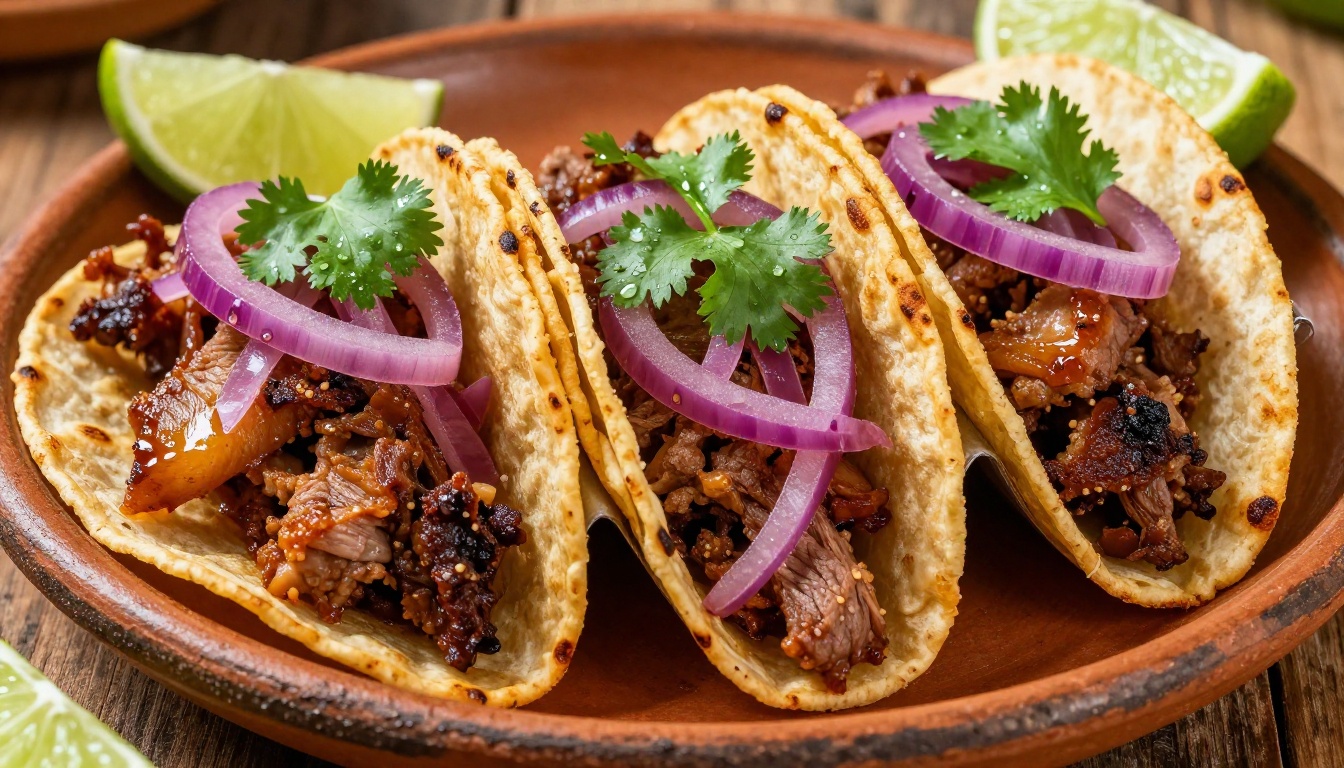
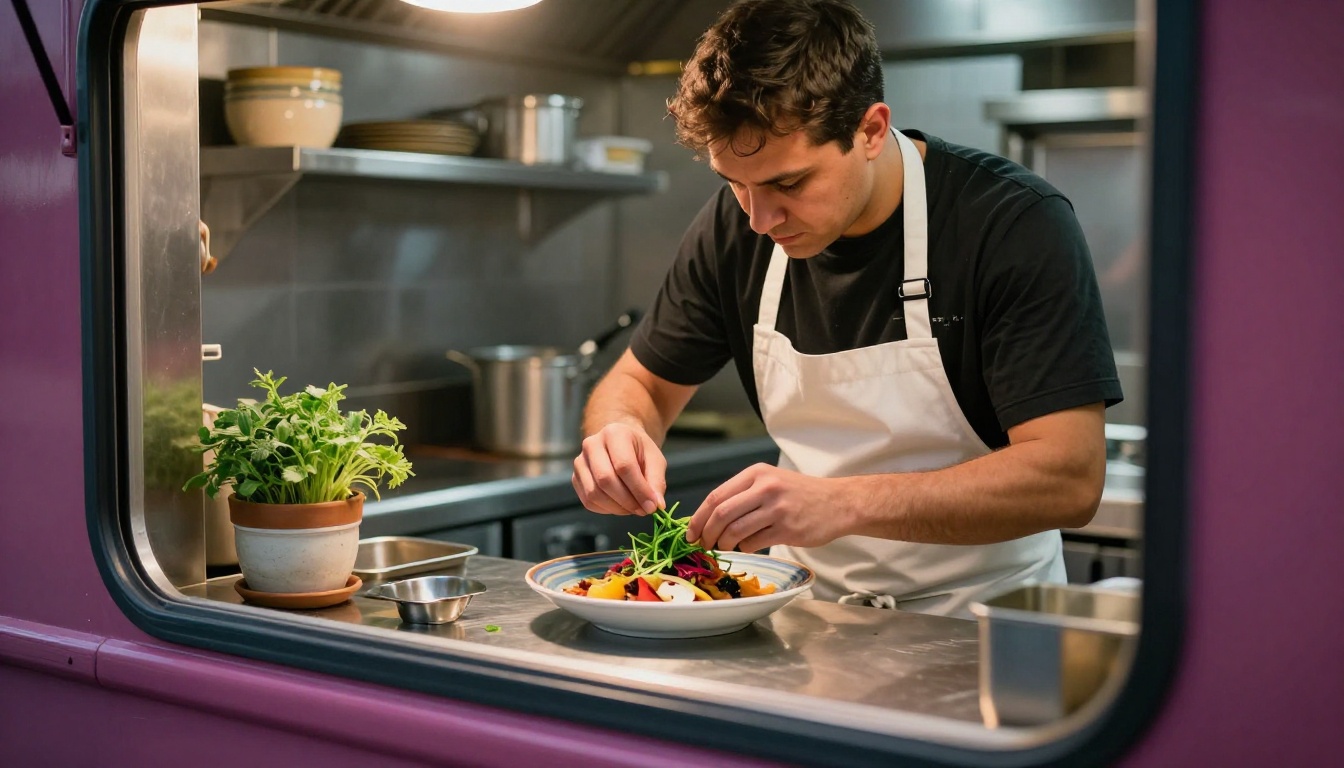
Every page should have at least one photo. Phones eat this up. A menu with photos draws significantly more attention than text-only menus at food events. Shoot in natural light, use a plain or wooden surface as a backdrop, and shoot from directly above or at a 45-degree angle for the most appetite appeal.
Sharing Your Flipbook at Events and Markets
The flipbook is built. Now it needs to be in front of people. Here is how to deploy it effectively at every event.
QR Codes That Work
Print your QR code at a minimum of 3 by 3 inches. Smaller and phones struggle to read it in bright outdoor light. Place it in three spots:
- At eye level on the serving window frame
- On your menu board below the day's specials
- On your truck wrap near the service area if space allows
Laminate every QR code sign. Water and grease are your QR code's enemies outdoors.
Social Media and Pre-Event Links
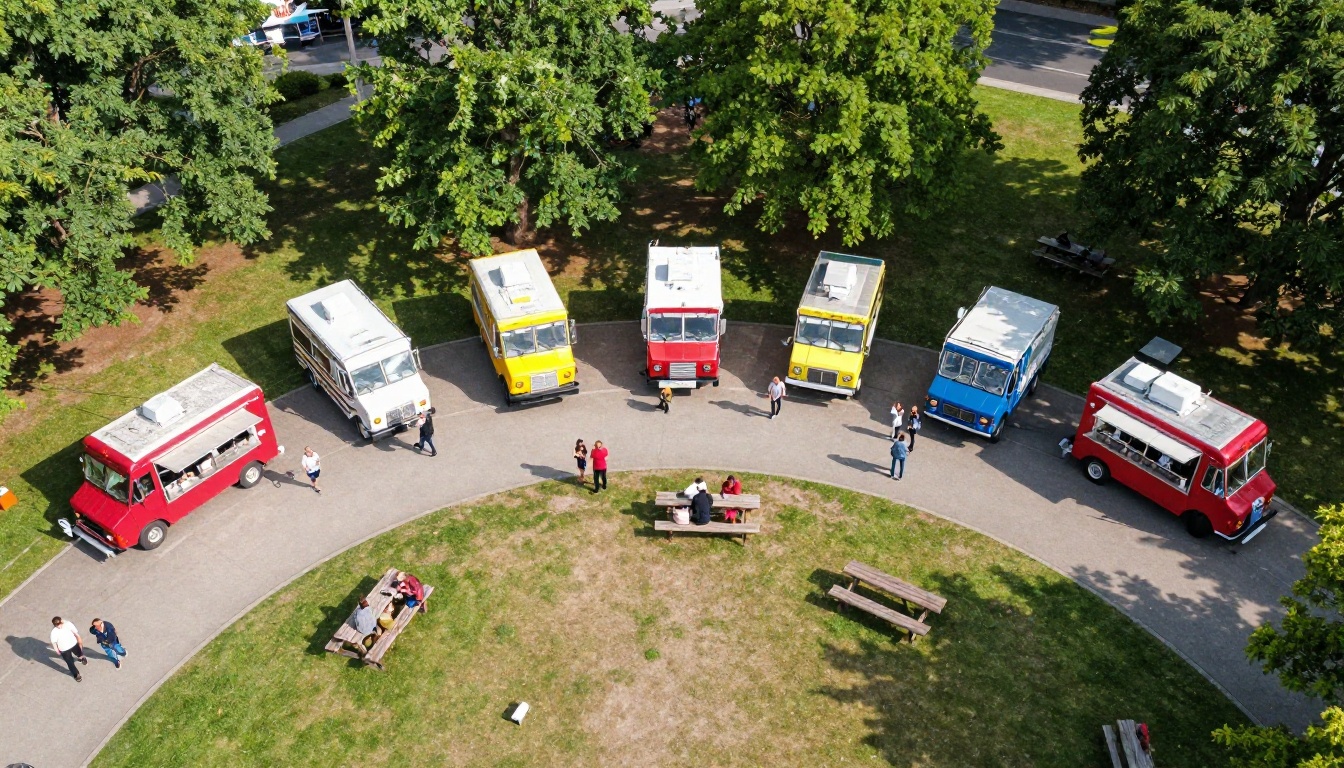
Post your flipbook link 24 to 48 hours before every event. Caption it with your location, hours, and one item photo. This is how regulars plan their visit and how new customers discover you.
Platforms to post on:
- Instagram Stories with the link sticker
- Facebook event posts and local community groups
- Nextdoor for neighborhood market weekends
- Google Business profile (add it as a menu link)
You can also check the Restaurant Menu Creator if you want a more formal template starting point, or the Digital Price List Generator for a condensed single-page pricing view to share in text conversations with catering clients.
Pricing Plans: What Do You Actually Need?
Flipbooks AI pricing comes in several tiers. For a food truck, here is what each level means in practice:
| Plan | Flipbooks | Watermarks | Custom Branding | Analytics | Offline Download | Best For |
|---|
| Free | Limited | Yes | No | No | No | Testing it out |
| Standard | Unlimited | No | Yes | No | No | Active single truck |
| Professional | Unlimited | No | Yes | Yes | Yes | Multi-truck or catering |
For most food trucks, Standard is the sweet spot. You get unlimited flipbooks (one per event season, one core menu, one catering menu, and so on), no watermarks cluttering your brand, and full custom branding throughout.
Professional makes sense if you want to know exactly how many people viewed your menu before an event, or if you want to capture catering leads directly from the flipbook itself.
💡 Pro tip: Start with the free plan to test your first flipbook. You will see how it performs before spending anything. Then move to Standard when you are ready to remove watermarks and add your full branding.
Food Trucks That Should Be Doing This Right Now
This is not niche advice. Virtually every food truck concept benefits from a flipbook menu.
Taco trucks: High item count, lots of customization, photos sell hard. Flipbooks handle all of this cleanly in a format customers actually want to scroll through.
BBQ trucks: The story behind your smoke and sourcing is part of the product. A story page in your flipbook handles this in a way a chalkboard sign never will.
Dessert and coffee trucks: Visual menus drive impulse purchases more than any other food category. A flipbook with large photos of your croissants or specialty drinks is a direct revenue tool.
Catering-focused trucks: If you do private events, a professional flipbook menu sent to event planners is the fastest way to look like you have been doing this for 20 years.
Seasonal and Event-Specific Flipbooks
One flipbook is a good start. Multiple flipbooks for different contexts is a full strategy.
Consider creating:
- Core menu flipbook: Your standard offering, always live at a permanent link
- Weekend special flipbook: Updated Thursday night before Friday markets
- Catering package flipbook: Formatted for event planners, includes pricing tiers and booking contact
- Holiday menu flipbook: Seasonal items for Thanksgiving markets, summer festivals, or New Year events
All of these live under one Flipbooks AI account. Unlimited flipbooks on Standard means there is no reason to hold back.
You can also browse the Recipe Book Flipbook tool if you want to offer customers a branded recipe card as a loyalty bonus, or check all available tools for formats that fit other parts of your food truck business.
From the Serving Window to the Phone Screen
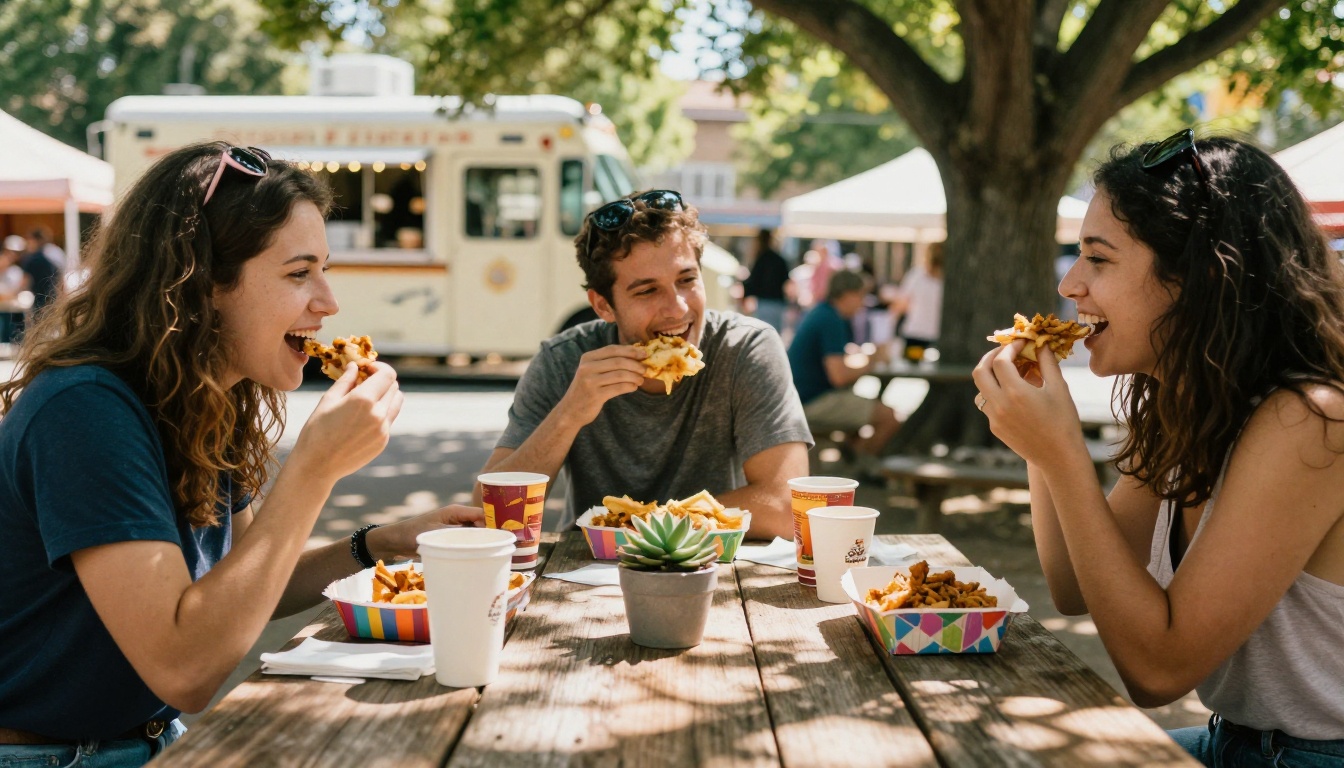
The food truck industry has moved fast over the last decade. What started as a cheap way to sell food has become a full culinary category with serious competition at every market and festival. The trucks that stand out are not just the ones with the best food, though that matters above everything else. They are the ones that make it easy to say yes before the customer even reaches the window.
A flipbook menu is exactly that kind of tool. It is shareable before the event, beautiful at the window, updatable in real time, and costs nothing to reprint. For a business running on tight margins and limited staff time, that combination is genuinely hard to beat.
Ready to build yours? Get started for free on Flipbooks AI and have your first food truck flipbook menu live in under an hour. When you are ready to go watermark-free and add your full branding, compare the pricing plans and choose what fits your operation best.



