Planning a garage sale is more work than most people expect. You sort through years of accumulated stuff, price everything, haul tables outside, and hope enough people drive by. But there is a smarter approach: put your items online in a digital flipbook catalog before sale day, so buyers know exactly what is waiting for them and show up with cash in hand.
Flipbooks AI makes this surprisingly easy. You can turn a simple PDF catalog of your items into a shareable, page-turning digital booklet in minutes. No design experience needed, no watermarks, and no expensive software.
This article walks you through why a flipbook catalog works so well for garage sales, what to put in it, how to build one fast, and where to share it for maximum reach.
Why a Digital Catalog Changes Everything
Paper Flyers Get Tossed, Flipbooks Get Shared
The old-school approach is a photocopied flyer with a few bullet points taped to a telephone pole. It works, kind of. But it reaches maybe a few dozen people who happen to walk past. A digital flipbook link, shared in the right Facebook group or neighborhood app, can reach hundreds of potential buyers before you put out a single folding table.
When someone sees a link that says "Browse our garage sale catalog this Saturday," they tap it. They see photos of actual items. They spot the vintage kitchen mixer they have been looking for or the kids' bike in exactly the right size. Now they are committed. They are not just "maybe stopping by." They are coming.
💡 People who browse a catalog before a sale arrive earlier, stay longer, and spend more. A flipbook creates anticipation the way a store window display does.
More Buyers Means Better Prices
Here is something most sellers do not realize: when you showcase items visually, you justify higher prices. A photo of a well-maintained cast iron skillet with the price "$8" looks reasonable. The same item with no photo, listed on a paper flyer as "kitchen items, various prices," looks like a gamble. Digital catalogs shift buyers from "I'll see what's there" to "I already want that specific thing."
The Shareable Advantage
A flipbook link travels. Once someone shares it in a buy/sell group, it can get reshared dozens of times. A PDF attachment does not behave the same way — it is awkward to forward and does not open cleanly on mobile. A flipbook link opens instantly in any browser, looks professional, and keeps people on your catalog pages rather than squinting at a blurry scan.
What to Put in Your Garage Sale Flipbook
Item Categories That Convert Browsers into Buyers
Not everything needs to be in your catalog. Focus on items that photograph well and have the most appeal. These categories consistently perform best:
- Furniture and large items: Buyers often plan their route around specific pieces. A photo of a solid wood dresser or a vintage armchair will pull people in.
- Electronics and appliances: Condition matters hugely here. Clear photos showing the item works, with the price and any notes about functionality, build trust.
- Collectibles and vintage items: Figurines, old cameras, vintage jewelry, retro kitchenware — these are what dedicated garage sale hunters are looking for. Show them clearly.
- Children's items: Bikes, toys, strollers, car seats. Parents are always looking. Include the age range and condition.
- Clothing (select pieces only): Skip the generic "bags of clothes" and photograph the standout pieces — a leather jacket, a vintage band tee, a barely-worn pair of boots.
- Tools and garden equipment: These sell fast when people know they are there. A power drill, a lawn mower, a set of hand tools. List the brand if it is recognizable.
⚠️ Do not photograph every $0.25 item. Use your catalog for items worth $3 or more, or anything with particular appeal. Too many pages of random odds and ends dilutes the impact.
Pricing and Condition Details That Close Sales
Every catalog page or entry should include three things: a clear photo, the asking price, and a brief condition note. You do not need paragraphs. "Like new, used twice" or "Works great, light cosmetic wear" is enough. Buyers who know the condition before arriving are less likely to haggle aggressively and more likely to show up ready to pay.
| Item Type | What to Include in the Catalog |
|---|
| Electronics | Brand, model, condition, price, "tested and working" note |
| Furniture | Dimensions, material, condition, price |
| Clothing | Size, brand (if notable), condition, price |
| Collectibles | Age (if known), any markings or maker's marks, price |
| Tools | Brand, working condition, any missing parts, price |
| Books | Genre/category groupings, notable titles, price per book or lot |

Cover Page Ideas That Grab Attention
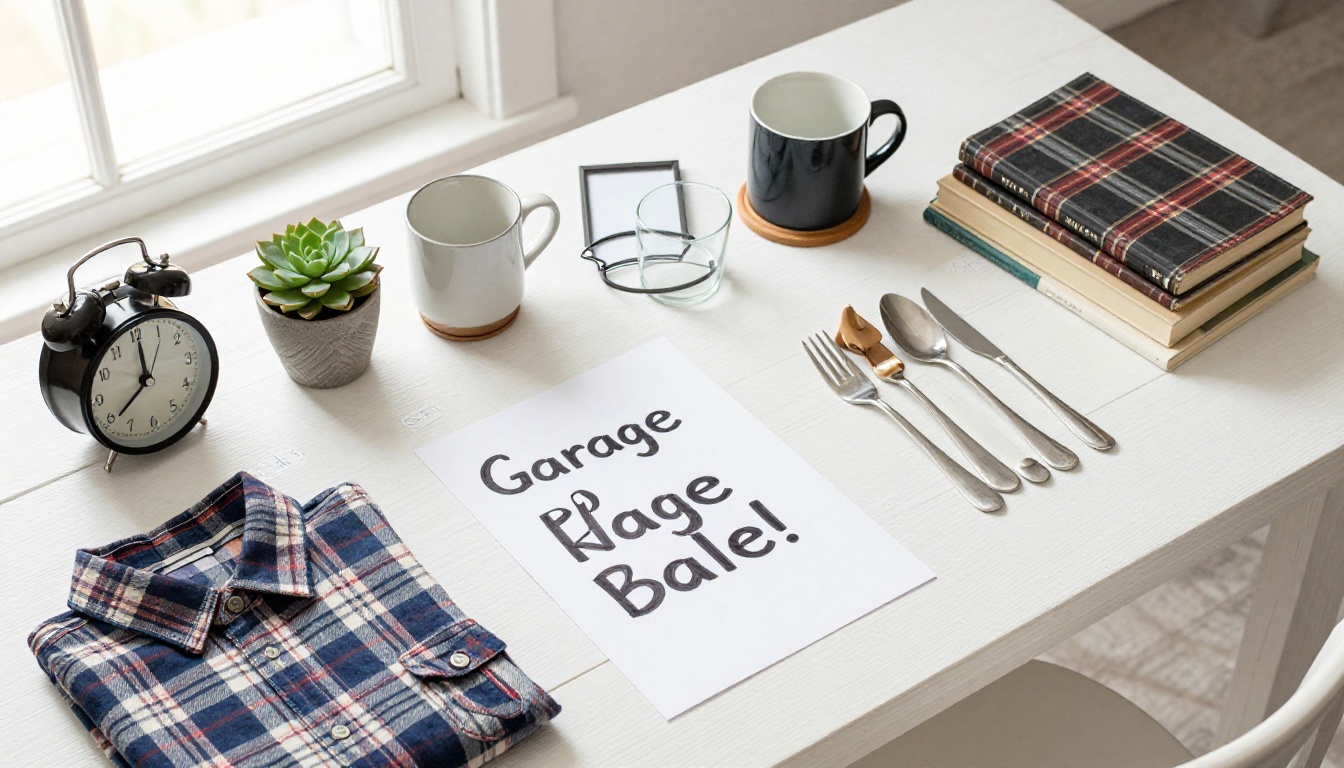
Your catalog cover is the first thing people see when they tap the link. Do not waste it on a plain text list. Use a single, well-lit photo of your most appealing item, or a flat-lay shot of a selection of items arranged neatly. Add the sale date, address, and hours. Keep text minimal — let the photo do the selling.
A cover like this does three things instantly: it shows you are organized, it signals that items are worth coming for, and it gives the buyer the logistics they need in one glance.
How to Build a Garage Sale Flipbook with Flipbooks AI
This is where it comes together. Flipbooks AI converts your PDF catalog into a beautifully interactive page-turning flipbook. Here is the process from start to finish.

Step 1: Build Your PDF Catalog
You do not need design software. Google Slides, Canva, or even Microsoft Word works fine. Create one slide or page per category, or per standout item for your most valuable pieces. Each page gets a photo, a brief description, and a price. Export as PDF when done.
For a typical garage sale, aim for 6 to 12 pages. Enough to show the range of items, not so many that it becomes overwhelming to browse.
✅ Use a consistent layout across pages: same font, same placement for prices, same photo style. It looks far more professional and takes a buyer about 30 seconds to figure out how to read it.
Step 2: Upload to Flipbooks AI
Head to Flipbooks AI and create a free account. Once inside, click to upload your PDF. The platform converts it automatically into an interactive flipbook with realistic page-turning animations. The whole conversion takes under a minute for a typical garage sale catalog.
You can also use the dedicated Catalog Flipbook Creator or the Digital Catalog Maker if you want a tool specifically built for catalog-style content.
Step 3: Customize and Brand It
Once your flipbook is live, you can:
- Change the background color to match a color scheme, or keep it neutral and clean
- Add your sale details in a title or subtitle visible on the flipbook viewer
- Set the flipbook to public so anyone with the link can view it without logging in
- Enable password protection if you want to share it only with specific groups first
No watermarks appear on your flipbook. That matters when you are sharing it publicly — a watermark makes it look like a draft, not a polished catalog.
Step 4: Share the Link Everywhere
Once your flipbook is published, you get a shareable link. Copy it and put it everywhere:
- Your local Facebook Marketplace listing
- Nextdoor or similar neighborhood apps
- Your neighborhood's Facebook group
- WhatsApp or group chat with friends and neighbors
- Craigslist listing for your garage sale
- Instagram or Facebook Stories with the link in bio
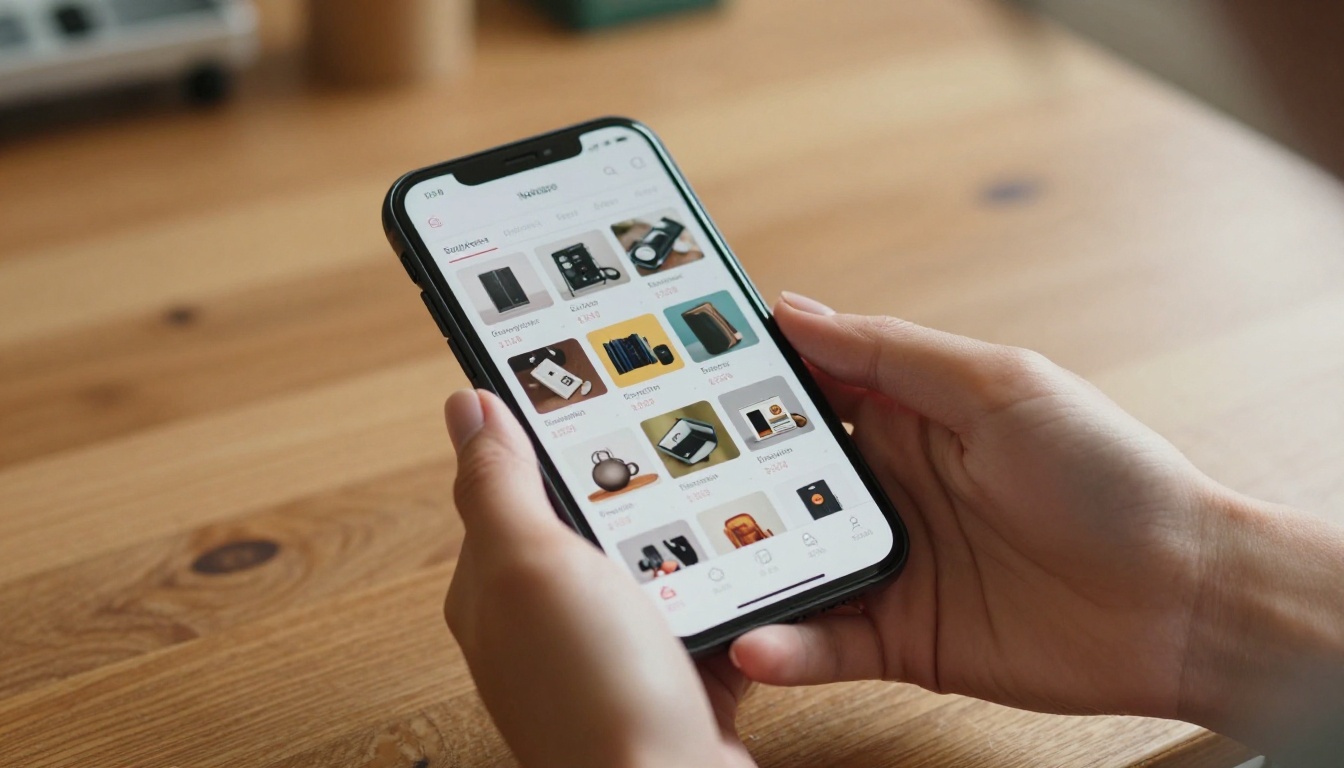
The link opens instantly on any device. Mobile buyers see a fully responsive, swipeable catalog. Desktop browsers get the full page-turning experience.

Organizing Your Catalog for Maximum Impact
Group by Category or Price Range
There are two proven ways to structure a garage sale flipbook.
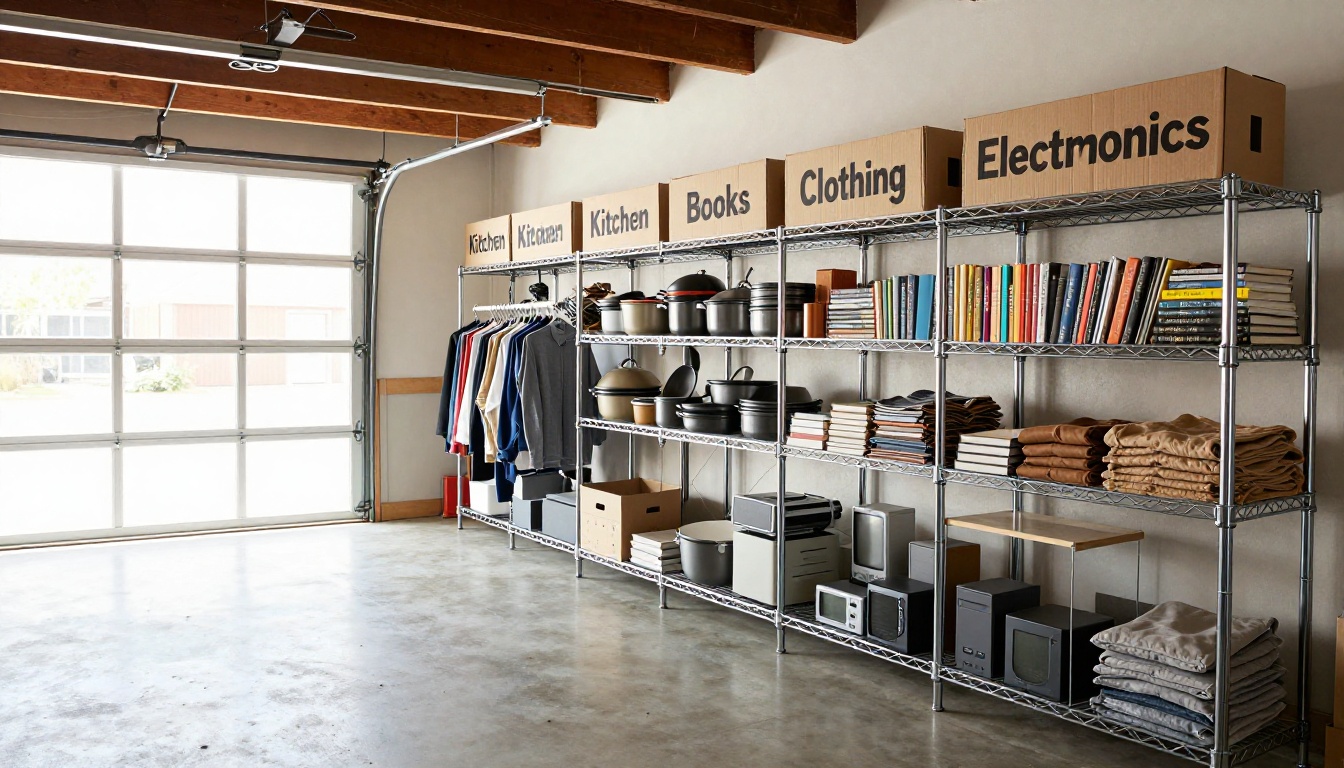
By category works well when you have lots of variety. A "Kitchen" page, a "Kids and Toys" page, a "Tools and Garden" page, a "Clothing and Accessories" page, and a "Furniture" page give buyers a clear mental map of what to expect.
By price range works well when you want to attract budget-conscious buyers. A "$1 to $5" page, a "$10 to $25" page, and a "Best Finds over $25" page tells people immediately whether the sale is worth their time based on their budget.
For most sales, category-based organization is cleaner and more intuitive.
| Organization Method | Best For | Pros | Cons |
|---|
| By Category | Varied inventory, 20+ items | Intuitive browsing, easy to find specific types | May scatter price expectations |
| By Price Range | Budget-focused sales | Immediately qualifies buyers by budget | Harder to group visually similar items |
| Hybrid (Category + Price tag on each) | Most garage sales | Best of both, clear and scannable | Takes a bit more time to build |
💡 Add a one-page "Quick Picks" section at the start with your 3 to 5 best items prominently featured. It hooks people immediately and keeps them reading through the rest of the catalog.
What a Good Catalog Page Looks Like
Each page should follow this pattern:
- Clear photo, well-lit (natural daylight, no harsh flash shadows)
- Item name and brief description (2 lines max)
- Price, prominently displayed
- One-line condition note ("Excellent condition, no damage")
Resist the urge to write paragraphs. Buyers skim catalogs — they do not read them.
Sharing Your Flipbook for Maximum Reach
Social Media, WhatsApp, and Neighborhood Apps
The platforms that drive the most traffic to garage sales are, in order:
- Nextdoor: The neighborhood-specific reach is unbeatable. A post with a flipbook link in your local area will reach exactly the people most likely to show up.
- Facebook Marketplace: List your top items individually and include the flipbook link in each listing description: "Browse our full catalog here: [link]."
- Facebook Groups: Local buy/sell groups, neighborhood groups, and specific interest groups (vintage furniture, kids' gear, tools) are worth posting in separately.
- WhatsApp: Send the link to your contacts with a quick note. Personal recommendations drive real turnout.
- Instagram Stories: A link in bio pointing to your flipbook adds reach if you have any local followers.
✅ Post the catalog 3 to 5 days before the sale, then post a reminder the evening before. Early posting gives committed buyers time to plan. The reminder captures last-minute decision-makers.
When to Use Password Protection
If you want to offer early access to regular buyers, close friends, or neighbors before opening the sale publicly, Flipbooks AI supports password-protected flipbooks. Share the password in a private message or exclusive group. This creates a VIP preview effect and can move your best items before the general public even knows the sale exists.

Flipbook vs. Other Catalog Options
Before committing to any format, it is worth knowing what your options actually look like side by side.
| Format | Shareable | Mobile-Friendly | Free | Page-Turn Experience | Professional Look |
|---|
| Flipbook (Flipbooks AI) | Yes (link) | Yes | Yes | Yes | High |
| PDF attachment | Limited | Poor | Yes | No | Medium |
| Google Slides link | Yes | Partial | Yes | No | Low |
| Facebook album | Yes | Yes | Yes | No | Low |
| Printed flyer | No | No | No (print costs) | No | Low |
| Craigslist listing | Limited | Yes | Yes | No | Low |
The flipbook format wins on the combination of shareability, visual quality, and mobile experience. No other free option gives buyers the same sense of flipping through a real catalog.

Plan Options for a One-Time Sale
Most garage sales are one-time events, so you want a plan that gives you what you need without paying for features you will not use.
| Plan | Price | Flipbooks | Watermark | Password Protection | Analytics |
|---|
| Free | $0 | Limited | No | No | No |
| Standard | Paid monthly | Unlimited | No | No | No |
| Professional | Paid monthly | Unlimited | No | Yes | Yes |
For a single garage sale, the free plan is likely enough. You get a shareable flipbook, no watermarks, and enough features to put your catalog in front of buyers. If you run sales regularly — a community yard sale, annual declutter, or estate sale — the Standard plan gives you unlimited flipbooks so you can build a new one each time without limits.
Explore pricing plans to see which tier fits your situation.
When a Flipbook Really Pays Off
Estate Sales with 50+ Items
The bigger the sale, the more a catalog matters. When you are clearing out a full house or a large collection, buyers need a way to decide whether it is worth driving across town. A well-built flipbook that shows furniture, art, electronics, jewelry, and collectibles all organized clearly can turn a modest turnout into a packed driveway.
Community and Neighborhood Sales
If your street or neighborhood does a group sale, a single shared flipbook catalog covering multiple households is incredibly powerful. Each household submits photos of their best items, one person builds the combined PDF and uploads it to Flipbooks AI, and the link gets shared to the entire neighborhood network. Buyers show up with a map and a shopping list.
This approach works particularly well because it positions the group sale as an event rather than a handful of random tables. A catalog makes it feel curated.

Recurring Sellers and Resellers
If you flip items, buy lots at auctions, or regularly sell secondhand goods, a flipbook catalog workflow becomes a repeatable system. Photograph items as they come in, build a new catalog page for each batch, and publish a new flipbook for each sale. Flipbooks AI keeps your past flipbooks so you can reference previous sales or reuse a template structure.
Photography Tips for a Better Catalog
The quality of your photos determines the quality of your catalog. You do not need a professional camera — your smartphone is enough with these habits:
- Use natural light: Take photos near a window or outside in open shade. Avoid direct flash.
- Clean the item first: A wiped-down surface and a straightened stack of books immediately looks more appealing.
- Use a plain background: A white sheet, a clean concrete surface, or a neutral tablecloth makes items pop.
- Shoot from slightly above: A slight downward angle at roughly 30 to 45 degrees shows depth without distortion.
- Include scale: Put a common object (a pen, a coin) next to small items so buyers can gauge size.
⚠️ Do not photograph items in dark rooms with yellow overhead lighting. The color cast makes everything look dingy and old, even clean items in good condition.
Ready to Put Your Garage Sale Online
A garage sale flipbook takes about an hour to build and can double your turnout. The process is straightforward: photograph your best items, build a clean PDF, upload it to Flipbooks AI, and share the link before sale day.
The buyers who find your catalog before Saturday are not browsing randomly. They are looking for specific things, they have already seen your items, and they are showing up to buy. That is the difference between a slow morning and a sold-out sale.
Get started for free on Flipbooks AI and publish your first garage sale catalog today. Browse the Digital Catalog Maker and the Catalog Flipbook Creator for tools built exactly for this kind of use. If you want analytics to see how many people viewed your catalog or need password-protected early access for VIP buyers, compare pricing plans to find the right fit.
Explore all available flipbook tools to find the format that works best for your sale.



