Your illustration portfolio is working harder than you think, and it is probably failing silently. Art directors receive dozens of PDF attachments every week. Most get opened once, skimmed in 30 seconds, and closed. A static PDF that lives in someone's downloads folder is not a portfolio. It is a file. If you want to make a flipbook for your illustration portfolio, you are already thinking about this the right way.
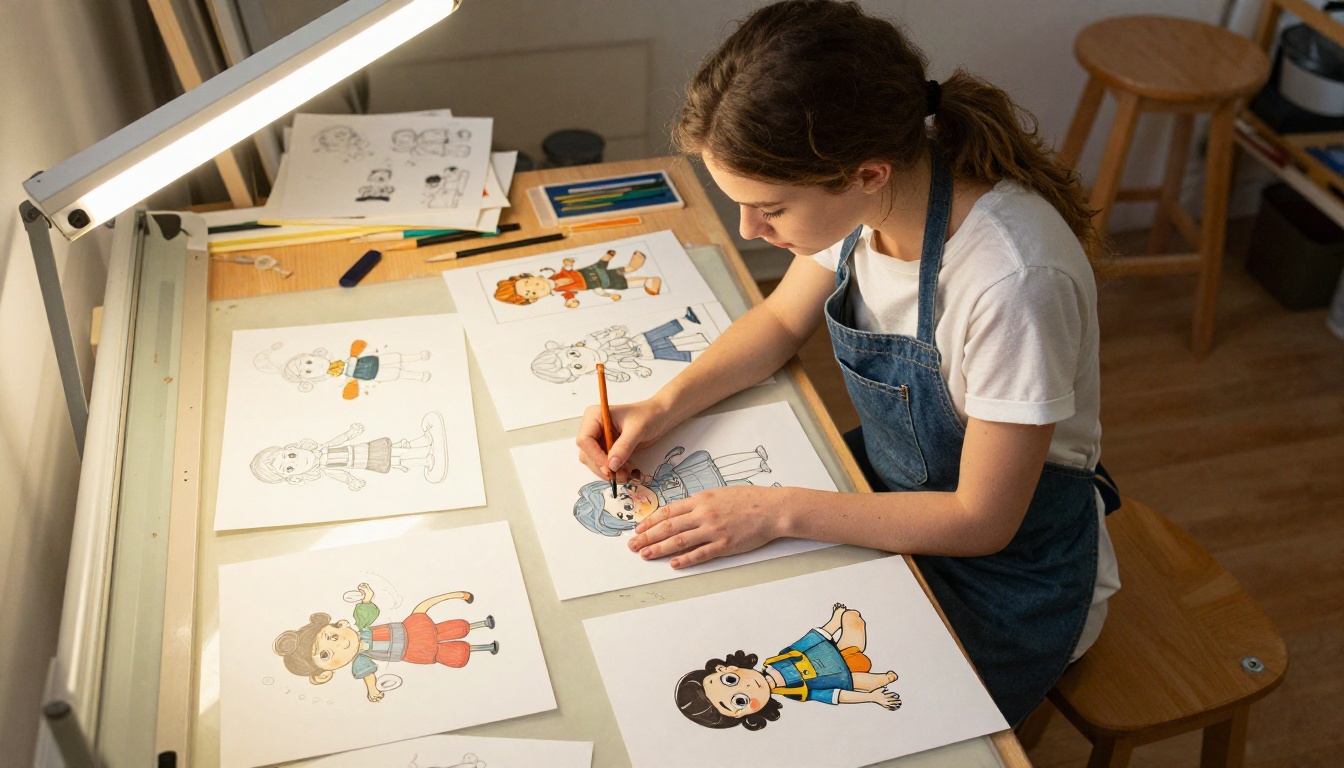
A flipbook portfolio turns your artwork into an experience. Pages turn. Clients scroll. Your illustrations breathe. Whether you are pitching to an agency, cold-emailing a children's book publisher, or adding a portfolio link to your social bio, an interactive flipbook immediately separates you from every other illustrator sending flat files.
This article walks through everything: what to put in your portfolio, how to design it, how to convert it into a flipbook using Flipbooks AI, and how to share it in ways that actually get your work seen.
What a Flipbook Portfolio Does for You
Why Static PDFs Lose Clients
A PDF is a document format. It was built for printing, not presenting. When you attach a PDF to an email, the client has to download it, open it with software, and manually scroll or page through it. That is three friction points before they even see your first illustration.
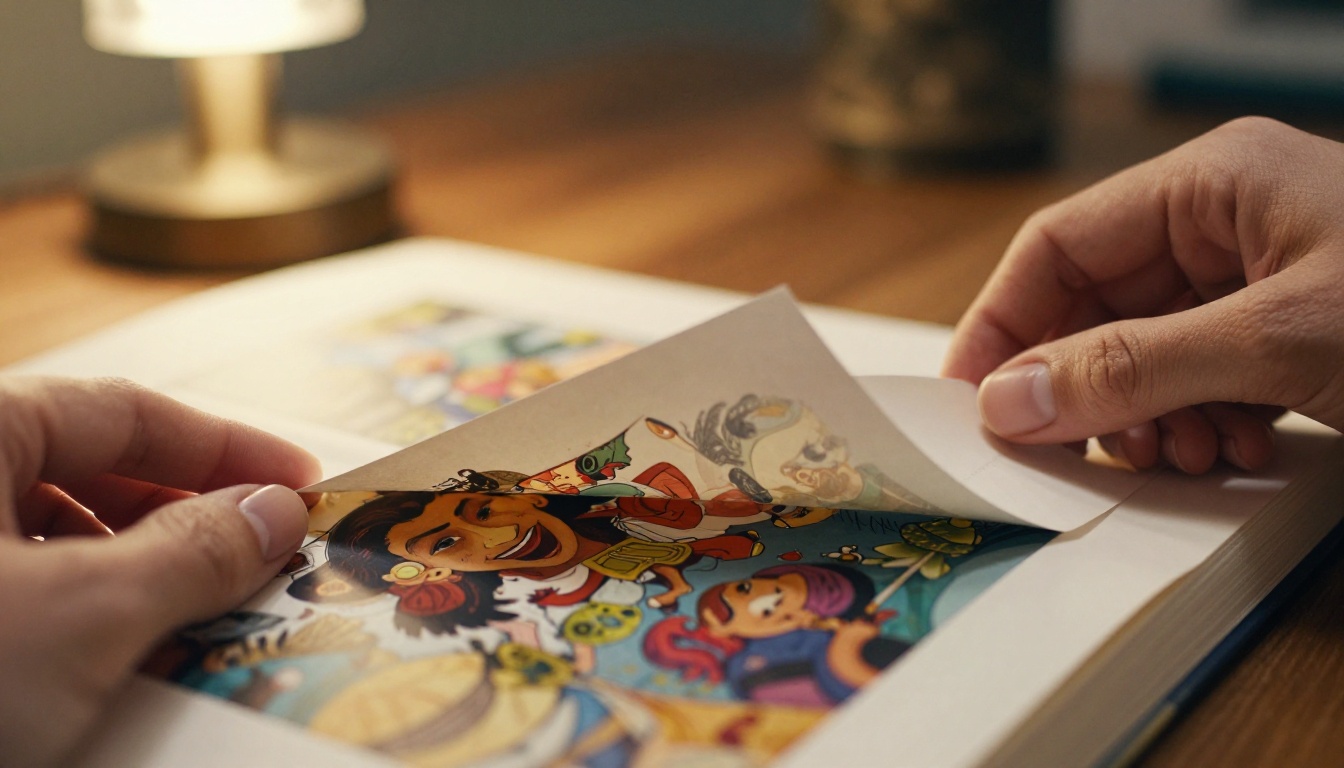
Interactive content holds attention significantly longer than static documents. A portfolio that someone can browse in their browser, without downloading anything, without needing special software, simply loads and works. That matters because art directors and clients often review portfolios quickly, on laptops, phones, or during a meeting. A flipbook gives them an experience that respects their time.
The Interactive Difference
Here is what changes when you present your illustration work as a flipbook:
- Page-turning animation makes browsing feel natural and intentional, not mechanical
- Direct links mean you can send a URL instead of a file attachment
- Mobile responsiveness lets clients open your portfolio on any device
- No downloads removes the friction that causes drop-off before page one
- Embed capability means your portfolio can live on your personal website
💡 An interactive flipbook is not just a format preference. It is a statement about how seriously you take your presentation.
What to Include in Your Illustration Portfolio
Picking the Right Work
The first mistake most illustrators make is including too much. A 40-page portfolio dilutes the strongest pieces and buries the work that should be doing the selling.

Before you design anything, pull your absolute best work. Be ruthless. The right pieces share a common thread: they tell a potential client exactly what kind of work you do and how well you do it. If you illustrate children's books, lead with children's book work. If your strength is character design, open with your most striking character sheets.
A focused portfolio of 12 to 20 pieces is more powerful than a full archive of everything you have ever made.
| Portfolio Type | Recommended Pieces | Best First Image |
|---|
| Children's Book Illustrator | 12-16 | Full spread illustration |
| Character Designer | 15-20 | Multi-angle character sheet |
| Editorial Illustrator | 10-14 | Most-published piece |
| Surface Pattern Designer | 14-20 | Full pattern repeat |
| Concept Artist | 16-22 | Final polished concept |
How Many Pieces Is Enough
The honest answer: 12 to 20 is ideal for most freelance illustrators. Less than 12 feels sparse. More than 25 loses the art director's attention. Each piece should earn its place by either showing a new skill, a different style range, or a strong example of your best work in a category.
Structure your portfolio like a story. Open strong. End strong. Put the work you are most proud of in positions 1, 2, and last.
Designing Your Portfolio PDF for Flipbook Conversion
Page Size and Layout Tips
Before you can make a flipbook for your illustration portfolio, you need a well-designed PDF. The flipbook format works best with a consistent page size throughout the document. A 16:9 landscape ratio works beautifully for digital viewing, though A4 or US Letter also convert cleanly.
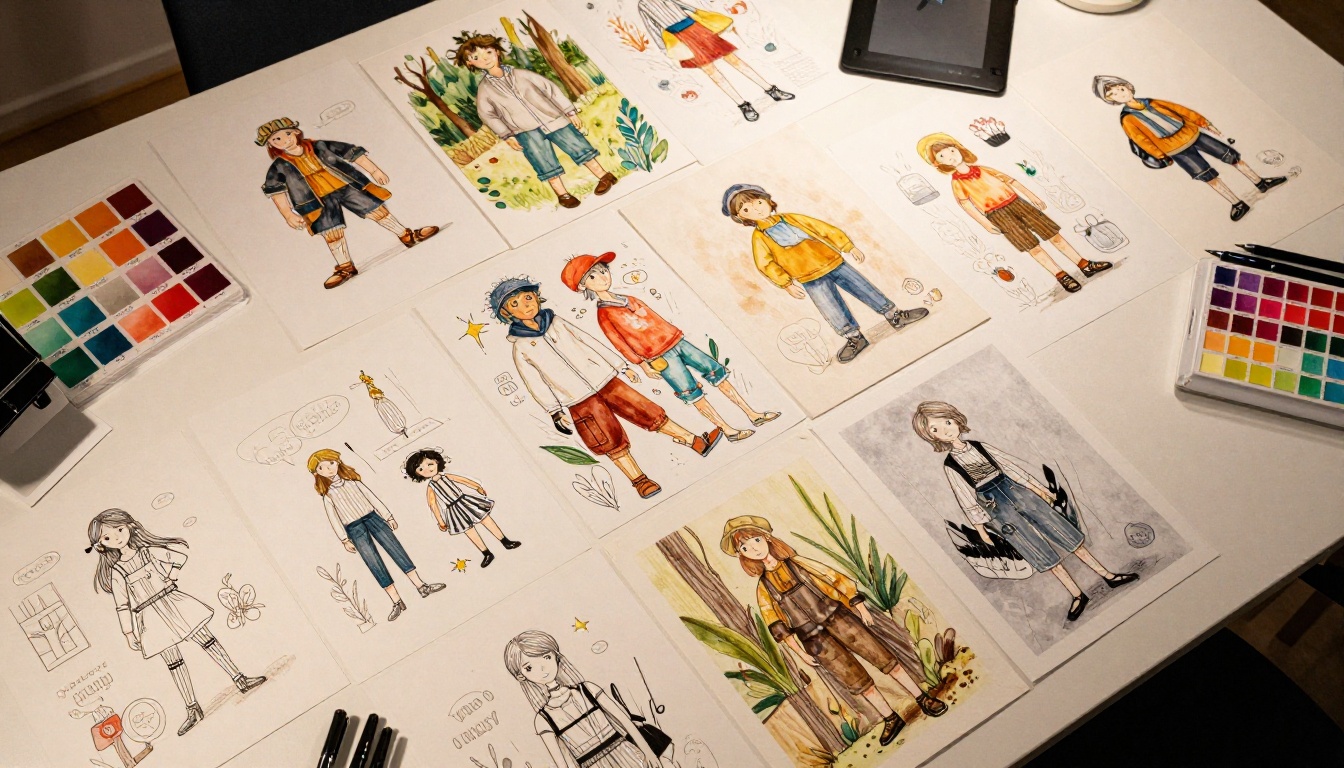
Some practical design decisions that improve your flipbook significantly:
- Use full-bleed images where possible. Illustrations that fill the entire page look far more impressive in page-turn format than images with white borders.
- Consistent background color across pages creates a cohesive feel when pages turn.
- Limit text to what matters: your name, contact details, and brief piece titles. Let the illustrations do the talking.
- Include a strong opening spread: the first two pages a client sees when the flipbook opens set the tone for everything that follows.
File Optimization for Fast Loading
A flipbook that loads slowly loses viewers. Compress your PDF before uploading. Keep images at 150-200 DPI for web use, not the 300 DPI you would use for print. Most PDF export settings in Illustrator, InDesign, or Photoshop have a "web optimized" option that handles this automatically.
Target file size: under 20MB for a 15-20 page portfolio. Most illustration portfolios fall comfortably below this with standard web optimization.
⚠️ Do not compress so aggressively that your artwork loses visible quality. View the PDF at 100% zoom before uploading to check color accuracy and sharpness.
How to Turn Your Portfolio PDF into a Flipbook
Flipbooks AI is the fastest way to convert your illustration portfolio PDF into a professional, shareable flipbook. The Portfolio Flipbook Builder and Digital Portfolio Creator are purpose-built for exactly this use case.
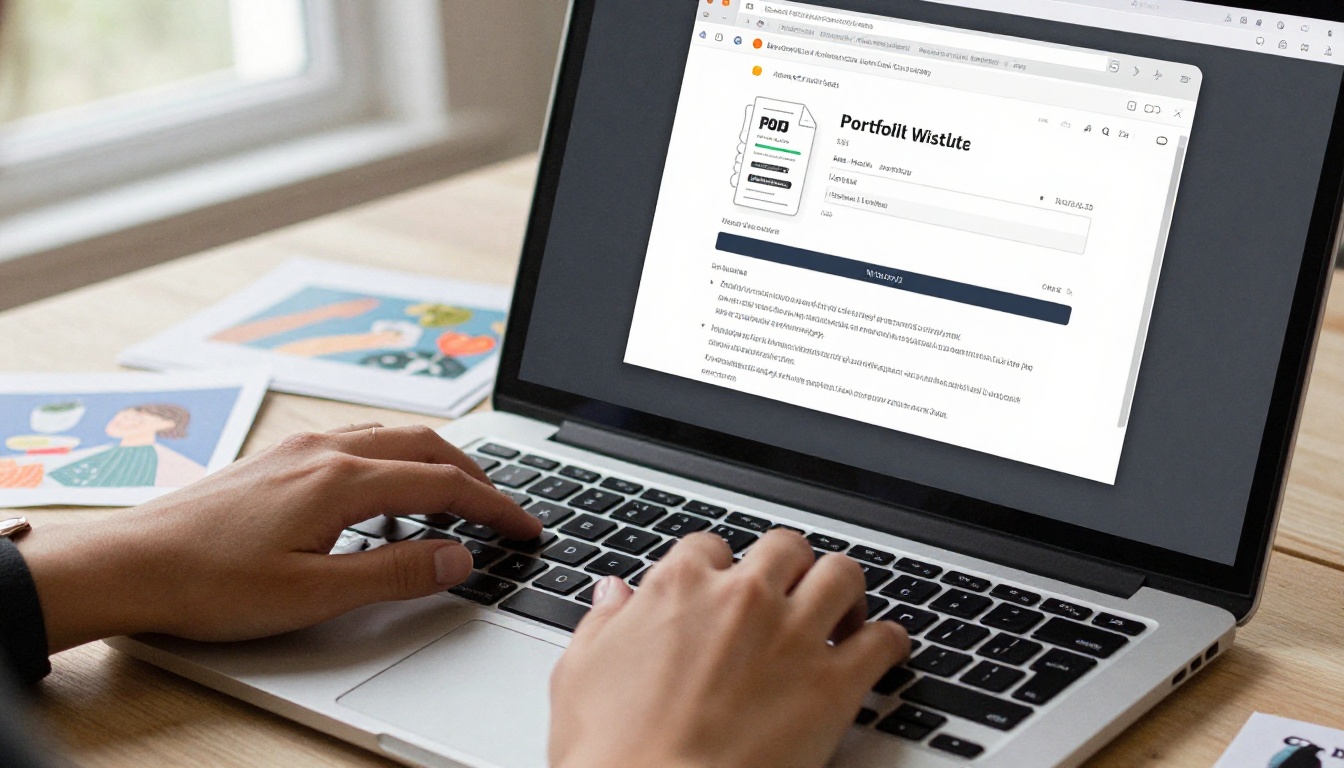
Step 1: Create Your Account
Go to flipbooksai.com/account and sign up. The Standard plan and above give you unlimited flipbooks with no watermarks, which matters for a professional portfolio. You do not want a third-party watermark sitting on your artwork when you send it to a potential client.
Step 2: Upload Your PDF
Once logged in, select "New Flipbook" and upload your portfolio PDF. The conversion process is automatic. Flipbooks AI processes each page and generates the interactive flipbook format. For a 15-page portfolio at standard file sizes, this typically takes under two minutes.
✅ Double-check the page order after conversion. Occasionally, numbered pages in a PDF can process out of sequence if the file has unusual formatting. A quick visual check before you share saves embarrassment later.
Step 3: Customize Your Flipbook
This is where your flipbook stops looking like a generic document and starts feeling like a branded portfolio. Customization options include:
- Custom domain or branded URL so your portfolio link looks professional
- Preview thumbnail that displays in link previews on social media and email clients
- Background color or texture behind the flipbook viewer
- Auto-flip for a self-running presentation mode, useful for portfolio slideshows at events
- Password protection for work you want to share with specific clients only, available on Standard plan and above
Step 4: Share and Embed
Once published, Flipbooks AI gives you several sharing options:
- Direct link: A clean URL you can put in email signatures, social bios, and cold outreach
- Embed code: Drop your portfolio directly into your personal website or Squarespace/Wix portfolio page
- QR code: Add to your business card for in-person networking
- Password-protected link: For sharing work under NDA or client-specific pieces
💡 Put your flipbook URL in your email signature. It is the most effortless way to ensure every professional email you send comes with an invitation to see your work.
Features That Make Your Portfolio Stand Out

Password Protection for Private Work
Illustrators with client NDAs or unpublished book projects need to share work selectively. Password protection lets you send a portfolio to a specific publisher or agency without that work being accessible to anyone else. You share the password directly, and the portfolio stays private everywhere else.
Analytics to Track Client Interest
The Professional plan includes analytics that tell you who opened your portfolio and which pages they spent the most time on. For freelance illustrators, this is genuinely useful information. If an art director opens your portfolio and spends three minutes on your character design spreads but quickly skips past your editorial work, you know what to lead with in your follow-up email.
This kind of behavioral data is not something a PDF attachment ever gives you.
Mobile-Responsive for Every Device
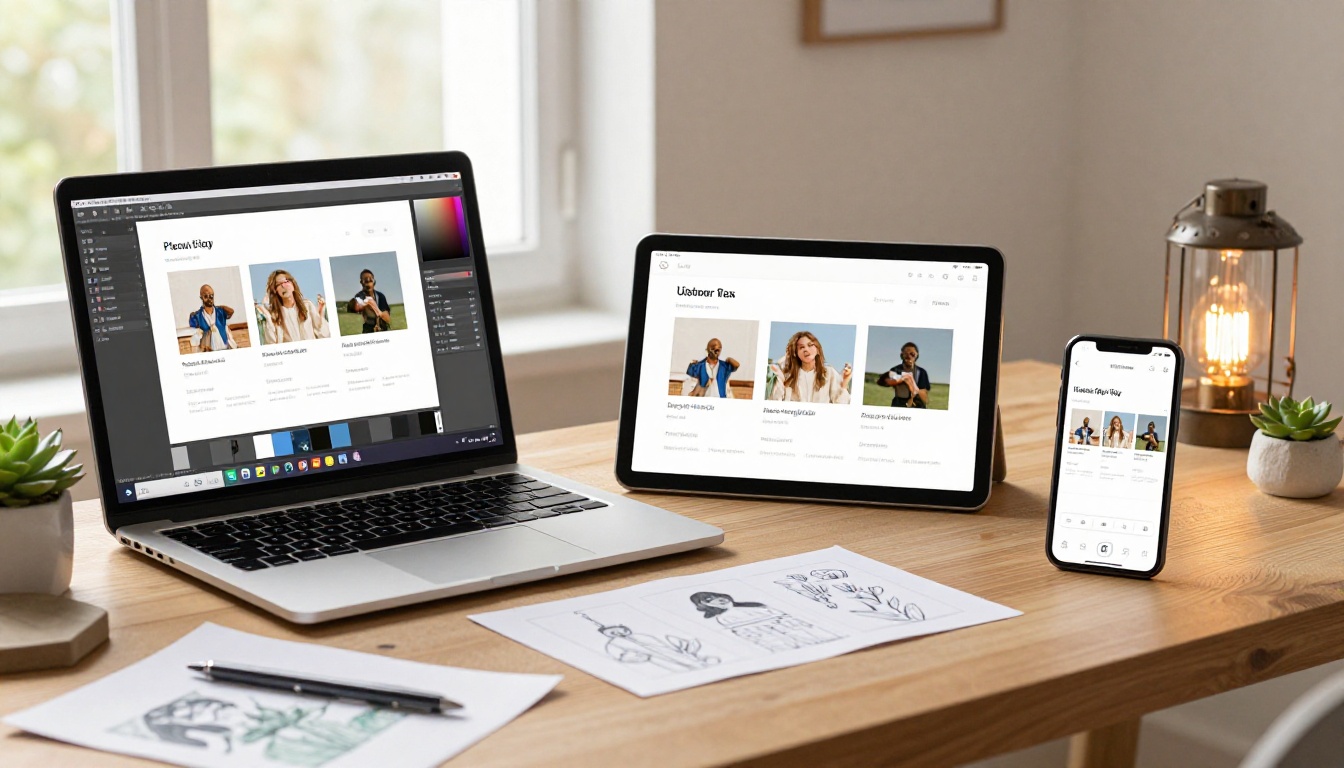
Your portfolio needs to work everywhere. A client reviewing your work on an iPhone during a commute should have the same quality experience as someone on a 27-inch desktop monitor. Flipbooks AI handles responsive design automatically. Every flipbook adjusts to the screen it is being viewed on, with touch-swipe navigation on mobile that feels intuitive.
Sharing Your Flipbook Portfolio
Sending to Art Directors
Art directors receive a lot of outreach. Keep your email brief and put the portfolio link prominently, ideally as the first clickable thing after your opening line. Do not attach anything. Write something like:
"Here is my portfolio: [your flipbook URL]. I specialize in character design and children's book illustration."
That is it. The link does the rest. A clickable, instantly viewable portfolio is far more likely to get opened than an attachment that requires downloading.
Embedding on Your Website

If you have a personal website, embedding your flipbook directly on a portfolio page creates a seamless experience. Visitors stay on your site. The embed code from Flipbooks AI is a simple iframe that works in any website builder.
Use the Embed Flipbook on Website tool to generate your embed code with the right dimensions and settings for your site layout.
Social Media Sharing
Sharing a flipbook link on LinkedIn, Instagram bio, or Behance is more effective than sharing individual images because it sends people to a curated, intentional presentation of your work. When someone clicks through from a social post, they are already interested. Give them somewhere worth landing.
Flipbook Portfolio Plans Compared
Choosing the right plan depends on how actively you are using your portfolio for outreach and how much control you want over privacy and analytics.
| Feature | Free | Standard | Professional |
|---|
| Flipbooks | 1 | Unlimited | Unlimited |
| Watermarks | Yes | No | No |
| Password Protection | No | Yes | Yes |
| Custom Branding | No | Yes | Yes |
| Analytics | No | No | Yes |
| Lead Generation | No | No | Yes |
| Offline Downloads | No | No | Yes |
| Embed on Website | No | Yes | Yes |
For most freelance illustrators starting out, Standard gives you everything you need: unlimited flipbooks, no watermarks, password protection, and the ability to embed on your site. Professional makes sense if you are actively tracking client interest or running lead generation through your portfolio.
Check current pricing and plan details before committing, as plans are updated regularly.
Different types of illustration work benefit from different portfolio structures. Here is a quick reference for common illustrator categories and the flipbook format that works best for each:
The Presentation Is Part of the Work
A strong illustration portfolio is not just about the quality of the artwork. It is about how that artwork is presented, how easy it is to access, and what impression it leaves. A flipbook format signals that you take your professional presentation seriously. It shows that you understand digital media, that you have thought about the client's experience, and that you have done the work to make your portfolio as easy to browse as possible.
The illustrators who consistently get callbacks are usually not the ones with the most pieces or the longest careers. They are the ones whose work is easy to find, easy to view, and impossible to forget.
Ready to build yours? Create your portfolio flipbook now and see how your illustration work looks in an interactive format. Browse all portfolio tools to find the right fit for your style, or compare plans to get started with the features that matter most to your freelance practice.



