Brands receive dozens of media kits every week. Most of them look exactly the same: a flat PDF attached to a DM, crammed with numbers, a few blurry photos, and a pricing table that nobody scrolls to. If yours looks like that, you already know why response rates are low. Making a flipbook for your Instagram media kit changes the entire first impression, and it does it without requiring you to be a designer.
Flipbooks AI lets you upload your existing media kit PDF and convert it into a fully interactive, page-turning digital experience that brands can click through on any device. No more "did you get my attachment" follow-ups. No more wondering if the file was too big to download. Just a clean shareable link that opens instantly and actually gets read.
An Instagram media kit is your professional pitch document as a creator. It tells brands who you are, who follows you, how those followers behave, and what working with you looks like in practice. Think of it as the equivalent of a business portfolio for a freelance photographer or an agency deck for a marketing firm.
The sections you include matter as much as how they are designed. A media kit that leads with personality but backs it up with data is the one that generates replies.
The Sections Every Strong Kit Includes
Here is what brands actually look for when they open a media kit:
- Profile summary: Who you are, your niche, and your tone in 2-3 sentences
- Audience demographics: Age range, gender split, top locations by country and city
- Engagement rate: More important than follower count in 2024 and beyond
- Platform stats: Followers, average reach per post, story views, Reel plays
- Content samples: 6-12 of your best performing posts with captions
- Previous brand collaborations: Logos and brief outcome descriptions
- Services and deliverables: What you offer and what is included
- Pricing tiers: At least 3 packages with clear deliverable breakdowns
- Contact information: Email, preferred platform for DMs, and response time
💡 Include your average story view-to-follower ratio. Most creators skip this, but it signals authentic audience quality better than any other single metric.

Why a PDF Alone Is Not Enough
Static PDFs have a fundamental problem: they feel like homework. A brand manager receives your attachment, has to download it, open it in a PDF viewer, and scroll through it like they are reading a tax return. That friction costs you opportunities.
A flipbook solves every one of those problems. It opens in the browser, requires zero downloads, works on mobile and desktop, and presents your content with smooth page-turning animations that make even straightforward stats look polished. When a brand clicks your flipbook link, the experience communicates professionalism before they have read a single word.
| Format | Shareable Link | Mobile-Friendly | Page Animations | Analytics |
|---|
| Static PDF | Via attachment | Sometimes | No | No |
| Google Slides | Limited | Basic | Minimal | No |
| Canva Presentation | Yes | Yes | Basic | No |
| Interactive Flipbook | Yes | Yes | Yes | Yes |
⚠️ Sending a Canva link or Google Slides export can feel informal in outreach to larger brands. A dedicated flipbook link signals that you invest in your presentation and take pitching seriously.
The Real Numbers That Win Brand Deals
Before you make a flipbook for your Instagram media kit, make sure you are pulling the right numbers. Many creators include vanity metrics that do not actually move the needle for brand buyers.
Stats That Brands Care About
| Metric | Why It Matters | Where to Find It |
|---|
| Engagement rate | Shows how actively your audience interacts | Instagram Insights |
| Story completion rate | Reveals content hold quality | Instagram Insights |
| Reel average play count | Indicates reach and algorithm favor | Instagram Insights |
| Audience age split | Determines demographic fit for products | Instagram Insights |
| Follower location | Critical for local and regional brands | Instagram Insights |
| Link in bio clicks | Proves traffic generation ability | Link tool analytics |
| Previous collab results | Real-world proof of campaign ROI | Your own records |
✅ Update your stats at least once per quarter. A media kit with numbers from 14 months ago signals that you are not actively pitching, which reduces urgency on the brand side.
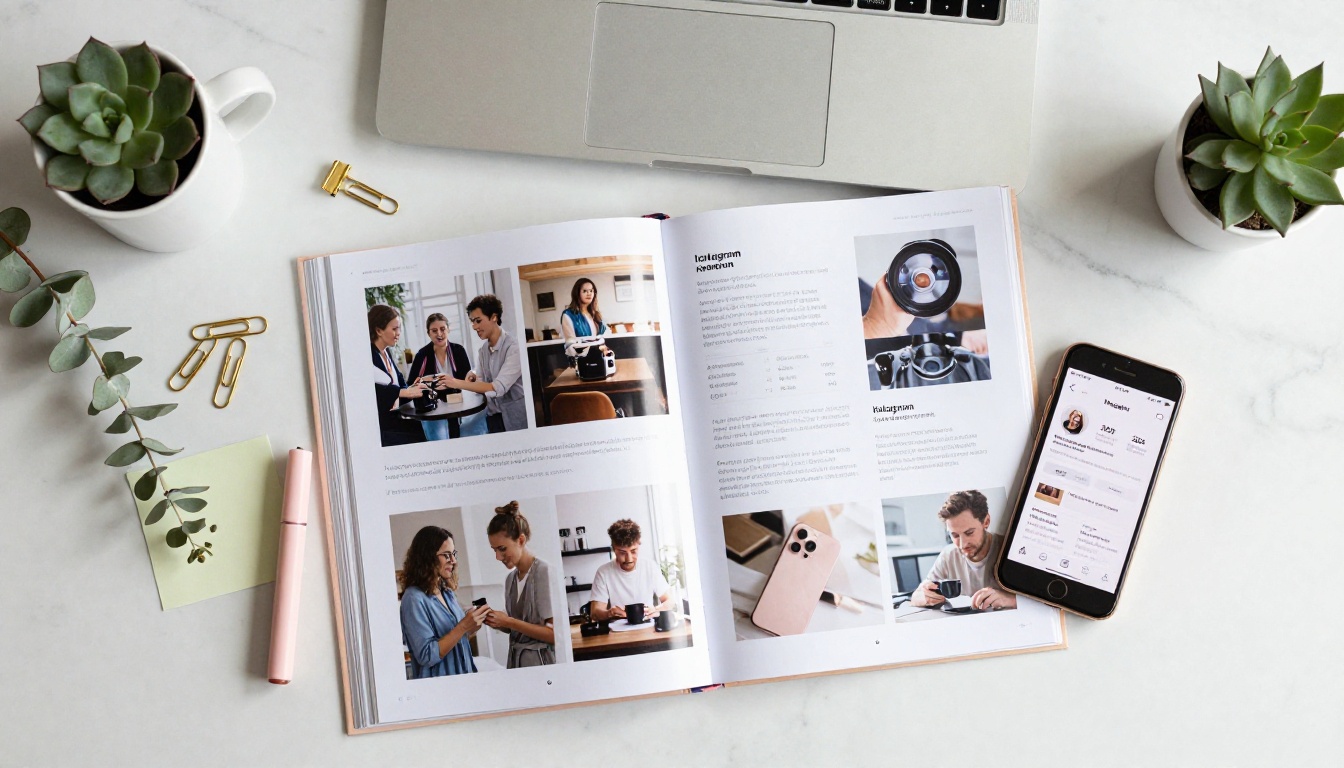
You do not need to be a graphic designer to produce a media kit that looks expensive. You need a clear visual hierarchy, a consistent color palette, readable typography, and content that breathes.
Spacing and Layout Rules
- White space is not wasted space: Crowded pages look desperate. Give each element room.
- One font family: Use a heading weight and a body weight from the same family. Mixing three fonts kills readability.
- Color palette: 2-3 colors maximum. Pull your primary color from your Instagram aesthetic so the kit matches your feed visually.
- Full-bleed images: Use one strong hero image per major section. Avoid patchwork collages that look dated.
- Page hierarchy: Each page should have one primary element that draws the eye first.
Tools for Building the PDF Before Converting
Most creators use one of these before converting to a flipbook:
- Canva: The easiest option with built-in media kit templates. Export as PDF when done.
- Adobe InDesign: Professional-grade control over every pixel. Steeper learning curve but worth it at scale.
- PowerPoint or Keynote: Familiar tools that export clean PDFs and are often underestimated.
- Figma: Excellent for designers who want precise layout control and component reuse.
Once your PDF is ready, upload it directly to Flipbooks AI and the conversion happens automatically in under two minutes.

This is where the static document becomes something brands actually want to interact with. Flipbooks AI converts your PDF into a fully interactive flipbook in minutes, with zero technical setup required.
Step 1: Create Your Account
Go to flipbooksai.com/account and sign up. The process takes under two minutes. No credit card is required to test the conversion before committing to a plan.
Step 2: Upload Your Media Kit PDF
From your dashboard, click "New Flipbook" and drag your media kit PDF directly into the upload area. The platform supports PDFs of various sizes, though your media kit should ideally be between 8-20 pages for the best reading experience. Conversion takes 30-90 seconds depending on file size.
Step 3: Customize Your Branding
Once converted, you can customize:
- Flipbook title and URL slug: Use something clean like
yourname-media-kit-2024
- Background color: Match your brand aesthetic or keep it neutral
- Page flip style: Choose from smooth animated transitions
- Custom logo: Add your watermark or creator logo to the viewer frame
- Cover thumbnail: Upload a custom preview image that displays in link previews on social and email
💡 Set a custom URL slug before sharing. A link like flipbooksai.com/f/sarah-j-media-kit looks far more professional than a string of random characters when it appears in a brand manager's inbox.
Step 4: Configure Privacy and Sharing
The Press Kit Designer workflow on Flipbooks AI gives you full control over who sees your content:
- Public link: Anyone with the link can view. Best for cold outreach.
- Password protection: Set a password for your premium kit version that includes your rates. Share the password only with serious brand partners.
- Embed code: Paste your flipbook directly onto your website's "Work With Me" page using the Embed Flipbook on Website tool.
Step 5: Share and Track Performance
Copy your flipbook link and paste it directly into brand pitches, emails, Instagram DMs, or your bio link. With the Professional plan, you get access to built-in analytics that show you:
- How many times the link was opened
- Which pages brands spent the most time on
- Average reading completion rate
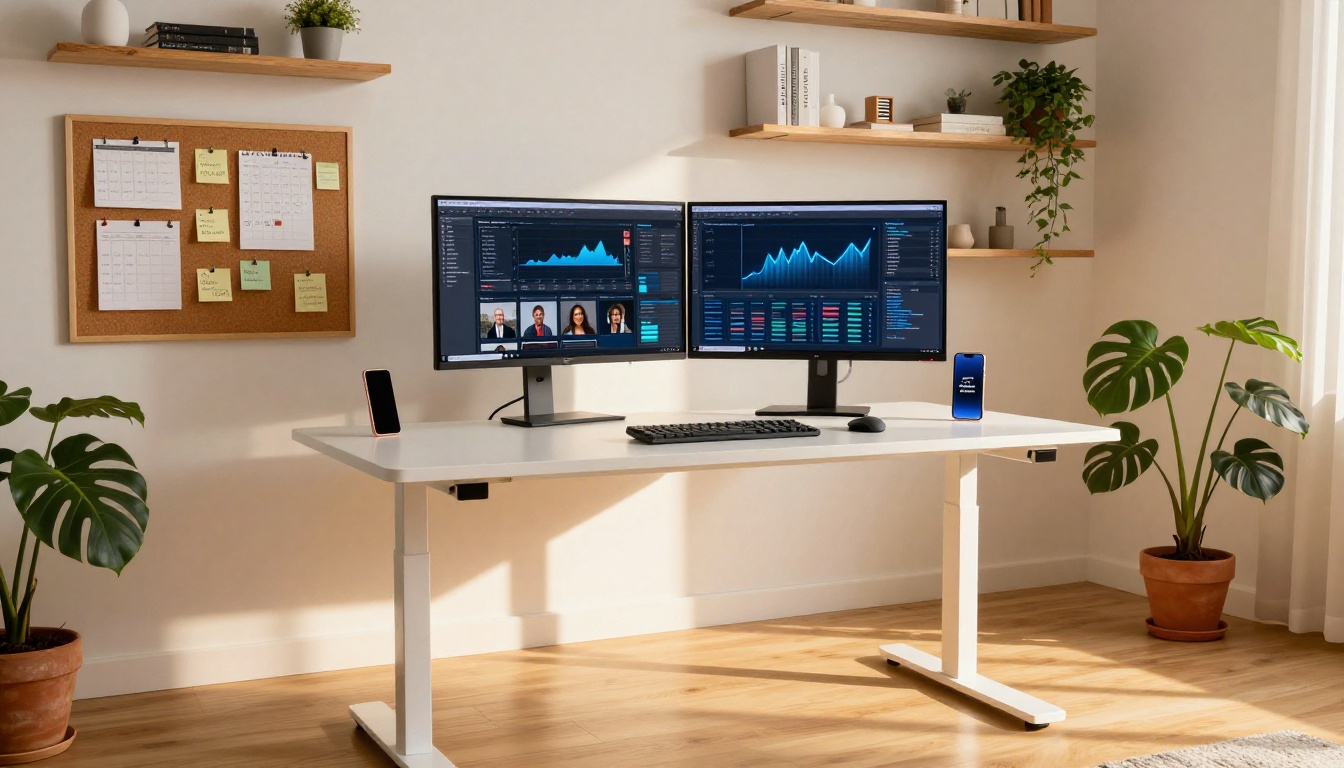
That data is invaluable. If brands consistently stop on page 3, your pricing page, you know exactly where to optimize. Check pricing plans to see what analytics features are included at each tier.
Pricing Your Services in the Flipbook
The pricing section is where most media kits either convert brands or lose them. Present it wrong and the conversation ends. Present it well and you establish authority before the first call.
The 3-Package Structure That Works
| Package | Deliverables | Best For |
|---|
| Starter | 1 feed post + story set | Small brands, product seeding campaigns |
| Standard | 2 feed posts + Reels + stories | Mid-tier campaigns, product launches |
| Premium | Full campaign: posts, Reels, stories, blog | Long-term brand partnerships |
Always include what is inside each package in bullet form. Do not make brands ask. The ones who have to ask usually do not follow through.
⚠️ Listing prices without context is a common mistake. Always describe the deliverable count, usage rights, revision rounds, and expected timeline alongside each price point so brands can evaluate without needing a call first.
Building Your Personal Brand Around the Kit
The media kit is the artifact. Your personal brand is what makes it worth reading. Before brands open your flipbook, they have already formed an opinion based on your bio, your feed aesthetic, and how you reached out.
Consistency Across Every Touchpoint
A strong personal brand in 2027 means:
- Your Instagram bio clearly states your niche in one line
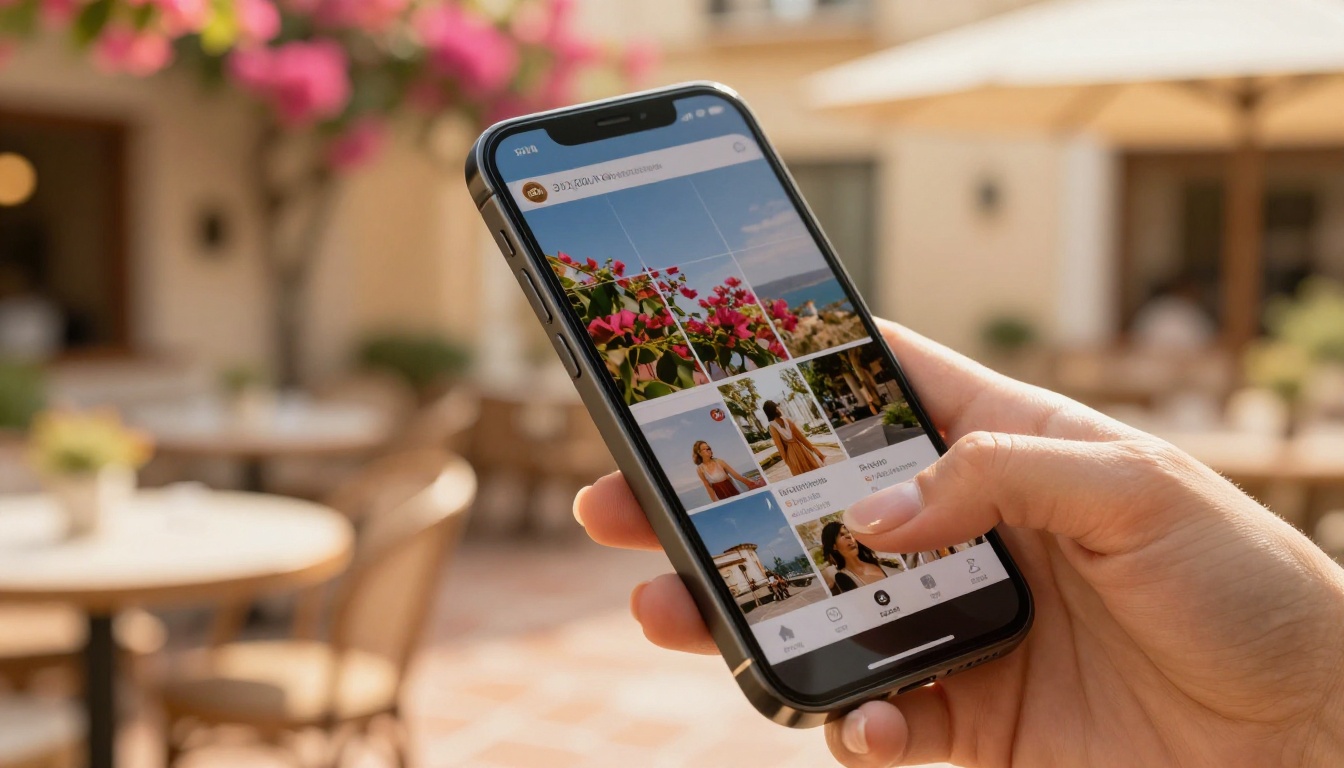
- Your feed has a recognizable visual identity: a consistent color tone and composition style
- Your Stories feel coherent in format and energy level
- Your DM or email outreach matches the personality of your content
When the flipbook link lands in a brand's inbox and they click it, everything should feel like a continuation of the same creator they have been seeing on their feed.

Common Mistakes That Kill Brand Deals
Even a well-designed flipbook can fail if the content inside is off. Here are the patterns that cost creators partnerships most often:
1. Outdated statistics: If your follower count in the kit does not match your actual profile, brands notice immediately and trust disappears.
2. Too many pages: A 40-page media kit is not thorough. It is exhausting. Keep it under 20 pages for optimal read-through rates.
3. Generic audience description: "My audience is women aged 18-45" is not useful. "My audience is primarily women aged 25-34 in the US and UK who are interested in sustainable fashion and wellness" gives brands a reason to book.
4. No content samples: Stats without samples are claims. Samples with stats are proof.
5. No clear call to action at the end: Every media kit should end with a single action: "Email me at hello@yourname.com to discuss campaign rates."
6. Sending the same kit to every brand: Lifestyle brands and SaaS companies have entirely different needs. Keep two versions and know when to send which.
Micro vs. Macro: Different Kits for Different Stages
Your media kit strategy should evolve with your account size. What works at 5,000 followers is different from what closes deals at 200,000.
| Account Size | Kit Priority | Emphasis |
|---|
| Under 10K | Niche specificity + engagement rate | Prove quality over quantity |
| 10K to 50K | Audience demographics + content quality | Show targeted, loyal reach |
| 50K to 200K | Full stats + previous brand results | Demonstrate track record |
| 200K+ | Portfolio of campaigns + case studies | ROI-focused storytelling |
At any stage, an interactive flipbook makes the presentation feel more premium than a static PDF, which matters especially when your numbers alone cannot yet carry the pitch.
✅ If you are under 10K followers, open the kit with your niche statement and lead with engagement rate before follower count. A 4.8% rate at 8K followers beats a 0.6% rate at 100K every time for the right brand.
How to Send Your Flipbook Link
The link is only as powerful as the context around it. A bare flipbook link dropped into a cold DM without setup will not perform. Here is a message structure that works:
Cold DM or Email Template:
"Hi [Brand Name], I am [Your Name], a [niche] creator with [X] followers and a [X%] engagement rate. I have worked with [Similar Brand] and [Similar Brand] before. I think [specific product] would genuinely resonate with my audience because [specific reason]. Here is my media kit: [flipbook link]"
Email Subject Line Options:
- "Media Kit: [Your Name] x [Brand Name] Collaboration"
- "[Your Niche] Creator at [Follower Count] Followers"
The flipbook link should always follow context, not lead with it. Let them understand who you are before they start clicking through pages.
A media kit has a shelf life. Many creators set it once and forget it, then wonder why older kits get no response. Here is a simple refresh schedule:
- Every quarter: Update all platform statistics to reflect current performance
- After every major brand collaboration: Add it to your portfolio section with results if possible
- After a significant follower milestone: Create a new version and retire the old one
- When your content focus shifts: Your niche statement and audience section must reflect current reality
- When a new Instagram feature becomes central to your content: Add Reels stats, Broadcast Channel subscribers, or Close Friends metrics as they become relevant
A flipbook makes updating simple. Upload your revised PDF to Flipbooks AI, and your shareable link can point to the new version automatically, so every past send stays current without you tracking down every recipient.
What Brands See When They Open It
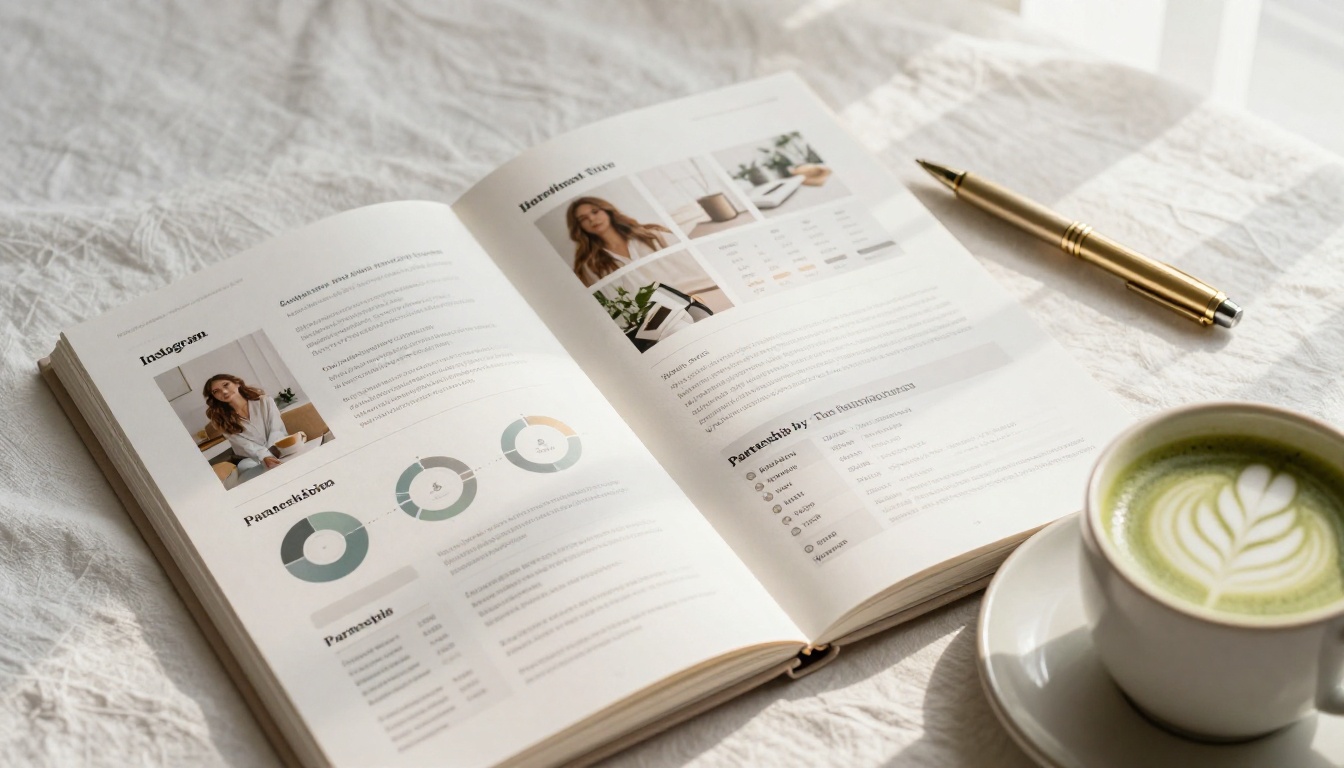
It is worth thinking about the experience from the other side of the link. A brand manager opening your flipbook sees:
- A clean, branded cover page that loads instantly in their browser with no downloads required
- Smooth page-turning animations as they move through your stats
- Full-resolution images of your content samples without compression artifacts
- A layout that works identically on their phone, tablet, or desktop computer
- No "download blocked by IT" message, no version compatibility issues, no loading spinner
That experience, before they have processed a single data point, communicates that you are detail-oriented and take your work seriously. Compare that to: "please find my media kit attached (PDF, 18MB)."
The format is part of the message.
Ready to Make Your First Flipbook
If your media kit is currently a PDF sitting in a Google Drive folder that you email out and hope for the best, it is time to change the format. The content can stay the same. The presentation is what shifts the response rate.
Create your account on Flipbooks AI and upload your first media kit today. The free plan lets you publish and share immediately, with no watermarks interfering with your first impression on a brand. When you are ready to add analytics and password protection for your rates-only version, explore the pricing plans to find what fits your workflow.
You can also browse the Digital Portfolio Creator and Press Kit Designer tools to see what is possible beyond the standard media kit format. Some creators build a full interactive portfolio alongside their kit, using the Portfolio Flipbook Builder to showcase long-form content samples and past campaign results in a dedicated, scrollable experience.
Every brand deal you want starts with someone clicking a link. Make sure what they find on the other side reflects the quality of work you actually do.
Get started for free and make a flipbook for your Instagram media kit that brands actually want to open.



