Landscaping is a visual trade. Clients don't hire you because of what you say; they hire you because of what they see. Yet most landscaping companies still hand out tri-fold paper brochures that end up crumpled in a glove box, or they send PDF attachments that never get opened. There's a better way to show your work, and it starts with making a flipbook for your landscaping company.
A digital flipbook is an interactive, page-turning online portfolio that lives at a link, embeds on your website, and looks stunning on any device. When a homeowner sends your link to their spouse, when a property manager shares it with a board, when a neighbor asks "who did your lawn?" and your client pulls out their phone, a flipbook delivers your best work in seconds. Flipbooks AI makes building one fast, free of watermarks, and genuinely impressive.
This article covers everything: why a digital portfolio outperforms every other marketing format for lawn care businesses, what to put inside yours, how to build it step by step, and how to use it to close more jobs.
Why Paper Brochures Are Losing You Clients
Let's be direct. That glossy trifold you had printed 18 months ago is already outdated. It shows three photos, a phone number, and a services list. It can't show a before-and-after lawn transformation. It can't show the swimming pool surround you completed last summer. It can't be forwarded in a text message.
Homeowners making significant landscaping investments, often $5,000 to $50,000 or more, research extensively before choosing a contractor. They browse portfolios online. They share links with partners. They compare work quality across multiple companies. If your portfolio lives only in a PDF on a forgotten laptop folder or as three photos on a Facebook page, you're invisible at the moment that matters most.
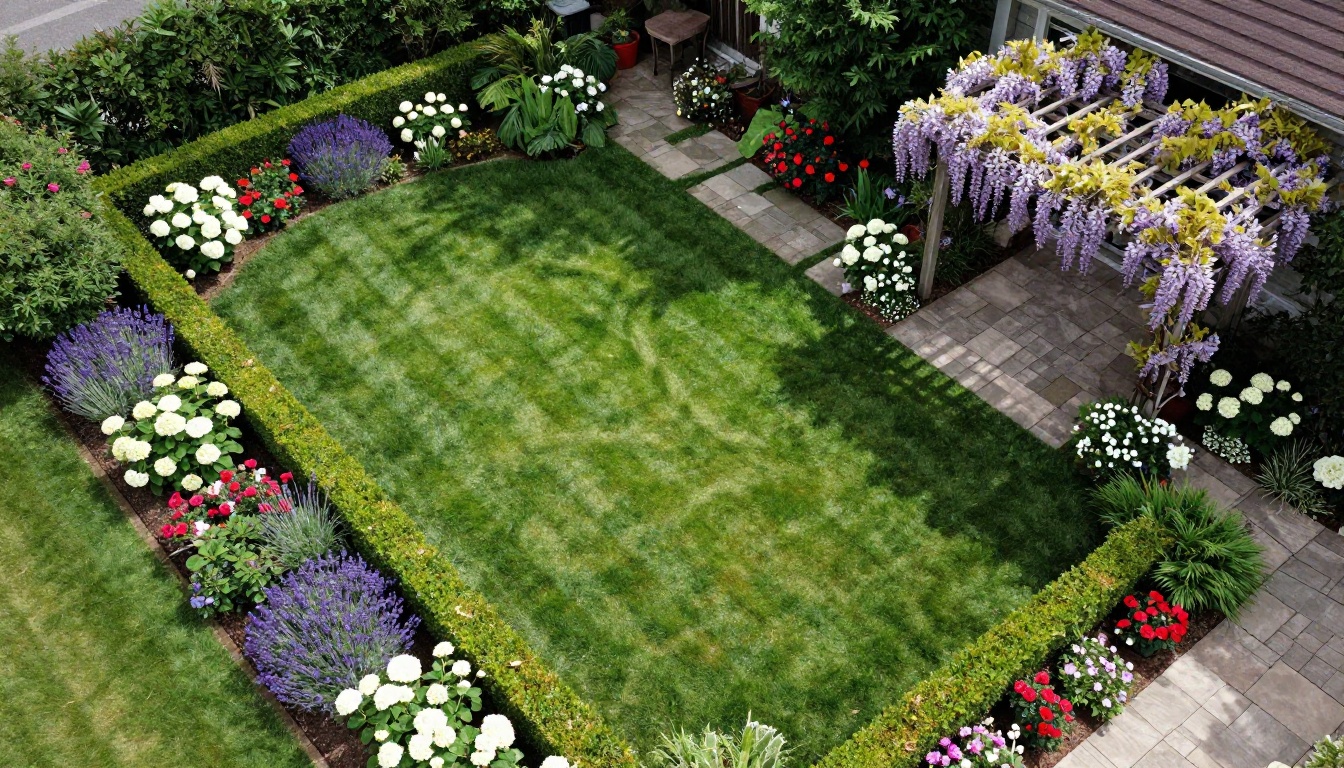
A digital flipbook solves every one of these problems. It lives at a permanent link. It opens instantly on phones. It page-turns like a real portfolio book. It shows as many photos as you need. And it works 24/7, presenting your best work to every prospect who receives your link, even at midnight when they're searching for landscaping ideas.
What Goes Inside a Landscaping Flipbook
Before building, you need content. The good news: if you've been doing this work for even one season, you already have it. Here's what to gather.
Your Best Project Photos
Sort through every job photo you have. Pull out the after shots that genuinely impress. Group them by project type:
- Lawn installation and turf work: Fresh sod installations, seeding transformations, lawn renovation results
- Hardscaping: Patios, pathways, retaining walls, driveways, stone work
- Planting and garden design: Flower beds, shrub borders, tree planting, seasonal color
- Water features: Pools, ponds, fountains, irrigation systems
- Outdoor living: Pergolas, fire pits, outdoor kitchens, lighting installations
💡 Before-and-after pairs are the single most powerful content type for landscaping portfolios. If you have side-by-side comparisons, lead with them.

Services and Pricing Pages
A flipbook isn't just photos. Include a clean services page that lists exactly what you offer, whether that's weekly maintenance contracts, one-time installations, seasonal cleanup, or commercial property care. If you have standard pricing packages, a simple table works well here.
Testimonials and Social Proof
Pull your best Google reviews or testimonials from happy clients. A single paragraph from a satisfied homeowner, placed next to the project photos from their yard, builds trust faster than any sales pitch.
Seasonal Promotions
Running a spring cleanup special? A summer irrigation installation discount? A fall leaf removal package? Seasonal offers belong in a flipbook. You can update the PDF and re-upload at any time, keeping your portfolio current without reprinting anything.
How to Build Your Landscaping Flipbook
This is where Flipbooks AI does the heavy lifting. The process is straightforward, and you don't need any design experience.

Step 1: Create Your PDF
Start in any design tool you're comfortable with. Canva, Adobe InDesign, PowerPoint, or even Google Slides all export PDFs. Build a document that includes:
- A cover page with your company name, logo, and a stunning hero photo
- An introduction page with your company story and service area
- Project portfolio pages grouped by category (two to four photos per spread)
- A services and pricing overview
- Client testimonials page
- A clear call-to-action with your contact info and website
Keep each page clean. Big photos, short captions, minimal text. The flipbook format rewards visual impact.
Step 2: Upload to Flipbooks AI
Go to Flipbooks AI and create your account. The upload process takes less than two minutes:
- Click Create New Flipbook
- Drag and drop your PDF file
- Wait for the automatic conversion to complete
- Your flipbook is live with page-turning animation immediately
✅ The PDF to Flipbook Converter handles files of any size and preserves your original design exactly, including fonts, colors, and photo quality.
Step 3: Apply Your Branding
This is where a generic flipbook becomes your flipbook. In the editor:
- Upload your company logo to the header or cover
- Set your brand colors for the interface and controls
- Add your website URL to the navigation bar
- Customize the page-turn style (classic flip, slide, or fade)
- Set the background color or pattern behind the pages
💡 Use your brand's primary color for the toolbar. It creates a polished, professional impression that generic PDF viewers never achieve.
Step 4: Share as a Link or Embed on Your Site
You have two options for deploying your flipbook:
Share as a link: Every flipbook gets a clean, shareable URL. Send it via text, email, include it in your Google Business profile, or add it to your Instagram bio.
Embed on your website: The Embed Flipbook on Website tool generates a single line of code you paste into any website. The flipbook appears inline, letting visitors browse your portfolio without leaving your site.
Both options are available on every plan, with no watermarks ever.
Step 5: Set Privacy and Protection
Not every flipbook needs to be public. Options include:
- Public: Anyone with the link can view it
- Password protected: Ideal for sending a private quote with project references to a specific client
- Domain restricted: Only viewable when embedded on your website
For your main portfolio, public works best. For custom proposal packages, password protection adds a premium feel.
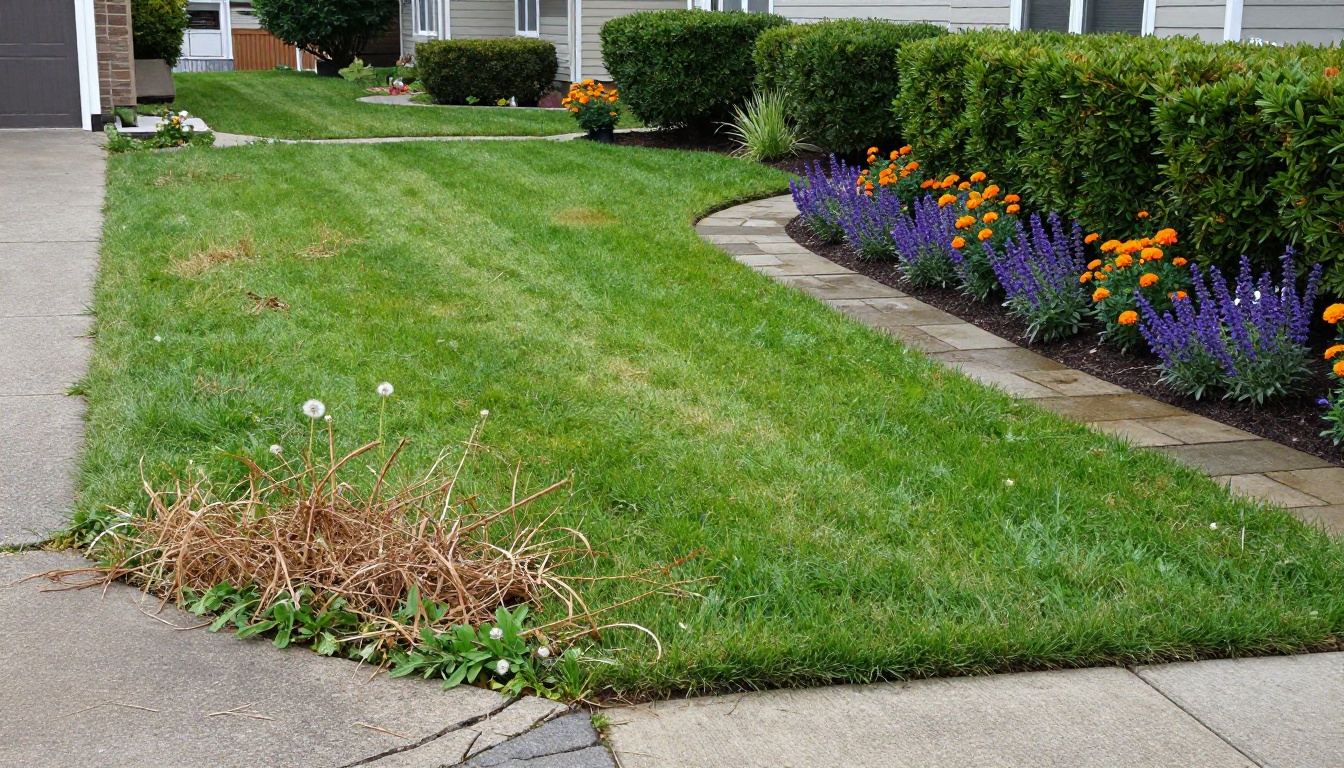
How does a flipbook actually compare to the other ways landscaping companies share their work?
| Format | Visual Impact | Shareable | Updateable | Mobile-Friendly | Cost |
|---|
| Paper Brochure | Medium | Limited | No (reprint) | No | $300–$1,000+ per print run |
| PDF Attachment | Low | Yes, but clunky | Yes | Poor | Free |
| Website Gallery | Medium | Yes | Yes | Yes | Ongoing web costs |
| Social Media Posts | High | Yes | Yes | Yes | Free or paid ads |
| Digital Flipbook | High | Yes | Yes | Yes | Low monthly |
| Instagram Story | High | Limited | No | Yes | Free |
The flipbook wins on the combination of visual impact, shareability, and professional presentation. It's the format that makes a paper portfolio feel digital without losing the tactile browsing experience that makes portfolios engaging to spend time in.
The Right Plan for Your Business
Flipbooks AI pricing scales with your needs. Here's how landscaping businesses typically map to each tier:
| Plan | Best For | Standout Features |
|---|
| Free | Solo operators testing the format | 1 flipbook, basic sharing |
| Standard | Growing landscaping businesses | Unlimited flipbooks, no watermarks, custom branding |
| Professional | Established companies with multiple crews | Analytics, lead generation, offline downloads, priority support |
⚠️ If you're sending flipbooks to clients as part of your sales process, you want the Standard plan at minimum for the no-watermark guarantee. A watermarked portfolio looks unprofessional and undermines client trust.
For companies running seasonal campaigns or managing multiple service lines (residential, commercial, maintenance vs. installation), the Professional plan's analytics show which pages prospects spend the most time on. That data tells you what your best work actually is in the eyes of clients, so you can put it front and center in future versions.
How to Use Your Flipbook to Win More Business
Building the flipbook is step one. Using it effectively is where the ROI comes from.
In Your Estimate Process
When you send a written estimate, attach your flipbook link in the email body: "Here's a link to our portfolio of similar projects in your neighborhood." This removes the gap between "I got a quote" and "I trust this company." Prospects who browse a strong portfolio before reviewing a quote close at significantly higher rates.

In Your Google Business Profile
Your Google Business Profile allows a website link. Most landscaping companies link to their homepage. Instead, link directly to your flipbook for prospects searching locally. It's a higher-impact first impression than a homepage that takes 10 seconds to load on mobile.
At In-Person Consultations
Pull up your flipbook on a tablet during the in-home consultation. Walking a client through 40 pages of your best work while standing in their backyard, with the garden visible over your shoulder, is a sales experience no competitor with a printed brochure can match.
💡 Use the Digital Portfolio Creator tool to build a portfolio specifically optimized for this in-person presentation scenario.
In Neighborhood Marketing
When you complete a standout project, send a postcard to the 50 homes within a few blocks. Include a QR code that links directly to the project photos in your flipbook. Neighbors who liked the visual transformation become leads before you even knock on the door.

Seasonal Campaign Flipbooks
Don't build one flipbook and leave it static. Create dedicated seasonal editions:
- Spring: Cleanup packages, mulching, new planting installs
- Summer: Irrigation, lawn treatment programs, pool landscaping
- Fall: Cleanup, overseeding, pre-emergent applications
- Winter: Holiday lighting installs, planning consultations for spring projects
Each seasonal flipbook becomes a focused marketing piece you can send to your existing client list and post on social media. The Brochure Flipbook Maker is purpose-built for exactly this kind of campaign material.
What Makes a Landscaping Flipbook Actually Work
Plenty of businesses build a flipbook and see no results. The difference is almost always in these details.
Photo Quality Is Non-Negotiable
Blurry, poorly lit, or rushed photos will hurt you more than no photos at all. Invest two hours after your next big installation in proper photography: golden hour light, multiple angles, clean compositions with no trucks or equipment visible. Those photos will pay for that time investment for years.

Show Scope and Scale
The most common mistake in landscaping portfolios is showing only close-up detail shots. Clients want to see the whole yard. Include wide establishing shots that show the full scope of a project, then follow with detail photos that show craftsmanship. This combination communicates both capability and quality simultaneously.
Include Project Context
A photo of a beautiful patio is nice. A photo with the caption "complete backyard transformation including 800 sq ft patio, pergola, outdoor kitchen, and planting plan, completed in 12 days" tells a story. Brief captions that include project scale and timeline set client expectations and handle objections before the sales conversation even starts.
Keep It Current
A portfolio with only summer photos in January signals to clients that you've been inactive. Update your flipbook at least seasonally with your most recent work. The ability to update without reprinting is one of the clearest advantages of digital over paper, and Flipbooks AI makes re-uploading a revised PDF a two-minute task.
Not every flipbook platform is built for professional business use. Here's how the options stack up for landscaping companies specifically:
| Feature | Flipbooks AI | Basic PDF Viewer | Generic Flipbook Tools |
|---|
| No watermarks | Yes | N/A | Often paid add-on |
| Custom branding | Yes | No | Limited |
| Password protection | Yes | No | Sometimes |
| Analytics | Yes (Pro plan) | No | Rarely |
| Lead generation | Yes (Pro plan) | No | No |
| Embed on website | Yes | No | Sometimes |
| Offline downloads | Yes (Pro plan) | No | Rarely |
| Mobile optimized | Yes | Poor | Variable |
| Unlimited flipbooks | Yes (Standard+) | N/A | Often limited |
Flipbooks AI wins on the features that matter for a client-facing landscaping portfolio: no watermarks on your professional work, custom branding that replaces generic platform UI with your company identity, and analytics that show you what prospects actually spend time reviewing.

Real Results From Digital Portfolios
Landscaping companies that shift to digital portfolio formats consistently report the same changes: shorter sales cycles, fewer "I need to think about it" responses, and higher average project values. The reasoning is straightforward. When a prospect has already spent 15 minutes browsing your best work before your in-person consultation, they arrive pre-sold on your quality. The conversation shifts from "can you do this?" to "how soon can you start?"
One practical metric worth tracking: compare your close rate on estimates where you sent a flipbook link versus estimates where you didn't. Most landscaping businesses that track this find a 20 to 30 percent difference in close rate within the first few months of consistent use.
Get Your Flipbook Live Today
The fastest path from zero to a live flipbook takes about 90 minutes:
- Pull your 20 best project photos from your phone, Google Drive, or wherever you store them
- Drop them into a Canva template and export as a PDF (free)
- Upload to Flipbooks AI and convert in seconds
- Apply your logo and brand colors
- Copy the shareable link and send it to your next prospect
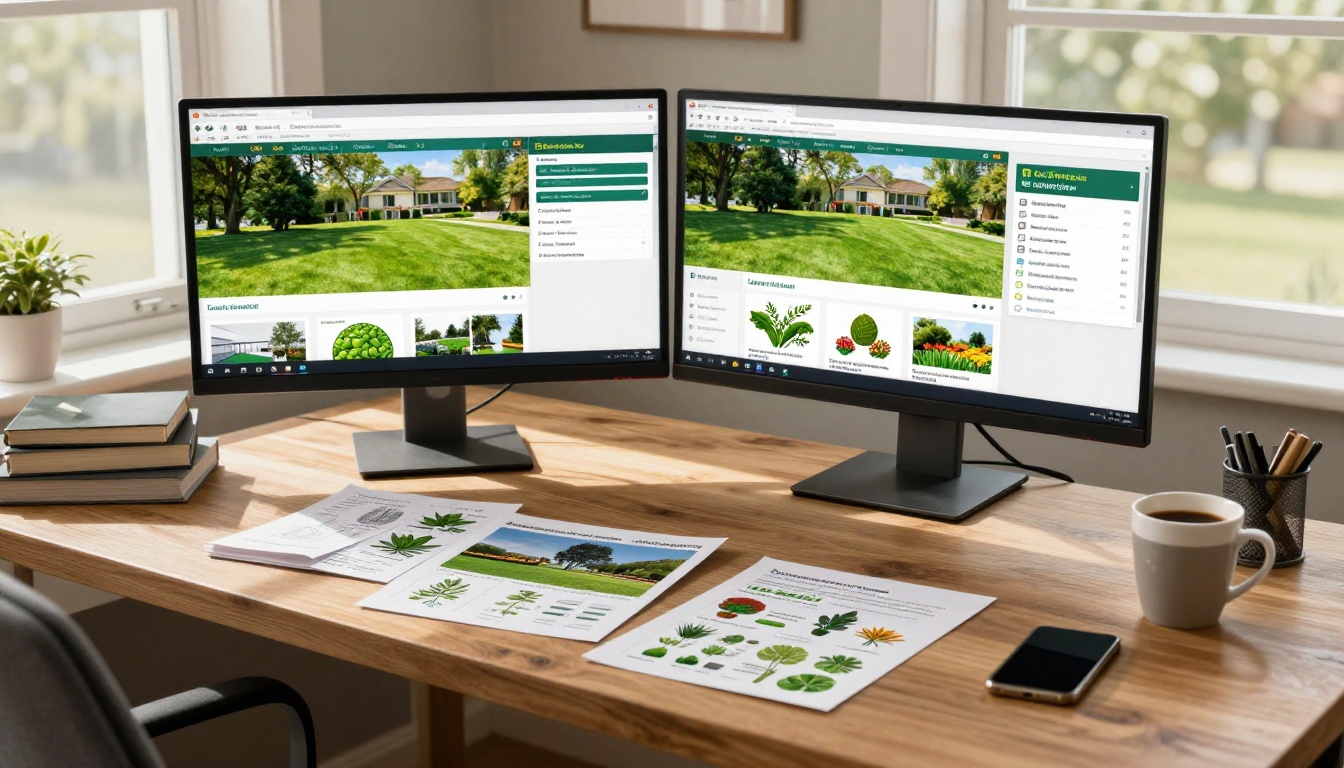
Your work deserves to be seen. A digital flipbook makes sure it is, on every device, at every stage of the client's decision process, without any of the friction that comes with paper.
Ready to show your best projects to every prospect who asks? Create your free account on Flipbooks AI and have your landscaping portfolio live before your next estimate. Want to see every format available for service businesses? Browse the full tools library or compare pricing plans to find what fits your operation.



