Your pottery is too good for a static Instagram grid. Every piece you throw carries texture, weight, and history that a single photo barely captures. A digital flipbook gives your ceramic work the presentation it actually deserves, with page-turning realism, embedded photography, and a format that works whether you are pitching wholesale buyers, filling workshop seats, or selling commissions.
Flipbooks AI makes this easier than most potters expect. Upload a PDF, customize the look, and you have a shareable, embeddable flipbook that showcases your studio in under an hour.
Why Your Pottery Studio Needs a Flipbook
Print Catalogs Are Costing You Money
Physical brochures and printed portfolios are expensive to produce, impossible to update, and they end up in recycling bins. A pottery studio that offers new glaze colorways every season cannot afford to reprint every time the collection changes.
Digital flipbooks solve this entirely. Update your PDF, re-upload, and every shared link automatically shows the new version. No reprinting. No waste.
Your Customers Shop Before They Call
Before someone books a wheel-throwing class or commissions a custom dinnerware set, they research. They Google you, check Instagram, and look for anything that proves you are the real deal. A polished digital portfolio or catalog gives them exactly what they need: photos, pricing, class details, and your studio's personality, all in one place.
A well-built flipbook works as a sales tool, a portfolio, a class brochure, and a press kit at once.
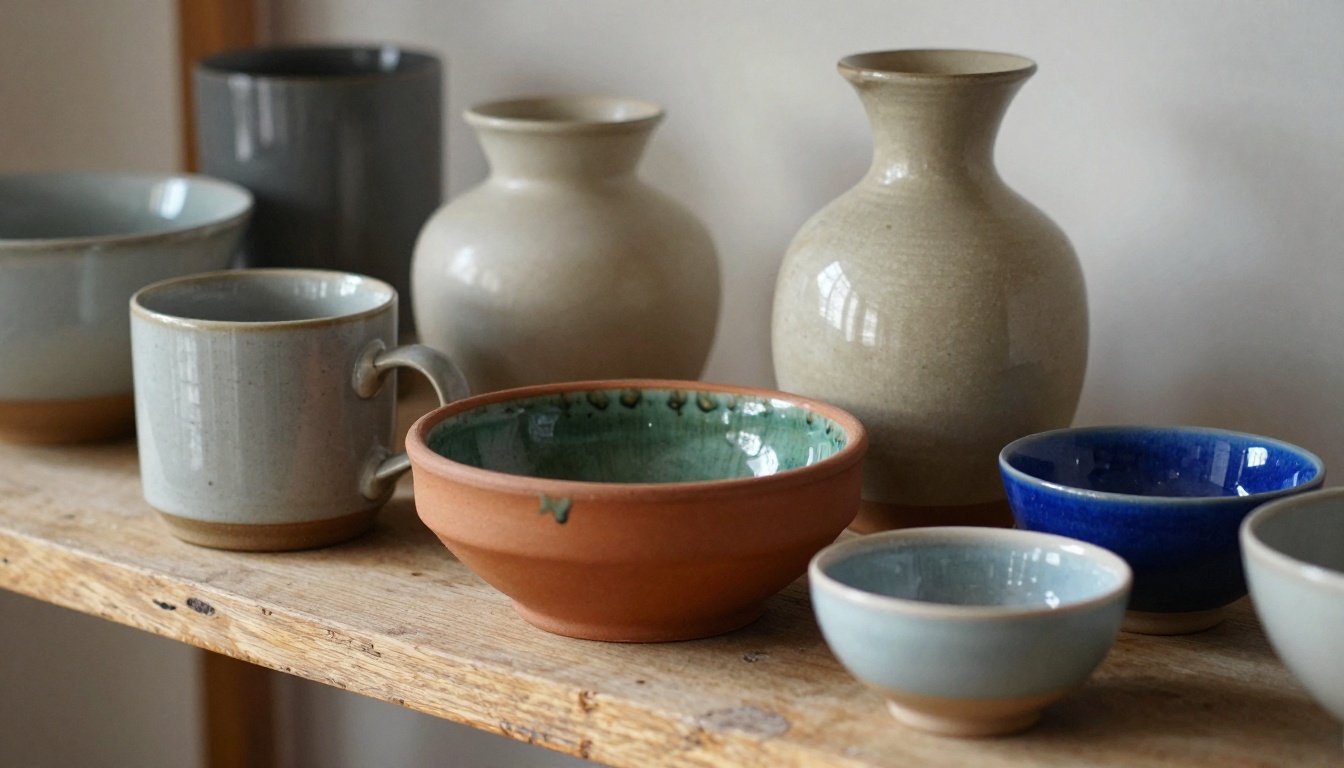
The Numbers Behind It
| Distribution Method | Average Cost | Update Flexibility | Shareability |
|---|
| Printed catalog (250 copies) | $300–$800 | Reprint required | Physical only |
| PDF via email | $0 | Easy | Limited |
| Digital flipbook | $0–$19/mo | Instant | Unlimited links and embed |
| Social media posts | $0 | Immediate | Algorithm-dependent |
The cost argument alone makes the switch obvious. But the real benefit is reach. A flipbook link can go in your email signature, Instagram bio, Etsy shop description, and website footer at once.
What to Put in Your Pottery Flipbook
Not every flipbook serves the same purpose. Before you design anything, decide what job this flipbook is supposed to do.
Portfolios and Product Showcases
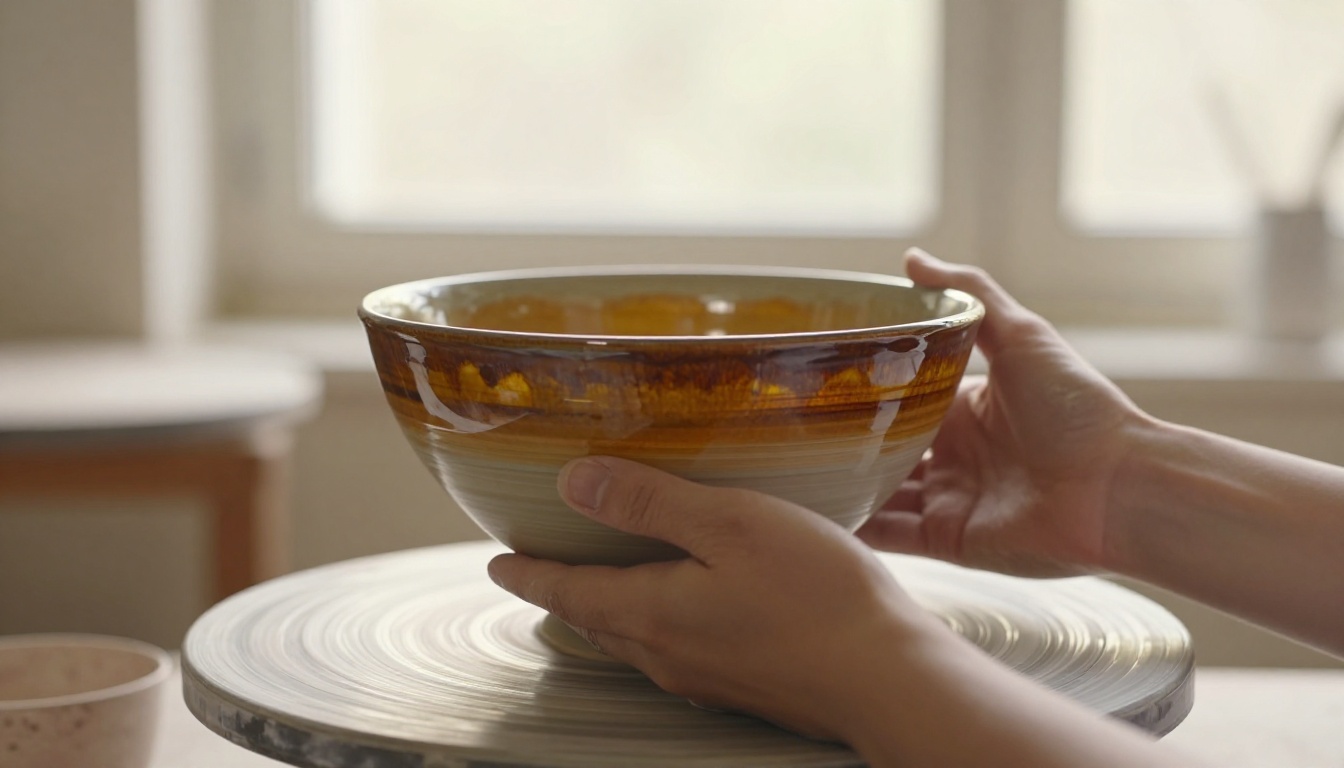
This is the most common use for pottery studios. A ceramic portfolio flipbook shows your full body of work: functional ware, sculptural pieces, custom commissions, and collaborative projects. Think of it as your artist statement made visual.
Strong portfolio flipbooks include:
- Full-page spreads of your best pieces with natural lighting
- Process shots showing clay at different stages
- Detail close-ups of glaze texture, foot rings, and handles
- A short "About the Studio" spread with your background
- Contact information and commission inquiry details
Class Schedules and Workshop Info
If you run throwing classes, hand-building workshops, or glazing sessions, a dedicated class catalog flipbook converts browsers into bookings faster than a plain webpage.
Include per class:
- Skill level required (beginner, intermediate, advanced)
- Duration and what students take home
- What materials are included vs. what they bring
- Upcoming session dates and available spots
- Pricing and booking link
💡 Add a QR code on the last page that links directly to your booking form. Many potters print a small card version of just the QR code and leave it on their studio counter.
Pricing and Commission Details
Wholesale buyers, interior designers, and restaurant clients want pricing information fast. A price list flipbook or commission catalog gives them a professional document they can share internally with decision-makers.
⚠️ Avoid posting public pricing on a general portfolio. Use Flipbooks AI's password protection feature to share pricing only with verified buyers.

How to Build Your Pottery Flipbook
This section covers the full process using Flipbooks AI, from gathering your raw materials to sharing a live link.
Step 1: Gather Your Visual Assets
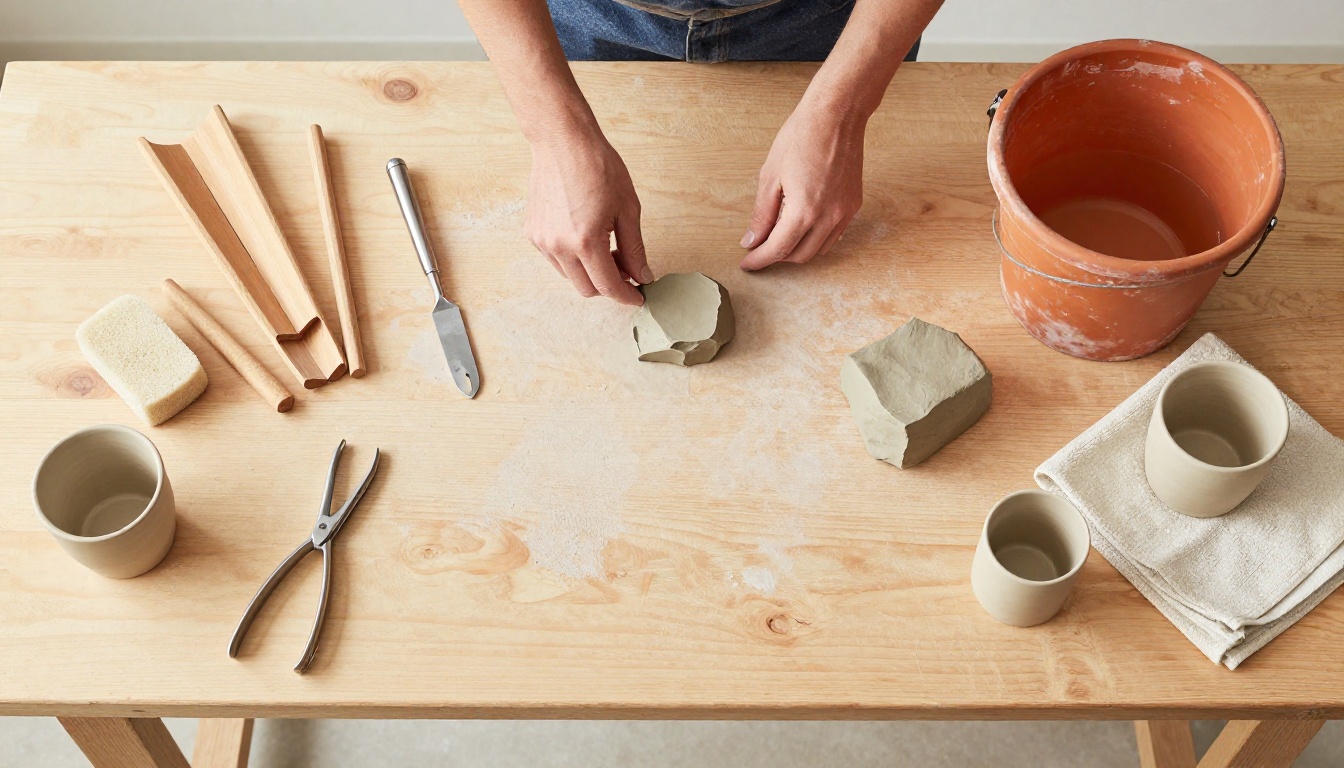
The quality of your flipbook depends almost entirely on your photography. Pottery photographs best with:
- Natural window light from the side or slightly behind
- Neutral backgrounds: white linen, raw wood, matte concrete
- Multiple angles per piece: straight-on, top-down, 45-degree detail shots
- Consistent styling so the catalog feels cohesive
Shoot with your phone if that is what you have. A modern smartphone camera in good natural light produces more than enough quality for web display.
Step 2: Design Your PDF
You do not need to be a designer. Use Canva, Adobe Express, or Google Slides to build your catalog layout. The key structural elements:
- Cover page: Studio name, one hero image, tagline
- About spread: Who you are, your process, your studio space
- Collection pages: 1-2 pieces per spread with photo and brief description
- Pricing or commission page (if applicable)
- Contact and social media page
Export as PDF at the highest quality setting available. Flipbooks AI handles the conversion automatically.
✅ Keep page count between 12 and 30 pages for most pottery catalogs. Long enough to be substantial, short enough that people actually read it.
Step 3: Upload to Flipbooks AI
- Go to flipbooksai.com and create your account
- Click New Flipbook and drag your PDF into the upload area
- Wait for the conversion, usually under 60 seconds for a 20-page document
- Your flipbook appears with a default page-turn animation
The PDF to Flipbook Converter handles all file sizes and preserves your original typography, colors, and image quality exactly as designed.
Step 4: Customize and Brand
This is where your studio identity comes through. In the flipbook editor:
- Upload your logo so it appears in the viewer header
- Set your brand colors for the viewer background and controls
- Choose page animations: classic page-turn, fade, or slide
- Add a custom domain if you have one
- Set a custom thumbnail using your best product shot
💡 Use the same color palette in your flipbook viewer as on your website. Buyers who move between your site and your catalog should feel like they are in the same brand space.
Step 5: Share and Embed
Once your flipbook is live, you have several distribution options:
- Direct link: Copy and paste anywhere. Works in emails, Instagram bios, Etsy descriptions, and DMs
- Embed code: Use the Embed Flipbook on Website tool to drop the flipbook directly onto your website, no coding required
- Password protection: Lock the flipbook for wholesale or commission pricing documents
- QR code: Download and print for physical marketing materials, market booths, and studio signage
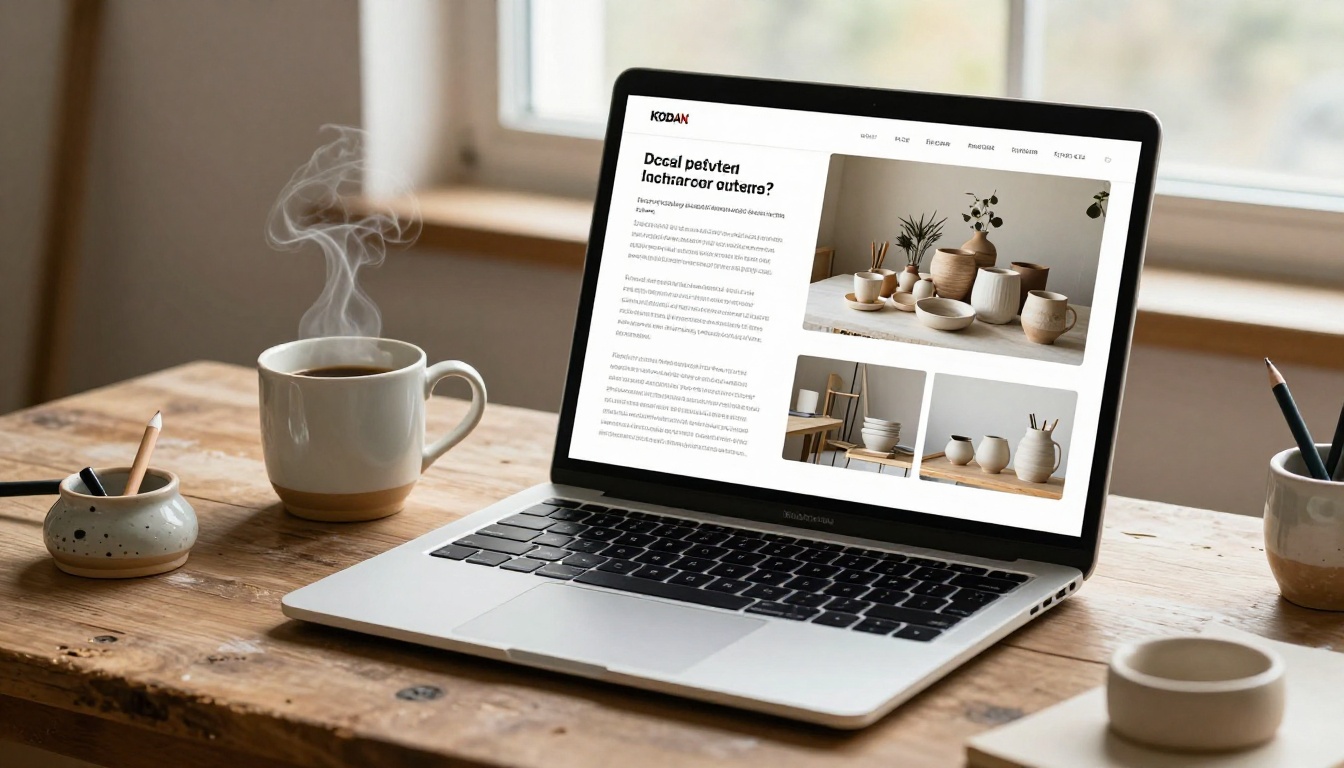
Different goals need different flipbook types. Here is how the main formats compare for ceramic artists:
| Flipbook Type | Best For | Ideal Page Count | Key Content |
|---|
| Portfolio | Galleries, press, wholesale | 15-25 pages | Process, finished work, bio |
| Product Catalog | Retail, online shop | 20-40 pages | Items, prices, ordering info |
| Class Brochure | Workshop bookings | 8-16 pages | Schedule, skill levels, pricing |
| Commission Lookbook | Custom orders, restaurants | 12-20 pages | Styles, materials, timeline |
| Press Kit | Media, features, collabs | 10-15 pages | Story, stats, contact info |
For most pottery studios starting out, a hybrid portfolio-catalog works best. Cover your signature pieces in the first half, then transition to purchasing and booking information in the second half.
The Digital Portfolio Creator and Portfolio Flipbook Builder tools are built specifically for creative professionals who need their work to speak for itself.
Pricing Plans Worth Knowing
Flipbooks AI offers several tiers depending on how many catalogs you need and which features matter most:
| Plan | Flipbooks | Watermarks | Password Protection | Analytics | Offline Download |
|---|
| Free | 1 | None | No | No | No |
| Standard | Unlimited | None | No | No | No |
| Professional | Unlimited | None | Yes | Yes | Yes |
For most pottery studios, the Standard plan covers everything needed to create unlimited flipbooks with no watermarks. If you need password-protected pricing documents or want analytics to track how wholesale buyers engage with your catalog, the Professional plan adds those capabilities.
✅ Every paid plan includes zero watermarks. Your flipbook shows only your branding.
Pottery Studio Flipbook Scenarios
Here are practical situations where a flipbook outperforms any other format:
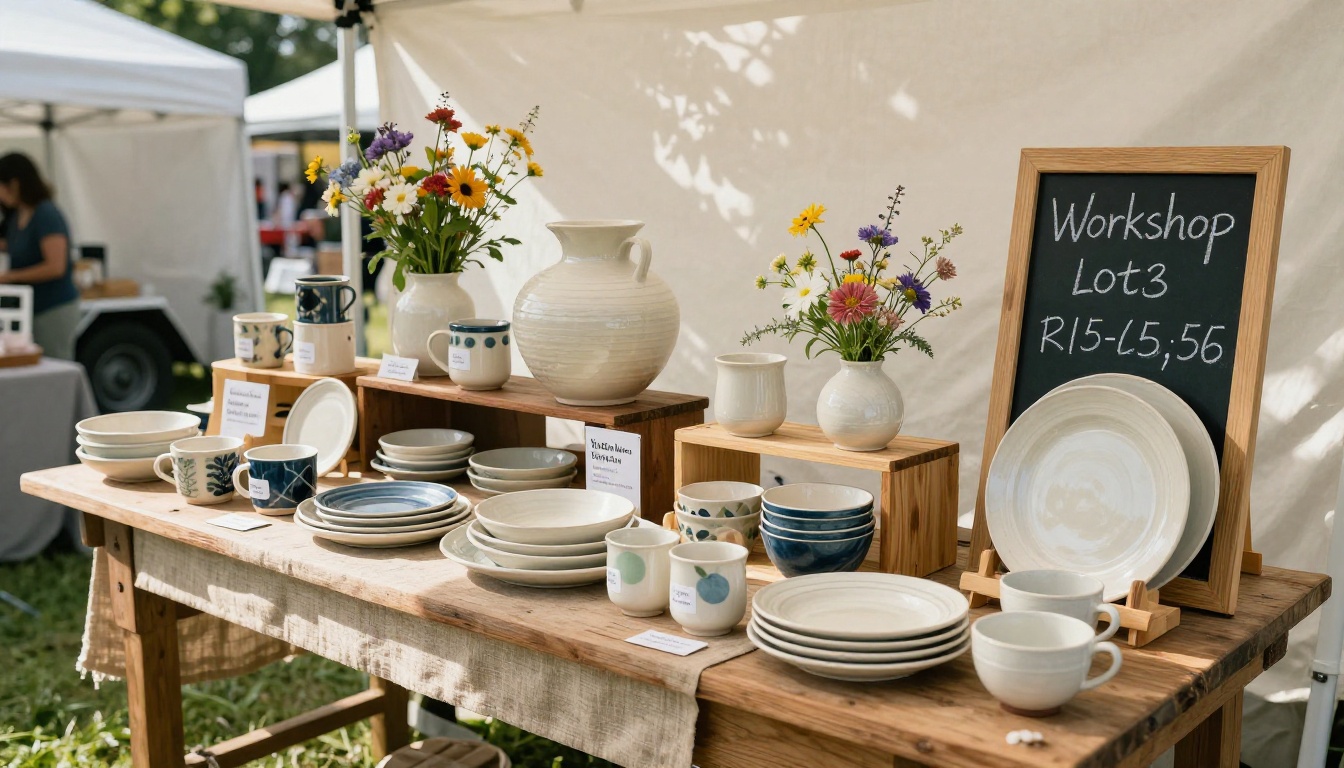
Farmers Market Weekend: A studio selling handmade mugs at a Saturday market sets up a small A-frame sign with a QR code: "See our full collection." Shoppers scan and browse 40 pieces while standing at the booth, doubling the average purchase size because they see options beyond what fits on a 6-foot table.
Restaurant Pitch: A ceramicist targeting hospitality clients emails a password-protected flipbook to the head of procurement at three boutique hotels. The flipbook contains custom tableware options, per-unit pricing, minimum order quantities, and lead times. No meeting required until the client is already interested.
Workshop Booking: A studio sends its quarterly class schedule as a flipbook link in its email newsletter. Open rates increase because the content is visually richer than a plain text list. Bookings for the next quarter fill in 48 hours.
Wholesale Accounts: A ceramicist approaching retail gift shops uses a product catalog flipbook with wholesale pricing, lead times, and minimum order details. Buyers can share the document with their purchasing teams internally.
3 Mistakes Pottery Studios Make
Wrong Format for the Wrong Audience
Sending a 40-page portfolio to a restaurant buyer who just wants pricing and lead times creates friction. Build separate flipbooks for separate audiences: one for creative portfolios, one for commercial pricing.
Poor Photography Kills Good Pottery
The most common reason a ceramic flipbook underperforms is photography, not content. If your pieces are shot on cluttered surfaces with mixed artificial lighting, even a well-designed layout will not save them.
Spend one hour styling and photographing six to eight pieces in natural window light before building your flipbook. That single investment improves results more than any design decision.
No Call to Action on the Last Page
Every flipbook needs a final spread that tells the reader what to do next. "Book a class here." "Request a commission quote here." "Shop this collection here." Without a clear next step, readers close the flipbook and move on.
⚠️ Include your email, website, and at least one clickable link on the final page. Flipbooks AI supports hyperlinks inside the PDF, so every call to action can be live.
The Real Cost of Waiting
Every month without a digital catalog is a month of warm leads going cold. Someone who found your work on Instagram, clicked your link, and found nothing substantial to review will not come back. A flipbook gives them a reason to stay, share, and buy.
The time investment to build a basic pottery studio flipbook is two to four hours for a first-time creator. The Digital Portfolio Creator cuts that in half with templates built for visual artists.
After it is live, the flipbook works around the clock: during workshop hours, on weekends, in time zones where your studio is physically closed.
Your Studio Deserves Better Than a Static PDF
A pottery studio is a sensory experience. The smell of wet clay, the hum of the wheel, the satisfaction of a perfectly centered form rising under your hands. A static PDF or an Instagram post cannot carry that. A digital flipbook, built with care, comes closer than anything else available to small studios.
Ready to show your work the way it deserves to be seen? Get started for free on Flipbooks AI and have your first ceramic portfolio flipbook live before your next firing.
Explore all available tools and templates to find the format that fits your studio's specific goals. Compare pricing plans to choose the tier that matches where your business is right now.



