Running a roofing company in today's market means fighting for attention before you ever knock on a door or answer a call. Homeowners research contractors online, text estimates to their spouses, and make decisions before they have spoken a word to your team. If your only marketing material is a PDF nobody bothers to open, or a paper brochure that gets left on a counter and forgotten, you are handing jobs to whoever made a better first impression. A digital flipbook changes that. Built on Flipbooks AI, it turns your existing PDF into a page-turning, mobile-friendly presentation that looks polished enough to close deals.

Why Roofers Lose Jobs Before the First Call
Most roofing contractors are brilliant at the work itself. Spotting a failing valley, matching a shingle profile, reading a storm damage pattern from the ground. Where they lose money is in the presentation. A homeowner gets three estimates. One contractor emails a flat PDF. One drops off a folded tri-fold brochure. One sends a link to a digital flipbook with crisp project photos, a pricing breakdown they can scroll through on their phone, and a five-star review page that reads like a magazine spread. Guess which bid feels most professional before the price even comes into it.
The PDF Nobody Opens
Email attachments are friction. A PDF named something like "Roofing Estimate R23-07.pdf" sitting in someone's downloads folder has roughly the same chance of being read as a piece of junk mail. Even when homeowners are motivated to look, a static PDF offers no visual reward. No page-turn animation. No clean layout optimized for phone screens. No reason to linger and absorb your work.
What Clients Check Before They Call
Most homeowners visit a contractor's digital presence at least twice before making contact. They want to see project photos, pricing transparency, and evidence that other people trusted you with their home. A roofing flipbook puts all of that in one shareable link. Send it via text message and the client opens it on their phone, flips through your portfolio at their kitchen table that evening, and calls you the next morning having already sold themselves.
What Goes in a Roofing Flipbook
A strong roofing company flipbook is not just a digital version of your company brochure. It is a curated sales tool built around the specific questions a homeowner asks before they hire anyone.
Services and Pricing Breakdown
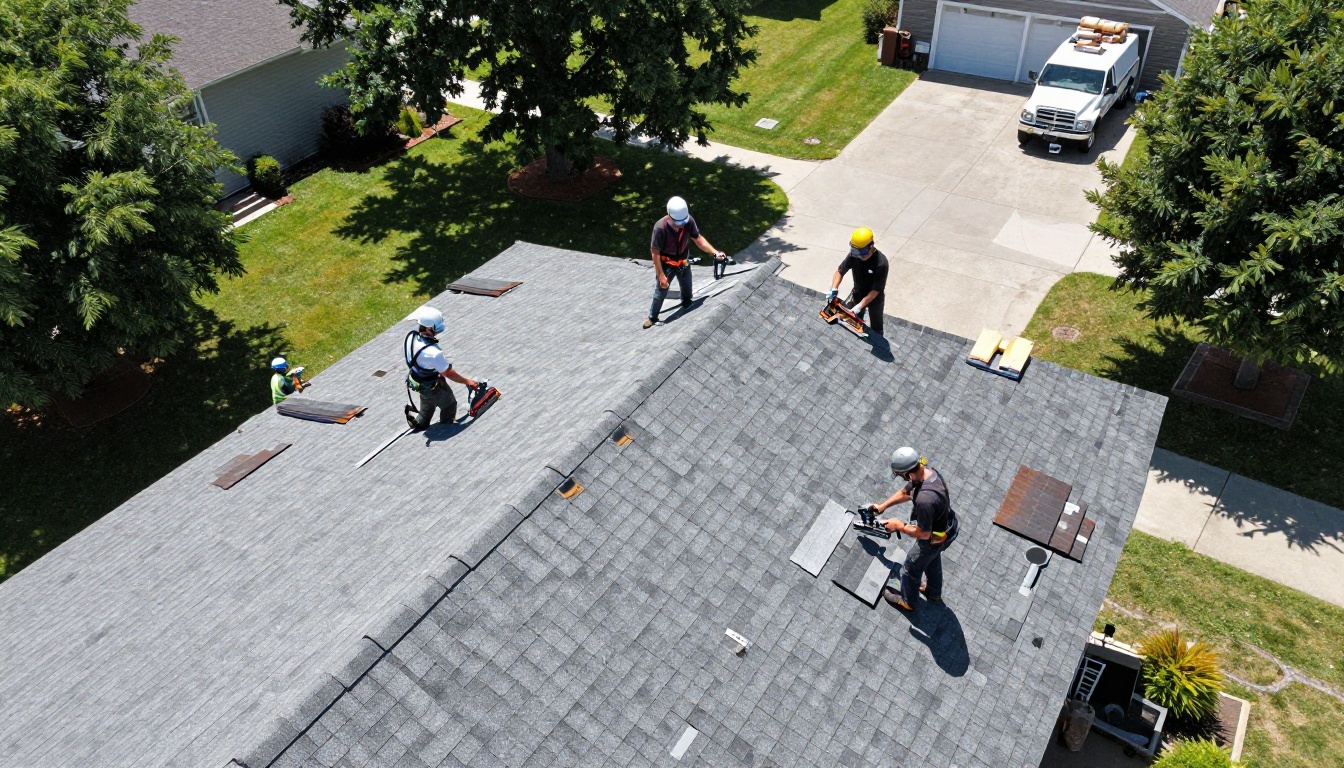
Be specific. Instead of "Residential Roofing Services," list what you actually offer: asphalt shingle replacement, metal roofing, flat roof systems, gutters, skylight installation, and emergency tarping. Add a pricing tier page that gives ballpark ranges by square footage or scope. Homeowners who are nervous about pricing convert better when you give them a number to anchor to, even if the final quote varies. A well-organized service flipbook with pricing signals transparency, and transparency builds trust faster than any sales pitch.
Before and After Project Photos
This is the most powerful page type you can include. A full-spread before-and-after showing a damaged roof on the left and the finished installation on the right tells a story no paragraph of text can match. Include at least six to eight project spreads across different materials, roof styles, and neighborhood types. A homeowner with a colonial-style brick home wants to see you have done colonial-style brick homes before.
Reviews, Certifications, and Warranties
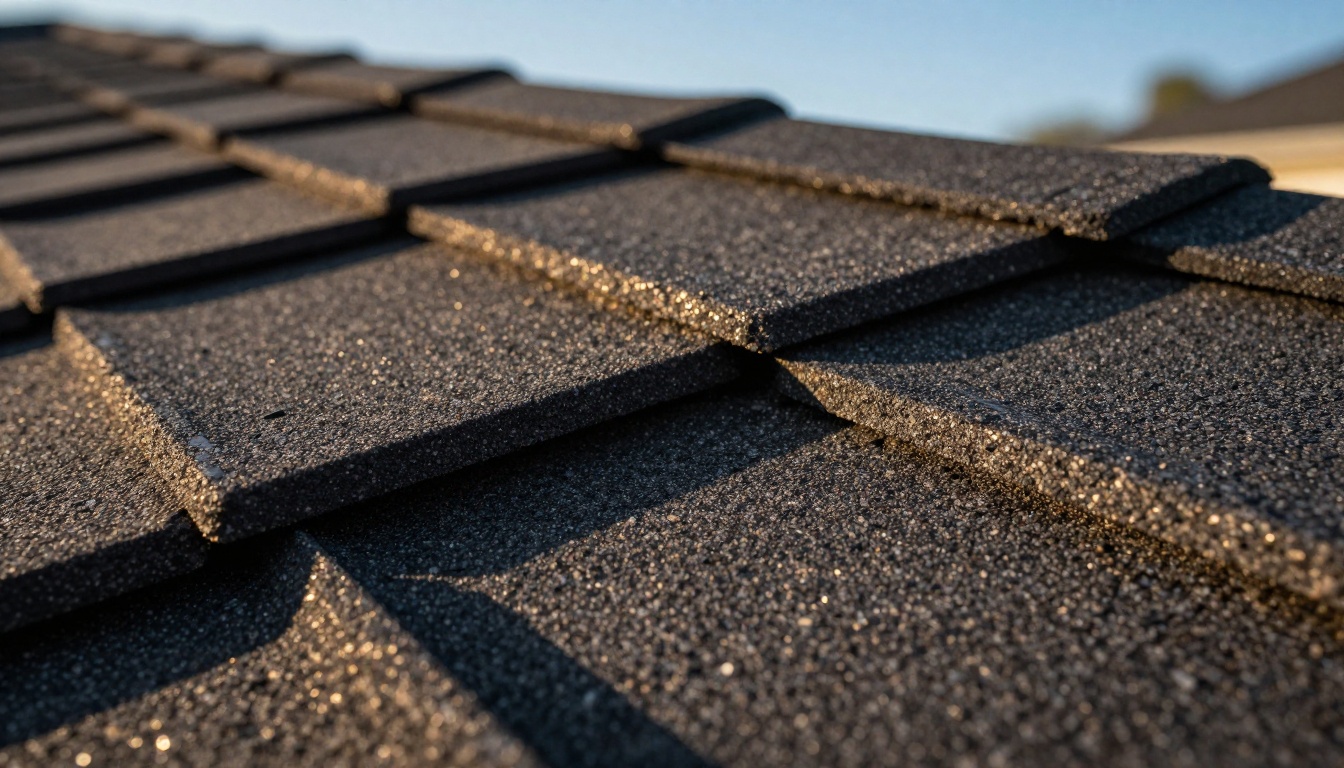
Pull your best Google reviews, format them as quotes with the reviewer's first name and neighborhood, and give them their own page. Add your certifications: GAF Master Elite, CertainTeed SELECT ShingleMaster, Owens Corning Preferred Contractor, whatever you carry. Include a warranty summary page. These trust signals work harder in a beautifully formatted flipbook than they do buried in the footer of a website page nobody scrolls to.
💡 Pro tip: A roofing flipbook with a dedicated warranty page gets significantly more read time than one without. Homeowners are anxious about long-term protection. Make the answer easy to find.
How to Make a Flipbook for Your Roofing Company
Flipbooks AI makes this a genuinely fast process. No designer needed, no coding skills, no software expertise required. Here is the exact workflow:

Step 1 - Build Your PDF First
Start in whatever design tool you already use: Canva, Adobe InDesign, Microsoft Publisher, even Google Slides exported as PDF. Build your pages with roofing-focused sections: an opening page with your company name, phone number, and a strong project photo; a services page; a project gallery spread; a testimonials page; a certifications and warranty page; and a contact and estimate request page. Aim for 8 to 16 pages. Fewer than 8 feels thin; more than 20 starts to feel overwhelming for a first-touch sales document.
Step 2 - Upload and Convert in Minutes
Create your account on Flipbooks AI, then drag your PDF directly into the upload area. The platform converts each page automatically into a smooth, page-flipping digital flipbook. Conversion takes under two minutes for most roofing brochures. You can also use the Brochure Flipbook Maker tool if you prefer a template-first approach, or the PDF to Flipbook Converter for direct uploads.
Step 3 - Brand It with Your Colors and Logo
Once uploaded, apply your branding. Upload your company logo to the flipbook title page. Set your accent color to match your truck wrap or uniform colors. Add a custom favicon so the browser tab shows your brand. These small details compound. A prospect who opens your link and sees a flipbook that matches your website, your truck, and your business cards reads "established, professional, organized." That perception alone is worth hundreds of dollars per job in conversion rate.
Step 4 - Share It Everywhere
Flipbooks AI gives you a shareable link the moment your flipbook is published. Send it:
- Via text message after an in-person estimate appointment
- In your email signature so every message you send includes a passive portfolio link
- On your Google Business Profile in the business description section
- Embedded directly on your website using the Embed Flipbook on Website tool
- In your Facebook and Nextdoor posts when a neighbor asks for roofing referrals
- As a QR code on your yard signs and truck magnets, linking directly to the flipbook
✅ Best practice: Create two versions of your flipbook: a general company brochure for cold outreach, and a project-specific portfolio that you update seasonally with your newest work.
Step 5 - Track Who Reads It
With the Professional plan on Flipbooks AI, you get analytics showing who opened your flipbook, how long they spent on each page, and whether they reached your contact page. This data is remarkably useful for a roofing sales operation. If a prospect spent three minutes on your warranty page but never called, that is a follow-up opportunity. Call them and lead with warranty. You already know what they care about.
💡 Pro tip: Pair lead generation features with your estimate flipbook. Require an email address to view the full document and grow your follow-up list automatically.
Roofing Flipbook vs. Paper Brochure
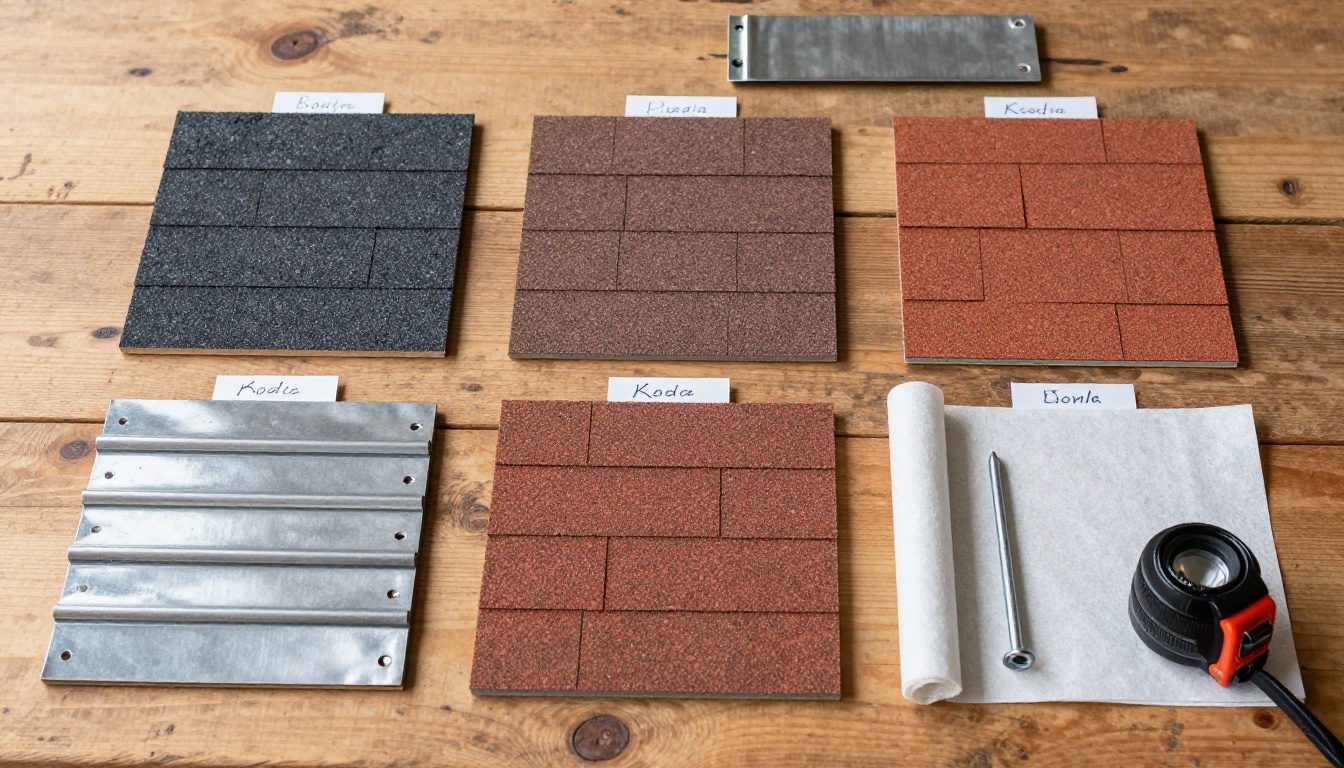
The comparison is not close once you lay it out honestly. Paper brochures have their place, but the limitations become obvious the moment you think about how modern homeowners actually consume information.
| Feature | Paper Brochure | Roofing Flipbook |
|---|
| Shareable via text or email | No | Yes, instant link |
| Mobile-friendly | No | Yes, fully responsive |
| Update without reprinting | No | Yes, edit anytime |
| Trackable readership | No | Yes (Professional plan) |
| Embed on website | No | Yes |
| Page-turn animation | No | Yes |
| Password protection | No | Yes |
| Offline access | No | Yes, downloadable |
| Cost per update | Reprint fees | Free |
| Environmental impact | Paper, ink, physical waste | Zero physical waste |
⚠️ Warning: Updating your service offerings or pricing in a paper brochure means reprinting everything. A digital flipbook lets you change a page in minutes and the link your clients already have automatically shows the updated version.
Real Scenarios Where Flipbooks Win Jobs
Theory is useful. Real scenarios are better. Here is exactly how roofing contractors are using digital flipbooks to close more business right now.
After-Storm Door Knocking
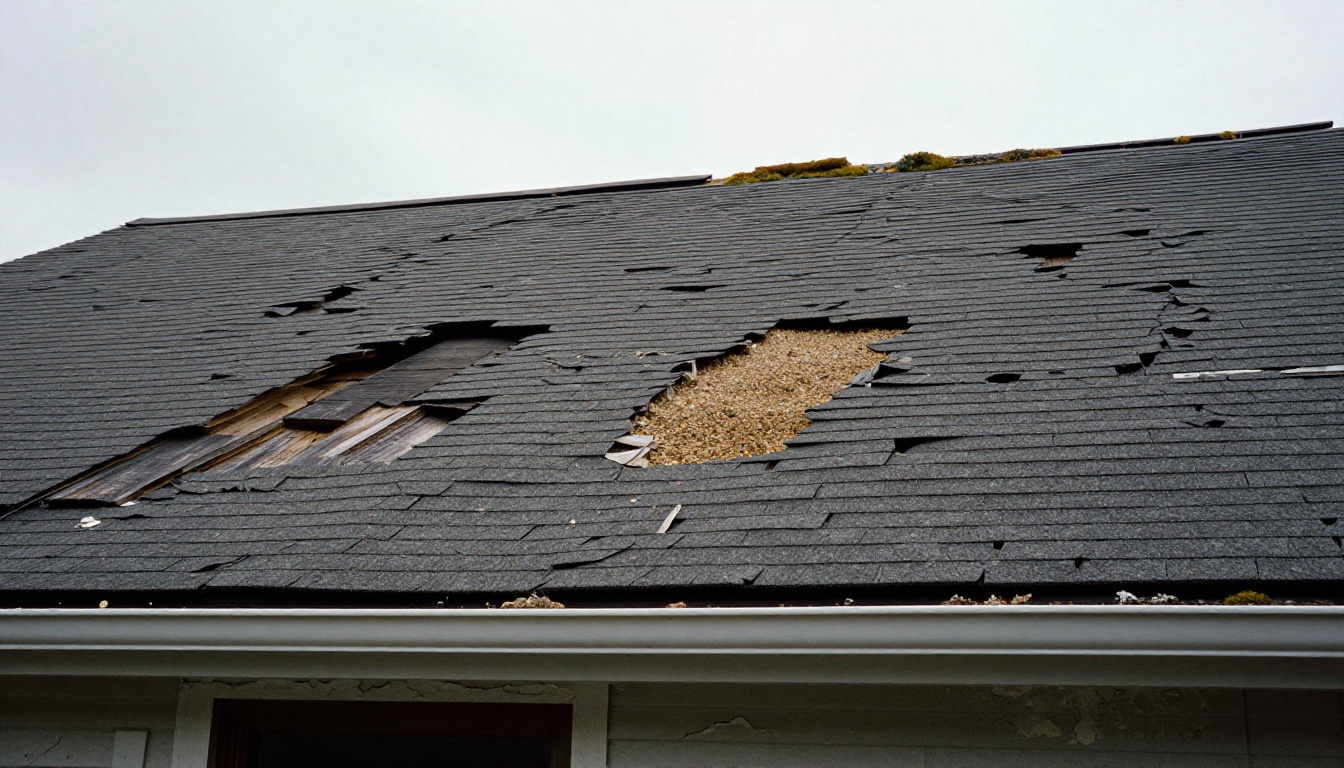
A hail storm hits your service area on a Tuesday. By Wednesday morning your crew is canvassing neighborhoods. Instead of handing out paper flyers that blow off porches, your estimator texts a link to your storm damage flipbook directly to the homeowner's phone before they even walk back inside. The flipbook walks through what hail damage looks like, what the insurance claim process involves, and what your company's storm repair process is. The homeowner reads it that evening. You get the callback.
Insurance Adjuster Meetings
When a homeowner's insurance adjuster comes to inspect storm damage, your team can be on-site with a tablet showing an interactive presentation that walks through the scope of damage, your repair methodology, and your material specifications. It reads as prepared and professional. Adjusters notice when contractors show up with real documentation versus verbal estimates.
Social Media and Website Traffic
Post a link to your project portfolio flipbook on your Facebook business page after each major job wraps up. The page-flip format is visually distinctive in a feed full of static photos. Neighbors see it. They share it when the next hail storm comes through. Your website embed keeps visitors on-page longer, which reduces bounce rate and helps your local SEO ranking over time.
Choosing the Right Plan for Your Business
Flipbooks AI pricing is structured to fit businesses at different stages. Here is how the tiers map to a roofing company's real needs:
| Plan Feature | Starter | Standard | Professional |
|---|
| Number of flipbooks | 1 | Unlimited | Unlimited |
| Custom branding | Partial | Yes | Yes |
| No watermarks | No | Yes | Yes |
| Password protection | No | Yes | Yes |
| Analytics | No | No | Yes |
| Lead capture forms | No | No | Yes |
| Offline downloads | No | Yes | Yes |
| Embed on website | No | Yes | Yes |
For most roofing operations with a sales team, the Standard plan covers the essentials: unlimited flipbooks, no watermarks, custom branding, and website embedding. If you run a larger operation with multiple estimators and want data on which prospects are actually reading your materials, the Professional plan's analytics and lead generation tools pay for themselves quickly.
5 Things That Make a Roofing Flipbook Actually Work
Not every roofing flipbook performs equally. The ones that convert leads into signed contracts share a few consistent traits.
1. A striking opening image. Your title page is the first thing a prospect sees when they open your link. Use your best project photo, not your logo on a plain background. A stunning aerial shot of a finished roof installation on a beautiful home does more in one second than any headline text.
2. Pricing transparency on page 3 or 4. Homeowners want to know "can I afford this?" before they invest time reading further. Give them a range. $8,000 to $14,000 for a standard 2,000 sq ft asphalt replacement is not a commitment. It is a filter that pre-qualifies your leads.
3. Specific local references. Name neighborhoods. "Over 200 roofs in Westfield, Cranford, and Scotch Plains" means more to a homeowner in Cranford than "serving the tri-county area." Local specificity signals expertise and community trust.
4. A clear call to action on the final page. Your last page should have one job: get the reader to contact you. Include your phone number in large font, an email address, and optionally a QR code linking to a simple contact form. Do not make them work to reach you.
5. Regular updates. A flipbook with photos from three years ago and pricing from before material costs spiked is worse than no flipbook at all. Set a quarterly reminder to refresh your project gallery and review your pricing pages. The Brochure Flipbook Maker makes this straightforward.
More Ways to Put Flipbooks to Work
Once you have your main company brochure as a flipbook, the same workflow applies to other roofing business materials:
- Annual project portfolio: Use the Digital Portfolio Creator to build an end-of-year showcase of your top jobs, perfect for commercial bidding packages.
- Seasonal service flipbooks: A spring gutter inspection flipbook or a pre-winter roof checklist keeps your brand in front of past customers without feeling like a hard sell.
- Vendor pricing lists: The Digital Price List Generator works for sending material upgrade options to homeowners during an active project, keeping the upsell conversation professional and visual.
- Employee training materials: New hire safety protocols and installation standards presented as an interactive flipbook are easier to reference on a phone on the job site than a stapled packet in a truck glove box. The Training Manual Flipbook tool handles this format specifically.
The investment in time to set up your first roofing flipbook is a few hours. The return is every prospect who receives a polished, shareable, trackable digital brochure instead of a PDF nobody opens. In a trade built entirely on trust and first impressions, that difference shows up in signed contracts.
Ready to put your best work in front of more homeowners? Create your roofing flipbook today on Flipbooks AI and see how fast a professional digital brochure changes the conversation. Compare all available pricing plans to find the right fit for your business, or browse the full suite of brochure and portfolio tools to build out a full digital marketing toolkit.



