Tattoo artists are some of the most skilled visual communicators in the world, but most studio portfolios are still stuck in 2012. A grid of Instagram photos, a static website gallery, maybe a printed binder on the front desk. If that sounds familiar, you are leaving bookings on the table every single week. Flipbooks AI changes the way tattoo studios present their work to the world, turning a flat PDF portfolio into a dynamic, page-turning digital experience that clients actually want to spend time with.
This is not about chasing trends. It is about making sure that when a potential client lands on your portfolio, they stay there. They flip through your work the way they would browse a magazine, not scroll past it the way they skip a social media feed.

Why Static Portfolios Are Losing You Clients
Instagram Isn't Enough Anymore
Instagram remains a powerful discovery tool, but it was never designed to be a portfolio. The algorithm buries older work. Posts get pushed down within hours. A client who wants to see all of your Japanese-style pieces has to scroll through months of content, tap into highlights, and piece together a picture of what you actually do.
The result? They give up. They move on to the next studio whose work is easier to browse.
A digital flipbook changes that equation entirely. You control the layout, the order, and the story your work tells. Every page is intentional. Every section is exactly where you want it.
What Clients Look For Before Booking
Before a client sends a booking inquiry, most of them go through a specific mental checklist:
- Does this artist do my style? Fine-line, neo-traditional, blackwork, realism, Japanese
- What does their linework look like at close range?
- Do they have healed shots, not just fresh ink?
- What is the pricing range?
- Does the studio feel professional?
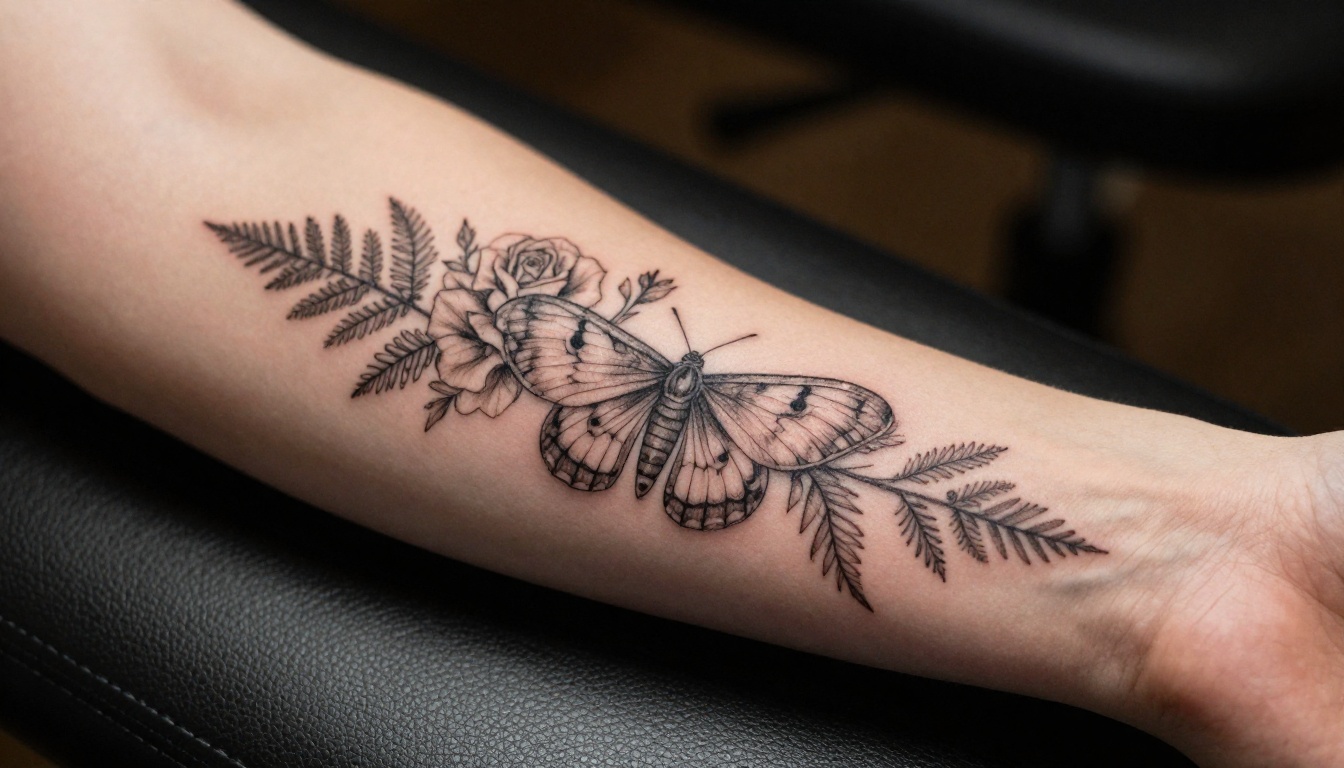
A well-structured flipbook answers all five questions in a single sitting. Static galleries answer maybe two. That gap is where studios win or lose clients every day.
What a Digital Flipbook Actually Does
More Than a Scrollable PDF
A PDF is a static document. You open it, zoom in awkwardly, and close it. A flipbook created on Flipbooks AI is an experience. Pages turn with a satisfying animation. The layout respects your design. Mobile visitors get a fully responsive view that looks as good on a phone screen as it does on a desktop monitor.
Here is what separates a flipbook from every other portfolio format:
| Feature | Printed Portfolio | PDF File | Digital Flipbook |
|---|
| Mobile-friendly | No | Barely | Yes, fully responsive |
| Page-turning animation | Yes | No | Yes |
| Shareable via link | No | Sort of | Yes, instant link |
| Embeddable on website | No | No | Yes |
| Password protection | No | No | Yes |
| Analytics on views | No | No | Yes (Professional plan) |
| No printing cost | No | Yes | Yes |
| Always up to date | No | Sort of | Yes |
The Interactive Difference
When a client can flip through your portfolio at their own pace, dwell on a piece they love, zoom into detail, and then share the link with a friend saying "this is the artist I am booking," that is a fundamentally different conversion path than asking them to scroll an Instagram grid.
The Digital Portfolio Creator and Portfolio Flipbook Builder on Flipbooks AI are built precisely for this kind of professional showcase use case.
What to Put in Your Tattoo Flipbook
Portfolio Sections That Convert
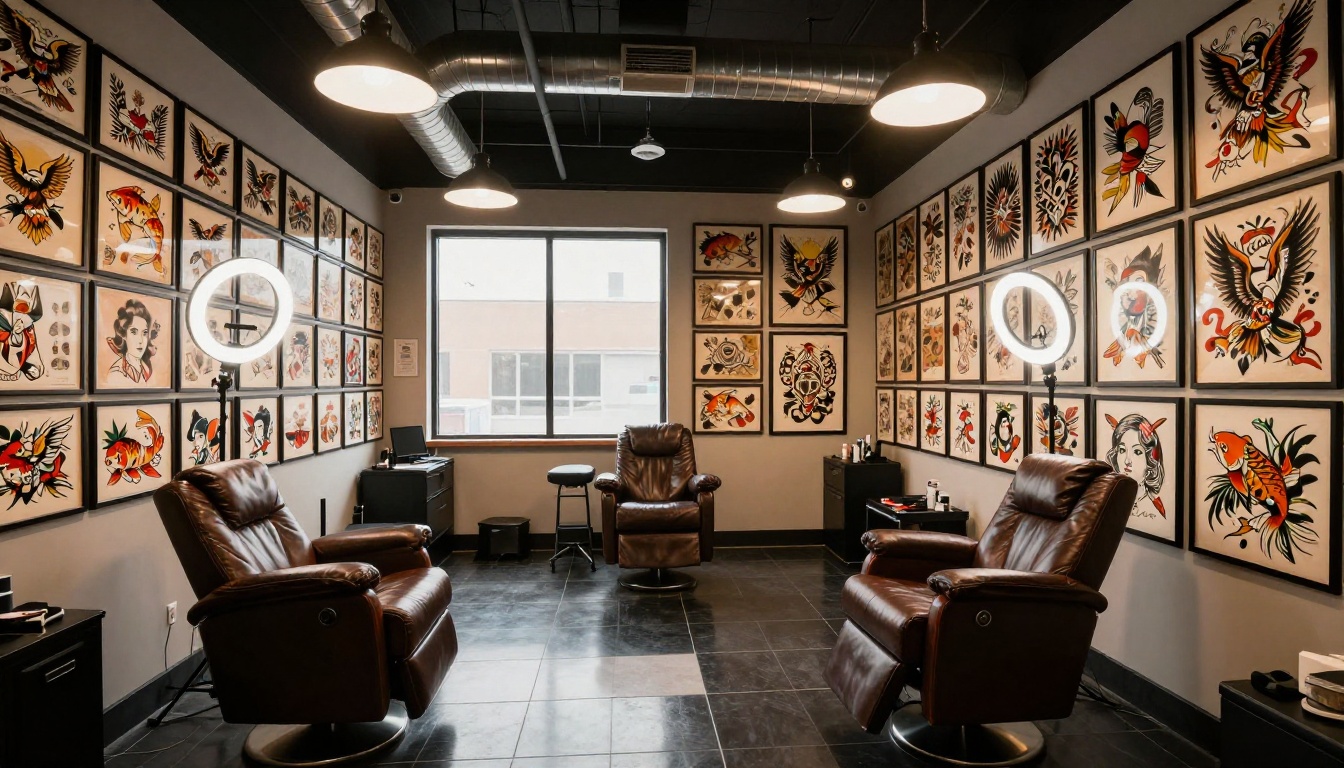
The biggest mistake tattoo studios make when building their first digital portfolio is dumping everything into one document with no structure. More work is not better. Curated work is better.
Structure your flipbook like this:
- Opening Page: Studio name, artist name, and one striking hero image (full-bleed, your best piece)
- About the Artist: One short paragraph and a professional photo. Human connection matters before the ink does.
- Style Breakdown: One section per style you offer. Fine-line, blackwork, traditional, realism, Japanese
- Detail Close-ups: Two or three macro shots per style showing linework precision and shading depth
- Healed Results: Before-and-after or fully healed shots. This is what clients trust most.
- Flash Available: Current flash designs clients can book directly
- Booking Information: How to reach you, deposit policy, and consultation process
- Pricing Overview: Ranges, minimum spend, hourly rate if you charge that way
💡 Put your most impressive piece on page 2 or 3, not page 1. Let the opening page intrigue them, then hit them with your strongest work on the second turn of the page.
Flash Sheets and Style Pages
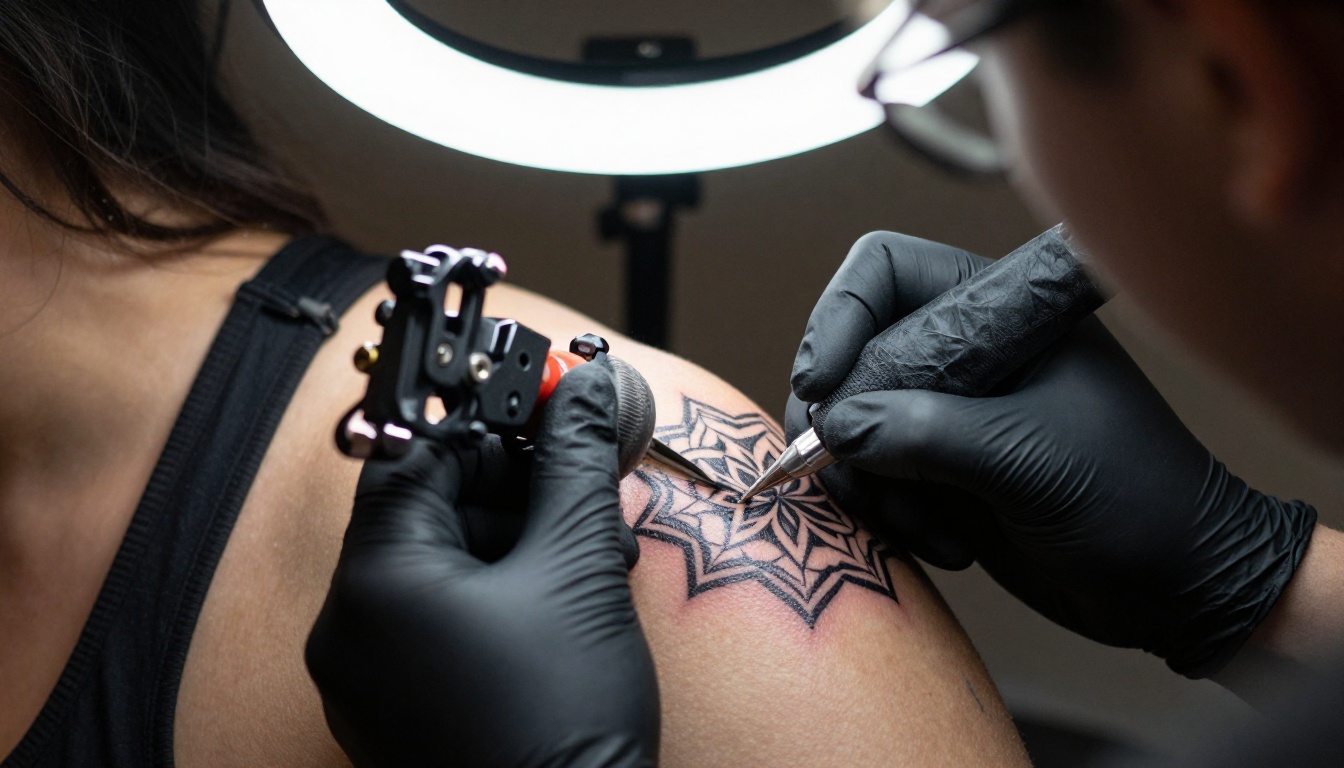
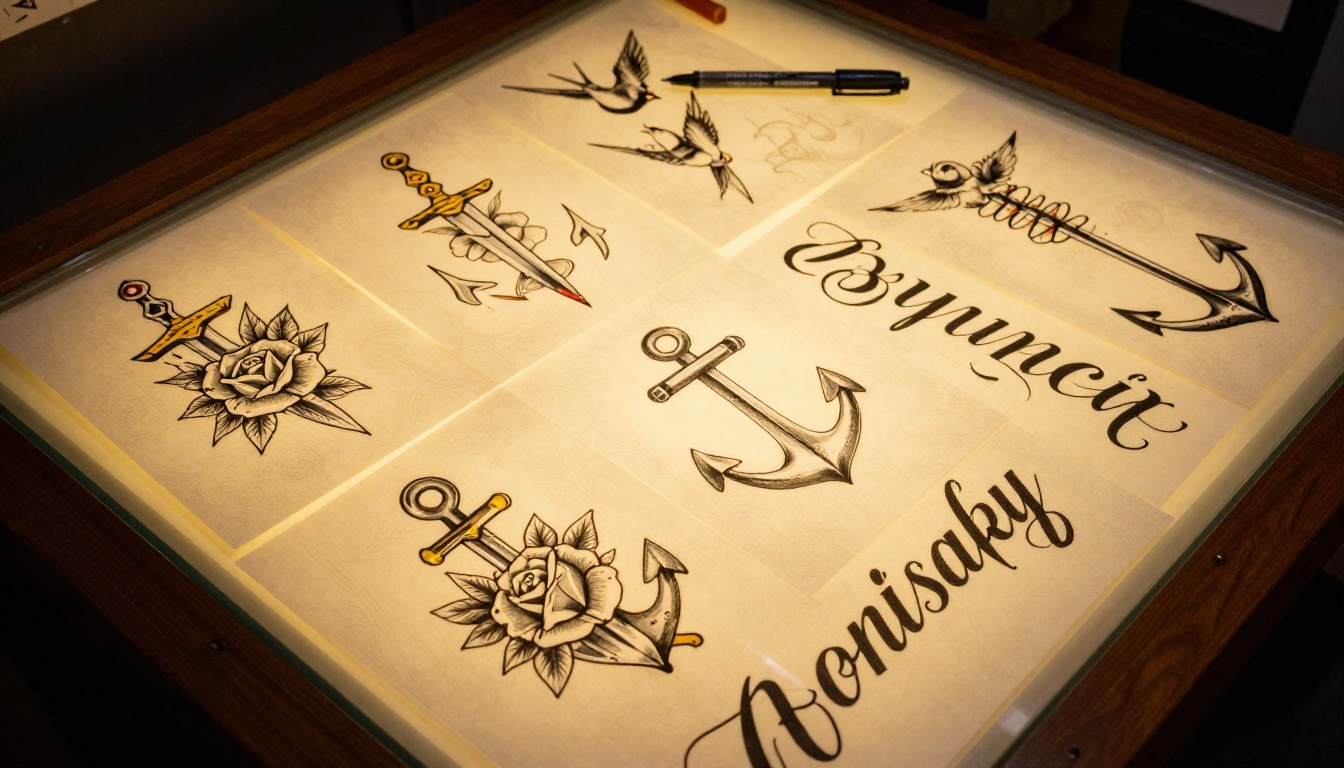
Flash sheets are one of the most underused assets in a tattoo studio's marketing toolkit. They take hours to draw, live in a binder at the front desk, and maybe ten percent of walk-ins ever see them. Put them in a flipbook and they work for you 24 hours a day.
A dedicated flash flipbook does several things at once:
- Creates urgency: Limited flash designs that can be claimed once create real booking pressure
- Drives impulse bookings: Clients see a design they love and want to book immediately
- Shows your drawing ability: Flash is proof of artistic range beyond tattooed skin
- Reduces consultation time: The client already knows what they want when they arrive
⚠️ Do not make your flash flipbook too long. Fifteen to twenty-five designs is the sweet spot. More than that and decision fatigue kicks in before they reach the booking page.
Pricing and Studio Info
A pricing section in your flipbook signals professionalism and filters out tire-kickers before they ever contact you. You do not need to list every scenario, just the basics:
| Service | Starting Price | Notes |
|---|
| Small piece (under 3 hours) | $200+ | Minimum applies |
| Half day session (4-5 hours) | $800-$1,200 | By appointment only |
| Full day session (7-8 hours) | $1,500-$2,000 | Large-scale work |
| Touch-up (existing client) | Free or reduced | Policy varies by artist |
| Consultation | Free | Required for custom work |
Clear, scannable pricing information builds trust before the client even picks up the phone or sends a DM. It also saves everyone time.
How to Make a Flipbook for Your Tattoo Studio
The process on Flipbooks AI is intentionally simple. Here is exactly how to do it from start to finish.
Step 1: Build Your Portfolio PDF
Before you upload anything, your PDF needs to be ready. Use design tools like Canva, Adobe InDesign, or Keynote to lay out your pages. Each page should be:
- Consistently sized: Portrait (A4 or Letter) works best for portfolio-style content
- High resolution: Export at 150-300 DPI. Tattoo detail needs to be crisp at zoom
- Organized by section: Do not mix styles randomly. Group similar work together
- Visually branded: Use a consistent color palette so the portfolio feels cohesive
✅ Use your studio's brand colors for section headers and page borders. A consistent visual identity across every page makes the portfolio feel intentional, not assembled.
Step 2: Upload to Flipbooks AI
Once your PDF is ready, head to Flipbooks AI and create a free account. The upload process takes less than two minutes:
- Click Create New Flipbook
- Upload your PDF (drag and drop works perfectly)
- Wait for conversion, typically under 60 seconds
- Preview the result in the interactive viewer before publishing
Your portfolio is now a fully functional digital flipbook with page-turning animation, zoom capability, and mobile responsiveness built in.

Step 3: Brand It Your Way
After upload, you can customize the flipbook to match your studio identity:
- Set a custom title and description for each flipbook
- Choose your preview thumbnail (the frame shown in link previews and embeds)
- Apply password protection if you want to keep certain content private (pricing flipbooks for existing clients, for example)
- Add your studio name to the viewer interface
💡 Create separate flipbooks for different purposes: one public portfolio, one private flash sheet collection for walk-ins, one for consultation prep. Each gets its own shareable link.
Step 4: Share and Embed
This is where the flipbook earns its place in your daily workflow:
- Direct link: Copy the URL and paste it anywhere. Into a DM reply, a booking confirmation email, your Instagram bio, or your Linktree
- Embed on your website: Flipbooks AI gives you a one-line embed code. Drop it into any page on your site and the flipbook appears inline
- QR code: Generate a QR code from the link and print it at your front desk. Walk-ins scan it and immediately start browsing your full portfolio on their own phone without any friction

Plan Options for Tattoo Studios
Flipbooks AI offers tiered plans. Here is what matters for a working tattoo studio:
| Feature | Free | Standard | Professional |
|---|
| Number of flipbooks | 1 | Unlimited | Unlimited |
| Watermark on viewer | Yes | No | No |
| Password protection | No | Yes | Yes |
| Custom branding | No | Yes | Yes |
| Analytics and view tracking | No | No | Yes |
| Lead capture forms | No | No | Yes |
| Offline downloads | No | No | Yes |
| Priority support | No | No | Yes |
For a working studio, the Standard plan is the realistic starting point. No watermarks, unlimited flipbooks, and password protection means you can run your public portfolio, a private flash sheet, and a studio info flipbook simultaneously. The Professional plan adds analytics, which matters when you want to know which pieces get the most attention before a client reaches out.
Check pricing plans to find what fits your studio's current stage.
Real Ways Tattoo Studios Use Flipbooks
Walk-In Client Experience
The front desk scenario is one of the highest-value use cases. Instead of handing a walk-in a printed binder, you hand them a tablet with your flipbook open, or you print a QR code they scan with their own phone. They get the full portfolio experience: every piece organized, every style labeled, in a format they already know how to use.
The result is a better-informed client who comes to the counter knowing what they want and who has already mentally committed to booking.
Remote Consultations
For artists who do virtual consultations via DM, email, or video call, a flipbook link is a much stronger tool than a portfolio website or an Instagram profile. You can send a flipbook curated to exactly the style a client inquired about, and they can review it on their own time before the call.
💡 Create a consultation prep flipbook that includes your booking policies, deposit terms, and aftercare information. Send it automatically with every booking confirmation to reduce follow-up questions.
Flash Sales and Seasonal Promotions
A flash sale flipbook is easy to create, easy to share, and easy to update. Design ten to fifteen flash pieces, build a simple PDF layout, upload it to Flipbooks AI, and share the link via Instagram Stories. When the flash event ends, update the PDF and re-upload. The link stays the same. The content changes. No reprinting, no new linktree entries, no confusion.
Making Multiple Flipbooks by Style
One Flipbook per Tattoo Style
One of the most effective strategies for studios with multiple artists or a broad style range is to build separate flipbooks per style. This makes your portfolio infinitely more useful for a client who arrives knowing exactly what they want.
Example structure for a multi-artist studio:
| Flipbook | Artist | Style Focus | Audience |
|---|
| Public Portfolio | All Artists | Best work across all styles | New visitors, walk-ins |
| Fine-Line Specialist | Artist A | Botanical, script, minimalist | Clients seeking delicate work |
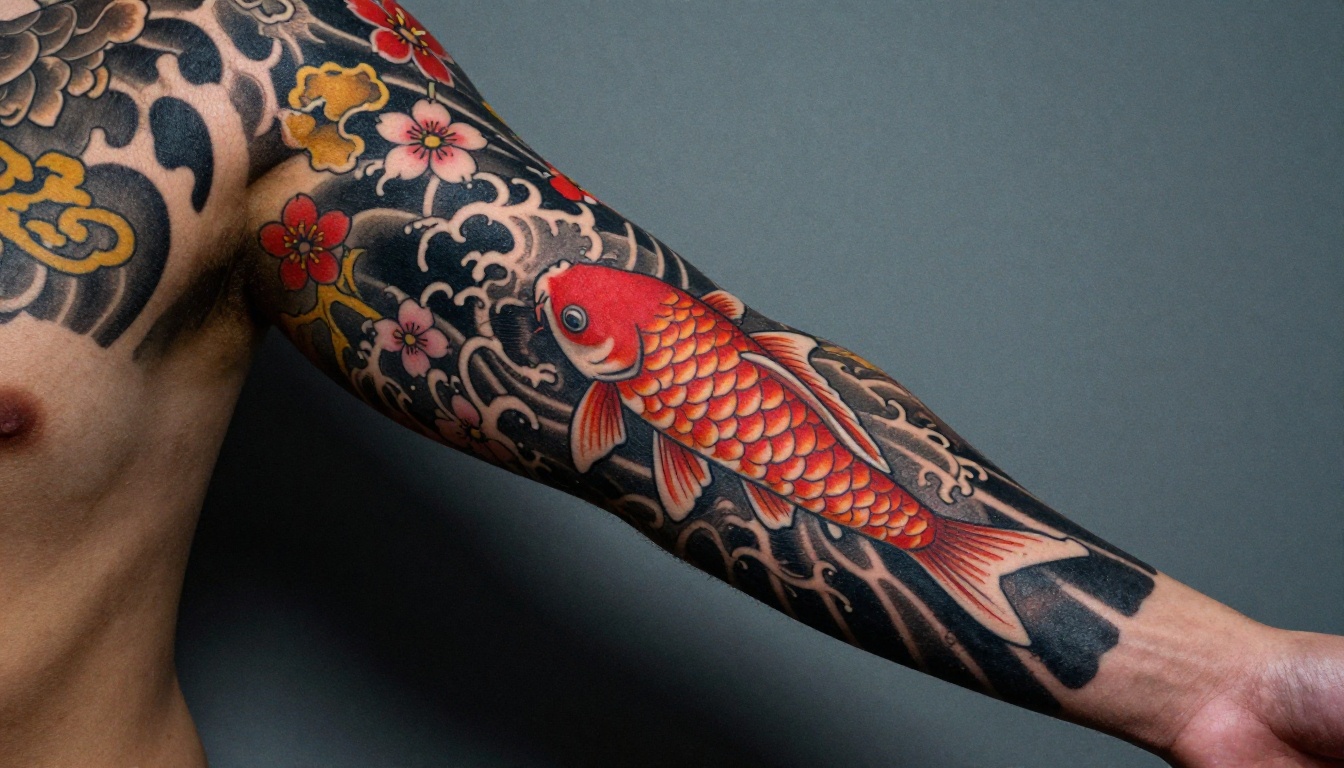
| Japanese Traditional | Artist B | Koi, dragons, chrysanthemums | Japanese style seekers |
| Blackwork and Dotwork | Artist C | Geometric, tribal, mandala | Bold work seekers |
| Available Flash | All Artists | Ready-to-book designs | Impulse bookings |
| Studio Info and Pricing | Studio | Policies, rates, contact | Warm leads pre-booking |
Each flipbook lives at its own link. You share the right one at the right moment. No client has to wade through styles they do not care about.
The Photography Portfolio and Interactive Lookbook Designer tools on Flipbooks AI are also worth checking for studios that want a more editorial, fashion-forward feel for artist spotlights or seasonal style lookbooks.
Your Studio Deserves a Better Showcase
Your work deserves more than a photo grid buried in an algorithm. Every piece you have done took hours of skill, and every client you could be booking is out there right now looking at someone else's portfolio because it was easier to browse.
A tattoo studio flipbook takes less than an afternoon to set up and works for you indefinitely. It answers client questions before they ask them, builds trust before they walk through the door, and gives your studio a professional online presence that most local competitors simply do not have.
Ready to build yours? Create your first flipbook for free and see the difference in how clients respond to your portfolio. Browse all available tools and templates to find the right format for your studio, or review the pricing options to choose the plan that fits where you are right now.



