Your travel photos tell stories that words struggle to capture: the golden light over Santorini, the chaos of a Marrakech souk, the silence of a Patagonian glacier. But sitting in a folder on your laptop, those stories reach nobody. Making a flipbook for your travel photography changes that entirely. With Flipbooks AI, you can turn any collection of travel shots into a page-turning digital album that people actually want to open, share, and revisit. This article walks you through exactly how to do it, from curating your best shots to publishing a shareable flipbook in minutes.
Why Your Travel Photos Deserve Better
Most travel photography ends up in one of three places: a phone gallery nobody scrolls through, a social media dump that gets buried in 48 hours, or a hard drive that collects dust. None of these do your photos justice. The images you took deserve an audience, a format, and a presentation that matches the effort you put into capturing them.
Static Albums Miss the Point
A gallery app shows thumbnails. A static PDF forces people to scroll. Neither creates the feeling of actually flipping through a photo book, where the act of turning a page creates anticipation and meaning. That physical sensation, translated into a digital format, is exactly what a flipbook delivers.
When you make a flipbook for your travel photography, you give viewers something they want to interact with, not just look at. The page-turn animation mirrors the way humans have consumed visual stories for centuries, and it makes your photos feel intentional rather than accidental.
What a Digital Flipbook Actually Does
A digital travel flipbook is a shareable, interactive publication that mimics the feel of a printed photo book. Unlike a PDF or a slideshow:
- It opens in any browser, on any device, with no downloads required
- Pages animate with a realistic flip effect
- You can embed it on a website, share a direct link, or send it as a private password-protected URL
- It loads fast, even with high-resolution photos
- Viewers can zoom into specific shots without leaving the flipbook
💡 Travel photographers use flipbooks not just for personal memories but as portfolio pieces, client presentation decks, and pitch materials for travel publications.
How to Pick the Right Photos
Before you open any tool, you need to edit ruthlessly. The single biggest mistake people make when creating a travel photo album is including too many photos. More photos do not mean a better flipbook. They mean a diluted one.
Curating vs. Dumping Everything
A flipbook is not a backup drive. It is a curated story. Ask yourself: if someone had 60 seconds to flip through this, what would stop them on a page?
The rule of thumb: aim for 30 to 60 photos per destination. This gives you enough to tell a complete visual story without overwhelming the viewer. For multi-country trips, consider separate flipbooks per destination, or use a chapter-style layout with clear visual breaks between regions.
3 Photo Types Every Travel Flipbook Needs
A strong travel flipbook always contains a mix of these three categories. If any one is missing, the album feels off-balance.
| Photo Type | Purpose | Example |
|---|
| Wide establishing shots | Set the scene and location | Aerial view of a city, coastline panorama |
| Detail and texture shots | Create intimacy and depth | Close-up of tiled walls, market spices, local food |
| Human moments | Add emotion and scale | People, self-portraits, locals in context |
Without all three, the flipbook feels either too abstract (all landscapes, no warmth) or too personal (all people shots, no sense of place). The mix is what creates a complete narrative that resonates with people who were not there.
⚠️ Avoid including blurry shots, duplicate compositions, or images that only make sense to you personally. If someone who has never been to that destination would not appreciate it, cut it.
How to Make a Travel Photography Flipbook
Here is the exact process to build your travel flipbook using Flipbooks AI. It works whether you are a solo traveler documenting a road trip or a professional photographer presenting work to a client.
Step 1: Organize and Export Your Photos
Before uploading, organize your photos into the sequence you want them to appear. Most people choose one of two approaches:
- Chronological: Day 1 through Day 14. Works well for single-destination trips where the narrative arc of the journey matters.
- Thematic: Grouped by category (architecture, food, people, nature). Works well for multi-city or documentary-style albums where visual cohesion is more important than timeline.
Once sequenced, export your photos into a PDF. Most photo editing tools including Lightroom, Apple Photos, and Google Photos can export a selected album directly to PDF. Set the PDF to landscape orientation (16:9 or 4:3) for the best flipbook viewing experience on screens.
💡 If you are using Lightroom, export at 2000px on the long edge at 85% JPEG quality. This balances visual sharpness with fast loading times once the flipbook is published.
Step 2: Upload to Flipbooks AI
- Go to flipbooksai.com and create your account
- Click New Flipbook from your dashboard
- Upload your travel photo PDF using drag and drop or the file browser
- Wait for the conversion, typically under 30 seconds for a 60-page album
- Your flipbook preview loads automatically so you can review every page
The PDF to Flipbook Converter handles everything automatically. No technical setup, no coding, no manual page matching required.
Step 3: Customize Your Flipbook
Once converted, the customization panel gives you control over how your album looks and feels:
- Set your opening image: Pick your strongest photo for the first page to hook viewers immediately
- Add a title and subtitle: Something like "Japan, April 2025" or "Two Weeks in South America"
- Choose a background color: Dark backgrounds make photos pop; light backgrounds suit documentary styles
- Enable page sound effects: The subtle flip sound adds tactile realism that viewers notice
- Add multimedia: Embed audio clips, ambient sounds, or short video highlights directly into specific pages
For travel photography specifically, the Photography Portfolio Flipbook tool is purpose-built with layouts optimized for full-bleed photo spreads and large-format image display.
Step 4: Share Your Flipbook
When your flipbook is ready, you have several ways to put it in front of the right people:
- Direct link: Share a clean URL via email, WhatsApp, or any messaging platform
- Embed code: Paste into your travel blog, portfolio site, or WordPress page using the Embed Flipbook on Website tool
- Password protection: Lock it for family and close friends only, keeping personal albums private
- Download: Save an offline version for presentations or attaching to email pitches
✅ The direct link works on mobile, tablet, and desktop without any app download. Your viewer just taps the link and the flipbook opens instantly in their browser.
Best Layouts for Travel Photo Flipbooks
Not all travel flipbooks should look the same. The layout you choose should reflect how you shot and how you want the story told to your specific audience.
Country-by-Country Layouts
If you traveled across multiple countries or regions, consider a chapter-based layout. This means:
- A title page for each country using a black page with the country name and a map outline
- Full-bleed landscape shots as chapter openers to set the visual tone
- Detail pages with 2 to 4 smaller photos per spread to add variety and rhythm
This structure gives the flipbook a book-like rhythm that keeps viewers engaged without feeling repetitive or visually monotonous.
Chronological vs. Thematic: Which Works Better
| Approach | Best For | Pros | Cons |
|---|
| Chronological | Single-destination trips, travel diaries | Tells a clear story, easy to follow | Can feel slow if nothing dramatic happened mid-trip |
| Thematic | Multi-destination, documentary-style | Visually cohesive, great for portfolios | Loses the sense of journey and progression |
| Hybrid | Long trips with multiple stops | Combines narrative flow and visual impact | Requires more planning upfront |
For most personal travel albums, the hybrid approach works best. Open chronologically to establish the journey, then group the most striking images thematically toward the end for maximum visual payoff.
Sharing Your Travel Flipbook
Send It, Embed It, or Print It
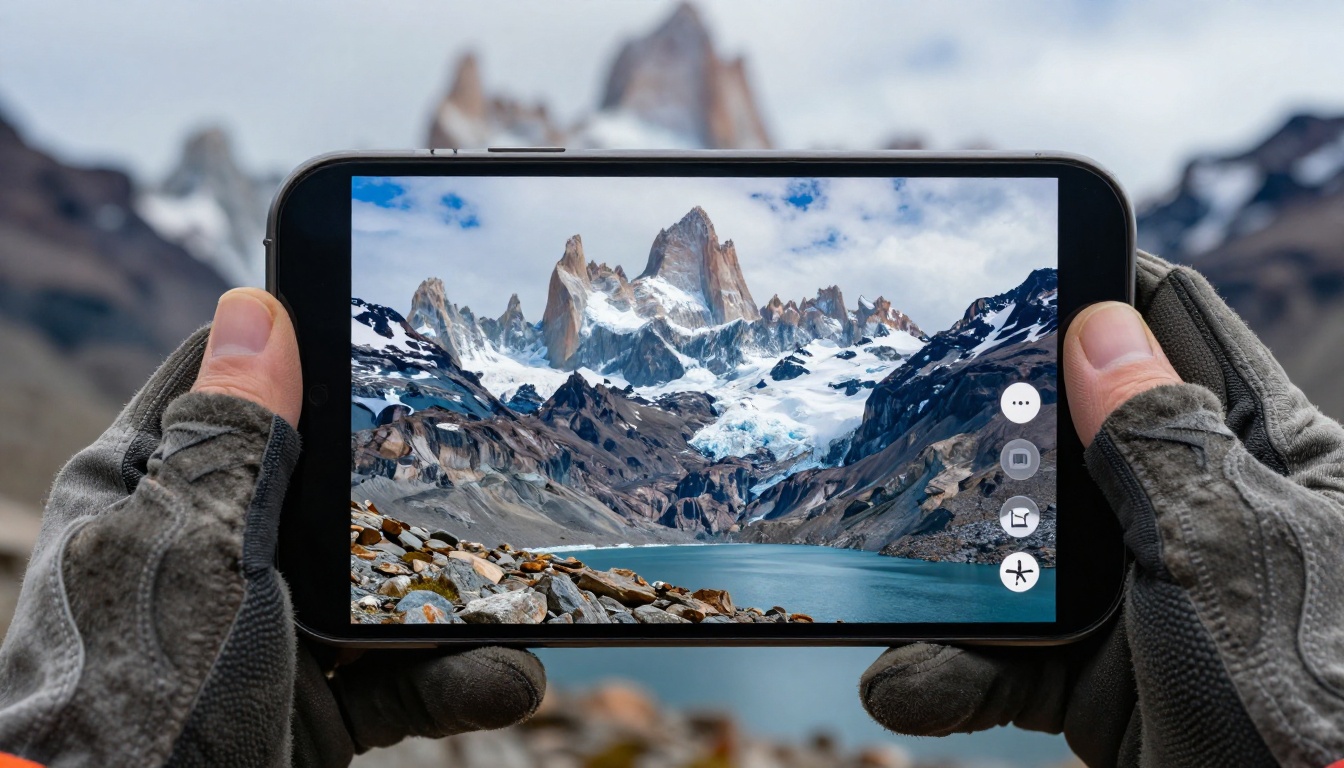
The three primary ways people share their travel flipbooks, each suited to a different audience and purpose:
Sharing with family and friends: A direct link sent via WhatsApp, email, or text. Recipients open it instantly on their phone. No login required to view, no app to install, nothing to figure out. Your 70-year-old relative can flip through it on their tablet without any friction.
Embedding on a blog or portfolio: If you run a travel blog, paste the embed code into any post and the flipbook appears inline. Readers can flip through your photos without leaving your site. This is particularly effective for travel writers who want to show a destination rather than just describe it, and it meaningfully increases time-on-page.
Client presentations: Travel photographers use flipbooks to present edited galleries to clients before the final delivery. The interactive format feels more premium than sending a Dropbox link full of JPEGs and signals professionalism from the first impression.
Password Protection for Private Albums
Not every travel album is meant for public sharing. Family trips, honeymoon photos, or personal journals can be locked with a password using Flipbooks AI's built-in protection feature.
The password-protected link means only people with the password can view it. No public indexing, no accidental sharing, and full control over who sees your memories and when.
Plans That Fit Every Traveler
Flipbooks AI offers tiered pricing so you only pay for what you actually need. Here is a breakdown relevant to travel photographers at different stages:
| Plan | Best For | What's Included |
|---|
| Free | Testing before committing | 1 flipbook, basic sharing, Flipbooks AI branding |
| Standard | Casual travelers, personal use | Unlimited flipbooks, no watermarks, custom branding, password protection |
| Professional | Travel bloggers, working photographers | Everything in Standard, plus analytics, lead generation, offline downloads, priority support |
💡 If you plan to share your flipbooks publicly as a portfolio or travel blog asset, the Standard plan is the sweet spot. Unlimited flipbooks and no watermarks make a significant difference in how professional your published work appears to clients and editors.
Check the full pricing breakdown to see which plan fits your workflow and how often you create and share travel content.
Real Ways People Use Travel Photo Flipbooks
Here are concrete scenarios where making a flipbook for your travel photography delivers real, tangible value:
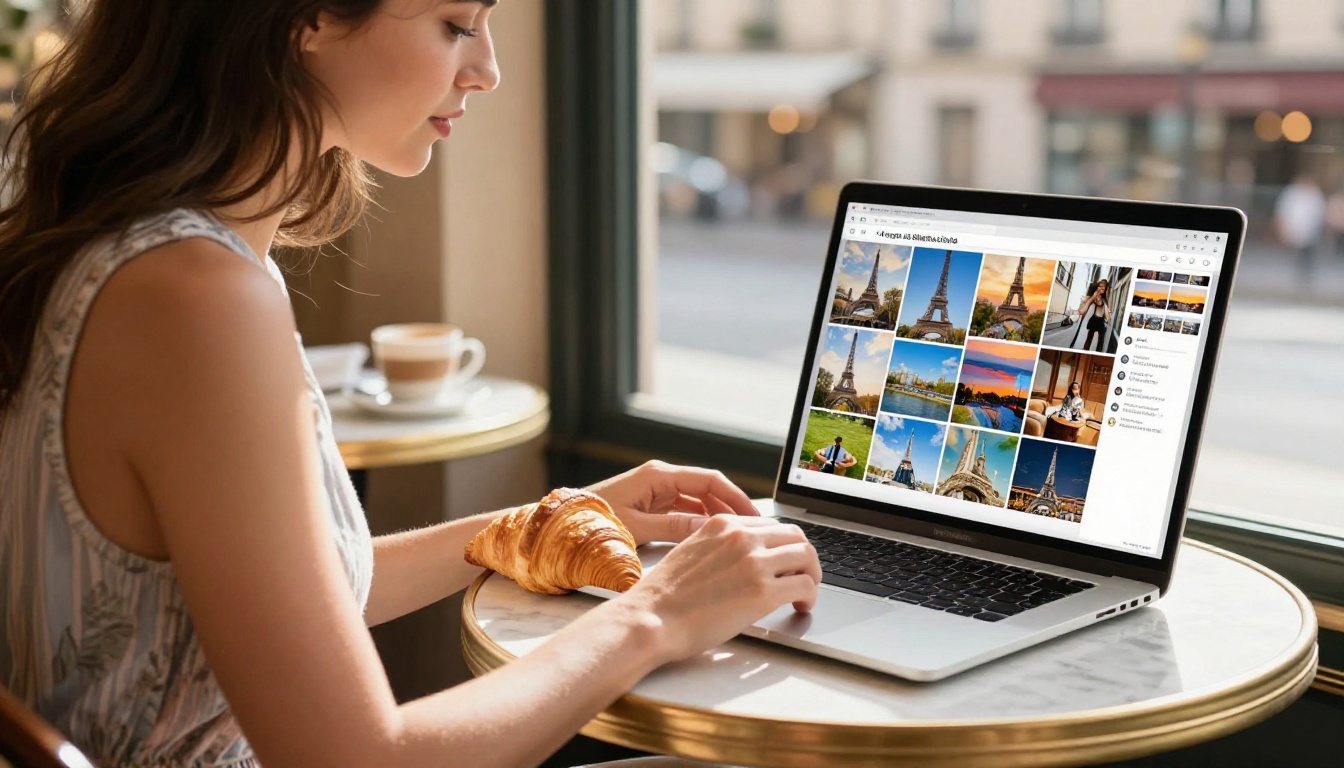
The solo backpacker who travels for three months across Southeast Asia. Instead of bombarding friends with 400 Instagram posts, they create one flipbook per country and share it at the end of each leg. Each flipbook becomes a self-contained chapter of the trip, and friends actually look forward to each new one.
The family vacation documentarian who wants grandparents to see the photos from the family trip to Japan. They create a password-protected flipbook with 50 curated shots, share the link and password, and grandparents can flip through it on their iPad in the living room without needing an account or downloading anything.
The freelance travel photographer who pitches destination articles to travel magazines. Instead of sending a Google Drive folder, they send a professional-looking Photography Portfolio Flipbook that editors can review in seconds, no downloads needed. The interactive format immediately sets them apart from photographers who send plain file links.
The travel blogger who wants to increase time-on-page. An embedded flipbook of a destination keeps readers on the page far longer than static images, and it gives them a compelling reason to share the post with others who might enjoy flipping through the photos.
The couple who got married abroad. They document the destination wedding and honeymoon in a Wedding Album Flipbook, sharing the link at the reception and later with family members who could not attend. The flipbook format makes the album feel like something worth returning to repeatedly.
The travel educator who runs photography workshops in different cities. They create a course album for each cohort using the Digital Portfolio Creator so students can see the full body of work from each workshop as a cohesive, shareable collection they are proud to send to employers or clients.
✅ Travel content creators can also use the Travel Guide Flipbook tool to build destination-specific visual guides for readers, newsletter subscribers, or paid clients.
Your Photos Are Ready. Now So Are You.
Travel photography is one of the most personal forms of visual storytelling. The photos you take represent real moments, real places, and real feelings that a static image alone struggles to convey. A flipbook restores that narrative quality, giving your audience a way to move through your journey at their own pace, on their own terms, and on any device they happen to be using.
Whether you are creating a personal memory album, building a professional photography portfolio, or sharing a destination with people who could not be there, making a flipbook for your travel photography is one of the most impactful things you can do with your shots.
Ready to turn your photos into something people will actually flip through? Create your first travel flipbook on Flipbooks AI today. No watermarks, no limits on how many flipbooks you create, just your photos presented the way they deserve to be seen.
Not sure which plan fits your workflow? Compare pricing options and find the right one for how often you travel and share. You can also browse all available tools to find purpose-built templates for portfolios, travel guides, and every other format your photography might take.



