Vintage stores sell things that can't be replicated. That one-of-a-kind 1972 suede jacket, the barely-worn silk wrap dress from the 1960s, the perfectly worn-in Levi's that nobody makes anymore. The problem is that most vintage sellers rely on Instagram posts and word-of-mouth to show off their inventory, and that leaves serious money on the table. A digital flipbook catalog built with Flipbooks AI changes that completely.
Why Vintage Stores Need a Digital Catalog
Brick-and-mortar vintage stores have always had a discovery problem. A customer walks in, browses the racks, and either finds something or doesn't. Online, the same challenge gets harder. A grid of product photos feels flat. Social media posts disappear in hours. Email newsletters rarely get opened. A digital flipbook solves all three.
When you make a flipbook for your vintage store, you create a browsable, page-turning experience that mirrors the feeling of walking through your shop. Customers swipe through pages, linger on items they love, and share the catalog with friends. That kind of experience is sticky in a way a product grid will never be.
The Psychology Behind Page-Turning
There's a reason print catalogs were a billion-dollar industry for decades. The act of turning a page creates anticipation. The next item could be perfect. Digital flipbooks recreate that feeling entirely in a browser or on mobile.
Research on e-commerce consistently shows that interactive content generates significantly more time-on-site than static pages. A flipbook catalog gets customers to spend more time with your inventory, which directly increases the chance they contact you or make a purchase.
What Vintage Shoppers Actually Want
Vintage buyers are not impulse shoppers. They are hunters. They want to browse, compare, and take their time. A scrollable page-by-page catalog caters to exactly that behavior. It lets them move at their own pace through your full collection in one cohesive visual experience, instead of jumping between product listings or scrolling through a social media feed.

What Makes a Vintage Flipbook Work
Not every digital catalog converts. The ones that do share a few specific qualities that you can replicate without any design experience.
Photography That Shows Character
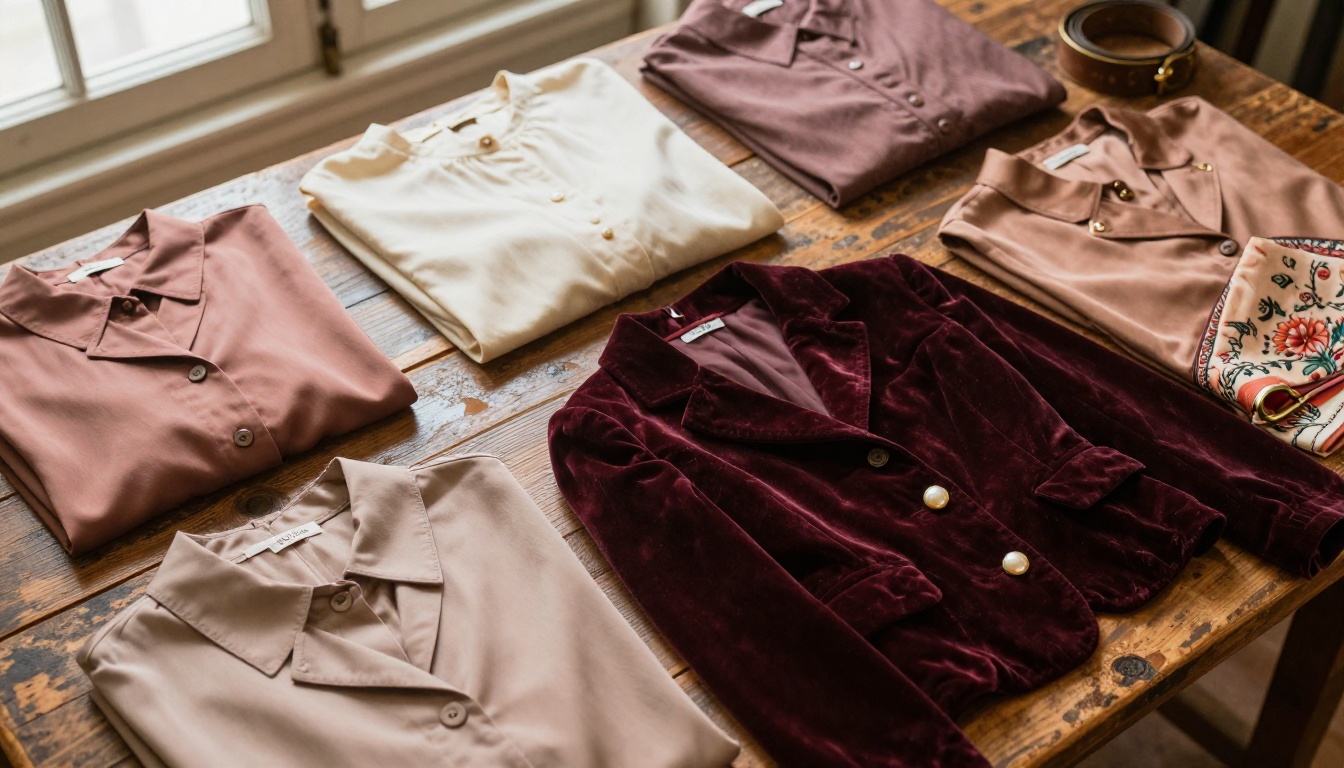
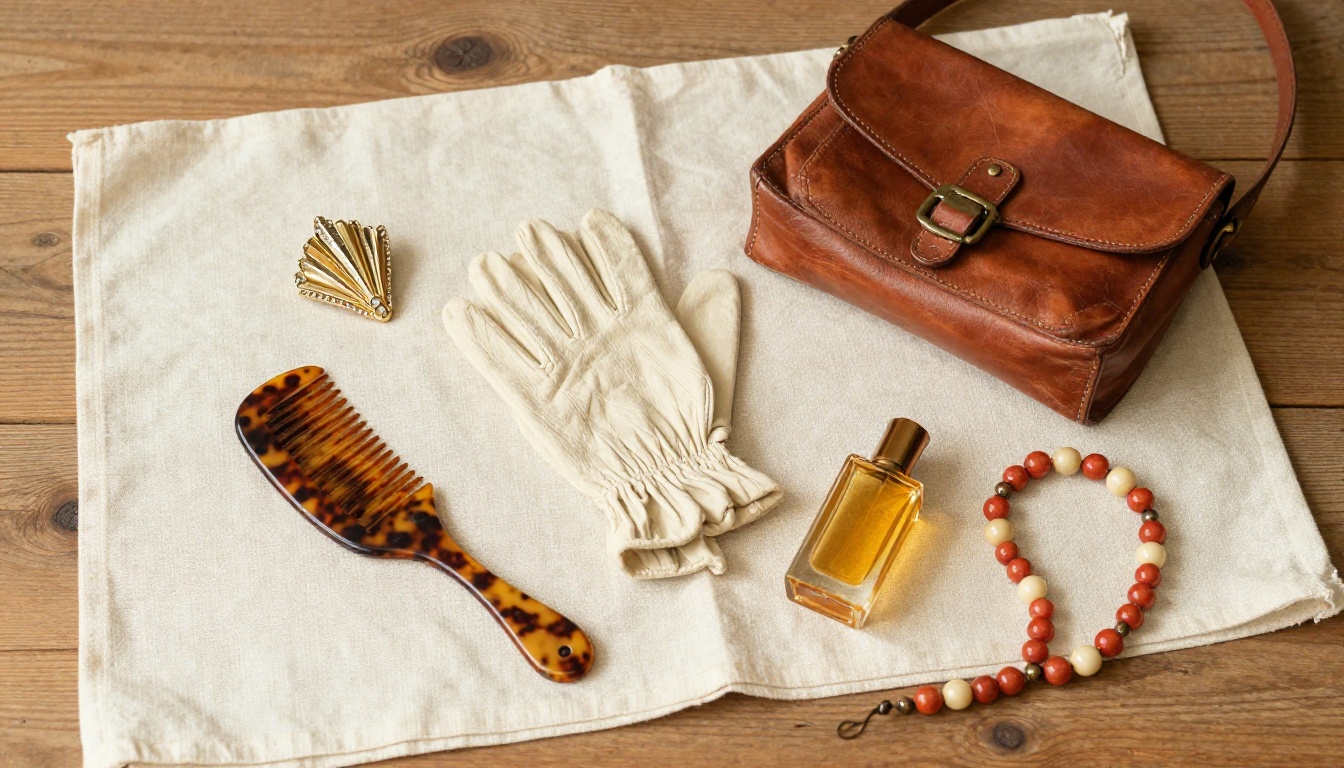
For vintage items, standard white-background product photography misses the point. What sells a vintage piece is the story, the texture, the wear. Your flipbook images should show the item being worn, laid flat on a tactile surface, or placed in a setting that evokes the era it came from.
💡 Use natural window light whenever possible. A 1970s denim jacket shot on a wooden floor in morning light will always outperform the same jacket on a plastic mannequin under studio lights.
Shoot at multiple angles. Show the label. Show a close-up of a distinctive button or a piece of embroidery. Vintage buyers want evidence, not just aesthetics. The more detail you provide in the catalog, the fewer questions you field later and the more confident buyers feel clicking purchase.
Page Layouts That Tell a Story
Organize your flipbook the way a thoughtful boutique is organized. Group by era, category, or color. Each section should feel like its own room in the store, not a random assortment of items thrown together.
A solid vintage flipbook structure looks like this:
| Section | Content | Purpose |
|---|
| Opening spread | Hero image of the store or collection | Set the mood and brand |
| Category dividers | Section header pages by era or item type | Help customers navigate |
| Product pages | 1-2 items per page with description and price | Drive purchase intent |
| Detail close-ups | Texture shots, labels, unique features | Build trust and reduce returns |
| Contact/Order page | Phone, email, website, social media | Convert browsers into buyers |
How to Build Your Vintage Catalog Flipbook
This is the practical part. You do not need design software, a developer, or a big budget. What you need is a PDF of your catalog and a free account on Flipbooks AI.
Step 1: Organize Your Inventory First
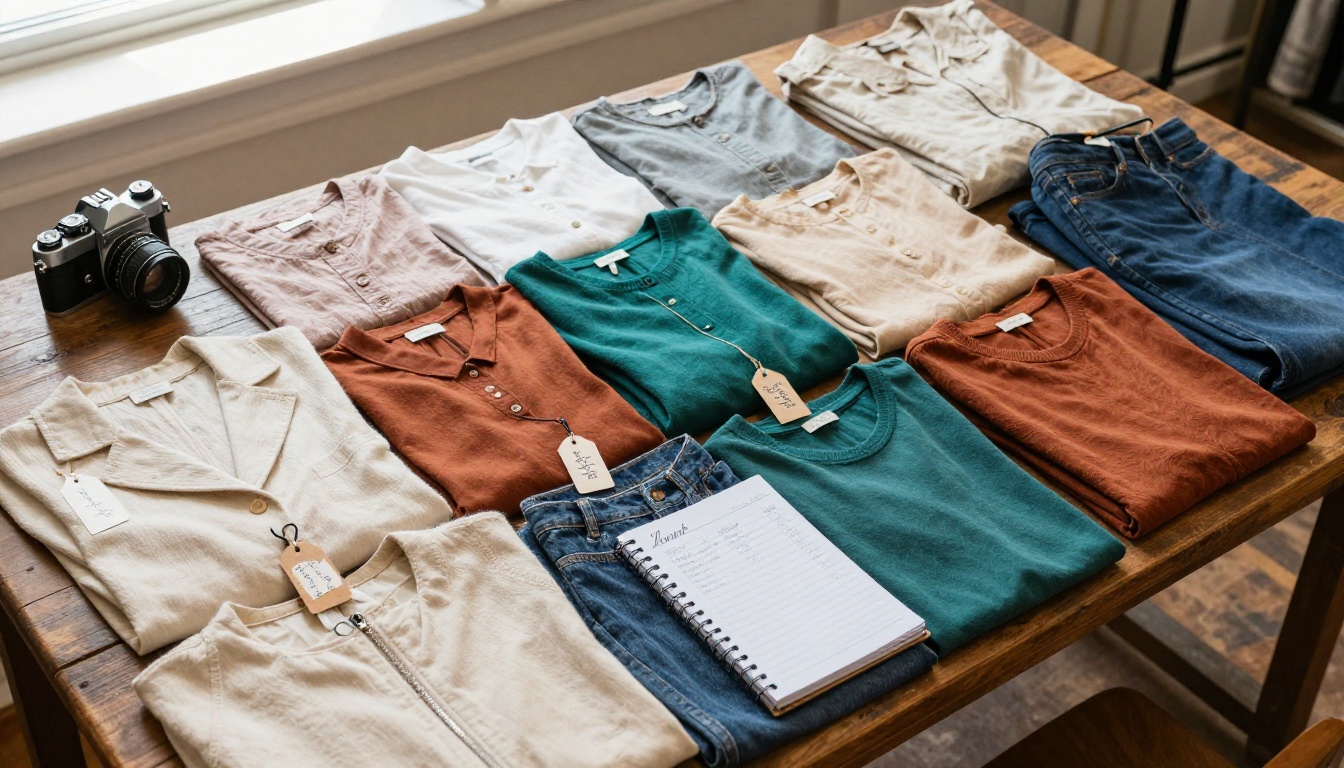
Before you open any software, spend 30 minutes doing this on paper or in a spreadsheet:
- List every item you want to include in the catalog
- Assign each item a category (tops, bottoms, dresses, accessories, outerwear)
- Note the price, era/decade, size, and condition for each piece
- Flag items that need better photos before shooting begins
This inventory list becomes the skeleton of your flipbook. You'll reference it throughout the design process to make sure nothing gets left out and every spread flows logically from one item to the next.
Step 2: Design Your PDF Catalog
You have several options here, from dead-simple to fully custom:
- Canva: Free templates for product catalogs. Drag your photos in, add text, export as PDF.
- Adobe InDesign: Professional-grade layout tool. Longer setup time but maximum creative control.
- Google Slides: Surprisingly effective for a basic vintage catalog. Each slide becomes a flipbook page.
- Microsoft Publisher: Solid for small businesses already in the Microsoft ecosystem.
✅ Best practice: Use A4 or Letter size pages for the best flipbook display. Keep margins generous. One or two items per page reads better than cramming in five, and it gives each piece room to breathe.
Whatever tool you use, your PDF is just the input. The flipbook magic happens in the next step.

Step 3: Upload and Convert on Flipbooks AI
- Go to Flipbooks AI and create a free account
- Click New Flipbook and upload your PDF file
- The platform converts each PDF page into an interactive flipbook page automatically
- View a live preview of the result within seconds, no waiting required
The PDF to Flipbook Converter handles all file sizes and preserves your fonts, images, and layout exactly as designed. No reformatting required on your end.
💡 For vintage stores specifically, the Interactive Lookbook Designer is worth checking out. It is built for exactly this kind of editorial catalog format with fashion-forward layouts and rich visual spreads.
Step 4: Customize Your Vintage Flipbook
This is where your brand comes through. In the Flipbooks AI editor you can:
- Set the front and back page images separately from the PDF content for a polished first impression
- Choose page-turn animation (realistic page flip, slide, or fade)
- Add your store name, logo, and brand colors to the flipbook frame
- Embed a background music track for a fully immersive browsing experience
- Set password protection if you want a private catalog for wholesale buyers
- Add a custom domain so the flipbook URL matches your store website
⚠️ Watch out: Many free flipbook tools add watermarks to every page. Flipbooks AI has no watermarks on any paid plan, which matters when you're presenting a professional catalog to customers or wholesale partners who need to see clean, brand-focused pages.
Step 5: Share It Everywhere
Once your flipbook is live, you have four main ways to get it in front of customers:
- Direct link: Share on Instagram bio, Facebook posts, email newsletters, and WhatsApp groups
- Embed on your website: Copy the embed code and paste it into any webpage, Shopify store, or Squarespace site using the Embed Flipbook on Website tool
- QR code: Print it on business cards, packaging inserts, or your storefront window so in-person visitors can access the full online catalog on their phone
- Email alternative: Instead of attaching a large PDF that may get flagged by spam filters, send the flipbook link directly and track who opens it

Not all flipbooks are built the same way. Depending on your store's focus, one of these formats may suit you better than a standard product catalog.
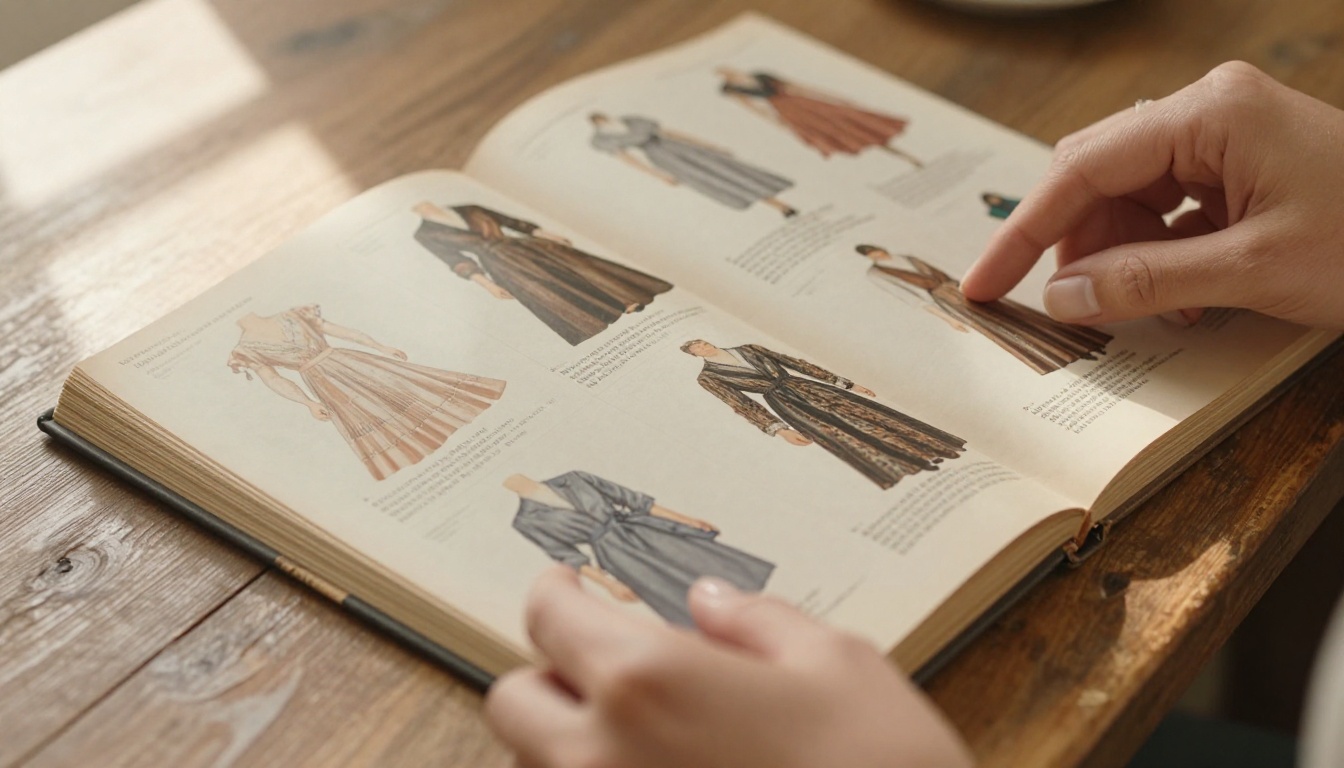
For most vintage stores, starting with a product catalog or lookbook format gives the best return on time invested. The lookbook format works especially well if you have high-quality styled photographs that tell a visual story rather than just documenting inventory.
It is worth being honest about where a flipbook fits versus other options you already use.
| Channel | Reach | Time Spent | Shelf Life | Cost |
|---|
| Instagram grid | High | Low | 24-48 hours | Free but time-intensive |
| Static website gallery | Medium | Low | Permanent | Low to Medium |
| PDF download | Low | Medium | Permanent | Free |
| Digital flipbook | Medium-High | High | Permanent | Low |
| Print catalog | Low | Very High | Weeks to Months | High |
A flipbook does not replace Instagram. It supplements it. Use Instagram to drive traffic and create awareness, then use your flipbook to convert that traffic into buyers who spend real time with your collection and feel confident enough to reach out.
Choosing the Right Plan
Flipbooks AI offers three tiers, and the right one for your vintage store depends on how often you publish new catalogs and whether you need analytics or lead capture.
| Feature | Free | Standard | Professional |
|---|
| Flipbooks per month | Limited | Unlimited | Unlimited |
| Watermarks | Yes | No | No |
| Custom branding | No | Yes | Yes |
| Password protection | No | Yes | Yes |
| Analytics | No | No | Yes |
| Lead generation forms | No | No | Yes |
| Offline downloads | No | Yes | Yes |
| Embed on website | No | Yes | Yes |
For a vintage store that publishes one or two catalogs per season, the Standard plan hits the sweet spot. If you want to know which catalog pages get the most views, or you want to capture email leads from people browsing your collection, the Professional plan adds those capabilities.
💡 Analytics on a flipbook tells you something invaluable: which items in your catalog people linger on the longest. That data directly informs your next buying trip or photo shoot priorities and tells you exactly what your customers respond to before you spend a cent on inventory.
Real Situations Where This Actually Helps
The seasonal clearance sale: Instead of posting 40 individual items on Instagram over two weeks, build a single clearance flipbook. Drop the link in your bio and in a single email blast. Customers browse everything at once, and you sell through inventory faster without the fatigue of daily posting.
The wholesale pitch: If you sell to boutiques or other resellers, a professional flipbook catalog positions you as a serious supplier. Add password protection so only your wholesale contacts can access it, and include a dedicated pricing page for bulk orders.
The pop-up market catalog: At a market or fair, you can only display a fraction of what you carry. Put the full collection in a flipbook, print a QR code on a card, and hand it out to everyone who stops at your table. They take your full inventory home in their pocket.
The pre-launch preview: Building hype before a new collection drop? Share a password-protected flipbook with your most loyal customers 48 hours before the public launch. That kind of exclusivity keeps people coming back and builds a genuine sense of community around your store.
The press kit: Journalists and bloggers who write about vintage fashion need high-quality imagery and organized item information quickly. A flipbook is the most professional way to package it. Pair it with a Press Kit Designer layout for a complete media package that editors can flip through in seconds.
Before You Hit Publish
Before you publish your first vintage store flipbook, run through this checklist:
✅ Add a "How to Order" page somewhere in the middle of the flipbook, not just at the end. Customers who are ready to buy while browsing should not have to flip all the way to the last page to find your contact details. Remove that friction and you will see more inquiries.
Your Store Deserves More Than a Grid
Vintage clothing has texture, history, and personality baked into every piece. Showing it off in a flat static grid is doing it a disservice. A flipbook catalog gives your collection the editorial weight it deserves and positions your store as a brand rather than just another reseller.
The whole process, from PDF design to published flipbook, can be done in an afternoon. There is no complex setup process, no need for a developer, and no expensive design software required. The first time you share your flipbook link and watch someone flip through every page, you'll wish you had done it sooner.
Ready to create your first flipbook? Get started for free on Flipbooks AI and have your vintage store catalog live before the end of the day.
Browse all available tools and templates to find the format that fits your store best. Compare pricing plans and choose the one that matches your catalog volume and business goals.



