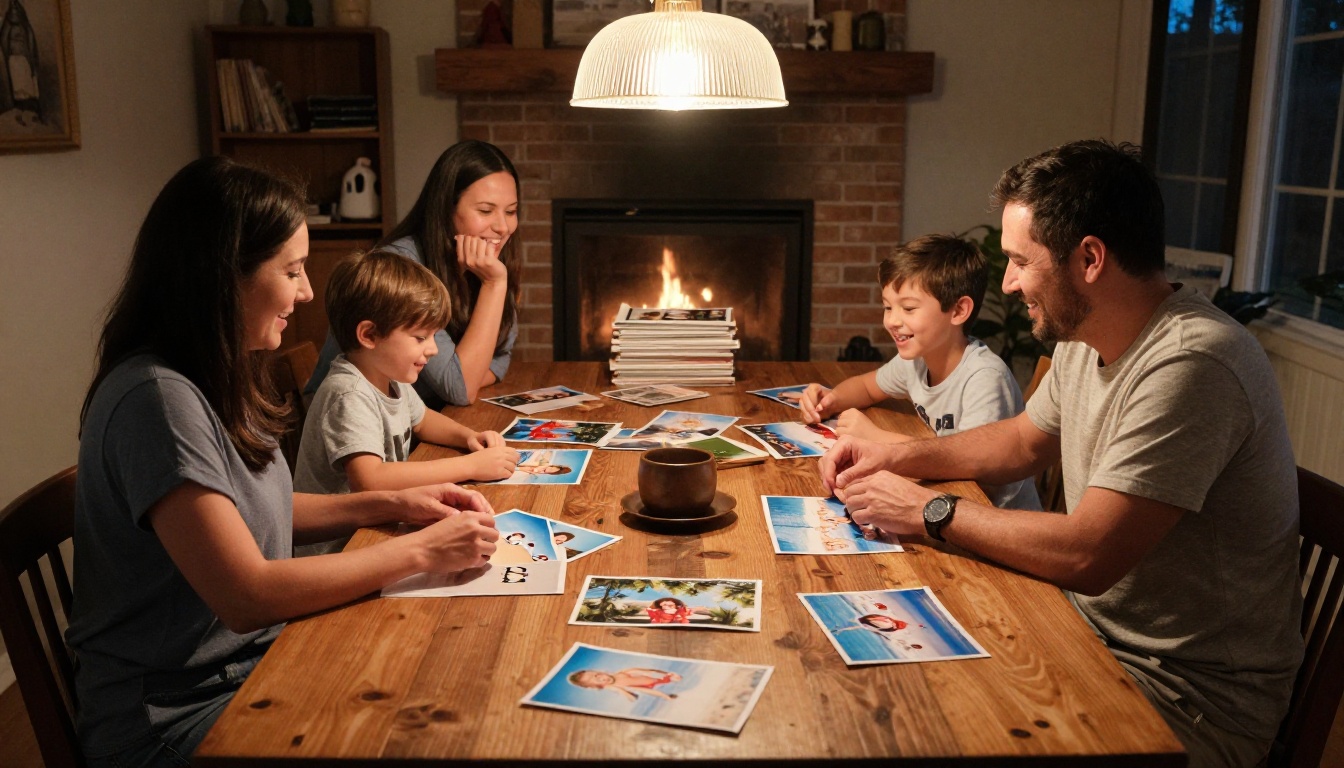
Your holiday photos are stuck. Right now, thousands of them sit buried inside a camera roll that almost nobody opens, a shared Google Drive folder with a forgettable name, or a dusty SD card from three summers ago. That is the fate of most vacation memories, and it does not have to be yours. With Flipbooks AI, you can make a flipbook from your holiday memories in minutes, turning those scattered snapshots into something people actually sit down to read, share, and keep forever.

Why Your Holiday Photos Keep Getting Forgotten
Most people take hundreds of photos on a single trip. The sunset from the hotel rooftop. The kids building sandcastles. The chaotic dinner at that tiny trattoria where nobody spoke the same language but everyone laughed. Those moments matter deeply when they happen, and then they quietly vanish into a digital void the moment you get home.
The problem is not the photos. The problem is the format.
The Camera Roll Is Not a Memory System
A camera roll is a filing cabinet, not a story. It stores images in the order they were taken, without context, narrative, or emotional flow. When your aunt asks to see the photos from your Greece trip, you hand her your phone and watch her swipe past 300 blurry shots of airport terminals before reaching the good ones. The experience strips away all the context that made those photos worth taking in the first place.
Print Albums Take Forever and Cost a Fortune
Physical photo books are beautiful, but they require hours of design work, can cost anywhere from $40 to over $150 to print, and once printed, they are permanent. Typos stay. Cropped heads stay. And sharing them means mailing a physical object across the country and hoping it arrives intact.
The Social Media Dump Falls Flat
Posting 47 vacation photos as a carousel might get a few likes but tells no real story. There is no structure, no pacing, no emotional arc. The algorithm buries it within hours, and the photos scatter across your profile with no coherent narrative tying them together.
What a Digital Flipbook Actually Does
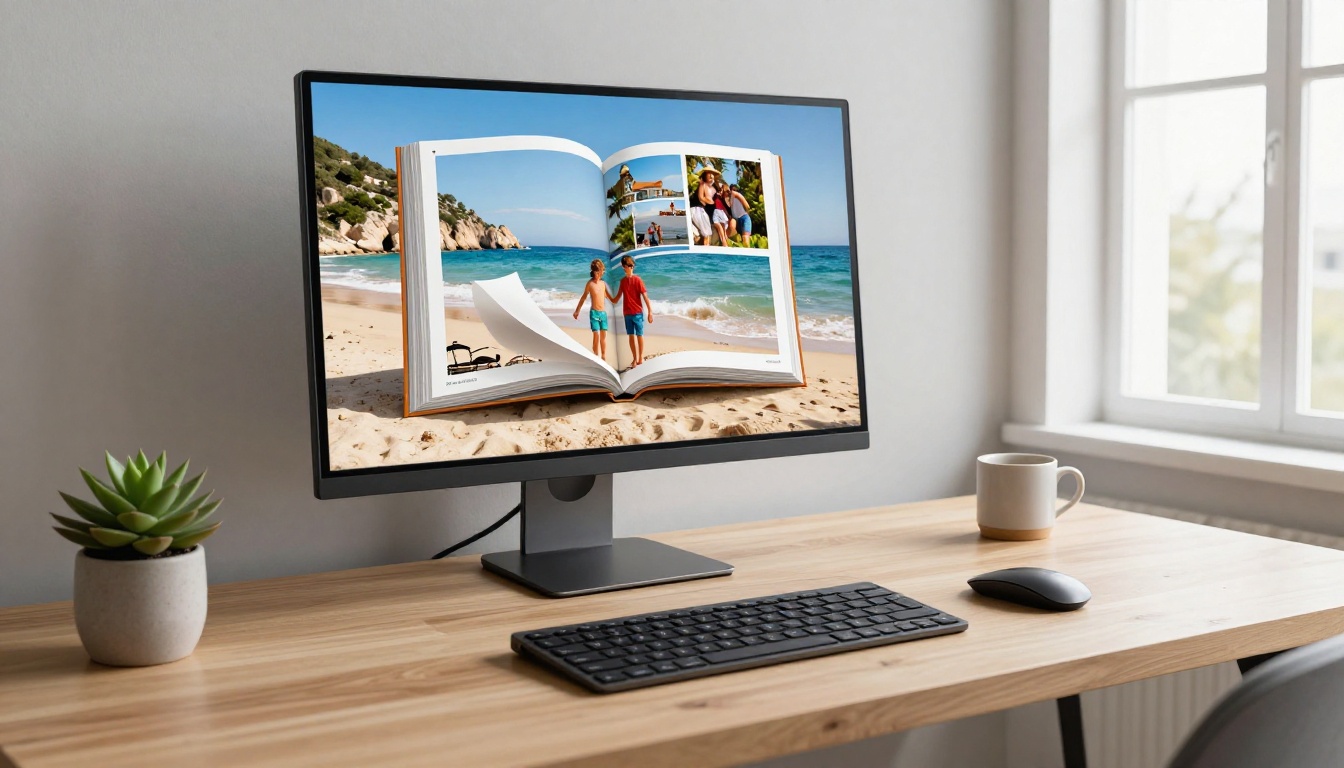
A digital flipbook takes your photos and transforms them into an interactive, page-turning experience that feels like a real printed book but lives entirely online. Pages turn with a realistic curl animation. The layout is clean and intentional. There is no compression, no disappearing links, and no confusing folder structure to navigate.
When you make a flipbook from your holiday memories on Flipbooks AI, the result is a shareable link that anyone can open on any device, from a smartphone to a 65-inch 4K TV. It looks polished, loads instantly, and preserves your photos in the exact order and context you chose.
💡 A digital flipbook is also far easier to update than a print album. Forgot to include the last day of the trip? Add those photos without reprinting anything.
| Format | Shareable | Cost | Editable | Interactive |
|---|
| Phone camera roll | Awkward | Free | Yes | No |
| Print photo album | Difficult | $40-$150 | No | No |
| Google Photos album | Yes (link) | Free | Yes | Minimal |
| Social media posts | Yes | Free | Partially | Minimal |
| Digital flipbook | Yes (one link) | Free to start | Yes | Yes |
Picking the Right Photos for Your Flipbook
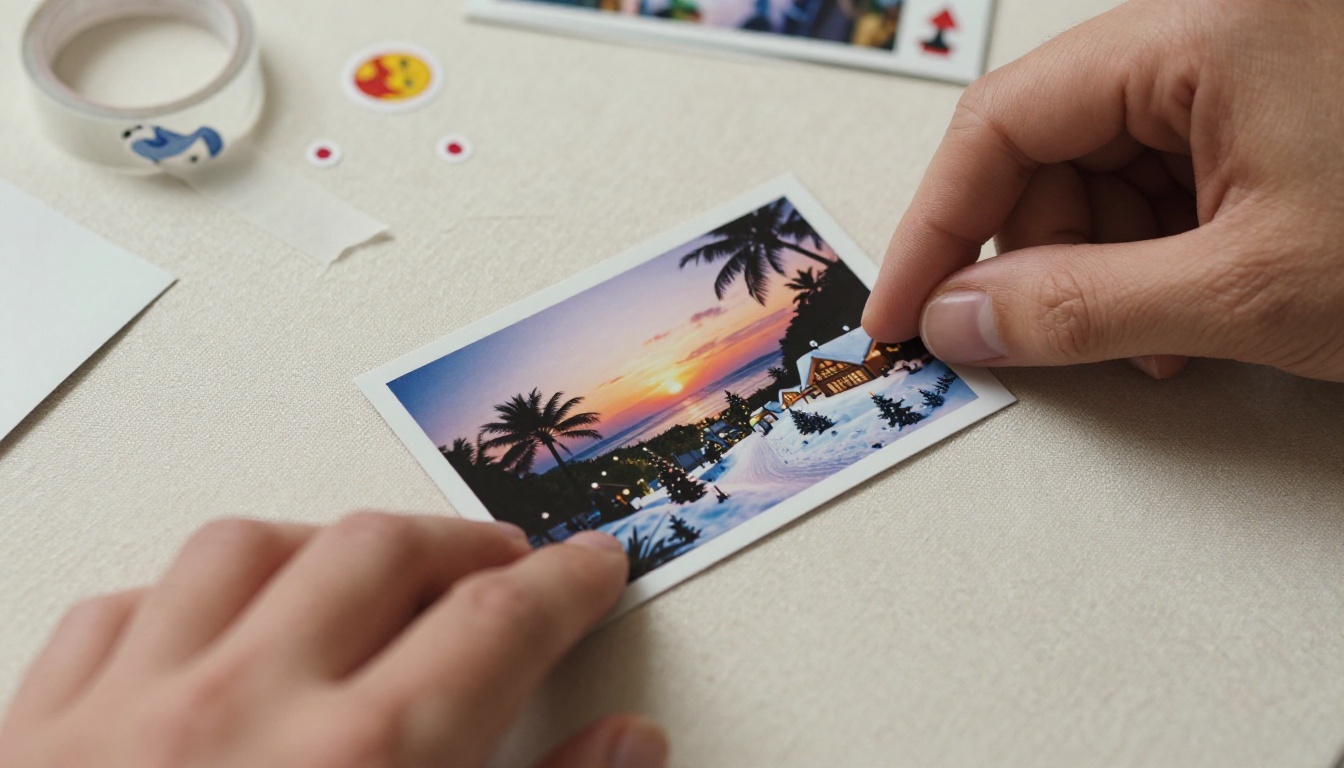
Before opening any software, the most important step is curation. A flipbook with 40 strong photos tells a far better story than one crammed with 200 mediocre ones. This is where most people rush past, and it shows.
Choose Photos That Tell a Story
Think of your holiday as a short film. Every good film needs an opening scene (arriving, the first view of the destination), a middle section full of varied moments (the experiences, the food, the people), and a satisfying close (the last sunset, the quiet morning before departure, the journey home). Pull photos that represent each act and discard the rest.
A useful rule: if you would not stop and look at this photo for ten full seconds, cut it.
Organize by Moment, Not by Date
Timestamps are invisible to the reader. What they notice is emotional rhythm. Organizing by experience rather than chronology creates a much more readable flipbook:
- Morning rituals: coffee on the balcony, the market run, early quiet walks
- Adventure shots: hikes, water activities, city exploration, local transport
- Food and culture: meals, local architecture, street scenes and market stalls
- People moments: candid laughter, group portraits, quiet individual shots
- The beautiful details: textures, light, local flora, signage and storefronts
- The closing moments: last meals, sunsets, packed bags, the departure
✅ Aim for 30 to 60 photos for a flipbook that feels complete without becoming exhausting to flip through. Quality over quantity every time.
How to Make a Flipbook from Your Holiday Memories
This is where everything comes together. Flipbooks AI handles the technical heavy lifting. Here is the full step-by-step process from raw photos to a published, shareable link.
Step 1: Create Your Account
Go to Flipbooks AI and sign up. The free tier lets you start immediately without a credit card. Once inside the dashboard, you will find a clean interface with a straightforward option to create a new flipbook from a PDF upload.
Step 2: Build Your PDF Layout
Before uploading, you need your photos arranged in a PDF. This sounds more technical than it is. Use any of these free and widely available methods:
- Canva: Drag your curated photos into a blank presentation template, add captions where useful, and export as PDF
- Google Slides: The same drag-and-drop process, completely free, exports a clean PDF on any device
- Apple Photos on Mac: The built-in book creation feature allows direct PDF export with solid default layouts
- Microsoft Word or PowerPoint: Insert photos into a landscape-oriented document, arrange them as you wish, and export as PDF
Set your page dimensions to 16:9 landscape or A4 landscape for the best appearance inside the flipbook viewer.
Step 3: Upload to Flipbooks AI
Click "New Flipbook" in your dashboard and upload your prepared PDF. The platform processes each page and converts it into an interactive, page-turning flipbook automatically. Most PDFs of 30 to 60 pages complete processing in under two minutes.
⚠️ Keep your PDF under 500MB for smooth uploads. If your file is larger, compress images inside Canva before exporting, or use a free tool like Squoosh to reduce individual image file sizes before building your layout.
Step 4: Customize the Look
Once the upload processes, the customization panel opens. Here you can adjust:
- Cover image: Use your single best photo as a full-bleed cover or choose from available cover layout templates
- Page flip animation speed: Faster for energetic trips, slower for more contemplative, atmospheric holidays
- Background color and texture: Match the mood of your trip, ocean blue for beach holidays, warm cream for countryside escapes
- Font and text styling: For any text overlays you added during the PDF layout stage
Step 5: Add Audio (Optional)
With the Standard plan and above, you can embed audio directly into your flipbook pages. Imagine flipping through photos of your Tuscany wine country trip while a short voice recording plays describing where you were and who was there. Or background ocean waves accompanying your beach holiday spread. This dimension is simply impossible in a physical album.
Step 6: Share Your Flipbook Everywhere
When you are satisfied with the result, copy your unique flipbook link. One link, working on every device and every browser. From there:
- Send via WhatsApp or iMessage: The link previews automatically when pasted
- Email to extended family: A single link replaces the file-size-limited email attachment problem entirely
- Password protect it: Only the people you choose can access it (Standard plan and above)
- Embed on a family website or blog: Use the built-in embed code to display the flipbook inline on any web page
- Download for offline use: Access your flipbook without an internet connection (Professional plan)
💡 Use the Wedding Album Flipbook tool for anniversary trip memories, or the Photography Portfolio tool if your holiday photography is genuinely portfolio-worthy.
Holiday Flipbook Ideas for Every Occasion
Different types of holidays call for different storytelling approaches. Here are four scenarios that translate especially well into digital flipbooks.

Summer Vacation at the Beach
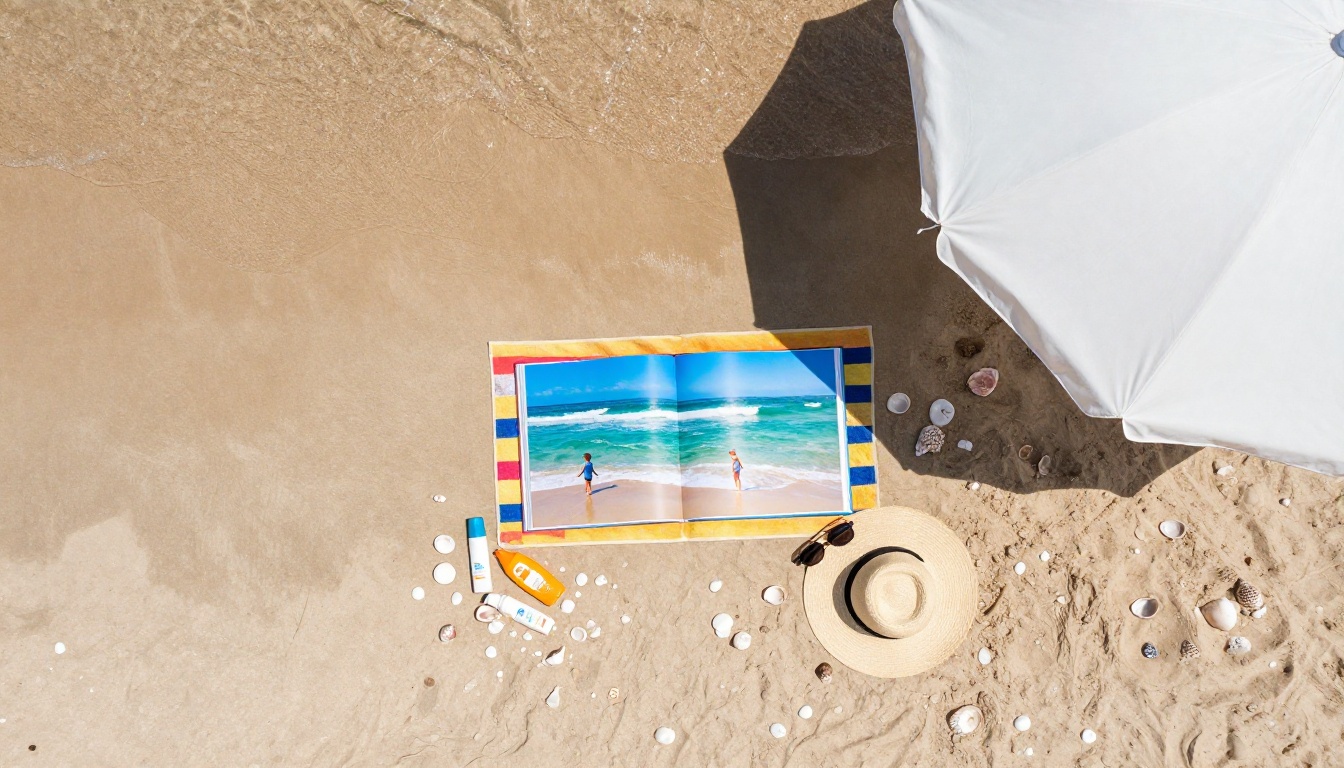
A beach holiday flipbook thrives on atmosphere and color. Open with a wide horizon shot, move through water activities, beach meals, and local market visits, then close with a golden hour silhouette that captures the feeling of the entire trip. The Travel Guide Flipbook tool provides a ready-made structure that works naturally for location-based holiday storytelling.
Christmas and New Year Gatherings
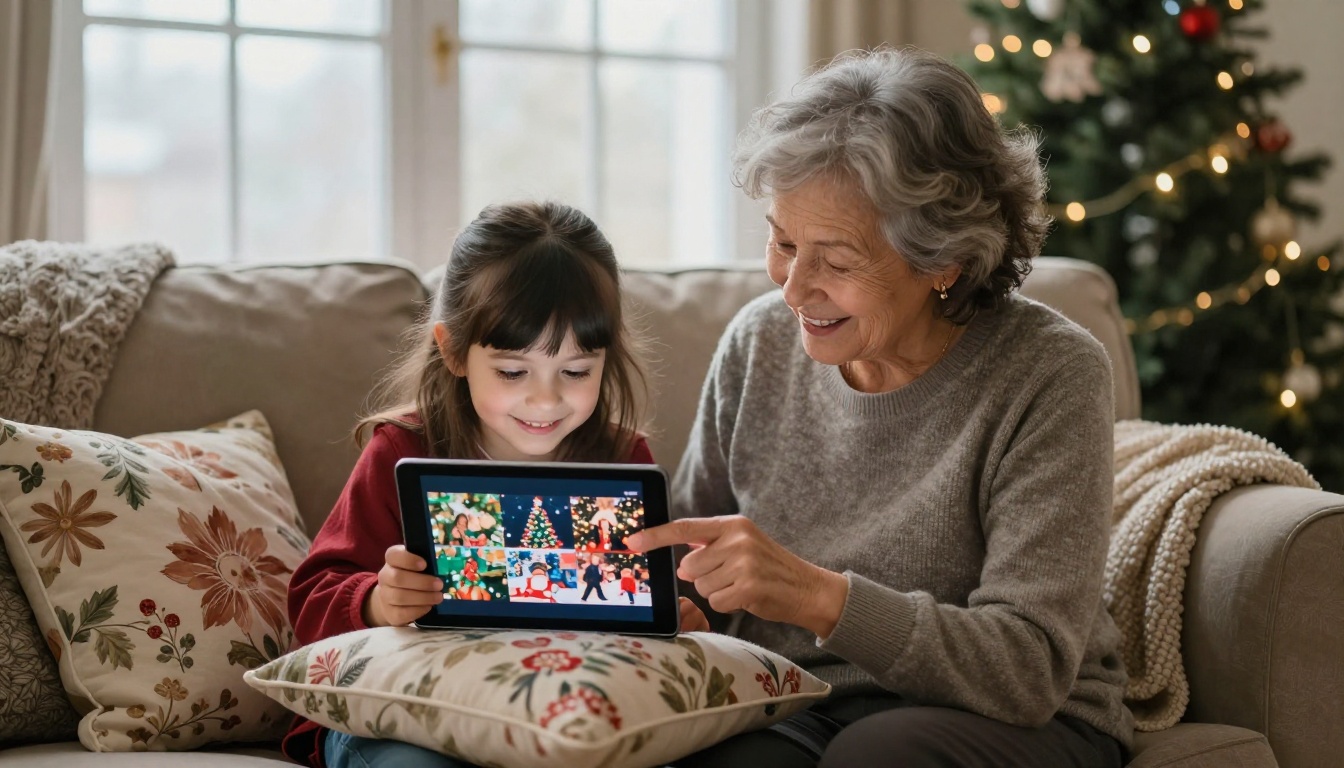
Christmas flipbooks are among the most emotionally powerful because they center on people rather than places. Focus on faces, the decorated table, the moment gifts are unwrapped, the quiet candlelit morning before the chaos begins. These are the photos that matter most to family members who could not be there in person. Password-protect your flipbook, drop the link into the family group chat, and the responses will speak for themselves.
Family Road Trips
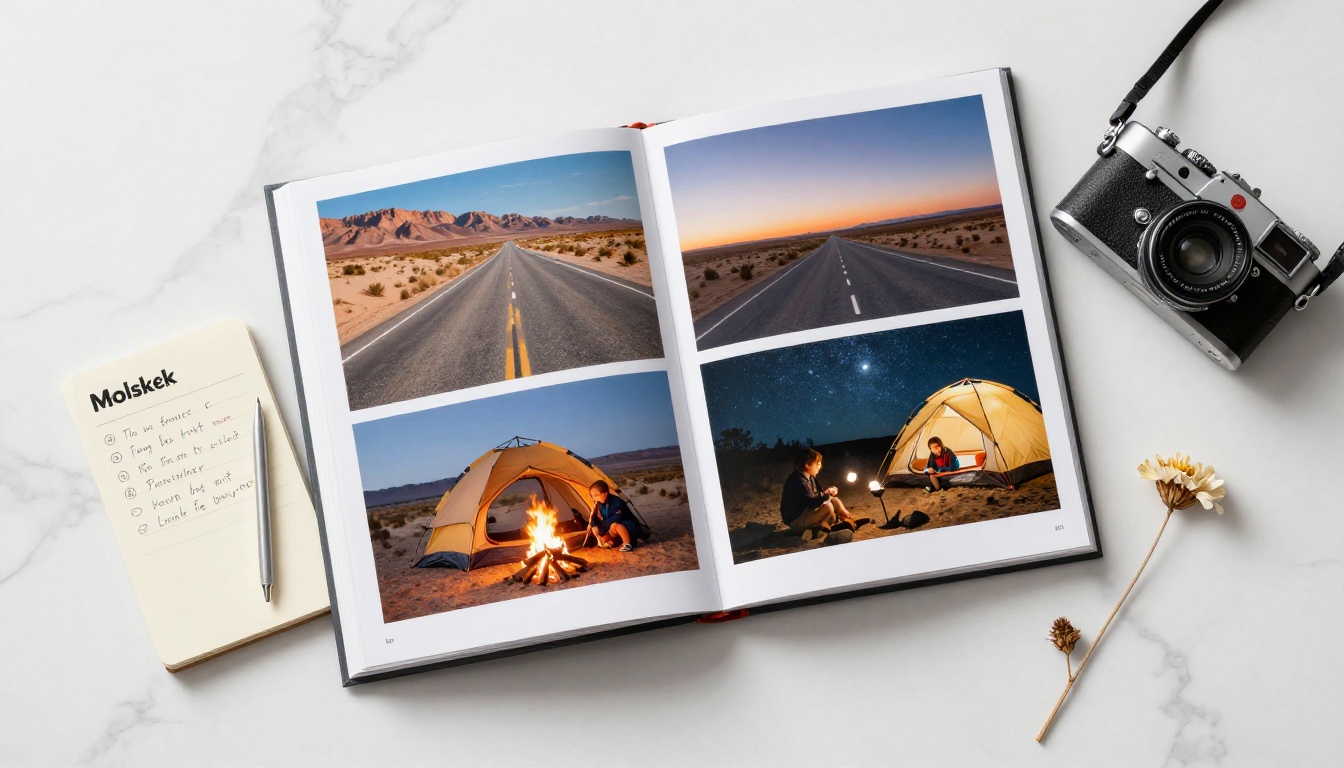
Road trips have a natural narrative arc built in: departure, the long middle miles, small-town stops, campfire nights, and the eventual arrival. That makes them ideal for flipbooks because the story almost structures itself. Organize by day or by geographic milestone rather than by camera timestamp and the flow becomes immediately readable to anyone who looks through it.
Solo Travel Memoirs
Solo travel photography is often more considered and compositionally deliberate because every frame is intentional. A solo travel flipbook can serve as both a personal memory archive and a creative portfolio piece. The Digital Portfolio Creator tool is worth exploring if you want to give your solo travel documentation a more polished, professional finish.
Flipbooks AI Plans at a Glance
Choosing the right plan depends on how often you travel and how many flipbooks you plan to create each year. Here is the full feature comparison:
| Feature | Free | Standard | Professional |
|---|
| Number of flipbooks | 1 | Unlimited | Unlimited |
| Watermarks | None | None | None |
| Password protection | No | Yes | Yes |
| Custom branding | Limited | Full | Full |
| Embed on website | Yes | Yes | Yes |
| Audio and video embed | No | Yes | Yes |
| Analytics and lead gen | No | No | Yes |
| Offline downloads | No | No | Yes |
| Priority support | No | No | Yes |
✅ The Standard plan is the sweet spot for families who create two to four flipbooks per year, one for each major holiday or vacation.
Even the free plan includes no watermarks, which is notably rare among digital publishing platforms. Your flipbook looks clean and professional from day one, regardless of which tier you choose. Explore pricing plans to see the full breakdown and decide what fits your needs.
Tips for a Flipbook People Actually Want to Read
The difference between a flipbook people share enthusiastically and one they close after three pages comes down to a few intentional decisions made during the layout stage.
Use a Strong Opening Page
The first spread determines whether the reader keeps flipping. Use your single most visually arresting photo, full bleed, with minimal text. Let the image carry the weight entirely. If you are opening with a group shot, make sure it is one where everyone is genuinely relaxed, not posed stiffly for the camera.
Write Captions That Add Story, Not Description
A photo of a beautiful dish is already self-explanatory visually. But "fresh pasta made by Signora Carla in her Bologna kitchen, served with red wine, charades, and no shared language" is something completely different. Captions should not describe what is already visible in the frame. They should add the invisible layer: the context, the feeling, the specific detail that makes the image meaningful years from now.
Mix Your Shot Types for Visual Rhythm
A flipbook where every page is a wide horizontal landscape becomes monotonous within five pages. Create visual interest by alternating deliberately:
| Photo Type | Purpose in the Flipbook |
|---|
| Wide landscape | Opening pages, destination-establishing shots |
| Portrait orientation | People moments, vertical architecture |
| Macro close-up | Food, textures, local craft and market details |
| Candid action | Mid-section energy and movement |
| Golden hour | Emotional high points, closing pages |
Leave Intentional White Space
Not every page needs to be packed with images. A single short quote from the trip, written in large type on a clean light background, can be more powerful than another photo of the same beach. Breathing room between dense visual sections keeps the pacing from feeling relentless and gives the reader a moment to absorb what they have just seen.
Front-Load Your Best Shots
Do not bury your strongest photos in the middle or save them for last. Readers decide within the first three pages whether they are going to keep flipping. Put your most emotionally resonant or visually striking images early, and the rest of the flipbook will carry them forward naturally.
Share Your Holiday Memories with Everyone Who Matters
Once you have built and published your flipbook on Flipbooks AI, sharing it takes seconds and requires nothing from the people receiving it except a working internet connection and a device with a browser.

Your unique flipbook link works everywhere:
- Pasted into WhatsApp, it generates a visual preview automatically
- Sent via email, it opens directly in any browser without requiring an app download or account creation
- Embedded on a personal website or family blog, it displays inline as a fully interactive, page-turning flipbook
- Shared on social media, it functions cleanly as a link in bio or a direct caption link
For families spread across different countries and time zones, a holiday memory flipbook is one of the most genuinely meaningful things you can create and send. There is no app to install, no account to create, and no file to download. The link opens, the pages start turning, and the memories are right there.
💡 Start a yearly family tradition: one flipbook per major holiday. After five years, you will have an archive that becomes one of the most treasured things your family has ever created together.
Ready to stop letting your holiday photos disappear into a camera roll nobody opens? Get started for free on Flipbooks AI today. Your first flipbook can be live and shareable in under an hour.
Browse all flipbook tools and templates to find the right starting point for your specific trip type, and check the full pricing options to choose the plan that fits how often you travel and create.
Your memories are already there. They just need a better home.



