Your wedding day produced hundreds of photographs, maybe thousands. Right now, they're sitting in a Dropbox folder, a Google Photos album, or scattered across your phone, unseen and unshared. That's not where they belong. Making a flipbook from your wedding photos turns those moments into something tactile, interactive, and genuinely moving, and with Flipbooks AI, you don't need design experience or software to do it.
Why Wedding Photos Deserve More Than a Static Album
The Problem with Printed Albums
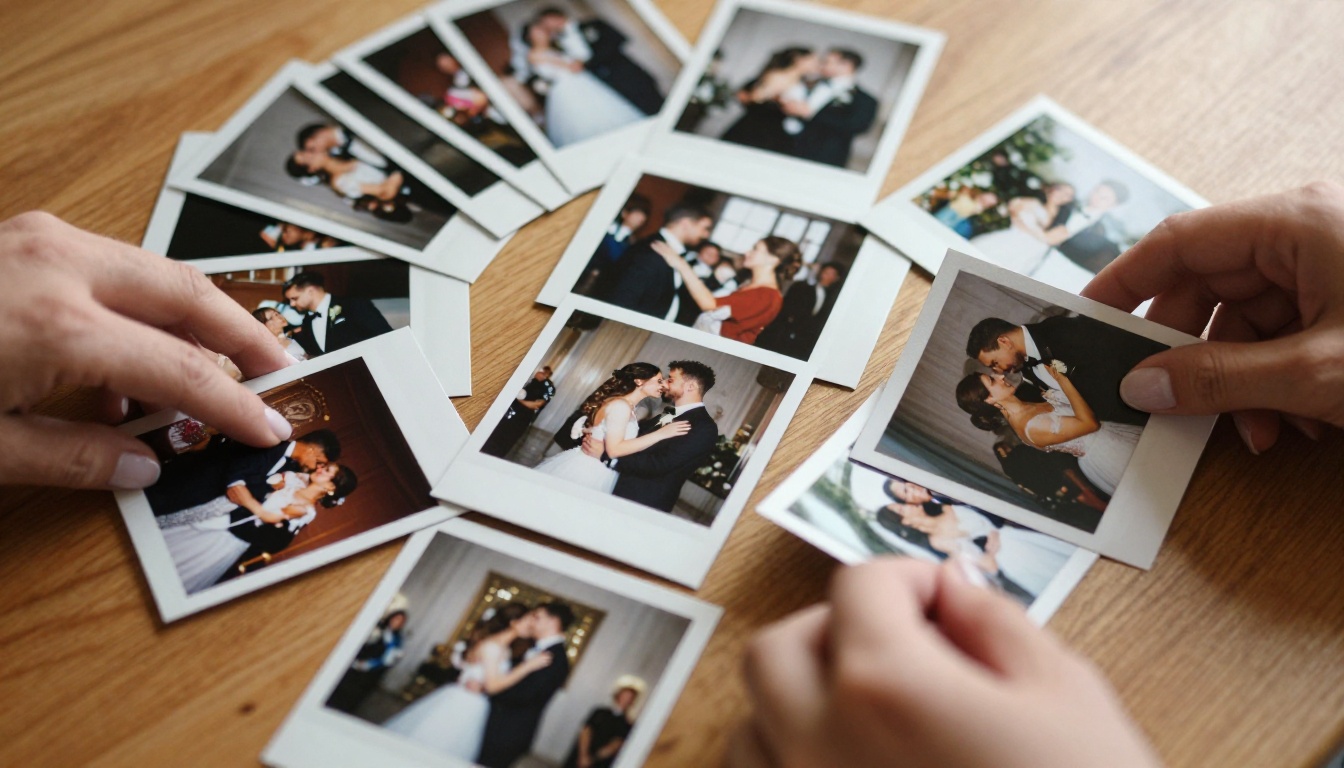
Printed photo albums are beautiful objects, but they have real limitations. They cost hundreds of dollars to produce. They sit in a specific physical location. They can't be shared across continents or sent to the aunt who couldn't make it from overseas. And unless someone is in the same room as the album, those photos effectively don't exist.
The average couple orders one or two printed albums, and most of those spend their lives on a bookshelf, pulled out a handful of times over the years. Your photographer spent hours crafting those images. The lighting, the timing, the composition, all of it deserves more than an annual viewing. A digital format gives those images a life they can't have in print alone.
What a Flipbook Does Differently
A digital wedding flipbook behaves like a real book: you flip through pages, you see photos in sequence, the whole thing reads like a story. But unlike a printed album, it loads on any device, can be sent in a message, embedded on your wedding website, or shared privately with a password. It also costs a fraction of a printed album to produce.
More importantly, it creates an experience. Guests who couldn't attend the wedding can sit down with it for ten minutes and feel like they were there. The page-turn animation gives weight and presence to photos that otherwise feel flat when scrolled past on a phone screen.
Picking the Right Wedding Photos for Your Flipbook
How Many Photos You Actually Need
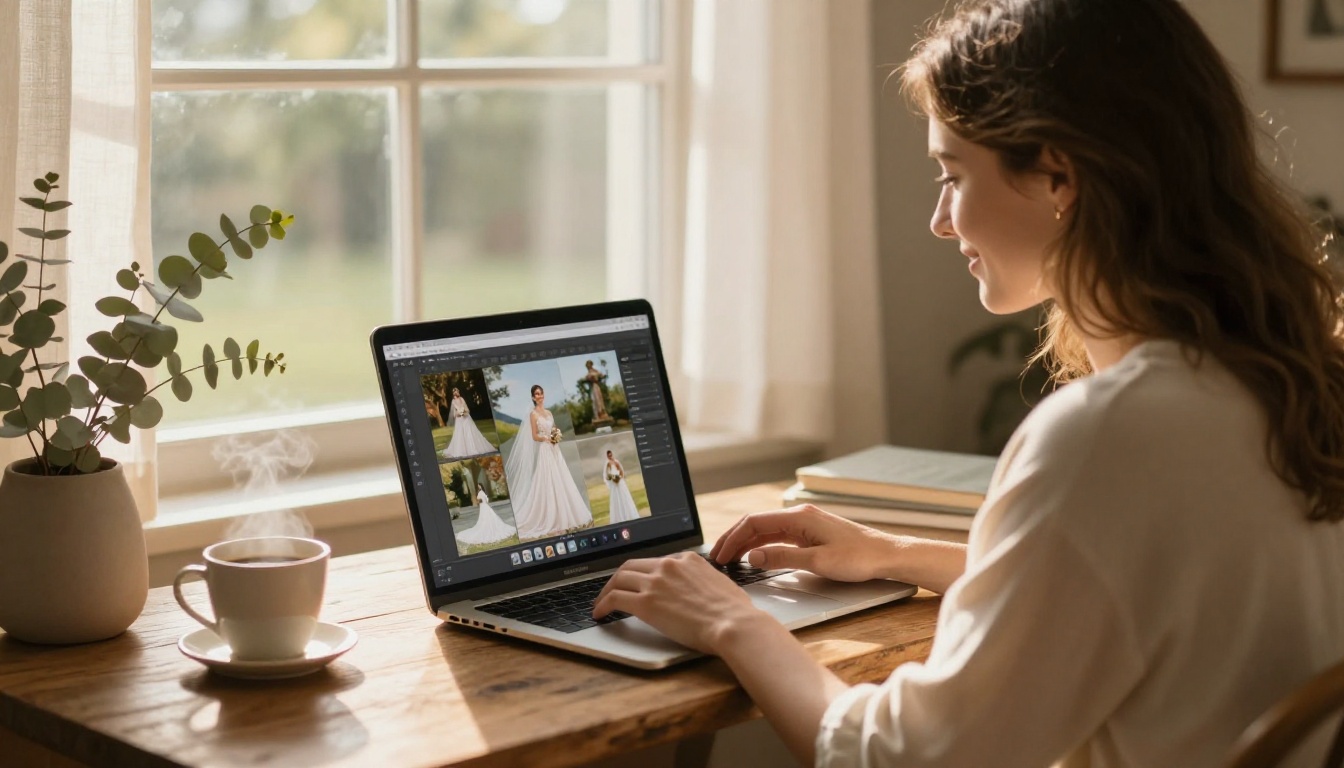
More is not always better when making a flipbook. A 200-photo book becomes exhausting to sit through. The sweet spot is usually between 40 and 80 photos for a complete, narrative-driven wedding flipbook.
| Purpose | Recommended Photo Count |
|---|
| Short highlights / gift version | 20-40 photos |
| Full wedding story | 60-80 photos |
| Luxury keepsake album | 80-120 photos |
| Sharing with extended family | 30-50 photos |
Think of it like a movie: you want the audience to feel everything without sitting through three hours of footage. A curated selection hits harder than the full unedited roll. If your photographer delivered 800 images, picking your best 70 is not a betrayal of the others. It's editorial judgment.
The Order That Tells Your Story
The sequence matters as much as the individual photos. A great wedding flipbook follows the natural arc of the day:
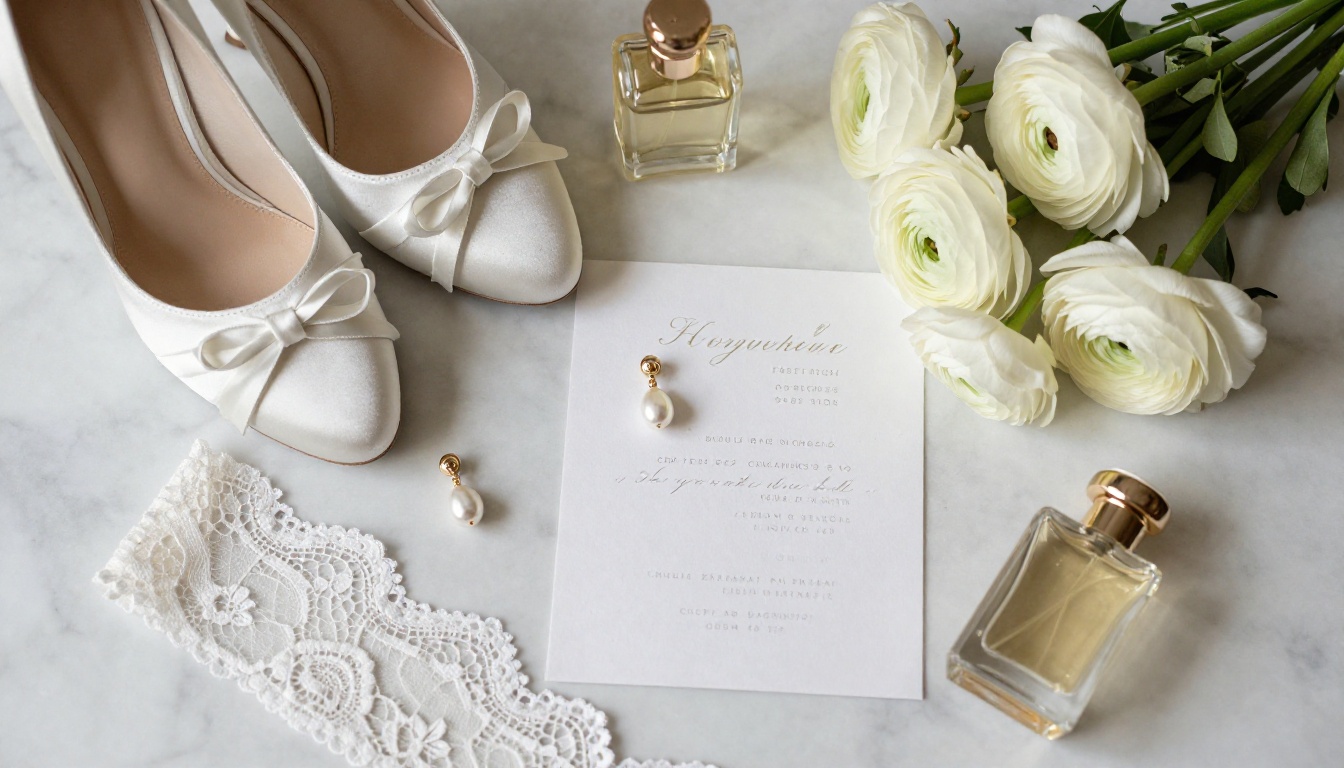
- Pre-ceremony details - rings, shoes, flowers, the invitation
- Getting ready - candid moments from prep
- Ceremony arrival - guests, the venue, the aisle
- The ceremony itself - vows, the kiss, the first walk out
- Portrait session - the formal couple and wedding party shots
- Reception details - table settings, the cake, decorations
- The celebration - first dance, toasts, dancing guests
- The send-off - last moments, car departure, sparklers
💡 Ask your photographer for a "light edit" selection if you're not sure where to start. Most photographers can pull 60-80 key shots from their full gallery on request.
How to Make a Wedding Photo Flipbook (Step-by-Step)
This is where it all comes together. Flipbooks AI makes the technical side completely manageable, even if you've never designed anything before. The whole process, from organizing your photos to a shareable link, typically takes one afternoon.
Step 1 - Organize and Export Your Photos
Start by gathering your selected photos into a single folder on your computer. Make sure they're in the order you want them to appear. Rename them sequentially if needed (001.jpg, 002.jpg, etc.) so they don't rearrange during import.
Export or save them at full resolution, at least 2000px on the long edge. Higher resolution photos produce sharper pages in the finished flipbook. If your photographer delivered files via a gallery app like Pixieset or Shootproof, use the download option that gives you the largest file size.
Step 2 - Create a PDF from Your Photos
Flipbooks AI converts PDF files into interactive flipbooks, so you'll need to combine your photos into a single PDF first. Here are the most reliable ways to do it:
- On Mac: Select all photos in Finder, right-click, and choose "Quick Actions > Create PDF"
- On Windows: Open any photo in the Photos app, use Print to PDF, or try a free web tool like Adobe Acrobat online
- Using Canva: Drop your photos into a blank presentation (set to 16:9), arrange them one per slide, then export as PDF
- Using Lightroom or Capture One: Both have built-in book and slideshow export options that output directly to PDF
⚠️ Make sure your PDF uses landscape orientation (16:9 or standard widescreen) for the best flipbook page layout. Portrait PDFs work but feel cramped on screen.
Step 3 - Upload to Flipbooks AI
Head to Flipbooks AI and create your account. Once inside your dashboard:
- Click "Create New Flipbook"
- Select "Upload PDF" and choose your wedding photo PDF
- Wait for the conversion to complete (the platform processes each page automatically)
- Preview the result in the built-in viewer before making any edits
The PDF to Flipbook Converter handles files up to hundreds of pages without quality loss. Large files may take a few minutes, but the result is a pixel-perfect digital version of every page.
Step 4 - Customize the Look
This is where your flipbook goes from functional to genuinely beautiful. Inside the editor, you have control over:
- Page transitions: Choose between soft page turns, sliding transitions, or classic flip animations
- Background color: Match it to your wedding color palette, ivory, sage, blush, or navy
- Front page styling: Add your names, wedding date, and a featured photo for the opening spread
- Watermark removal: Publish without any platform branding showing
- Typography: Select fonts that feel personal and complement your wedding aesthetic
- Multimedia: Embed a song from your first dance to play as background audio while guests browse
✅ The Wedding Album Flipbook tool is specifically built for this use case, with pre-built layouts designed around wedding photography presentation and optimized for emotional impact.
Step 5 - Share and Preserve
Once published, you have multiple ways to share your wedding flipbook:
| Sharing Method | Best For |
|---|
| Direct link | Sending via text, email, WhatsApp |
| Embed code | Adding to your wedding website or blog |
| Password protection | Keeping it private for family only |
| Offline download | Archiving a permanent local copy |
| Social share buttons | Facebook, Instagram, Pinterest |
The link is permanent. Send it to family abroad, add it to your wedding website, or drop it into the group chat where people are still asking for photos six months after the wedding.
What Makes a Great Wedding Flipbook
Not all flipbooks feel equal. The ones that genuinely move people share a few things in common, and it has less to do with photo quantity and more to do with intentional choices in sequencing and presentation.
Page Transitions and Effects
The page-turn animation is everything. A flipbook that mimics the physical sensation of flipping through a real book creates an emotional response that a photo gallery slideshow never achieves. The motion suggests continuity, one moment flowing into the next, which mirrors how memory actually works.
Flipbooks AI offers realistic page-curl animations with paper texture effects. Choose transitions that feel natural rather than flashy. For wedding content, subtle and elegant always outperforms dramatic and fast. A gentle curl that reveals the next photo feels personal. A spinning 3D transition feels like a PowerPoint presentation.
Sequencing Emotion, Not Just Events
The best wedding albums don't document chronology, they orchestrate feeling. Lead with something emotionally charged: not the venue exterior, but the moment someone cried reading a vow, or the groom's expression when the doors opened. That emotional hook on page one sets the tone for everything that follows.
End on something warm and celebratory, not administrative. The send-off sparklers or a laughing dance floor moment closes the story better than a formal portrait. The last image a viewer sees is the one they'll remember.
3 Mistakes That Ruin Wedding Flipbooks
Even beautiful photography gets undermined by avoidable choices. Watch out for these:
1. Too many similar shots in a row. Six ceremony photos that all look roughly the same kills the pacing. Every page turn should feel different from the last. Vary your angles, distances, and subjects aggressively as you curate.
2. Inconsistent editing style. If half the photos are warm film tones and the other half are cool and desaturated, the flipbook looks disjointed. Ask your photographer for a consistent edit across all selected images, or apply a single preset in Lightroom before exporting.
3. No breathing room. Cramming every great photo into the flipbook without removing the "pretty good" ones dilutes the impact of the truly exceptional ones. Be ruthless in your curation. If a photo doesn't make you feel something, cut it.
Sharing Your Wedding Flipbook
Send It to Family Abroad
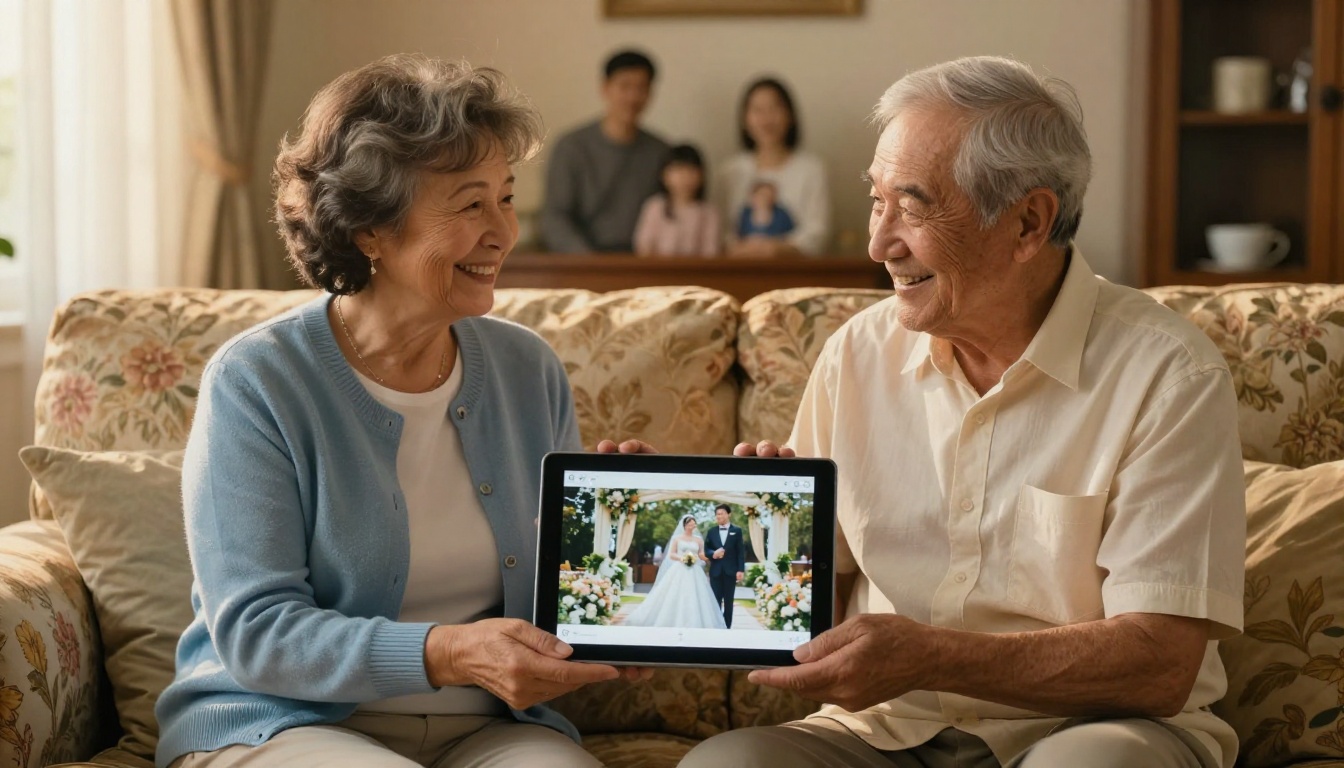
One of the best uses of a digital wedding flipbook is closing the distance between people who couldn't be in the room. A link sent to a grandmother in another country, to friends who live overseas, to a college roommate who had a scheduling conflict - they can all sit down with your flipbook and experience it properly, not just scroll past a few Instagram posts.
Password protection lets you keep it personal without making it public. Share the password directly with the people you want to include. This creates a sense of being invited into something, which feels meaningfully different from a public album link.
Embed It on Your Wedding Website
Many couples maintain a wedding website (with The Knot, Zola, or a custom domain) even after the event, as a permanent record. Embedding your flipbook there creates a living digital memorial that visitors can actually experience.
The embed code from Flipbooks AI drops into any website builder. It renders fully on mobile devices, which matters because most people viewing it will be on their phones. The responsive design means no pinching or zooming to see individual photos.
When to Share It
Timing matters more than most people expect. The best moments to send a wedding flipbook:
- Within two weeks of the wedding: Guests are still in the glow of the event and will genuinely stop to look through it
- On your first anniversary: A beautiful, unexpected touchpoint that brings people back to that day
- At the holidays: Pair it with your holiday card message as a year-in-review moment
- Before a family reunion: Share it so family members who weren't there have context before they meet you
Flipbooks AI Plans: Which One Fits Your Needs
Flipbooks AI offers tiered pricing depending on how much you want to do with your wedding flipbook. Here's a clear breakdown:
| Feature | Free | Standard | Professional |
|---|
| Number of flipbooks | 1 | Unlimited | Unlimited |
| Watermark | Yes | No | No |
| Password protection | No | Yes | Yes |
| Offline downloads | No | Yes | Yes |
| Custom branding | No | Yes | Yes |
| Analytics and lead gen | No | No | Yes |
| Embed on website | Limited | Yes | Yes |
| Video and audio embed | No | Yes | Yes |
For a one-time wedding flipbook project, the Standard plan gives you everything you need: no watermarks, password protection, offline download, and full embed capability. The Professional plan suits photographers and wedding planners who create flipbooks regularly for clients and want analytics on viewer behavior.
Check current pricing plans to see what's included at each tier.
💡 The Standard plan includes unlimited flipbooks, so once you're set up, you can create multiple versions: one for parents curated around family moments, one for the rehearsal dinner, one for the pre-wedding shoot. All in a single account.
Wedding Flipbook Ideas Beyond the Album
Gift for Parents
A flipbook makes an exceptional wedding gift for parents and in-laws. Create a version specifically curated around family moments: parents' walk down the aisle, the toasts, the parent dances, family group portraits. Keep it to 30-40 photos, tightly edited, and add a personal front page with their names and the wedding date.
Print a simple card with a QR code linking to the flipbook and the password. This is the kind of gift that gets shared at family gatherings for years, pulled up on a tablet when relatives visit.
Thank-You Cards That Actually Get Opened
Digital thank-you notes are easily ignored. A message that includes a link to a beautifully designed wedding flipbook is not. Pair your thank-you message with access to a highlights flipbook featuring 20-25 photos from the day. Guests feel seen and included in something real, rather than reading another form letter.
You can use the Photography Portfolio format to create a polished, portfolio-style presentation of your best shots specifically for sharing with vendors, photographers, or as a social keepsake.
For Your Photographer's Portfolio
If you loved your photographer's work, a flipbook can become part of mutual promotion. Share the link publicly, tag them, and let the interactive format showcase their work far better than a static Instagram post. Most photographers appreciate clients who help them market their work. A flipbook link in a glowing Google review communicates the quality of the images far more effectively than a written description.
Pair this with the Wedding Album Flipbook tool for a format that photographers and planners already recognize as professional-grade presentation.

Make It Last
Your wedding photos are one of the few things from your wedding day that will still exist in thirty years. The flowers are gone. The food is a memory. The dress is in a box. But the photographs survive.
A static folder of JPEGs is not enough for that. A printed album is better, but limited by physics and proximity. A digital flipbook gives you something that can be shared, preserved, embedded, and experienced by anyone you choose to include, permanently and without degrading over time.
The process of making one is not complicated. Curate your best 60-80 photos, combine them into a PDF, upload to Flipbooks AI, customize the presentation, and share it with everyone who matters. Start to finish, most people are done in an afternoon.
Get started for free on Flipbooks AI and see what your wedding story looks like as a real interactive flipbook. Browse all tools and templates to find the right format, or check pricing plans to choose what works best for how you want to share it.



