When a loved one passes, the pressure to honor their life in a way that feels real is immense. A printed program from the funeral home lasts a day. A social media post disappears in a feed. But a funeral tribute flipbook stays, gets passed around, and becomes the kind of object families actually keep for decades.
This article walks through exactly how to make a funeral tribute flipbook for family members who want something personal, beautiful, and lasting, using Flipbooks AI to bring it all together without needing design experience.
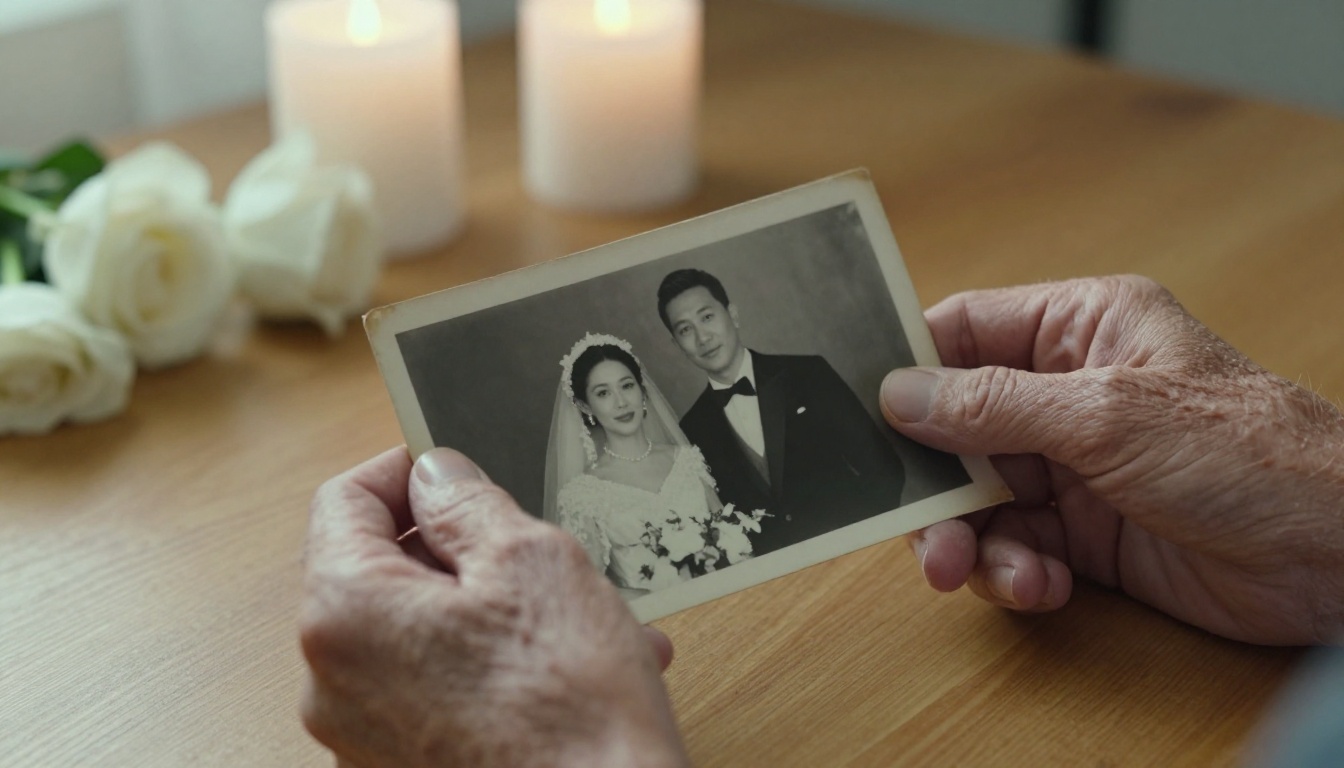
Why a Flipbook Changes the Experience
More Than a Printed Program
Traditional funeral programs are folded sheets of paper with a name, dates, and a few lines. They serve a purpose, but they rarely survive longer than the week of the service. A flipbook is different. It behaves like a real book, with pages that turn, photos that fill the screen or the page, and sections that can be as long or as short as the family wants.
For families scattered across different cities or countries, a digital memorial flipbook shared by link means everyone, from the youngest grandchild to the oldest aunt, can open it on any device without downloading anything.
What Families Actually Keep
Grief research consistently shows that tactile and visual keepsakes carry more emotional weight than text-based ones. When you flip through photographs, you are not reading a tribute. You are reliving it. A flipbook format activates that response in a way a PDF or a Word document simply cannot.
💡 The flipbook format works because it mimics the physical photo album experience, but adds the advantages of digital sharing, password protection, and no risk of physical deterioration over time.

What to Put Inside a Funeral Tribute Flipbook
Photos That Tell the Story
The most powerful pages are always photographs. When gathering images for a tribute flipbook, think across the entire timeline of a person's life:
- Childhood: School portraits, holiday snapshots, early family gatherings
- Young adulthood: Weddings, graduations, early career photographs
- Parenthood and later years: Children, grandchildren, vacations, everyday moments
- With close friends: Images that show personality, humor, and relationships
Scan older printed photographs using a smartphone scanning app or a flatbed scanner at 600 DPI minimum. The higher the resolution, the better they will look on screen and in any printed versions.
Words Worth Keeping
Written tributes inside the flipbook can include:
- An opening tribute: Two to three paragraphs capturing who the person was, written by a family member or close friend
- Short memory entries: One paragraph from different people, such as children, siblings, colleagues, or neighbors
- Favorite quotes: Lines the person said often, or quotes that reflect how they lived
- Dates and milestones: A simple timeline of their life, formatted clearly
⚠️ Keep text blocks short. Long paragraphs inside a flipbook feel heavy. Aim for 3-4 sentence blocks per page, paired with an image where possible.
Multimedia That Brings Life
One often-overlooked aspect of digital flipbook creation is the ability to embed video and audio directly into the pages. If you have a short video message from a family member who could not attend the service, or a recording of the person speaking or singing, these can be added to specific pages using Flipbooks AI.
This is where a digital tribute flipbook goes far beyond what any printed memorial program can offer.

How to Make a Funeral Tribute Flipbook with Flipbooks AI
Flipbooks AI is the platform most families are turning to for creating tribute flipbooks because it requires no design software, handles both digital and printable output, and offers password-protected sharing for private family use.
Step 1: Gather and Organize Your Content
Before opening any tool, collect everything in one folder:
- All selected photographs (renamed by order if needed)
- Written tributes in a single document
- Any audio or video clips
- The person's full name, dates, and a brief biographical summary
Organizing first saves significant time during the design phase. Sort photos into sections that match how you want the flipbook to flow, from earliest memories to most recent.
Step 2: Build Your PDF Layout
Flipbooks AI converts PDF files into interactive flipbooks. This means you first need to create the PDF layout. The most accessible ways to do this:
- Google Slides or Canva: Free, drag-and-drop, easy to set up in a 16:9 widescreen format
- Adobe InDesign: For families with someone experienced in layout design
- Microsoft Word: Works well for text-heavy tributes with simpler layouts
Each slide or page in your document becomes one page of the flipbook. Design each page with intention: one large photo per page is often more powerful than several small ones crowded together.
Step 3: Upload and Convert
Once your PDF is ready:
- Go to flipbooksai.com/account and create your account
- Click "New Flipbook" and upload your PDF
- The conversion happens automatically in seconds
- Preview the result to confirm page order and readability
The PDF to Flipbook Converter handles files of any length, so there is no pressure to keep the tribute short.

Step 4: Customize the Appearance
Once converted, Flipbooks AI gives you control over:
- Background color or image behind the flipbook viewer
- Page flip animation (realistic paper flip or simple slide)
- Custom branding: Add the person's name or family name to the header
- Auto-play settings for shared links
- Embed videos and audio into specific pages
✅ For a funeral tribute, a soft off-white or cream background with a gentle page flip animation creates the most respectful atmosphere.
Step 5: Share with Family
This is where the digital format outperforms anything physical. Sharing options include:
- Direct link: Copy and paste into a family group chat, email chain, or memorial website
- Embed code: If the family has a personal tribute website, the flipbook can be embedded directly using the Embed Flipbook on Website tool
- Password protection: Keep the tribute private to family members only
- QR code: Print and place on physical memorial items so guests at the service can access it on their phones
For families wanting to restrict access, Flipbooks AI offers password protection on all Standard and Professional plans.
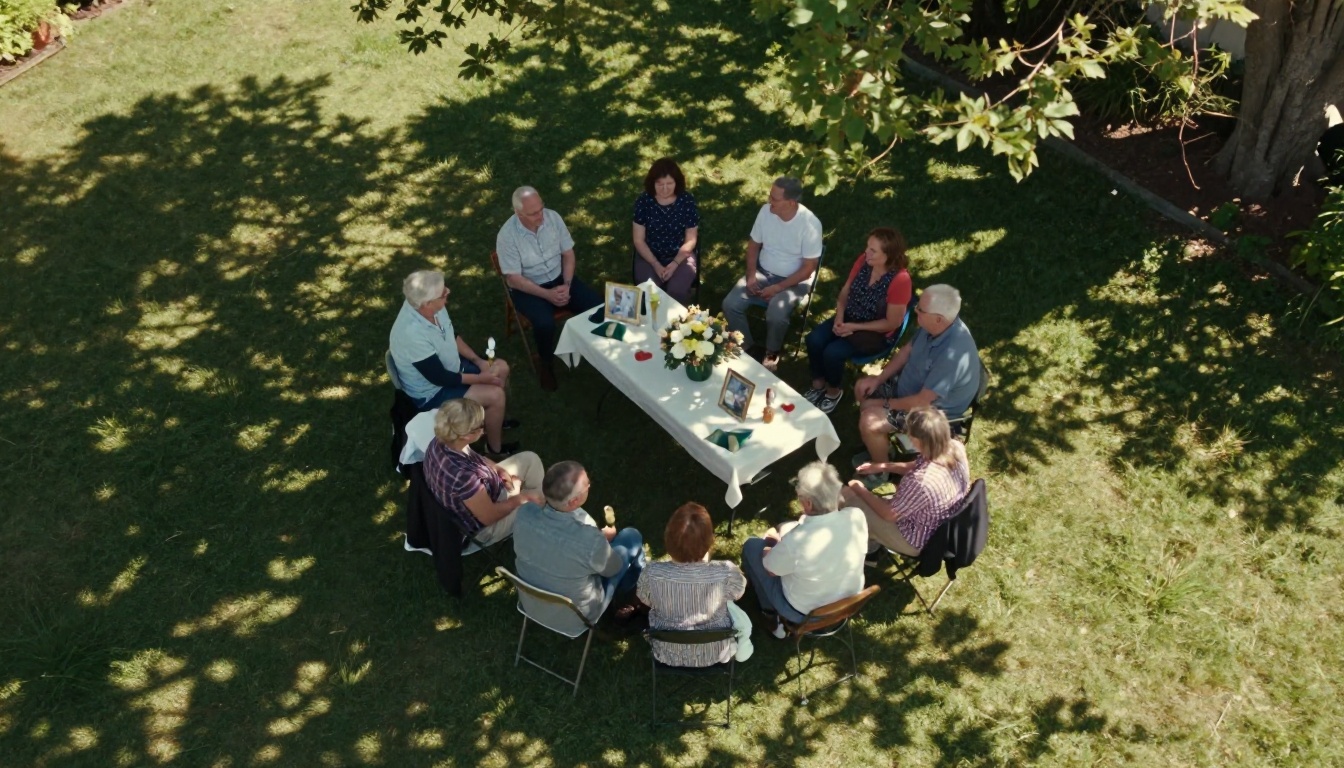
Both formats have genuine value for a funeral tribute. The right choice often depends on the family's specific situation.
| Factor | Digital Flipbook | Printed Flipbook |
|---|
| Cost | Low (subscription-based) | Higher (printing per unit) |
| Reach | Anyone with a link | Only those physically present |
| Updates | Edit anytime after publishing | Fixed once printed |
| Video and Audio | Yes, embedded | No |
| Long-term storage | Cloud-based, no physical decay | Requires physical preservation |
| Personal feel | High (interactive) | Very high (tactile) |
| Speed to create | Fast (hours) | Slower (days with printing) |
💡 Many families do both: create a digital version to share widely, then use the same PDF to print a small number of physical copies for immediate family members.
Sharing Privately vs. Publicly
Not every family wants the tribute open to the public. Here is how to think about access levels:
| Sharing Type | Best For | Platform Feature Needed |
|---|
| Family only (password) | Private grief, sensitive content | Password protection |
| Friends and extended family | Community tributes | Direct shareable link |
| Public memorial page | Celebrating a community figure | Public embed or published link |
| Funeral service display | In-room projection | Embed on screen or QR code |

Plan Comparison: What Each Tier Offers
When choosing a plan on Flipbooks AI, here is what matters most for a memorial flipbook:
| Feature | Free | Standard | Professional |
|---|
| Flipbooks | 1 | Unlimited | Unlimited |
| Watermarks | Yes | No | No |
| Password Protection | No | Yes | Yes |
| Embed on Website | No | Yes | Yes |
| Video and Audio | No | Yes | Yes |
| Analytics | No | No | Yes |
| Offline Downloads | No | No | Yes |
| Custom Branding | No | Yes | Yes |
For most families creating a single tribute flipbook, the Standard plan provides everything needed: no watermarks, password protection, video embedding, and custom branding. The Professional plan becomes relevant if the family wants to track how many people viewed the tribute or offer a downloadable version.
3 Ways Families Actually Use This
A Simple Photo Timeline
One family collected 60 photographs spanning 85 years of their grandmother's life, arranged them chronologically in Canva, and exported a 60-page PDF. Uploaded to Flipbooks AI, it became a visual biography anyone could flip through at their own pace. No long text blocks, no formal biography. Just photographs, dates, and short captions.
A Collaborative Memory Book
Another family used a shared Google Slides file where each branch of the family added their own pages: one cousin wrote a two-paragraph memory, an uncle added a scanned letter, a niece created a collage page. The result was a genuinely personal tribute because it had many voices rather than one.
💡 Set up a shared Google Slides template with a simple layout, then send it to each family member with their name on one slide. Collect, merge, and export as a single PDF when ready.
A Bilingual Tribute
For families with members across different countries or languages, one family created a tribute flipbook with Spanish pages on the left and English pages on the right for each spread. This made the tribute accessible to every generation and every branch of the family, regardless of where they lived.
Details That Make a Real Difference
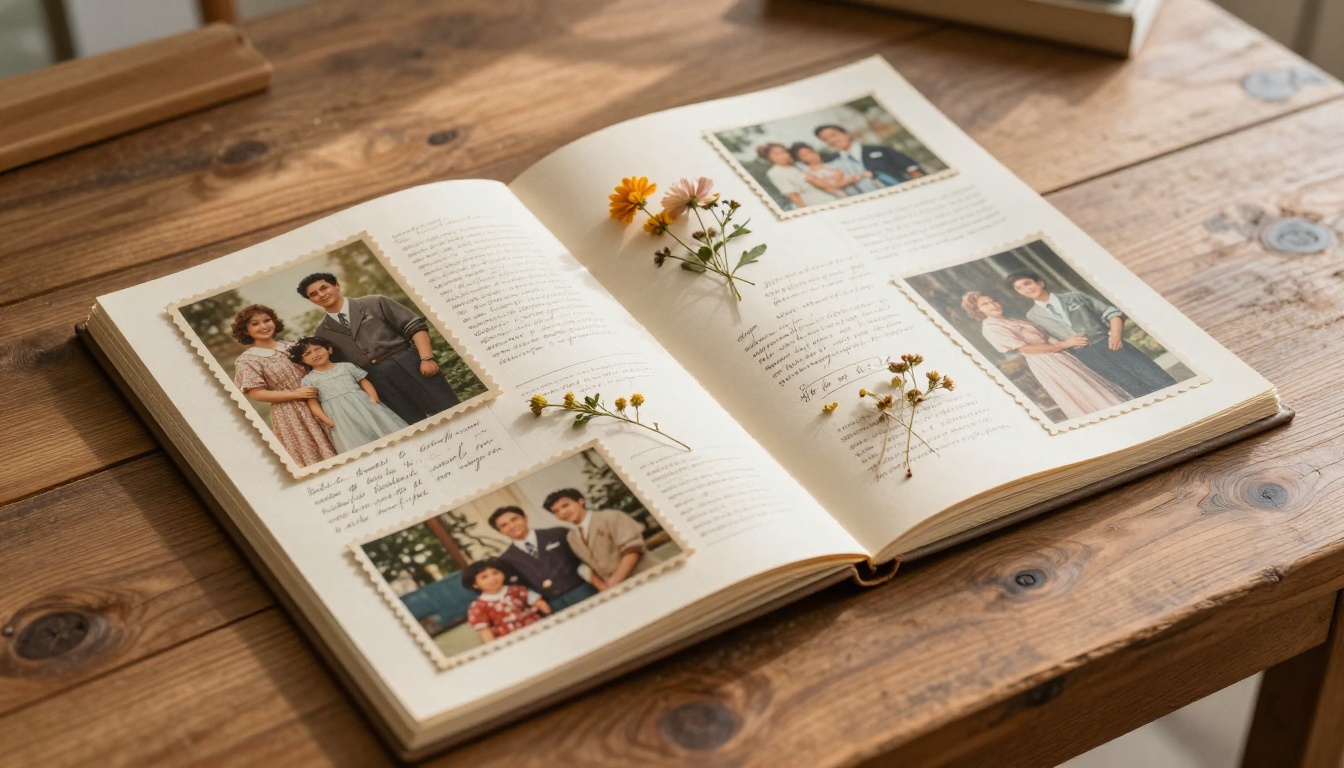
After reviewing hundreds of tribute flipbooks, these are the small decisions that separate a good tribute from one the family returns to for years:
- Use one photo per page, large rather than grids of small photos. Large images hit emotionally
- Leave white space around text. Dense pages feel anxious. Breathing room feels peaceful
- Include at least one page with nothing but the person's name and dates in large, clean typography. Simple pages land harder than complex ones
- Add a final page with a family photo taken recently. Ending with the living family, not just the departed, closes the tribute with continuity
- Name the flipbook clearly in the URL and title so family members can find it later in emails or bookmarks

When to Start Building
Timing matters more than people expect. Creating a tribute flipbook takes anywhere from a few hours to a few days depending on content availability. Consider:
- Before the service: A flipbook can be shared as a QR code at the venue or displayed on a screen during the reception
- In the weeks after: When the immediate grief has settled and family members are more ready to contribute memories
- On anniversaries: A flipbook is not a one-time creation. Many families revisit and add pages on the person's birthday or the anniversary of their passing
⚠️ If you are building the flipbook for use at a service, give yourself at least 3-4 days to gather content, design the PDF, and handle any revisions.
For Families Far Apart
The single biggest challenge in creating a collective tribute is distance. When family members are in different cities, countries, or time zones, coordination becomes difficult. A few practical approaches:
- Create a shared folder (Google Drive or Dropbox) where everyone drops their photos and written contributions
- Set a clear deadline for contributions, at least 48 hours before you need to export the PDF
- Assign one person as the editor who assembles the final layout
Once assembled, the digital flipbook itself solves the distribution problem entirely. One link reaches everyone.

What a Lasting Tribute Actually Costs
Cost is often a concern when families are already managing funeral expenses. Here is a realistic breakdown:
| Item | Estimated Cost |
|---|
| Flipbooks AI Standard Plan | ~$15-20/month |
| Canva Pro (optional, for layout) | ~$13/month |
| Professional photo scanning | $25-50 if needed |
| Printing a small run (optional) | $3-8 per copy |
For most families, the entire digital tribute can be created for under $30, and the flipbook remains accessible indefinitely as long as the subscription is active. The pricing page has current plan details.
Compared to the cost of traditional printed memorial booklets from a funeral home, often $5-15 per copy with a minimum order, a digital flipbook is not just more affordable but far more versatile and shareable.
Your Next Step
Losing someone is hard. Honoring them well, in a way that the whole family can hold and return to, does not have to be complicated.
Start by creating a free account on Flipbooks AI. Upload a PDF of your tribute layout, see how it looks as an interactive flipbook, and decide from there which plan fits your needs.
If you are not sure where to begin with layout design, browse all available flipbook tools for templates and starting points. The Wedding Album Flipbook tool, for example, can be repurposed beautifully as a life tribute format with minimal changes.
For families who want to do more, including embedding video messages or protecting access with a password, check the pricing plans to see which tier fits best.
The people we lose deserve more than a folded paper program. They deserve something that lives as long as the family does.



