Your customers are making dining decisions at 11pm from their couch, and if they can't browse your menu online right then, they're choosing somewhere they can. A static PDF buried three clicks deep or a blurry photo of a laminated page is not enough anymore. An interactive, page-flipping menu flipbook that loads instantly on any phone or laptop is the standard customers now expect from restaurants they consider worth visiting.
Flipbooks AI makes it simple: upload your menu PDF, customize the look, and share a link that works anywhere. No app, no developer, no complicated setup. Just a beautiful digital menu your customers can actually browse.
Customers Decide Before They Arrive
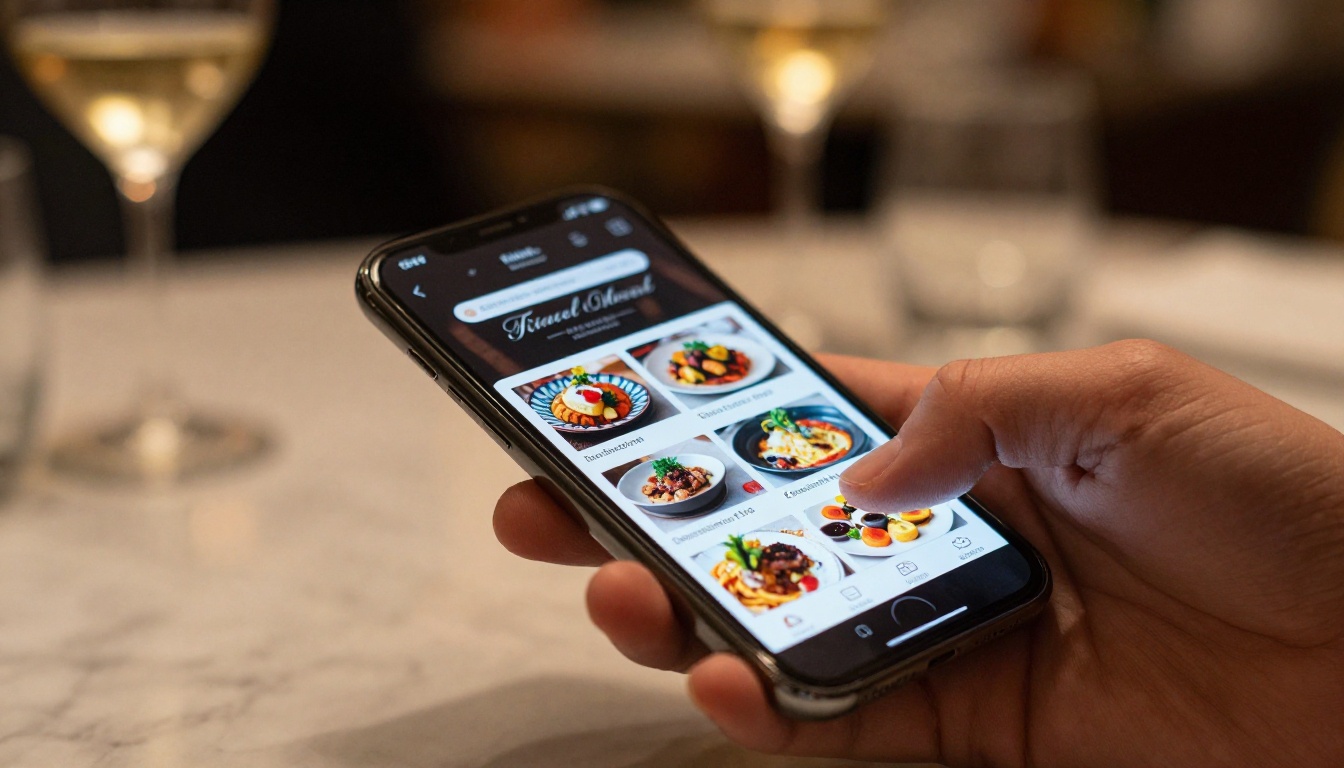
More than 77% of diners visit a restaurant's website before making a reservation or walking in. They want to know what's on the menu, what it costs, and whether it looks worth their time. A restaurant with a clear, beautiful, browsable online menu wins that decision. A restaurant with no online menu, or one that requires downloading a PDF, often does not.
The moment someone types your restaurant name into Google and finds a competitor with a better digital presence, you've lost a potential customer without ever knowing it. A menu flipbook changes that dynamic entirely. It presents your food the way it deserves to be seen: page by page, item by item, with photography and design that builds appetite and excitement before a single dish is ordered.
What Print Costs You Every Month
Physical menus are not free. Between design fees, printing, lamination, and replacement costs every time the menu changes, the average restaurant spends hundreds to thousands of dollars per year on printed materials. And every time you update a price, add a seasonal dish, or pull something out of stock, the old menus become inaccurate instantly.
With a digital menu flipbook, you update the PDF once and republish. Every link and embed on the internet reflects the change immediately. No reprinting, no waste, no outdated copies circulating through your dining room.
| Cost Factor | Paper Menu | Digital Menu Flipbook |
|---|
| Initial design | $200–$800 | $0 (use existing PDF) |
| Printing per update | $100–$500+ | $0 |
| Update turnaround | 3–7 days | Minutes |
| Per-device accessibility | Physical only | Any device, anywhere |
| Shareability | None | Link, QR code, embed |
| Analytics | None | Full tracking (Pro plan) |
The Page-Turn Experience Online
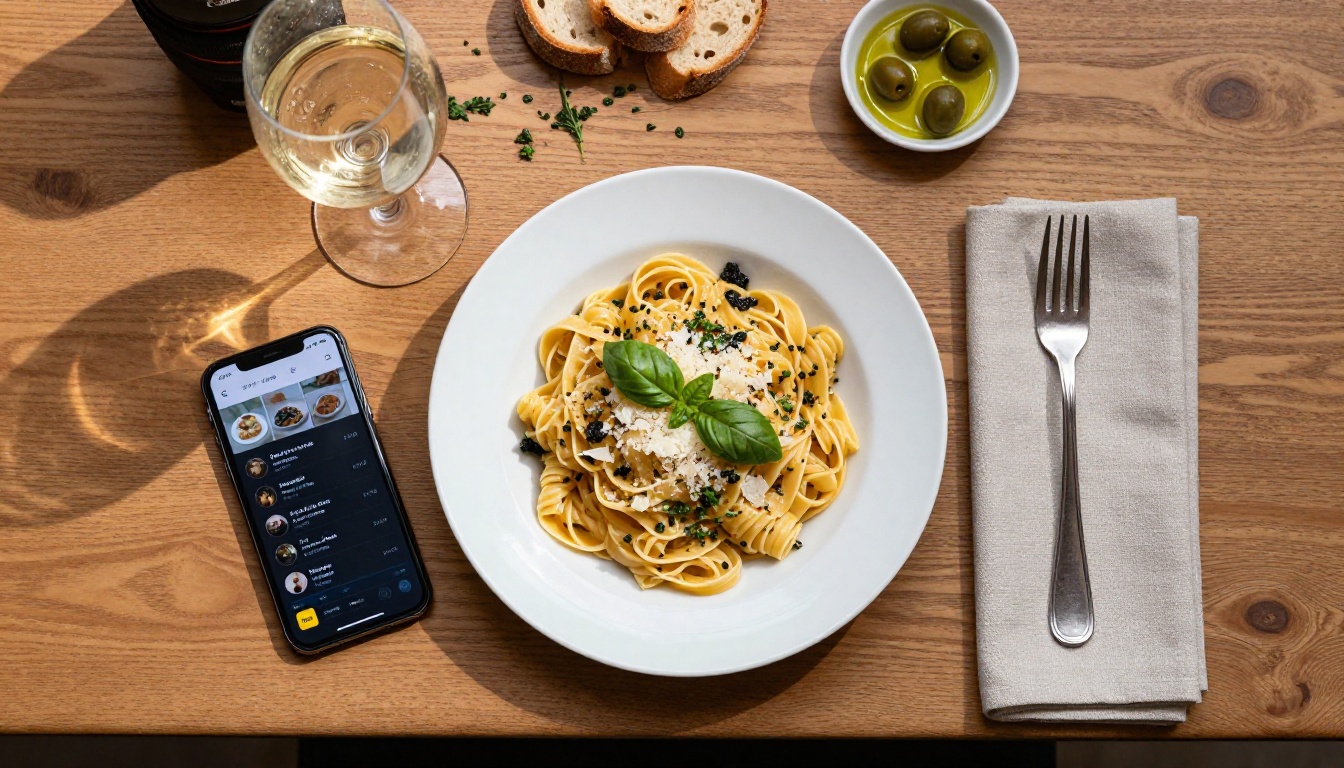
A flipbook menu is not a static PDF viewer. It mimics the natural experience of flipping through a physical menu, with animated page turns, smooth navigation, and a layout that keeps your design completely intact. The result feels premium: customers see your starters on one spread, your mains on the next, your desserts after that. The format matches how people actually want to browse a menu.
This experience works in any browser, with no plugins or downloads required. A customer clicks a link from your Instagram bio, browses your entire menu on their phone, and decides what they want before they even leave the house.
Works on Every Device
One of the biggest problems with static menu PDFs is how badly they behave on mobile phones. Users have to pinch, zoom, and scroll constantly, and the experience feels clunky and frustrating. A proper flipbook menu is mobile-responsive by design. It adjusts to the screen size automatically, whether a customer is browsing on an iPhone, an Android tablet, a desktop computer, or a laptop.
The Menu Flipbook Designer handles this automatically: your PDF is converted into a responsive viewer that never requires a customer to wrestle with the layout. One format that works everywhere.
Step 1 - Prepare Your Menu PDF
Before uploading, make sure your menu PDF is print-quality. That means clean fonts, high-resolution food photography if you've included it, and a layout that reads naturally from page to page. If your current menu exists only as a Word document or image file, export it to PDF first. Most design tools, including Canva, Adobe InDesign, and even Google Docs, can export directly to PDF.
If your menu doesn't include photography yet, this is worth addressing. A flipbook menu with beautiful food imagery significantly outperforms one built on text alone.
Step 2 - Upload to Flipbooks AI
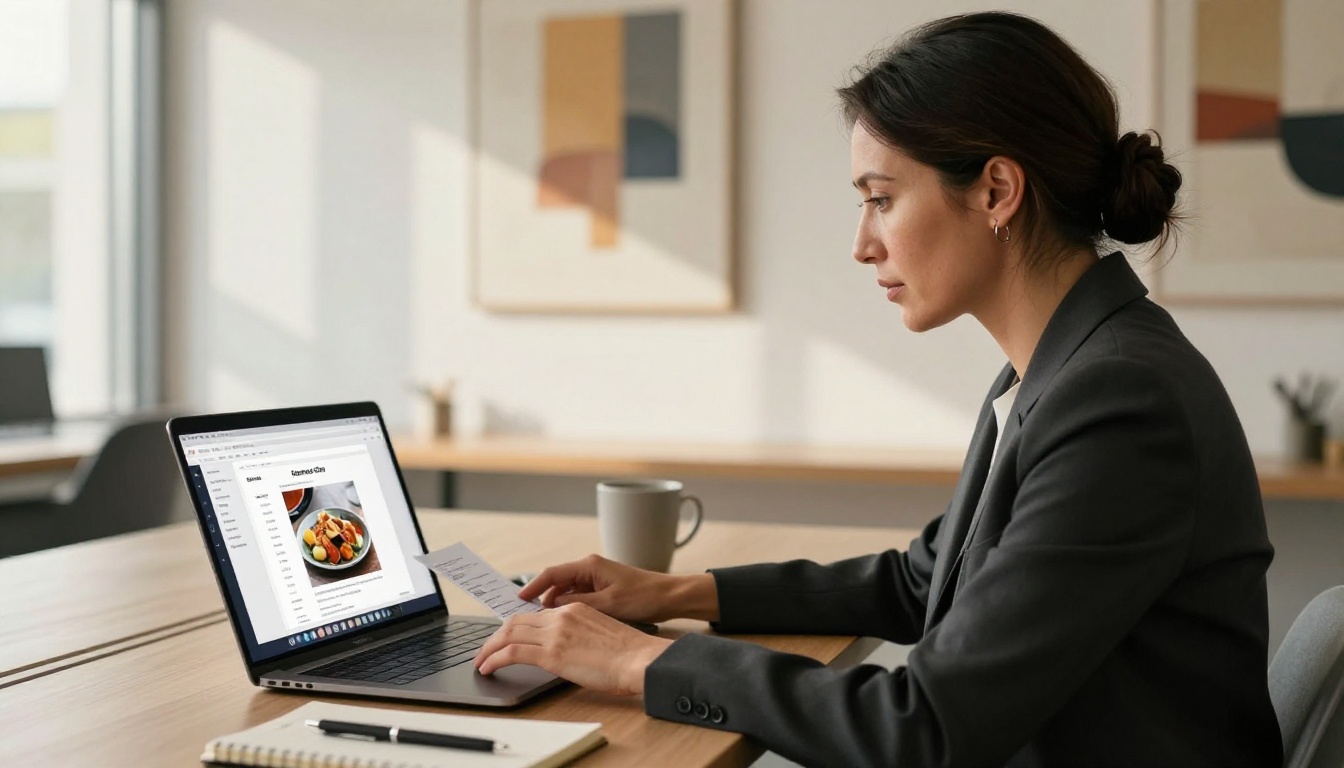
Head to Flipbooks AI and create a free account. Once inside:
- Click New Flipbook from your dashboard.
- Select Upload PDF and choose your menu file.
- Wait for the conversion: your PDF is automatically transformed into an interactive flipbook with animated page-flip transitions.
- Preview the result in the built-in viewer before publishing.
The conversion takes under a minute for most menus. You'll see your exact layout, preserved faithfully, now with smooth animated page turns and pinch-to-zoom capability on mobile.
Step 3 - Brand It and Customize
This step is where your menu goes from functional to impressive. Flipbooks AI gives you full control over the viewer's appearance:
- Custom colors: Match the viewer background and controls to your restaurant's brand palette.
- Logo placement: Add your restaurant logo to the flipbook viewer frame.
- Page effects: Choose from page curl, flat flip, and other transition styles.
- Background design: Set a background image or solid color that frames your menu beautifully.
- Multimedia embeds: Add background music for ambiance, or embed a short video introduction from the chef.
💡 Pro tip: Match your flipbook's background color to your restaurant's primary brand color for a cohesive, polished look that reinforces recognition every time a customer views your menu.
Step 4 - Share It Everywhere
Once published, your menu flipbook gets a permanent shareable link. From there, you have multiple options for distribution:
- Copy the direct link and add it to your website, Instagram bio, Google Business Profile, or email signature.
- Generate a QR code (available in the dashboard) and print it on table cards, receipts, napkin holders, or your front window.
- Copy the embed code and paste it directly into your website's menu page for a fully integrated in-page experience.
- Enable password protection if you want a private preview menu for events or VIP guests.
✅ Best practice: Use the direct link in your Google Business Profile description and on your Facebook page. These two placements alone can significantly increase the number of people who browse your menu before visiting.
Embed on Your Website
The Embed Flipbook on Website tool generates a simple iframe snippet that drops your full interactive menu directly onto any web page. Customers browsing your site never have to open a new tab or download anything. They scroll to your menu section and start flipping through it right there, without friction.
This is one of the most effective placements: a person already on your website is already interested. Giving them a seamless in-page browsing experience removes every barrier between interest and a confirmed reservation.
QR Codes at Every Table
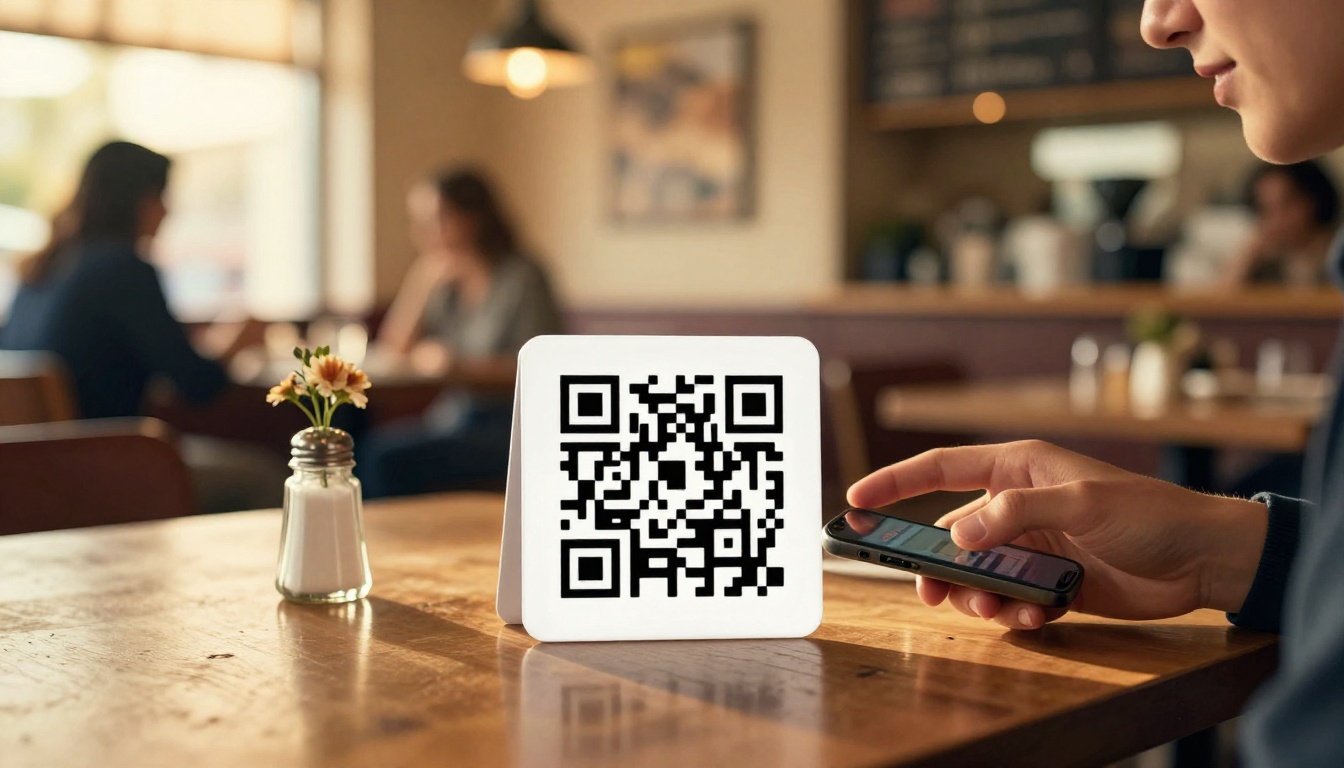
Physical QR codes placed at tables serve two purposes. First, they give seated customers an easy way to browse the menu on their own device, which reduces pressure on wait staff during busy service. Second, they allow customers to photograph and share your menu with friends making dinner plans, which is free organic word-of-mouth promotion.
Print the QR code on small tent cards, laminate them, and place one on every table and at the host stand. A second code near the entrance gives passersby a way to browse before they even step inside.
Social Media and Google Business
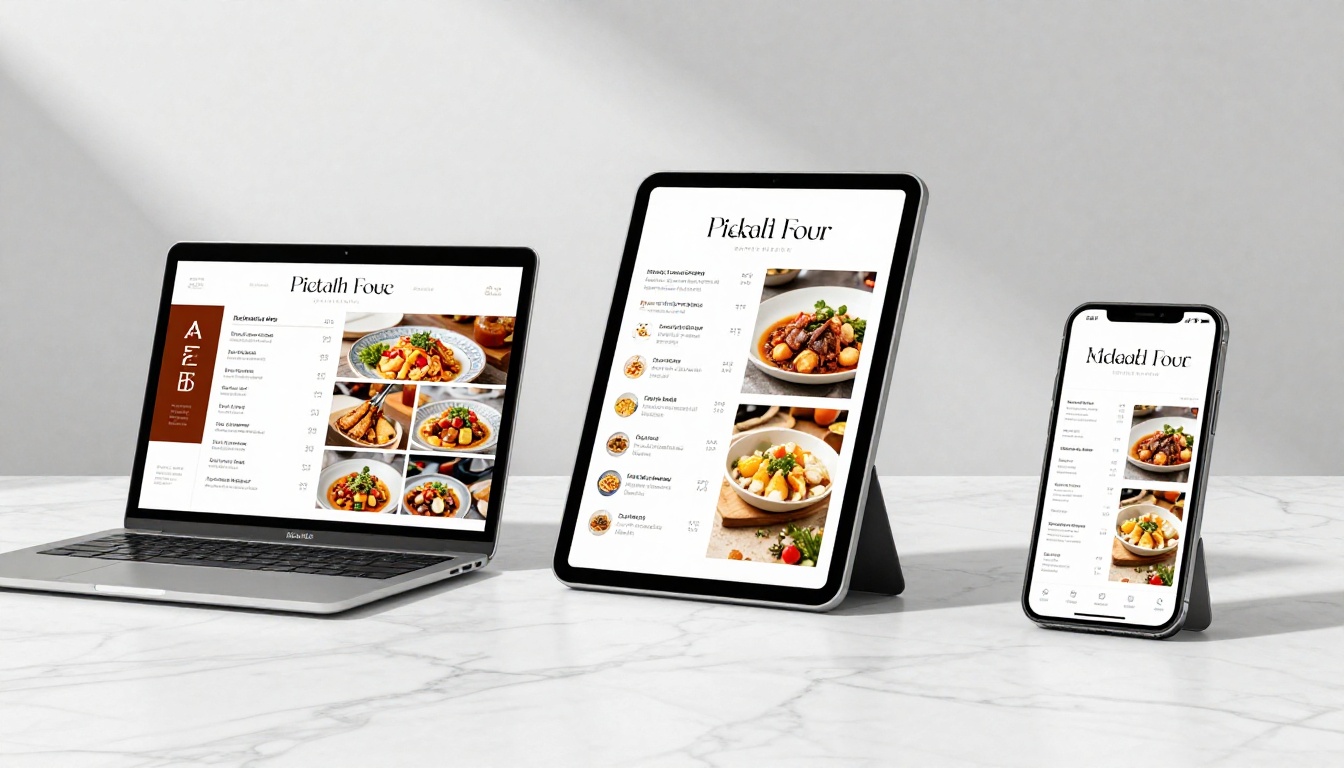
Most restaurants waste their Instagram bio link on their homepage. A menu flipbook link is a far more valuable use of that real estate. Someone who clicks your Instagram bio and immediately sees your full menu, with food photography and prices, is far more likely to make a reservation than someone who lands on a generic about page.
On Google Business Profile, you can add your menu link in both the website field and the dedicated menu section. Google now surfaces menu information directly in search results, which means your flipbook content can appear when someone searches for restaurants in your area.
Sections That Convert Browsers to Reservations
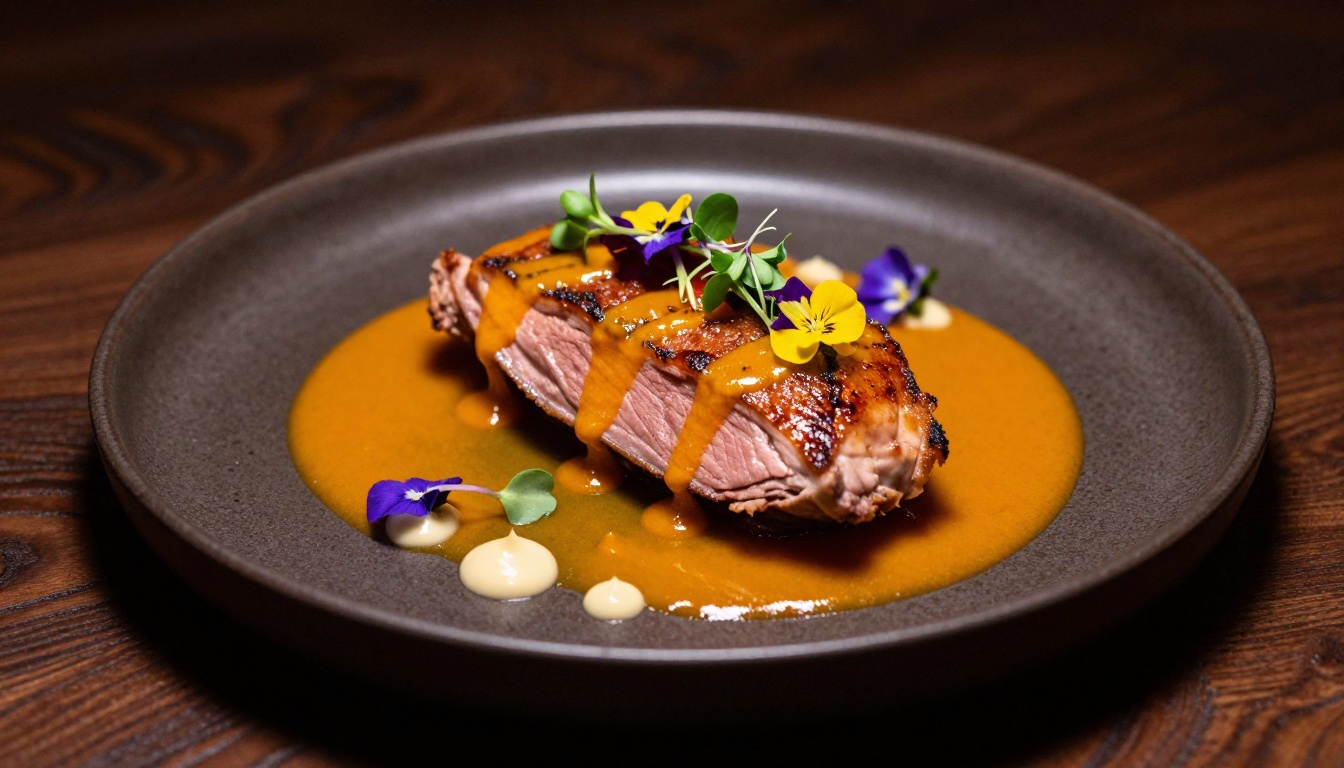
A strong online menu flipbook is not just a list of items with prices. It's a structured browsing experience built to create appetite and make decisions easy. Consider including:
- Opening page: Your restaurant name, logo, and a striking food photograph.
- Introduction page: A brief note from the chef or owner. One paragraph. Personal and warm.
- Food sections: Starters, mains, desserts. Each with clear headers and high-quality photography where possible.
- Drinks and wine list: Separate from food, clearly labeled by category.
- Chef's specials or seasonal spread: Highlighted visually to draw immediate attention.
- Allergen information: A dedicated page or section. Customers with dietary needs will appreciate it, and it builds trust.
- Contact and reservation page: Final page with your phone number, address, and reservation booking link.
| Menu Section | Purpose | Impact |
|---|
| Opening page | First impression, brand tone | High: sets the mood instantly |
| Chef's intro | Builds personal connection | Medium: humanizes the brand |
| Food sections | Core browsing experience | Critical: direct conversion driver |
| Drinks/wine | Increases average order value | High: often overlooked, very effective |
| Allergen info | Builds trust and accessibility | Medium: legally important in many markets |
| Reservation CTA | Closes the decision | High: turns browsers into bookings |
⚠️ Warning: A menu flipbook with no photography performs significantly below one with even basic food shots. Before publishing, invest in at least one good image per food section, even shot with a smartphone. Natural light, top-down angle, clean plate presentation makes a measurable difference in browsing time and conversions.
Plans Worth Considering
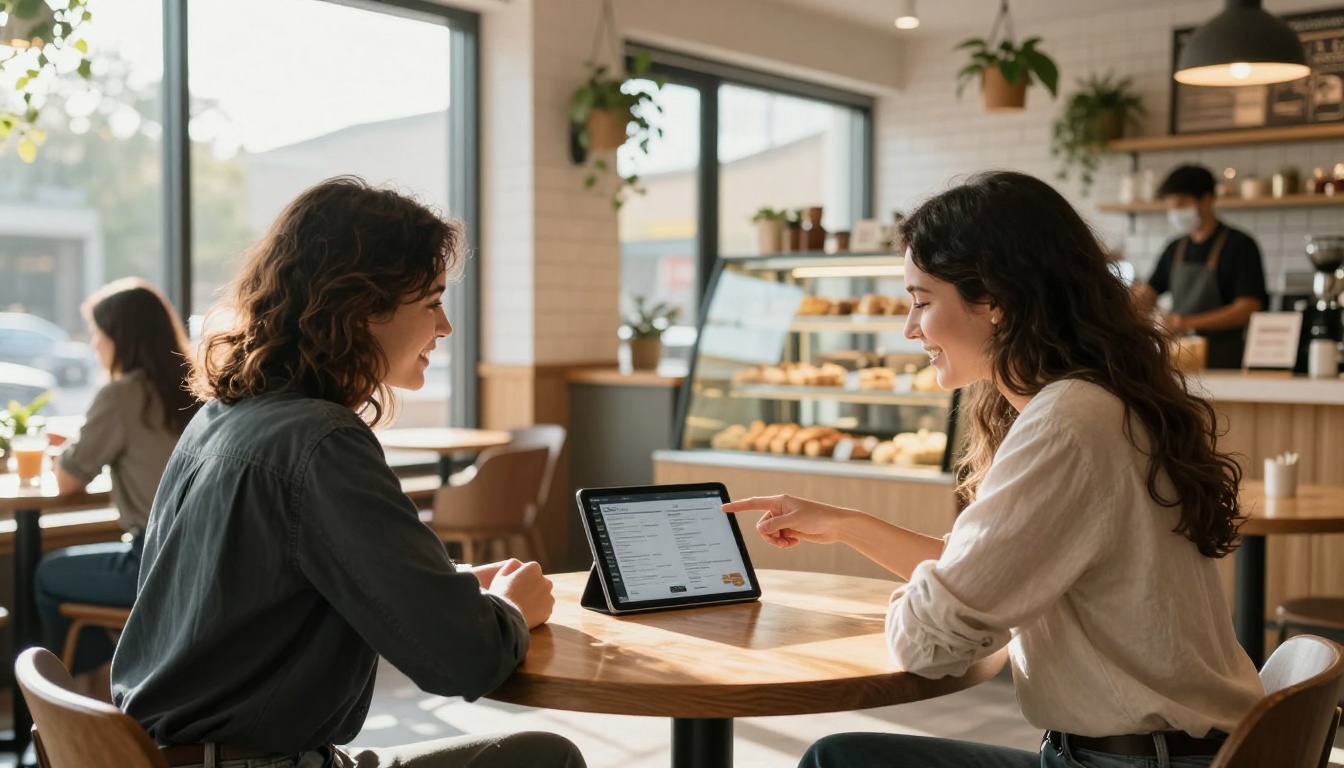
Flipbooks AI offers plans suited to restaurants at every stage, from a single-location bistro to a multi-concept hospitality group.
| Feature | Free Plan | Standard Plan | Professional Plan |
|---|
| Flipbooks | 1 | Unlimited | Unlimited |
| Watermark | Yes | No | No |
| Custom branding | No | Yes | Yes |
| Password protection | No | Yes | Yes |
| Embed on website | Limited | Yes | Yes |
| Analytics | No | No | Yes |
| Lead generation | No | No | Yes |
| Offline downloads | No | No | Yes |
| Multimedia embeds | No | Yes | Yes |
For most restaurants, the Standard plan hits the right balance: no watermarks, unlimited menus for different seasons or special events, custom branding, and password protection for private previews. Restaurants with multiple locations or those running reservation-driven marketing campaigns will find the Professional plan's analytics and lead generation tools directly profitable.
See the full pricing breakdown to find the right fit for your operation.
Types of Restaurants Already Winning With This
Fine Dining
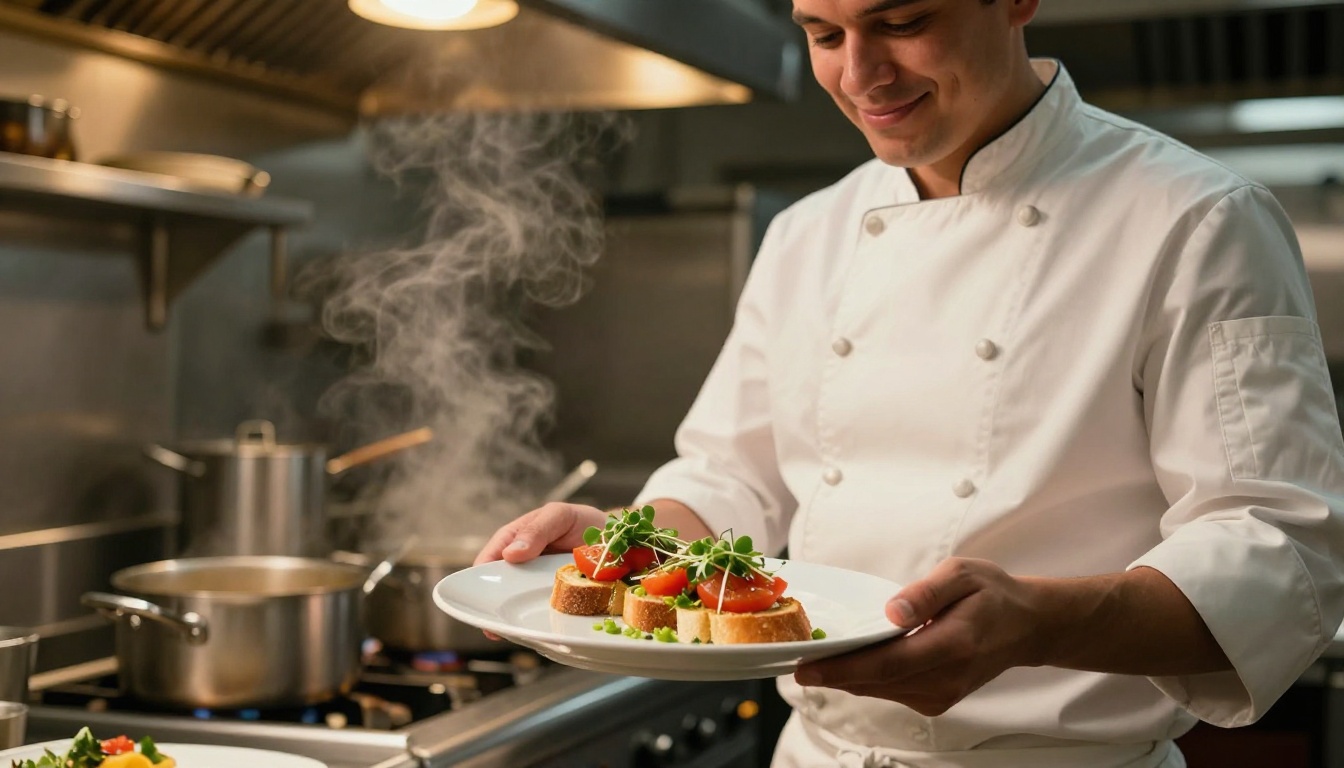
For upscale restaurants, presentation is everything. A polished menu flipbook reinforces the premium experience before a guest ever arrives. The page-turn interaction, custom branding, and ability to embed the chef's introduction video all signal quality and care. Fine dining establishments using the Restaurant Menu Creator tool often see a reduction in pre-visit phone inquiries because customers can self-answer their questions by browsing the menu at their own pace.
Fast Casual and Cafes
Speed matters for casual dining customers. A QR code at the counter or on a table tent that immediately opens a clean, mobile-friendly menu flipbook cuts ordering time and reduces perceived wait. For cafes with rotating specials, the ability to update the flipbook in minutes rather than waiting days for a reprint is a practical daily operational advantage.
A small independent cafe can create seasonal menus, morning menus, and afternoon menus as separate flipbooks, then switch which QR code is active without ever printing a single page.
Food Trucks and Pop-ups
Food trucks operate with minimal physical space and no traditional table service. A QR code on the truck's side, or on a sign near the ordering window, replaces the overhead menu board entirely for digital-first customers. Pop-up restaurants and supper clubs use password-protected flipbooks to share exclusive menus with ticketed guests ahead of the event, building anticipation and reducing the time spent explaining courses on the night.
The Digital Price List Generator is particularly useful for food trucks that need a clean, fast-loading price reference without the full flipbook treatment.
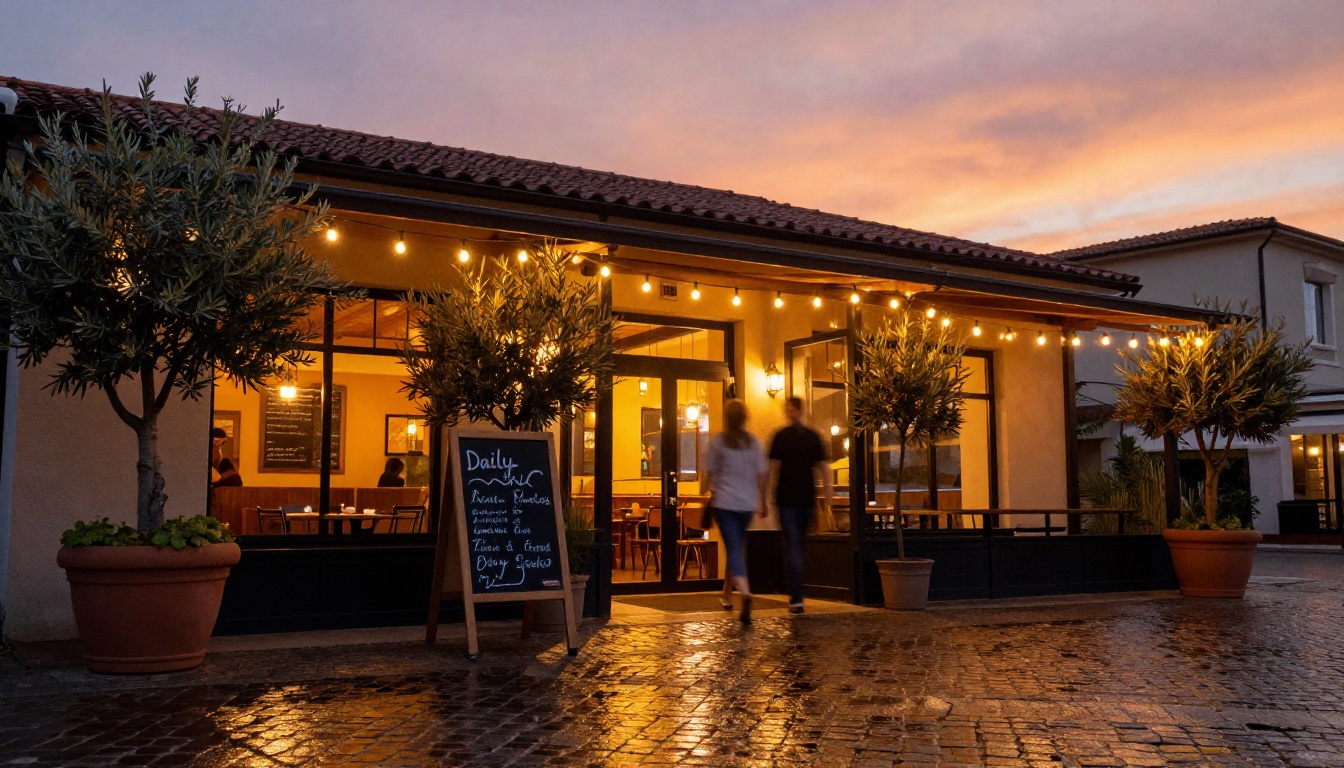
The gap between restaurants that customers find and choose online and those they scroll past is often as simple as having a beautiful, browsable menu available at the moment of decision. Paper menus stay on tables. A flipbook menu travels everywhere your customers go: their phones, their laptops, their group chats when they're planning where to eat tonight.
Creating one takes less than ten minutes. Upload your PDF to Flipbooks AI, customize your branding, and you have a shareable link ready for every platform. Add it to your Google Business Profile, your Instagram bio, your website. Print a QR code for your tables. Every customer who browses your menu online before visiting is already sold on the experience. You're just giving them the best possible way to make that decision.
Ready to create your first menu flipbook? Get started free on Flipbooks AI, or compare plans to find what works best for your restaurant. Browse all available restaurant and menu tools to find the right format for your concept.



