Your phone probably has hundreds of pet photos that never make it past the camera roll. A few get texted to family, maybe one gets posted online, and the rest sit in a folder that no one opens. Making a pet photo album as a flipbook changes all of that. It gives your best shots a real home, one that people can actually flip through page by page, on any device, without printing a single thing. Flipbooks AI makes this process fast, intuitive, and genuinely fun, whether you're creating a memory album for yourself or a gift for someone who loves their pet.
Why a Flipbook Beats a Regular Photo Album
Printed albums are beautiful objects. They have weight and texture and the smell of photo paper. But they have serious limitations: they cost money to produce, they age in a drawer, and only the people physically in the room ever see them. A digital flipbook removes every one of those limitations without sacrificing the warmth of flipping through pages.
The Format Makes a Difference
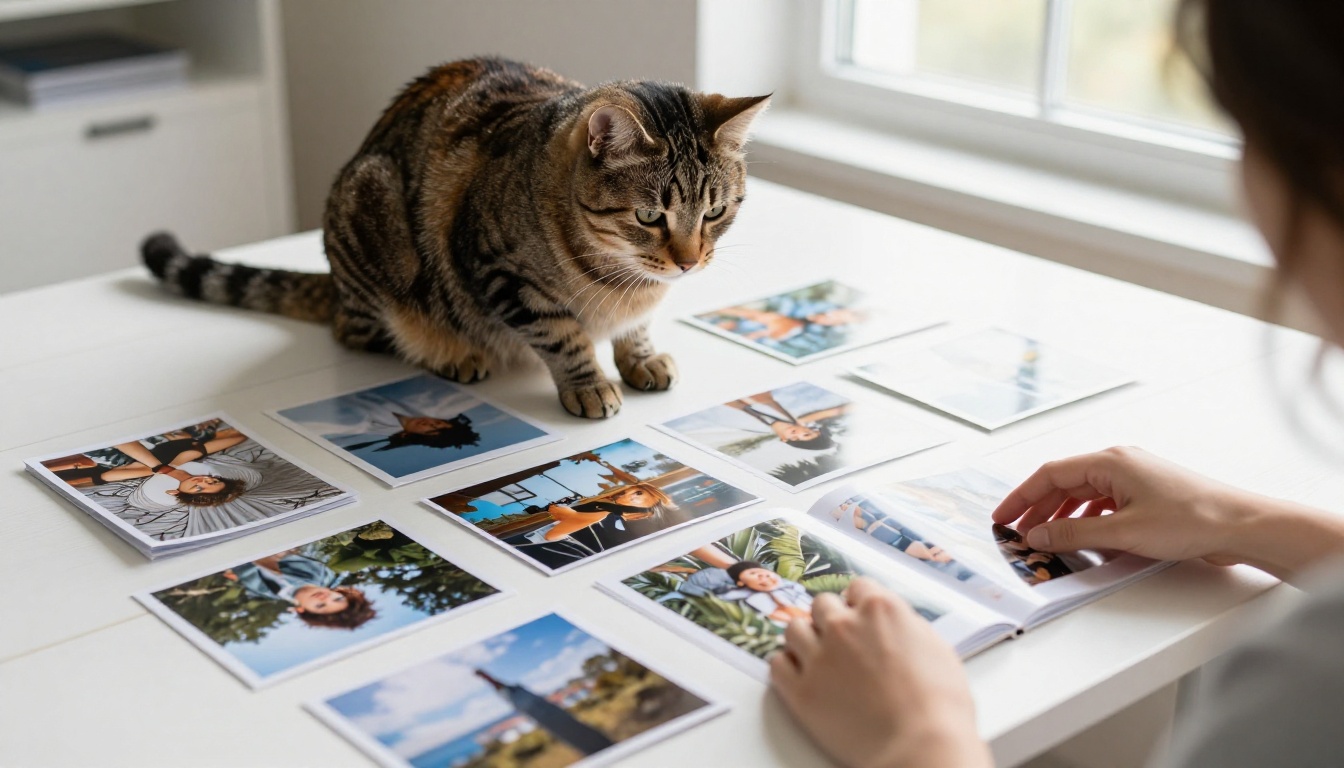
There's something about the page-turning animation that printed slideshows and static galleries just don't replicate. When someone flips through your pet album and the pages animate with a realistic page curl, it feels intentional. It feels curated. People slow down and actually look at the photos instead of swiping past them in less than a second.
The flipbook format forces a pace. Each spread gets its moment. That pacing changes how people experience a collection of photos, and it changes how they feel about the album when they're done.
It Travels Without a Box
Send the link to your mom. Embed it on your personal site. Share it in a family group chat at 11pm. A flipbook lives online and opens instantly on phones, tablets, and desktops with zero friction. No downloads, no apps, no file size limits hitting someone's inbox.
Compare that to a printed album, which lives in one location, or a folder of JPEGs, which requires someone to download a zip file, extract it, and then manually click through images in a file browser. The flipbook wins on pure accessibility.
| Feature | Printed Album | Digital Slideshow | Flipbook |
|---|
| Page-turning experience | Yes | No | Yes |
| Shareable via link | No | Sometimes | Yes |
| Editable after creation | No | Limited | Yes |
| Mobile-friendly | No | Sometimes | Yes |
| Cost to produce | High | Low | Free to start |
| Interactive pages | No | No | Yes |
| Private sharing option | No | Rarely | Yes |
| Embeddable on websites | No | Sometimes | Yes |
Choosing the Right Pet Photos
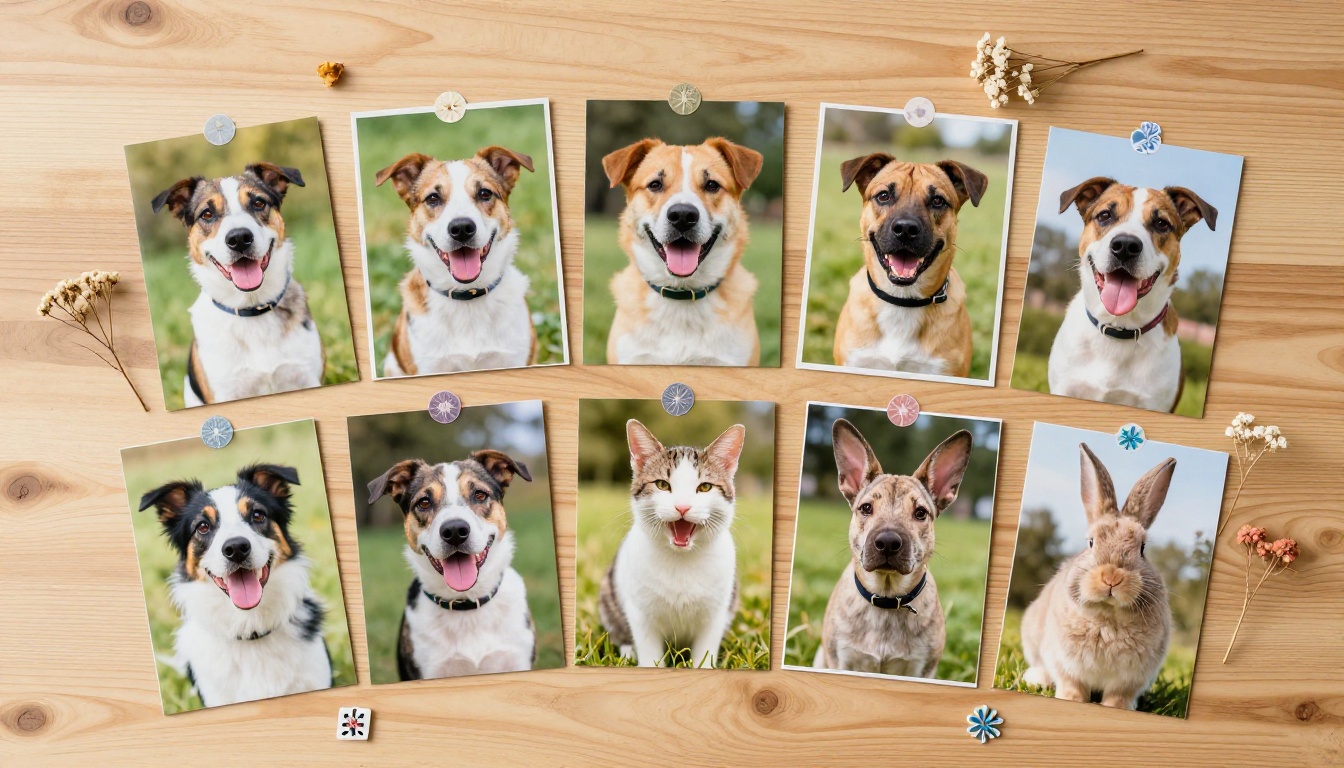
Not every photo deserves a spot in the album. A well-chosen set of 15 to 30 photos tells a story better than 200 random shots. The curation process is where most people skip ahead too fast, and it shows in the final product.
Look for Moments, Not Just Shots
The best pet photo albums aren't collections of staged portraits where the pet happens to be looking at the camera. They're a mix of moods, lighting, and situations that reflect your pet's actual personality. Candid shots almost always outperform posed ones in terms of emotional impact.
Aim to include photos that cover:
- A candid moment (mid-play, mid-sleep, mid-yawn, mid-run)
- At least one strong close-up of the face with eye contact
- A photo with a person, showing the relationship
- A seasonal or outdoor shot for variety and depth
- A funny or unexpected moment that captures something specific about your pet
- An action shot showing energy and movement
Think About the Arc of the Album
Albums tell stories. If you think of your flipbook as having a beginning, middle, and end, the experience for the viewer changes significantly. Start with an establishing shot (your pet at home, or in a favorite spot) to orient the viewer. Move through adventures, daily routines, and small moments in the middle. Close with something warm and intimate, a quiet moment that feels like a proper ending.
💡 A 20 to 25 photo set is the sweet spot for most pet albums. Enough for a real browsing experience, but not so many that the viewer loses interest or starts skipping pages.
Photo Quality Matters More Than You Think
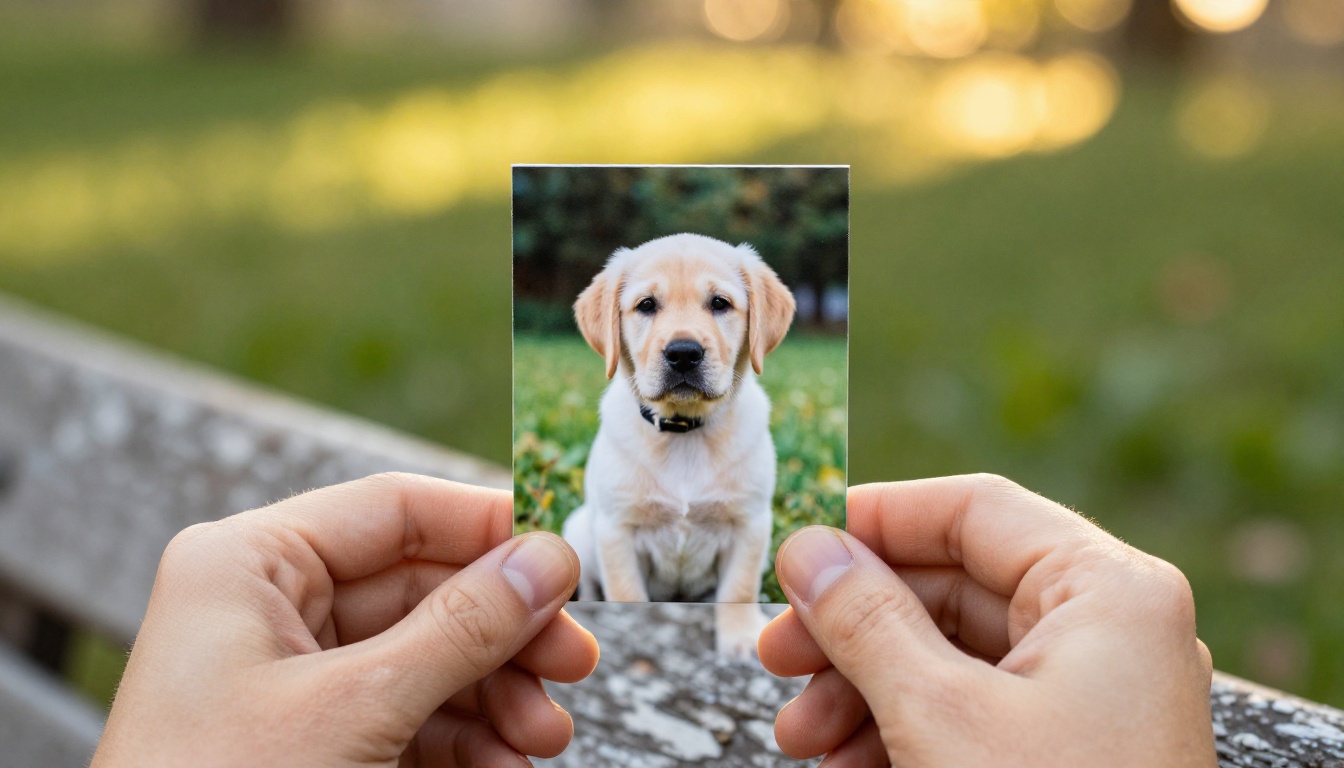
Flipbooks display photos at full width on screen. A grainy, poorly lit phone shot that looked acceptable at thumbnail size will look rough and pixelated when it fills the screen. Before you build your album, do a quick quality pass and be honest about what actually holds up at larger sizes.
Quick photo quality checklist:
- Is the subject in focus, not motion-blurred?
- Is the photo properly exposed, not too dark or washed out?
- Does it have at least 1080px on the short side?
- Is it free of heavy filters that might clash visually with other photos in the set?
- Does it tell something true about your pet?
Organizing Your Album Before You Build
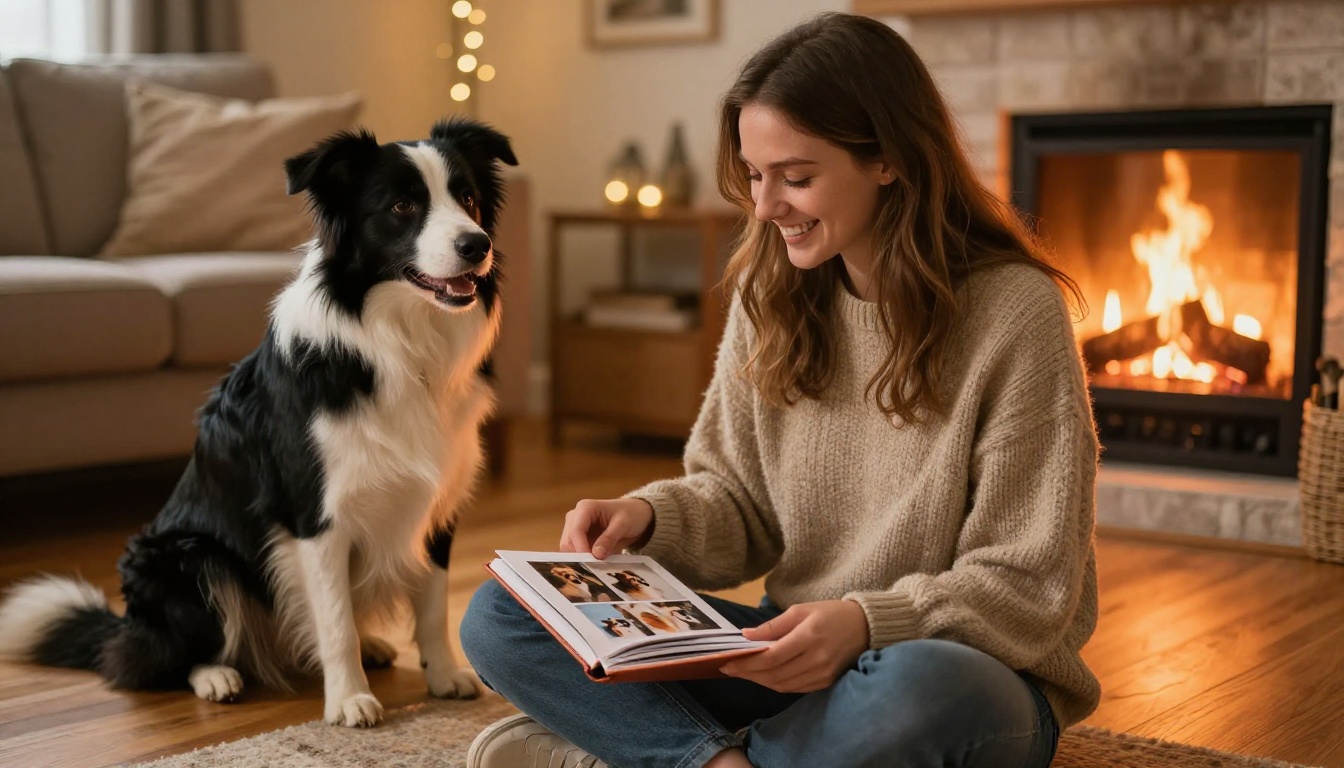
Before uploading anything, spend ten minutes organizing the photos in the right order. The structure you establish before uploading saves editing time later and prevents the common mistake of having a randomly ordered album that feels disconnected.
Sorting by Theme vs. Chronology
Both organizational approaches work well, and the right one depends on what you're trying to do with the album.
Chronological order is great for milestone albums like a puppy's first year, a cat's adoption anniversary, or a pet's final months. It gives viewers a sense of time passing and growth. Theme-based organization works better for mixed collections where variety matters more than a timeline.
| Organization Style | Best For | Example |
|---|
| Chronological | Milestone albums | First year with a new puppy |
| Theme-based | Personality portraits | "Lazy Days" or "Adventure Time" |
| Seasonal | Annual recap | Year in review for your pet |
| Mixed relationships | Family albums | Pets and people across seasons |
| Event-based | Special occasions | Birthdays, holidays, first vet trip |
Naming and Numbering Your Files
If you're building from a folder of photos on your computer, rename them with a number prefix before uploading. Files named 01_morning.jpg, 02_park.jpg, and so on will upload in the exact sequence you want without fighting a platform's auto-sort behavior.
⚠️ Many platforms sort uploaded files alphabetically by filename by default. Numbering your files prevents your carefully planned order from being scrambled during the upload process.
How to Create Your Pet Flipbook on Flipbooks AI
Flipbooks AI is built specifically for turning documents and photo collections into beautiful, interactive flipbooks. The process is straightforward even if you've never made a digital album before.
Step 1: Assemble Your Photos Into a PDF
The most reliable way to build your pet photo album is to put your photos into a PDF first. Free tools like Canva, Google Slides, Adobe Express, or even PowerPoint let you do this in minutes. Set each page to a 16:9 ratio (landscape) for the best viewing experience on screens.
Place one photo per page for a clean, spacious layout. Or create spreads with two related photos side by side for a more traditional album feel. If you want captions, add them as text at the bottom of each page before exporting the PDF.
Step 2: Create Your Account
Go to flipbooksai.com/account and create your account. The free tier gives you access to core features so you can build and preview your album before deciding whether you need a paid plan.
Step 3: Upload and Convert
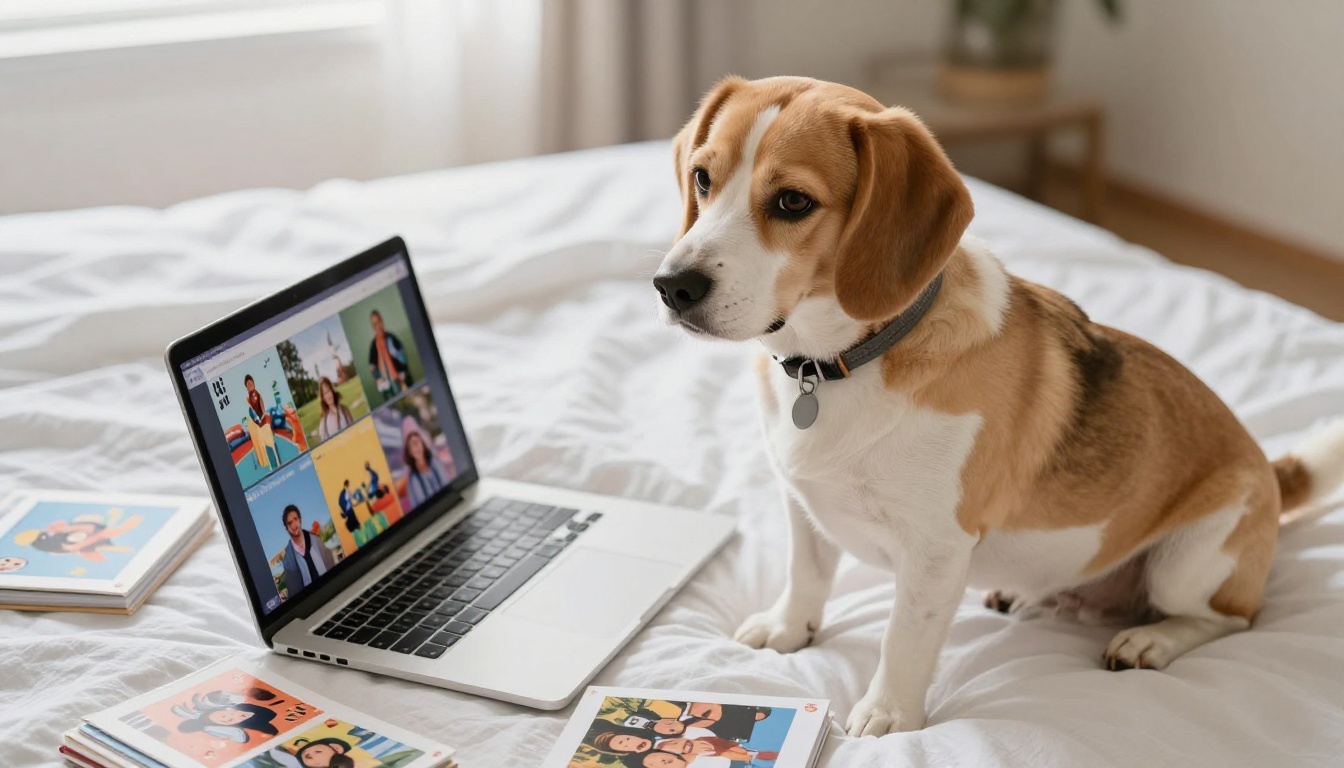
From your dashboard, start a new flipbook and upload your PDF. Flipbooks AI processes the file and converts each page into a flippable spread with realistic page-curl animation. You'll see a live preview of the effect within seconds of the upload completing.
Step 4: Set Your Album Details
Give your flipbook a name, write a brief description, and set a cover thumbnail. For a pet album, the cover should be your strongest, most striking photo. This is what people see when they first open the link, before they've flipped a single page.
Step 5: Customize the Design
This is where a good album becomes a great one. You can adjust:
- Background color or texture behind the open pages
- Color theme that matches your pet's aesthetic (warm amber for a golden retriever, cool slate for a grey cat)
- Page shadow depth and flip animation speed
- Custom branding with your name or a short dedication visible in the album header
✅ If you're giving this as a gift, the custom branding field is a perfect spot for a short personal message. It shows up when someone first opens the album.
Step 6: Publish and Share
Once the preview looks right, publish your flipbook. You'll get a shareable link immediately. No one needs an account to view it. You can also generate an embed code to place the flipbook directly into a blog post or personal website page.
Customizing Your Pet Album
The base flipbook is just the start. Customization is where you make the album feel specific to your pet and your story.
Color and Mood
Warm tones (amber, terracotta, honey) suit cats and dogs with golden or brown coats. Cool tones (slate, sage, ivory) work well for black-and-white pets, or for a more modern minimalist look. Avoid stark white or jet black backgrounds, as they tend to overwhelm the photos.
Using the Right Tool for the Job
Flipbooks AI offers several tools that work well for pet photo albums depending on what angle you're going for.
💡 The Photography Portfolio Flipbook tool is particularly well-suited for pet albums where the photography quality is a focus, not just the memories. It gives the presentation a professional edge.
Sharing Your Flipbook with Family and Friends
A flipbook that nobody sees isn't doing its job. Here are the most effective sharing methods.
The Direct Link
Every flipbook gets a unique URL. Paste it in a WhatsApp message, an email, a Facebook post, or an Instagram bio. The link opens a full interactive flipbook in any browser. The person receiving it doesn't need an account, doesn't need to download anything, and can start flipping immediately.
Embed on a Website or Blog
If you have a personal site, pet blog, or family website, the embed code from Flipbooks AI lets you drop the flipbook directly onto a page. Visitors can flip through it without leaving your site. The Embed Flipbook on Website tool handles the technical setup.
Private Sharing With a Password
For albums meant for a specific group, like family after a pet's passing or a birthday gift for a pet lover, password protection keeps things intentional. Only people who have both the link and the password can open it.
Offline Access for Family Members
On Professional plans, viewers can download the flipbook for offline access. This is particularly useful for family members who want a copy saved locally on a tablet or computer, without needing to find the link every time.
Plan Options Worth Knowing
Flipbooks AI pricing covers everything from one-time personal albums to ongoing use by pet bloggers and creators managing multiple flipbooks.
| Plan | Best For | Standout Features |
|---|
| Free | First album, testing the process | Basic creation, shareable link |
| Standard | Regular use, multiple albums | Unlimited flipbooks, no watermarks, custom branding |
| Professional | Power users, pet bloggers | Analytics, offline downloads, password protection, lead gen |
Feature breakdown across plans:
- No watermarks: Standard and above
- Unlimited flipbooks: Standard and above
- Password protection: Professional
- Custom branding: Standard and above
- Analytics and lead generation: Professional
- Offline downloads: Professional
- Mobile-responsive design: All plans
- Embed codes: All plans
💡 Building a one-time album for a family event? The free plan covers everything you need to create and share it. Upgrade when you want the full experience: unlimited albums, no watermarks, and custom branding.
Real Ways People Use Pet Flipbooks
Pet flipbooks are more than a personal project. People use them for specific, meaningful purposes across a range of situations.
Memorial Albums
Losing a pet is genuinely hard. A flipbook memorial album gives people a way to share memories with others who loved the animal, and a quiet place to return to privately. The page-turning format feels more deliberate than a static slideshow. It asks people to slow down and spend time with each photo.
Adoption Stories
Animal shelters and rescue organizations use photo albums to document rescues and tell adoption stories visually. A flipbook showing a dog's transformation from shelter life to a happy home is powerful, and it's highly shareable on social channels without any additional editing work.
Gifts for Pet Lovers
A pet photo flipbook is a genuinely thoughtful gift because it takes real effort. Create one for a family member or friend featuring their dog or cat, and send them the link. It costs nothing extra to share, but it shows specific care in a way that a generic card never does.
Annual Pet Recaps
Some people create a new flipbook each year to capture their pet's growth, adventures, and milestones across the seasons. It's a digital tradition that's far easier to maintain than printing a new album annually, and the archives are always one link away.
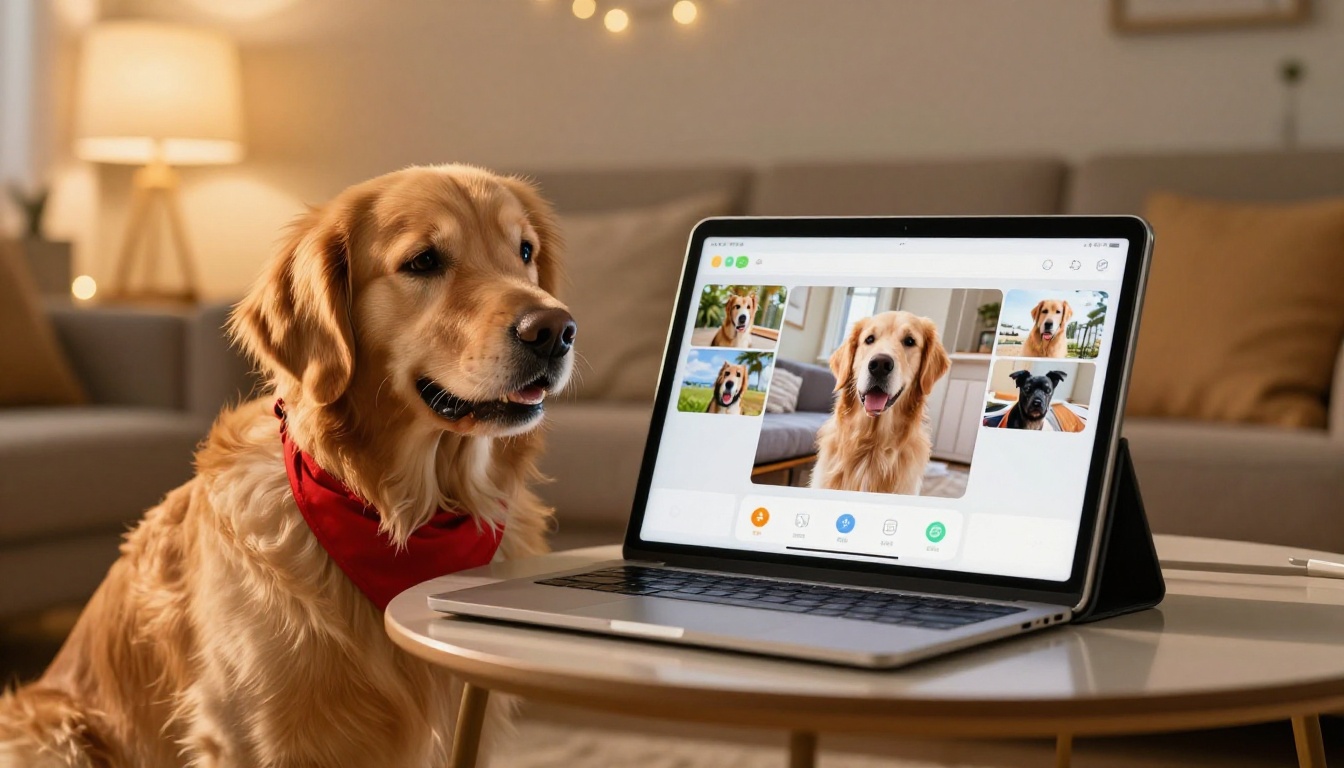
Your pet's photos deserve more than a forgotten camera roll folder. A flipbook turns a scattered collection of images into something people actually want to open, flip through, and come back to. It's shareable, interactive, and permanent in a way that digital folders and text chain photos never are. Get started for free on Flipbooks AI and have your first pet album live in under an hour. When you're ready for unlimited albums, custom branding, and no watermarks, compare pricing plans to find what fits your needs. All available tools and templates are waiting at flipbooksai.com/tools.



