There's something irreplaceable about the way a real photo book feels in your hands. The weight of the pages, the soft sound of a page turning, the way light catches the edge of a printed photograph. Most people assume that experience is only possible with a physical print. It is not. Flipbooks AI makes it possible to create a digital photo album that flips exactly like a real book, complete with page-curl animations and the satisfying visual weight of a bound volume, but shareable anywhere in seconds.
This article covers exactly how to build one, what to look for in a platform, and why the format matters more than you think.
What Makes a Photo Album Feel Like a Real Book
The Page-Flip Effect Explained
The difference between a static PDF and a flipbook-style photo album comes down to one thing: the page-turn animation. A genuine flipbook rendering mimics the physical mechanics of turning a page. The paper curves as it lifts, casts a subtle shadow, and lands with the same visual logic as cardstock in your hands.
This is not just aesthetic. People spend more time with content that mimics familiar physical interactions. A photo album with a real page-flip keeps viewers engaged longer than a static scroll or a grid of thumbnails.
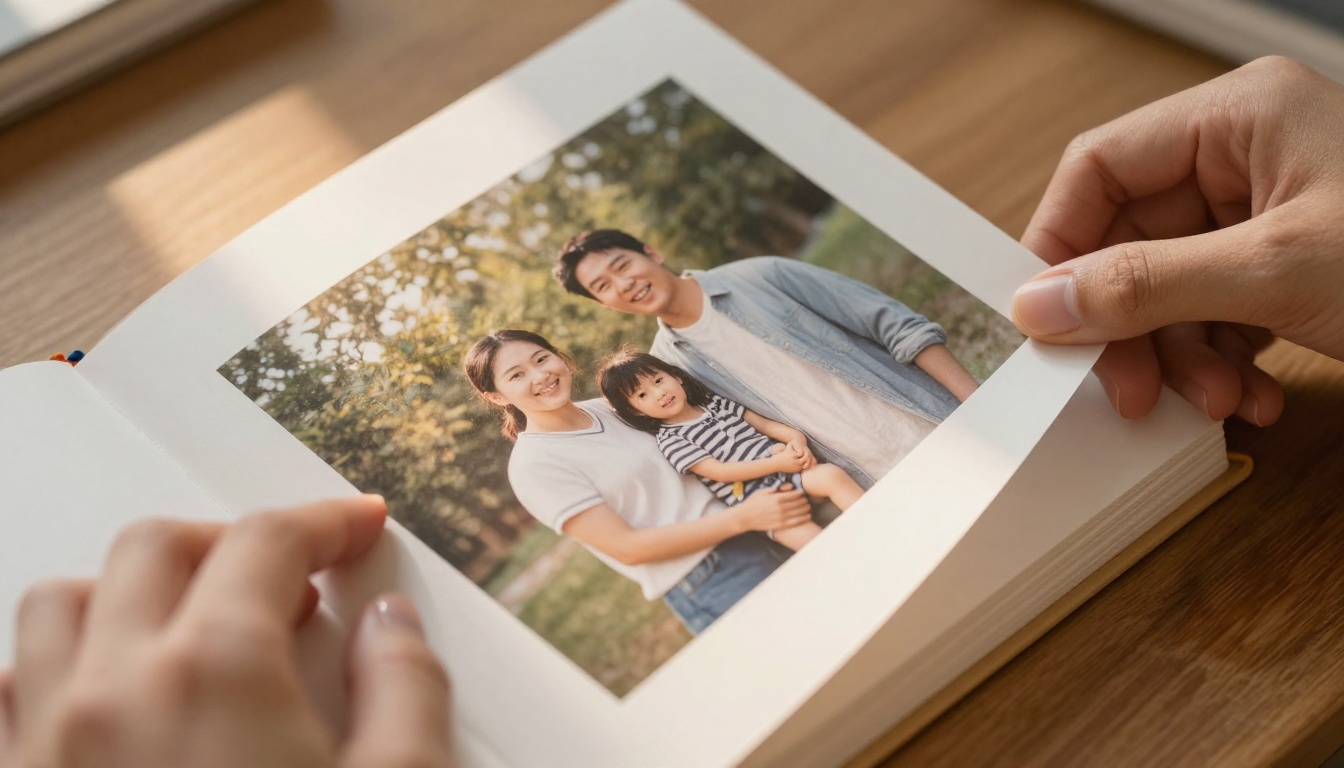
Why Physical Albums Still Matter (and How Digital Copies Them)
Printed photo books carry emotional weight. They live on coffee tables, get passed around at family dinners, and survive for decades. The problem is they are expensive to produce, impossible to update, and difficult to share with someone in another city.
Digital flipbook albums solve all three problems without sacrificing the feel. You get the visual experience of a bound book, the convenience of a link, and the flexibility to update, embed, or share it instantly.
💡 Pro tip: The best digital photo albums do not look like websites. They look like books. The format cue matters more than the content quality alone.
Digital vs. Physical: The Real Tradeoffs
Before choosing your approach, here is an honest comparison of what each format actually delivers:
| Feature | Physical Photo Book | Digital Flipbook Album |
|---|
| Page-flip realism | 100% tactile | 95% visual simulation |
| Shareable via link | No | Yes |
| Updatable after creation | No | Yes |
| Production cost | $30 to $150+ per book | Free to low monthly fee |
| Delivery time | 1 to 2 weeks | Instant |
| Embeddable on websites | No | Yes |
| Printable on demand | Yes | Yes (PDF export) |
| Password protected | No | Yes |
| Analytics (who viewed) | No | Yes (Professional plan) |
The digital flipbook wins on almost every practical metric. The only thing it cannot replicate is the physical weight in someone's hands, and for most use cases, that is a reasonable trade.
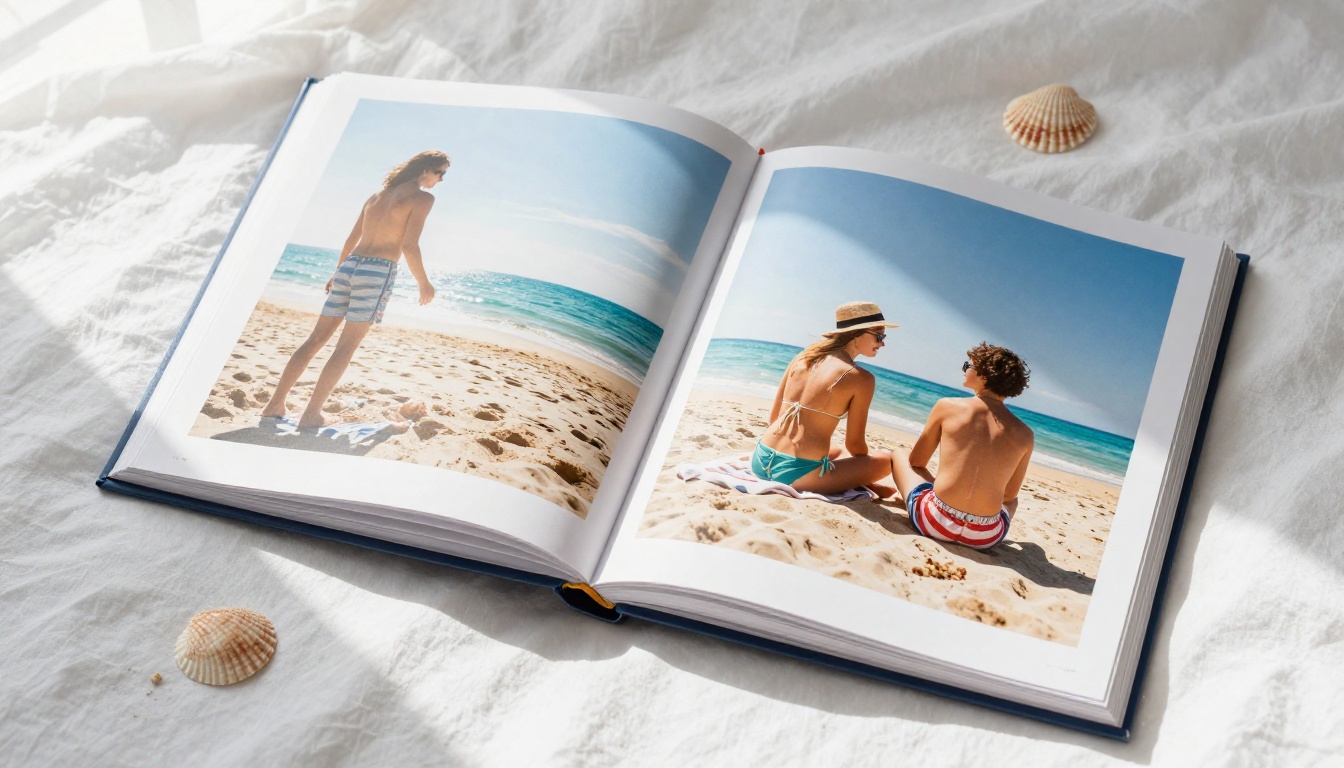
How to Make a Photo Album That Flips Like a Real Book
The process is more straightforward than most people expect. Here is exactly how it works, from photo selection to a shareable link.
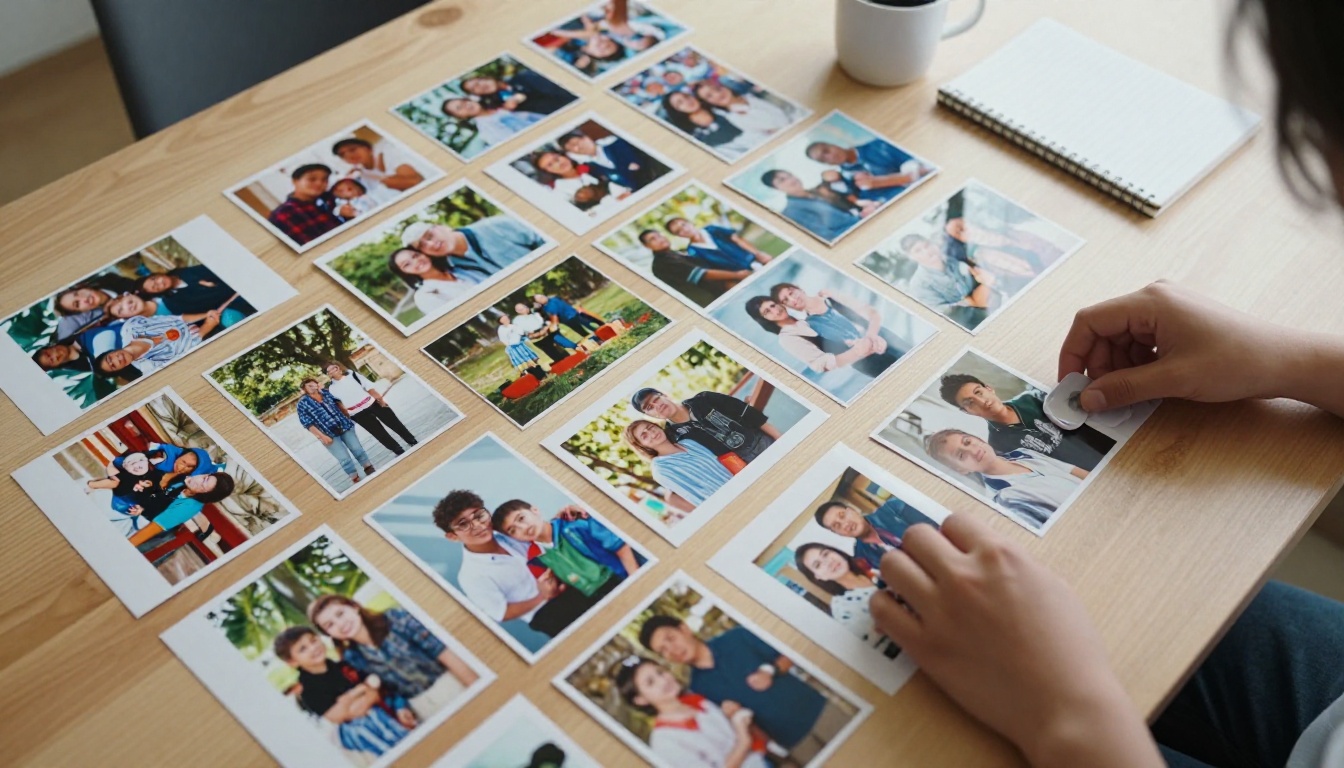
Collect and Organize Your Photos
Before touching any software, spend time organizing your images. Group them thematically or chronologically. A photo album tells a story, and the sequence matters as much as the photos themselves.
What works well:
- Chronological travel albums (arrival, exploration, food, departure)
- Family event albums (setup, ceremony, reception, candids)
- Seasonal year-in-review collections
- Portrait series with consistent styling
What to avoid:
- Random dumps of 300 unedited photos
- Mixing high-quality prints with blurry phone snaps without intention
- Skipping the editing step entirely
Design Your Album Layout
Most people use a PDF layout tool before converting. Programs like Canva, Adobe InDesign, or even Google Slides let you arrange photos into a double-page spread format. Export as a high-resolution PDF when done.
Key layout principles:
- Design for double-page spreads (two facing pages equal one visual unit)
- Leave a small gutter margin in the center (the binding area)
- Use consistent margins on all outer edges
- Let one dominant photo anchor each spread, supported by smaller detail shots
✅ Best practice: Design at 300 DPI minimum. The quality of your source PDF determines the quality of the flipbook. A low-resolution source produces a low-resolution result, with no exceptions.
Convert Your PDF to a Flipbook
This is where the real book feel gets created. Flipbooks AI takes your PDF and renders it as an interactive flipbook with a realistic page-turn animation. No coding, no complex setup.
The process on Flipbooks AI takes about 60 seconds:
- Create a free account at flipbooksai.com/account
- Click New Flipbook and select Upload PDF
- Choose your photo album PDF file
- Wait for processing (typically under 90 seconds for a 50-page album)
- Preview the result in the built-in viewer
- Publish and copy your shareable link
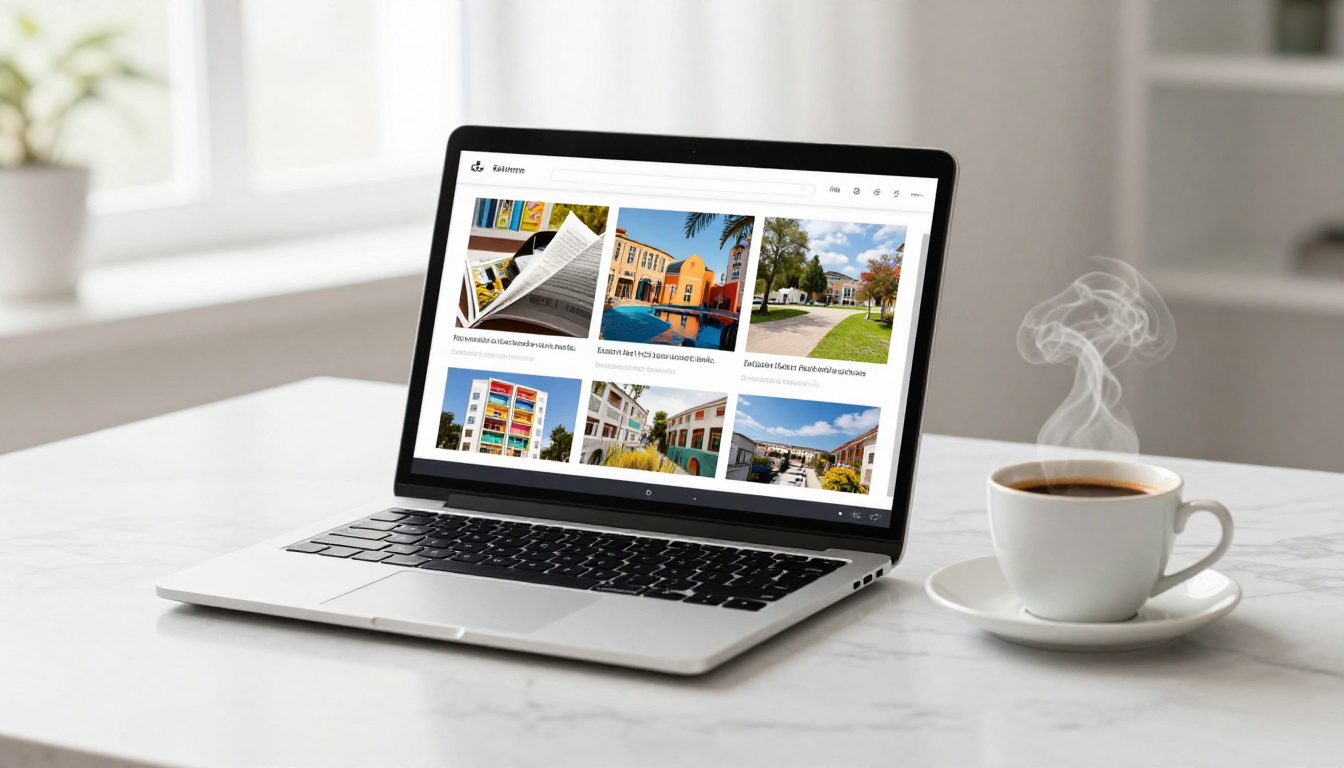
Customize the Look and Feel
Once your album is uploaded, Flipbooks AI gives you full control over the presentation:
- Background color: Match the mood of your album (black for dramatic portraits, cream for family warmth)
- Cover style: Choose hard or soft cover appearance
- Page shadows: Control the depth of page shadow during the flip animation
- Branding: Add your name or studio logo with no watermarks on Standard plan and above
- Multimedia: Embed background audio or video clips directly into pages
💡 Pro tip: Keep the background color neutral. A mid-tone gray or off-white complements almost any photo palette without competing with the images themselves.
Share or Embed Your Album
This is where digital flipbooks leave physical albums in the dust. Once published, your photo album has:
- A direct link you can send via text, email, or social media
- An embed code to drop the flipbook directly into any website or blog
- Password protection for private family albums and client galleries
- A PDF download option for recipients who prefer offline viewing
- A QR code you can print on physical invitations or cards
⚠️ Worth knowing: Password protection is available on all paid plans. If you are delivering client work or sharing a private family album, this feature alone makes a paid plan worth considering.
How to Create a Flip Photo Album with Flipbooks AI
Flipbooks AI is purpose-built for exactly this use case. The Photography Portfolio flipbook and Wedding Album Flipbook tools offer templates optimized specifically for image-heavy layouts.
Here is a complete walkthrough of the sharing options available after publishing:
| Sharing Method | How It Works | Best For |
|---|
| Direct link | Copy URL and share anywhere | Social media, email, texts |
| Embed code | Paste iframe into any website | Blogs, photographer websites |
| Password protected link | Set a password in settings | Private family albums, client delivery |
| QR code | Generate and print for physical use | Invitations, printed cards |
| PDF download | Allow recipients to save offline | Archiving, offline viewing |
Advanced Features for Professional Use
For photographers, studios, or anyone sharing albums professionally, the Professional plan adds:
- Analytics: See exactly who viewed your album, from which country, and for how long
- Lead generation forms: Collect contact information directly from the flipbook viewer
- Offline downloads: Allow viewers to save the entire flipbook for offline access
- Custom domain: Host flipbooks under your own domain name

Best Use Cases for Flip Photo Albums
The format works exceptionally well for specific scenarios. Here are the ones where the flipbook approach genuinely outperforms every alternative.
Family Memory Books
Annual family photo books that flip like a real book are far more likely to actually get viewed than a folder of JPEGs shared via Google Drive. The book format creates an occasion. People sit down with it, flip through it, and linger on their favorites.
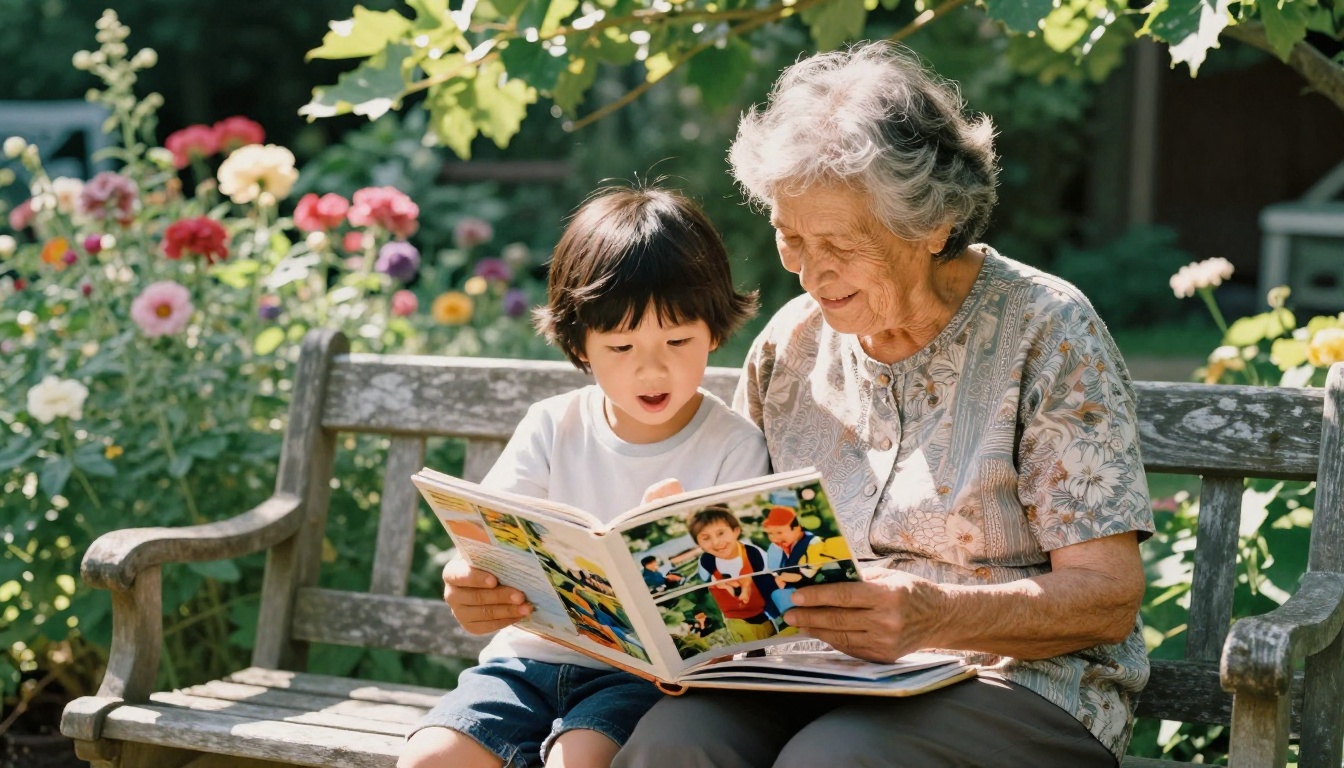
Send a link to grandparents who live far away. They open it on any device, tap or click through the pages, and experience the same sequence you intended. No app required. No special software. Just a link.
Wedding Albums
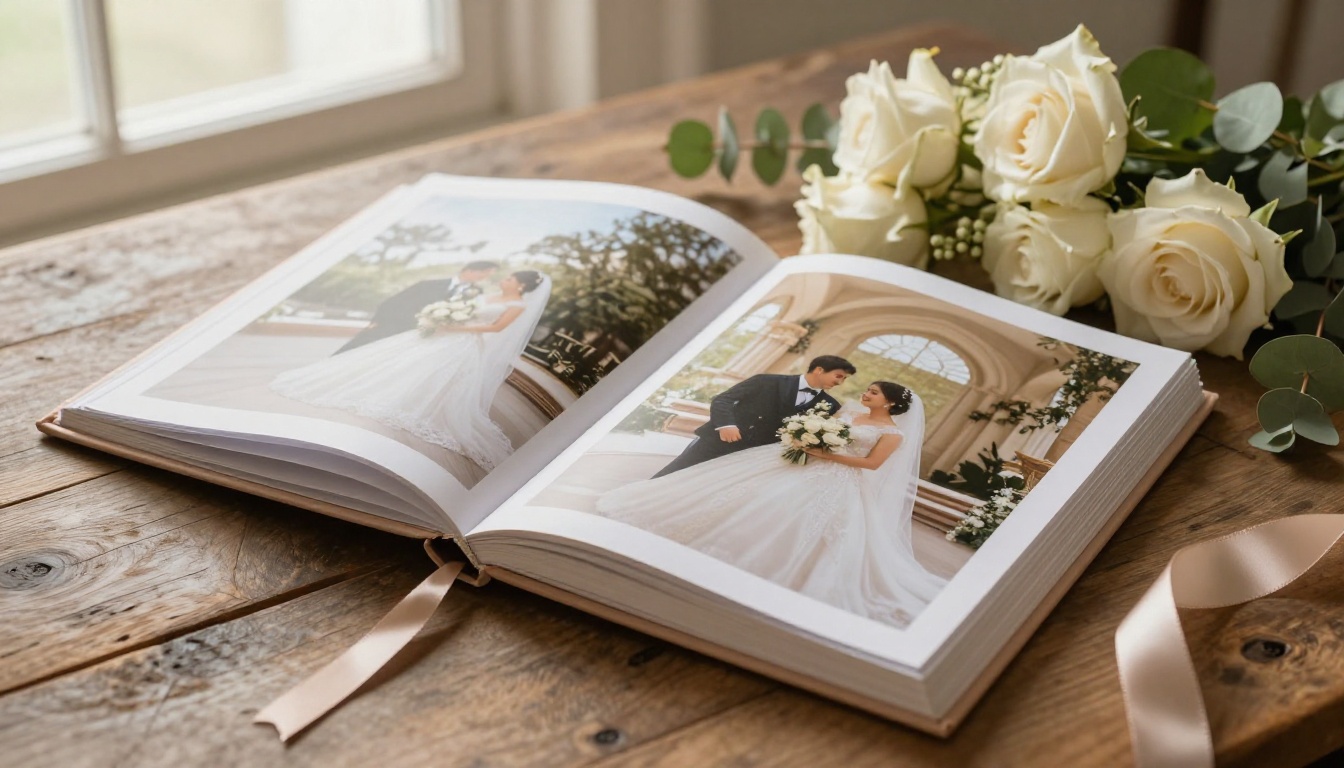
Wedding photographers increasingly use flipbook delivery alongside physical albums. The digital version can be shared with the entire extended family the week after the wedding, while the physical album is still being printed and bound.
The Wedding Album Flipbook tool handles the large file sizes typical of high-resolution wedding photography without compression artifacts that ruin skin tones and fine detail.
Travel Photo Journals
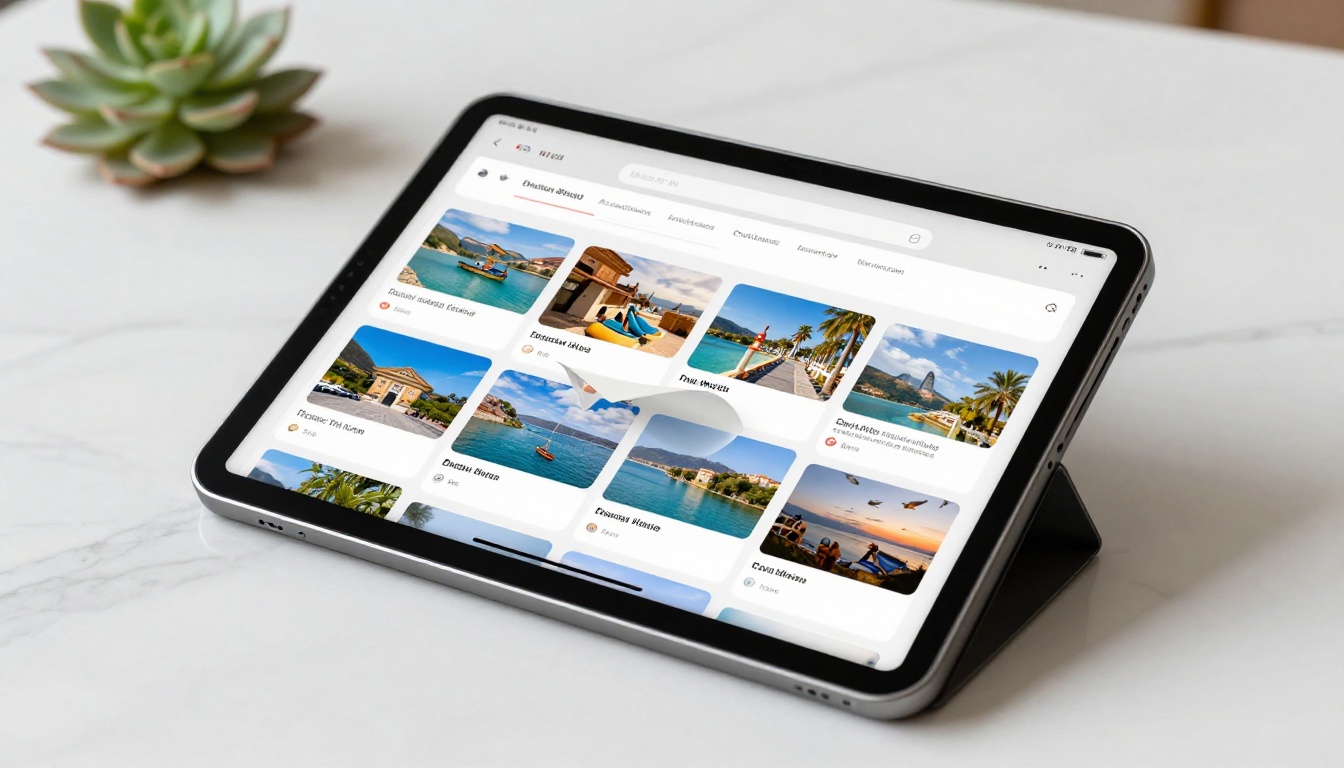
A travel journal that flips like a book is a completely different experience from a social media grid. It has narrative, sequence, and intention. You can arrange the photos in the exact order the trip unfolded, include captions on each page, and share it with everyone who asked "how was the trip?" in one link.
The mobile-friendly rendering on Flipbooks AI means travel albums look great on tablets and phones, which is exactly how people prefer to browse photo content while relaxing.
Not all flipbook tools handle photo albums equally. Here is what to evaluate before committing to any platform:
| Factor | Why It Matters | What to Check |
|---|
| Image quality preservation | Compression ruins photos | Compare output vs. original at 100% zoom |
| Page-flip realism | Core to the whole format | Test animation speed and shadow quality |
| Mobile rendering | Most links are opened on phones | Test on both iPhone and Android |
| No watermarks | Watermarks cheapen the presentation | Standard plan and above on Flipbooks AI |
| Unlimited flipbooks | Albums accumulate fast | Included in Flipbooks AI Standard plan |
| Password protection | Essential for private albums | Available on all paid Flipbooks AI plans |
| Embed capability | Needed for website delivery | Available on all Flipbooks AI plans |
| Analytics | Confirm clients actually viewed | Professional plan on Flipbooks AI |
Tips for a Better Photo Album
Choosing the Right Photos
The single biggest factor in a good flip photo album is photo selection, not the tool. A 30-page album of 30 great photos beats a 100-page album of mediocre ones every time.
Selection criteria that work:
- Variety of distances (wide establishing shots, medium group shots, tight detail shots)
- Good exposure with properly lit subjects and no blown highlights
- Emotional moments over technically perfect but empty frames
- One clear subject per photo rather than everything crammed into frame
Layout and Design Tips
A few layout principles make a significant difference in how the finished album feels when someone flips through it:
- Open with impact: The first spread should be your single best photo, full bleed
- Build rhythm: Alternate between full-bleed pages and multi-photo grid pages
- End with emotion: Close with a quiet, warm image rather than an action shot
- Caption sparingly: One or two words per photo is more powerful than full sentences
💡 Pro tip: Use the Digital Portfolio Creator if your photo album doubles as a professional showcase. It includes portfolio-specific layout options that standard album tools do not.
Your Photos Deserve a Book
A photo album that flips like a real book is no longer something you need a print shop, a designer, or a two-week wait to create. Flipbooks AI handles the conversion, the rendering, and the sharing, so you can focus on the part that actually matters: the photos themselves.
To build yours right now:
- Create your free account at Flipbooks AI and upload your first PDF in minutes
- Browse all flipbook tools to find templates suited to your specific project
- Compare pricing plans if you need analytics, password protection, or professional features
Whether it is a family memory book, a wedding album, a travel journal, or a photography portfolio, the flipbook format gives your photos the presentation they deserve. Upload your PDF, flip through the preview, and you will understand immediately why static galleries and slideshow links feel flat by comparison.
Your memories are worth more than a folder. Give them a book.



