Somewhere between arriving home with a suitcase full of memories and your next trip, those travel photos disappear. They sit in folders named "August vacation" that nobody opens. The restaurant napkin with the address of that perfect little wine bar gets tossed. The details fade. That is exactly why knowing how to make a trip journal as a flipbook changes everything about how you preserve and share travel.
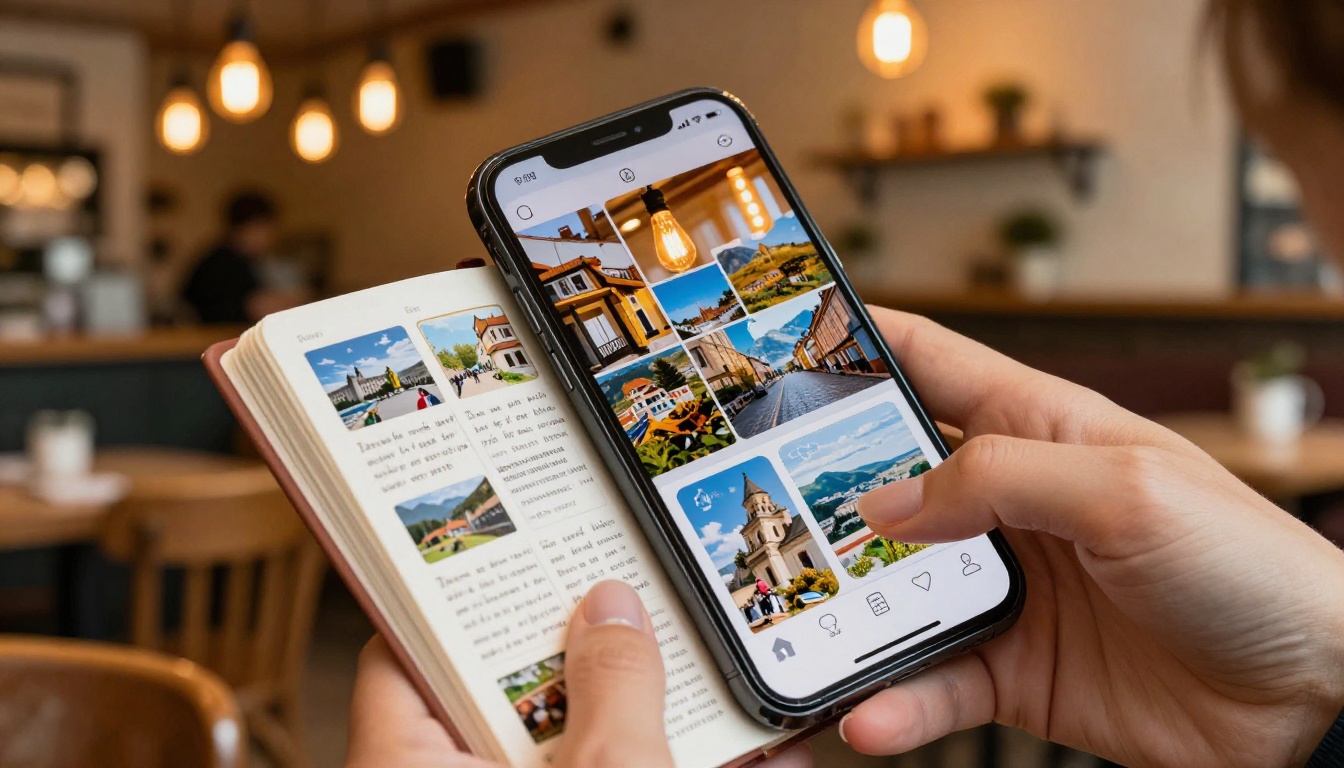
A digital flipbook gives your trip the physical-book feeling of real pages turning, inside something shareable, beautiful, and impossible to lose. With Flipbooks AI, the process goes from idea to a finished interactive journal in less time than it takes to print photos.
This article walks through every part of it: what makes a great trip journal, how to organize your content, and the exact steps to turn a PDF or photo collection into a shareable travel flipbook.
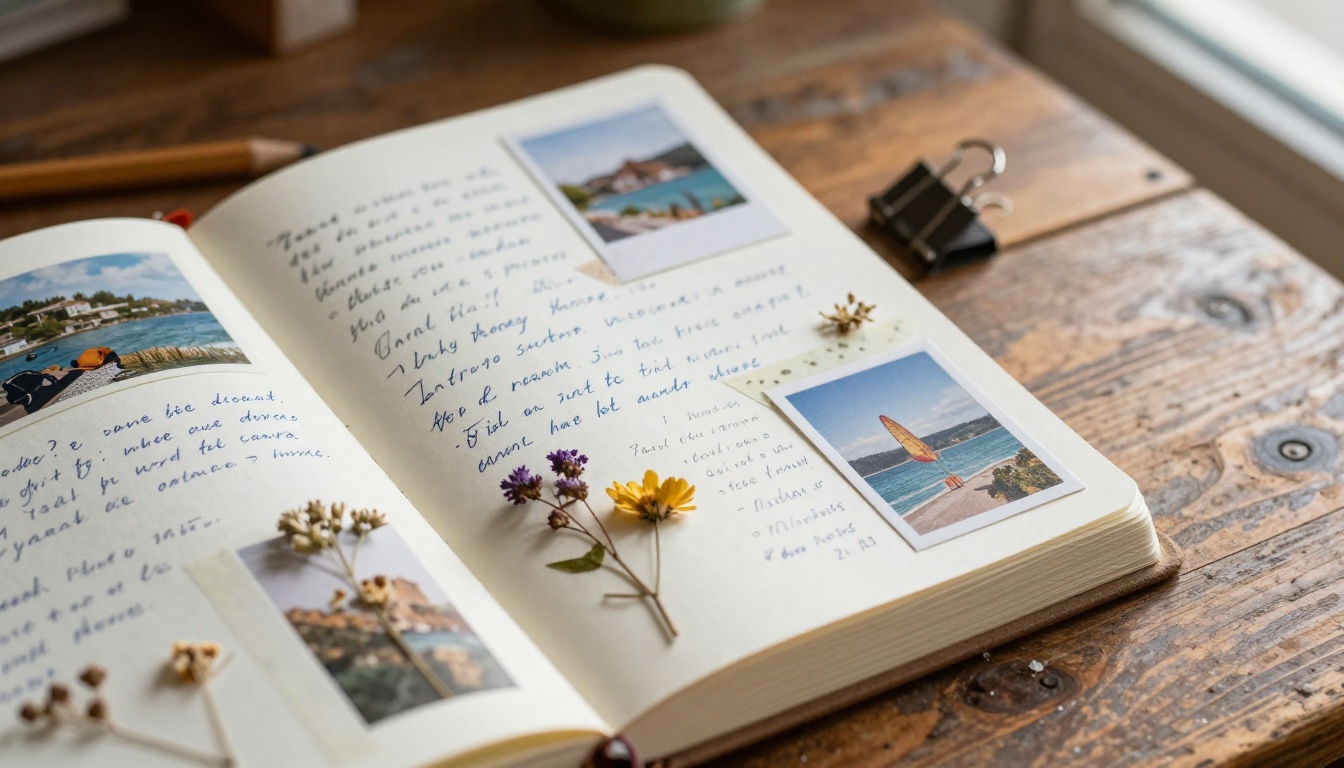
Why Flipbooks Work Better Than Photo Albums
Photo albums are static. Social media posts disappear in feeds. A printed scrapbook takes days to assemble and cannot be shared with your cousin in another country.
A flipbook combines everything people love about a physical book, the page-turn sensation, the tactile feel of moving through a story, with the accessibility of a link. Send it to anyone. Open it on any device. No printing, no shipping, no app download.
Here is how the formats compare:
| Format | Shareable | Interactive | Cost | Editable After |
|---|
| Printed photo album | No | No | High | No |
| Social media post | Yes | Limited | Free | Limited |
| PDF file | Yes | No | Free | Yes |
| Digital scrapbook app | Limited | Basic | Medium | Yes |
| Flipbook (Flipbooks AI) | Yes | Yes | Low | Yes |
💡 A flipbook is not just a viewer. It is a storytelling format with pages that breathe, flow, and pull readers forward the same way a physical book does.
The best part: your trip journal can include video clips, background music, and clickable links, things a printed album could never do.
What Goes Into a Good Trip Journal
Before opening any tool, the content is the foundation. A strong travel journal as a flipbook is more than photos. It is a narrative with structure, texture, and a point of view.
The Sections Every Travel Journal Needs
Think of your trip journal like chapters of a short book:
- Before the trip: Packing list, destination research, a map marking where you went
- Arrival impressions: The first hour, first meal, first sensory details
- Day-by-day highlights: One or two standout moments per day, not every moment
- People and conversations: Names, places where you met them, what they said
- Food diary: What you ate, where, and what it cost
- Hidden gems: Places not in any guidebook
- Reflections: What changed in you, what you want to go back for
How Many Pages Is the Right Amount
A 20-40 page journal works well for a one-week trip. A longer journey might stretch to 60-80 pages. The key is keeping each page intentional: one story, one location, one mood per spread. Padding with duplicate photos or empty pages dilutes the impact.
Collecting Your Raw Material
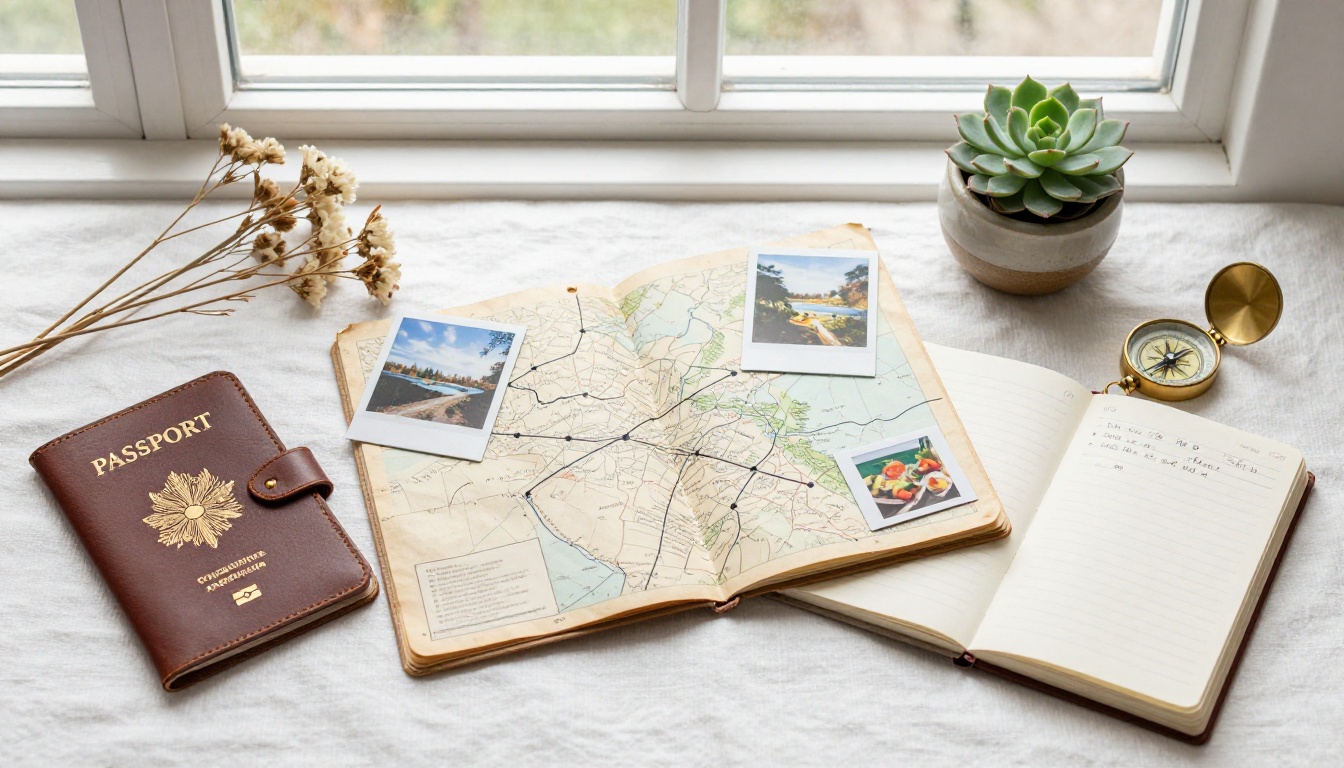
The journal is only as rich as the material you bring to it. Here is what to gather before you sit down to build your digital trip diary.
Photos Worth Including
Not every photo belongs in the journal. The ones that do:
- Show a sense of place (wide environmental shots with context)
- Capture an emotion (candid reactions, not posed smiles)
- Document something specific (a menu, a street sign, a view from a window)
- Tell a story when placed next to another photo
Aim for 3-5 strong images per day of travel rather than dumping everything in. Quality over volume makes the flipbook feel curated, not crowded.
Written Notes That Actually Work
If you did not write during the trip, write now from memory. Even rough notes work: "The market smelled like cumin and diesel fuel. The vendor laughed when I mispronounced the name of the bread." That specificity is what separates a memorable travel journal from a caption list.
Write in first person, present tense if possible. It pulls readers into the moment.
Non-Photo Keepsakes
These photograph well and add texture to your flipbook pages:
- Ticket stubs, boarding passes, entry wristbands
- Maps with routes drawn in pen
- Business cards from restaurants
- Receipts from memorable meals
- Postcards you bought but never sent
- Handwritten notes from people you met
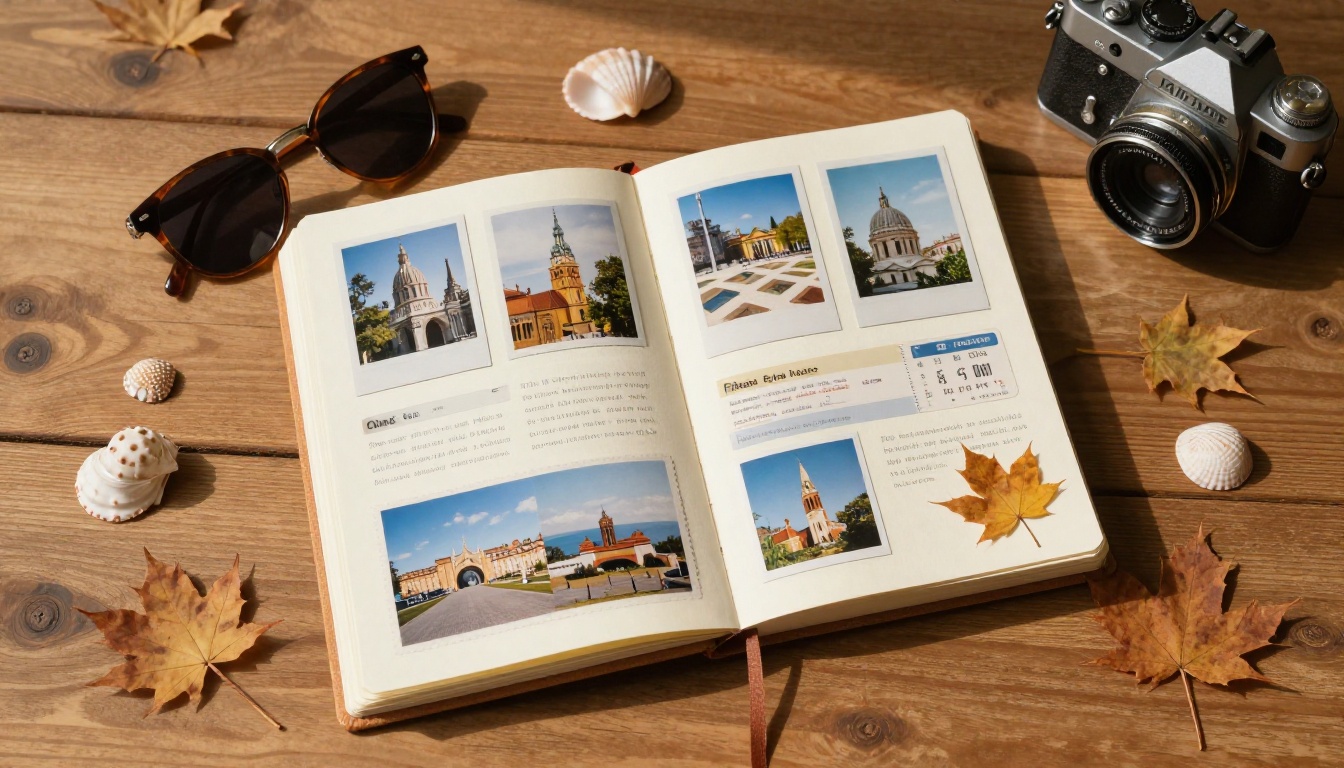
Scan or photograph these items flat on a neutral surface and add them as full-bleed pages between the photo spreads.

Designing the Journal Layout
Layout determines whether someone reads to the end or clicks away after page two. A flipbook should feel designed, not assembled.
Layout Principles for Travel Flipbooks
| Principle | What It Means in Practice |
|---|
| One idea per spread | Each two-page view tells one story |
| Text-image balance | Mix text-heavy pages with full-bleed photo pages |
| Consistent typography | One heading font, one body font throughout |
| Color palette | Pull 2-3 colors from your photos and use them in accents |
| White space | Resist filling every corner; breathing room helps readers focus |
| Page rhythm | Alternate between busy and minimal pages to control pacing |
How to Structure the PDF Before Converting
Flipbooks AI converts your PDF into an interactive flipbook, so the starting point is a clean, well-designed PDF. Tools like Canva, Adobe InDesign, or Google Slides can export PDF files ready for conversion.
A practical layout sequence for a week-long trip:
- Cover page: One strong full-bleed photo, trip title, dates, destination
- Map spread: Visual route of where you went
- Day-by-day section dividers: Full photo pages between each day
- Story pages: Text plus 1-2 photos per page
- Gallery spreads: 4-6 photos in a clean grid layout
- Keepsake scans: Photographed tickets, maps, menus
- Final page: A reflection paragraph plus one favorite photo
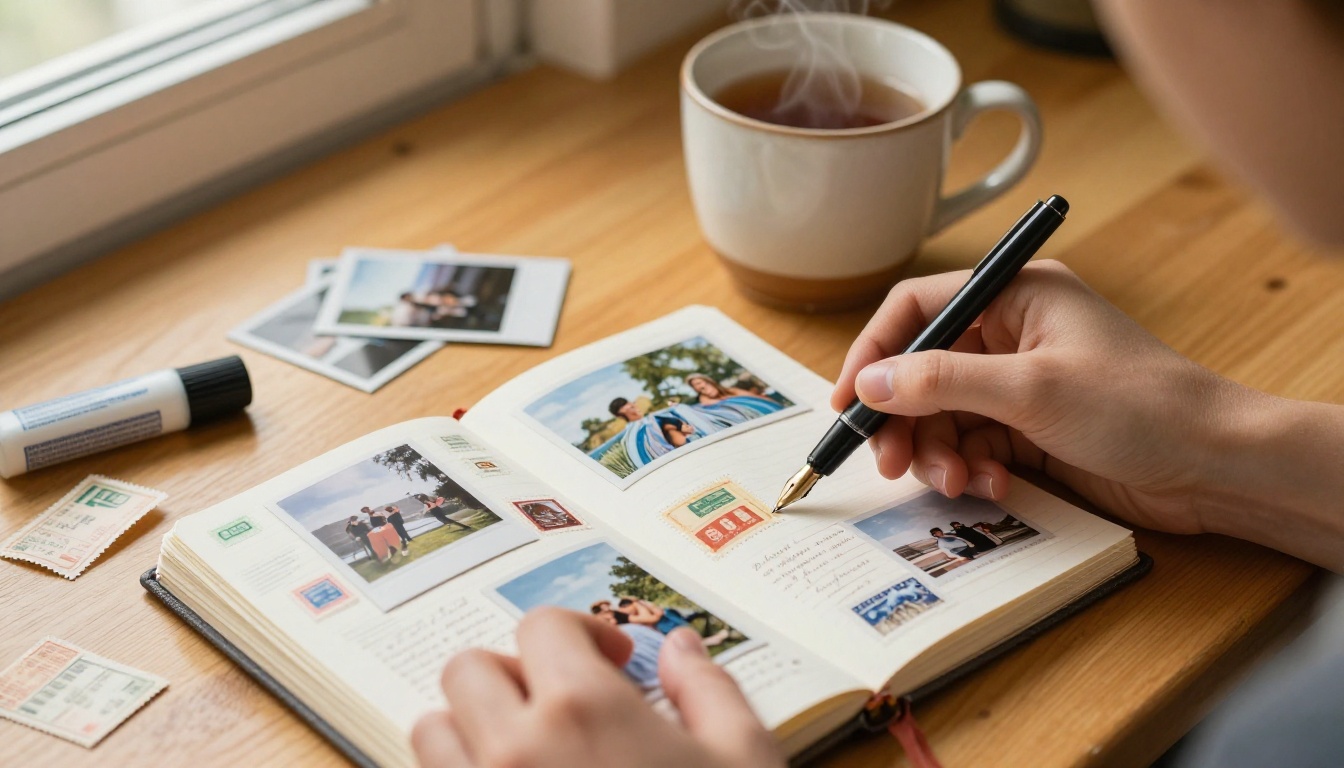
How to Create Your Trip Journal with Flipbooks AI
This is where the physical work becomes a digital keepsake. Flipbooks AI takes any PDF and turns it into a fully interactive, shareable flipbook with realistic page-turn animations, embedded media, and sharing options that actually work.
Step 1: Set Up Your Account
Go to flipbooksai.com/account and create a free account. No credit card is required to start. Your dashboard stores all your flipbooks and gives you access to templates and tools.
Step 2: Upload Your PDF
From your dashboard, click New Flipbook and upload your travel journal PDF. The converter processes it within seconds regardless of page count. All formatting, fonts, and image quality are preserved from the source file.
✅ Best practice: Export your PDF at 150-300 DPI. Higher resolution means crisper images in the final flipbook without slowing down page loads.
Step 3: Customize the Reading Experience
Once uploaded, a full set of customization tools becomes available:
- Background color or pattern: Choose something that matches your journal's mood (warm sand for a beach trip, forest green for a hiking journal)
- Page flip sound: Enable the realistic page-turn sound for full immersion
- Custom branding: Add your name or travel blog logo to the viewer
- Password protection: Keep the journal private and share only with family
Step 4: Add Interactive Elements
This is where a digital flipbook goes beyond anything printed:
- Embed video clips: Link directly to video from your phone or a YouTube upload
- Add audio: Background music that plays while readers browse your pages
- Clickable links: Link to a restaurant website, a hotel booking page, or a Google Maps location
💡 Embedding a 60-second video clip of a sunrise or a busy street market on one page transforms the entire reading experience. It is the single feature that no printed album can replicate.
Step 5: Share It
Flipbooks AI generates a direct link, an embed code for websites, and a QR code for printing. Options for sharing:
- A link in a family group chat
- Embedded directly in your travel blog post
- A QR code printed on a postcard sent to friends
- A private password-protected link for close family only
Plan Comparison: Which Tier Fits Your Journal
Flipbooks AI pricing offers tiers designed for different levels of use, from personal journals to professional travel blogs:
| Feature | Free | Standard | Professional |
|---|
| Flipbooks | 1 | Unlimited | Unlimited |
| Watermark | Yes | No | No |
| Password protection | No | Yes | Yes |
| Custom branding | No | Yes | Yes |
| Analytics | No | No | Yes |
| Lead generation | No | No | Yes |
| Offline downloads | No | No | Yes |
| Embed on website | No | Yes | Yes |
For a personal trip journal shared with family, the Standard plan covers everything you need. The Professional plan suits travel bloggers who want analytics to see how many people read each page, and lead generation for building a subscriber list.
⚠️ The free plan includes a watermark on every page. If you are sharing a polished journal publicly or with clients, upgrade before sending the link.
If you want a shortcut built specifically for travel content, Flipbooks AI offers a dedicated Travel Guide Flipbook tool with prebuilt templates designed for destination guides, itineraries, and trip journals.
Templates available within this tool cover:
- City weekend itineraries with map and activity sections
- Road trip route journals with day-by-day spreads
- Country travel diaries with cultural notes sections
- Multi-destination expedition logs
Each template handles all the layout decisions so you focus entirely on your content and photos. This is the fastest path from raw travel material to a finished shareable flipbook.
You can also explore the Digital Portfolio Creator if your trip was photography-focused, or the Photography Portfolio Flipbook for showcasing the best shots from a destination.
Sharing and Preserving the Flipbook Long-Term
The best travel journal is one that actually gets read. A flipbook link stays alive as long as your account is active, with no degradation in quality over time.
Who to Share It With
- Family: A private password-protected link means even grandparents can open it on any browser with no app required
- Friends who were there: Reliving the trip together with a shared flipbook starts conversations and resurfaces details everyone had forgotten
- Future travel planning: Use it as a research reference when planning a return to the same region
- Social sharing: A public link can go in an Instagram bio, a Facebook description, or a travel blog post
Building a Multi-Trip Archive
Each trip becomes its own flipbook. Over years, you build a personal archive of every journey, all of them accessible from one account dashboard. This is infinitely more searchable than a phone gallery and more personal than a social media feed.
💡 Name each flipbook with the year and destination for easy browsing later: "2024 Porto", "2025 Kyoto Road Trip", "2026 Scottish Highlands". The naming convention pays off when you have ten or twenty journals in your archive.

Common Mistakes That Kill the Journal
Most people make the same errors when building their first trip journal as a flipbook. Knowing these in advance saves the finished product.
Too Many Photos, Not Enough Story
Forty photos of sunsets with no context is a gallery, not a journal. For every five photos, write one paragraph of story. The words give the images meaning. Without text, readers have no anchor for what they are looking at.
No Clear Beginning, Middle, End
A journal without structure reads like a memory dump. Use section dividers and the chapter approach to give readers a sense of journey: anticipation, arrival, depth, departure. This arc is what makes someone flip to the last page rather than closing after page four.
Ignoring Typography
Body text smaller than 12pt is unreadable on a flipbook page. Heading fonts that fight with body fonts create visual noise. Keep it simple: one strong sans-serif heading font, one clean readable body font, consistent sizing throughout every page.
Skipping the Cover
The cover is the first thing readers see. A blurry, poorly cropped photo with plain text will deflate even the best content inside. Spend real time on the cover page. Choose your single strongest photo from the entire trip and design around it. The cover sets the entire tone before anyone reads a word.
Once you have made one trip journal, the format opens up other possibilities for the same travel content:
Each of these tools on Flipbooks AI comes with templates built specifically for that format, so you are never starting from a blank page.
The Real Value of a Trip Journal as a Flipbook
A printed photo book costs $40-80 and takes two weeks to arrive. A digital album on Google Photos gets buried in an undifferentiated grid. A social media thread disappears in the algorithm within 48 hours.
A flipbook journal is immediate, free to share indefinitely, interactive, and alive in a way static formats simply are not. The page-turn animation triggers something real in readers: the same sensation as opening a physical book, the anticipation of what comes on the next page.
When someone flips through your travel journal and says "I feel like I was there," that is the outcome a folder of JPEGs can never produce. The combination of photos, writing, layout, and interactive pages creates an experience, not just a record.

Start Your First Trip Journal Today
You do not need a finished trip to begin. Start with your last vacation, a weekend away, or even a day trip that surprised you. Collect the photos, write three sentences per day from memory, and build a simple 20-page PDF in Canva or Google Slides.
Then bring it to Flipbooks AI and convert it in minutes. Every trip deserves to be more than a folder on a hard drive.
Ready to turn your travel memories into something worth sharing? Get started for free on Flipbooks AI, browse all tools and templates, or check the pricing plans to find what fits your needs.
The journal will outlast the tan.



