Diwali is the kind of celebration that leaves memories burned into your heart as brightly as the diyas lining every windowsill. The problem with those memories is that they scatter across phones, cloud drives, and WhatsApp groups until nobody can find them two years later. A Diwali photo album organized as a flipbook solves all of that, giving your family one beautiful, interactive place to relive every sparkling moment from the festival of lights. Flipbooks AI makes it simple to take your photos, arrange them into a PDF album, and convert that album into a page-turning digital flipbook that anyone in the family can open from any device, anywhere in the world.
This is exactly how to do it, from picking the right shots to sharing the finished flipbook with relatives halfway around the world.
Why Diwali Photos Deserve More Than a Gallery
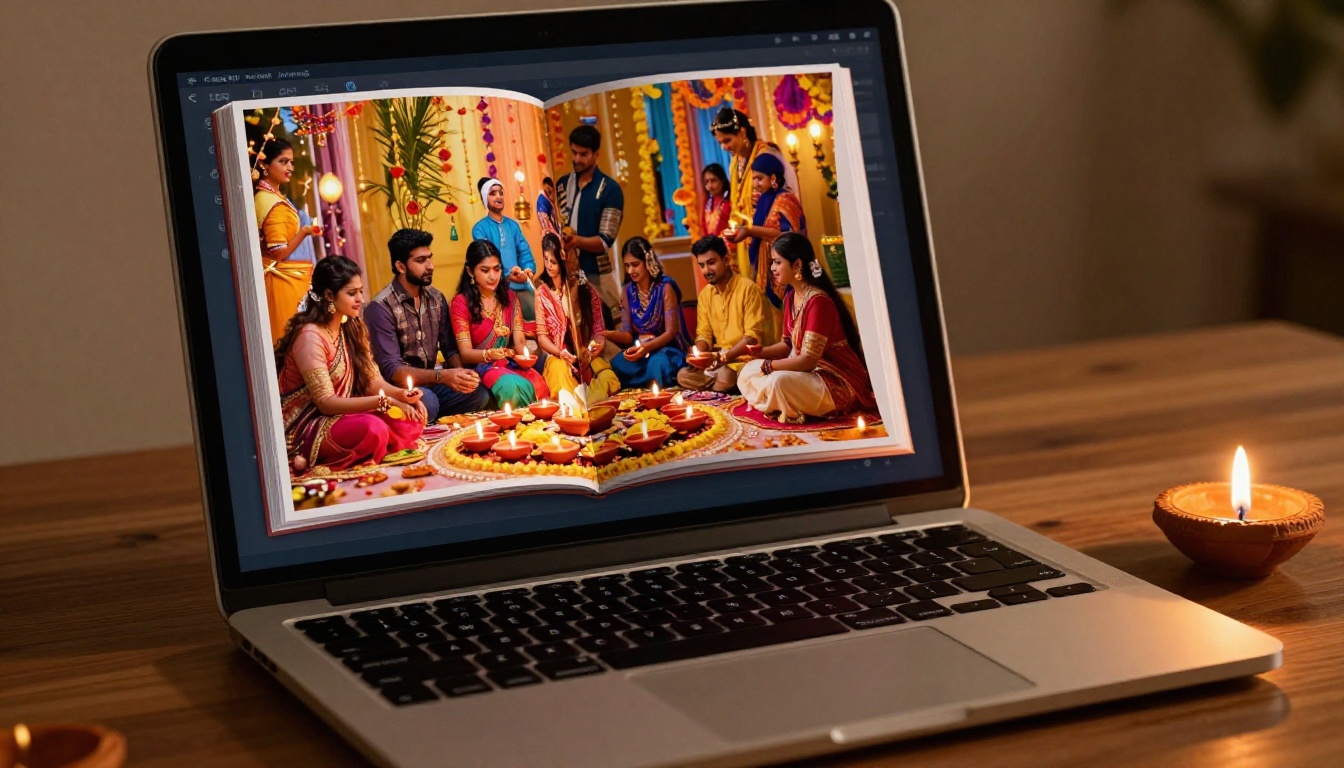
Most Diwali photos end up buried in camera rolls that nobody scrolls through after January. A few get shared in family group chats, maybe posted to Instagram, and then forgotten. A flipbook changes the dynamic entirely because it mimics the tactile pleasure of flipping through a real photo book while being fully digital and instantly shareable.
The Problem with Screen Scrolling
Endless scrolling flattens photos. When you swipe through a gallery, each image gets about half a second of attention before the next one loads. A flipbook forces a natural pause because you interact with each spread as a page, not an item in a list. That page-turn animation signals "this is something worth looking at," and families actually sit with it.
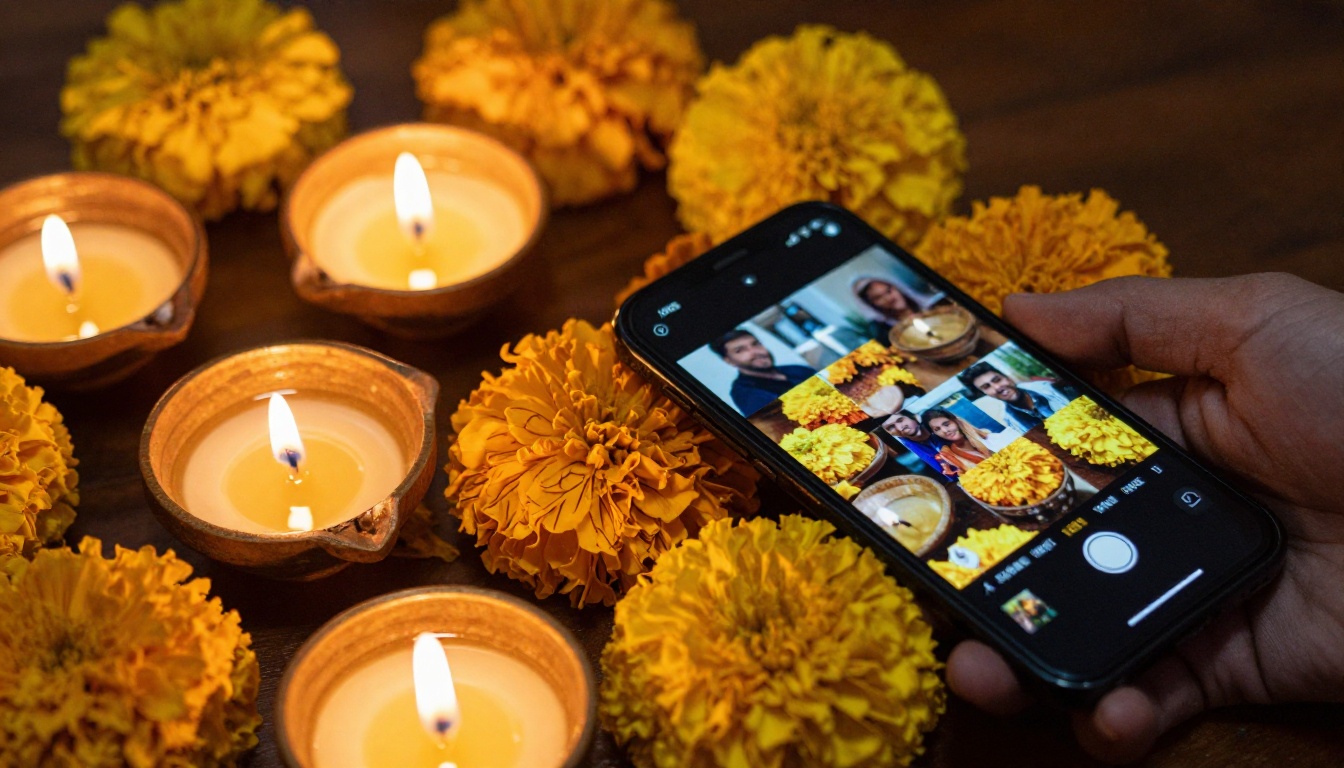
Sharing Across Distance Is Effortless
For families spread across cities or countries, a Diwali flipbook is a way to be present without being present. You send a single link, they open it on a phone, tablet, or desktop, and the full album plays out just as it would if you handed them a physical book across a table. No app download, no account required on their end, no file too large to email.
💡 With Flipbooks AI's password protection feature, you can share your personal family album only with the people you choose, keeping it completely private from the public.
What Photos to Include in Your Diwali Album
A Diwali celebration spans an entire day and evening, sometimes multiple days. You will end up with hundreds of photos. The goal of the album is not to include all of them, it is to tell the story.
Shots That Tell the Full Story
Think in chapters when you select your photos:
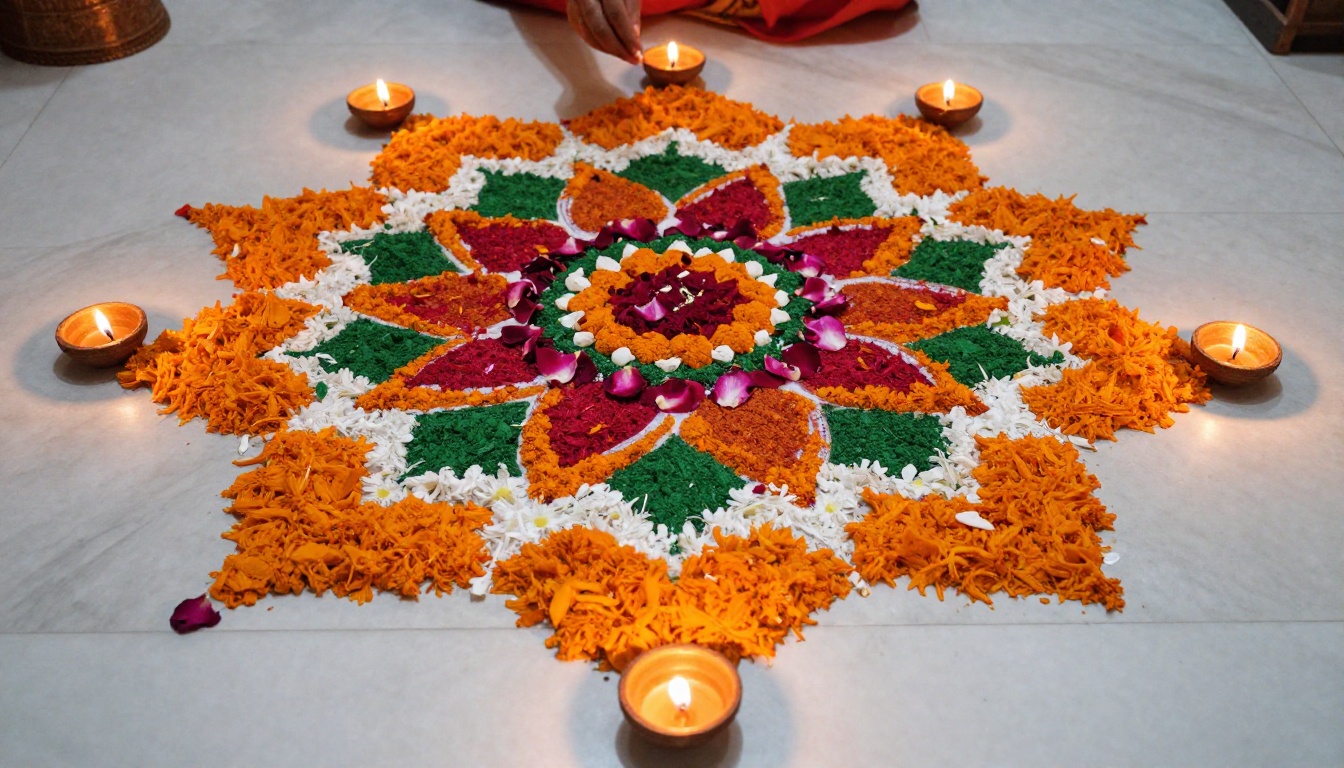
- Preparation: Rangoli being drawn, the kitchen full of sweets, getting dressed in festive clothes
- The Puja: The family gathered, diyas being lit, offerings arranged on the altar
- The Light: Rows of diyas on windowsills and staircases, the house glowing at dusk
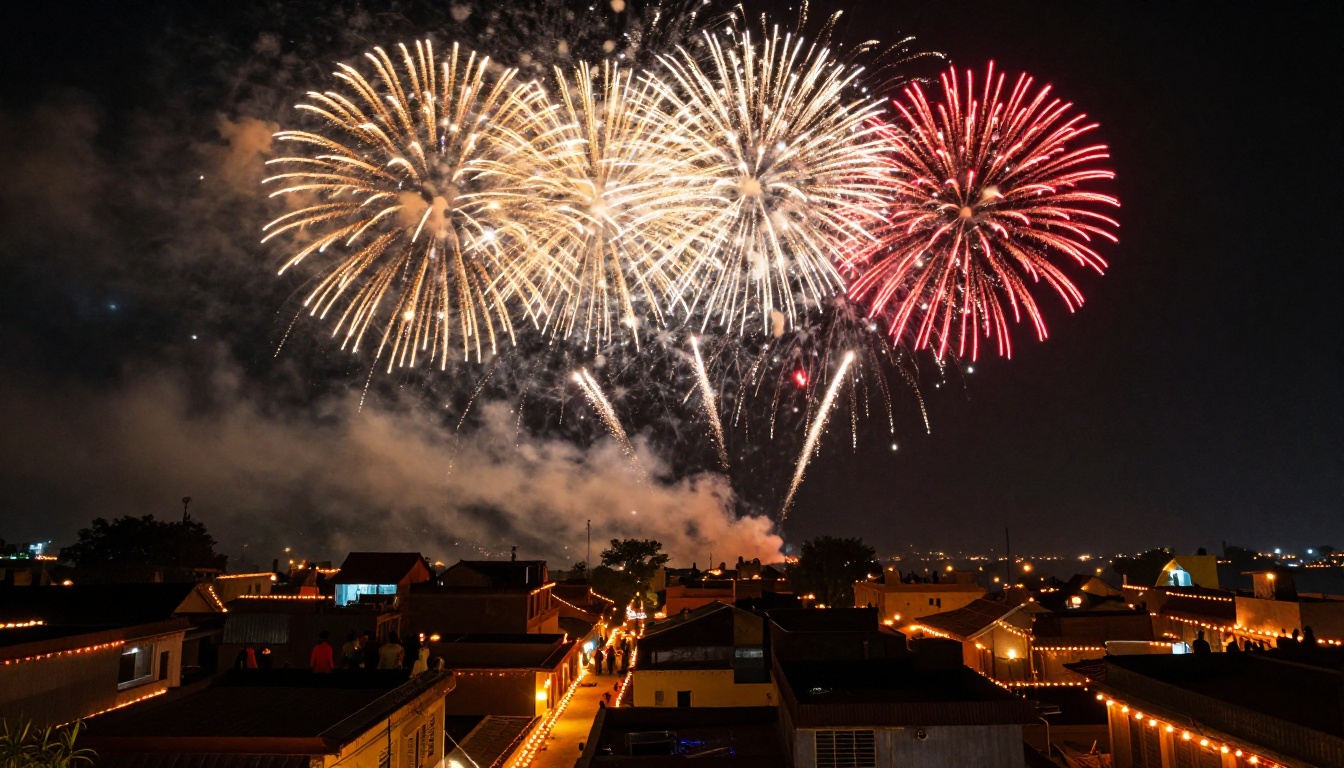
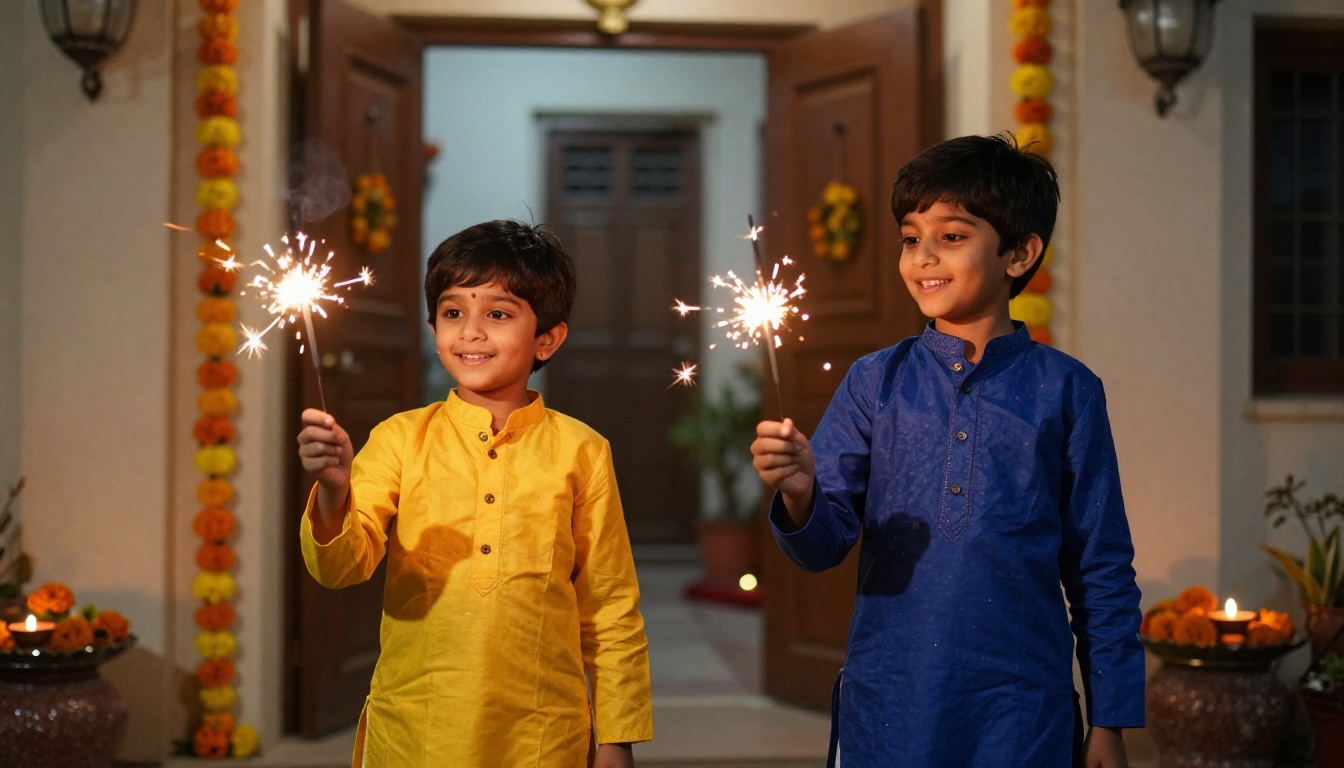
- Fireworks: The street celebrations, sparklers with children, the sky lit up
- Togetherness: Candid family moments, laughter, grandparents with grandchildren
- Food: The mithai spread, sweets being exchanged, everyone eating together
Aim for 5 to 8 photos per chapter. That gives you 30 to 50 photos total, which creates a flipbook of roughly 20 to 30 pages, the ideal length for something people actually read all the way through.
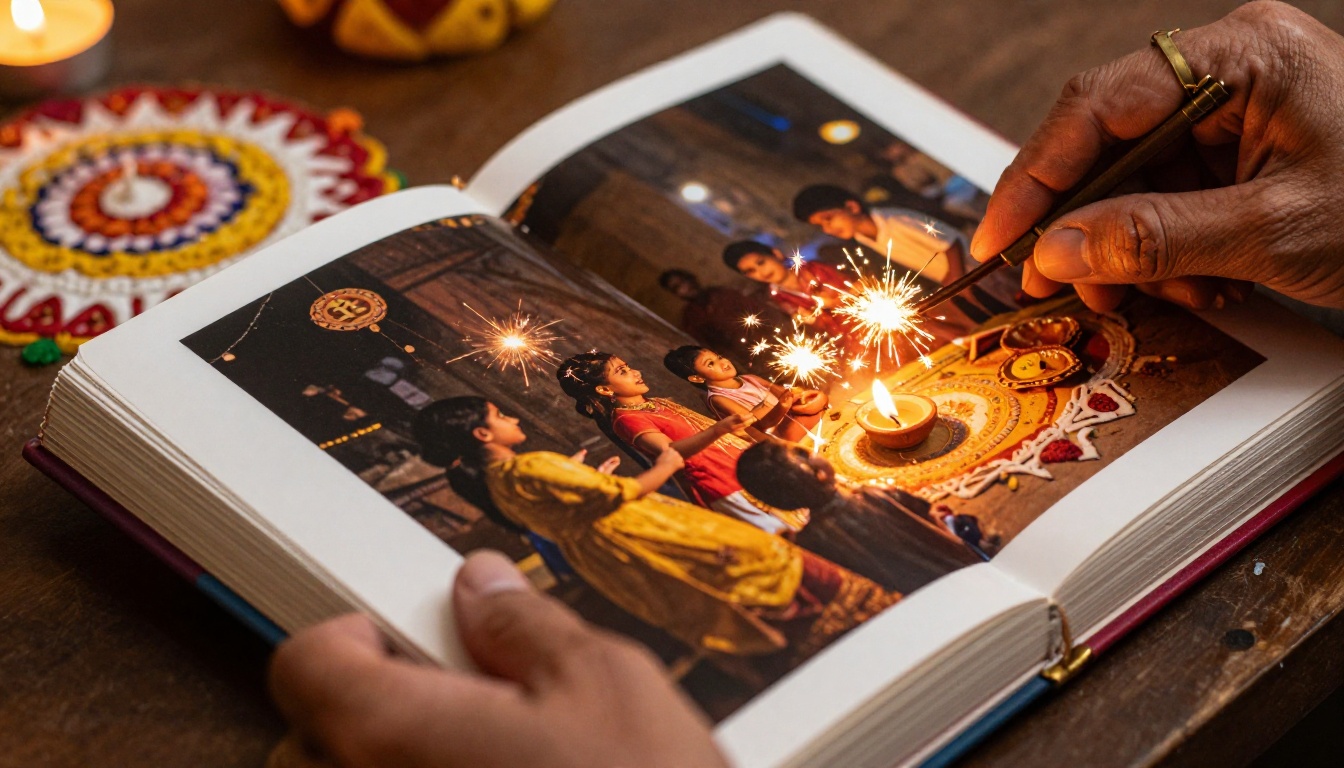
Photo Quality Checklist
Before finalizing your selection, run each photo through this quick check:
| Check | What to Look For |
|---|
| Lighting | Is the subject clearly visible? Diwali shots can be underexposed |
| Sharpness | No motion blur (sparkler shots are often blurry) |
| Composition | Is the subject centered or framed well? |
| Emotion | Does this photo make you feel something? |
| Story value | Does it add to the narrative, or repeat what another shot already shows? |
Keep only the photos that pass at least four of these five checks.
How Many Photos Is Too Many?
The sweet spot for a Diwali flipbook album is 30 to 60 photos. Below 20 and the album feels thin. Above 80 and viewers start skipping pages. If you have a truly exceptional collection from multiple Diwali celebrations, consider splitting them into separate albums organized by year, creating an annual Diwali flipbook series your family can grow over time.
Building Your PDF Photo Album
The input to any flipbook maker is a PDF. Building a good PDF photo album is where most people rush, and where the quality difference shows.
Organize Before You Export
The order of photos in your PDF becomes the order of pages in your flipbook. Use any photo book design tool such as Canva, Adobe Express, or even Google Slides to lay out your photos in a narrative sequence. A few layout principles that make flipbooks look professional:
- Full-bleed spreads for your most dramatic shots (fireworks, wide family gatherings)
- Grid layouts (two or four per page) for smaller supplementary shots
- Text captions used sparingly, one or two words identifying a person or a year
- Consistent margins so the album does not feel chaotic
✅ Export your PDF at the highest quality setting available, ideally 300 DPI, so images remain sharp when readers zoom in on the flipbook.
The Right Dimensions
Most flipbook platforms work best with landscape-oriented PDFs in standard paper sizes. For a Diwali photo album, A4 landscape (297 x 210mm) or US Letter landscape (11 x 8.5 inches) both work perfectly. These proportions display cleanly on screens of all sizes while preserving your photo quality.
⚠️ Avoid portrait orientation for photo albums. Portrait pages in a landscape flipbook reader create awkward black bars on the sides and make photos appear smaller than they should.
How to Create Your Diwali Flipbook with Flipbooks AI
Once your PDF is ready, the conversion process on Flipbooks AI takes only a few minutes. Here is the full workflow.
Step 1: Create Your Account
Go to flipbooksai.com/account and sign up. The free plan lets you get started immediately. If you want unlimited flipbooks, no watermarks, and the ability to share privately with password protection, the Standard plan covers all of those needs.
Step 2: Upload Your PDF
- Click Create New Flipbook from your dashboard
- Select your Diwali album PDF from your computer
- Wait for the automatic conversion, typically 30 to 90 seconds depending on file size
- Preview the result to confirm all pages converted correctly
The platform automatically creates the page-turn animation from your flat PDF. Every page gets the realistic paper-flip effect without any additional setup.
Step 3: Customize the Look
This is where your flipbook stops looking like a generic upload and starts feeling like a proper family keepsake:
- Background color: Choose deep navy or warm charcoal to make the warm tones of Diwali photos pop
- Cover design: The first page of your PDF becomes the cover, so make sure it is your best full-bleed shot
- Sound: Add background audio if you want, a sitar piece playing softly as pages turn
- Branding: Add your family name or "Diwali 2025" as a custom label
💡 The Wedding Album Flipbook tool uses the same platform and is an excellent reference for how to structure a milestone personal event flipbook. The principles apply directly to a Diwali album.
Step 4: Share with Your Family
When your flipbook is ready, Flipbooks AI generates several sharing options:
- Direct link: Copy and paste into any message, email, or social post
- Embed code: Drop the flipbook directly into a family website or blog
- Password protection: Set a private password so only family members can access it
- QR code: Print and include in Diwali gift packages so recipients can scan and view instantly
Step 5: Analytics (Professional Plan)
If you use your Diwali flipbook as part of a community event or a larger celebration, the Professional plan includes analytics so you can see how many people viewed it and how far they read. This is more relevant for businesses, but it is a satisfying feature to see how many relatives actually clicked through the full album.
Flipbooks AI Plan Comparison
Choosing the right plan depends on how many albums you want to create and what features matter most for family sharing.
| Feature | Free | Standard | Professional |
|---|
| Flipbooks per account | 1 | Unlimited | Unlimited |
| Watermark | Yes | No | No |
| Password protection | No | Yes | Yes |
| Custom branding | No | Yes | Yes |
| Analytics | No | No | Yes |
| Lead generation | No | No | Yes |
| Offline downloads | No | Yes | Yes |
| Embed on website | Limited | Full | Full |
For a personal Diwali photo album shared with family, Standard is the right tier. For anyone creating albums for a community event or a cultural organization's newsletter, Professional adds analytics that make it worth the upgrade. See the full pricing breakdown to compare.
Not every Diwali flipbook needs to be the same. There are several formats worth considering depending on what your celebration looked like.
The Full-Day Story Album
This is the classic format. Photos organized chronologically from morning preparations through late-night fireworks. It works because it mirrors the actual experience of the day, letting viewers relive it in sequence. This is the most personal format and the easiest to build.
The Rangoli Art Collection
If your family creates elaborate rangoli, a dedicated rangoli flipbook is a stunning standalone piece. Overhead shots of multiple designs, before-and-after sequences, close-up detail shots of the color work, and a portrait of the person who created it. This works beautifully as an art book more than a family snapshot album.
The Multi-Year Tradition Flipbook
This is arguably the most emotionally powerful format. Pull the best two or three photos from each Diwali celebration going back five, ten, or fifteen years. Organize them chronologically. Watching children grow from infants to teenagers across the pages, seeing the same family in the same home across years and decades, creates something that genuinely feels like an heirloom.
💡 For multi-year albums, include a simple text page between years as a divider. Just the year in a large clean font on a solid dark background is enough. It gives readers a visual reset and builds anticipation for the next chapter.
The Community Celebration Album
If your housing society, temple, or cultural association hosts a Diwali event, a shared community flipbook that captures the collective celebration is a meaningful gift to the whole group. Share it via a public link or embed it in the organization's website using Flipbooks AI's embed tool.
Common Mistakes That Ruin Diwali Photo Albums
Knowing what not to do saves you from hours of rework.
| Mistake | Why It Hurts | Fix |
|---|
| Including every photo | Dilutes the emotional impact | Edit ruthlessly to the 40 best shots |
| Poor photo order | Breaks the narrative | Plan the sequence like a story with beginning, middle, end |
| Low-resolution exports | Photos look blurry in the flipbook | Always export PDF at 300 DPI minimum |
| Portrait orientation PDF | Creates awkward display in flipbook reader | Use landscape layout for all pages |
| Skipping a dedicated cover page | Album feels unfinished | Design a cover with a title and hero photo as page one |
| No captions at all | Future generations lose context | Add names, years, or one-line captions to key photos |
Who This Works Best For
The Diwali flipbook format suits several different types of creators:
- Families preserving memories for grandparents who are far away
- Parents creating a growing tradition of annual Diwali albums for their children
- Cultural organizations documenting community celebrations for members who could not attend
- Photographers showcasing a Diwali editorial shoot in an interactive portfolio format, where the Photography Portfolio Flipbook tool is built exactly for this use case
- Schools creating a Diwali edition of their class newsletter or yearbook with the School Newsletter Creator
The Emotional Case for Doing This Every Year
There is something that happens when you sit down each November and build the year's Diwali flipbook. The act of selecting photos forces you to actually look at them, to remember who was there, who is no longer there, who was born since last year. The album becomes less of a photo collection and more of a ritual in itself.
Families who do this annually report that the flipbook library becomes one of the most-accessed digital archives they own. Children ask to look at them. Grandparents share the links with siblings abroad. The albums accumulate into something genuinely irreplaceable.
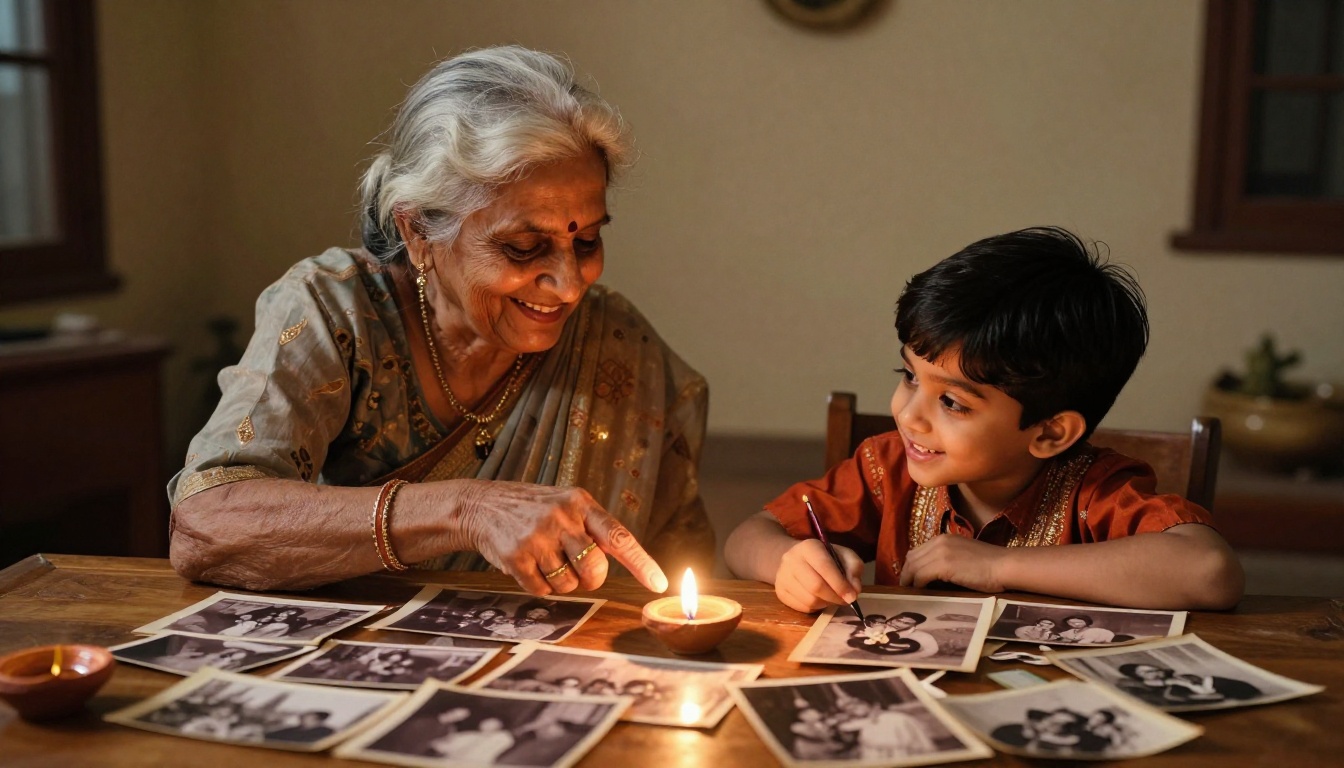
✅ Create your Diwali flipbook within two weeks of the celebration while the memories are fresh and while you still remember who everyone is in the photos. Waiting until January means context gets lost.
Your Family's Festival of Lights Deserves This
Every Diwali leaves behind hundreds of photos that deserve better than a camera roll. Turning them into a Diwali photo album as a flipbook takes an afternoon and creates something your family will return to for years.
The workflow is straightforward: select your best shots, organize them into a PDF with any design tool, upload to Flipbooks AI, customize the look, and share a single link with everyone who matters.
Browse all the flipbook tools to find the right format for your specific project. Compare pricing plans if you want unlimited albums with no watermarks. And if this is your first Diwali flipbook, get started for free right now before the season's photos get buried in another folder you'll forget to check.
Your family's festival of lights deserves a home that actually glows.



