Arabic is the fifth most spoken language in the world, with over 420 million native speakers spread across 22 countries. If your business, school, or content brand has any presence in the Middle East or North Africa, the way you publish digital content can either build trust or quietly push readers away. A flipbook that ignores RTL (right-to-left) text flow, Arabic typography, or MENA visual culture is not just aesthetically off — it feels foreign and dismissive to the very people you are trying to reach. That is exactly why knowing how to make a flipbook in Arabic for your audience is no longer optional; it is a competitive advantage.
Flipbooks AI makes it possible to create fully Arabic-ready digital publications without any coding, design software, or complex workarounds. Upload your Arabic PDF, and the platform converts it into a beautiful interactive flipbook that respects every character of your content. Whether you are a retailer in Riyadh, an educator in Cairo, or a marketing agency serving Gulf clients, the process is straightforward and the results are professional.
Why Arabic Audiences Need Their Own Flipbook
The Size of the Arabic-Speaking Market
The MENA region represents a massive, digitally active audience. Saudi Arabia alone has an internet penetration rate above 95%. The UAE, Qatar, Kuwait, Egypt, and Morocco all show strong smartphone adoption and high social media engagement. Yet most digital publishing tools are built with Latin-script languages as the default, which means Arabic content is often an afterthought — squeezed into templates designed for left-to-right reading.
When you publish a flipbook specifically formatted for Arabic, you signal respect for your audience's language and culture. That signal matters, especially in markets where brand trust is built carefully over time.
| Region | Arabic Speakers | Internet Penetration |
|---|
| Saudi Arabia | 35 million | 95%+ |
| Egypt | 104 million | 72% |
| UAE | 9.9 million | 99% |
| Morocco | 37 million | 88% |
| Iraq | 42 million | 79% |
RTL Formatting Changes Everything
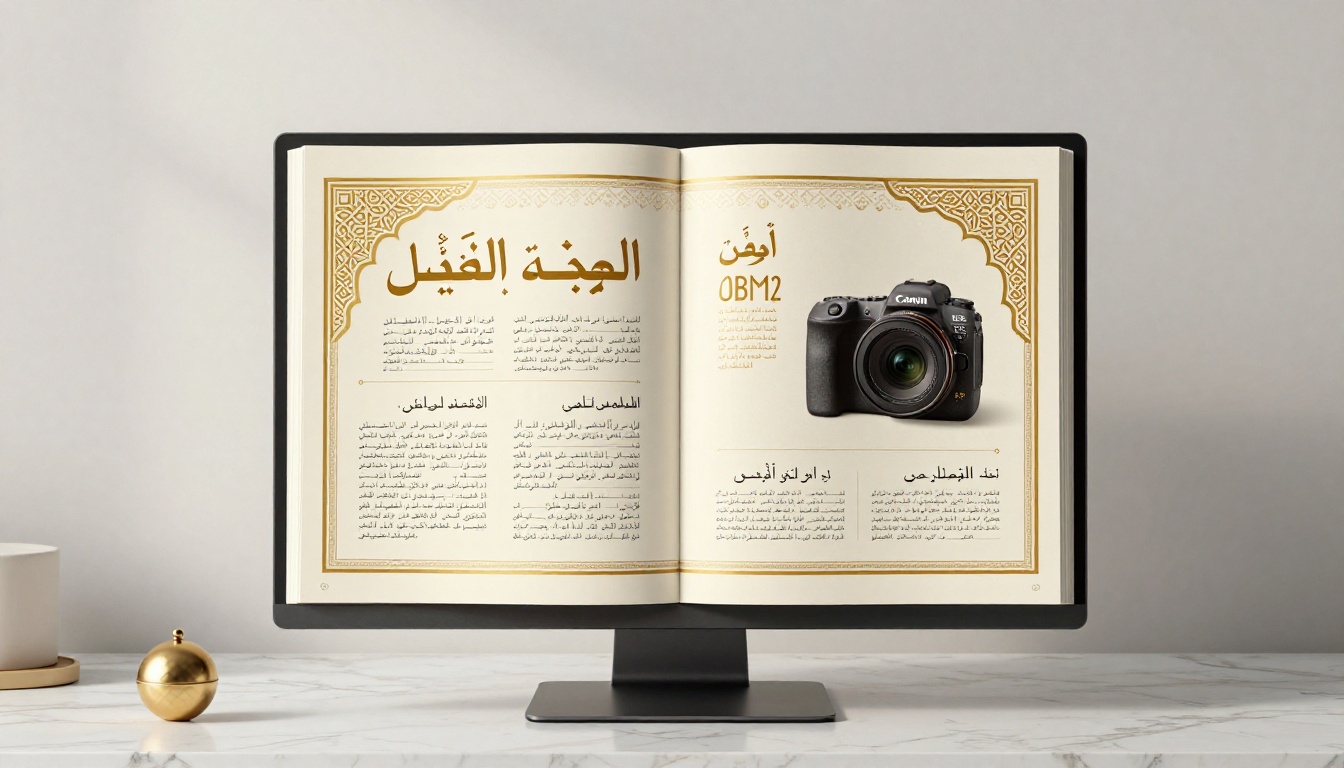
Arabic reads from right to left. This is not just a text direction setting; it affects every element of a publication layout. Page flow in an Arabic book or magazine starts from what Latin readers would call "the back." Column alignment, image placement, and even the direction of navigation arrows need to flip.
If you upload an Arabic PDF into a standard flipbook tool with no RTL awareness, the result is confusing. Text might appear correct on each individual page, but the page order feels backwards to Arabic readers, and interactive elements seem counterintuitive. A properly configured Arabic flipbook turns pages from right to left, exactly as a printed Arabic book would.
What Makes an Arabic Flipbook Different
Right-to-Left Page Flow
The most fundamental requirement for an Arabic flipbook is correct page flow. When the reader clicks or swipes to turn a page, the motion should go from left to right, revealing the preceding page in reading order. This mirrors how a physical Arabic book opens and reads. Most readers will not consciously notice when it is done right, but they will immediately notice when it is done wrong.
✅ Best practice: Always prepare your source PDF with Arabic page order before uploading. The first page of your PDF should be the cover as it appears on the right side when the flipbook is open.
Typography and Font Selection
Arabic typography is a field of its own. The script has multiple letterform variations (initial, medial, final, and isolated), and different typefaces create entirely different tones:
- Naskh: Clean, formal, ideal for body text in reports and publications
- Kufi: Geometric, modern, strong choice for headlines and brand identities
- Ruqaa: Handwritten feel, warmer and more personal in tone
- Thuluth: Ornate and classical, used for premium publication titles
- Cairo (Google Font): A widely adopted modern Arabic sans-serif optimized for digital screens
When designing your Arabic PDF before uploading to your flipbook creator, choose typefaces that remain legible at screen sizes and carry the appropriate tone for your audience.
Cultural Design Cues
Color, imagery, and decorative elements all carry cultural weight in Arabic-language markets. A few principles to keep in mind:
- Green is widely associated with prosperity and positive values across MENA markets
- Gold signals quality, premium positioning, and celebration
- Geometric patterns (arabesque, zellige, mashrabiya) add cultural authenticity to decorative elements
- Photography: Images of families, hospitality, and community resonate strongly with Arabic audiences
- White space: Arabic text can be denser than its English equivalent; plan for slightly more vertical spacing to maintain readability
How to Build an Arabic Flipbook with Flipbooks AI
Flipbooks AI is a browser-based platform that converts PDFs into fully interactive digital flipbooks in minutes. The process for Arabic content is identical to any other language — the platform respects your PDF's layout, text direction, and page order automatically.
Step 1: Prepare Your Arabic PDF
Your Arabic flipbook is only as good as the PDF you start with. Before uploading anything, confirm:
- All text is rendered as actual text (not images of text), so it remains crisp at any zoom level
- Pages are ordered correctly for RTL reading, with the cover on the right when the book is open
- Fonts are embedded in the PDF so they display consistently across all devices
- Images are at least 150 DPI for clean display on high-resolution screens
- The document uses your chosen Arabic typeface consistently throughout
💡 Pro tip: Adobe InDesign and Canva's Arabic layout mode both support RTL text natively and produce clean, font-embedded PDF exports. Either tool is a reliable starting point.

Step 2: Upload and Convert
Head to Flipbooks AI and create your account or log in. From your dashboard:
- Click New Flipbook and select your Arabic PDF file
- Wait for the conversion to complete (typically 30 to 90 seconds depending on page count)
- Preview the flipbook to confirm page order and text rendering look correct
- Check that the cover opens on the right-hand side, as expected for RTL publications
The platform automatically generates a smooth page-turn animation, a clickable table of contents from your PDF bookmarks, and a fully responsive layout that works on desktop, tablet, and mobile.
Step 3: Customize for Arabic Readers
Once your flipbook is converted, the customization panel gives you full control over branding and presentation:
- Cover thumbnail: Set a custom cover image that clearly represents your Arabic content
- Background color: Choose a color that complements your Arabic design palette
- Logo placement: Upload your logo, which will appear in the flipbook viewer frame
- Color scheme: Match your brand colors for buttons, navigation, and progress indicators
- Custom domain: Host your flipbook on your own domain for a fully branded experience
- Password protection: Restrict access to specific audiences, whether clients, members, or enrolled students
Step 4: Share With Your Arabic Audience
Sharing a flipbook is where the real value appears. Multiple distribution options work well for MENA audiences:
- Direct link: Share a clean URL via WhatsApp, email, or SMS, all widely used across the region
- Embed code: Paste an iframe snippet directly into your Arabic website
- Social sharing: Built-in sharing buttons for platforms popular in MENA markets
- QR code: Print a QR code on physical marketing materials that links directly to the digital flipbook
- Offline download: Available on the Professional plan, allowing readers to access the flipbook without an internet connection
⚠️ Note: WhatsApp is the dominant messaging platform across most MENA countries. A direct flipbook link shared via WhatsApp Business can achieve significantly higher open rates than email campaigns when targeting Arabic-speaking audiences.
Arabic Flipbook Use Cases by Industry
Retail and E-Commerce Catalogs
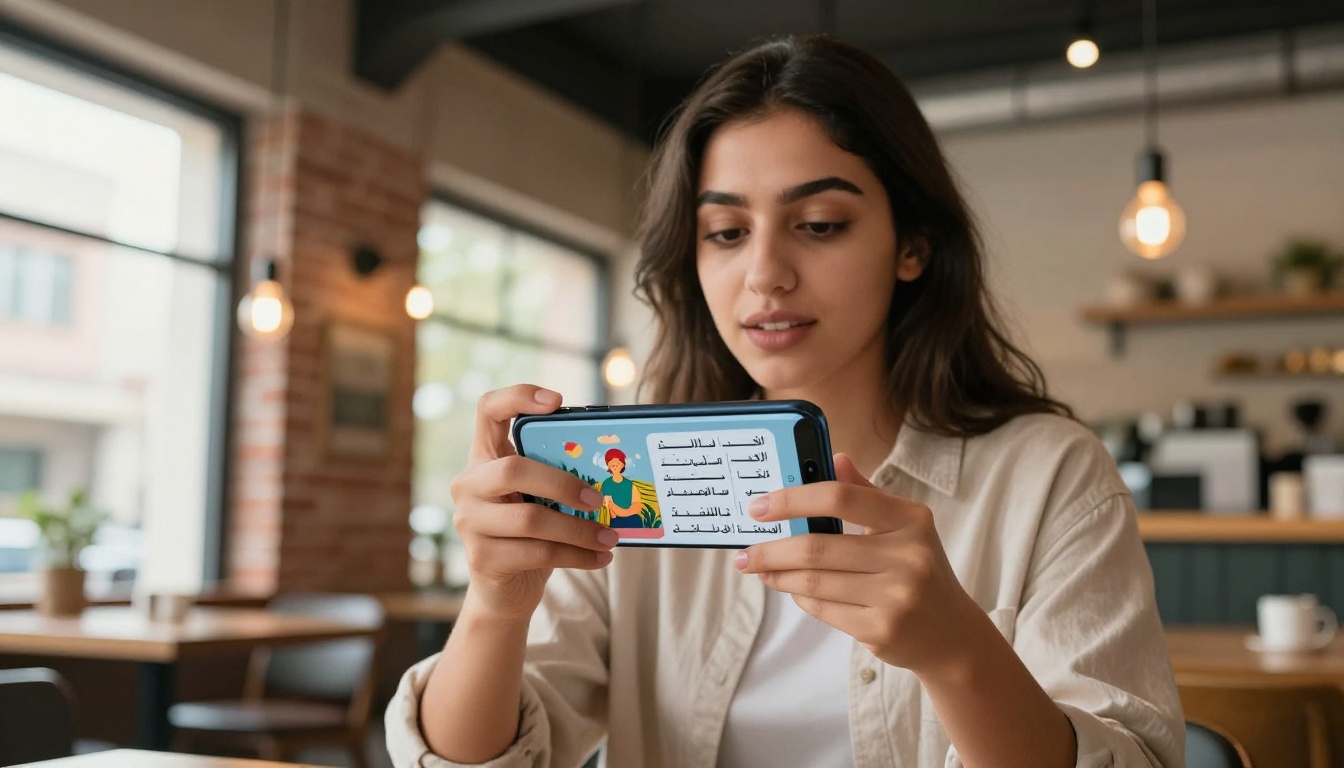
Arabic-language product catalogs are one of the highest-impact use cases for digital flipbooks in the MENA region. Fashion retailers, electronics brands, supermarket chains, and luxury importers all distribute seasonal catalogs to large customer bases. A digital flipbook catalog costs a fraction of print and shipping, reaches customers instantly via WhatsApp, and can include clickable links directly to product pages.
The Digital Catalog Maker and Product Catalog Generator tools streamline this process for teams without dedicated design staff. For fashion-specific content, the Fashion Catalog Creator is optimized for visual, product-heavy layouts that showcase items clearly.
Real example: A Riyadh-based clothing retailer with 12 stores replaces its printed seasonal catalog (50,000 copies, two-week production cycle) with a digital flipbook. The Arabic catalog is live 48 hours after design completion, shared with 200,000 WhatsApp subscribers, and generates three times the page-view engagement of the previous printed version.
Education and Training Materials
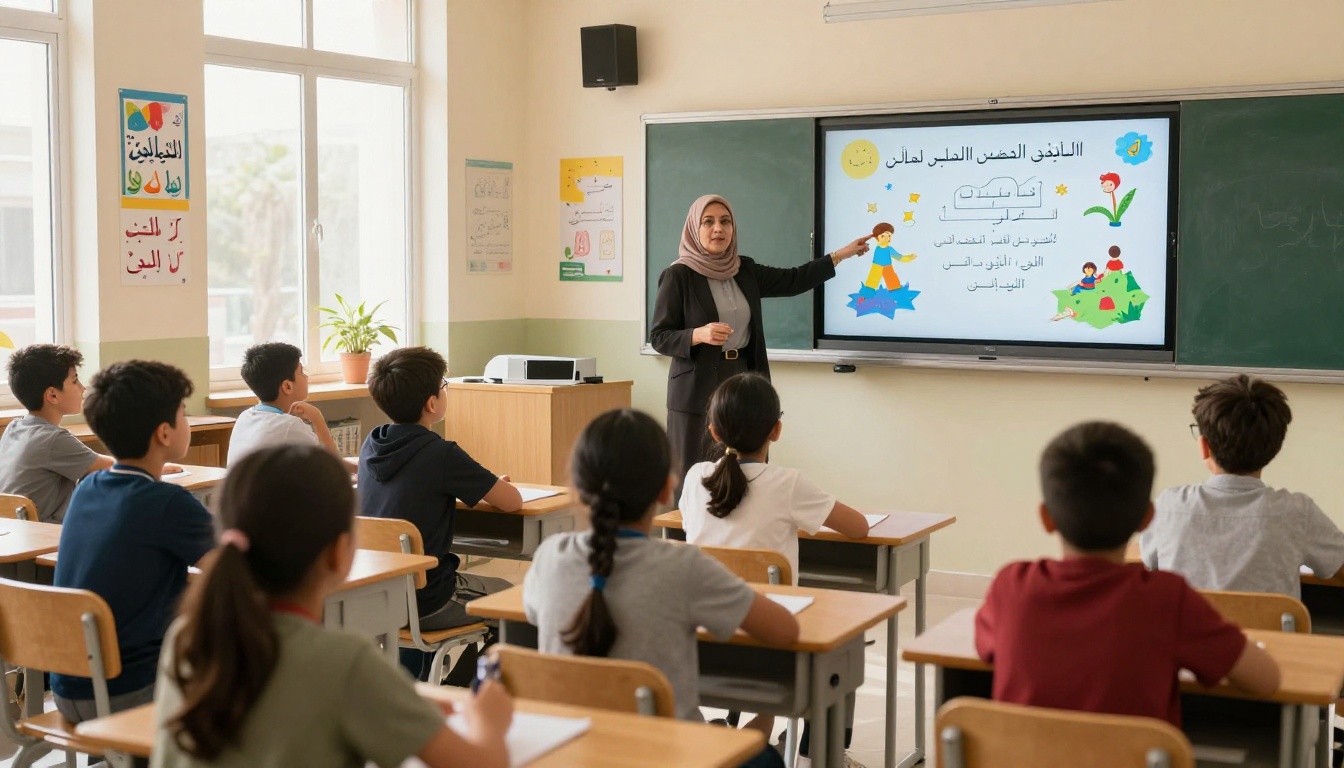
Arabic-language educational flipbooks are growing rapidly as schools and universities across the Gulf and North Africa adopt digital-first learning approaches. Course materials, student handbooks, school newsletters, and training manuals are all natural fits for the flipbook format.
The Course Material Publisher and Training Manual Flipbook tools are purpose-built for this workflow. Teachers can upload Arabic PDFs, apply institutional branding, and share flipbook links with students via their school LMS or WhatsApp groups.
Real Estate and Tourism Brochures
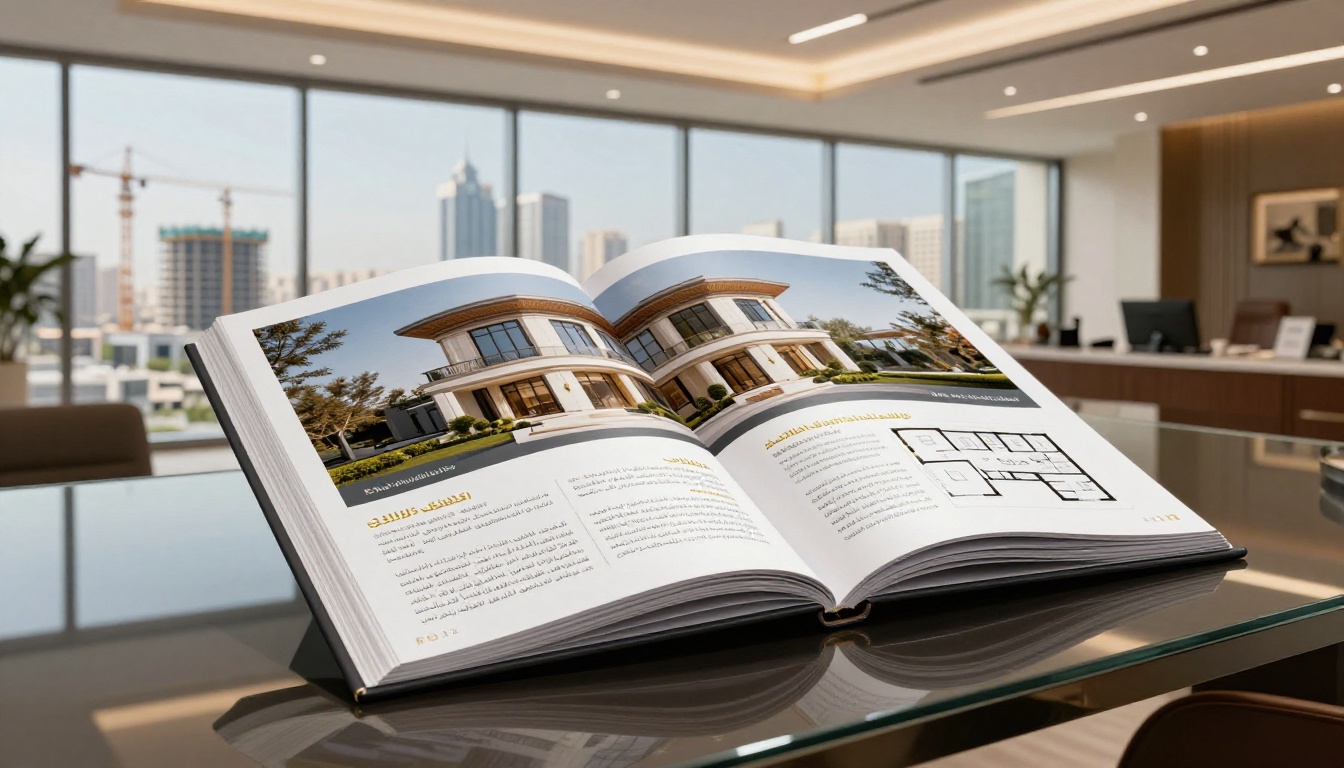
The Gulf real estate market is one of the most active globally, and off-plan property sales rely heavily on high-quality brochures. An Arabic digital brochure distributed via WhatsApp to a qualified leads list can generate inquiries faster than any traditional print campaign.
The Real Estate Brochure Creator produces professional property flipbooks with Arabic text, floor plans, and photography. Tourism boards, hotels, and travel agencies serving Arabic-speaking travelers can use the Hotel Brochure Designer and Travel Guide Flipbook for destination marketing campaigns.
Flipbooks AI Plans at a Glance
Choosing the right plan depends on your publication volume and the features your Arabic audience experience requires.
| Feature | Free | Standard | Professional |
|---|
| Flipbooks per month | 1 | Unlimited | Unlimited |
| Watermark | Yes | No | No |
| Custom branding | No | Yes | Yes |
| Password protection | No | Yes | Yes |
| Embed on website | Yes | Yes | Yes |
| Analytics | No | Basic | Advanced |
| Lead generation forms | No | No | Yes |
| Offline downloads | No | No | Yes |
| Custom domain | No | No | Yes |
💡 For Arabic business use cases, the Standard plan removes watermarks and enables custom branding, both essential for client-facing professional publications. The Professional plan adds analytics showing exactly how Arabic readers engage with each page, which is valuable data for optimizing future content.
See all plan details on the pricing page.
Common Mistakes in Arabic Flipbook Creation
Wrong Page Order in the PDF
The most common error is uploading a PDF designed for left-to-right reading and expecting the flipbook tool to automatically reverse it. The platform renders pages in the order they appear in the PDF. If your cover is on page 1 and reads correctly in a Latin-layout viewer, it will open on the wrong side in an Arabic flipbook. Design and export your Arabic PDF with RTL page order from the beginning.
Using Image-Based Arabic Text
Scanning a printed Arabic document and uploading the resulting PDF creates a flipbook where text is actually a low-resolution image, not real characters. This looks blurry on high-resolution screens, cannot be selected or searched by readers, and does not scale cleanly when zooming. Always use vector-based, font-embedded Arabic text in your source PDF.
Ignoring Mobile Optimization
Over 70% of internet usage in MENA countries happens on smartphones. A flipbook that looks perfect on desktop but is difficult to navigate on mobile is failing the majority of your Arabic audience. Flipbooks AI's viewer is mobile-responsive by default, but your PDF layout should also account for small screens, with larger font sizes, simplified layouts, and clear visual hierarchy.
Skipping Cultural Review
Technical correctness (RTL text, proper fonts) is necessary but not sufficient. Have a native Arabic speaker review your flipbook before publishing. What reads fluently in Modern Standard Arabic may feel overly formal to readers in Morocco or the Gulf, where dialect differences influence the perceived tone. A quick cultural review catches phrases, images, or color choices that inadvertently miss the mark.
| Mistake | Impact | Fix |
|---|
| Wrong PDF page order | Flipbook reads in wrong direction | Design PDF with RTL page order from scratch |
| Image-based text | Blurry, unsearchable content | Use font-embedded vector PDFs |
| No mobile testing | Majority of audience has poor experience | Preview on multiple device sizes before publishing |
| No cultural review | Tone or imagery feels disconnected | Get native speaker sign-off before going live |
| Missing brand customization | Unprofessional appearance | Use Standard plan and apply full branding |

Start Reaching Arabic Readers Today
Arabic-speaking audiences are large, digitally engaged, and increasingly expecting content that respects their language and cultural context. A properly formatted Arabic flipbook is one of the most direct ways to show you take this audience seriously, whether you are selling products, sharing knowledge, or building a brand across the MENA region.
The technical barrier is low. Prepare your Arabic PDF correctly, upload it to Flipbooks AI, apply your branding, and share the link within minutes. No design agency required. No print run. No waiting.
Ready to build your first Arabic flipbook? Create a free account and have your publication live today. If you need advanced features for professional distribution, review the pricing plans and choose the tier that fits your workflow. Browse all available tools and templates to find the right format for your industry.
Your Arabic audience is already online. Meet them where they are.



