Most people don't realize their product catalog is losing them deals before anyone even opens it. A PDF attachment in an email gets ignored, downloaded once, maybe printed and forgotten on a desk. Meanwhile, a competitor just sent a link that opens a page-flipping, clickable, mobile-friendly catalog that took four minutes to build. That's the gap. Flipbooks AI closes it, and the whole process genuinely takes less time than brewing a pot of coffee.
Why Static PDFs Are Costing You Sales
The Hidden Price of a PDF Attachment
When you email a PDF catalog, you're asking a lot from your prospect. They have to download it, open it in a separate app, zoom in on every page, and somehow remember to come back to it later. Email attachments feel dated. They don't track opens. They don't work well on phones. They have no interactive elements. And once they're downloaded, the catalog is frozen in time, even if your pricing or stock just changed.
The real cost isn't the printing bill you already know about. It's the invisible friction that kills interest before it becomes a conversation. A buyer who can't easily browse your products on their phone during a commute is a buyer who moves on.
What Buyers Actually Want
Buyers today expect the same browsing experience they get on any modern e-commerce site. They want to scroll, tap, zoom, click a product, and immediately reach a purchase or inquiry form. A digital catalog that behaves like a live webpage, with page-flip animation, embedded videos, clickable hotspots, and instant sharing, converts at a measurably higher rate than a static file.
💡 Interactive content generates two to three times more engagement than static formats. Your catalog should work the same way your website does.
What Makes a Catalog "Interactive"
Clickable vs. Static: The Real Difference
The term "interactive catalog" gets used loosely, so it helps to be specific. A truly interactive catalog responds to user actions. Clicking a product image opens a detail view or goes directly to a product page. Tapping a price tag links to a checkout. Embedded video plays inside the catalog without redirecting the viewer. Page transitions use a realistic flip animation that signals "this is a publication," not just a document.
A static PDF does none of that. It sits there, waiting to be zoomed in on one tiny section at a time.
Features That Actually Drive Action
Here's a direct comparison so the difference is concrete:
| Feature | Static PDF | Interactive Digital Catalog |
|---|
| Page-flip animation | No | Yes |
| Clickable product links | No | Yes |
| Embedded video | No | Yes |
| Mobile responsive | Poor | Fully optimized |
| Real-time analytics | No | Yes (Professional plan) |
| Password protection | No | Yes |
| Shareable link | No (must attach file) | Yes (instant URL) |
| Embed on website | No | Yes |
| Auto-updates when edited | No | Yes |
| Offline downloads | No | Yes |
That gap represents the difference between a catalog that informs and one that actively sells.
How Fast Can You Actually Build One

The 4-Minute Upload-to-Share Workflow
The speed claim isn't a marketing exaggeration. Here's the actual workflow when you use Flipbooks AI:
- Go to flipbooksai.com and upload your existing PDF catalog
- The platform converts every page automatically, applying page-flip rendering and full mobile optimization
- Optionally add your brand colors, logo, and custom domain in the editor
- Copy your share link or embed code and send it
That's four steps. Most people complete all four in under five minutes on the first try. On repeat use, the whole process takes closer to two minutes. No design software, no coding, and no waiting days for a developer to build something custom.
No Design Skills Required
You don't need to redesign anything from scratch. The Digital Catalog Maker takes whatever PDF you already have and turns it into an interactive publication. If your catalog was designed in InDesign, Canva, Figma, or even PowerPoint, it works. Export to PDF, upload, and your interactive catalog is live.
✅ Existing brand assets, layouts, and typography all carry over automatically. Nothing needs to be rebuilt or reformatted.
3 Common Mistakes That Slow Teams Down
Even with a fast tool, some teams take longer than they need to. The three most common obstacles:
- Using low-resolution source PDFs: Export your catalog PDF at 150 DPI or higher for sharp page rendering. Anything lower will look pixelated on large screens.
- Skipping the hotspot step: Uploading the PDF and sharing the link immediately is better than nothing, but taking 10 extra minutes to add clickable hotspots to your top products significantly increases the catalog's impact.
- Not setting a custom domain: Sharing a link with your brand's custom domain builds more trust than a generic platform URL. This takes two minutes to configure in settings.
How to Create Your Interactive Catalog with Flipbooks AI
Step 1 - Upload Your PDF
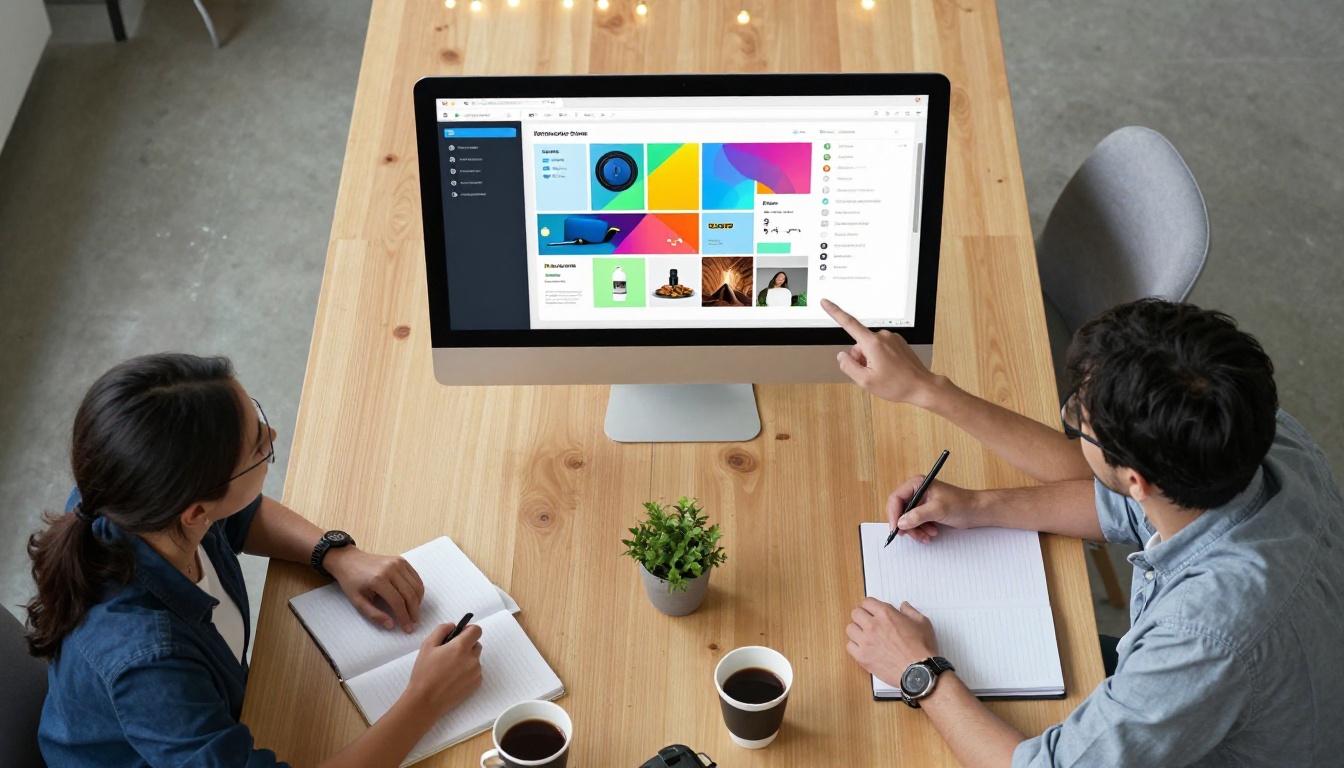
Head to Flipbooks AI and create a free account. Once inside, click "New Flipbook" and drag your PDF catalog onto the upload area. The system processes each page and renders them with the page-flip effect. Depending on your catalog's page count, this takes between 15 and 60 seconds.
Use the Catalog Flipbook Creator if you want a purpose-built tool specifically for product catalog creation.
Step 2 - Customize Branding and Style
After upload, the editor gives you full control over the visual presentation. You can:
- Upload your logo and set it to appear persistently in the flipbook viewer
- Choose a background color or image that matches your brand palette
- Select a cover style, hardcover or softcover animation
- Set reading direction for international market catalogs
- Enable auto-flip for trade show displays or kiosk environments
- Add a background music track for immersive digital lookbooks
Step 3 - Add Interactive Elements
This is where the catalog becomes a selling tool rather than just a document. Inside the editor you can:
- Add clickable hotspots over product images that link directly to product pages or checkout
- Embed YouTube or Vimeo videos on specific pages to show products in use
- Insert lead capture forms to collect buyer information
- Set up audio narration on any page for guided catalog tours
- Link table of contents sections for quick navigation in large catalogs
For product catalogs, the single most impactful step is making every key product image link directly to where someone can buy or inquire. That one change turns a passive document into a conversion channel.
Step 4 - Share and Embed Anywhere
Once your catalog is live, Flipbooks AI gives you multiple distribution options:
- Direct link: A clean URL shareable in emails, social media, and messaging apps
- Embed code: A single snippet to paste into any website or CMS
- QR code: Auto-generated for print collateral, packaging, and trade show displays
- Password protection: Lock the catalog for wholesale buyers, press contacts, or internal teams
💡 The embed option works natively on Shopify, WordPress, Wix, Squarespace, and any platform that accepts custom HTML. No plugins or developer help required.
Who Uses Interactive Catalogs (And How)
Fashion and Retail

Fashion brands were among the first to move away from print lookbooks toward digital formats, and for good reason. A Fashion Catalog that can be updated instantly means no reprinting costs when a product sells out or a new collection launches. Sales reps in boutiques use iPad versions in-store to show customers styles not on the floor. Wholesale buyers receive a single link instead of a heavy PDF attachment that might not even open correctly on their phone.
A boutique with 200 SKUs can have a fully interactive catalog, with size charts, color swatches as clickable hotspots, and direct links to each product, live in under an hour.
Real Estate

Real estate agents use interactive property catalogs to tell a visual story that a flat PDF simply cannot. A Real Estate Brochure built on Flipbooks AI lets agents embed virtual tour videos directly inside the listing pages, link floor plans to detailed documents, and track which properties a prospect spent the most time viewing.
That last point matters significantly. When analytics show that a buyer spent four minutes on property seven and skipped properties one through six entirely, you know exactly where to focus the follow-up conversation.
Food and Hospitality
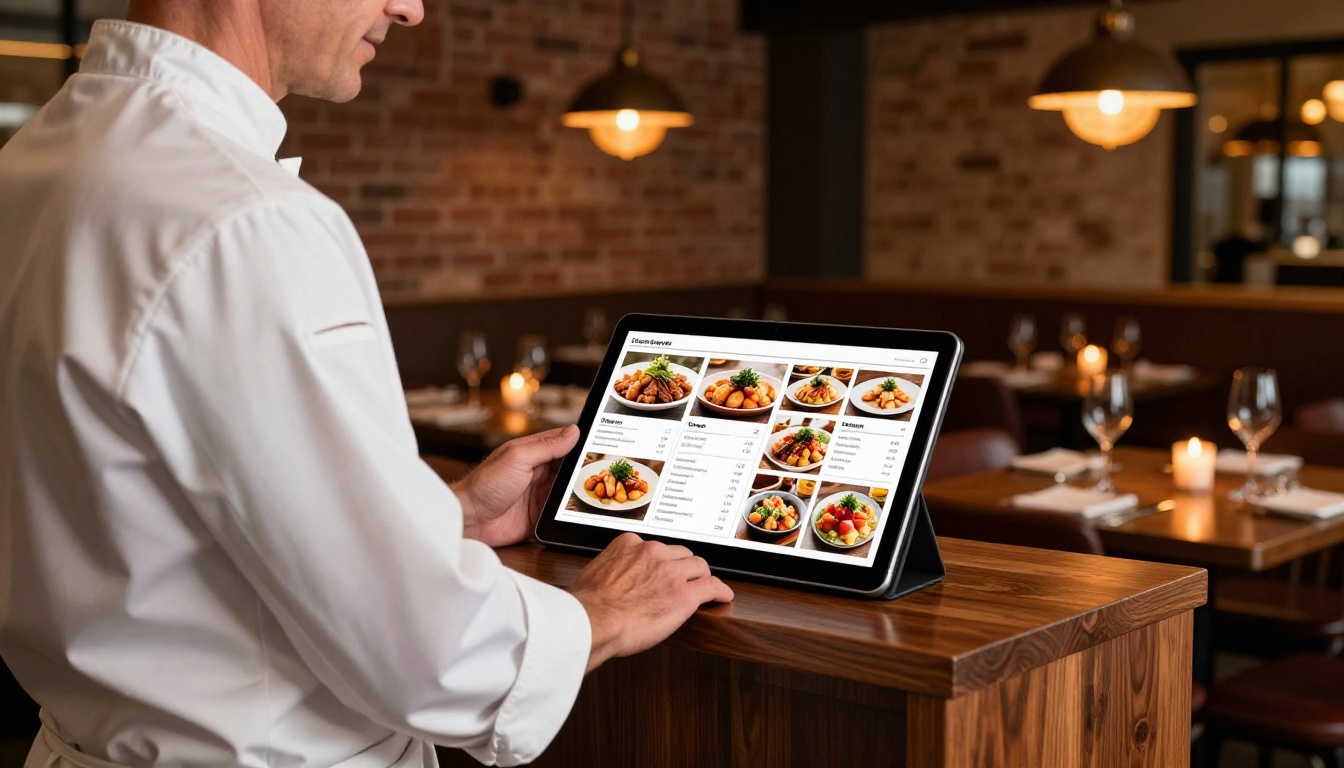
Restaurants, hotels, and catering companies use digital menu catalogs to replace printed menus that get damaged, go out of date quickly, and cost money to reprint every quarter. A Restaurant Menu Creator flipbook can be updated in minutes when a seasonal item changes. A QR code on each table links directly to the live version, which is always current and never out of stock.
Hotels use similar catalog formats for room service menus, spa services, and amenity guides, all embedded directly on their booking confirmation pages.
Multi-Device Reach That Actually Works
Mobile-First Reality
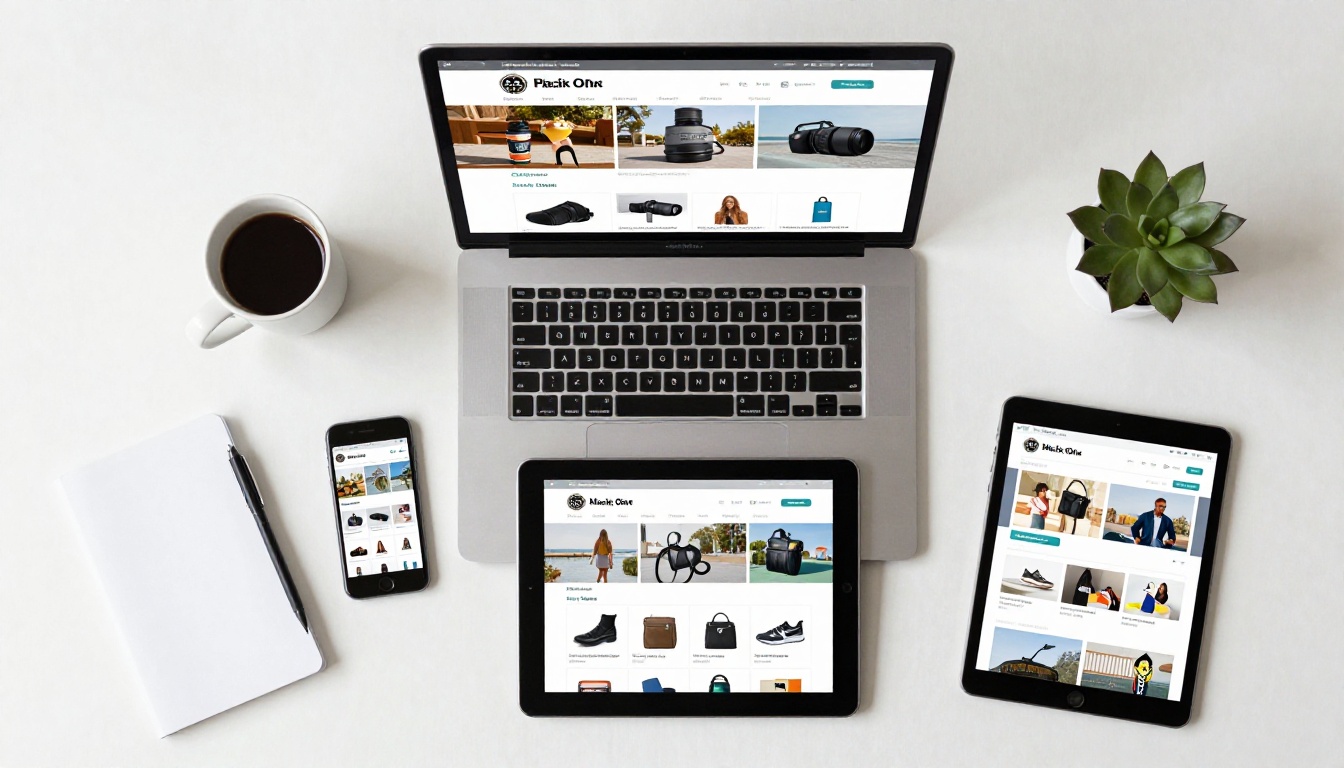
More than 60% of catalog browsing happens on a phone. A PDF that requires constant pinching and zooming is an immediate friction point that kills the browsing experience. Every catalog built on Flipbooks AI is automatically responsive. The layout adjusts to screen size, touch gestures handle page turns naturally, and text remains readable without any zooming required.
This isn't a special setting you need to enable. It's the default behavior for every flipbook created on the platform, from the free tier upward.
Embed on Any Website
The embed feature means your catalog becomes part of your website rather than a separate file someone downloads. Visitors can browse your full product range without ever leaving your site, and every interaction within the embedded catalog is tracked. You can see which pages get the most time, where visitors drop off, and which products generate the most clicks toward your store.
Use the Embed Flipbook on Website tool to get a pre-configured embed snippet sized and styled for your specific page layout.
The Interactive Difference Up Close
Hotspots, Clicks, and Conversions
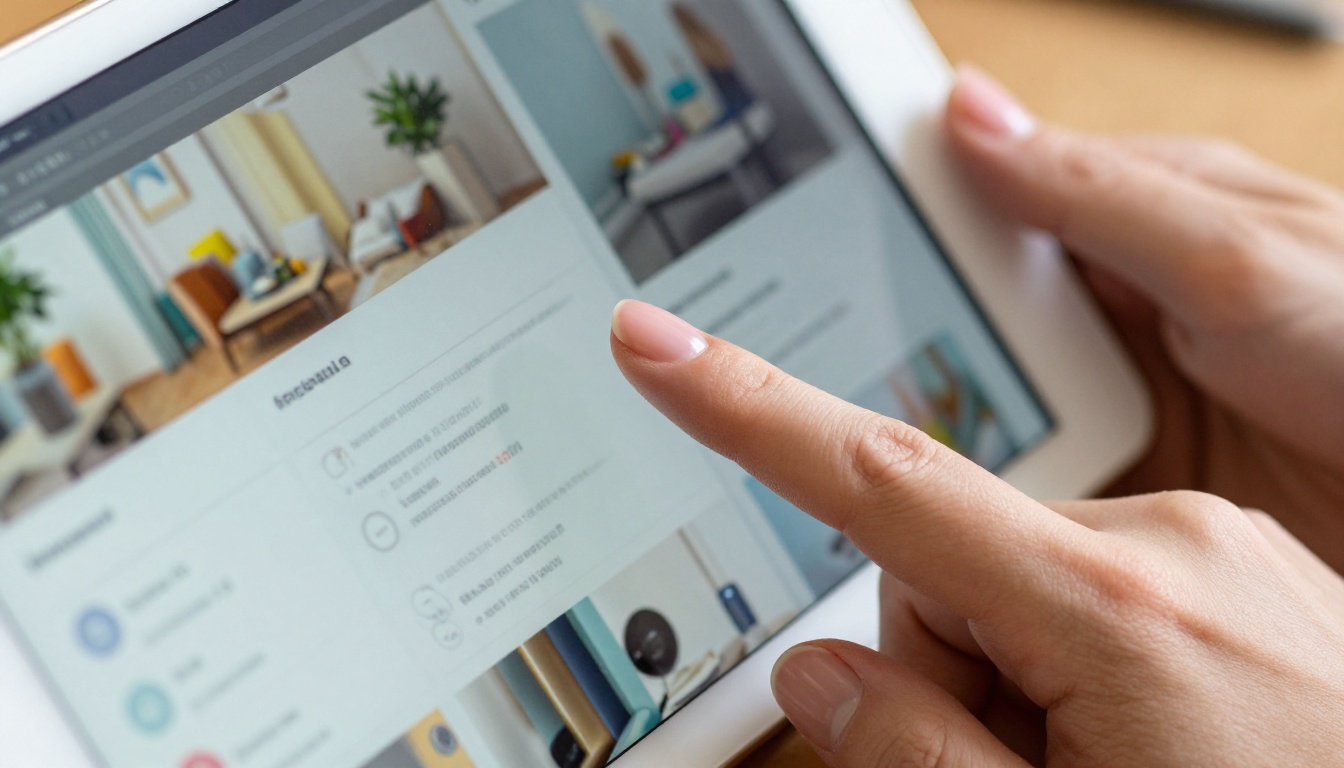
The single biggest upgrade from a static catalog to an interactive one is the clickable hotspot. Instead of a reader noting a product name and going to search for it separately, which is a step most people never complete, they tap the product image and land directly on the purchase or inquiry page.
That one friction reduction compounds over hundreds or thousands of catalog views. It removes an entire step from the buyer's journey, and every removed step increases conversion rate. This is the mechanic behind why interactive catalogs consistently outperform static ones in measurable sales metrics.
Analytics You Can Act On
With the Professional plan on Flipbooks AI, every catalog you publish comes with a full analytics dashboard. You can track:
- Total views and unique viewer counts
- Average time spent per page
- Most and least viewed pages across your catalog
- Geographic distribution of viewers
- Click-through rates on every hotspot and link
- Lead capture form submissions with contact details
⚠️ Most businesses running print catalogs have zero data on how those catalogs perform. A digital catalog with analytics gives you clear data you can use to inform your next product line, marketing budget, or sales follow-up strategy.
Plan Comparison

Choosing the right plan depends on how many catalogs you publish and which features matter most to your workflow. Here's how the Flipbooks AI pricing tiers break down for catalog-focused use:
| Plan | Flipbooks | Watermark | Analytics | Password Protection | Offline Downloads | Lead Generation |
|---|
| Free | Limited | Yes | No | No | No | No |
| Standard | Unlimited | No | No | Yes | No | No |
| Professional | Unlimited | No | Yes | Yes | Yes | Yes |
✅ The Standard plan removes watermarks and unlocks unlimited flipbooks, which covers the needs of most small businesses publishing product catalogs regularly.
For sales teams that rely on catalog performance data to drive follow-up conversations, the Professional plan's analytics and lead generation tools pay for themselves quickly. Knowing which pages a specific prospect viewed before you call them changes the entire dynamic of that conversation.
Use Case Breakdown

Different industries use interactive catalogs in different ways. Here's a quick breakdown of tools on Flipbooks AI matched to common real-world use cases:
Stop Sending PDFs, Start Sharing Experiences
Your catalog is often the first detailed impression a buyer gets of your brand and your products. A static PDF signals that the buying experience will require effort. An interactive, page-flipping, mobile-responsive catalog signals the opposite. It tells buyers that you take their experience seriously, before the sales conversation even starts.
The speed advantage is real: four minutes from PDF to live shareable link. The conversion advantage is real: clickable products remove the friction step between browsing and buying. And the cost of not switching is measured in every prospect who opened your PDF once, didn't zoom in, and moved on.
Ready to create your first interactive catalog? Get started for free on Flipbooks AI and have your catalog live before your next cup of coffee is ready. Explore all available tools and templates to find the right fit for your industry. Compare pricing plans and choose what works for your team size and publishing volume.
The coffee can wait. Your catalog doesn't have to.



