Your static PDF catalog is quietly killing your sales. Customers download it, skim a few pages, close the tab, and forget it existed. There is no way to click a product, no page-turn animation to keep them scrolling, and no way for you to know what they actually looked at. A shoppable flipbook catalog changes all of that. With Flipbooks AI, you can turn any product PDF into a fully interactive, clickable catalog in under five minutes, no code required.
What a Shoppable Catalog Actually Does
Beyond the Static PDF
A shoppable catalog is a digital publication where every product image, price tag, or buy button can be linked directly to a product page, cart, or checkout. The reader browses a realistic page-flip experience on any device, clicks what interests them, and lands exactly where they need to purchase.
This is fundamentally different from a downloadable PDF. A PDF is passive. A shoppable flipbook is a sales channel.
Why Buyers Respond to It
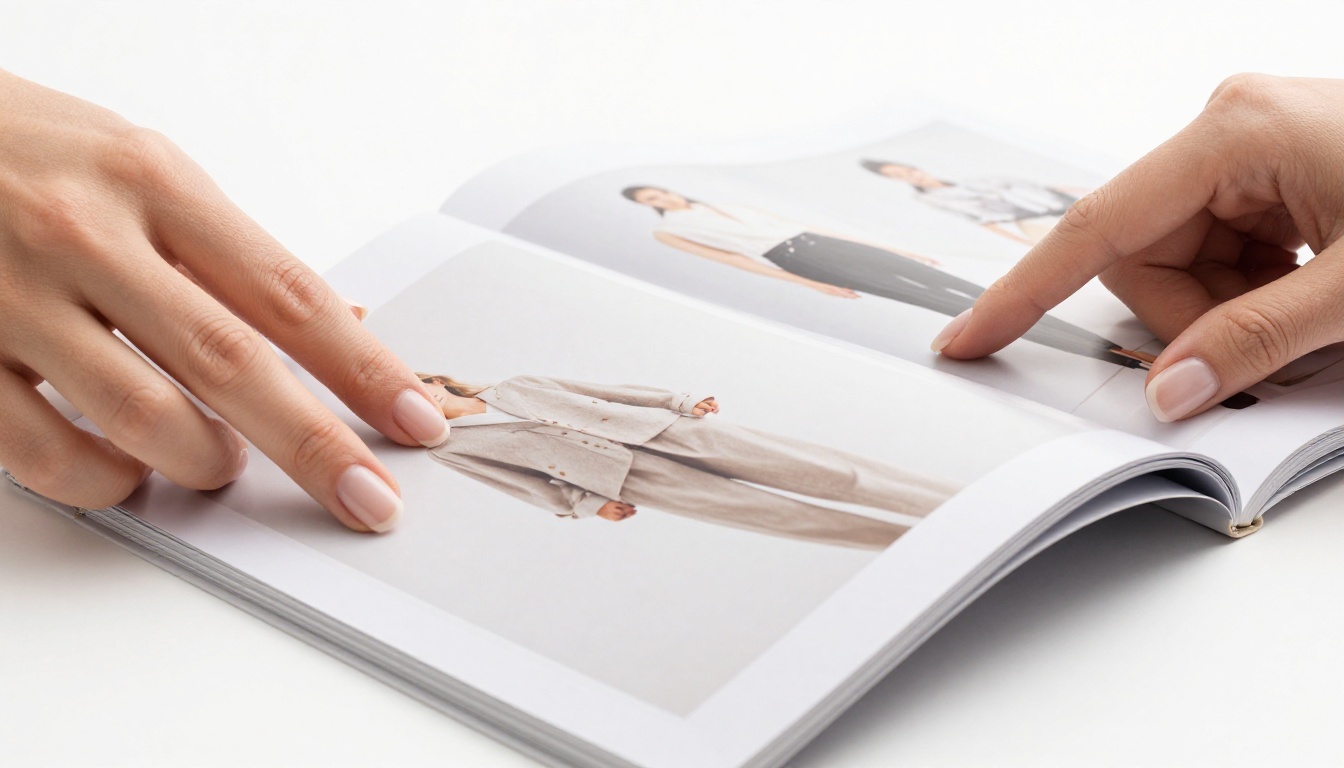
People respond to visual browsing. The physical act of turning pages, familiar from print catalogs, triggers a browsing mindset that is very different from scrolling a flat product grid. When that tactile experience combines with instant purchase links, conversion rates climb because the friction between "I want this" and "I bought this" collapses.
Retail research consistently shows that catalog-style presentation increases average order value. Buyers who browse a catalog tend to add more items per session than buyers who click through isolated product pages. The catalog format creates context. A sofa looks better when it is already in a beautifully styled living room spread than when it sits alone on a white background.
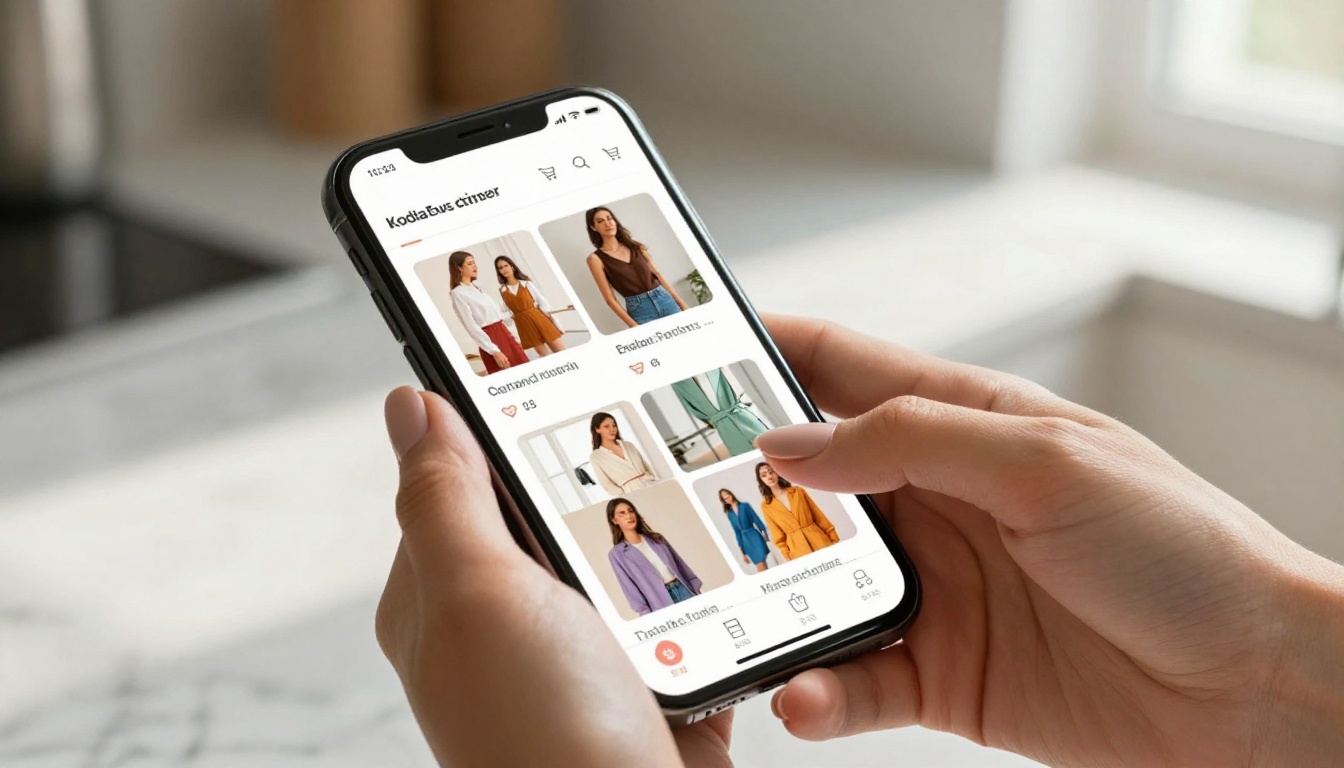
💡 A shoppable flipbook keeps buyers inside your brand experience while giving them direct purchase access, instead of breaking them out to a separate shopping tab.
Why Static PDFs Are Losing You Sales
The Three Biggest PDF Problems
Static PDFs have served businesses for decades, but they have structural limitations that directly cost revenue.
Problem 1: No clickable links on images. Readers see a jacket they want on page 12 but there is no way to buy it from inside the catalog. They have to manually search your site, which most will not do.
Problem 2: Zero analytics. You have no idea which products got the most page views, which spreads caused drop-off, or how long people actually spent reading. Blind marketing is expensive marketing.
Problem 3: Poor mobile experience. PDF viewers on phones are clunky. Pinching, zooming, sideways scrolling. Most mobile users bounce within seconds of trying to read a PDF on a small screen.
| Format | Clickable Links | Mobile Optimized | Analytics | Page-Flip Effect | Embeddable |
|---|
| Static PDF | No | No | No | No | No |
| Flipbook Catalog | Yes | Yes | Yes | Yes | Yes |
| Basic Website Grid | Yes | Yes | Partial | No | Yes |
| Social Media Post | No | Yes | Basic | No | No |

What You're Actually Losing
Consider a fashion retailer sending a seasonal lookbook to 5,000 email subscribers. With a PDF, maybe 600 open it and 40 visit the store. With a shoppable flipbook where every outfit links to a product page, those same 600 browsers can convert directly. Each page becomes a product landing page. The difference is not design, it is connectivity.
A B2B distributor sharing a 200-page wholesale catalog by email attachment faces the same friction. Sales reps have no idea which pages the buyer looked at. With a shoppable flipbook, they get page-by-page data before they even pick up the phone.
How to Build Your Shoppable Flipbook Catalog
This is where Flipbooks AI earns its keep. The entire process from PDF to live shoppable catalog takes under five minutes.
Step 1: Prepare Your PDF
Before uploading, make sure your PDF is print-quality with clear product images. High-resolution photography performs significantly better in the flipbook format because readers can zoom in on details before clicking to buy.
If you are starting from scratch, design your catalog in Canva, Adobe InDesign, or Google Slides, then export as PDF. Keep your design clean with one or two products per spread so there is clear visual hierarchy. Cluttered pages with eight products crammed in drive lower click rates than clean, editorial layouts.
Step 2: Create Your Account and Upload
Go to Flipbooks AI and create your account. Once inside, head to the Product Catalog Generator tool or the general Catalog Flipbook Creator.
Click "Upload PDF" and select your catalog file. The platform processes it in seconds, converting every page into a crisp, zoomable flipbook spread with the signature page-turn animation.
Step 3: Add Product Links
This is the step that transforms a catalog into a sales tool. In the Flipbooks AI editor:
- Select any area of any page using the hotspot tool
- Draw a clickable zone over the product image or price
- Paste your product URL (Amazon, Shopify, WooCommerce, any URL works)
- Set the link behavior: open in new tab, or open within the flipbook viewer
- Repeat for every product you want shoppable
💡 You do not need to link every single item. Start with your top 20% best-sellers. Those products deserve direct buy paths. Less popular items can still be browsed without links.
Step 4: Brand It
Flipbooks AI gives you full branding control with no watermarks, ever.
- Upload your logo to appear on the flipbook viewer
- Set your brand colors for the navigation bar and buttons
- Add a custom domain or subdomain so the link reads
catalog.yourbrand.com instead of a generic URL
- Set a custom thumbnail for social sharing
Step 5: Set Sharing and Privacy Options
Once branding is done, choose how your catalog lives in the world:
- Public link: Share directly via email, SMS, or social media
- Embed code: Paste one snippet into your website and the flipbook renders inline, no redirect required. See the Embed Flipbook on Website tool for setup details.
- Password protection: For trade catalogs, wholesale pricing sheets, or pre-launch previews
- QR code: Print it on packaging, business cards, or in-store signage
Step 6: Activate Analytics
On the Professional plan, you get access to analytics that show exactly what buyers are doing inside your catalog:
- Pages viewed per session
- Time spent on each spread
- Click-through rate per product link
- Geographic data on readers
- Lead generation forms you can embed at key catalog moments
This data is what separates casual catalog publishing from actual performance marketing. Knowing that page 7 has the highest drop-off rate tells you something critical about your product lineup or layout that no PDF attachment ever could.
Features That Convert Browsers Into Buyers
The Ones That Actually Matter
Not all flipbook features drive revenue equally. These are the ones worth paying attention to for a shoppable catalog:
Product hotspots with custom URLs: The core feature. Every product image becomes a buy button.
Zoom on double-tap: Readers tap product details, fabric textures, fine print. The ability to zoom in before clicking to buy reduces purchase hesitation and return rates.
Multimedia embeds: Drop a product demo video directly onto the catalog page. Buyers who watch a video are significantly more likely to convert than those who only see a static photo.
Mobile-responsive design: Your catalog renders perfectly on every screen size. Most buyers will first see your catalog on a phone, so this is non-negotiable.
Offline download: Buyers can save your catalog for reference even without internet. This matters for B2B buyers who browse during travel or in warehouse environments.

Features Comparison by Plan
| Feature | Free | Standard | Professional |
|---|
| Flipbooks | 3 | Unlimited | Unlimited |
| Watermark-free | No | Yes | Yes |
| Custom branding | No | Yes | Yes |
| Password protection | No | Yes | Yes |
| Embed on website | Yes | Yes | Yes |
| Product hotspot links | Yes | Yes | Yes |
| Analytics dashboard | No | No | Yes |
| Lead generation forms | No | No | Yes |
| Offline downloads | No | Yes | Yes |
| Custom domain | No | No | Yes |
⚠️ The Free plan includes a watermark on every flipbook. For a professional shoppable catalog representing your brand, upgrade to at least the Standard plan.
Real Industries Using Shoppable Catalogs
Fashion and Apparel
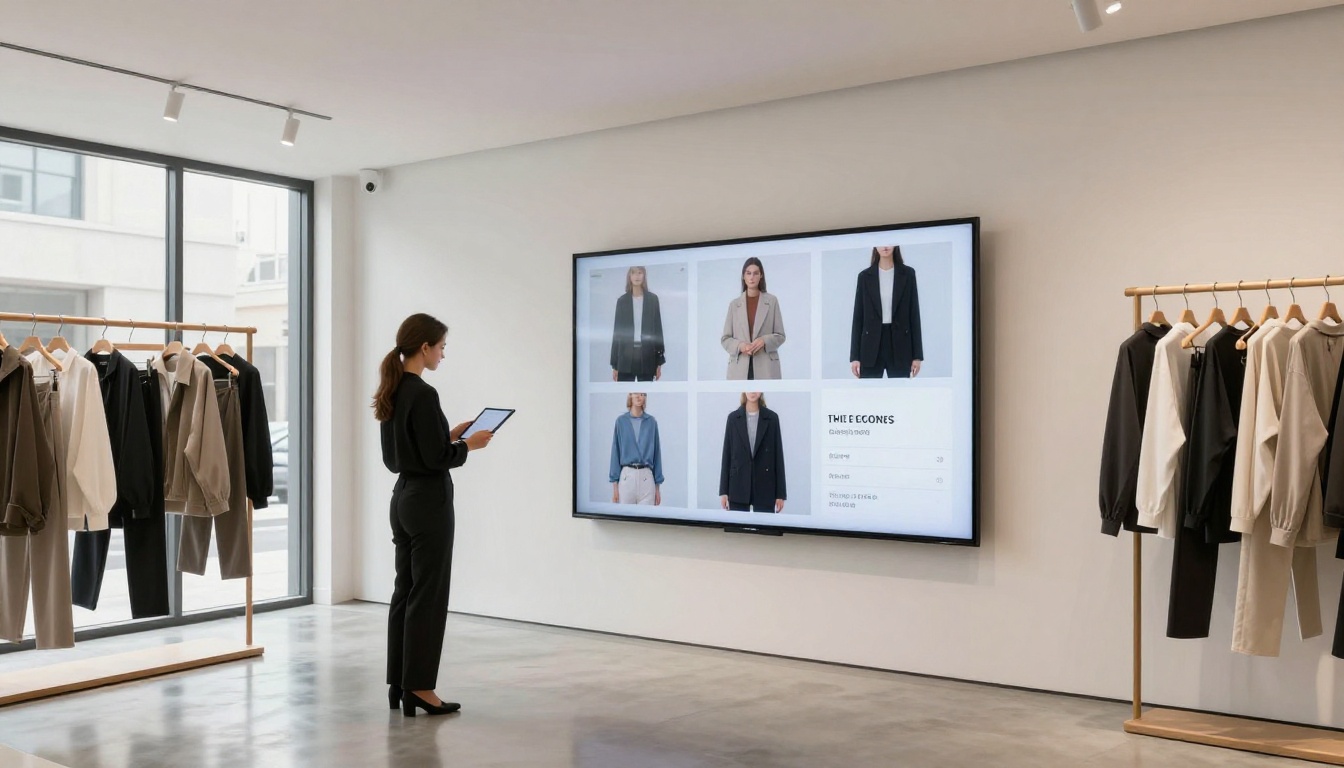
A fashion brand releases four seasonal lookbooks per year. With a shoppable flipbook, each look links directly to the product page. Instead of a static PDF sitting in an inbox, the lookbook becomes a seasonal storefront. The Fashion Catalog Creator tool makes setup specific to apparel brands with high-image-count catalogs and editorial spreads.
Beauty and Cosmetics
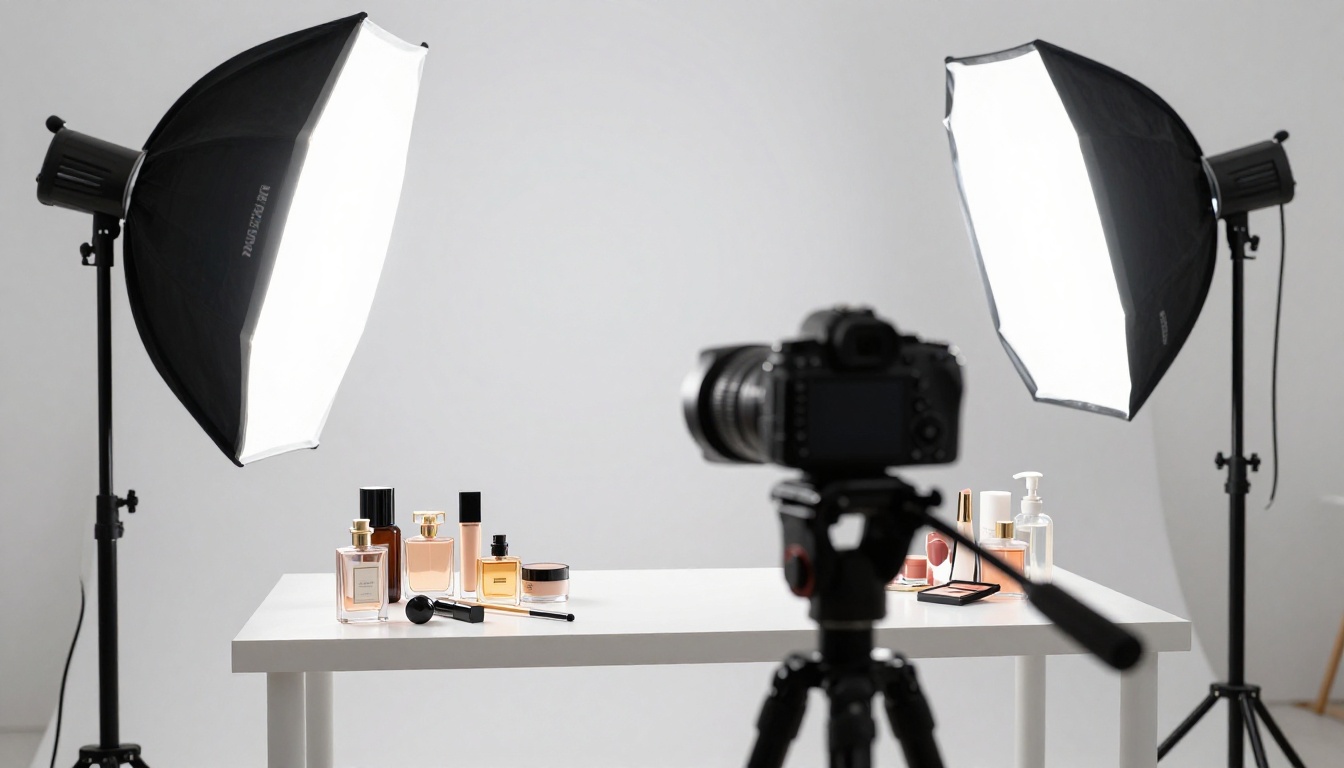
A cosmetics brand can embed product demo videos directly on catalog pages showing how a foundation applies. Product swatches, ingredient lists, and shop-now buttons all become clickable. The Digital Catalog Maker handles multi-page beauty catalogs with hundreds of SKUs without any performance issues.
Jewelry and Luxury Goods
Jewelry buyers want to zoom in on settings, hallmarks, and gemstone clarity before purchasing. A flipbook's zoom functionality combined with direct links to product pages handles this better than any Instagram carousel or flat email image block.

Furniture and Home Decor
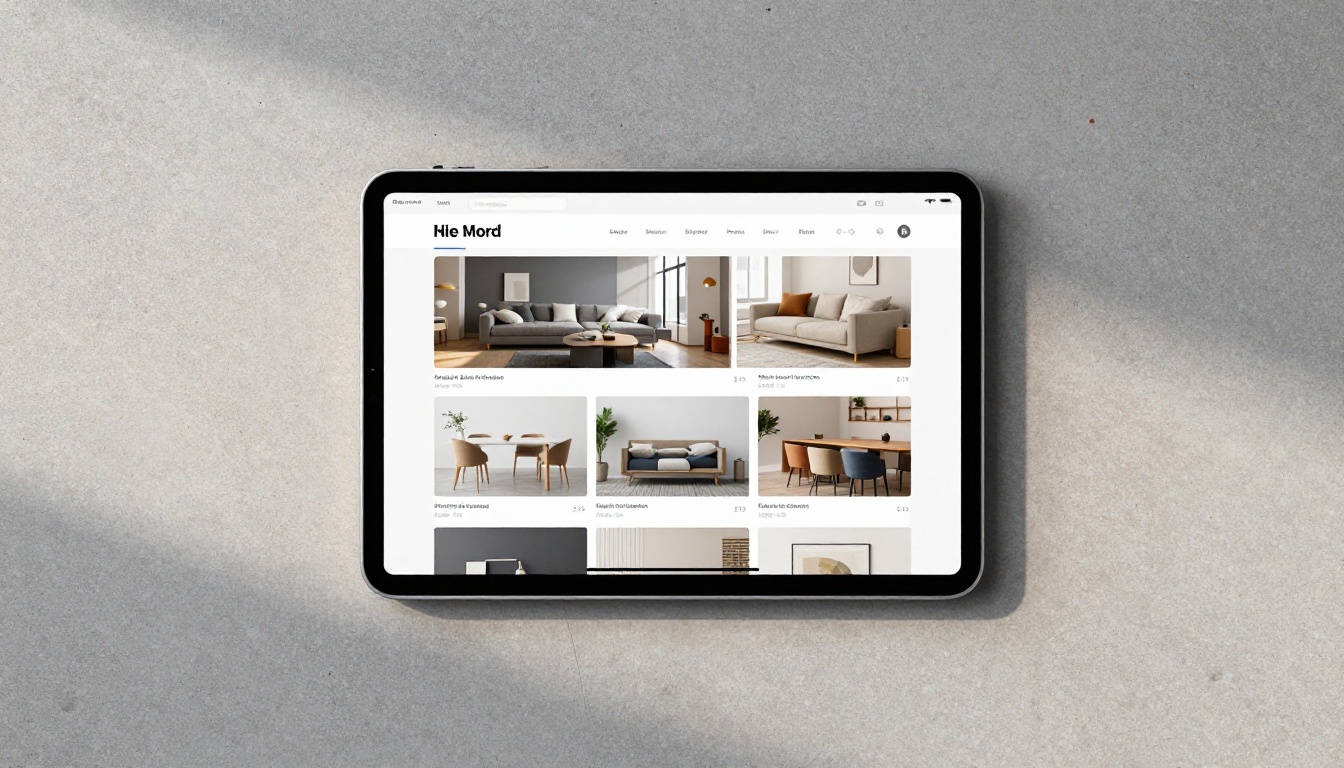
Furniture buyers browse differently. They want to see a sofa in a room setting, understand dimensions, and check fabric options. A multi-page shoppable flipbook handles room-by-room organization far better than a flat product grid. The Furniture Catalog Maker is built specifically for home goods brands that need layered, lifestyle-first presentations.
B2B Wholesale Catalogs
Wholesale buyers want pricing sheets, minimum order quantities, and SKU codes on every product. A password-protected shoppable flipbook gives authorized buyers direct access to order forms without PDF emailing, version control headaches, or expired attachments sitting in inboxes.
Comparing Catalog Distribution Channels
Knowing where to share your shoppable catalog is as important as building it. Each channel has a different buyer intent profile.
| Channel | Best For | Avg. Session Time | Buy Intent | Setup Effort |
|---|
| Email campaign | Re-engagement, seasonal launches | 2-4 minutes | High | Low |
| Website embed | Discovery, organic traffic | 3-7 minutes | Medium-High | Very Low |
| Social media link | New audience reach | 1-2 minutes | Medium | Low |
| QR code (in-store) | Physical to digital bridge | 4-8 minutes | Very High | Low |
| SMS link | Flash sales, VIP drops | 1-3 minutes | High | Low |
| Partner link | B2B, wholesale | 5-10 minutes | High | Medium |
✅ The highest-converting channel for shoppable flipbooks is the website embed. Buyers already on your site are in browsing mode. A full-page flipbook experience keeps them there longer and gives them more products to discover.
Tracking What Works
Analytics You Should Watch
Once your catalog is live and analytics are active on the Professional plan, focus on these metrics first:
- Drop-off page: The page where most readers stop. Usually signals a layout issue or irrelevant content placement.
- Top clicked products: Your actual bestsellers based on catalog behavior, not just sales data. These two lists are often different, and the gap tells you a lot.
- Session duration by source: Email traffic may spend more time than social traffic. Budget your promotion accordingly.
- Return visits: A buyer who opens your catalog three times and has not purchased is close to converting. Retarget them with a direct offer.

Using Lead Generation Inside the Catalog
On the Professional plan, you can embed lead capture forms directly inside the flipbook. A furniture catalog, for example, can include a "Request a Quote" form inside a specific room spread. A fashion catalog can include a "Join the VIP List" form on the last page before a sale section.
This turns passive browsing into active data collection, all without pulling the reader out of your branded catalog experience. The lead stays warm because they are still looking at your products while they fill in their details.
Getting the Most From Your First Catalog
Three Things to Do Before Publishing
- Test every link. Click through every product hotspot on desktop and mobile before publishing. A broken link on your hero product is a missed sale, and first impressions with buyers matter more than you think.
- Optimize your first page. The thumbnail is what buyers see in email and on social media. Make it your strongest product image, not a text-heavy front page.
- Set up analytics before launch. Retroactive data is worthless. Activate analytics on day one so you have full performance data from the very first reader.
💡 Password-protect your catalog until it is fully tested. Send the password to five people internally, have them browse on different devices, and collect feedback before going public.
What Good Catalogs Have in Common
After analyzing high-performing shoppable catalogs across industries, the patterns are consistent. Short catalogs (8 to 24 pages) outperform long ones in both session completion and click rate. Catalogs with one or two products per spread generate more clicks than ones with six or eight products crammed onto a page. Warm, editorial photography converts better than white-background stock images.
Buyers do not want to be sold at. They want to browse, feel something about a product, and then decide to buy. The flipbook format delivers that experience because it mirrors how people shop in the physical world: page by page, with time to look and consider. The shoppable layer removes the only thing standing between browsing and buying.
Start Selling With Your Catalog Today
A shoppable flipbook catalog is not a marketing experiment. It is a direct revenue channel that every product-based business should have running. You already have the PDF. The conversion takes minutes. The product links take an afternoon.
Ready to build yours? Create your free account on Flipbooks AI and upload your first catalog today. For brands with specific catalog needs, browse the full tools directory to find the right starting point, whether you sell fashion, furniture, beauty, or anything in between.
When you are ready to activate analytics, lead generation forms, and a custom domain, compare pricing plans and pick the tier that fits your catalog volume and audience.
Your PDF already exists. In five minutes, it can sell.



