The book trailer has been a staple of author marketing for over a decade, but most writers dread the production process. Video editing is expensive, time-consuming, and demands skills that have nothing to do with storytelling. That is exactly why a growing number of self-published and traditionally published authors are now building their book trailers as interactive flipbooks, and the results are shareable, embeddable, and faster to produce than any video alternative.
Flipbooks AI has made this workflow accessible to any author regardless of budget or technical skill. Instead of stitching together video clips and hiring a voiceover artist, you design your pages, upload a PDF, and publish a page-turning digital teaser in under an hour.
What a Book Trailer Flipbook Actually Does
A traditional book trailer is a short video, typically 60 to 90 seconds, built to create anticipation before a release date. A flipbook book trailer serves the same purpose through a different medium: animated, page-turning digital content that readers interact with at their own pace.
Why Static Images Fall Short
A flat image posted to a Facebook author page or Instagram feed competes against thousands of other posts. It sits still. It says nothing about your story's atmosphere or stakes. Readers scroll past it in under a second. A flipbook creates motion, structure, and an experience that invites interaction. That behavioral signal tells platform algorithms that readers are spending time with your content, which widens organic reach without paid promotion.
The Flipbook Difference
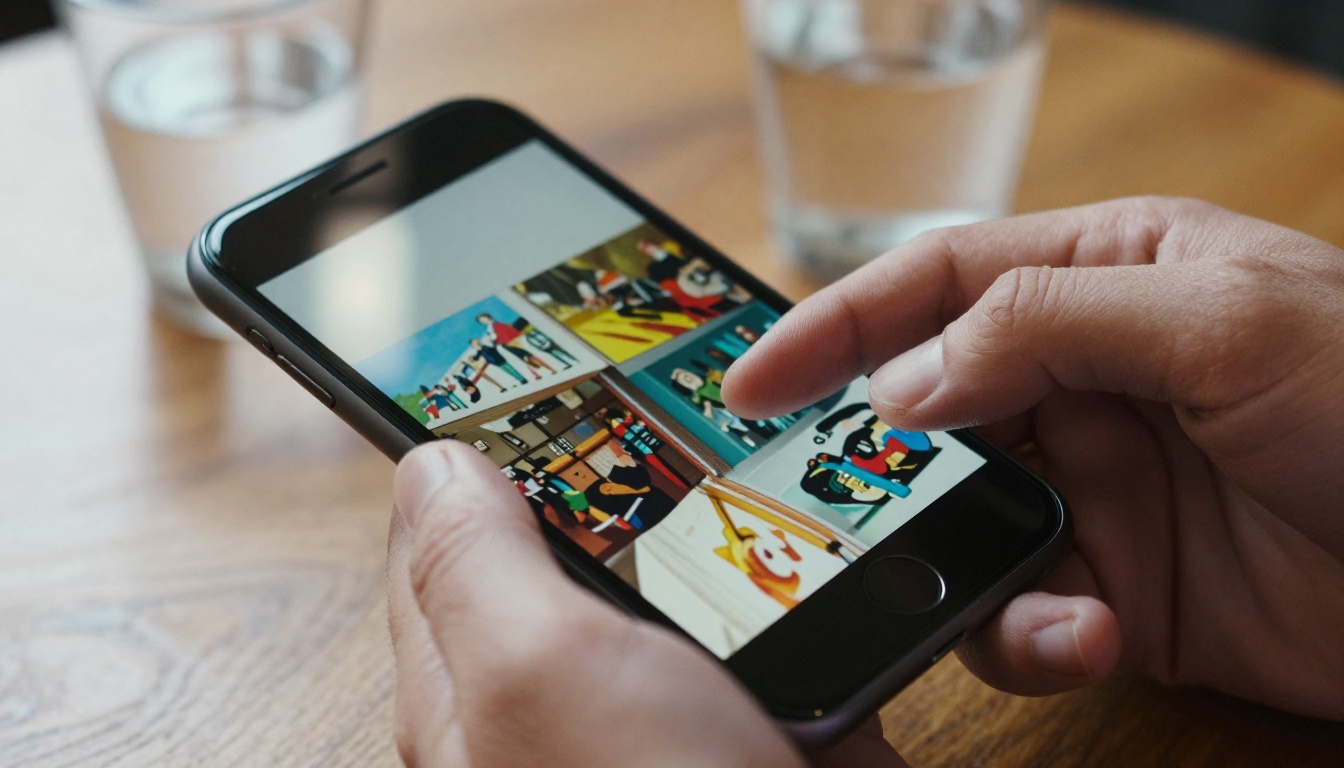
When a reader opens your book trailer flipbook, they see pages turning. They click through at their own speed, zoom in on artwork or excerpts, and absorb your story's visual identity before they ever read the first chapter. That is not passive consumption. That is active participation, and it leaves an impression.
💡 Pro Tip: Think of your flipbook trailer as a printed movie poster that readers can flip through, not a video they passively watch.
What Goes Into a Strong Book Trailer
The content inside your flipbook trailer makes or breaks the experience. The structure below works across fiction and non-fiction genres.

The Opening Reveal
Your first page should be your book's front image, full-bleed, no cropping. This is the moment a potential reader forms their first impression. If your front image is professionally designed, this page alone does heavy lifting. Add a brief tagline beneath it on page two, five words maximum.
Character and Scene Teasers
Spread two to four pages across your strongest scenes or characters. For fiction: pull visuals that represent the tone, the world, or the stakes. A thriller set in 1940s Paris should feel cold and noir. A cozy mystery should feel warm and cluttered. For non-fiction: use bold statistics, chapter previews, or testimonial quotes rendered as full-bleed typographic pages.
Plot Hooks Without Spoilers
This is where most authors go wrong. They either reveal too much or say nothing at all. A strong book trailer flipbook ends with a question that only the book can answer. One line. One unresolved tension. Then your buy link or call to action on the final page.
| Page | Content | Purpose |
|---|
| 1 | Front book image, full bleed | Immediate visual identity |
| 2 | Tagline or genre hook | Set tone in 3 to 5 words |
| 3 to 5 | Scene or character spreads | Build world and atmosphere |
| 6 to 7 | Strong quote or review excerpt | Social proof and voice |
| 8 | Unresolved question or teaser | Create desire to read |
| 9 to 10 | Author bio and purchase links | Convert interest to action |
How to Build Your Book Trailer with Flipbooks AI
Flipbooks AI is built for exactly this workflow. No design degree, no video software, no expensive subscriptions. Here is the full process from blank page to published trailer.

1. Design Your Trailer Pages
Before uploading anything, build your pages in Canva, Adobe InDesign, or any PDF-capable design tool. Set your file dimensions to 1920 x 1080px landscape for optimal display. Export as a single multi-page PDF. Each page becomes one spread in your flipbook trailer.
✅ Best Practice: Use only 8 to 12 pages. A book trailer should feel tight and urgent, not exhaustive.
2. Upload to Flipbooks AI
Create your account, then upload your PDF directly to the platform. Flipbooks AI converts each page automatically with a smooth page-turning animation. No manual configuration is required. Conversion typically takes under two minutes for a 12-page trailer PDF.
3. Add Multimedia Elements
This is where a flipbook trailer surpasses any static PDF. Inside the editor, you can:
- Embed background music to set the emotional tone while readers flip
- Add clickable links on your final page pointing to your Amazon listing, author website, or newsletter signup
- Insert short video clips into specific pages, such as a brief author message on the last spread
- Add audio narration for a single dramatic excerpt from the book
4. Customize Your Branding
Match your flipbook's interface to your book's visual identity. Adjust toolbar colors, add your author logo, and set the page background to complement your color palette. Flipbooks AI supports full custom branding with no watermarks on Standard plans and above.
5. Share and Embed Anywhere
Once published, you receive:
- A direct link for social media posts, newsletter buttons, and press kits
- An embed code to insert directly into your author website or landing page
- A QR code for print materials, bookmarks, or event handouts
💡 Pro Tip: Embed your book trailer flipbook directly on your author website's homepage. Visitors spend significantly more time on pages with interactive content than on pages with static images.
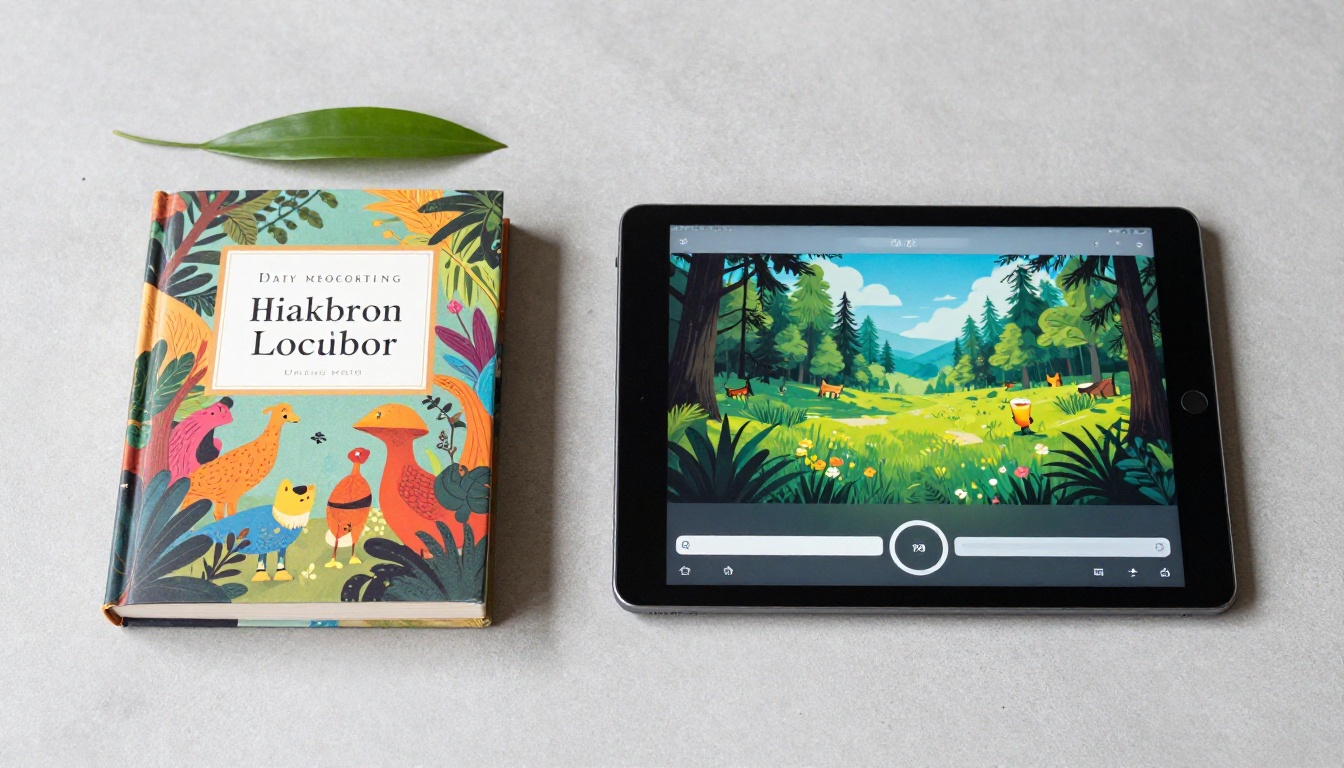
Not all book trailers are equal, and not all formats suit every author's situation. Here is how the most common options stack up:
| Format | Cost | Production Time | Interactive | Embeddable |
|---|
| Video trailer (professional) | $500 to $3,000 | 2 to 6 weeks | No | Yes |
| DIY video (Canva or iMovie) | Free to $15/mo | 5 to 20 hours | No | Yes |
| Static image carousel | Free | 1 to 3 hours | Minimal | Yes |
| Flipbook trailer | Free to $15/mo | 30 to 90 min | Yes | Yes |
| PDF teaser | Free | 1 to 2 hours | No | No |
The flipbook format wins on every dimension that matters to an independent or debut author: low cost, fast production, and genuine interactivity that makes readers stop scrolling.
Real Author Use Cases
The book trailer flipbook format works across every genre and publishing path, though the specific page content shifts depending on your goals.
Romance Novels
Romance readers are visually driven. A romance flipbook trailer should open with a full front-image spread, follow with two atmospheric scene visuals representing the emotional arc, include one teaser excerpt under 50 words, and close with a "Pre-order now" button embedded on the final page. The color palette should match the book's emotional register: warm tones for contemporary romance, cooler and moodier for dark romance.
Thrillers and Mysteries
Tension is everything. A thriller flipbook trailer should use high-contrast imagery, minimal copy, and typographic choices that feel urgent. One effective structure: open with a crime scene or establishing location image, reveal character names one per page with a single descriptive phrase, then close with a question that implies your plot without resolving it.
Non-Fiction and Self-Help
Non-fiction authors benefit from flipbook trailers that function more like visual book proposals than story teasers. Include the problem your book solves on page two, a preview of your chapter structure, one compelling data point per page, and a closing spread with your credentials and purchase link. The Interactive E-Book Publisher tool from Flipbooks AI is purpose-built for this format.
Sharing Your Book Trailer Flipbook
A flipbook trailer that nobody sees is a wasted asset. The platform's sharing options are built for multi-channel distribution.
Social Media Distribution
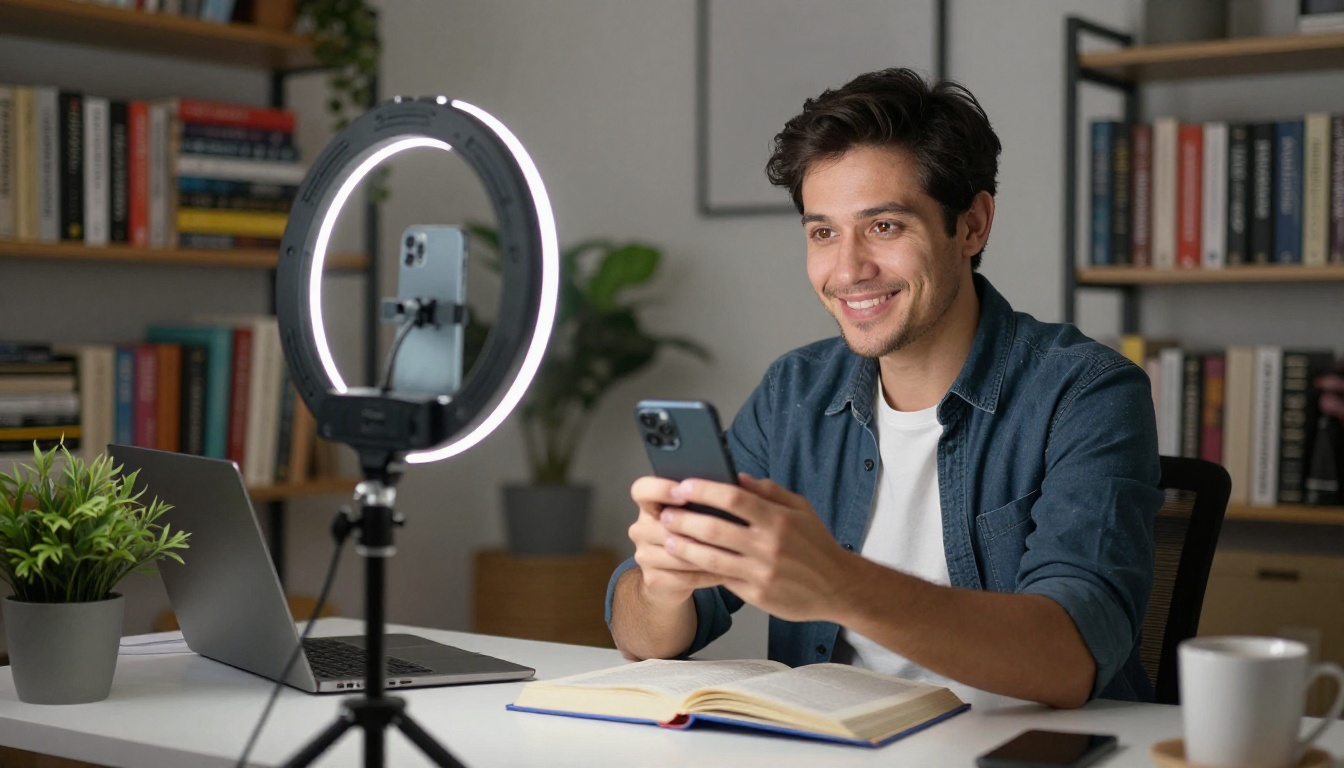
Share your flipbook link directly in posts on X, Facebook author pages, and LinkedIn. For Instagram and TikTok, record your screen as you flip through the pages and post it as a reel or story. Your link in bio directs readers to the full interactive version.
Author Website Integration
The embed code from Flipbooks AI drops directly into any website builder, including WordPress, Squarespace, Wix, and Webflow. Place it above the fold on your book's landing page or on your homepage. Readers interact with it in place without leaving your site.
✅ Best Practice: Add a "Flip through a preview" label above your flipbook embed. It sets expectations and increases the share of visitors who interact with your trailer.
Email Campaigns
Most email clients block interactive embeds, but your flipbook link works perfectly. Include a static screenshot of your flipbook's first page in the email body, then link the image to your flipbook's public URL. It reads like a video thumbnail and performs like one in terms of click-through behavior.
Plans and What Authors Actually Need
Flipbooks AI pricing is structured for authors at every stage of their publishing career. Here is what each plan offers:
| Plan | Price | Flipbooks | Watermark | Analytics | Best For |
|---|
| Free | $0/mo | 1 | Yes | No | Testing before your first launch |
| Standard | $9/mo | Unlimited | None | No | Active debut and mid-list authors |
| Professional | $15/mo | Unlimited | None | Yes | Series authors with active email lists |
⚠️ Important: The free plan adds a watermark to your trailer. If you are sharing your book trailer with readers and press contacts, upgrade to Standard to maintain clean, professional branding.
The Professional plan adds analytics and lead generation features. For authors running pre-order campaigns, these tools show you exactly how many readers opened your flipbook, how many pages they viewed, and where they dropped off. That data shapes every future trailer you build.
3 Mistakes That Kill Book Trailers
Too Much Text Per Page
A book trailer fails when it tries to tell the entire story. Each page of your flipbook should contain no more than 15 to 20 words. If you need more space to explain something, that content belongs in your book description on Amazon or your website, not in your trailer.
Wrong Page Count
A 20-page flipbook trailer is not a trailer. It is a sample chapter. Keep your trailer between 8 and 12 pages. Every page a reader must flip through that does not add tension or interest is a page that loses them.
No Clear Call to Action
The final page of your book trailer must tell the reader exactly what to do next: "Pre-order on Amazon", "Sign up for chapter one", "Buy the paperback today". One action. One link. Flipbooks AI lets you embed clickable buttons directly onto the page, so there is zero friction between reading your trailer and taking the next step.
Build Your Book Trailer Now
Every book deserves a trailer that does it justice, and the barrier to producing one has never been lower. A flipbook gives your story motion, interactivity, and a web presence that a flat image simply cannot match.
Get started for free on Flipbooks AI and publish your first book trailer flipbook in under an hour. When your campaign is ready to scale, review the available plans to add analytics, lead generation, and full custom branding to your author toolkit.
Already publishing on a regular schedule? Browse the full tools directory to find specialized creators for press kits, newsletters, and author portfolios that work alongside your book trailer strategy.
The E-Book Flipbook Generator and the Digital Portfolio Creator are two tools worth bookmarking for your next release cycle. Both integrate seamlessly into the same workflow you used to produce your trailer, so your entire author marketing presence stays consistent and interactive.



