Most brochures get ignored. They sit in waiting rooms, get tossed in recycling bins, and never reach the people who actually matter. Switching to an interactive digital brochure changes all of that. With Flipbooks AI, you can make your brochure interactive in just 3 steps, and the results speak for themselves: more clicks, more shares, and more time spent reading your content.
This article breaks down exactly how the 3-step process works, what features to use, who benefits most, and why interactive brochures consistently outperform static PDFs.
Why Static Brochures Fall Short
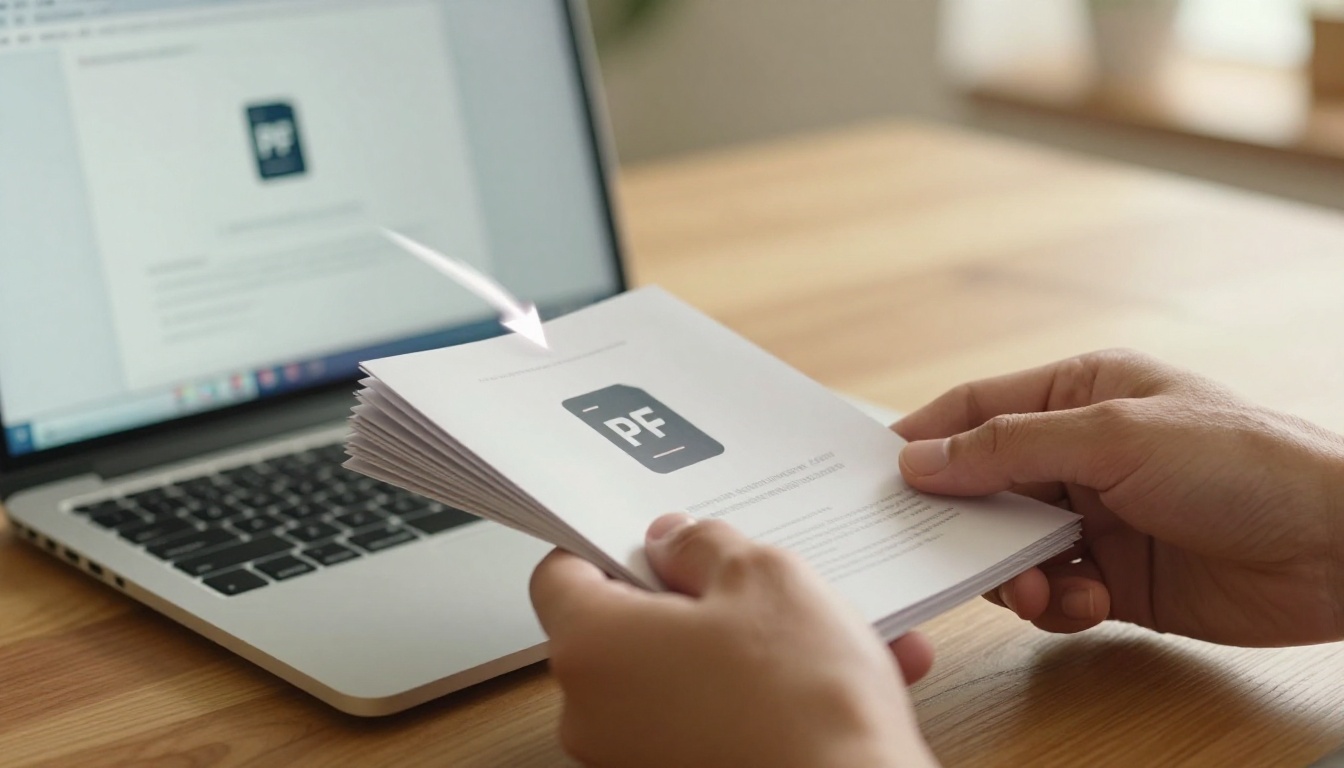
The Hidden Cost of Print-Only Materials
Print brochures are expensive to produce and impossible to track. Once they leave your hands, you have zero visibility into whether anyone read them, which pages caught their attention, or whether they produced a single conversion. That is a significant investment with no feedback loop.
Digital brochures solve this at every level. They cost nothing to distribute, can be updated instantly, and provide real-time analytics on exactly how readers interact with your content.
| Factor | Print Brochure | Interactive Digital Brochure |
|---|
| Distribution cost | High (printing + shipping) | Zero |
| Update flexibility | Requires full reprint | Instant, no extra cost |
| Reader analytics | None | Full page-view tracking |
| Multimedia support | None | Video, audio, clickable links |
| Mobile-friendly | Limited | 100% responsive |
| Environmental impact | Paper waste | Carbon-neutral |
What Modern Readers Actually Want
Today's audiences are used to clicking, swiping, and watching. A flat PDF feels passive and dated by comparison. Interactive brochures meet readers where they are, whether they are on a phone during a commute or a laptop at a coffee shop.
💡 Pro tip: Interactive brochures embedded on your website keep visitors on-page longer, which directly improves your search engine performance.
What an Interactive Brochure Actually Does

More Than Just a Page Turn
The page-flip animation is the signature feature, but it is far from the only one. A truly interactive brochure built on Flipbooks AI can include:
- Clickable hyperlinks that open product pages, booking forms, or contact pages
- Embedded video for product demos, property tours, or brand films
- Embedded audio for narration or ambient music
- Zoom functionality so readers can inspect fine print or product details
- Lead capture forms to collect emails directly within the brochure
- Password protection for private or confidential materials
- Analytics tracking to see exactly how people interact with your content
Why the Page-Flip Format Still Works
There is a reason the page-flip format has remained popular since digital publishing first emerged. It mirrors the tactile experience of physical media, creating a psychological sense of familiarity. Readers instinctively know how to interact with it, no instructions required.
✅ Best practice: Use the page-flip format for content that has a natural flow, such as a seasonal catalog, a hotel brochure, or a company annual report. For single-topic landing pages, a standard web layout may serve better.
Step 1: Upload Your PDF
How the Upload Works
The process starts with your existing brochure. If you already have a PDF, you are ready to go. Head to Flipbooks AI, create a free account, and click New Flipbook from your dashboard. Drag your PDF into the upload zone and the platform converts it into a page-flip flipbook automatically. Depending on file size, this typically takes under a minute.
Recommended file specifications:
| Specification | Recommended Value |
|---|
| File format | PDF |
| File size | Under 100MB for fastest processing |
| Page dimensions | A4 or Letter (landscape works well) |
| Color mode | RGB for screen display |
| Image resolution | 150 to 300 DPI |
| Fonts | All embedded in the PDF |
Tips for a Clean Upload
Before uploading, run through this checklist:
- Proofread your content one final time. Changes after publishing require re-uploading the PDF.
- Compress large images inside your PDF if the file exceeds 100MB. Adobe Acrobat and Smallpdf both handle this well.
- Confirm fonts are embedded in your PDF to prevent substitution during conversion.
- Remove any existing PDF password before upload. You can add access controls inside Flipbooks AI after publishing.
⚠️ Watch out: If your PDF uses non-embedded fonts or very large raster images, the rendered flipbook may differ slightly from your original. Always preview before publishing to catch any rendering issues early.
Step 2: Customize Your Brochure
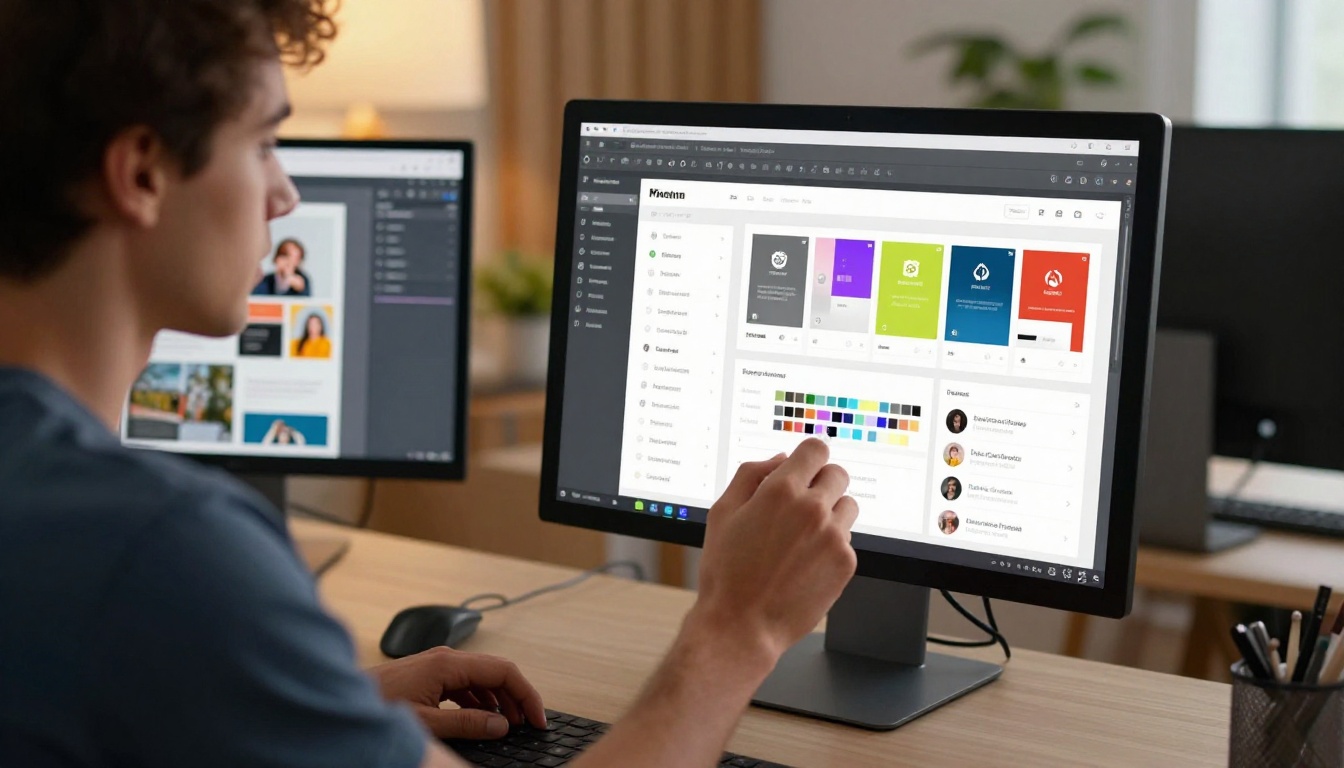
Branding That Feels Consistent
Once your brochure is uploaded, the customization panel lets you apply your brand identity throughout the entire reader experience:
- Upload your logo for display on the flipbook viewer frame
- Set custom brand colors for buttons, backgrounds, and interface elements
- Choose a background texture or solid color for the reading environment
- Select a custom subdomain if you are on the Professional plan
- Pick a page transition style: classic flip, slide, or fade
These settings ensure your interactive brochure looks like a natural extension of your website, not a generic third-party tool.
Adding Multimedia to Any Page
Inside the editor, you can place interactive hotspots on any page of your brochure:
- Video hotspots: Click to play a product video, room tour, or how-to walkthrough
- Link hotspots: Click any element to open an external URL directly
- Audio hotspots: Background music or narration that triggers when a page is opened
- Image gallery hotspots: Expand to show additional product images or color variants
💡 Pro tip: For real estate brochures, embedding a virtual tour video on the property page consistently increases time-on-page. Use the Real Estate Brochure tool to start with templates pre-optimized for property listings.
Plan Features at a Glance
Not all features are available on every plan. Here is a clear comparison before you choose:
| Feature | Free | Standard | Professional |
|---|
| Custom logo | No | Yes | Yes |
| Custom brand colors | No | Yes | Yes |
| Remove platform branding | No | Yes | Yes |
| Unlimited flipbooks | No | Yes | Yes |
| Password protection | No | Yes | Yes |
| Embed on external websites | No | Yes | Yes |
| Custom domain | No | No | Yes |
| Lead capture forms | No | No | Yes |
| Analytics dashboard | No | No | Yes |
| Offline downloads | No | No | Yes |
See the full breakdown on the pricing page.
Step 3: Share and Embed Anywhere

Sharing Options That Actually Work
Once your brochure is published, you have multiple ways to distribute it instantly:
- Direct link: Copy a shareable URL and send via email, SMS, or social media
- Embed code: Paste an HTML snippet into any website or landing page
- QR code: Generate a scannable code for print materials, event signage, or product packaging
- Social share: One-click sharing to LinkedIn, Facebook, and other platforms
- Email alternative: Send the link instead of attaching a heavy PDF file that might get blocked by spam filters
Embedding on Your Website
The embed option is one of the most valuable features available. Using the Embed Flipbook on Website tool, you can drop your interactive brochure directly into any webpage with a single code snippet. It works on WordPress, Squarespace, Webflow, Shopify, and any custom HTML setup.
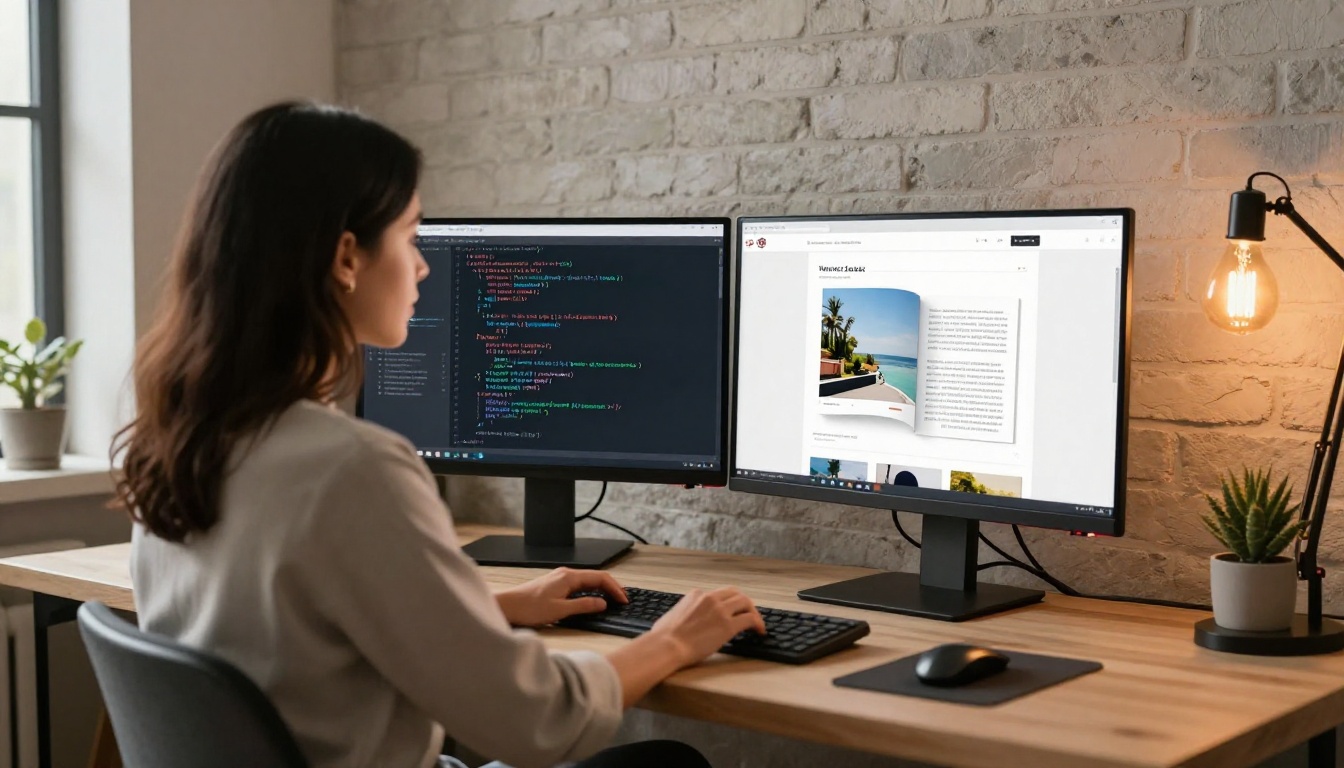
The embedded flipbook is fully responsive. Visitors on mobile get the same smooth page-flip experience as desktop users, with no separate mobile version required on your end.
✅ Best practice: Embed your brochure on a dedicated landing page with a clear headline and a single call-to-action. This consistently produces higher conversions compared to embedding on a busy page with competing content.
Privacy Controls and Password Protection
Not every brochure is meant for the public. For internal documents, exclusive pricing sheets, or confidential client proposals, Flipbooks AI allows password protection at the flipbook level. Anyone who opens the link is prompted to enter a password before viewing any content.
Ideal applications:
- B2B sales teams: Protect exclusive pricing without public exposure
- HR departments: Distribute employee handbooks and policy updates securely
- VIP clients: Share personalized proposals without risking broad circulation
Real-World Use Cases

Real Estate and Property Sales
Real estate is one of the highest-performing sectors for interactive brochures. An agent uploads a property PDF, embeds a walkthrough video on the floor plan page, adds clickable links to the neighborhood map, and shares the whole package via a single email link. Prospective buyers get an immersive experience without downloading a single file or attending a physical showing.

The Real Estate Brochure tool has templates built specifically for this workflow, with layouts optimized for property photography and listing details.
Hotels and Hospitality
Hotels use interactive brochures for room guides, dining menus, spa packages, and event proposals. A guest receives a link before arrival and can browse room photos, watch a spa video, and reserve a dinner table via a clickable button, all from one flipbook without switching apps or websites.
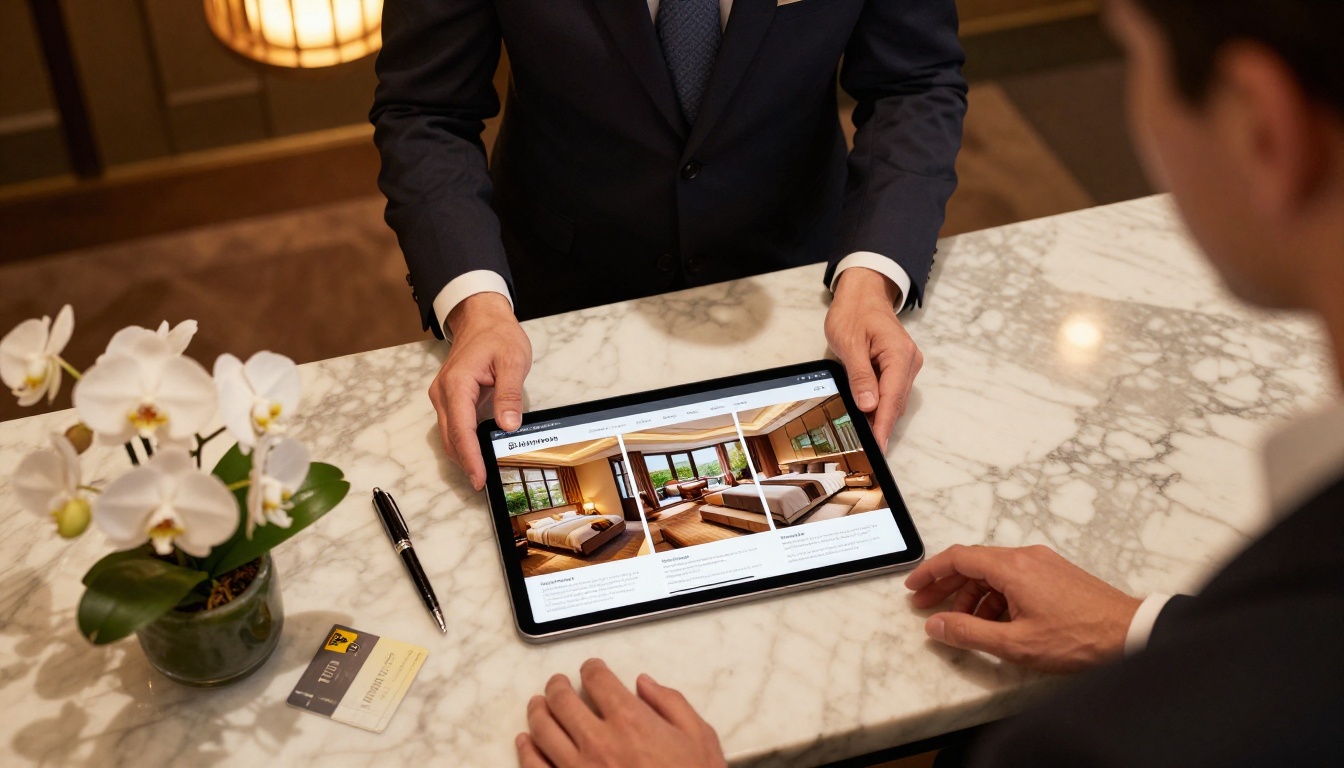
The Hotel Brochure tool provides ready-to-customize templates for hospitality brands of all sizes.
Retail, Fashion, and Automotive
Product catalogs, seasonal lookbooks, and vehicle brochures are natural candidates for the interactive format. Shoppers can flip through pages, click product images to go directly to a purchase page, and watch video reviews without ever leaving the brochure.
Relevant tools for this category:
Events and Education
Event programs, conference agendas, and school materials translate particularly well into flipbook format. Attendees access the schedule, speaker bios, sponsor links, and venue maps from a single URL. Schools distribute yearbooks, newsletters, and course materials without the paper cost or logistics.
Relevant tools for this category:
Tracking Results with Built-In Analytics
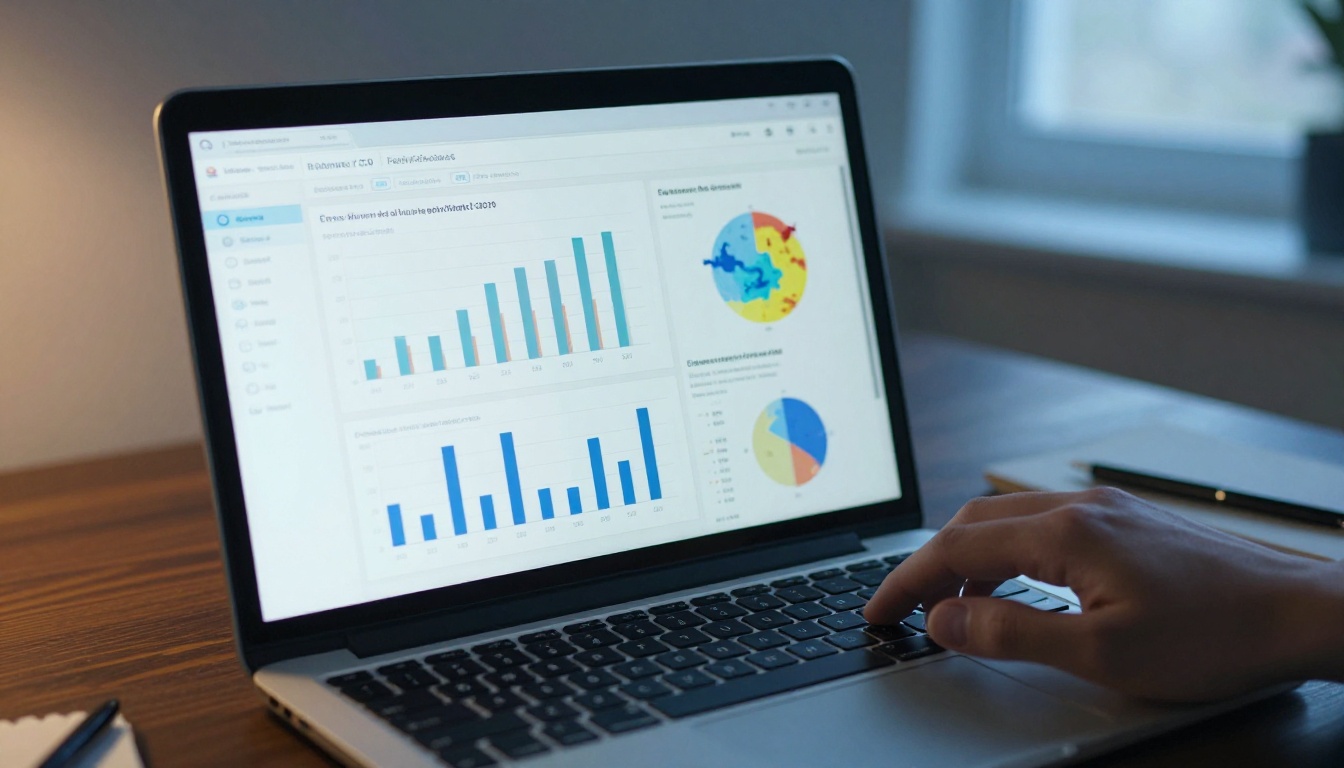
One of the clearest advantages of an interactive brochure over a printed one is the data it generates. On the Professional plan, Flipbooks AI provides a full analytics dashboard showing:
- Total views and unique readers across all sessions and devices
- Time spent per page so you know which sections resonate most with readers
- Geographic breakdown of your audience by country and region
- Device breakdown across mobile, desktop, and tablet visitors
- Referral sources showing where people discovered your brochure link
- Lead capture data if you have enabled opt-in forms within the flipbook
This turns your brochure from a passive document into an active sales intelligence tool. A marketing team can identify that readers consistently spend the most time on the pricing section and adjust follow-up messaging to address pricing questions proactively.
💡 Pro tip: Enable the lead capture form on high-value brochures such as detailed product catalogs or custom service proposals. Readers who complete the form are warm leads who have already spent significant time with your content.
Who Benefits Most
Different industries see different returns from interactive brochures, but the pattern is consistent: anywhere a printed brochure was previously used, an interactive version performs better across every measurable metric.
Across all of these sectors, the 3-step process remains identical: upload your PDF, customize the branding and interactive elements, then share or embed the published flipbook.
Start Sharing Smarter Today
Making your brochure interactive no longer requires a development team, a design agency, or a large budget. The three-step process on Flipbooks AI puts a fully branded, analytics-ready, embeddable interactive brochure in your hands in under 10 minutes.
Ready to get started? Create your free account and upload your first PDF today. No credit card required to try the core experience.
Want to see what is possible before committing? Browse all flipbook tools and templates to find a starting point built specifically for your use case.
When you are ready to access analytics, lead capture, and custom domains, review the pricing plans to choose the right tier for your team size and publishing volume.
Your brochure exists to be read. Make sure people actually read it.



