Static brochures are expensive to print, impossible to update, and nearly invisible online. You design them, pay to print them, and watch potential customers skim the cover before setting them aside. The problem is not your design. It is the format.
Interactive brochures built with a flipbook tool are a completely different experience. They load instantly on any device, turn pages like a real book, embed videos and clickable links directly inside the content, and give you real data on who read what. Flipbooks AI makes this conversion take about two minutes, no design skills required.
This article covers why the shift from static to interactive matters, how to do it step by step, and which industries already use this approach to generate more leads from their brochures.
Why Printed Brochures Are Costing You More

The Real Cost of Static Print
Every printed brochure has a fixed lifecycle. You pay for design, printing, and distribution. Then the market changes, your pricing updates, a product gets discontinued, and your entire print run becomes inaccurate. The cycle repeats.
Beyond the financial cost, printed brochures have no feedback loop. You hand one to a prospect and have no idea whether they opened it, what they read, or whether it influenced their decision at all. You are operating completely blind.
Common problems with printed brochures:
- No way to update content after printing
- No analytics on reader behavior
- Cannot embed video or interactive elements
- Distribution limited to physical hand-offs or mailing
- High printing and shipping costs for professional quality
- Paper quality degrades and brochures get discarded
What Digital Readers Actually Expect
Today's buyers research everything online before they contact you. They expect links, not physical materials. They share information via email, messaging apps, and social media. A static PDF is marginally better than a printed brochure, but it is still a flat, disconnected document.
An interactive digital brochure behaves like a small website. Pages turn with realistic animation. Videos autoplay inside relevant sections. Readers click through to product pages, booking forms, and contact links directly from within the document.
💡 Pro tip: Interactive brochures shared as links load in the browser with no software download required, making them frictionless to open on any device.
What Makes a Brochure Truly Interactive
Page-Turn Animations That Keep Readers Engaged
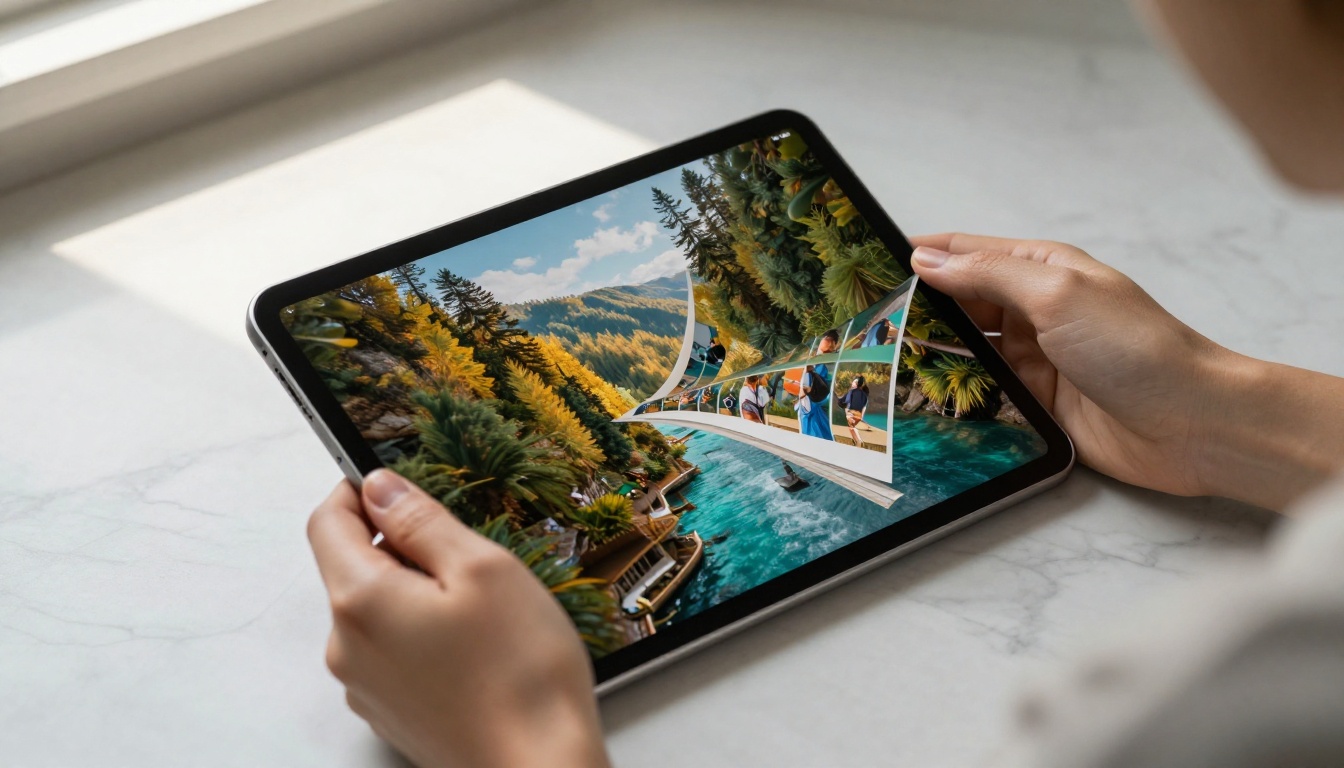
The page-turn effect is more than cosmetic. It mirrors the physical act of reading a magazine or book, which psychology research links to longer reading sessions and higher information retention. When readers interact with a page, they engage with it rather than scroll past it.
Flipbook tools preserve this experience in digital format, with smooth, realistic paper-curl animations that respond to mouse clicks or touch swipes on mobile.
Embedded Media and Clickable Links
Static brochures show a product photo. Interactive brochures play a video of that product in action. This is the core difference in how information lands with a reader.
Elements you can embed directly into an interactive brochure:
- YouTube and Vimeo videos
- Clickable hyperlinks to product pages
- Contact forms and lead capture forms
- Audio clips for narrated tours or testimonials
- Animated GIFs for product demonstrations
- Social media buttons for sharing
Mobile-Responsive Reading Experience
Over 60% of digital content is consumed on mobile devices. A flipbook tool automatically reformats your brochure to work perfectly on smartphones and tablets, no pinch-zooming on tiny text required. Pages reflow, images resize, and the overall reading experience stays professional across all screen sizes.
✅ Best practice: Always preview your flipbook on mobile before sharing. Check that embedded links open correctly and that text stays legible at smaller sizes.
How to Convert Your Brochure with Flipbooks AI
Follow these steps to turn any PDF brochure into a professional interactive flipbook using Flipbooks AI.
Step 1: Prepare Your PDF
Start with a well-designed PDF. If you already have a brochure in print-ready format, it will convert cleanly. Make sure:
- Resolution is at least 150 DPI for crisp images
- Fonts are embedded in the PDF file
- Page dimensions are consistent throughout the document
- File size is under 200MB for optimal upload speed
Step 2: Upload and Convert
- Go to Flipbooks AI and create a free account
- Click New Flipbook and select Upload PDF
- Drag and drop your brochure PDF into the upload zone
- Wait for the automatic conversion, typically under 30 seconds
- Preview the converted flipbook in the live viewer
The Brochure Flipbook Maker and the Online Brochure Designer are purpose-built for this workflow.
Step 3: Customize Branding and Style
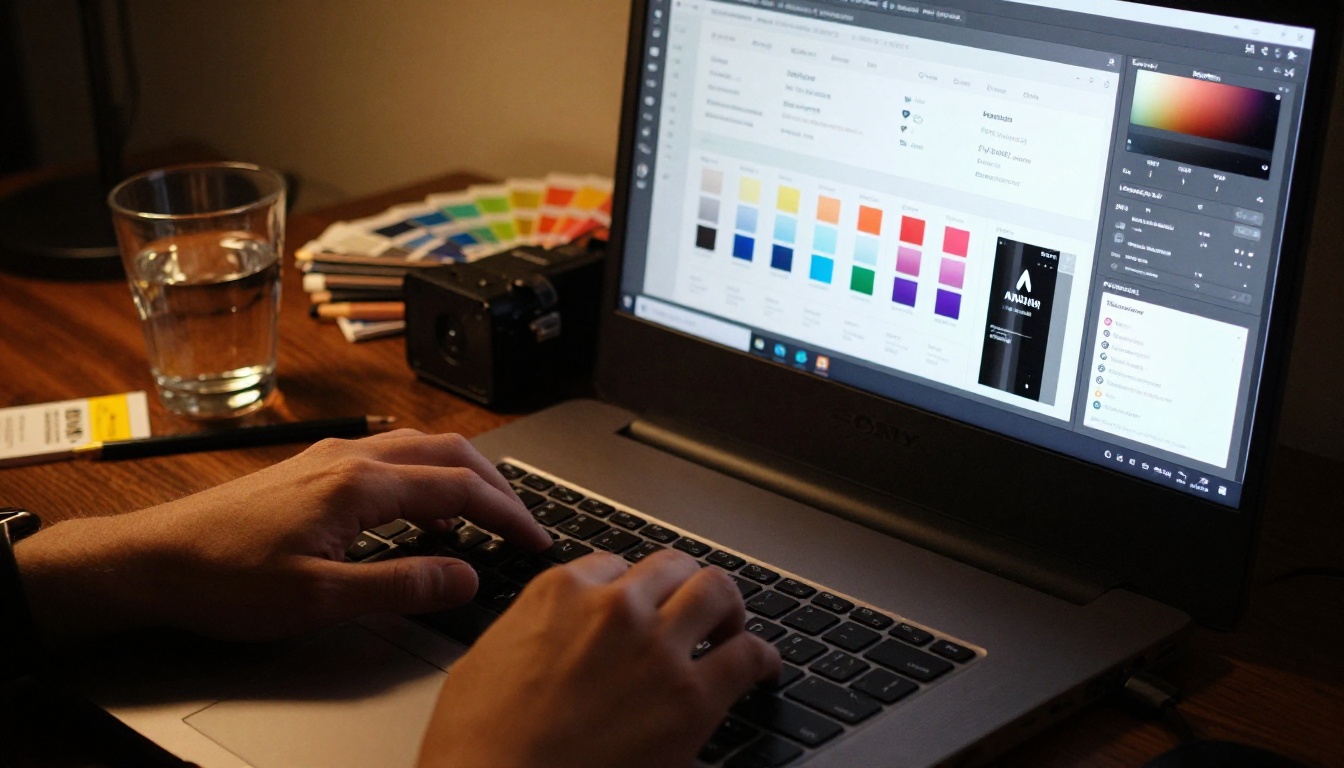
Once converted, the real personalization begins:
- Upload your logo to replace the default header
- Set brand colors for the background, toolbar, and page shadows
- Choose a page transition style (classic curl, slide, or fade)
- Add a custom domain for a professional sharing URL
- Set the flipbook language for international audiences
- Configure autoplay if you want pages to turn automatically on opening
💡 Pro tip: Set a branded thumbnail as your flipbook cover so it looks polished when shared as a link preview in messaging apps and social media.
Step 4: Add Interactive Elements
With the flipbook built and branded, layer in the interactive elements:
- Embed videos by adding YouTube or Vimeo links to specific pages
- Add hyperlinks over product names, phone numbers, or addresses
- Insert lead capture forms on high-interest pages like pricing or contact sections
- Enable audio for narrated walkthroughs
Step 5: Share and Embed
Your interactive brochure is ready to distribute:
- Direct link: Copy a single URL to paste into emails, messages, or social posts
- Embed code: Use the
<iframe> snippet to embed the flipbook directly on your website
- Password protection: Set a password for private or confidential versions
- QR code: Download a QR code to print on packaging, business cards, or posters
The Embed Flipbook on Website tool generates clean embed code for any website platform.
Real Estate Property Presentations

Real estate agents deal with high-value, detail-heavy content: floor plans, neighborhood maps, price lists, and interior photography. A printed brochure captures maybe 20% of what a buyer needs. An interactive flipbook captures everything, including embedded video walk-throughs, clickable map links, and mortgage calculator integrations.
The Real Estate Brochure Creator is built specifically for this format.
What real estate agents gain:
- Share listings instantly via WhatsApp or email without PDF attachments
- Update pricing or availability in real time without reprinting
- Track which pages buyers spend time on
- Embed virtual tour videos directly in the listing brochure
Hotels and Hospitality
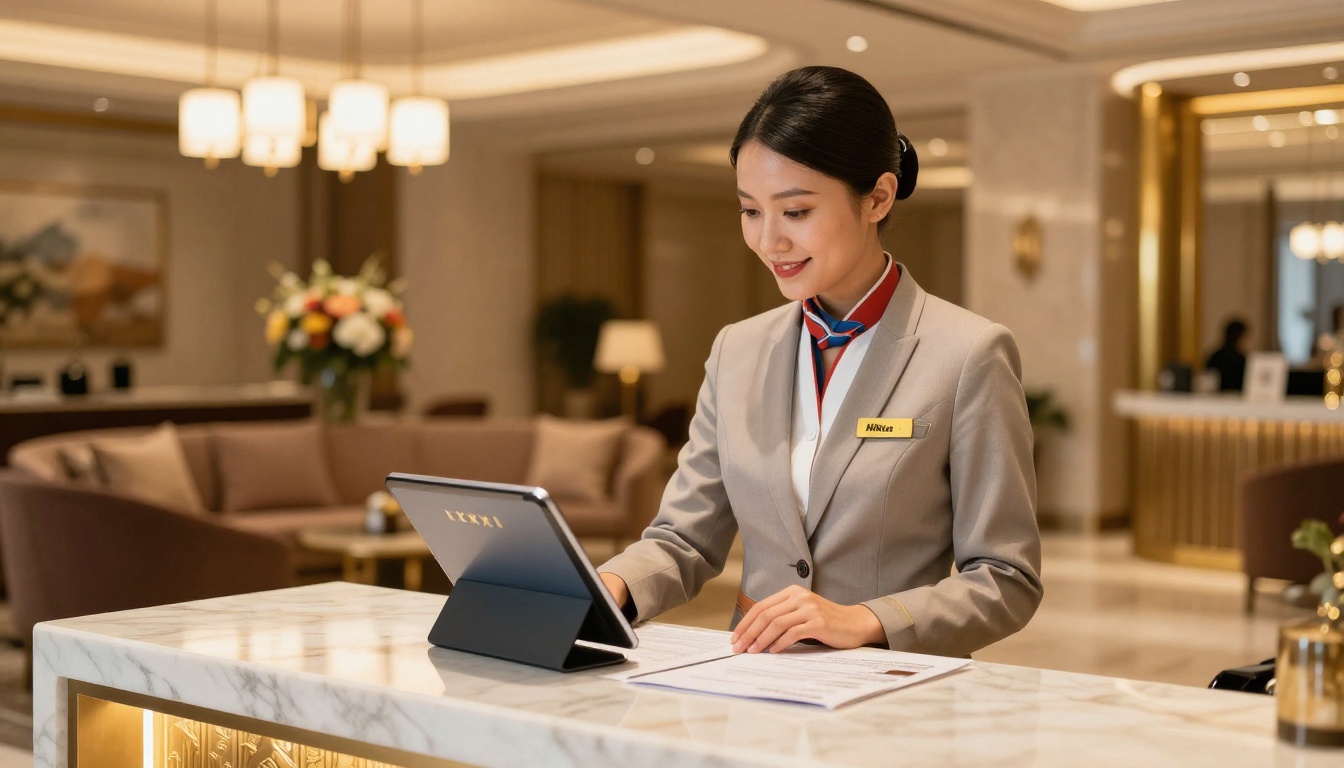
Hotel brochures need to sell an experience, not just list room types. Interactive flipbooks let hospitality brands embed spa videos, restaurant menus with pricing, and booking buttons directly inside the brochure. Guests who receive a link to a beautifully animated property flipbook are far more likely to read it than a static PDF.
The Hotel Brochure Designer provides templates and formatting optimized for the hospitality industry.
Automotive Sales
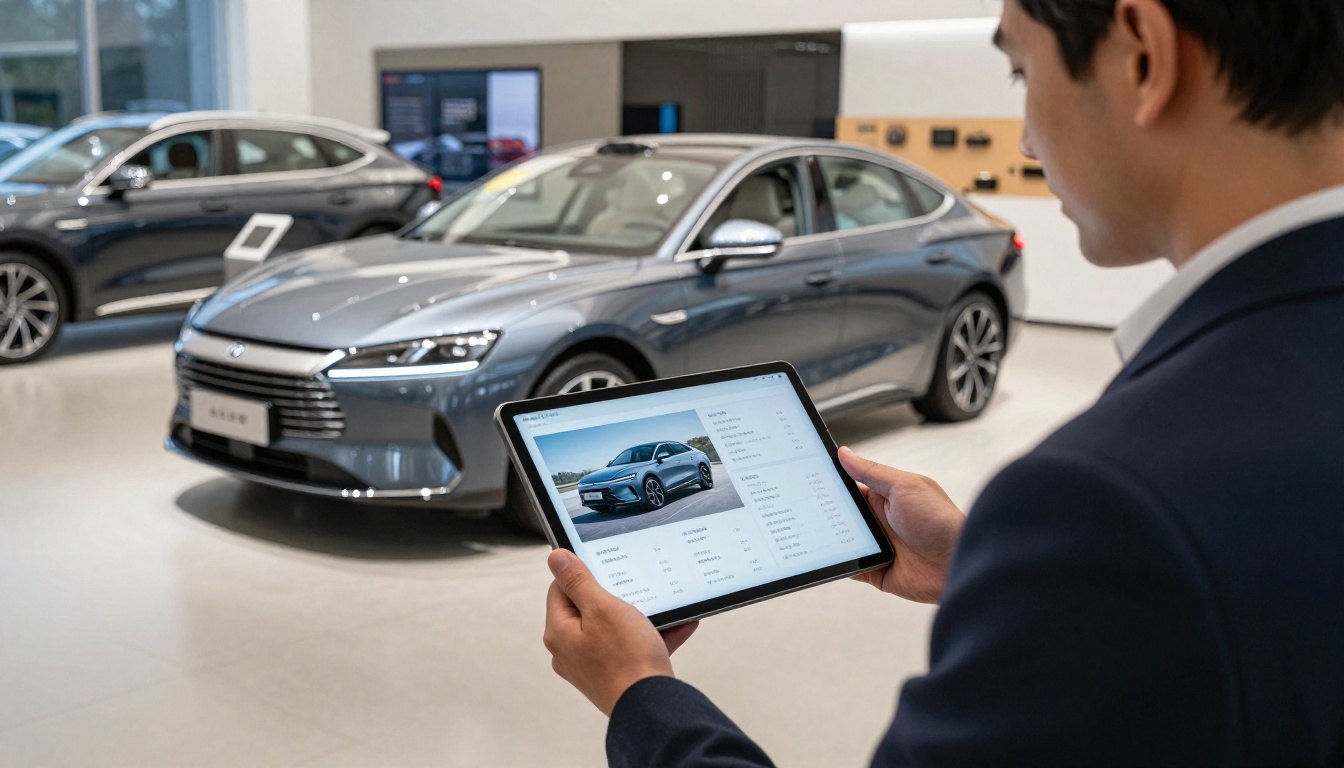
Car dealerships produce some of the most visually impressive printed brochures in any industry. Converting these to interactive flipbooks adds configurator links, financing calculators, video test drives, and real-time inventory links directly inside the document.
The Automotive Brochure Generator handles vehicle photography and spec-table formatting that automotive brochures require.
Not all flipbook converters are equal. The table below compares the features that matter most for professional brochure use.
| Feature | Basic Tools | Flipbooks AI |
|---|
| PDF to flipbook conversion | ✅ | ✅ |
| Page-turn animations | ✅ | ✅ |
| Custom branding / logo | ❌ | ✅ |
| No watermarks | ❌ | ✅ |
| Embed video and audio | ❌ | ✅ |
| Password protection | ❌ | ✅ |
| Analytics and page tracking | ❌ | ✅ |
| Lead capture forms | ❌ | ✅ |
| Offline download | ❌ | ✅ |
| Mobile-responsive display | ✅ | ✅ |
| Unlimited flipbooks | ❌ | ✅ Standard+ |
| Custom domain | ❌ | ✅ |
⚠️ Warning: Free flipbook converters often add watermarks to your brochures, which looks unprofessional when shared with clients. Flipbooks AI never adds watermarks on any paid plan.
Analytics and Lead Generation
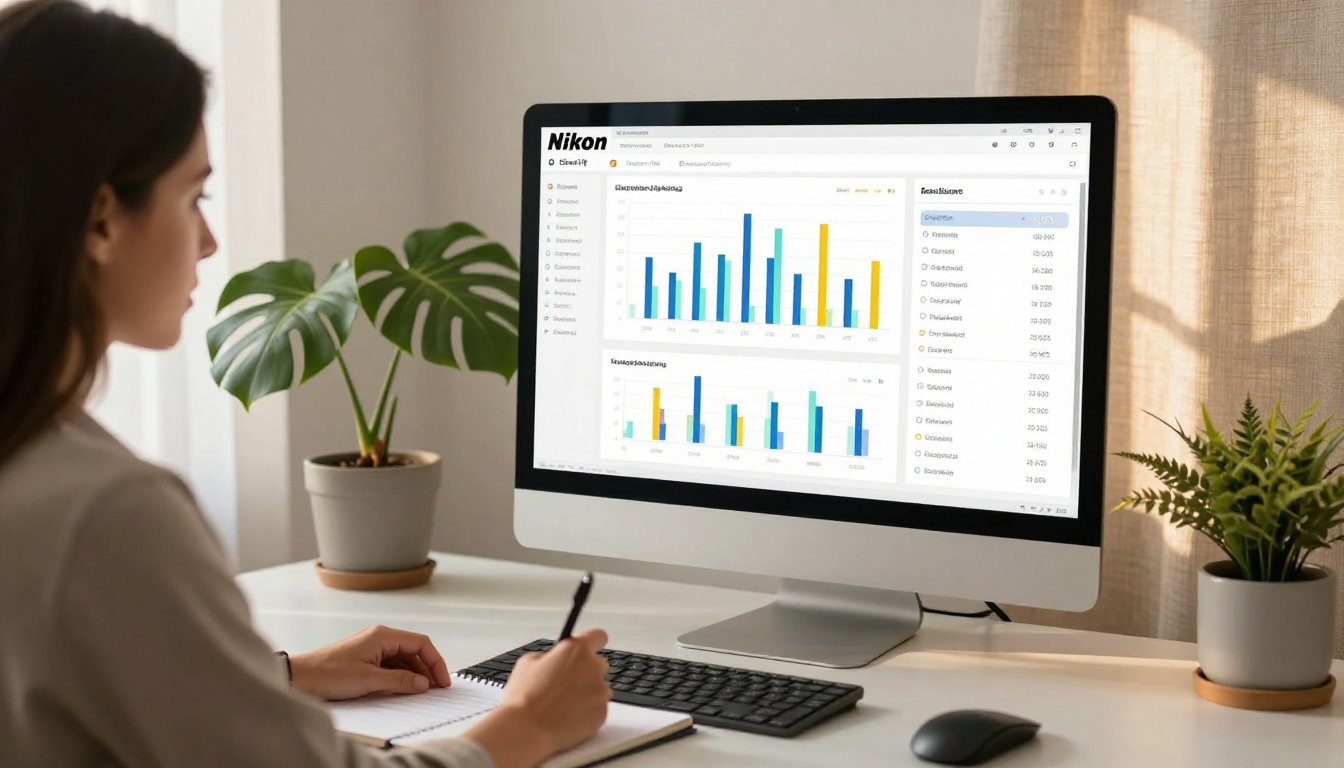
The Professional plan on Flipbooks AI includes full analytics: page-by-page view counts, time spent per page, total reader sessions, and geographic data. This tells you exactly where readers drop off and which sections generate the most interest.
Lead capture forms can be placed on any page, typically on pricing or contact pages, collecting reader information automatically while they browse.
What analytics reveal:
- Which product pages get the most attention
- At what page readers typically stop reading
- How many unique sessions your brochure received
- Which sharing channel drove the most traffic
Password Protection for Private Brochures
Some brochures contain pricing for specific clients, unreleased product information, or internal sales materials that should not be publicly accessible. Flipbooks AI lets you set a password on any flipbook, ensuring only intended recipients can open it while still benefiting from the full interactive format.
Comparing Plans for Your Needs
The right plan depends on how many brochures you publish and which features your workflow requires. Here is a practical comparison based on common use cases.
| Use Case | Recommended Plan | Key Features Needed |
|---|
| Small business, 1-2 brochures | Starter | Conversion, no watermarks, sharing |
| Agency managing multiple clients | Standard | Unlimited flipbooks, custom branding |
| Sales team needing lead data | Professional | Analytics, lead capture, offline downloads |
| Enterprise with custom domain | Professional | Custom domain, password protection, priority support |
Browse pricing plans in detail to find the right fit for your volume and feature requirements.
Common Mistakes That Reduce Brochure Effectiveness
Uploading Low-Resolution PDFs
A flipbook is only as sharp as the PDF you upload. Brochures designed for web at 72 DPI will look blurry at full-screen size. Always export your design at 150 DPI minimum, preferably 300 DPI for print-quality sharpness.
Ignoring the Mobile Preview
Designing on a desktop and never checking the mobile version is one of the most common errors. Tables with many columns, small body text, and wide panoramic images can become unreadable on a 6-inch phone screen. Test every page on mobile before sharing.
Skipping Calls-to-Action on Key Pages
A brochure that presents information without directing the reader to act is a missed opportunity. Add a clickable call-to-action on every major section: a "Book a Call" button on the services page, a "Download Spec Sheet" link on the product page, a "Request a Quote" form on the pricing page.
⚠️ Warning: Avoid embedding autoplay videos on the first page. They delay the initial load and can surprise readers in quiet environments.
Interactive Brochures on Every Device
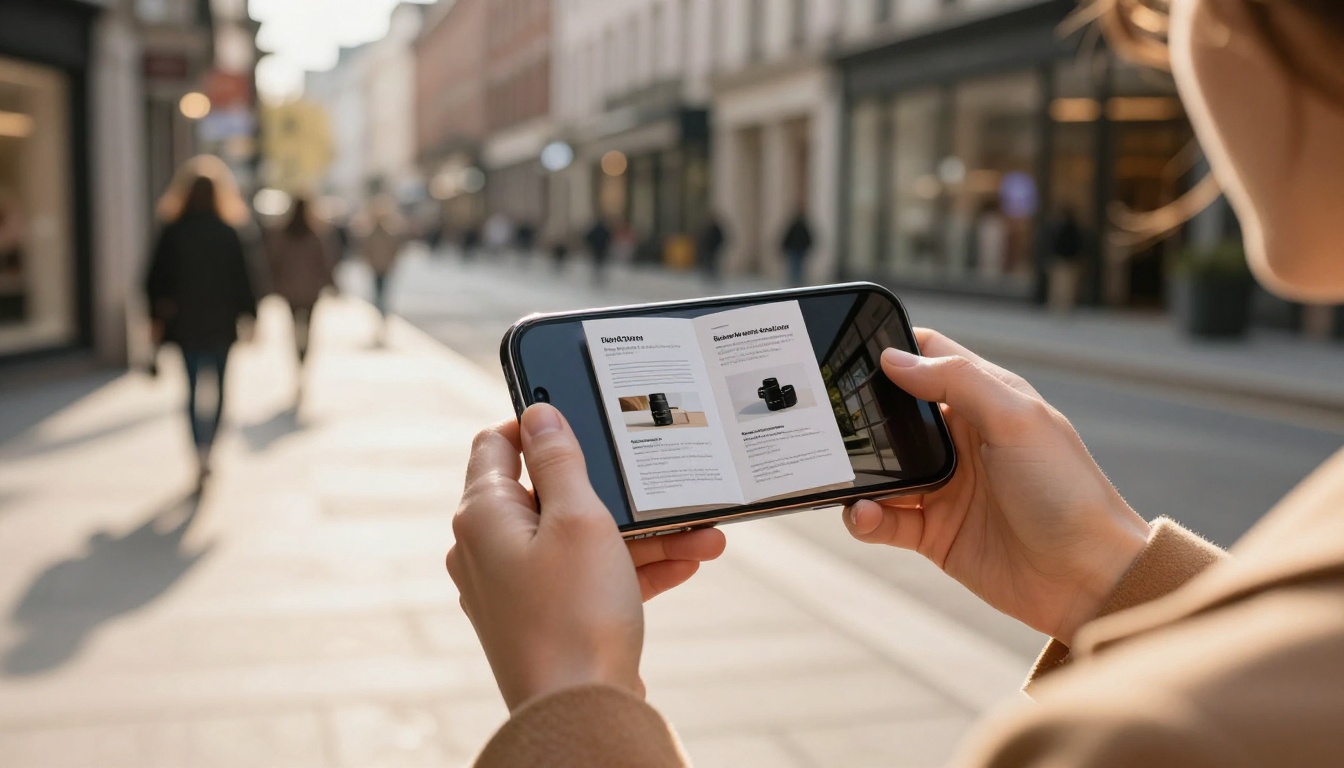
Mobile reading is not optional. Brochures sent via WhatsApp, LinkedIn, and email are overwhelmingly opened on phones first. A flipbook tool built for mobile ensures:
- Touch-swipe page turning feels natural
- Text scales correctly without zooming
- Embedded media loads without buffering
- Navigation buttons are sized for thumbs, not mouse cursors
Flipbooks AI's mobile-responsive renderer handles all of this automatically. The same flipbook URL works perfectly on a 27-inch monitor and a 5-inch phone screen.
Different brochure types need slightly different approaches. The table below matches brochure categories with their ideal interactive features.
| Brochure Type | Key Interactive Elements | Suggested Tool |
|---|
| Real Estate Listing | Virtual tour video, map link, booking form | Real Estate Brochure Creator |
| Hotel & Spa | Room tour video, spa menu, direct booking | Hotel Brochure Designer |
| Automotive | Configurator link, financing form, test drive video | Automotive Brochure Generator |
| Product Catalog | Clickable SKUs, pricing links, cart integration | Digital Catalog Maker |
| Corporate Services | Case studies, team bios, contact form | Online Brochure Designer |
| Fashion Lookbook | Video runway clips, shop-now links | Interactive Lookbook Designer |
Start Sharing Brochures That Actually Work
Static brochures belong in the past. The same content, formatted as an interactive flipbook, generates more reads, more shares, more leads, and more actionable data for your team.
The entire process from PDF to live interactive brochure takes under five minutes on Flipbooks AI. No design software, no coding, no watermarks, ever.
Ready to see it for yourself? Get started for free and convert your first brochure today. When you are ready for analytics, lead capture, and unlimited publishing, compare plans to find what works for your business.
Browse all flipbook tools to find templates built specifically for your industry.



