Your course catalog is probably the most important marketing document your institution produces, and most students close it after 10 seconds. Not because your courses aren't interesting, but because a flat PDF or a static printed brochure doesn't invite anyone to stay. Flipbooks AI changes that equation entirely by turning your existing catalog into a page-turning, clickable, mobile-ready experience that students actually want to browse.
This isn't about cosmetic upgrades. Interactive flipbooks change how students navigate course offerings, how long they spend exploring options, and how likely they are to enroll. Below, you'll find real comparisons, a full tutorial, and everything you need to publish your first interactive course catalog today.
Why Static PDFs Are Losing Students
Every admissions office knows the struggle: you spend months designing a beautiful course catalog, print thousands of copies or post a 40MB PDF on your website, and then watch interaction metrics flatline.
The Attention Problem with Print Catalogs
Physical catalogs are expensive to produce, instantly outdated, and impossible to share. A student who wants to send a friend a specific program page has to photograph it or type out a URL by hand. That friction compounds across every touchpoint in the enrollment journey.
What Students Actually Do with PDF Files
Most students download a PDF, open it once, and never return to it. PDFs aren't built for browsing. There's no navigation sidebar for jumping between departments, no clickable enrollment button, no embedded video tour of campus. They're documents, not experiences.
The result? Students browse competitor institutions' slick web pages while your catalog sits unopened in a downloads folder.

What an Interactive Catalog Actually Delivers
Flipping your catalog into an interactive digital format isn't just about the page-turn animation, though that genuinely increases time-on-page. It's about adding a layer of functionality that a PDF simply can't replicate.
The Anatomy of a Better Catalog
When you publish your catalog as a flipbook, students can:
- Click through to course registration pages directly from within the catalog
- Watch embedded video content such as faculty introductions, campus tours, and student testimonials
- Jump to any section using a clickable table of contents
- Share individual pages via a direct link or social media
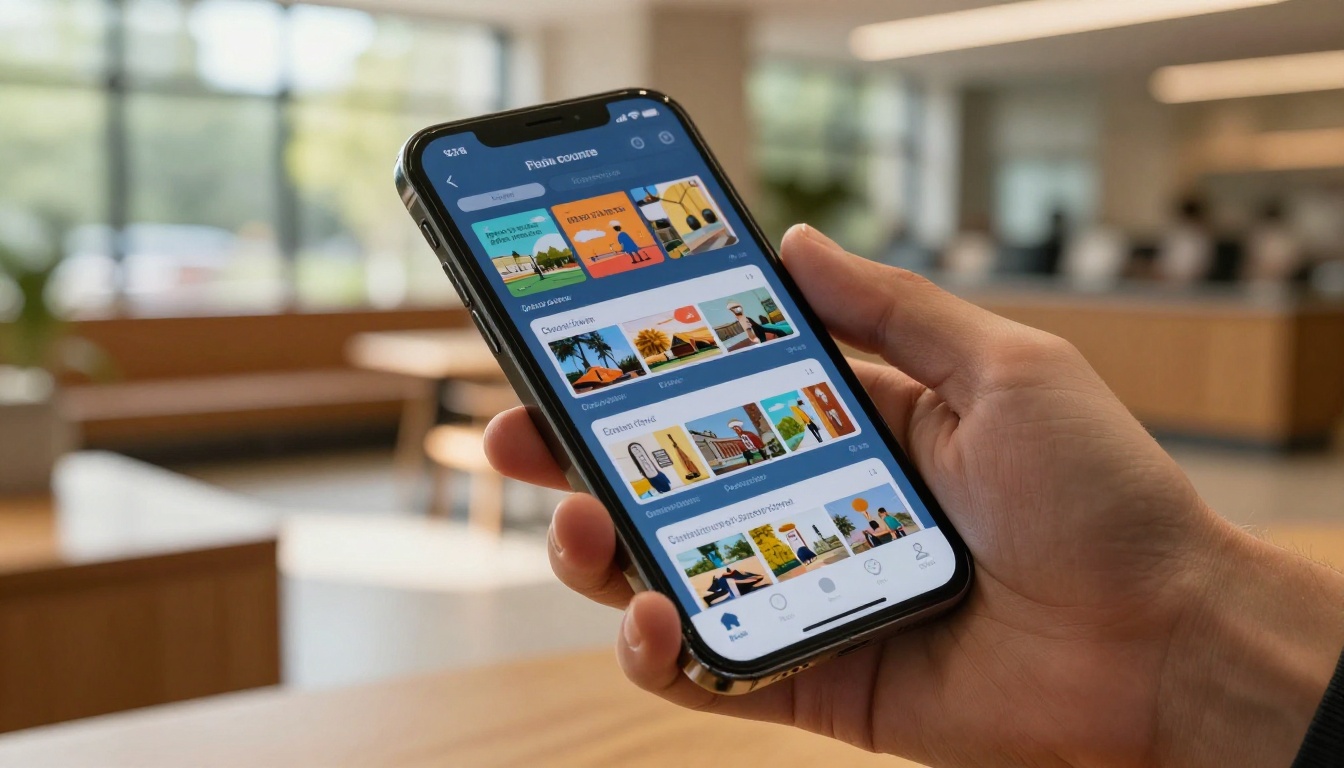
- Browse on any device without downloading a single file
💡 Institutions that switch from PDF catalogs to interactive flipbooks consistently report longer average session durations and higher click-through rates to enrollment pages.
Why Page Turns Still Matter
It sounds trivial, but the page-turn effect signals to a reader's brain that this is a document worth reading, not just scanning. It mimics the physical act of browsing through a printed catalog, which is a proven reading pattern, while delivering all the benefits of digital interactivity.

Print vs. Digital: A Direct Comparison
Before committing to any format, it helps to see the full picture side by side. Here's how traditional print and PDF catalogs stack up against an interactive flipbook.
| Feature | Printed Catalog | PDF Download | Interactive Flipbook |
|---|
| Mobile-friendly | No | Partially | Yes, fully responsive |
| Clickable links | No | Yes | Yes |
| Embedded video | No | No | Yes |
| Real-time updates | No (reprint required) | Manual re-upload | Instant |
| Interaction tracking | No | Basic (downloads) | Full metrics dashboard |
| Shareable by page | No | No | Yes |
| Cost per update | High (printing) | Low | Free |
| Search inside | No | Yes | Yes |
| Password protection | No | No | Yes |
| Offline access | Yes | Yes | Yes (downloadable) |
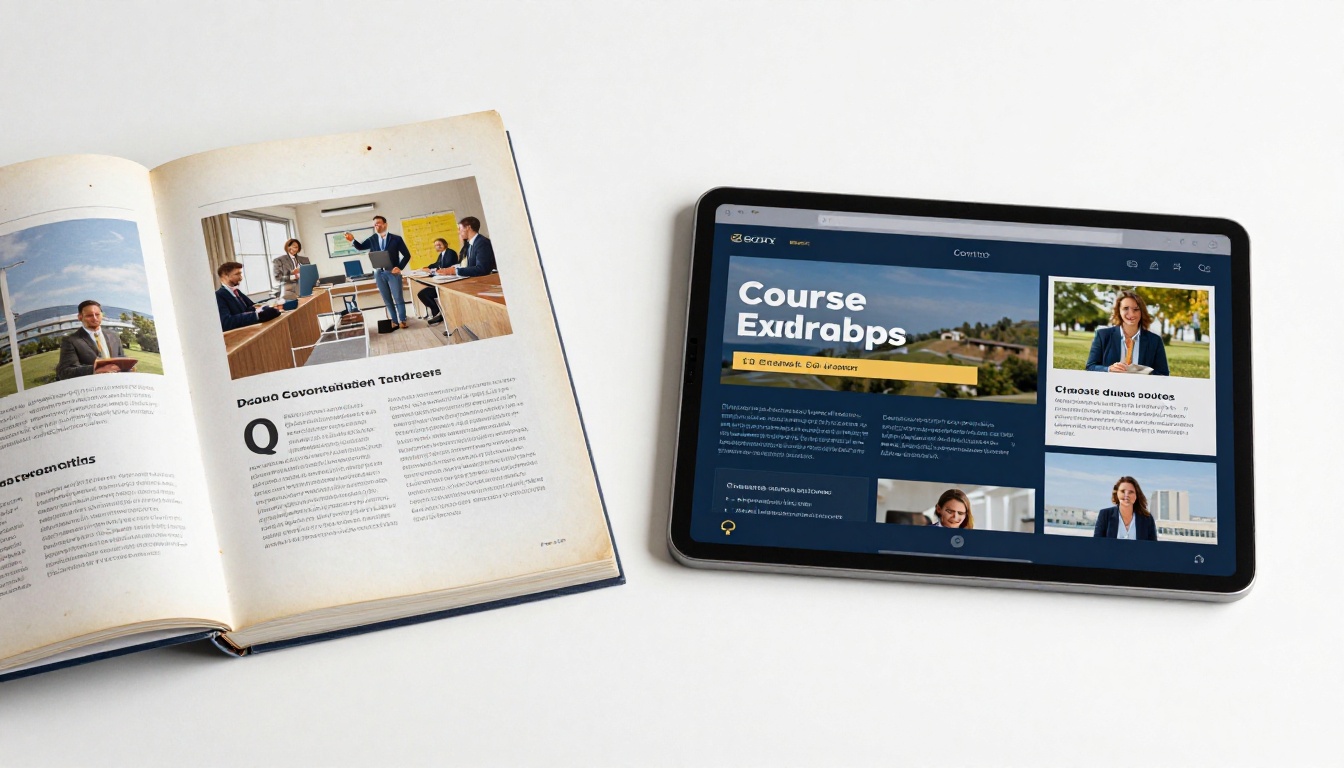
The printed catalog wins exactly one category: offline access without a device. And the PDF to Flipbook Converter from Flipbooks AI actually closes that gap with built-in offline download support.
Real-World Use Cases
Interactive course catalog flipbooks aren't just for four-year universities. The format fits a wide range of educational contexts, each with its own specific needs.
Community Colleges and Continuing Education
Community colleges serve students who are often juggling work and family while exploring course options. They need a catalog that works on a phone at 11pm, not a PDF that requires a 400MB download. A flipbook catalog embedded directly on the college website, with a clickable table of contents organized by subject area, dramatically reduces the friction between "I'm thinking about going back to school" and "I just registered."
✅ Best practice: Link directly from your flipbook to each program's dedicated page with a clear "Register Now" button on every course spread.
Corporate Training Programs
HR and L&D teams manage internal course catalogs for thousands of employees. A static PDF distributed via email gets lost. An interactive flipbook hosted on a private URL, with password protection for internal use only, gives employees a searchable, browsable, always-current reference for available training programs.
💡 The Course Material Publisher and Training Manual Flipbook tools are specifically built for this kind of professional training content.
Online Course Platforms
If you sell courses online, your catalog is a sales document. Every friction point between a prospective student browsing your catalog and clicking "Buy Now" costs you revenue. An embedded flipbook on your homepage with direct purchase links on each course page is a significantly more effective sales tool than a PDF price list.


Build Your Interactive Course Catalog
Flipbooks AI makes the entire process straightforward, from PDF upload to live interactive catalog, in under ten minutes. Here's exactly how it works.
Step 1: Create Your Account
Head to flipbooksai.com/account and sign up. You can start on the free plan to test the platform before choosing a paid tier. No credit card required.
Step 2: Upload Your PDF
Once logged in, click Create New Flipbook and upload your existing course catalog PDF. The platform converts it automatically, preserving your existing layout, fonts, and images. Conversion typically takes 30 to 60 seconds depending on file size.
⚠️ Export your PDF at high resolution (at least 150 DPI) for the best visual quality in the flipbook viewer.

Step 3: Add Your Branding
In the customization panel, you can:
- Upload your institution's logo (appears in the viewer header)
- Set brand colors for navigation elements and buttons
- Choose a background style (solid color, texture, or transparent)
- Enable or disable the page-turn sound effect
- Add a custom favicon for embedded use on your website
This step is what separates a generic flipbook from a catalog that feels like a natural extension of your brand.
Step 4: Add Interactive Elements
This is where static PDFs simply cannot compete. Within the Flipbooks AI editor, you can add:
- Clickable link overlays on any element, including course titles, registration buttons, and phone numbers
- Embedded video players for course preview clips or faculty introductions
- Audio tracks for narrated sections
- Pop-up text boxes for quick course descriptions without breaking the reading flow
- Table of contents navigation that auto-generates from your PDF bookmarks
Step 5: Set Your Sharing Options
Before publishing, decide how your catalog will be accessed:
- Public link: Shareable URL anyone can open in a browser
- Embedded code: Paste a short
<iframe> snippet into your website or LMS
- Password protected: Private access for internal distribution, HR teams, or paid students
- Custom domain: Serve the flipbook from your own subdomain for a fully branded experience
💡 Use the Embed Flipbook on Website tool for step-by-step embedding instructions for WordPress, Squarespace, Webflow, and custom HTML sites.
Step 6: Publish and Share
Hit Publish and your interactive course catalog is live instantly. Share the link via email, social media, QR code on print materials, or embed it directly on your enrollment page.

Flipbooks AI Plan Comparison
Choosing the right plan depends on how many catalogs you need and which features matter most for your use case.
| Feature | Free | Standard | Professional |
|---|
| Number of flipbooks | 1 | Unlimited | Unlimited |
| Watermark-free | No | Yes | Yes |
| Custom branding | No | Yes | Yes |
| Password protection | No | Yes | Yes |
| Embed on website | Yes | Yes | Yes |
| Analytics dashboard | No | No | Yes |
| Lead generation forms | No | No | Yes |
| Offline downloads | No | Yes | Yes |
| Custom domain | No | No | Yes |
| Priority support | No | No | Yes |
For most educational institutions publishing a single catalog, the Standard plan covers everything needed. If you want to track which courses get the most page views, or collect contact information from prospective students directly within the catalog, the Professional plan delivers that. See everything at flipbooksai.com/pricing.
✅ The Professional plan's lead generation feature is especially powerful for continuing education departments. Add a form on the first or last page and collect prospective student contact info without requiring them to leave the catalog.
Analytics That Actually Help You Improve
One of the most underrated arguments for switching to a digital interactive format is the data you gain. With a printed catalog, you have no idea how many people opened it, which pages they spent time on, or which courses generated the most interest.
What the Analytics Dashboard Shows
The Professional plan's analytics give you:
- Total views and unique visitors per time period
- Average time spent on the flipbook
- Page-by-page interaction data (which spreads students linger on longest)
- Click tracking on all interactive links
- Geographic distribution of viewers
- Device breakdown (mobile vs. desktop vs. tablet)
Using Data to Redesign Your Catalog
If analytics show that students spend almost no time on your arts programs section but linger on STEM courses, that's actionable information for how you lay out your next catalog. Courses with low page dwell time might need better photography, a more compelling description, or a repositioning within the document flow.

Common Mistakes to Avoid
Even with the right platform, a few missteps can undermine the effectiveness of your interactive catalog.
- Ignoring mobile layout: Always preview your flipbook on a phone before publishing. Text that's readable at desktop size can become microscopic on a 5-inch screen.
- Skipping the table of contents: Students rarely read catalogs from beginning to end. Clickable navigation is non-negotiable.
- No clear calls to action: Every program spread should have a visible "Register" or "Find Out More" link. Don't make students hunt for the enrollment path.
- Outdated course information: One of the biggest advantages of digital flipbooks is that you can update content without reprinting. An interactive catalog with wrong dates or discontinued courses damages institutional credibility.
- Too many embedded videos: One or two strategic video placements, such as a campus tour or a popular faculty member's introduction, add value. Embedding a video on every page slows load time and dilutes impact.
⚠️ Always test your catalog's load speed, especially if it contains embedded videos. A flipbook that takes more than 3 seconds to load on mobile will lose a significant portion of its potential audience.
Flipbooks AI offers a full suite of tools purpose-built for educational content. Beyond course catalogs, institutions use the platform for:
All tools share the same core platform, so once you've built one catalog, creating additional publications is faster every time.
Three Things That Make the Biggest Difference
If you're evaluating whether to commit to interactive flipbooks for your institution's catalogs, focus on these three factors:
- Conversion path clarity: The best interactive catalogs remove every obstacle between browsing and registering. Every spread should have a clear next step with a direct link.
- Mobile performance: More than 60% of prospective students will view your catalog on a phone. A flipbook that loads fast and reads cleanly on mobile isn't optional, it's the baseline.
- Update frequency: Commit to updating your digital catalog at least once per semester. An outdated interactive catalog is worse than no catalog because it actively misleads students.
Your course catalog is the first detailed impression many students get of your institution. A well-executed interactive flipbook signals that you're modern, accessible, and serious about the student experience. A static PDF signals the opposite.
Ready to publish your first interactive course catalog? Create your free account on Flipbooks AI and have a working flipbook live within the hour. When you're ready to add analytics, lead capture, and offline downloads, compare the pricing plans to choose the right fit for your institution.
Browse all education tools to see what else you can build for your programs, training materials, and publications.



