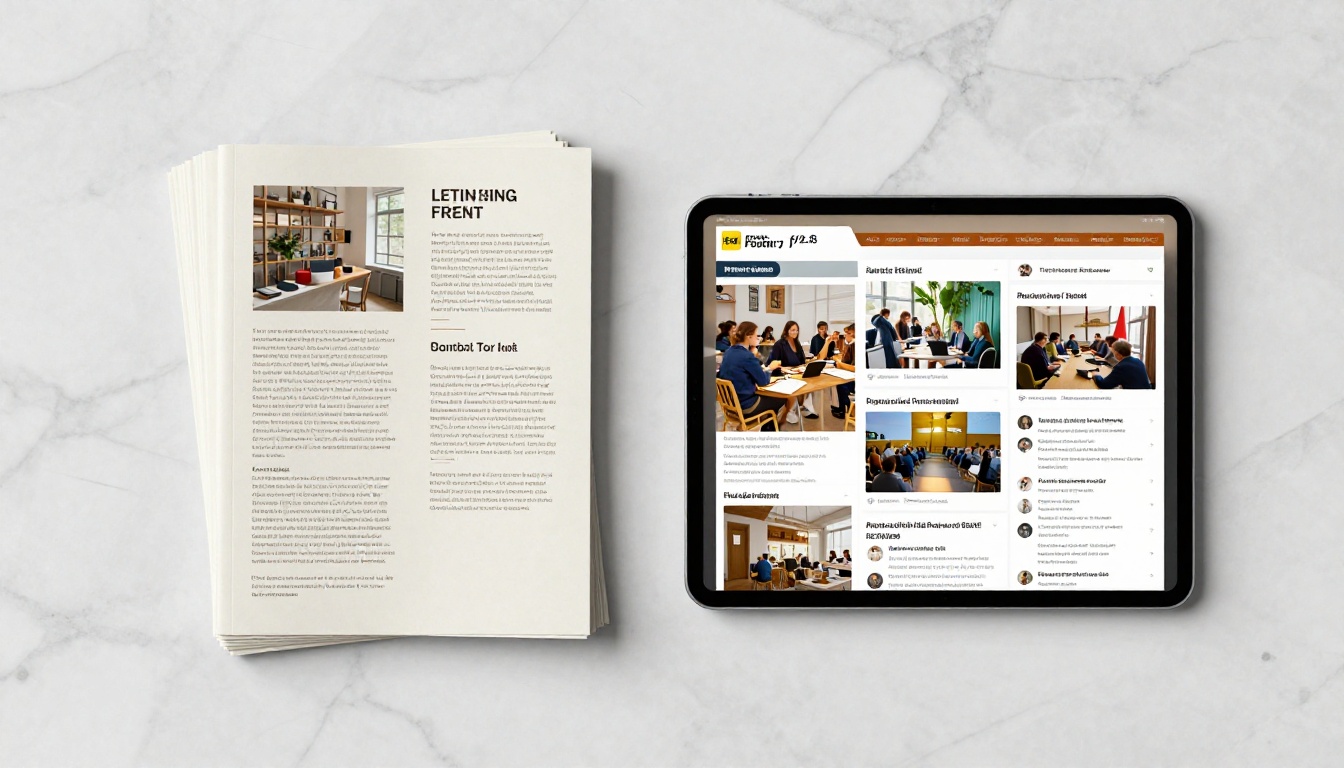
The era of the paper event program is over. Guests fold them into paper airplanes, leave them on seats, or stuff them in pockets and forget they exist. A digital flipbook changes all of that, giving attendees an interactive, shareable, and visually rich program they can access from any device, at any time, without downloading a single app.
Whether you're planning a wedding, a corporate conference, a gala dinner, or a music festival, Flipbooks AI gives you a way to make your event program interactive with a flipbook in minutes, with no design experience required. This article walks you through exactly why it matters, how to do it, and what types of events get the most out of the format.
Why Paper Programs Are Costing You More Than You Think
The hidden waste of print
The average multi-day conference prints thousands of programs that go directly into recycling bins. Printing costs, courier fees, last-minute reprints when a speaker cancels or a room changes, the financial hit adds up fast. A 500-person corporate event can spend between $800 and $2,500 on programs alone, and that's before factoring in the environmental footprint of the paper, ink, and transportation.
Digital flipbooks eliminate all of it. Once you upload your PDF to Flipbooks AI, you can update the schedule in real time, add a speaker bio the night before the event, or swap a sponsor logo without printing a single page.
What guests actually want
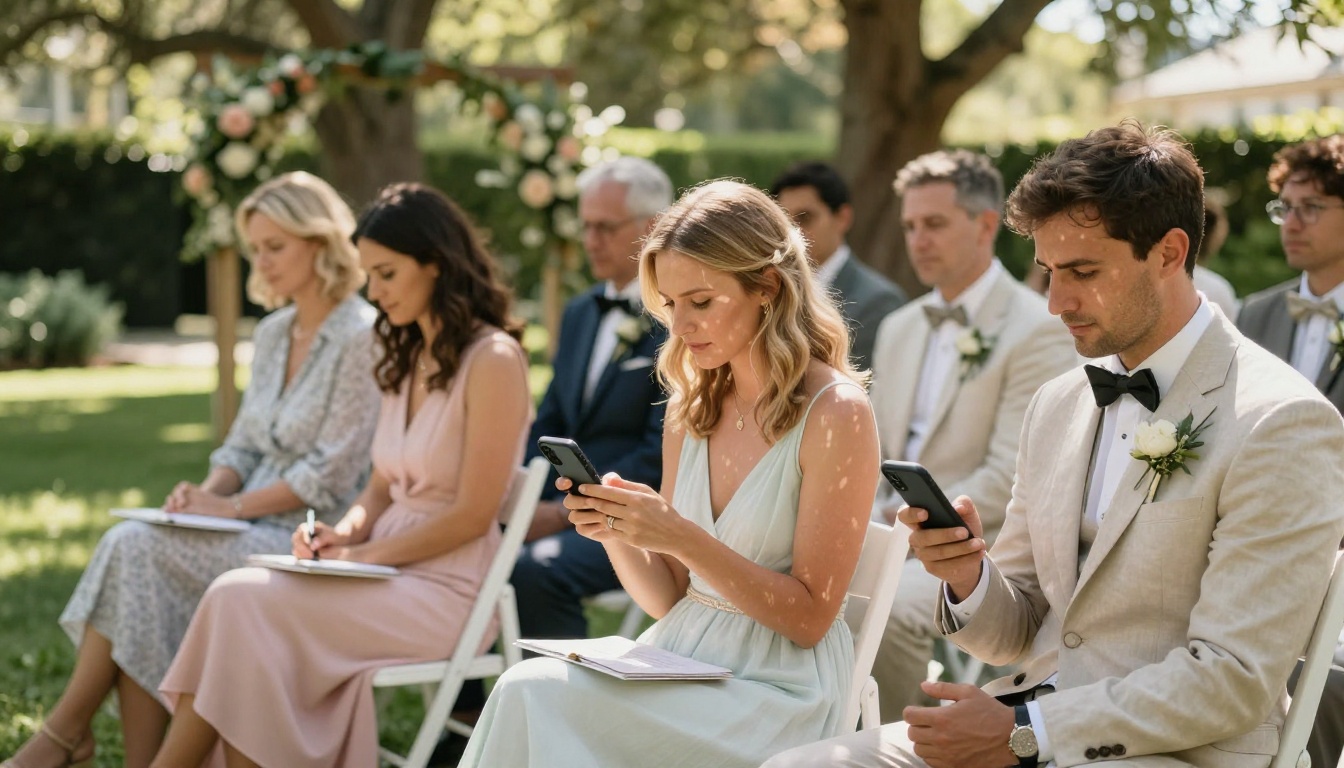
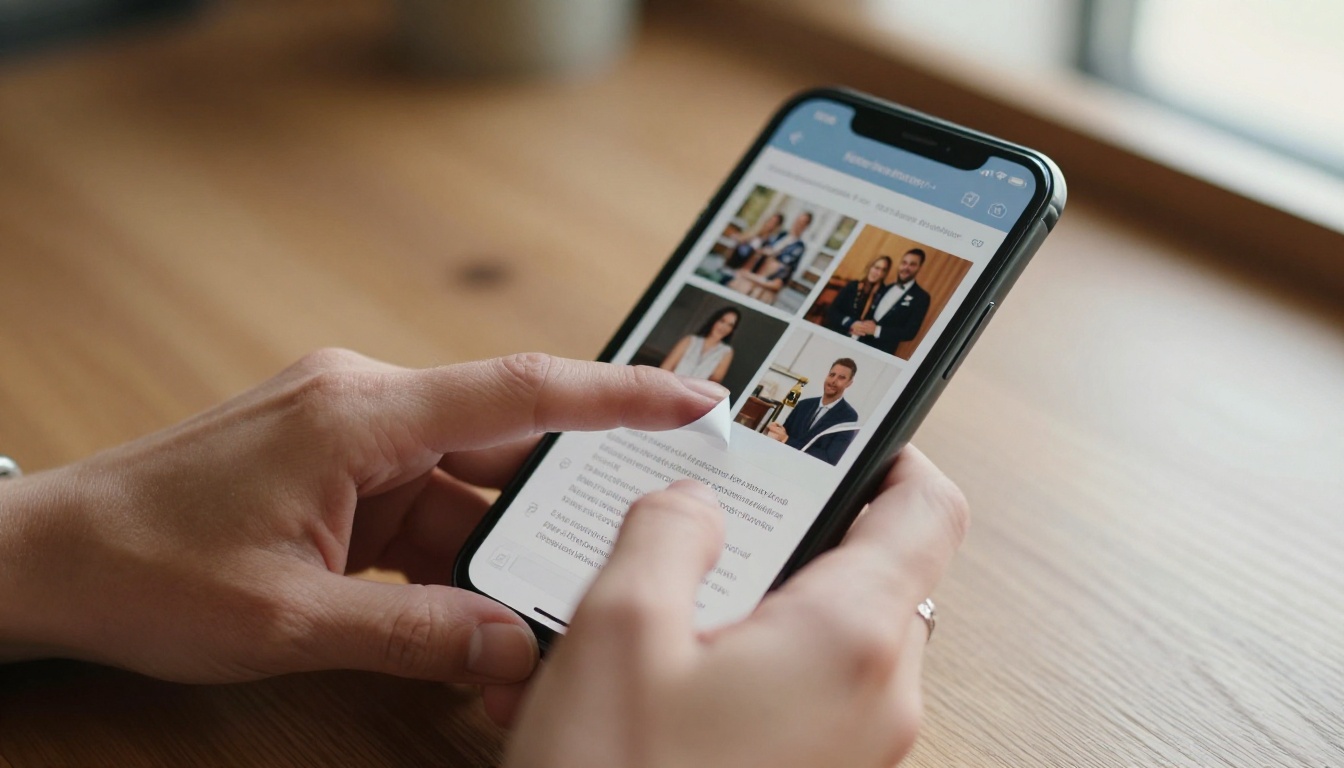
Modern attendees expect the same experience at your event that they get everywhere else: instant access on their phone, the ability to zoom in on small text, and links they can actually tap. A printed agenda can't offer any of that. A flipbook can.
When attendees receive a QR code with their invitation and open a beautifully designed, page-turning digital program on their phone, the impression it creates reflects directly on the quality of your event.
What Makes a Flipbook Event Program Different
It behaves like a real book, digitally
The page-curl animation of a flipbook isn't just visual flair. It creates a reading experience that feels intuitive and familiar. Guests swipe or click through pages the same way they'd flip through a physical program, but with all the advantages of digital: clickable links, embedded media, and the ability to jump to any page instantly.
Unlike a standard PDF, a flipbook has spatial memory. Readers know roughly where a section lives because they physically navigated there. That's a subtle but powerful UX advantage over a flat scrolling document.
You can embed anything into it
A printed program shows text and photos. A flipbook shows text, photos, embedded videos, audio clips, live maps, and hyperlinks. Imagine your event program including:
- A welcome video message from the keynote speaker
- A clickable venue map with labeled session rooms
- Links to sponsor websites and social media profiles
- A photo gallery from last year's event
- A live feedback form or post-session survey link
- A countdown timer to the next keynote
All of that lives inside one document that fits in your guest's pocket as a URL or QR code.
It works on every device without friction
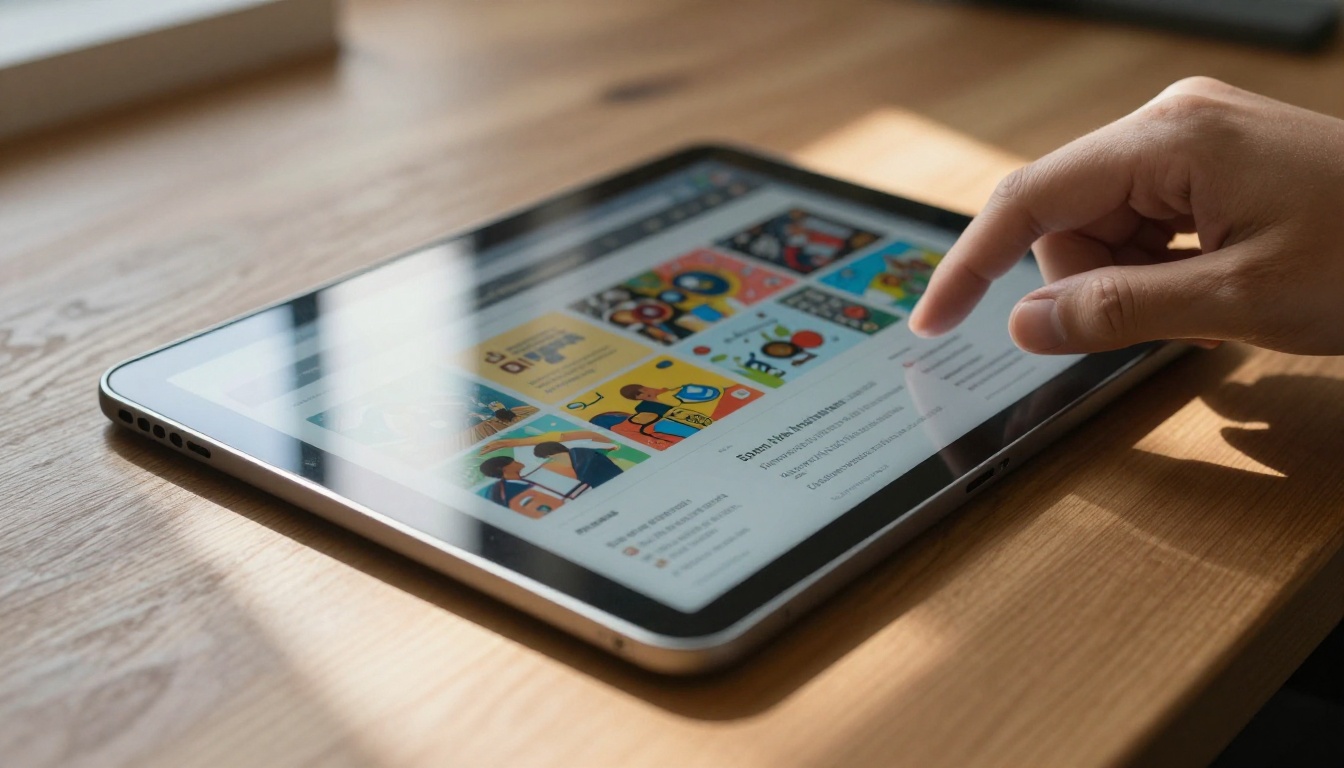
No app download. No account creation. Guests scan a QR code or tap a link and the flipbook opens instantly in their browser, whether they're on an iPhone, Android tablet, or Windows laptop. The layout adjusts automatically to the screen size, and pages render clearly even on older devices.

Types of Events That Benefit Most
Not every event needs a digital flipbook equally. Here's a breakdown of where it adds the most value:
| Event Type | Key Benefit | Best Feature to Use |
|---|
| Corporate Conference | Real-time schedule updates | Embedded session links, speaker bios |
| Wedding | Shareable with guests before the day | Custom branding, photo gallery embed |
| Music Festival | Live lineup changes reflected instantly | QR code distribution, link updates |
| Gala Dinner | Elegant paper replacement | Video welcome, sponsor page with links |
| Trade Show | Lead generation built in | Form embed, analytics dashboard |
| School Event | No printing budget required | Password protection for parents only |
| Nonprofit Fundraiser | Sponsor visibility and donation links | Clickable logos, donation page embed |
| Charity Auction | Item descriptions with bidding links | Multimedia embeds, page bookmarking |
💡 Pro tip: For recurring events like annual galas or yearly industry conferences, a flipbook lets you duplicate last year's program and update only what changed. You save hours of redesign time while keeping your brand consistency intact.
How to Make Your Event Program Interactive with Flipbooks AI
Here's exactly how to go from a static PDF to a fully interactive event program flipbook using the Event Program Maker tool.
Step 1: Create your account
Go to flipbooksai.com/account and sign up. No credit card required to start. The free plan lets you test the full conversion workflow before committing to a paid tier, so you can see exactly what your program looks like as a flipbook before going live.
Step 2: Design your PDF program
If you don't already have a program PDF, design one in Canva, Adobe InDesign, or any layout tool. Structure it like a real magazine: cover page with event name and date, table of contents, schedule pages, speaker bios, sponsor pages, and a closing page. High-resolution images and embedded fonts produce the best results after conversion.
⚠️ Before you upload: Make sure your PDF is exported at 300 DPI or higher. The quality of the flipbook mirrors the quality of the source file. Low-res PDFs produce blurry pages.
Step 3: Upload and convert
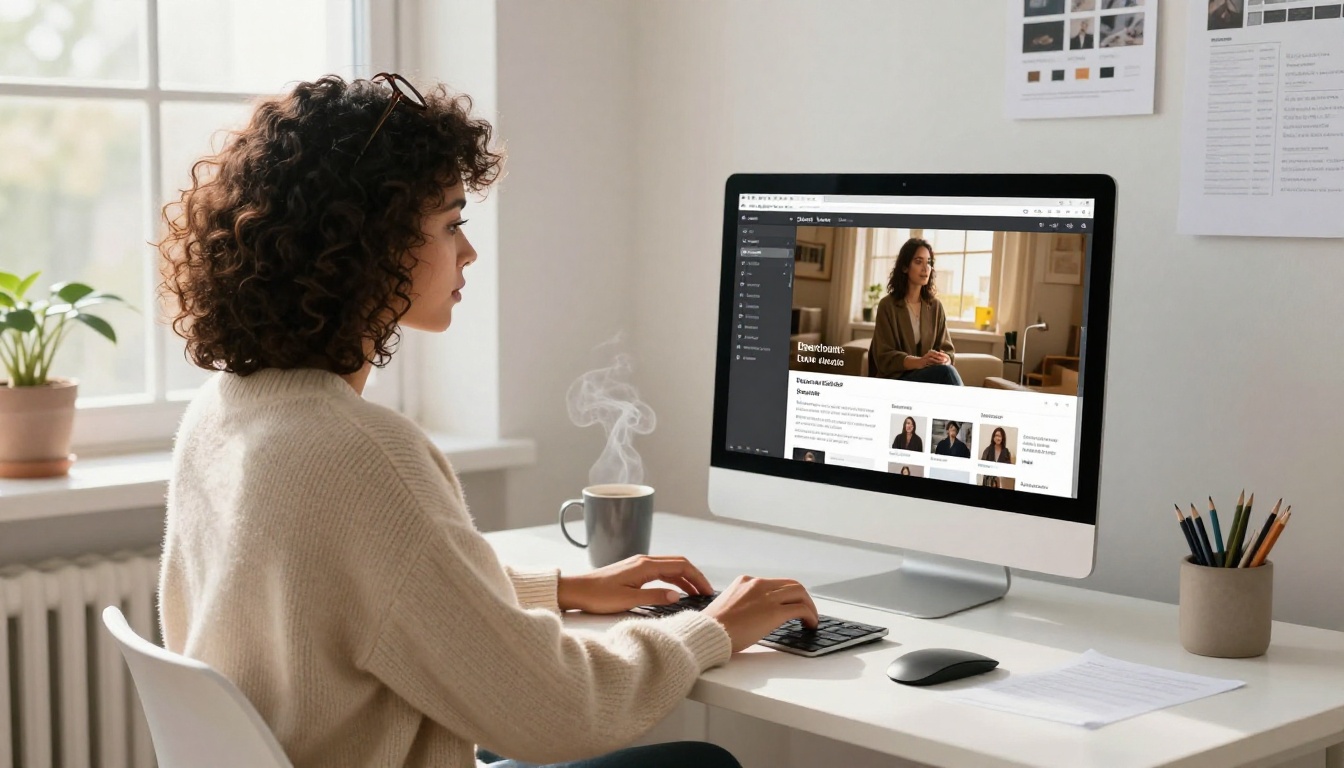
Click New Flipbook in your Flipbooks AI dashboard and upload your event program PDF. The conversion takes seconds regardless of page count. You'll see a live preview of your flipbook with the page-flip animation before doing any customization.
Step 4: Customize branding and appearance
Use the editor to personalize the flipbook for your event:
- Color theme: Match your event's palette exactly using hex codes
- Logo placement: Add your event or organization logo to the flipbook header
- Background: Choose solid color, gradient, or a custom background image
- Page-flip style: Classic curl, horizontal slide, or fade transition
- Font customization: Override the viewer's default font display
Custom branding is available on Standard plans and above. Check the pricing page for a full feature breakdown by tier.
Step 5: Add interactive elements
This is where the real value lives. In the flipbook editor, you can layer interactivity on top of any page:
- Hyperlinks: Make any text, button, or image clickable with any destination URL
- Video embeds: Drop YouTube or Vimeo videos directly onto a page
- Contact forms: Collect RSVPs, feedback, or lead information inside the flipbook
- Social links: Connect attendees to your event's Instagram, LinkedIn, or hashtag page
- Table of contents: Auto-generated jump links to every section
- Audio clips: Embed background music or speaker audio previews
Step 6: Set access and sharing options
Choose who can see the flipbook and how:
- Public link: Anyone with the URL can view it, ideal for open events
- Password protection: Guests receive the password in their digital invitation, keeping the program exclusive
- Embed code: Drop the flipbook directly into your event's website so it loads inline
- QR code: Auto-generated for every flipbook, ready to drop into printed invitations or venue signage
The Embed Flipbook on Website tool generates the exact embed snippet for WordPress, Squarespace, Webflow, or any HTML site.
Step 7: Share before, during, and after
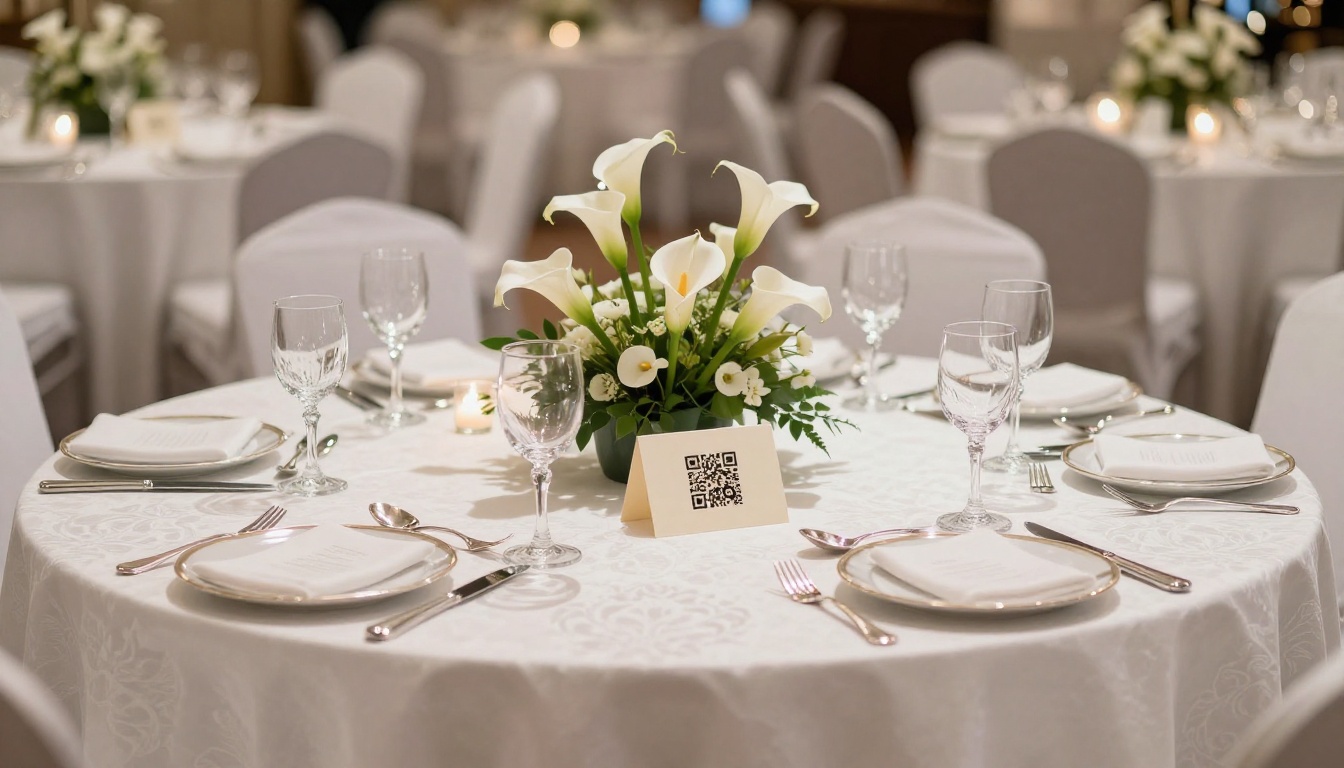
Send the flipbook link in your invitation emails, post it on the event's social media channels, and display the QR code on your event website. Guests can familiarize themselves with the schedule, speaker lineup, and venue map before they arrive. At the event, place the QR code on table settings, signage, and name badges.
Flipbooks AI Plans: What You Actually Need
Choosing the right plan depends on your event size and which features matter most. Here's a practical side-by-side:
| Feature | Free | Standard | Professional |
|---|
| Number of flipbooks | 1 | Unlimited | Unlimited |
| Watermark | Yes | No | No |
| Custom branding | No | Yes | Yes |
| Password protection | No | Yes | Yes |
| Video and audio embedding | No | Yes | Yes |
| Visitor analytics | No | No | Yes |
| Lead generation forms | No | No | Yes |
| Offline PDF downloads | No | No | Yes |
| Custom domain | No | No | Yes |
✅ Best practice: For corporate events where you need sponsor analytics and attendee data capture, the Professional plan pays for itself on the first event. Use this link to compare plans and pick the right fit. For one-off occasions like weddings or school graduations, Standard gives you everything you need.
Real-World Use Cases
Weddings
A wedding flipbook replaces the ceremony order of service and the reception seating chart in a single document. Couple it with a QR code printed on each table setting and guests navigate from the ceremony readings to the dinner menu to the speech schedule without touching paper.
Couples can also include a page with links to the gift registry, honeymoon fund, or post-wedding photo album. After the event, update the flipbook with gallery photos from the photographer and send guests the same link to relive the day. The Wedding Album Flipbook tool handles post-event memory sharing beautifully.
Corporate conferences
Conference organizers use flipbooks to distribute session schedules, speaker biographies, sponsor information, and room maps in a single shareable link. When a session room changes an hour before it starts, edit the flipbook once and every attendee's link reflects the update immediately. No frantic reprints. No announcement chaos.
For multi-day events, create separate pages per day with a clickable table of contents at the front. The Sales Presentation Flipbook tool is also worth using for post-conference deck distribution to leads who couldn't attend.
Music festivals and cultural events
Festival organizers face the sharpest challenge: lineups change, set times shift, stages get renamed. A printed program is outdated before the ink dries. A digital flipbook with live updates solves this entirely.
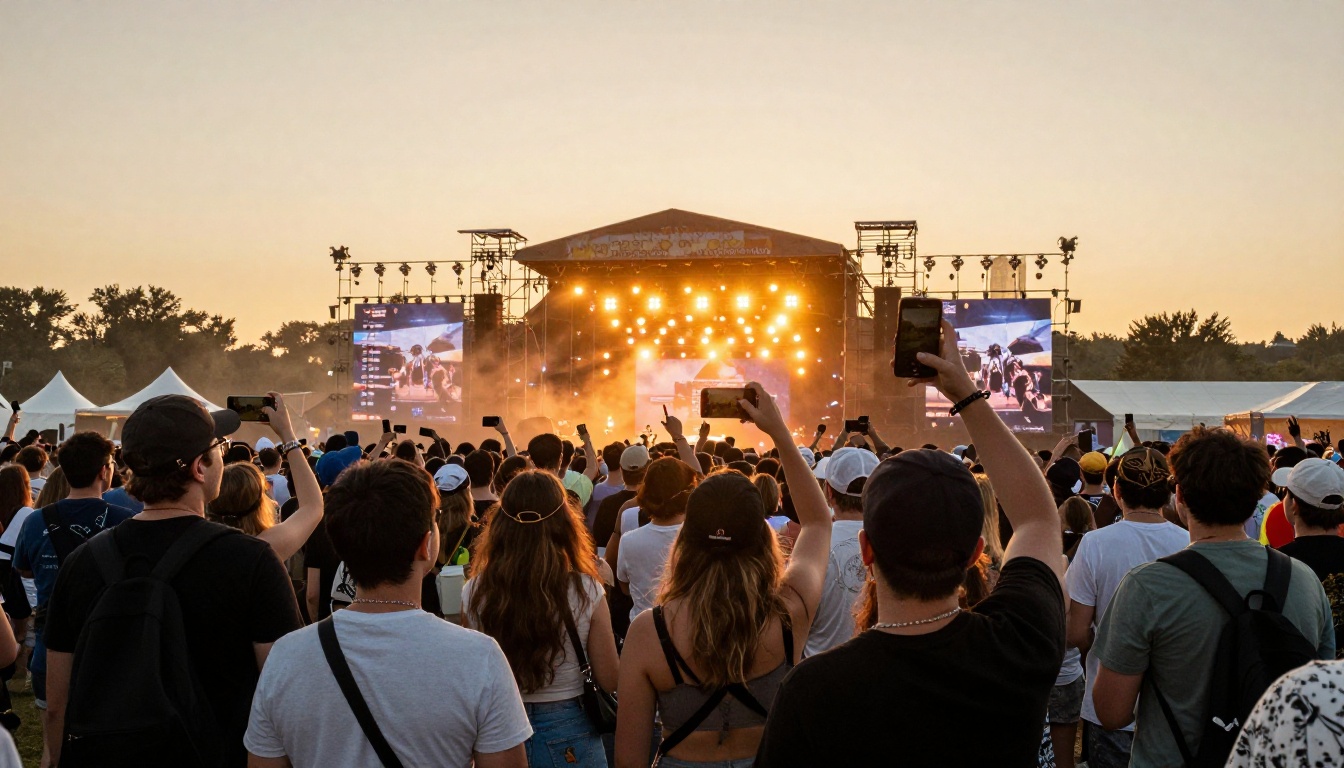
A single QR code on signage throughout the venue gives every attendee access to the current, accurate lineup at all times. Pair it with a social link for real-time updates and you've built a communication channel that costs nothing to run.
Galas and fundraising events
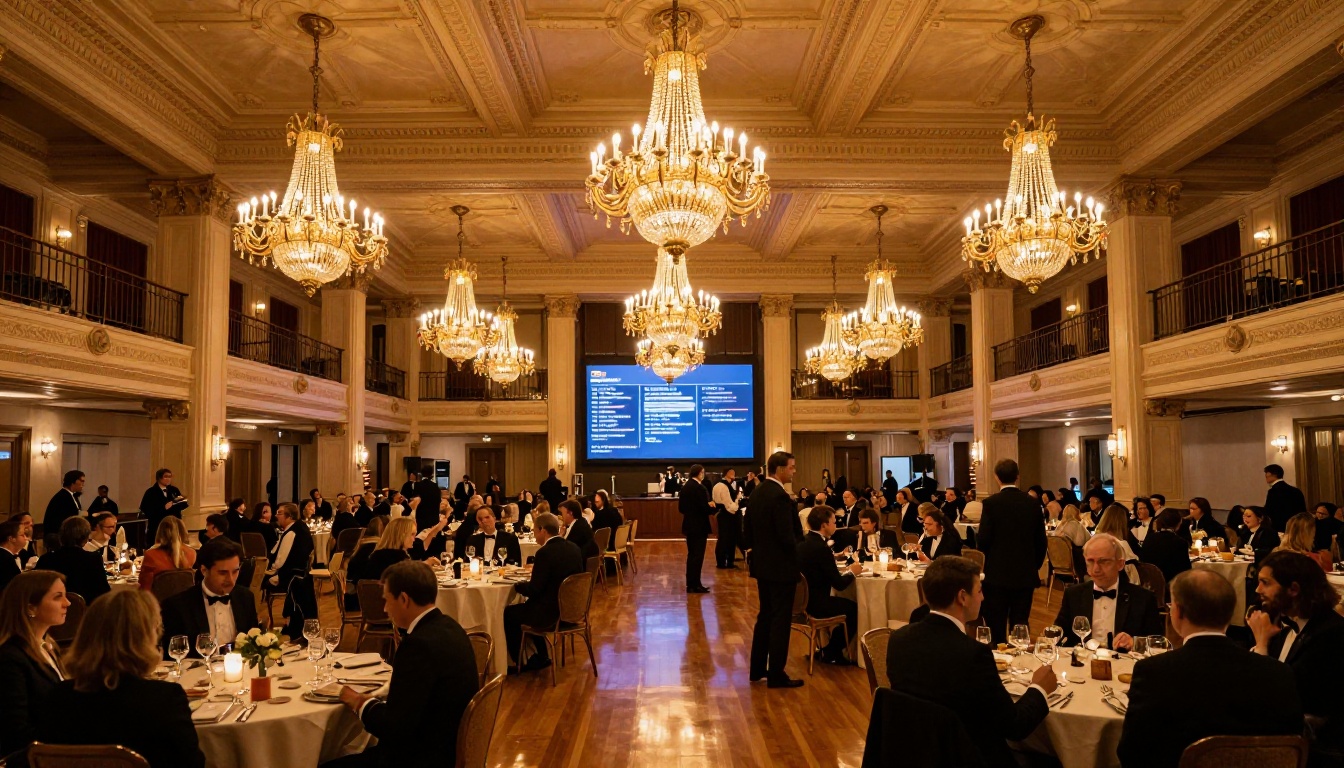
For nonprofit galas, an interactive program can include a direct link to the donation page, embedded auction item descriptions with photos, and thank-you notes from beneficiaries in video form. The Professional plan's lead generation tools let you capture attendee contact information right inside the flipbook, building your donor list with zero additional friction.
The Non-Profit Annual Report tool works well alongside event programs if you're also distributing impact documentation at the event.
Print vs. Digital: The Real Numbers
Here's a cost comparison for a 300-person event program:
| Cost Factor | Printed Program | Digital Flipbook |
|---|
| Design (per event) | $200-$600 | $0-$200 (reusable template) |
| Printing (300 copies, full color) | $450-$1,200 | $0 |
| Shipping or on-site delivery | $80-$250 | $0 |
| Last-minute reprints for changes | $150-$400 | $0 (edit in app) |
| Accessibility for remote attendees | Not possible | Free (same link) |
| Post-event updates or archive | Not possible | Free (edit anytime) |
| Estimated total | $880-$2,450 | $0-$200 |
The savings on a single mid-size event typically cover an annual Flipbooks AI subscription with money left over.
Making the Most of Your Flipbook at the Venue
QR codes at every touchpoint
Print the QR code on invitations, venue entry signage, table cards, name badges, and on your event website. The more access points you create, the higher the adoption rate among guests who didn't pre-load the link.
Pair it with the event website
Use the embed code to display the flipbook directly on your event landing page. Attendees planning their schedule before arrival can browse from their laptop at home, and the same document adapts perfectly to their phone at the venue.
Track what attendees are actually reading
On the Professional plan, the analytics dashboard shows which pages attract the most views, how long guests spend on each section, and where they click. This data is invaluable for two purposes: improving next year's program layout and proving sponsor value.
💡 Pro tip: Share the analytics report with sponsors after the event. Showing exact page view counts for their logo page and click-through rates on their link is a compelling case for renewing their sponsorship at a higher tier.
After the Event: Keep the Program Working
The flipbook doesn't have to disappear when the event ends. Here's how to extend its usefulness:
- Photo gallery: Add a curated gallery from the event photographer once images are ready
- Recap video: Embed the event highlight reel on the opening page
- Archive: Keep the flipbook live as a permanent record attendees can reference
- Case study: Share the link with prospective sponsors or clients as proof of reach and quality
This converts a single-day asset into an ongoing marketing piece with almost zero additional effort.
If you organize events regularly, these tools from Flipbooks AI belong in your permanent toolkit:
Browse the full tools directory for a complete list organized by use case and industry.
Your Next Event Program Deserves Better
Paper programs had their moment. They're expensive, environmentally wasteful, outdated the moment they're printed, and most guests barely glance at them. An interactive flipbook is the opposite: cost-effective, live-updatable, media-rich, and something attendees genuinely use before, during, and after the event.
Ready to make the switch? Create your first event program flipbook on Flipbooks AI, free of charge and watermark-free on the first try. For larger events requiring analytics and lead capture, compare pricing plans to find the tier that fits your budget. And if you want to see everything the platform can do for events, browse all event-ready tools and get your first flipbook live in under 15 minutes.



