Your magazine deserves more than a static PDF link buried in an email. Readers today expect an experience, not just a document. That is where Flipbooks AI comes in: a platform built to turn ordinary PDF magazines into fully interactive, page-flipping publications that readers actually want to spend time with.
Whether you are publishing a fashion editorial, a corporate report, a travel guide, or a lifestyle monthly, the difference between a PDF and an interactive flipbook magazine is the difference between a brochure on a bench and a display window on a busy street.

Why Static PDFs No Longer Cut It
Static PDFs were the default for digital publishing for years, and for a long time they worked. But reader behavior has changed. People browse on phones while commuting, on tablets while relaxing, on laptops during lunch breaks. A PDF that forces pinching and zooming on mobile is not just inconvenient, it is a conversion killer.
What Readers Actually Expect Today
Modern magazine readers expect:
- Smooth page-turning animations that replicate the feel of a physical magazine
- Clickable content including links, product pages, and embedded videos
- Mobile-first layouts that adapt to any screen without zooming
- Fast loading without downloading a multi-megabyte file first
A reader who bounces from a clunky PDF is a reader you have lost. An interactive flipbook holds attention longer, drives more clicks, and creates a reading session instead of a file download.
The Attention Cost of Bad Reading Experiences
Research consistently shows that digital readers decide within seconds whether to continue or leave. A poorly formatted PDF on a phone screen creates friction at exactly the wrong moment. An interactive online magazine, by contrast, rewards the first scroll with motion, visual richness, and a browsing experience that feels intentional.
💡 Even a simple page-flip animation increases time-on-page significantly compared to a static PDF link. The tactile metaphor resonates with readers who grew up with physical magazines.

What Makes a Flipbook Magazine Actually Interactive
Not all "interactive" digital magazines are created equal. The best ones combine several elements that work together to create a genuinely captivating read.
Page-Turning Animation Readers Love
The signature feature of a flipbook is the realistic page-turn effect. When a reader clicks or swipes a page, it curls naturally from corner to center, mimicking the physical sensation of leafing through a real publication. This is not just cosmetic: the animation signals to the reader that this is a curated, designed experience, not a rushed upload.
HTML5-based flipbook rendering means this animation works across all modern browsers and devices without any plugins or downloads required.
Embedded Video and Audio Inside Pages
Static magazines can only show an image of a product. An interactive flipbook magazine can show you a video of it in action. With Flipbooks AI, you can embed:
- YouTube and Vimeo videos directly on any page
- Background audio for immersive editorial sections
- Animated content and looping visuals within the page layout
A fashion magazine can embed a runway walkthrough. A travel publication can include a destination reel. A restaurant menu created with the Menu Flipbook Designer can showcase a chef's preparation video on the page beside the dish.
Clickable Links and CTAs
Every page of your interactive magazine can carry live hyperlinks. Product names link to purchase pages. Author names link to social profiles. Advertiser placements link to landing pages. This turns your magazine from a static read into a shoppable, trackable publication.
✅ Clickable CTAs inside a flipbook convert better than external links in email footers because the reader is already immersed in the content when they encounter the link.

How to Create an Interactive Magazine with Flipbooks AI
Creating your first interactive online magazine on Flipbooks AI takes minutes, not hours. Here is the full process from PDF to published flipbook.
Step 1: Upload Your PDF
Head to Flipbooks AI and create your account. Once inside your dashboard, click New Flipbook and upload your PDF magazine file. The platform accepts any standard PDF and automatically converts each page into a high-quality interactive page.
The conversion engine preserves all your original design work: typography, images, color blocks, and layout integrity. There is no need to reformat your file.
The PDF to Flipbook Converter handles files from single-page issues to 300-page annual publications without quality loss.
Step 2: Set Branding and Appearance
After conversion, open the customization panel. Here you can:
- Set your brand colors for the flipbook background and controls
- Add your logo to the viewer toolbar
- Choose page effects including the classic page-curl animation or a flat slide effect
- Set reading direction for left-to-right or right-to-left publications
This is where your magazine stops looking like a generic document and starts feeling like your brand property.
💡 Custom domain embedding is available on paid plans, so your flipbook can live at your own subdomain rather than a generic viewer URL.
Step 3: Add Multimedia Content
Inside the editor, click any page to open the multimedia layer. From here you can add:
- Video embeds by pasting a YouTube or Vimeo URL and positioning the player on the page
- Hyperlinks by selecting any area and entering a destination URL
- Audio clips by uploading an MP3 to play on specific pages
- Lead capture forms on the Professional plan to collect reader emails directly inside the magazine
Step 4: Publish and Share
When your interactive magazine is ready, click Publish. You receive:
- A direct shareable URL for email campaigns and social posts
- An embed code to place the flipbook on your website or landing page
- A QR code for print materials linking to the digital version
- Password protection for subscriber-only issues
The Embed Flipbook on Website tool makes the embed process simple even without developer help.

Flipbooks AI Plans at a Glance
Choosing the right plan depends on your publishing volume and feature requirements. Here is a clear breakdown:
| Feature | Free | Standard | Professional |
|---|
| Flipbooks | 1 | Unlimited | Unlimited |
| Watermark | Yes | No | No |
| Custom branding | No | Yes | Yes |
| Password protection | No | Yes | Yes |
| Embed on website | No | Yes | Yes |
| Analytics | No | Basic | Full |
| Lead generation | No | No | Yes |
| Offline downloads | No | No | Yes |
| Video embedding | No | Yes | Yes |
| Custom domain | No | No | Yes |
⚠️ The free plan includes a watermark on all pages. If you are publishing for a brand or client, upgrade to at least the Standard plan to remove it and enable custom branding.
Visit the full pricing page to compare plans in detail and find the one that fits your publishing workflow.

Real-World Uses for Interactive Magazines
The flipbook format works across industries and content types. Here are three scenarios where it consistently outperforms static PDFs.
Fashion and Lifestyle Brands
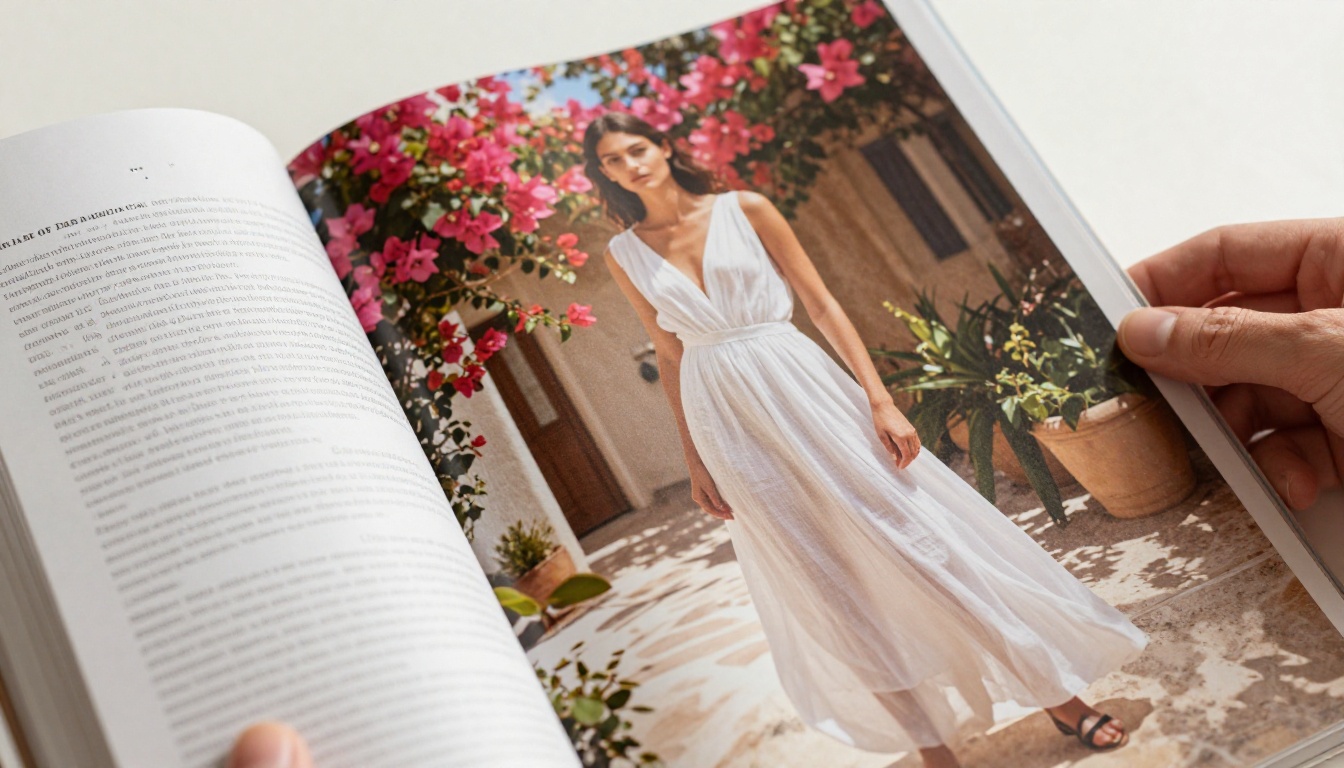
A seasonal lookbook published as an interactive flipbook becomes a shoppable editorial. Each page can carry product links, video lookbook clips, and styling notes that readers tap through at their own pace. The Interactive Lookbook Designer is built specifically for this use case.
Readers spend significantly more time with a flipbook lookbook than with a PDF download, and that time translates into more product page visits and stronger conversion rates.
Real Estate Developers
Property developers publishing monthly listings magazines benefit enormously from the flipbook format. Each property page can include a video walkthrough link, a direct inquiry button, and a mortgage calculator link. The Real Estate Brochure Creator handles layouts optimized for property showcases.
Password protection makes it simple to create private client magazines with exclusive listings that are not visible to the general public.
Corporate Communications
Annual reports, shareholder letters, and internal newsletters are far more readable as interactive flipbooks than as PDF attachments. The Corporate Report Maker produces polished publications that stakeholders actually read rather than archive unread.
Detailed analytics on the Professional plan show you which pages received the most attention, which links were clicked, and where readers dropped off.
💡 For nonprofits, the Non-Profit Annual Report tool provides donor-ready templates that build trust and showcase impact without expensive design work.
Static PDF vs. Interactive Flipbook
Still weighing whether the switch is worth it? This comparison covers the practical differences across every dimension that matters to publishers and readers:
| Factor | Static PDF | Interactive Flipbook |
|---|
| Mobile readability | Poor (zoom required) | Excellent (responsive) |
| Page navigation | Scroll only | Click/swipe page turns |
| Embedded video | Not supported | Yes |
| Clickable links | Limited | Full support |
| Analytics | None | Page views, click tracking |
| Load time | Download required | Streams in browser |
| Brand customization | None | Full logo, colors, domain |
| Lead capture | Not possible | Built-in forms |
| Shareable URL | No (file attachment) | Yes |
| Offline access | Yes | Yes (Professional plan) |
The performance gap is significant. Static PDFs remain useful for archival and print-ready distribution, but for any publication meant to be read and acted upon online, the interactive flipbook format wins on every metric that matters to modern publishers.

Features That Actually Move the Needle
Beyond the visual experience, Flipbooks AI includes several features that make it a complete publishing platform rather than just a document viewer.
Analytics That Tell You What Works
The Professional plan includes page-level analytics showing you:
- Total views and unique readers per issue
- Average time spent on each page
- Click-through rates on embedded links
- Geographic data showing where your readers are located
This is data that a PDF link in an email can never give you. When you know that readers consistently drop off at page 12, you redesign page 12. When you see that a particular product link gets 40% of all clicks, you give that product more space in the next issue.
Lead Generation Inside the Magazine
The Professional plan includes built-in lead capture forms you can place on any page. A reader browsing your travel magazine can subscribe to your newsletter without ever leaving the flipbook. A real estate prospect can request a property viewing directly from the listing page.
This converts your magazine from a passive content piece into an active acquisition channel, capturing warm leads at the moment of highest interest.
Password Protection for Premium Content
Whether you are running a paid subscription magazine, a private investor newsletter, or a client-only portfolio, password protection keeps your content secure. Set a password for the entire publication and share it only with your intended audience.
This feature is available from the Standard plan upward, with no technical setup required.

Types of Magazines That Work Best as Flipbooks
Not every publication benefits equally from the flipbook format, but the categories below see the strongest returns. Each has specific tools built for its content requirements:
The PDF to Flipbook Converter is the fastest entry point regardless of magazine type. Upload any PDF and have a working interactive flipbook in under two minutes, ready to share or embed anywhere.

Start Publishing Smarter Today
Your readers are spending time with content designed for the screen, not repurposed from print. A well-built interactive flipbook magazine puts your publication in the same category as the best digital reading experiences available.
Flipbooks AI removes every technical barrier between your PDF and a beautiful, shareable, analytics-backed interactive magazine. No coding required. No designer needed for the digital layer. No file attachments asking readers to download before they read.
The tools are ready. Your next issue can be live as a full interactive flipbook in the time it takes to upload a file and click publish.
Here is what to do next:
Your next issue should not be a file attachment. It should be an experience.



