Static PDFs were never built for the web. They open slowly, force readers to scroll endlessly, and carry zero visual personality. If you've ever emailed a PDF catalog or brochure only to hear silence from the other end, you already know the problem. A free flipbook converter changes that entirely, turning a flat document into something people actually want to click through. Flipbooks AI does this without charging you upfront, without adding watermarks to your work, and without requiring a single software install.
Why PDFs Fall Flat Online
The average person spends fewer than 15 seconds on a document before deciding whether to read it. PDFs demand patience, a quality most online readers simply don't have. The format was designed for printing, not browsing. There's no animation, no interactivity, and no way to embed a video or link directly to a product page within the layout itself.

Flipbooks flip that equation. The page-turn animation alone increases time-on-document significantly. Add in clickable links, embedded media, and mobile-responsive design, and you've created something closer to a digital magazine than a downloaded file.
Here's what most people dislike about sharing PDFs:
- Files are too large to attach to emails without compression
- Recipients need PDF readers or browser plugins to open them
- No analytics to know who opened the document or how far they read
- Zero branding control after the file leaves your hands
- Content can't be updated once distributed, requiring a full resend
A flipbook lives online, updates instantly when you replace the source, and can be password protected, analytics-tracked, or embedded natively on any website or landing page.
The psychology of page-turning matters too. Physical books trigger a sense of progress and narrative that flat scrolling cannot replicate. When a reader flips to the next page, even digitally, they feel investment in where the story is going. That experience is precisely what brands, educators, and publishers lose when they default to PDFs.
What a Free Flipbook Converter Actually Does
Not all converters are equal. Some add watermarks. Some limit page counts. Some export a flat slideshow with a transition effect and call it a flipbook. What you actually want is a converter that reads your PDF's structural layout, preserves your fonts and images without degradation, and produces a smooth page-turn interface that works on every device from a desktop to a phone.
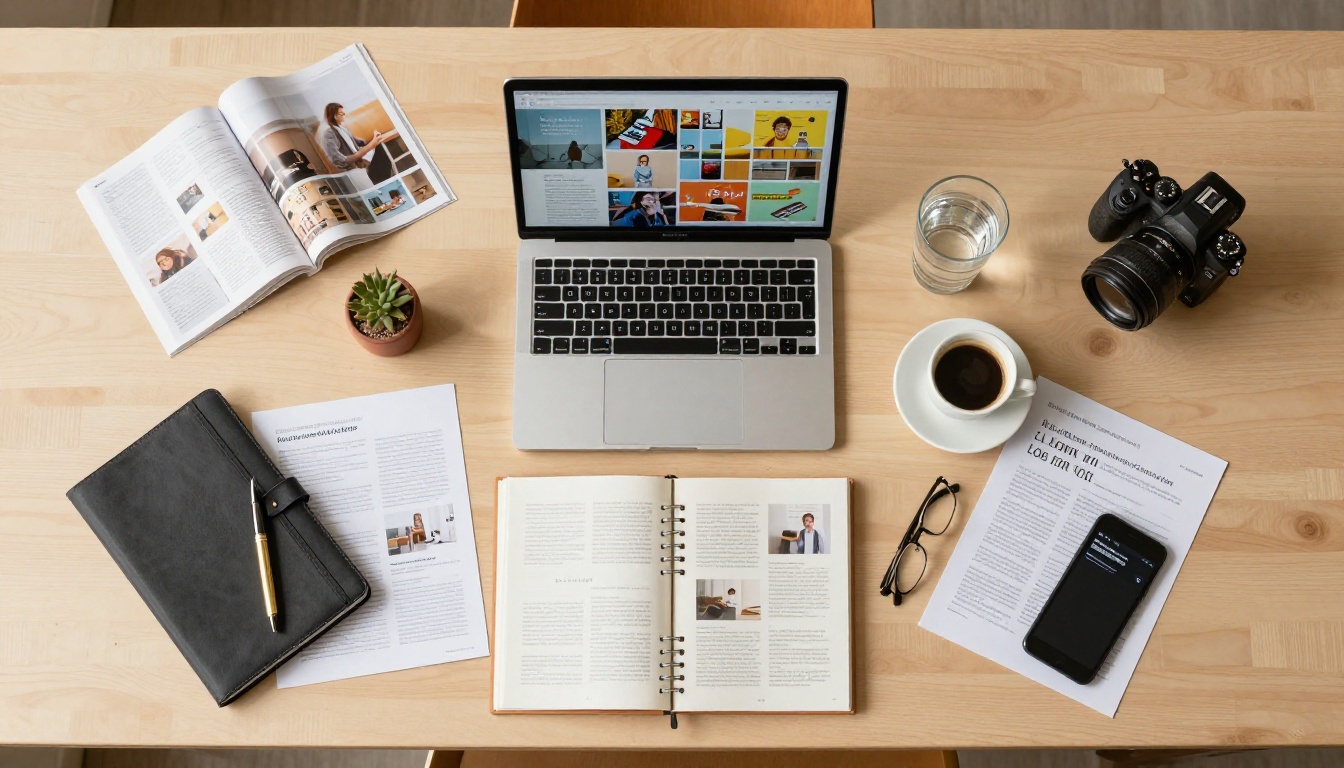
The best free converters accomplish all of this with no file size cap and no design experience required. You upload your file, it converts, and within minutes you have a shareable link ready to send.
💡 Pro tip: Look for converters that maintain vector quality from your original PDF. Rasterized text looks blurry on retina screens and gives a poor first impression.
Core conversion features to evaluate:
- PDF page fidelity (fonts, images, and vector graphics preserved at source quality)
- Page-turn animation with a smooth 3D flip effect
- Mobile-responsive layout that works without pinching or zooming
- Direct shareable link that works in any browser
- Embed code for dropping the flipbook into a website
- No watermark on the output document
Free vs. Paid: What You Are Actually Getting
Free plans are genuinely useful for personal projects, small businesses, and anyone who just needs a shareable link. But if you distribute documents professionally or need to capture leads, paid tiers unlock the features that actually move the needle.
| Feature | Free | Standard | Professional |
|---|
| Flipbooks per month | Unlimited | Unlimited | Unlimited |
| Watermark | None | None | None |
| Custom branding | Limited | Full | Full |
| Password protection | No | Yes | Yes |
| Analytics | No | Basic | Full |
| Lead generation forms | No | No | Yes |
| Offline downloads | No | Yes | Yes |
| Embedded video/audio | No | Yes | Yes |
| Custom domain | No | No | Yes |
Compare all pricing plans to see which tier matches your workflow and document volume.
⚠️ Watch out: Some "free" converters advertise no watermarks but add them on the viewer page or embed frame. Always test your output link before distributing to clients or customers.
Real-World Use Cases That Deliver Results
The value of a flipbook depends heavily on what you are converting. Here are the scenarios where the format genuinely outperforms a static PDF in both presentation quality and measurable results.

Product Catalogs
A retail brand with a 40-page catalog PDF loses most readers after page three. The same catalog as a flipbook, with clickable product sections and a navigable table of contents, gets browsed from cover to back. Tools like the Digital Catalog Maker and the Product Catalog Generator are purpose-built for this exact workflow.
Restaurant Menus
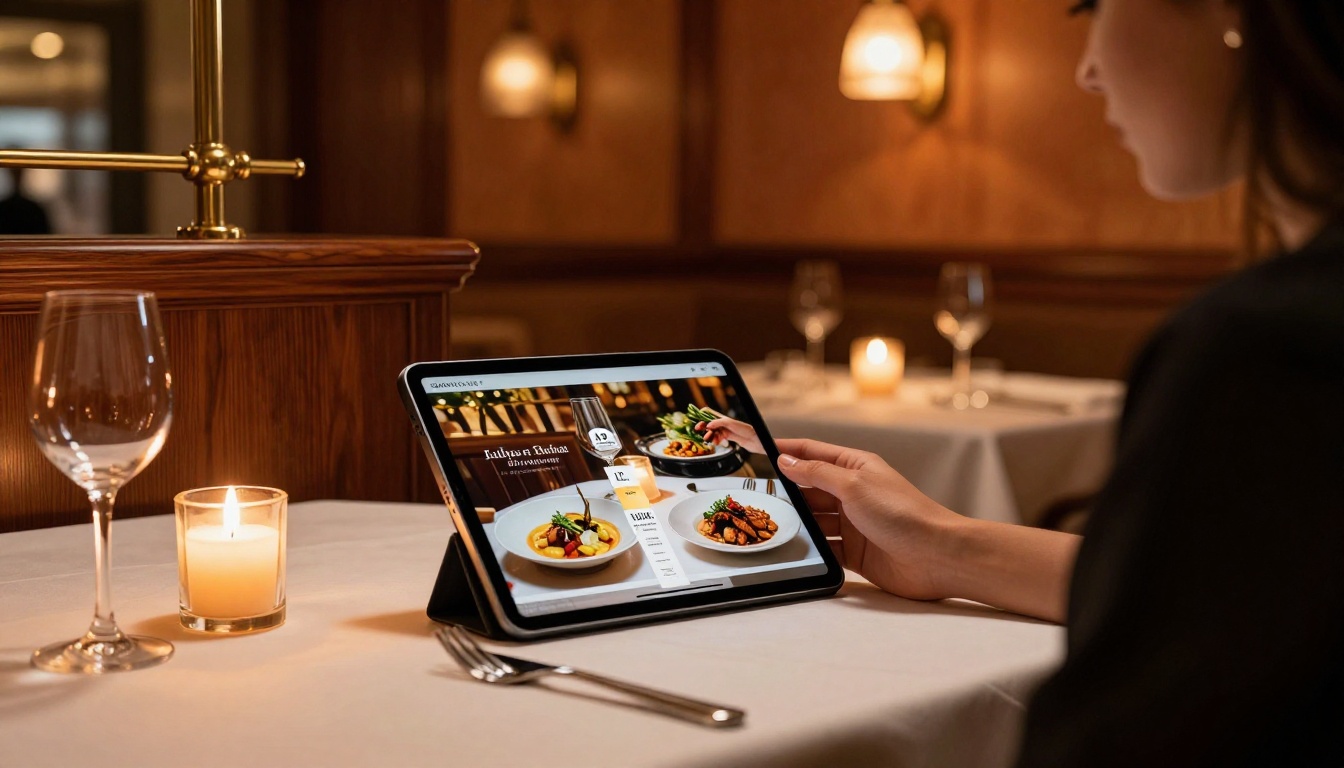
Printed menus cost money every time prices change. A digital flipbook menu lives on a QR code at every table and updates the moment you upload a new PDF. The Restaurant Menu Creator handles the full workflow from existing PDF to a scannable, beautifully formatted digital menu.
Real Estate Brochures
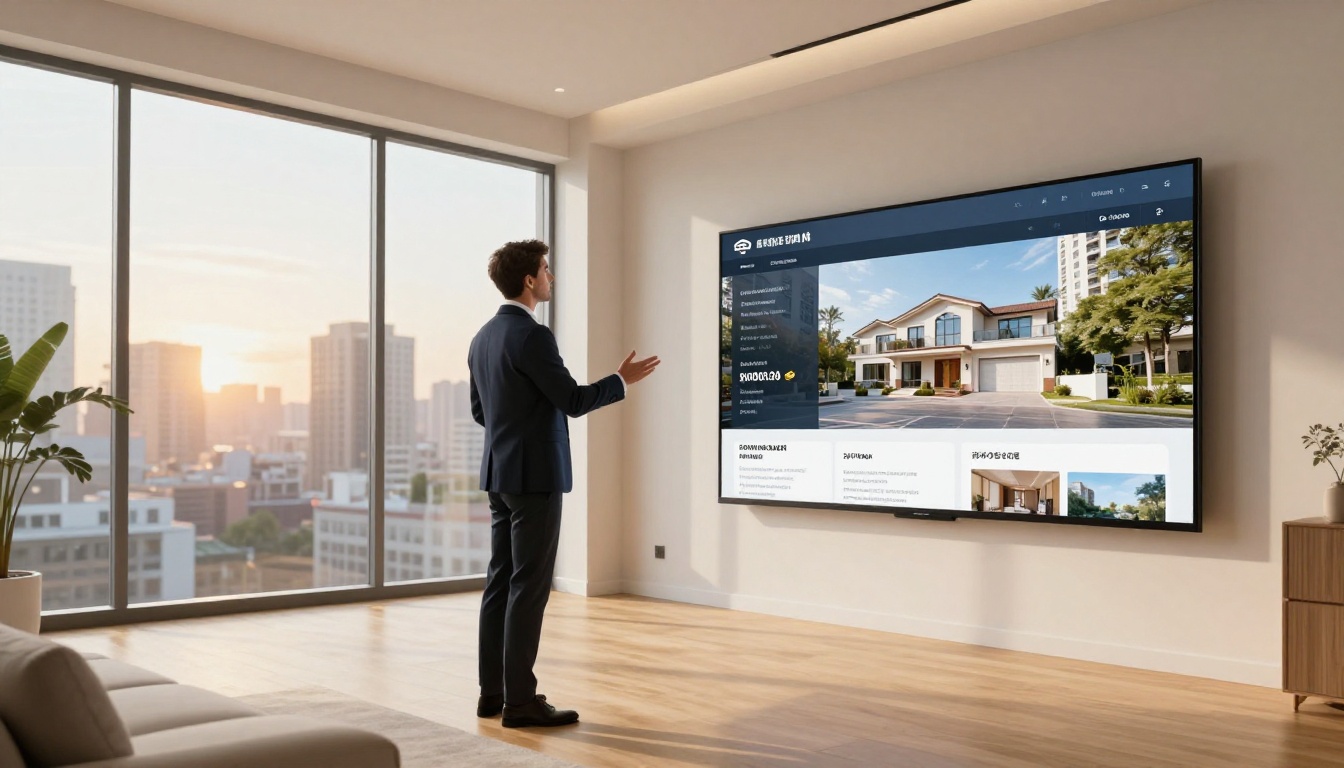
Agents who send PDF brochures have no visibility into whether the prospect ever opened them. A flipbook gives view tracking, lets prospects share the link with co-buyers, and makes property photography look dramatically better with full-page cinematic layouts. The Real Estate Brochure Creator converts existing PDFs in seconds.
Fashion Lookbooks
Seasonal collections sent as PDF attachments rarely get opened a second time. As interactive lookbooks with page-flip transitions, they circulate on social platforms and get forwarded between buyers and stylists. The Interactive Lookbook Designer is purpose-built for fashion and lifestyle brands.

Use Case Comparison by Industry
How to Convert a PDF to a Flipbook with Flipbooks AI
The process is genuinely straightforward. Flipbooks AI handles everything in the browser, with no software installation and no technical setup required. Here's the step-by-step process:
Step 1: Create your account
Head to flipbooksai.com/account and sign up. The free plan activates immediately with no credit card required.
Step 2: Upload your PDF
From your dashboard, click "New Flipbook" and drag your PDF into the upload area. Documents up to several hundred pages convert cleanly. The system preserves your original fonts, vector graphics, and image resolution throughout the process.
Step 3: Watch the conversion
The engine processes each page and constructs the page-flip animation. For a 20-page document, this typically finishes in under 30 seconds. A live preview appears automatically once conversion is done.
Step 4: Customize your branding
This step is where a flipbook goes from generic to professional. You can:
- Set a custom front page and back page design
- Add your logo to the viewer toolbar
- Choose background color and page shadow style
- Set a custom URL slug (Standard plan and above)
- Add a table of contents with internal page anchors
Step 5: Set access controls
For internal documents or gated premium content, enable password protection. For public-facing marketing materials, leave it open and copy the shareable link directly.
Step 6: Embed or share
Flipbooks AI generates an embed code you can paste into any website or CMS. The Embed Flipbook on Website tool simplifies this further with a one-click code generator. Your flipbook appears natively on your page without redirecting visitors.
✅ Best practice: Always preview your flipbook on a mobile device before sharing. The viewer is mobile-responsive, but some complex multi-column PDF layouts benefit from a quick phone check before you send.
Education and Training: Often Overlooked
Most people think of marketing materials when they hear "flipbook." But the format is just as powerful for internal documents and learning resources. Training manuals, onboarding packets, employee handbooks, and course materials all become significantly more accessible in flipbook format.

A 60-page employee handbook as a PDF attachment sits in an inbox, probably unread. The same document as a flipbook lives on the company intranet, has a clickable table of contents, and can be updated without re-sending to the entire team.
Tools worth knowing in this space:
Students who receive materials in flipbook format spend more time with the content. The tactile metaphor of turning pages, even digitally, creates a sense of reading rather than scanning.
Portfolios That Actually Get Reviewed
Creative professionals send PDFs of their work and hope for the best. A portfolio flipbook is an entirely different experience. Pages turn with animation. Photography fills the entire screen. The reviewer controls the pace at their own speed.

The Digital Portfolio Creator and Photography Portfolio tools are designed for exactly this use case. Convert your existing portfolio PDF in minutes and share a single link in every pitch email instead of attaching a 15MB file that may never get opened.
💡 Pro tip: Use the Portfolio Flipbook Builder to add clickable project sections with internal page links. Reviewers can jump directly to the category of work most relevant to their brief.
Wedding photographers, architects, interior designers, and illustrators all benefit from this format. A client who receives a beautiful flipbook portfolio before a sales call arrives already impressed.
3 Mistakes to Avoid Before Converting
Not every PDF converts well without some preparation. Here's what to fix in your source file before uploading.
1. Low-resolution images
PDFs containing images at 72 DPI look acceptable on paper but blurry in a full-screen flipbook viewer. Before converting, export your source document at 150 DPI minimum. For photography-heavy publications, 300 DPI is the right target.
2. Non-embedded fonts
If your PDF uses fonts that are not embedded in the file, the converter may substitute generic alternatives. Always export your PDF with "embed all fonts" enabled in your design software settings.
3. Oversized file sizes
Very large PDFs slow down conversion and create a sluggish viewer experience. Compress images in your source file before exporting. Most design tools and PDF editors include built-in compression options that reduce file size significantly without visible quality loss.
⚠️ Warning: Never upload PDFs containing sensitive personal data without enabling password protection. Public flipbooks are accessible via direct link and may be indexed.
Sharing at Scale: When Teams Use Flipbooks Together
Individual documents are one thing. When marketing teams, publishers, or agencies manage multiple flipbooks across campaigns, the workflow becomes more complex. Flipbooks AI handles this through a centralized dashboard where all flipbooks are organized, searchable, and shareable from a single location.

On the Professional plan, teams gain access to:
- Per-flipbook analytics: Track total views, time-on-page per spread, and geographic distribution
- Lead generation forms: Capture reader emails directly inside the flipbook viewer before or after specific pages
- Offline downloads: Allow readers to save a local copy of the flipbook for offline access
- Embedded video and audio: Add product demo clips, voiceovers, or background music to any page in the publication
This turns a simple converted document into an active lead-generation asset. A product catalog that captures viewer contact information before the reader reaches page one is a fundamentally different sales tool than a downloaded static PDF.
What to Do After Your First Conversion
Conversion is the beginning, not the end. Once your flipbook is live, here is the sequence that gets the most out of it:
- Share the direct link via email, social media, or messaging platforms
- Embed it on your website using the generated iframe code in your CMS
- Add it to your email signature as a clickable linked label
- Generate a QR code pointing to the flipbook URL for print materials and packaging
- Monitor analytics to identify which pages attract the most attention (Professional plan)
- Update the source PDF and re-upload when content changes, keeping the same shareable URL active
Browse all available flipbook tools to find specific creators and templates for your document type, from spa menus to annual reports to wedding albums.
The Simplest Upgrade Your Documents Will Ever Get
Your documents deserve better than an email attachment nobody opens. Whether it's a product catalog, a restaurant menu, a training manual, or a creative portfolio, converting it to a flipbook takes less time than composing the email you'd attach it to.
Get started for free on Flipbooks AI and convert your first PDF in under two minutes. No installs, no watermarks, and no design skills required.
If you are ready for the full professional feature set, check out the pricing plans to see what Standard and Professional tiers open up. The difference between a shared link and an analytics-tracked, lead-generating document is a single plan upgrade away.



